
The 8 Best Live Chat Software in 2026 (Compared and Priced)

Key facts8 tools compared: Intercom, Tidio, Crisp, LiveChat, Zendesk, Tawk.to, HubSpot, Olark
- 8 tools compared: Intercom, Tidio, Crisp, LiveChat, Zendesk, Tawk.to, HubSpot, Olark
- Intercom (best for: Mid-market teams going AI-first): $29/seat/mo + $0.99/AI resolution
- Tidio (best for: Small e-commerce and SaaS): Free, paid from $24.17/mo
- Crisp (best for: Teams sick of per-seat pricing): Free, paid from $45/mo per workspace
- LiveChat (best for: Sales-focused e-commerce): From $19/agent/mo (annual)
A visitor lands on your pricing page, hesitates, and has one question standing between them and a purchase. If nobody answers in the next 90 seconds, they're gone. That's the whole case for live chat in one sentence.
The data backs it up. Visitors who chat are 2.8 times more likely to buy, and chat-to-conversion rates average 10 to 20 percent against 2 to 3 percent for a contact form. But 53 percent of customers abandon a chat if they don't get a reply within three minutes. The tool you pick decides whether chat becomes a revenue channel or a graveyard of unanswered widgets.
I compared each tool's pricing page, documentation, and public user reviews, and read the fine print on every pricing page. This is for founders, support leads, and marketers who want a real answer, not a feature matrix. The short version: Intercom is the best overall if you can stomach the AI pricing, Tidio is the best value for small e-commerce and SaaS teams, and Crisp is the one to pick if you're tired of paying per seat.
Quick comparison
| Tool | Best for | Price | Standout |
|---|---|---|---|
| Intercom | Mid-market teams going AI-first | $29/seat/mo + $0.99/AI resolution | Fin AI agent resolution quality |
| Tidio | Small e-commerce and SaaS | Free, paid from $24.17/mo | Lyro AI with a resolution guarantee |
| Crisp | Teams sick of per-seat pricing | Free, paid from $45/mo per workspace | Flat workspace pricing, seats included |
| LiveChat | Sales-focused e-commerce | From $19/agent/mo (annual) | Clean agent workflow, sales tooling |
| Zendesk | Large support orgs | From $55/agent/mo (annual) | Full ticketing and reporting depth |
| Tawk.to | Bootstrapped teams | Free core, AI from $29/mo | Genuinely unlimited free chat |
| HubSpot | Teams already on HubSpot CRM | Free | Native CRM logging |
| Olark | Simple, stable chat | From $19/agent/mo | Low complexity, no bloat |

Intercom: the best overall, if the bill doesn't scare you
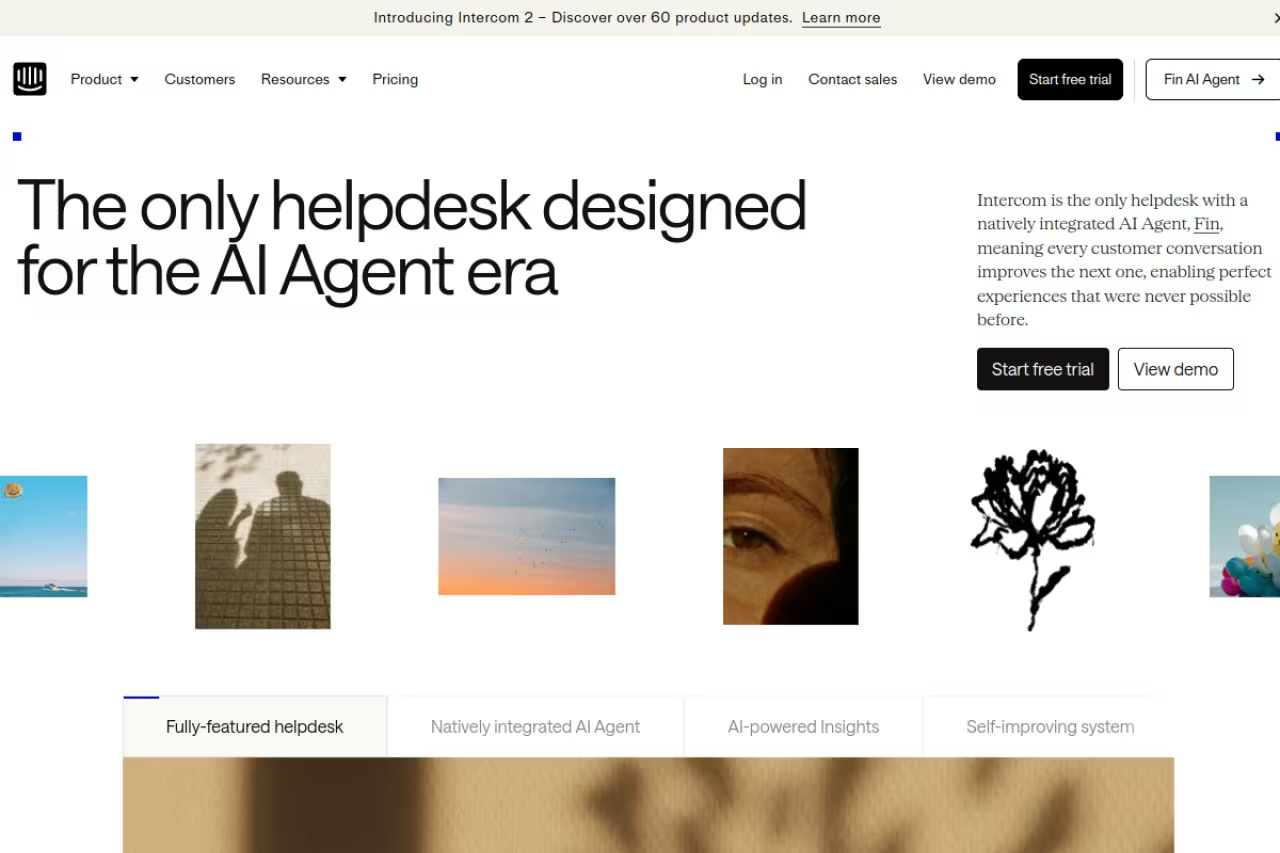
Intercom calls itself "the only helpdesk designed for the AI agent era," and based on how Fin, its AI agent, is documented and reviewed, the positioning holds up. Fin resolves a real chunk of conversations on its own, pulls answers from your help center, and hands off to a human cleanly when it's stuck. The inbox is fast, the workflow builder is the best in this list, and reporting is genuinely useful instead of decorative.
Who it's best for: mid-market support and success teams that handle high conversation volume and want AI to deflect the repetitive stuff. If support is core to your business, this is where I'd start.
Where I would start for mid-market support teams with high conversation volume that want AI to deflect repetitive questions. The $0.99 per resolution fee makes the monthly bill unpredictable, and it is overkill for a two-person startup.
seats start at $29/mo on Essential, $85/mo on Advanced, and $132/mo on Expert (billed monthly), per the Intercom pricing page. Then Fin charges $0.99 per resolution on top. That outcome-based model is the catch.
The catch: the bill is unpredictable. A seat price you can budget for, but $0.99 per AI resolution scales directly with your support volume, and teams routinely get surprised by the monthly total. If you can't forecast your resolution count, model the worst case before you commit. Intercom is also overkill for a two-person startup that gets five chats a day.

Tidio: the best value for small teams
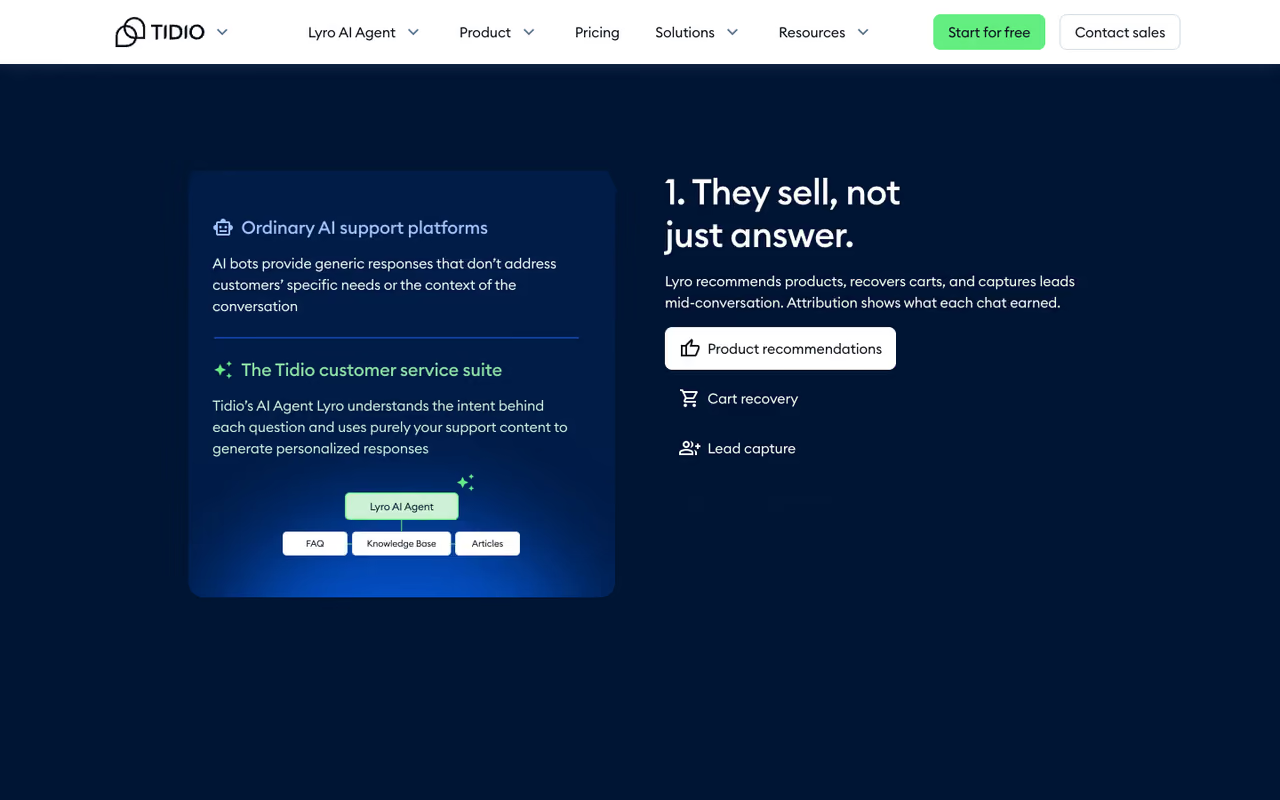
Tidio is the tool I'd hand to a founder who wants live chat running this afternoon. The setup is quick, the interface is approachable, and it bundles chat, automation flows, and an AI agent called Lyro without forcing you onto an enterprise call. It's especially strong for e-commerce, with Shopify integration that surfaces cart and order data inside the chat.
Who it's best for: small e-commerce stores and early-stage SaaS that want sales-oriented chat and automation without an enterprise budget.
The tool I'd hand a founder who wants chat running this afternoon, especially small e-commerce stores and early-stage SaaS. Billable-conversation limits bite as you grow, and reporting is thinner than Intercom or Zendesk.
the free plan covers 50 billable conversations and 10 seats. Paid plans start at $24.17/mo (Starter) and $49.17/mo (Growth), with Lyro AI added on from $32.50/mo, per the Tidio pricing page. The Premium tier even advertises a guaranteed 50 percent Lyro resolution rate, which is a refreshingly concrete promise.
Where it falls short: the "billable conversations" model bites as you grow. 100 conversations on Starter sounds fine until a busy launch week blows past it and you're forced up a tier. The reporting is also thinner than Intercom or Zendesk, so larger teams that live in dashboards will feel the ceiling.

Crisp: the best escape from per-seat pricing
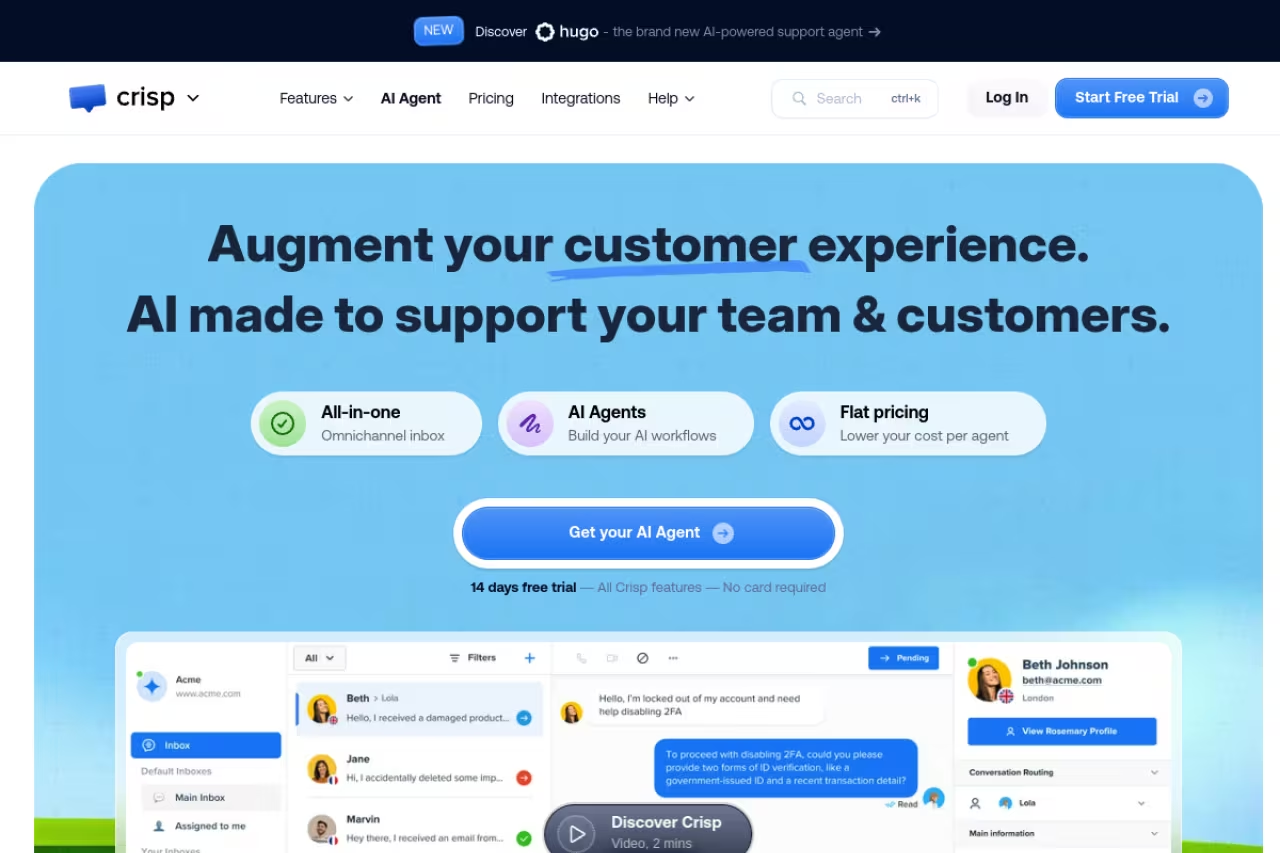
Crisp prices by workspace, not by agent, and that one decision makes it the smart pick for teams of 5 to 10. You get a shared inbox, an AI chatbot, a knowledge base, and 100-plus integrations, and the seats come included rather than metered. For a growing team, the math is hard to argue with.
Who it's best for: small and mid-size teams that want a full support suite and are tired of watching their bill climb every time they add a person.
The smart pick for small and mid-size teams of 5 to 10 tired of per-seat bills, since pricing is per workspace with seats included. The AI credit model is less generous than it looks, and automation trails Intercom's.
the free plan includes 2 seats. Mini is $45/mo with 4 seats, Essentials is $95/mo with 10 seats, and Plus is $295/mo with 20-plus seats, all per workspace, per the Crisp pricing page. Additional agents beyond the included count run $10/mo. AI runs on a credit system bundled into each tier.
The catch: the AI credit model is less generous than the seat pricing suggests. Essentials includes about $25 of credits (roughly 450 automated conversations), and heavy AI use means buying more. Crisp's automation is also a step behind Intercom's, so if AI deflection is your main goal rather than cheap seats, weigh that trade-off.
If you're assembling a wider support stack, our roundup of the best AI customer support tools covers the ticketing and automation layers that sit alongside chat.

LiveChat: the sales-floor workhorse
LiveChat has been doing this for over a decade, and it shows in the polish. The agent experience is clean, the sales tooling (targeted messages, product cards, ticket handoff) is mature, and it integrates with basically everything. It leans more toward driving conversions than deflecting tickets.
Who it's best for: e-commerce and sales teams that treat chat as a revenue channel first and a support channel second.
A polished workhorse for e-commerce and sales teams that treat chat as a revenue channel first. AI is a paid add-on, and a 10-person team on Business costs real money compared to Crisp's flat workspace model.
Starter is $19/agent/mo, Team is $49, and Business is $79, all billed annually, per the LiveChat pricing page. Monthly billing pushes those to $25, $59, and $89.
Where it falls short: AI is a paid add-on rather than a core feature, so you'll pay more to get the automation that's baked in elsewhere. And while the per-agent pricing is reasonable at small scale, a 10-person team on Business costs real money compared to Crisp's flat workspace model.

Zendesk: the enterprise standard
Zendesk is what large support organizations standardize on, and live chat is one channel inside a much bigger ticketing and CX platform. The reporting depth, routing logic, and integration ecosystem are genuinely ahead of everything else here. If you have a 30-person support team and SLAs to hit, this is the safe choice.
Who it's best for: larger support orgs that need omnichannel ticketing, deep analytics, and the governance features enterprise buyers ask for.
The safe choice for larger support orgs with SLAs to hit, with reporting, routing and integrations ahead of everything else here. Add-ons stack fast and it is more than most teams under 20 people will use, a sledgehammer for a thumbtack.
Suite Team starts at $55/agent/mo, Growth at $89, and Professional at $115, billed annually, per multiple 2026 pricing breakdowns. The Advanced AI add-on is another $50/agent/mo.
The catch: cost and complexity. Add-ons stack fast, and the platform is more than most teams under 20 people will ever use. For a startup that just wants a chat widget, Zendesk is a sledgehammer for a thumbtack.

Tawk.to: the genuinely free option
Tawk.to is the rare tool that's actually free, with no agent limit, no chat volume cap, and no expiring trial. The core live chat is fully functional. They make money on add-ons, not by crippling the free product, which is why bootstrapped teams love it.
Who it's best for: budget-conscious startups and side projects that need real chat without a line item.
A strong starting point for budget-conscious startups and side projects, with free core chat and no agent limit or volume cap. Expect Tawk.to branding until you pay and a dated interface, so it is a reason to start here, not always to stay.
core chat is free forever. AI Assist (the Apollo bot) starts at $29/mo for 1,000 AI messages, and removing the "Powered by tawk.to" branding costs $29/mo, per Tawk.to's add-on pricing.
Where it falls short: the free product carries Tawk.to branding until you pay, and the interface feels dated next to Intercom or Tidio. The AI is also newer and less polished than the resolution-focused agents from the paid leaders. Free is a strong reason to start here, not always a reason to stay.
HubSpot: free chat if you already live in HubSpot
HubSpot bundles live chat and a chatbot builder into its free CRM, and every conversation logs automatically against the contact record. If your sales and marketing already run on HubSpot, that native logging is worth more than any standalone feature.
Who it's best for: teams already on HubSpot who want chat that feeds the CRM without a second integration.
Free chat that makes sense only if your sales and marketing already run on HubSpot, where every conversation logs to the contact record. As a standalone live chat tool it is basic, and you get more chat capability elsewhere.
the chat and chatbot builder are free. More advanced automation lives in paid Hubs, so the real cost depends on which HubSpot products you're already paying for.
The catch: as a standalone live chat tool it's basic. The value is the CRM tie-in, not the chat features themselves. If you're not committed to HubSpot's ecosystem, you'll get more chat capability elsewhere for the same money.

Olark: simple chat that just works
Olark is the anti-bloat pick. It does live chat, does it reliably, and doesn't try to become a CX platform. For a team that wants a clean widget, canned responses, and basic reporting without a learning curve, that restraint is the feature.
Who it's best for: small teams who want stable, no-drama live chat and find the all-in-one suites overwhelming.
The anti-bloat pick for small teams who want stable, no-drama chat and find all-in-one suites overwhelming. PowerUps add up and the AI story is thin, so it suits teams that want chat to stay simple.
the standard plan is $29/agent/mo, dropping to around $19 to $23/agent/mo on annual or multi-year commitments, per Olark's pricing. Advanced features come as paid PowerUp add-ons.
Where it falls short: those PowerUps add up, and the AI and automation story is thin compared to the leaders. Olark is for teams that want chat to stay simple, not teams that want it to do more over time.
How to choose without overthinking it
Match the tool to your actual situation, not to a feature list.
- Volume drives the AI decision. High chat volume? AI deflection pays for itself, so Intercom or Tidio earn their keep. Low volume? Free Tawk.to or HubSpot is plenty.
- Team size drives the pricing model. Under 3 agents, per-seat pricing is fine. At 5 to 10 agents, Crisp's flat workspace model usually wins on cost.
- Your goal drives the category. Closing sales points to LiveChat or Tidio. Deflecting support tickets points to Intercom or Zendesk. Just answering the occasional question points to free options.
- Your existing stack matters. On HubSpot already? Start with its free chat before adding a tool. On Shopify? Tidio's commerce integration is the shortcut.
The honest truth: most teams overbuy. Start on a free or entry tier, prove chat moves a number you care about, then upgrade when the volume forces your hand.
Once chat is pulling its weight, the next lever is the wider AI stack around it. Dupple X and our top tools directory are where I'd look next, and if you want the automation layer, the guides on the best AI agents and best AI chatbots for business go deeper than I can here. You can try Dupple X free if you want everything in one place.
FAQ
What is the best live chat software in 2026?
For most teams, Intercom is the strongest overall thanks to its Fin AI agent and mature workflow tools, but it's expensive once AI resolutions stack up. Tidio is the best value for small e-commerce and SaaS, and Crisp is the best pick for teams that want to avoid per-seat pricing. The right answer depends on your volume, team size, and whether your priority is closing sales or deflecting support tickets.
Is there genuinely free live chat software?
Yes. Tawk.to offers fully functional live chat with no agent or volume limits for free, making money on optional add-ons like AI and branding removal. HubSpot also includes free live chat and a chatbot builder inside its free CRM. Tidio and Crisp both have free tiers too, though they cap conversations or seats to push you toward paid plans.
How much does live chat software cost?
It varies widely by pricing model. Per-agent tools like LiveChat and Olark start around $19/agent/mo billed annually, while Zendesk runs from $55/agent/mo. Crisp prices by workspace from $45/mo with seats included. Intercom charges $29/seat/mo plus $0.99 per AI resolution, so its total scales with your support volume rather than a flat fee.
Do I need AI in my live chat tool?
If you handle meaningful chat volume, yes. AI agents now resolve a large share of routine questions without a human, which cuts response time and frees your team for harder issues. For low-volume teams, AI is a nice-to-have you can skip at first and add later when the repetitive questions start piling up.
Live chat or chatbot: what's the difference?
Live chat connects a visitor to a human agent in real time. A chatbot answers automatically using rules or AI, with no human involved unless it escalates. Most modern tools here do both: AI handles the first response and routine questions, then hands off to a human for anything complex. If you're focused on the automated side, our guide to the best chatbot builders covers those tools specifically.
Which live chat tool is best for e-commerce?
Tidio and LiveChat are the strongest e-commerce picks. Tidio's Shopify integration surfaces cart and order data inside the chat and its pricing suits smaller stores, while LiveChat's sales tooling and product cards are built to drive conversions. Both treat chat as a revenue channel, which is what most online stores actually want from it.
Related guides
Some offers on this page may be paid placements or contain affiliate links.
