
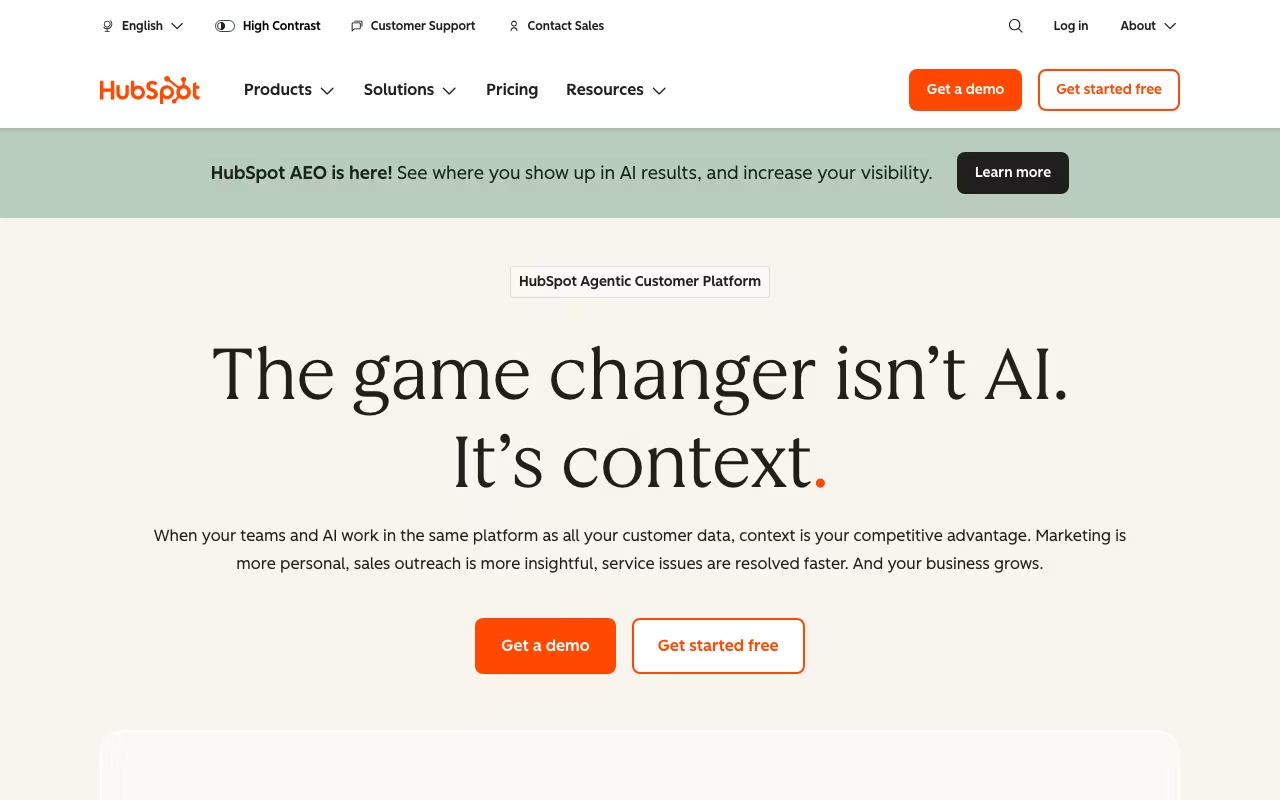
What is HubSpot?
All-in-one CRM platform with marketing, sales, and customer service tools for growing businesses.
HubSpot puts your campaigns in one place instead of scattered across a dozen tabs. It's built for teams that ship campaigns weekly, not once a quarter.
How We Evaluated HubSpot
We looked at HubSpot on five things: campaign management, audience targeting, analytics integration, automation capabilities, and reporting clarity. Same checklist we use for every marketing tool in the directory, so the comparisons are like for like.
That meant using the product, testing the features that matter most for marketing work, reading the docs, and checking whether pricing is upfront or hidden behind a sales call. We also compared it against TheTop and Hopp for Business to see where it stands.
Key Features
What HubSpot actually gives you:
- Contact & Lead Management: Organize contacts and track leads through your pipeline
- Customization: Flexible customization to match your specific workflow
- Campaign Management: Plan, execute, and track marketing campaigns
- Audience Targeting: Reach the right people with segmentation tools
Pricing
HubSpot follows a freemium pricing model. The current breakdown is: Free, $20/mo/seat (Starter, $7/seat promo for new customers), $890/mo (Professional, $800/mo promo), $3,600/mo (Enterprise).
For reference, similar tools like TheTop (from $99/mo) and Hopp for Business (from $9/mo) are in the same ballpark.
The free tier is a genuine starting point, not just a glorified demo. You can use the core features without paying, which is a good way to figure out if it fits your workflow before committing to a paid plan.
Prices checked on the HubSpot Marketing Hub pricing page in September 2026. Plans and limits change, so confirm before you buy.
Pros and Cons
What we like
- There's a genuinely usable free plan, which means you can test HubSpot with your actual workflow before deciding whether to pay for the upgrade
- The campaign workflows feel like they were designed by someone who's actually run marketing at a real company. They follow the natural rhythm of how campaigns get planned, launched, and measured
- It focuses on doing one thing well rather than trying to be a Swiss Army knife, which usually means the core features get more development attention and polish than they would in an all-in-one platform
What could be better
- The free tier has real limitations. Growing teams tend to hit those ceilings faster than expected, and at that point you're locked into upgrading or migrating elsewhere
- Because it focuses on marketing specifically, you'll still need separate tools for sales, customer support, and other functions. It won't replace your entire stack
- Larger organizations with complex requirements may find that some of the advanced features they expect from enterprise software are missing or underdeveloped
HubSpot Alternatives
If HubSpot isn't the right fit, here are the closest competitors worth looking at:
| Tool | What it does | Pricing |
|---|---|---|
| TheTop | TheTop is a business tool available at thetop.com. Sign up to see pricing, features, an... | From $99/mo |
| Hopp for Business | Hopp for Business is a business tool available at business.gethopp.com. Sign up to see ... | From $9/mo |
| POWR | POWR, Inc. is a business tool available at powr.io. Sign up to see pricing, features, a... | From $9/mo |
| Roster | Roster is a business tool available at getroster.com. Sign up to see pricing, features,... | From $500/mo |
We track hundreds of marketing tools in our tools directory. Worth browsing if none of these match what you need.
Who It's For (and Who It's Not)
Good fit: HubSpot makes the most sense for marketing teams and agencies that are juggling multiple campaigns simultaneously and need a central place to plan, execute, and measure everything without losing track of what's running where. If that sounds like your situation, it's worth at least testing it out.
Skip it if: you only run one campaign a quarter and it's mostly a single email blast, this level of tooling adds complexity without giving you much in return. In that case, you might want to look at TheTop as a lighter-weight option.
Bottom Line
There's a free tier, so try it with your real workflow before paying. If it fits, the upgrade path is reasonable.
In short: HubSpot is a strong choice for marketing teams and agencies that are juggling multiple campaigns simultaneously and need a central place to plan. you only run one campaign a quarter and it's mostly a single email blast, this level of tooling adds complexity without giving you much in return.
Try HubSpotHow HubSpot works
HubSpot is a suite of connected business software built on one shared CRM database. It is sold as six separate hubs: Marketing Hub (email, landing pages, forms, blog, social, AI content), Sales Hub (pipeline management, email and call logging, forecasting, CPQ, AI prospecting), Service Hub (ticketing, knowledge base, customer portal, feedback), Content Hub (website building, blogging, video, content repurposing), Data Hub (data sync, data quality, cloud warehouse connections) and Revenue Hub (quoting, billing, payments, invoicing, subscriptions). The underlying CRM, with contact management, deal pipelines, import, reporting dashboards, email tracking, tasks and live chat, is free and does not expire.
The practical path is that you start on the free CRM (up to 2 users and 1,000 contacts) and add hubs as paid subscriptions, each priced per seat or per tier. Setup means importing contacts, defining deal pipelines, then building whatever you licensed. Marketing contact tiers control your email sending allowance: Starter allows 5x your contact tier per month, Professional 10x, Enterprise 20x. Workflows drive the automation, and they are capped by tier too, with Professional at 300 workflows and 15 deal pipelines and Enterprise at 1,000 workflows and 100 pipelines. AI features are not unlimited: they draw down a monthly pool of HubSpot Credits, 500 on Starter, 3,000 on Professional, 5,000 on Enterprise.
Connecting HubSpot to the rest of your stack happens through the HubSpot Marketplace, which HubSpot says covers over 2,000 apps including Gmail, Slack, Shopify, Google Ads, Mailchimp, Intercom, Asana and Zapier. On top of that sits a Data Sync layer that keeps records bidirectionally in sync with dozens of external tools, so an update in one system is reflected in the other rather than copied once at import.
Where HubSpot wins
- The free CRM is genuinely usable rather than a trial: 2 users, 1,000 contacts, no expiry, and HubSpot states there are no limits on customer data stored.
- One record set sits behind marketing, sales, service, content and billing, so a contact touched by a campaign is the same object a rep works and a billing invoice attaches to.
- Marketplace breadth is real: over 2,000 integrations plus native Data Sync means most stacks connect without custom work.
- Entry pricing is low per seat: Marketing Hub Starter lists at $20/mo/seat, with a limited-time $7/mo/seat price for new customers, and view-only seats are free on every paid plan.
- The Enterprise tier exposes real depth rather than just higher caps: 1,000 workflows, 100 deal pipelines, and hierarchy forecasting.
Where it falls short
- Mandatory onboarding fees at the upper tiers, charged on top of the subscription: $3,000 one-time for Marketing Professional, $7,000 for Marketing Enterprise, $1,500 for Sales Professional, $3,500 for Sales Enterprise.
- The jump from Starter to Professional is severe on Marketing Hub: $7-20/mo/seat becomes $800-890/mo for the whole account (3 seats, 2,000 marketing contacts), with extra core seats at $45/mo. Enterprise starts at $3,600/mo minimum.
- Cost scales on two axes at once, seats and marketing contacts, and email sending is tied to the contact tier, so a large but low-engagement list forces a tier upgrade you do not otherwise need.
- AI is metered by HubSpot Credits per month rather than unlimited, so heavy AI use pushes you up a tier independently of contacts or seats.
- Buying only one hub still means paying full tier price for features you may not want. The value case assumes you consolidate several hubs, which multiplies the onboarding fees.
Who should use HubSpot
Two groups get the most out of it. First, small teams that want a free, real CRM and can sit on free or Starter indefinitely, where the per-seat cost is trivial and the contact ceiling is far away. Second, mid-market to enterprise companies consolidating several point tools onto one database, who are willing to absorb four-figure onboarding fees because the payoff is a single record behind every team.
Skip it if you only need one capability cheaply, such as a standalone email tool or a standalone helpdesk, because you still pay full tier price for the rest of the hub. Skip it too if you have a huge contact list and a small budget: contact-tier pricing punishes list size, and the email sending allowance is bolted to that same tier, so a big passive list drags your bill up before it earns anything back.