
The 8 Best In-App Messaging Tools in 2026

Key facts8 tools compared: Intercom, OneSignal, Customer.io, Userpilot, Appcues, Knock, Gleap, Braze
- 8 tools compared: Intercom, OneSignal, Customer.io, Userpilot, Appcues, Knock, Gleap, Braze
- Intercom (best for: SaaS chat + proactive messaging): $29-$132/seat/mo + $0.99/AI resolution
- OneSignal (best for: Mobile-first teams on a budget): Free; Growth from $19/mo
- Customer.io (best for: Event-driven lifecycle messaging): From $100/mo
- Userpilot (best for: Product onboarding + adoption): From $299/mo
A message that shows up inside your app, while someone is actually using it, lands differently than an email they will read three days later. The numbers back this up: in-app messages average around a 7.4% click-through rate, and research from Localytics found apps pairing in-app messages with push saw roughly 2x the relative click-through of push alone. The catch is that "in-app messaging" means five different products depending on who you ask.
For a support team, it means live chat and an AI agent that resolves tickets. For a growth team, it means lifecycle campaigns triggered by behavior. For a product team, it means onboarding tours and feature announcements. For an engineering team, it means an SDK and a notification API you wire up yourself. Buy the wrong category and you will fight the tool forever.
This is a guide for AI and tech operators who want the right tool for the job, not a feature-count contest. I compared eight across those four buckets. If you want one safe default for a SaaS product that needs chat plus proactive messaging, Intercom is still the pick most teams will not regret. If you are mobile-first and budget-conscious, OneSignal is hard to beat. Here is the full breakdown.
Quick comparison
| Tool | Best for | Price | Standout |
|---|---|---|---|
| Intercom | SaaS chat + proactive messaging | $29-$132/seat/mo + $0.99/AI resolution | Fin AI agent quality |
| OneSignal | Mobile-first teams on a budget | Free; Growth from $19/mo | Generous free tier |
| Customer.io | Event-driven lifecycle messaging | From $100/mo | Behavioral campaign logic |
| Userpilot | Product onboarding + adoption | From $299/mo | No-code flows for PMs |
| Appcues | No-code onboarding flows | Custom (Start ~3k MAUs) | Easiest builder |
| Knock | Developers building notifications | Free; Starter $250/mo | API-first infrastructure |
| Gleap | Support + feedback + messaging in one | $49-$999/mo | Bug reports inside chat |
| Braze | Enterprise B2C engagement | Custom (enterprise) | Scale and segmentation |

Intercom: the default for SaaS support and proactive messaging
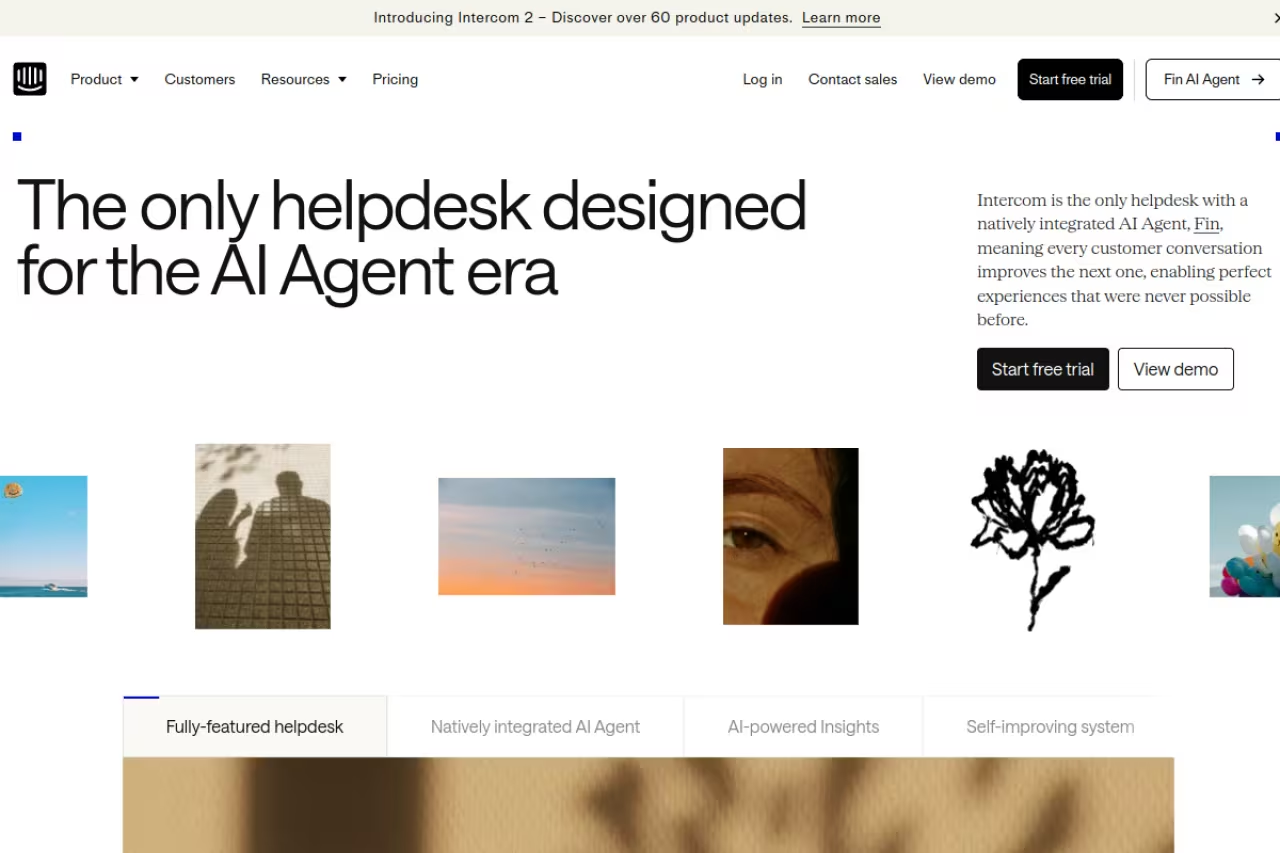
Intercom built the category, and it still feels like it. You get a messenger that lives in your product, proactive messages and tours you can trigger on behavior, and an AI agent (Fin) that handles support questions without a human. For most B2B SaaS companies, this is the tool the rest get compared to.
The default for B2B SaaS teams where in-app messaging sits inside a wider support and engagement strategy, with Fin resolving questions at $0.99 per outcome. The bill scales in ways the headline hides, so it is not a cheap widget.
Pricing is per seat plus AI usage. Per the official pricing page, plans are Essential at $29/seat/month, Advanced at $85, and Expert at $132, all billed annually. Fin charges $0.99 per resolved outcome on top. There is a 14-day free trial with no card required.
The standout is Fin. It is genuinely good at reading your help docs and closing conversations, and the pay-per-resolution model means you only pay when it works.
The catch: the bill scales in ways the headline price hides. A mid-size team running Fin can clear $2,000 to $3,000 a month fast once seats and resolutions stack up, and channel fees for SMS or WhatsApp pile on top. Intercom is a lifecycle messaging strategy you pay for, not a cheap widget.

OneSignal: the budget-friendly mobile-first pick
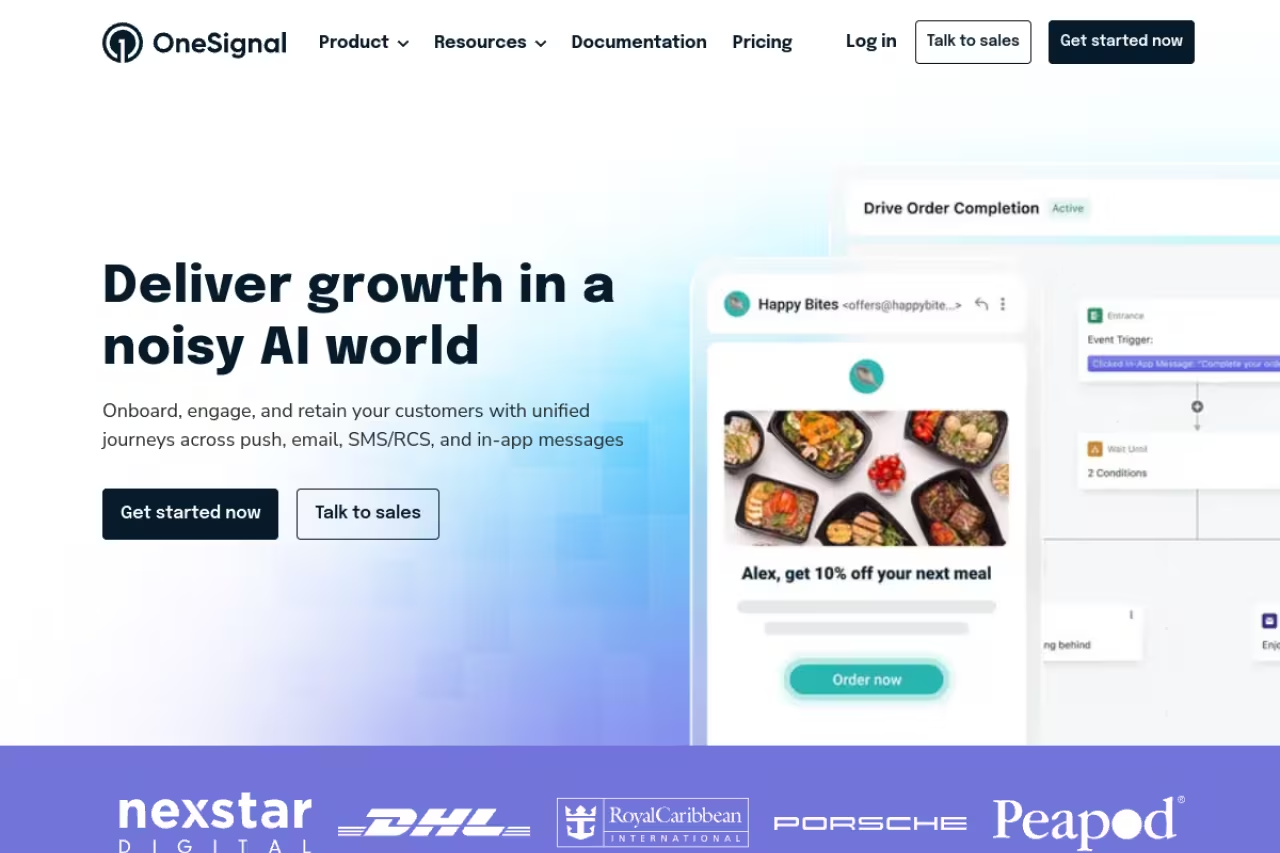
OneSignal is the "just get messaging working" option, and I mean that as a compliment. Push, in-app messages, email, and SMS from one SDK, with a free tier that is actually useful rather than a teaser. If you ship a mobile app and need in-app messages without a procurement meeting, start here.
The budget-friendly pick for mobile-first products and startups that want delivery at scale without enterprise pricing, with a useful free tier and quick SDK setup. One active in-app message on free is restrictive, and branching lifecycle logic will outgrow it.
The pricing page lists a Free plan with unlimited mobile push, 10,000 monthly email sends, and one active in-app message. Growth starts at $19/month and unlocks unlimited in-app messaging bundled with push. Professional and Enterprise are custom.
The standout is the free tier. Unlimited mobile push and real in-app messaging at $0 is rare, and the SDK setup is genuinely quick.
The catch: the one-active-in-app-message limit on the free plan is restrictive the moment you run more than a single campaign, and OneSignal leans toward delivery over deep journey orchestration. If you need branching lifecycle logic, you will outgrow it.

Customer.io: behavior-driven lifecycle messaging
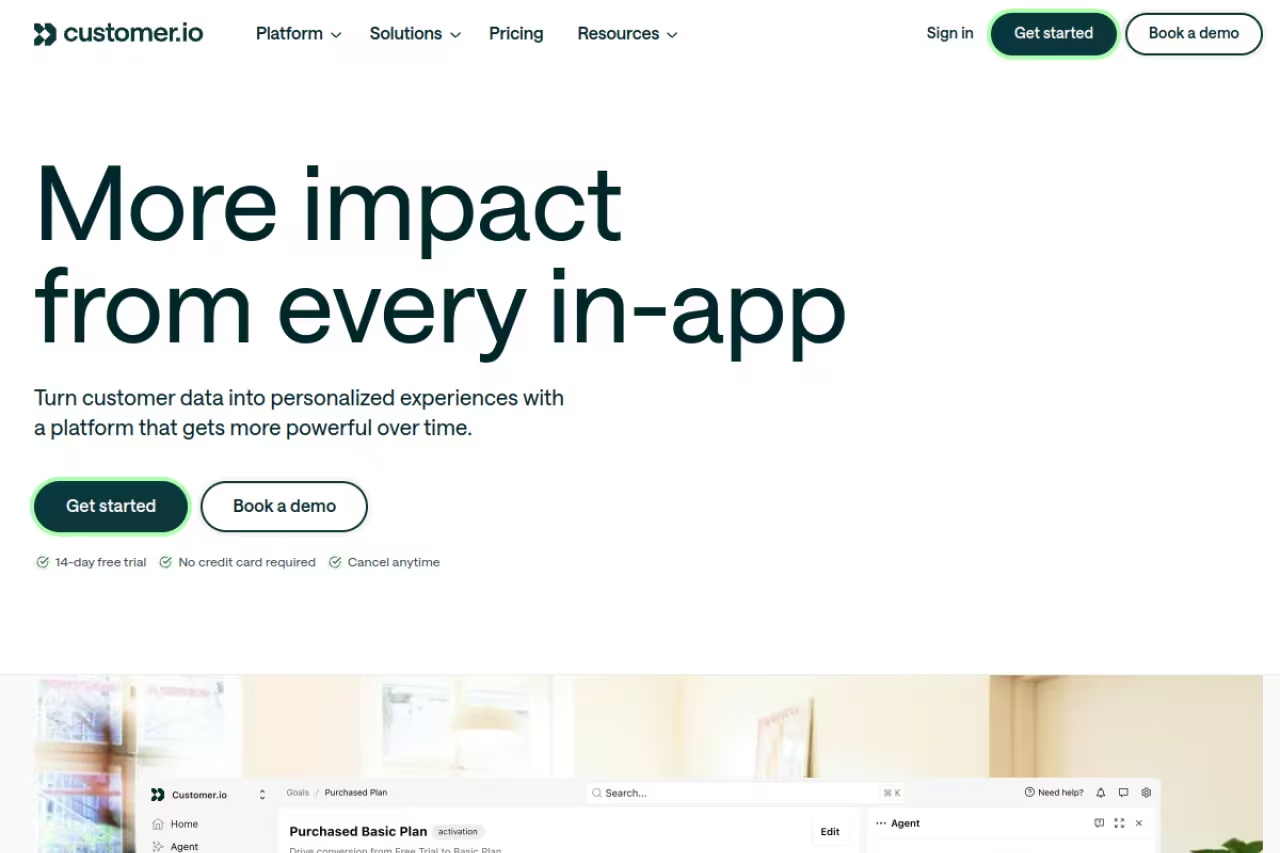
Customer.io is what product-led and technical growth teams reach for when they want precise control over event data and campaign logic. In-app messaging here is one channel inside a wider lifecycle engine that also covers email, push, SMS, and webhooks, all driven by the events your app sends.
Best for data-driven teams running multi-step journeys triggered by what users actually do.
Per the pricing page, Essentials starts at $100/month, Premium at $1,000/month billed yearly, and Enterprise is custom. There is no standard free trial, but early-stage startups raising under $10M can get 12 months free through the startup program.
The standout is the campaign builder. The visual workflow editor with delays, branches, and event triggers is more flexible than anything the support-first tools offer.
The catch: it expects you to send clean event data, which means engineering time up front. Teams without a solid data layer find it more work than a plug-and-play widget. This is a tool for people who think in events, not screens.
A good choice for data-driven teams running multi-step journeys triggered by user behavior, with a flexible visual workflow editor. It expects clean event data and engineering time up front, so teams without a solid data layer will find it heavy.
If you are mapping your stack and want a quick refresher on how messaging fits alongside email and lifecycle work, our guide to the best AI email marketing tools pairs well with this one.

Userpilot: in-app messaging for product teams
Userpilot lives in the product adoption corner. It is built for PMs who want to ship onboarding flows, feature announcements, banners, and checklists without filing engineering tickets. The in-app messaging is tied to product analytics, so you can target messages by where someone is in their journey.
Built for product teams focused on activation and feature adoption, with a no-code builder tied to segmentation so you can launch a targeted message in an afternoon. MAU-based pricing climbs fast, and it is wrong if you need live chat.
The pricing page lists Starter from $299/month for up to 2,000 monthly active users, with Growth and Enterprise on custom pricing. There is a 14-day free trial, no card needed. Starter already includes flows, spotlights, banners, embeds, and checklists.
The standout is the no-code builder paired with segmentation. You can launch a targeted in-app message in an afternoon.
The catch: MAU-based pricing climbs fast as you grow, and it is built for product adoption, not support or marketing lifecycle. It is the wrong tool if you need live chat or cross-channel campaigns. For the onboarding angle specifically, see our roundup of the best AI onboarding tools.

Appcues: the easiest no-code onboarding builder
Appcues is one of the longest-running no-code tools for product tours, modals, slideouts, tooltips, and onboarding checklists. If your goal is to put non-engineers in charge of in-app guidance, the builder is about as friendly as they come.
The easiest no-code route for marketers or PMs to own onboarding flows, with a first tour live in under an hour. Published-experience caps bite quickly, pricing is opaque, and it overlaps heavily with Userpilot, so trial both.
Appcues does not publish prices on its pricing page, but plans are MAU-based: Start covers up to 3,000 MAUs with 10 published experiences, Grow goes to 50,000 MAUs with 25, and Enterprise is custom with 100. Third-party data puts Start in the low hundreds per month and Grow closer to $900 and up. There is a free trial.
The standout is speed to first flow. Non-technical users get a working onboarding tour live in under an hour.
The catch: the published-experience caps bite quickly, and pricing is opaque until you talk to sales. It overlaps heavily with Userpilot, so the choice usually comes down to which builder your team prefers in a trial.
Knock: notification infrastructure for developers
Knock is the developer's answer. Instead of a marketing dashboard, you get notification infrastructure: an API, CLI, in-app feeds, and guides you wire into your own product. If your engineers want to own the notification layer rather than rent a widget, this is the category.
Best for engineering teams building in-app messaging and notifications as part of their product.
The pricing page lists a free Developer plan with 10,000 monthly messages and 500 guide active users, Starter at $250/month, and custom Enterprise. Everything is managed by API and CLI, with unlimited workflows and channels across tiers.
The standout is the developer experience. Versioned workflows, a CLI, and a real API make this feel like infrastructure, not a SaaS bolt-on.
The catch: it assumes you have engineers and you want them building this. There is no marketer-friendly campaign UI, so a growth team handed Knock with no dev support will stall. It is a tool for teams who treat notifications as code.
Choose Knock if your engineers want to own the notification layer as infrastructure, with a real API, CLI and versioned workflows. There is no marketer-friendly campaign UI, so a growth team without developer support will stall.
If you are weighing build-versus-buy across your whole stack, browsing the top tools directory is a fast way to sanity-check options against each other.

Gleap: support, feedback, and messaging in one
Gleap bundles things most tools split apart: live chat, in-app bug reporting, product tours, surveys, banners, and a knowledge base. For a small SaaS team that does not want four separate subscriptions, the all-in-one angle is real.
An all-in-one for lean SaaS teams that want live chat, in-app bug reporting, tours and surveys without four subscriptions. It is younger and less proven than Intercom or Braze, so AI and automation depth is thin for large teams.
The pricing page lists Starter at $49/month, Team at $149, Pro at $299, and Enterprise from $999, all annual. In-app banners, tooltips, modals, checklists, and chat messages unlock at the Team tier and up. There is a 14-day trial.
The standout is in-app bug reporting tied into chat. Users can flag a bug with a screenshot and replay, right inside the conversation, which is a genuine workflow saver.
The catch: it is younger and less proven than Intercom or Braze, so the AI and automation depth is not there yet. Larger teams that need heavy lifecycle orchestration will find it thin. For pure support depth, compare against our best AI customer support tools list.

Braze: enterprise-grade engagement at scale
Braze is the enterprise B2C heavyweight. In-app messaging is one channel inside a large engagement suite spanning push, email, SMS, and web, with segmentation and AI features built for brands sending to millions.
The enterprise B2C heavyweight for large consumer brands needing cross-channel orchestration at serious volume. Pricing is custom and typically a five-to-six-figure commitment, so it is overkill and over budget for small teams.
Braze does not publish pricing; it is custom and enterprise-tier, typically a five-to-six-figure annual commitment, with a sales process and onboarding period to match.
The standout is scale. The segmentation engine and multi-channel orchestration handle volumes the lighter tools cannot touch, with mature mobile SDKs.
The catch: it is overkill and over-budget for small teams. The complexity and price only pay off for large consumer campaigns. A 10-person SaaS startup will drown in capabilities it never uses.
How to choose
Pick by your primary job, not by feature lists. The fastest way to narrow it down:
- You need support plus proactive messaging. Start with Intercom. If the AI resolution math scares you, Gleap is the cheaper all-in-one challenger.
- You are mobile-first and watching budget. OneSignal, full stop. Add Customer.io later when you need real lifecycle logic.
- Your job is onboarding and feature adoption. Userpilot or Appcues. Trial both, since the choice comes down to which builder clicks for your team.
- Your engineers want to own the notification layer. Knock. It is the only one here built as infrastructure.
- You are an enterprise B2C brand sending at massive scale. Braze, and budget accordingly.
One practical filter: count your monthly active users and your engineering hours. MAU-priced tools (Userpilot, Appcues, Braze) punish growth, while seat-priced (Intercom) or message-priced (OneSignal, Knock) tools punish team size or volume instead. Match the pricing axis to whichever number you control best.
Most of these offer a free trial or free tier, so run the same campaign in your two finalists for two weeks before committing. If you want to keep moving fast across your whole AI stack, Dupple X tracks the tools and updates that matter so you are not auditing this category from scratch every quarter.
FAQ
What is the difference between in-app messaging and push notifications?
In-app messages appear while someone is actively using your app, so they are contextual and tend to convert better, with roughly 7% average click-through versus 1% to 7% for push depending on platform. Push notifications reach users when the app is closed. Most teams combine both: push to bring people back, in-app messages to guide them once inside.
What is the best in-app messaging tool for a small SaaS startup?
For most small SaaS teams, OneSignal (mobile-first, generous free tier) or Gleap (all-in-one support plus messaging from $49/month) give you the most coverage for the least money. Intercom is the safe default if you can absorb the per-seat plus AI-resolution cost, but it gets expensive quickly.
How much do in-app messaging tools cost in 2026?
It ranges widely. OneSignal and Knock have free tiers, with paid plans from $19 and $250 a month respectively. Gleap runs $49 to $999, Customer.io starts at $100, and Userpilot starts at $299. Intercom is $29 to $132 per seat plus $0.99 per AI resolution. Braze and Appcues are custom and quote-based.
Can I use in-app messaging without a developer?
Partly. No-code tools like Userpilot, Appcues, and Gleap let non-engineers build flows and messages after a one-time SDK install. But that install, plus sending event data for behavioral targeting, usually needs a developer once. Knock is the exception that is built specifically for developers and offers no marketer UI.
Which in-app messaging tool is best for product onboarding?
Userpilot and Appcues are the two purpose-built options for onboarding flows, tours, and checklists. Both are no-code and tie messages to product analytics. Trial both, since the builders are similar and the decision usually comes down to team preference. For a wider view, see our best AI onboarding tools guide.
Do in-app messaging tools work for mobile and web?
The strongest cross-platform options are OneSignal, Customer.io, and Braze, which all support mobile (iOS, Android) and web from one platform. Product-adoption tools like Userpilot and Appcues cover web plus mobile SDKs too. Always confirm the specific SDKs (Flutter, React Native) you need are supported before you commit.
Related guides
Some offers on this page may be paid placements or contain affiliate links.
