
Best Customer Support Software in 2026: 8 Tools Compared

Key facts8 tools compared: Intercom, Zendesk, Help Scout, Freshdesk, Gorgias, Pylon, Tidio, Front
- 8 tools compared: Intercom, Zendesk, Help Scout, Freshdesk, Gorgias, Pylon, Tidio, Front
- Intercom (best for: SaaS teams wanting a strong AI agent): $29/seat/mo + $0.99/resolution
- Zendesk (best for: Large or regulated support orgs): $19/agent/mo (Support); Suite from $55
- Help Scout (best for: Small teams who want simple email support): Free (5 users) or $25/user/mo
- Freshdesk (best for: Budget-conscious teams scaling up): Free (2 agents) or $19/agent/mo
Picking customer support software in 2026 is a different exercise than it was even two years ago. The question is no longer "which shared inbox has the cleanest UI." It's "which AI agent will actually close tickets without making your customers angry, and how much will that cost me per resolution."
That shift matters because pricing has quietly migrated from per-seat to per-resolution. You can buy a $25 plan and still face a usage bill that dwarfs your seat cost once the bot starts working. I spent the last few weeks reading the fine print on outcome pricing and comparing how each vendor's AI agent is documented to handle messy real questions.
My top pick overall is Intercom, mostly because its Fin AI agent is the most capable autonomous responder of the tools here and the per-outcome pricing is honest. But "best" depends heavily on whether you sell to consumers, run an ecommerce store, or support a B2B SaaS product. This guide is for founders and ops leaders making that call. Below is the short version, then the full breakdown.
Quick comparison
| Tool | Best for | Starting price | Standout |
|---|---|---|---|
| Intercom | SaaS teams wanting a strong AI agent | $29/seat/mo + $0.99/resolution | Fin AI, in-app messenger |
| Zendesk | Large or regulated support orgs | $19/agent/mo (Support); Suite from $55 | Omnichannel depth, reporting |
| Help Scout | Small teams who want simple email support | Free (5 users) or $25/user/mo | Clean inbox, fair AI pricing |
| Freshdesk | Budget-conscious teams scaling up | Free (2 agents) or $19/agent/mo | Free tier, Freddy AI |
| Gorgias | Ecommerce stores on Shopify | $10/mo (Starter) | Order actions inside tickets |
| Pylon | B2B support over Slack and Teams | $59/seat/mo | Native Slack/Teams channels |
| Tidio | Small online stores wanting live chat | Free or $24.17/mo | Lyro AI chatbot |
| Front | Teams that live in shared inboxes | $25/seat/mo | Collaborative inbox done right |

Intercom
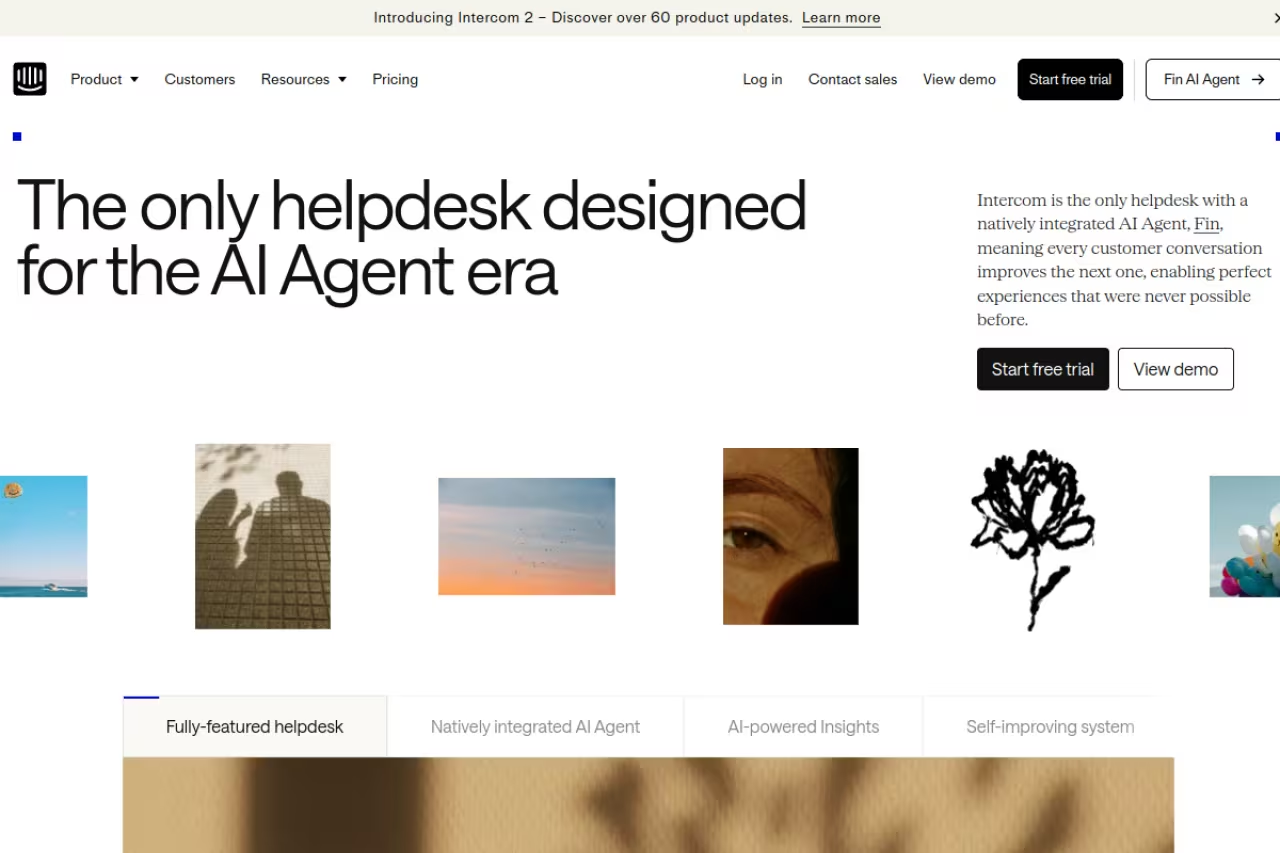
Intercom started as a messenger and grew into a full support platform, and that history shows. It's the tool I'd reach for if your support happens inside a product and your customers ask open-ended, unstructured questions.
The reason it tops my list is Fin, its AI agent. Intercom reports a 67% average resolution rate across 40M+ conversations and backs it with a $1M performance guarantee at 65%. Be skeptical of that headline. Independent tests on B2B SaaS ticket sets land closer to 45-53% in production, because that data is messier than the ecommerce cohorts vendors benchmark on. Still, even half your tickets handled without a human is real money.
Who it's best for: SaaS companies that want a bot living inside their app, handling complex questions against your help docs and past conversations.
The tool to reach for if support happens inside your product and customers ask open-ended questions. Fin is the draw, but expect production resolution rates below the headline, and per-resolution costs get unpredictable at high volume.
Pricing: the Essential plan is $29/seat/month, Advanced is $85, and Expert is $132, all billed annually. Fin costs $0.99 per outcome, charged only when a customer confirms the answer resolved their issue. There's a 14-day free trial with no card required.
The catch: the per-resolution model is fair, but it's unpredictable at high volume. If Fin handles 10,000 conversations a month, that's roughly $9,900 on top of seats. Model your ticket volume before you commit, because the bill can sneak up on you.

Zendesk

Zendesk is the default answer for big, complex support operations, and for good reason. Nothing else on this list matches its routing logic, reporting depth, and the sheer number of channels and integrations it supports out of the box.
If you run a large team in finance, healthcare, logistics, or any regulated space where you need granular permissions and audit trails, this is your platform. The flip side is that all that power makes it heavy. Small teams routinely use 10% of what they pay for.
Who it's best for: enterprises and mid-market teams with high ticket volume across many channels.
Pricing: the standalone Support plan starts at $19/agent/month for basic ticketing. The full Suite runs $55/agent/month for Team, $89 for Growth, and $115 for Professional on annual billing, with Enterprise at $169. The Advanced AI add-on is another $50/agent/month on top.
Where it falls short: the cost stacks fast. A 10-agent team on Suite Professional with Advanced AI is paying $1,650 a month before usage. And the setup is genuinely complex. Budget for an implementation period, not an afternoon.

Help Scout
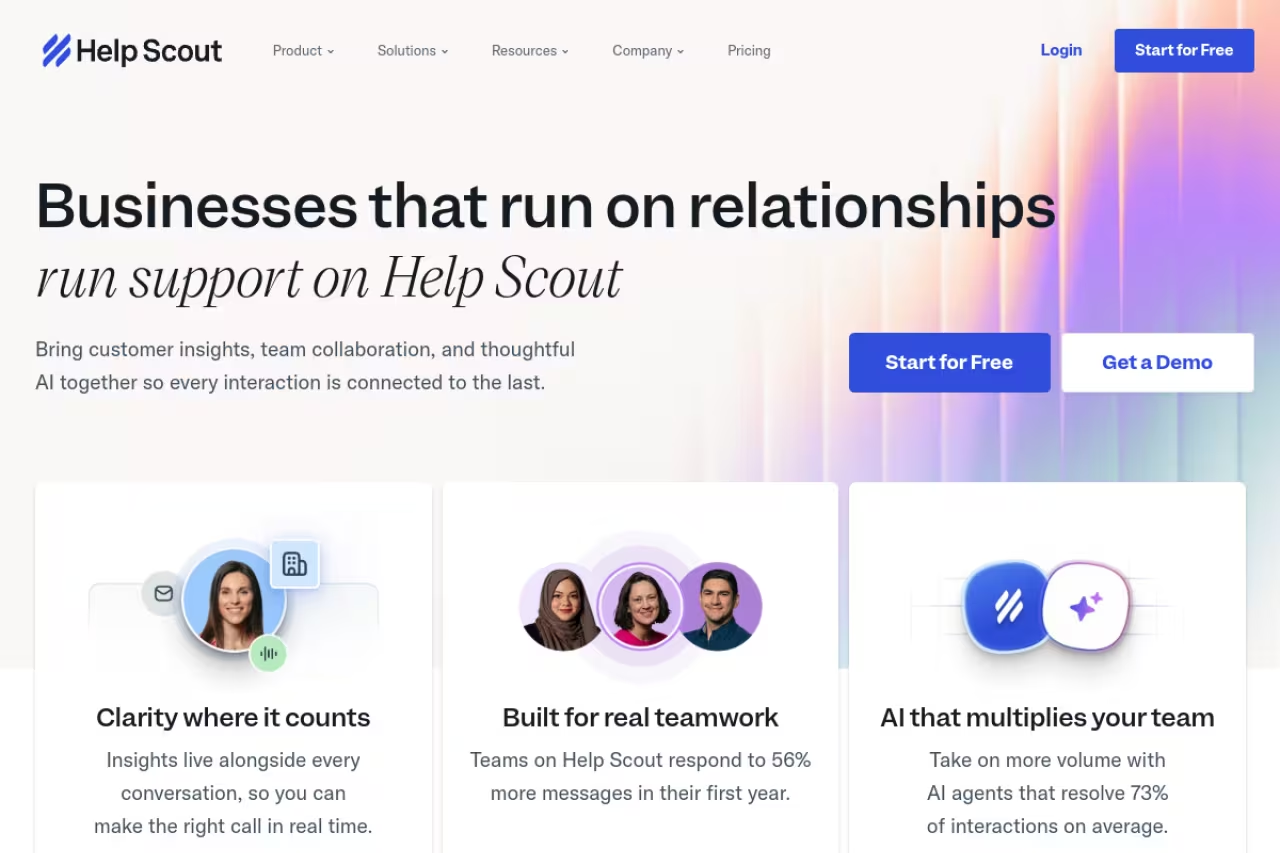
Help Scout is what I recommend to small teams who find Zendesk overwhelming and just want email support that feels human. The inbox looks like a normal email client, your customers never see ticket numbers, and the whole thing gets out of your way.
The appeal of Help Scout is the lack of friction. You can onboard a new agent in an afternoon. It also has the most generous free tier of any serious tool here, supporting 5 users at no cost.
Who it's best for: small support teams (under 25 agents) who prioritize a clean, personal customer experience over deep configurability.
Help Scout fits small support teams that want email support to feel human and prize a clean experience over deep configurability. Onboarding is quick and the free tier is generous, but you'll outgrow it if you need complex automation or telephony.
Pricing: the free plan covers 5 users, 1 inbox, and 1 docs site. Paid plans are Standard at $25/user/month, Plus at $45, and Pro at $75. The AI Answers agent costs $0.75 per resolution, which is the cheapest per-outcome rate I found, with a 3-month free trial.
The catch: it's deliberately simple, so if you need complex automation, advanced telephony, or heavy omnichannel routing, you'll outgrow it. Help Scout knows its lane and stays in it, which is a feature until it isn't.

Freshdesk
Freshdesk hits a sweet spot for teams that want real help desk features without enterprise pricing. It's part of the broader Freshworks suite, so if you later add CRM or IT service management, the pieces fit together.
The Freddy AI agent is solid and the free tier is unusually good for testing the waters. You won't get the polish of Intercom or the depth of Zendesk, but you get most of what a growing team needs at a fraction of the price.
Who it's best for: budget-conscious teams who are scaling past a basic inbox but aren't ready for enterprise spend.
Freshdesk suits budget-conscious teams scaling past a basic inbox but not ready for enterprise spend. You get most of what a growing team needs at a fraction of the price, though the interface can feel cluttered and AI session pricing is hard to predict.
Pricing: the free plan covers 1-2 agents with ticketing and a knowledge base. Paid tiers are Growth at $19/agent/month, Pro at $55, and Enterprise at $89, all annual. The Freddy AI Agent includes the first 500 sessions, then charges $49 per additional 100 sessions.
Where it falls short: the interface can feel cluttered, and some of the better features sit behind the Pro tier. The session-based AI pricing is also harder to predict than a clean per-resolution model. Read the session definition carefully before you budget.

Gorgias
If you run a Shopify or BigCommerce store, Gorgias is built specifically for you, and it shows in ways generic tools can't match. Order details, refunds, and address edits happen right inside the ticket, so an agent never tabs over to your store admin.
That ecommerce focus is the whole pitch. Gorgias understands "where's my order" and "I want a refund" as native actions, not generic text. For a store doing meaningful volume, that saves real minutes per ticket.
Who it's best for: ecommerce brands, especially on Shopify, that want support tied directly to order data.
Gorgias is built for ecommerce brands, especially on Shopify, that want support tied directly to order data, with refunds and edits inside the ticket. Ticket-based pricing punishes high-volume, low-value support, and non-ecommerce businesses have no reason to look.
Pricing: this one is ticket-based, not seat-based. Starter is $10/month for 50 tickets, Basic is $60 for 300, Pro is $360 for 2,000, and Advanced is $900 for 5,000. The AI Agent runs $0.90 to $1.00 per automated resolution, and each AI resolution counts as a ticket against your plan.
The catch: ticket-based pricing punishes high-volume, low-value support. If you get a flood of cheap questions, you'll blow through your allotment and pay overages. And it's narrow by design, so a non-ecommerce business has no reason to look here.

Pylon
Pylon is the newest tool on this list and the one built for a problem the others handle awkwardly: B2B support that lives in Slack and Microsoft Teams. If your customers ask for help in a shared Slack channel, Pylon turns those messages into tracked tickets without forcing anyone into a portal.
I like Pylon because it accepts how modern B2B support actually works. Your enterprise customers don't want to email a ticket queue. They want to message you where they already are. Pylon meets them there.
Who it's best for: B2B SaaS companies supporting customers through Slack, Teams, and other channels rather than a public help center.
Go with Pylon if you're a B2B SaaS company supporting customers through Slack and Teams rather than a help center. It's pricier per seat, the AI costs extra, and seat minimums keep two-person teams out.
Pricing: Starter is $59/seat/month, Professional is $89, and Enterprise is $139, all annual with seat minimums (3 for the lower tiers, 7 for Enterprise). AI add-ons start at $50/seat/month on top.
Where it falls short: it's pricier per seat than most, the AI costs extra even on the top plan, and the seat minimums mean a two-person team can't get in cheaply. It's also young, so expect a thinner integration catalog than the incumbents.

Tidio
Tidio is aimed at small online stores that want live chat and a chatbot without a big lift. Its Lyro AI agent handles common questions, and you can be live on your site in under an hour. For a solo founder or a small store, that speed matters.
Who it's best for: small ecommerce and service businesses that want live chat plus a capable chatbot on a tight budget.
Tidio suits small ecommerce and service businesses that want live chat and a capable chatbot on a tight budget, live in under an hour. The conversation caps are tight, and it's thinner on multichannel ticketing.
Pricing: the free plan includes 50 billable conversations and up to 10 seats. Starter is $24.17/month for 100 conversations, and Growth starts at $49.17 for up to 2,000. The Lyro AI agent add-on starts at $32.50/month for 50 AI conversations.
The catch: the conversation caps are tight, and you'll hit them fast on a busy store. It also leans more toward live chat and sales than full multichannel ticketing, so a team needing email, social, and phone in one queue will feel the limits.

Front
Front treats support as a team sport. It's the best collaborative inbox on this list, with comments, assignments, and shared drafts that make a group of people feel like they're working one queue instead of stepping on each other. Teams that run support out of shared email addresses tend to love it.
Who it's best for: teams that want a shared inbox with strong internal collaboration, especially where support and other departments overlap.
Front is the best collaborative inbox here, ideal for teams that want a shared inbox with strong internal collaboration. It's an excellent inbox first and an AI platform second, and the per-seat plus add-on math gets confusing.
Pricing: Starter is $25/seat/month for up to 10 seats, Professional is $65, and Enterprise is $105, all annual. AI add-ons exist, with Autopilot starting at $0.05 per conversation and Copilot at $20/seat/month.
Where it falls short: the AI story is weaker than Intercom's or Zendesk's, and the per-seat plus per-add-on math gets confusing fast. It's an excellent inbox first and an AI platform second, so weight your priorities accordingly.
If you're evaluating support tools as part of a broader AI stack, it's worth seeing how these fit alongside the wider set of tools we track on Dupple's top tools list, and how autonomous agents are reshaping the category in our guide to the best AI agents.
How to choose
Skip the feature-matrix paralysis. Three questions decide this for most teams.
First, what do you sell? Ecommerce stores should look at Gorgias or Tidio because order actions inside tickets save more time than any generic feature. B2B SaaS teams should weigh Intercom (in-app) against Pylon (Slack/Teams) based on where your customers actually ask for help.
Second, how big is your team and how regulated is your industry? Under 25 agents with simple needs, Help Scout or Freshdesk will serve you and save money. Large, compliance-heavy operations should pay the Zendesk tax for the audit trails and routing depth.
Third, model your AI cost, not your seat cost. Per-resolution pricing is the real expense in 2026. Estimate your monthly ticket volume, multiply by the resolution rate you realistically expect (assume the low end, not the marketing number), and you'll see the true bill. A cheap seat with an expensive bot can cost more than a pricey seat with a cheap one.
Run two trials in parallel before deciding. Feed both the same 50 real tickets and watch how the AI handles your actual edge cases, not the vendor's demo questions. The tool that fails gracefully on your weird questions is usually the right one. If you want help thinking through the full AI tooling decision, Dupple X walks you through building a stack that fits how you actually work.
FAQ
What is the best customer support software in 2026?
For most teams, Intercom is the strongest all-around pick because its Fin AI agent resolves a meaningful share of tickets and the per-resolution pricing is transparent. That said, Zendesk wins for large regulated enterprises, Help Scout for simple small-team email support, and Gorgias for Shopify stores. The "best" choice depends on your business model and team size more than on any single feature.
How much does customer support software cost?
Entry plans range from free (Help Scout, Freshdesk, Tidio) to about $59/seat/month for B2B-focused tools like Pylon. The bigger variable is AI usage. Most platforms now charge per resolution, roughly $0.75 to $1.00 each, so a team resolving thousands of tickets a month can pay more in AI fees than in seat licenses. Always model both costs together.
Is AI customer support actually worth it?
Yes, with realistic expectations. Vendors advertise resolution rates around 67%, but independent tests on harder B2B ticket sets show 45-53% in production. Even at the lower end, automating half your repetitive tickets frees your team for complex cases. The key is feeding the AI good help documentation, since the bot is only as accurate as the content it draws from.
What's the difference between a help desk and a shared inbox?
A shared inbox like Front or Help Scout's core product gives a team one collaborative view of incoming messages, with assignments and internal notes. A full help desk like Zendesk adds ticketing workflows, SLAs, routing rules, reporting, and multichannel support. Small teams often start with a shared inbox and graduate to a help desk as volume and complexity grow.
Which customer support tool is best for ecommerce?
Gorgias is purpose-built for ecommerce, with order management, refunds, and address edits handled inside the ticket and deep Shopify integration. Tidio is a lighter alternative for smaller stores that want live chat plus a chatbot. Generic help desks can work, but they won't surface order data as natively, which costs agents time on every "where's my order" ticket.
Can I switch support platforms without losing data?
Most platforms offer migration tools or services to import tickets, contacts, and knowledge base articles. The harder part is retraining your AI agent on the new system and rebuilding automation rules, which can take a few weeks. Run the old and new tools in parallel for a short window so nothing falls through the cracks during the cutover.
Related guides
Some offers on this page may be paid placements or contain affiliate links.
Across our whole catalogue the median is $24 a month and 33% of tools advertise a free tier. Figures are the lowest recurring monthly price quoted in our own review of each tool, read on 2026-08-19. Full method and every category.
