
Best Customer Self-Service Software in 2026: 8 Tools I'd Actually Deploy

Key facts8 tools compared: Intercom (Fin), Zendesk, Help Scout, Zoho Desk, Document360, Stonly…
- 8 tools compared: Intercom (Fin), Zendesk, Help Scout, Zoho Desk, Document360, Stonly, Freshdesk, eesel AI
- Intercom (Fin) (best for: AI-first deflection at scale): $0.99 per resolution + seats
- Zendesk (best for: Enterprise support stacks): From $55/agent/mo
- Help Scout (best for: Lean teams that hate bloat): From $25/user/mo
- Zoho Desk (best for: Budget-conscious SMBs): From $14/agent/mo
Most support teams I talk to are drowning in tickets that a decent help center could have answered. "Where's my invoice?" "How do I reset my password?" "Can I change my plan?" None of that needs a human. It needs good self-service software that customers can actually navigate without rage-quitting into your inbox.
The problem is that "self-service" now means two very different things. There's the old model: a searchable knowledge base where customers read articles and figure it out themselves. And there's the new model: an AI agent that reads your docs, understands the question, and answers in plain language, often resolving the ticket without anyone touching it. The best tools in 2026 do both, and the gap between the good ones and the lazy ones is wide.
I compared these platforms on documentation, pricing, and public user reviews. This guide is for founders, support leads, and operators who want to cut ticket volume without hiring three more agents. If you want the short answer: Intercom with its Fin AI agent is the strongest all-in-one pick for teams serious about deflection, but it gets expensive fast, and several cheaper tools below will be a better fit depending on your stage.
Quick comparison
| Tool | Best for | Price (2026) | Standout |
|---|---|---|---|
| Intercom (Fin) | AI-first deflection at scale | $0.99 per resolution + seats | Resolves tickets autonomously, not just suggests |
| Zendesk | Enterprise support stacks | From $55/agent/mo | Mature help center + ecosystem |
| Help Scout | Lean teams that hate bloat | From $25/user/mo | Clean Docs + pay-per-resolution AI |
| Zoho Desk | Budget-conscious SMBs | From $14/agent/mo | Full help center on a cheap tier |
| Document360 | Dedicated knowledge bases | Quote-only, no public price | Best pure KB authoring experience |
| Stonly | Interactive how-to guides | From $249/mo | Step-by-step decision trees beat static articles |
| Freshdesk | Fast SMB deployment | From $19/agent/mo | Quick setup + Freddy AI add-ons |
| eesel AI | AI on top of your existing helpdesk | From $239/mo | Drops onto Zendesk/Freshdesk without migration |

Intercom (with Fin AI)
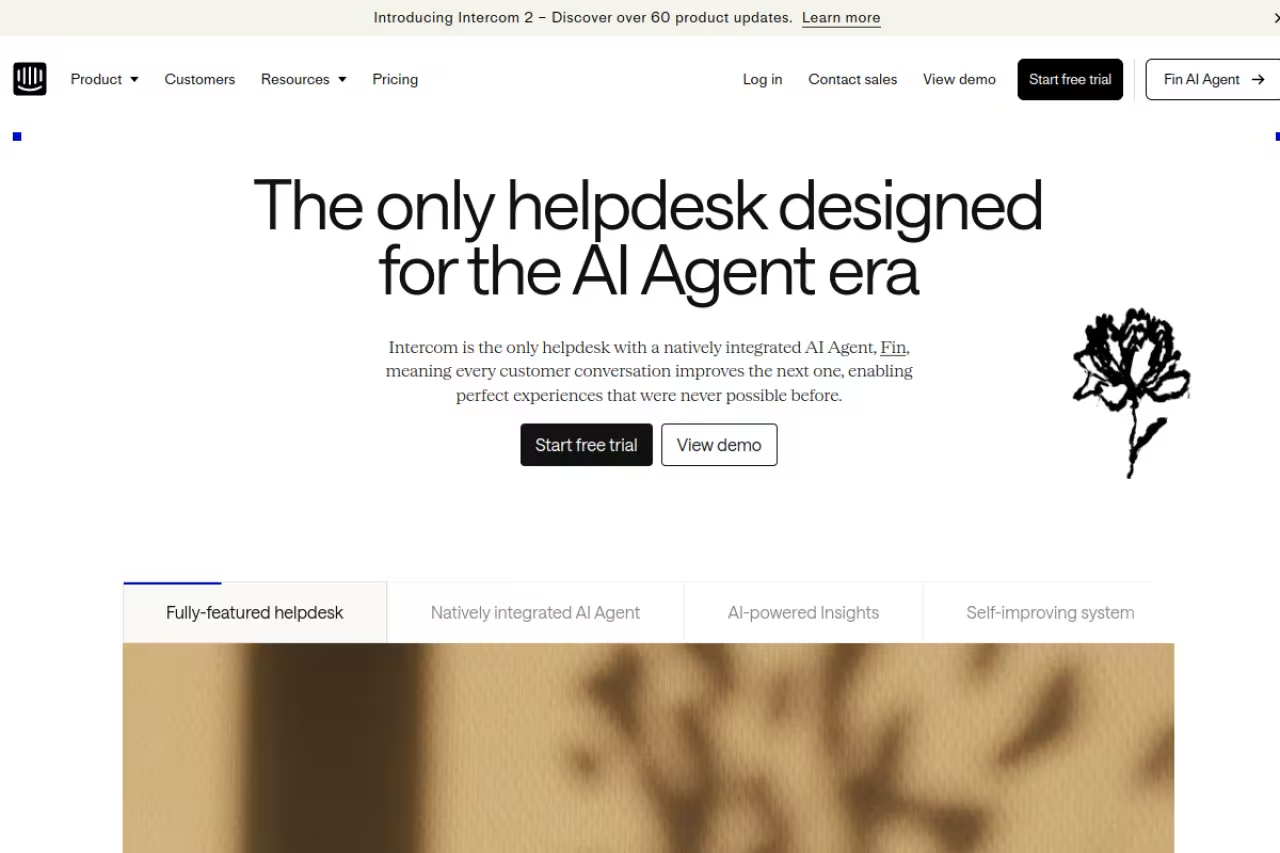
Intercom calls itself "the only helpdesk designed for the AI agent era," and after using it, that framing holds up. The self-service piece here is Fin, an AI agent that reads your help center, past conversations, and connected docs, then answers customers directly inside the Messenger.
Who it's best for: Product and SaaS teams with real ticket volume who want AI to close tickets, not just summarize them.
Pick Intercom for product and SaaS teams with real ticket volume who want Fin to actually resolve tickets. Forecast against the 42% to 50% resolution rates, since cost scales linearly at $0.99 per resolution and a 200-ticket startup won't need it.
Fin runs on outcome-based pricing at $0.99 per resolution across all plans, with a 50-resolution monthly minimum. You still pay for human seats on top. Intercom's own case studies put real resolution rates between 42% and 50%, which is the number to forecast against, not the rosy 70%+ marketing figures.
The standout: Fin actually resolves. It's built to handle multi-turn questions, ask clarifying follow-ups, and trigger workflows (like a refund handoff) instead of dumping the customer to a human the moment things get slightly complex. That behavior is rare.
The catch: Cost scales linearly with usage. There are no volume discounts and no cap. If you deflect 5,000 tickets a month, that's roughly $4,950 just for Fin, before seats. For high-volume teams the math can work beautifully; for a 200-ticket-a-month startup it's overkill. It's also one of the pricier full platforms once you add seats.

Zendesk

Zendesk is the default enterprise answer, and for good reason. Its help center is mature, its content tools are deep, and the AI knowledge builder can turn recent support conversations into article drafts automatically, which is a genuinely useful way to keep docs fresh.
Who it's best for: Mid-market and enterprise teams that need a full support suite, not just a knowledge base, and have the budget to run it properly.
The default enterprise answer for mid-market and enterprise teams that need a full support suite, with the most flexible help center on this list. You pay for the maturity: AI add-ons quietly double the bill, and it's heavy to configure.
Suite Team starts at $55/agent/month, Growth at $89, and Professional at $115 (annual billing). The Advanced AI add-on is roughly $50/agent/month on top. Those add-ons are where the bill quietly doubles.
The standout: The ecosystem. Whatever you need to integrate (CRM, telephony, e-commerce), there's a Zendesk app for it. The help center theming and multi-brand support are the most flexible on this list.
The catch: You pay for the maturity. Between per-agent seats and AI add-ons, a 10-agent team easily clears $1,500/month before the AI does much. It's also genuinely heavy to configure. Small teams routinely use 20% of what they pay for. If you just need a knowledge base, this is the wrong tool.

Help Scout
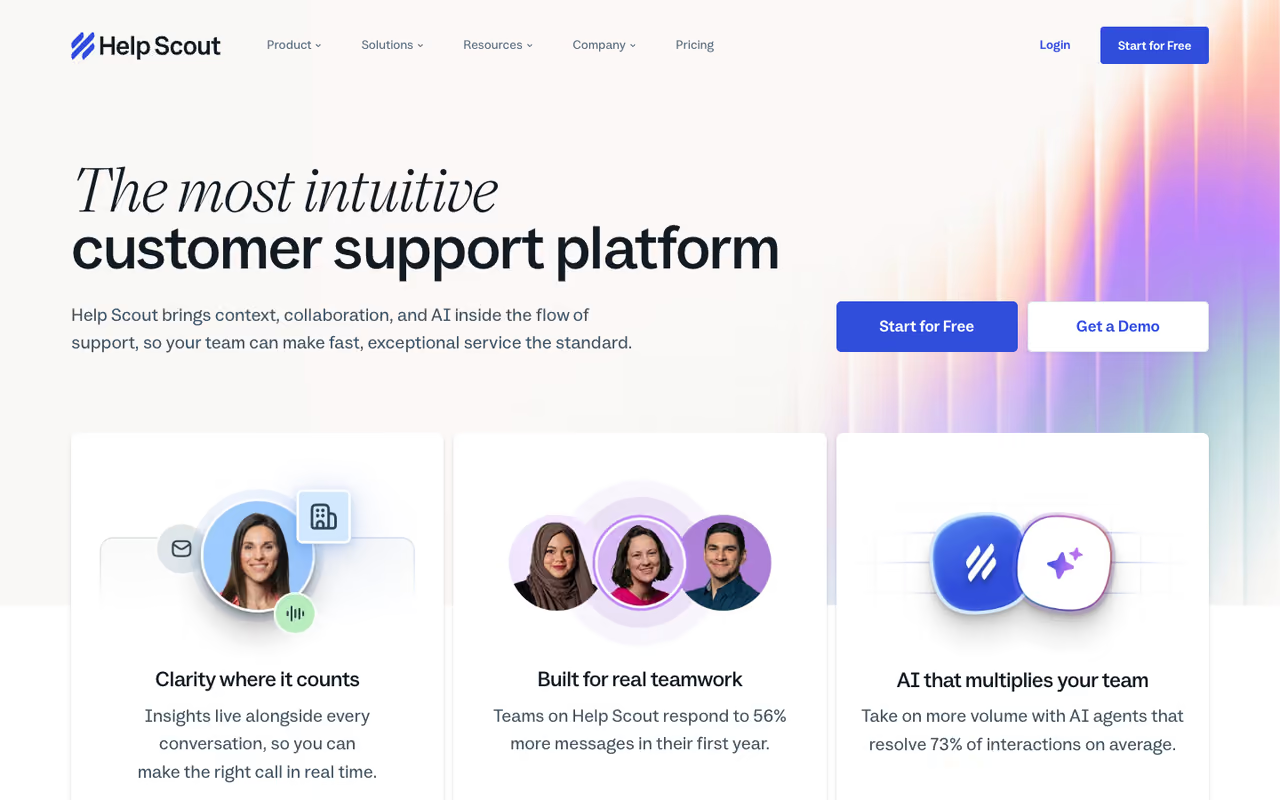
Help Scout is what I recommend to teams who find Zendesk exhausting. Its knowledge base, called Docs, has a no-code site builder, AI writing and translation tools, and a clean reading experience that customers don't fight with.
Who it's best for: Small-to-mid support teams who want something that works on day one without a configuration project.
What I'd suggest for small-to-mid support teams that find Zendesk exhausting and want something that works on day one. Sane defaults and per-resolution AI pricing are the appeal, but it's not built for heavy automation.
Standard is $25/user/month, Plus is $45, and Pro is $75 (annual). There's a limited free plan capped at 5 users and 1 Docs site. AI Answers, the self-service AI, costs $0.75 per AI-resolved conversation on top of seats.
The standout: Sane defaults. The Docs builder produces a clean, branded help center in an afternoon, and the per-resolution AI pricing means you only pay when the AI actually deflects something. That's a fairer model than a flat AI tax.
The catch: It's not built for heavy automation. If you want complex routing, deep workflow logic, or telephony, you'll outgrow it. Extra Docs sites also cost $20/month each, which adds up if you run multiple products.
If you're early-stage and trying to pick the right stack before you scale, our roundup of the best AI customer support tools pairs well with this one. And if you want to vet any tool below against community signal, the Dupple top tools directory is a fast sanity check.
Zoho Desk
Zoho Desk is the value pick. It includes a branded help center with a knowledge base and community forums even on lower tiers, so customers can find answers without opening a ticket, and the price is hard to argue with.
Who it's best for: Budget-conscious SMBs, especially anyone already living in the Zoho ecosystem.
The value pick for budget-conscious SMBs, especially anyone already in the Zoho ecosystem. A real self-service portal for a fraction of Zendesk's price, though the interface feels dated and the AI is noticeably behind.
Standard is $14/agent/month, Professional $23, and Enterprise $40 (annual). There's a free plan for up to 3 agents that still includes a Help Center, which is unusually generous.
The standout: You get a real self-service portal for a fraction of what Zendesk charges. The community forum feature, in particular, lets power users answer each other, which quietly removes a whole category of tickets.
The catch: The interface feels dated, and the AI (Zia) is noticeably behind Fin and Freddy in answer quality. The deeper features get gated into Enterprise, and the whole thing is most rewarding if you're already using other Zoho products. Standalone, it can feel disjointed.

Document360
Document360 isn't a full helpdesk. It's a dedicated knowledge base platform, and it's the best pure authoring experience on this list. If your self-service strategy is fundamentally "write excellent docs," this is the tool built for exactly that.
Who it's best for: Companies whose self-service hinges on documentation quality: SaaS products, APIs, developer docs, and detailed how-to libraries.
A dedicated knowledge base platform and the best pure authoring experience here, for SaaS, API and developer-docs teams. It's not a helpdesk, so you still need ticketing, and quote-only pricing grows with workspaces and languages.
Document360 has no free plan and publishes no list price. Its pricing page offers a 14-day trial, then a custom quote that moves with team accounts, workspaces, languages, SSO, public or private access, and AI Premium Suite usage, as of September 2026. Workspaces and languages are both pricing inputs, so adding a second product or locale reopens the quote.
The standout: The editor, versioning, and analytics. You get category-level workflows, article version history, and reporting on which docs actually deflect tickets versus which ones get ignored. For a docs-heavy team, that feedback loop is worth a lot.
The catch: The per-project model gets expensive the moment you have multiple products or want a separate internal wiki. And because it's a KB and not a helpdesk, you still need a ticketing tool alongside it. Pricing being quote-only also makes budgeting annoying.

Stonly
Stonly takes a different angle on self-service: instead of static articles, it builds interactive step-by-step guides and decision trees that adapt to what the customer says. For troubleshooting flows, this works far better than a wall of text.
Who it's best for: Products with complicated how-to or troubleshooting paths where "it depends" is the honest answer to most questions.
Choose Stonly if your product has complicated how-to or troubleshooting paths where the honest answer is it depends. Interactive guides convert better than articles, but building good ones takes real effort and it sits beside your helpdesk.
Plans start at $249/month for up to 30 users with no AI, $449/month for up to 100 users with the AI suite, and $799/month for unlimited users. It's not seat-priced like a helpdesk, which can be cheaper or pricier depending on team size.
The standout: Interactive guides genuinely convert better than articles. When a customer can answer "which device are you on?" and get a tailored next step, they finish the flow instead of bouncing to your inbox. Stonly also embeds these guides directly into your app or website.
The catch: Building good interactive guides takes real effort. This isn't import-your-FAQ-and-go. It's also a knowledge and guidance layer, not a ticketing system, so it sits alongside your helpdesk rather than replacing it. For simple products, the interactivity is more than you need.

Freshdesk
Freshdesk is the fast-deployment SMB pick. It pairs a clean federated knowledge base with Freddy AI, and you can be live in days, not weeks. It's the pragmatic middle ground between Zoho's thriftiness and Zendesk's heft.
Who it's best for: Small-to-mid teams that want a real helpdesk plus a knowledge base without a long onboarding.
Freshdesk is the fast-deployment SMB pick for small-to-mid teams that want a real helpdesk plus a knowledge base live in days. Freddy AI is decent but not best-in-class, and per-session billing makes costs harder to predict.
Growth is $19/agent/month, Pro $55, and Enterprise $89 (annual). The knowledge base is included from the Free and Growth tiers up. Freddy AI Agent sessions run about $0.49 each beyond the free allotment, and Freddy Copilot starts around $29/agent/month.
The standout: Speed and a generous base. You get a functioning help center on inexpensive plans, and the setup is genuinely quick. For a team that needs self-service running this quarter, that matters.
The catch: Freddy AI's quality is decent but not best-in-class, and the consumption-based AI pricing means costs can creep as deflection grows. The per-session billing is harder to predict than a flat seat fee.
eesel AI
eesel AI solves a specific problem: you already run Zendesk or Freshdesk and you don't want to migrate, but you want a much better AI agent than what's built in. eesel drops on top of your existing helpdesk and knowledge sources and answers customers from there.
Who it's best for: Teams happy with their current helpdesk but unhappy with its native AI deflection.
A good fit for teams happy with their current Zendesk or Freshdesk setup but unhappy with its native AI. No migration is the win, though the good stuff is gated behind the $639/month tier and needs clean source content.
Plans start at $239/month, but the automation features most people actually want sit on the Business plan at $639/month annual ($799 monthly). eesel claims an 81% average resolution rate, though real-world numbers land closer to 40% to 70%+ depending on how clean your docs are.
The standout: No migration. You keep your existing tools and workflows and bolt a stronger AI layer on top. For a team with years of Zendesk history, that's a huge deal.
The catch: The good stuff is gated behind the $639/month tier, and getting strong results takes prompt-tuning and clean source content. It's a layer, not a platform, so it lives or dies on the quality of the docs you feed it.
How to choose
Don't start with the tool. Start with what your tickets actually look like.
If most of your tickets are repetitive FAQs at high volume, an AI agent that resolves autonomously pays for itself. Intercom Fin or eesel (if you're staying on your current helpdesk) are the picks. Run the math: resolution rate times monthly tickets times the per-resolution price, versus the loaded cost of an agent.
If you need a full support suite, not just self-service, it's Zendesk for enterprise or Freshdesk for SMB. Both give you ticketing, routing, and a knowledge base in one place.
If documentation quality is your whole strategy, Document360 for pure docs or Stonly for interactive troubleshooting. Pair either with a lightweight helpdesk like Help Scout.
If you're small and price-sensitive, Zoho Desk or Help Scout. Both get you a clean, branded self-service portal without an enterprise contract.
One rule I'd hold to: pick the tool that matches your ticket mix today, not the one with the longest feature list. You can always graduate later. Over-buying upfront just means paying for capability you won't configure for a year. If you want help mapping AI across your wider stack, a tool like Dupple X is built to keep you current on what's actually working.
Frequently asked questions
What is customer self-service software?
Customer self-service software lets your customers find answers and resolve issues on their own, without contacting a human agent. In practice that means a searchable knowledge base or help center, interactive guides, community forums, and increasingly an AI agent that answers questions in natural language using your documentation. The goal is ticket deflection: fewer questions reaching your inbox because customers solve them themselves.
How much does customer self-service software cost in 2026?
It ranges widely. Budget helpdesks with built-in knowledge bases like Zoho Desk start around $14/agent/month, mid-tier options like Help Scout run $25 to $75/user/month, and enterprise suites like Zendesk start at $55/agent/month and climb fast with AI add-ons. AI agents often price per resolution: Intercom Fin charges $0.99 per resolved ticket, Help Scout AI Answers $0.75 per AI-resolved conversation. Dedicated knowledge base tools like Document360 are quote-only, with no public list price and a 14-day trial.
Does AI actually deflect support tickets, or is it hype?
It genuinely works, but the rates are lower than vendors imply. Intercom's own case studies show Fin resolving 42% to 50% of conversations, and most AI deflection tools land somewhere between 40% and 70% depending on how clean and complete your documentation is. The biggest factor isn't the AI model, it's your content. Garbage docs produce garbage answers. Tools like the best AI knowledge management platforms help keep that source content accurate.
Do I need a separate knowledge base tool, or is a helpdesk enough?
For most teams, the knowledge base built into a helpdesk like Zendesk, Freshdesk, or Zoho Desk is enough. You only need a dedicated tool like Document360 or Stonly when documentation is central to your product (developer docs, complex troubleshooting, multiple products) and the helpdesk's built-in editor feels limiting. Many teams pair a dedicated KB with a lightweight helpdesk and get the best of both.
What's the difference between a knowledge base and an AI chatbot?
A knowledge base is a library of articles customers search and read themselves. An AI chatbot (or AI agent) reads that same content and answers questions conversationally, often resolving the issue in one exchange. The best self-service setups use both: a strong knowledge base as the source of truth, and an AI agent on top of it to surface answers instantly. If you're evaluating the conversational layer specifically, our guide to the best AI chatbots for business goes deeper.
Which customer self-service software is best for a small team?
For a small team, I'd start with Help Scout or Zoho Desk. Help Scout gives you a clean Docs knowledge base and pay-per-resolution AI without a heavy setup, while Zoho Desk includes a real help center on plans starting at $14/agent/month and even offers a free tier for up to three agents. Both get you a branded self-service portal live in a day, without an enterprise contract or a configuration project.
Ready to keep your stack ahead of the curve? Start a Dupple X yearly trial and get the AI tools and tactics that actually move support metrics, delivered without the fluff.
Related guides
Some offers on this page may be paid placements or contain affiliate links.
Across our whole catalogue the median is $24 a month and 33% of tools advertise a free tier. Figures are the lowest recurring monthly price quoted in our own review of each tool, read on 2026-08-19. Full method and every category.
