
Best Customer Database Software in 2026 (Compared, With Real Pricing)

Key facts8 tools compared: Attio, HubSpot, Airtable, Salesforce, Zoho CRM, Pipedrive, Folk, Salesflare
- 8 tools compared: Attio, HubSpot, Airtable, Salesforce, Zoho CRM, Pipedrive, Folk, Salesflare
- Attio (best for: Modern teams who think in data): Free; paid from $29/user/mo
- HubSpot (best for: Teams wanting a free start): Free; Sales Hub from $15/seat/mo
- Airtable (best for: Building a custom schema): Free; paid from $20/seat/mo
- Salesforce (best for: Enterprise with deep needs): From $25/user/mo
A customer database is the one system you can't afford to get wrong. Pick badly and your customer records end up scattered across a spreadsheet, a billing tool, and three people's inboxes, and nobody knows which version is true. Pick well and every team works off the same clean record: who the customer is, what they bought, when you last talked, and what to do next.
The confusing part is that "customer database software" covers two very different things. Some of these tools are CRMs that happen to store contacts. Others are flexible data platforms that let you model customers however your business actually works. What you need depends on one thing: are you running a sales motion, or just trying to keep one trustworthy list of who you do business with?
I've compared most of the tools below on features, pricing, and public reviews. The short version: Attio is the best modern pick if you want a real, queryable database with AI baked into the data model. HubSpot is the safest default thanks to its free tier. And Airtable wins when you want to design the database structure yourself instead of accepting someone else's schema. The rest comes down to budget and how much sales machinery you need bolted on top.
Quick comparison
| Tool | Best for | Price | Standout |
|---|---|---|---|
| Attio | Modern teams who think in data | Free; paid from $29/user/mo | AI-native data model, real-time sync |
| HubSpot | Teams wanting a free start | Free; Sales Hub from $15/seat/mo | Genuinely usable free CRM |
| Airtable | Building a custom schema | Free; paid from $20/seat/mo | Spreadsheet-database hybrid |
| Salesforce | Enterprise with deep needs | From $25/user/mo | Endless customization |
| Zoho CRM | Value-focused SMBs | Free (3 users); paid from $14/user/mo | Most features per dollar |
| Pipedrive | Sales-led small teams | From $14/user/mo | Dead-simple pipeline |
| Folk | Relationship-driven founders | From $24/user/mo | Contact enrichment, light feel |
| Salesflare | B2B teams who hate data entry | From $29/user/mo | Automatic record building |
Attio: the database-first CRM
Attio is what happens when someone rebuilds the customer database around how modern teams actually work. Instead of forcing you into "Contacts" and "Companies," it gives you objects you can shape: deals, partners, investors, properties, whatever your business tracks. Every record is queryable like a real database, and the whole thing stays in sync with your email and calendar automatically.
The database-first CRM for product-led and data-literate teams that want structure and AI built into the data model. Plus at $29 is fair value, but there's a real setup phase and casual users can find the flexibility feels like homework.
According to Attio, over 80,000 startups use it, and the customer list skews toward companies like Modal and Union Square Ventures: people who want structure, not a glorified address book. The AI is the part that stands out, because it's built into the data model rather than stapled on. You can ask it to research records, enrich data, and run workflows that read your actual customer context.
Pricing is fair for what you get. There's a free plan for up to 3 users, then Plus at $29 per user per month billed annually, and Pro at $69. The free tier includes 250 automation credits a month, and Plus raises your record cap to 250,000.
The catch: Attio rewards teams that think in terms of data structure. If you just want to dump contacts and send emails, the flexibility can feel like homework. There's a real setup phase where you decide how to model your world, and casual users sometimes bounce off it.

HubSpot: the safest free start
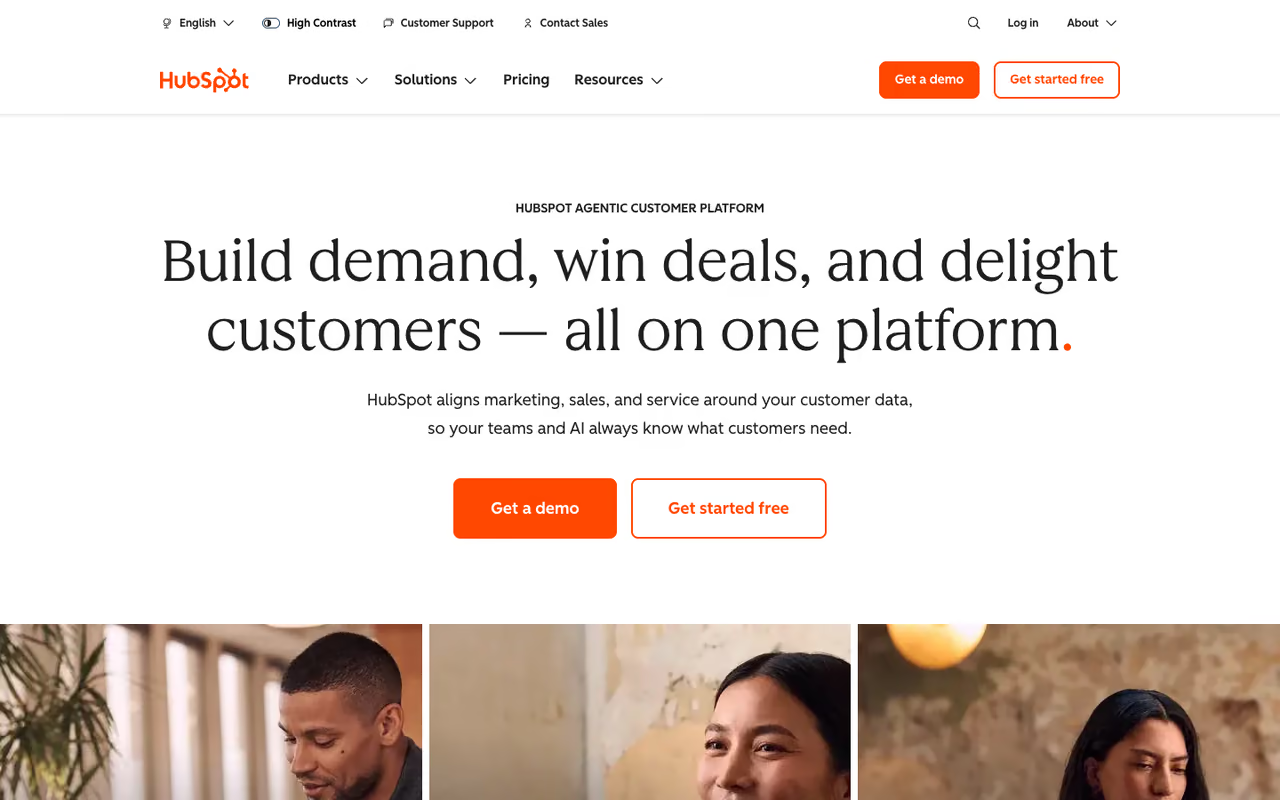
HubSpot is the default for a reason. The free CRM is genuinely useful, not a crippled demo, and it connects to marketing, email, and support tools as you grow. For a lot of small teams, the free tier is the entire answer to "where do we keep customer data."
The safest free start, and a tool you can grow into hub by hub. Read the fine print: new accounts are capped at 1,000 contacts, and the price cliff from Starter to Professional is brutal.
You start free, and if you need sequences, automation, or reporting later, you upgrade the relevant hub. Contact management, deal pipelines, and a reporting dashboard all come standard at zero cost.
Here's where you need to read the fine print. HubSpot quietly changed its free plan, and new accounts created after September 2024 are capped at 1,000 contacts, down from the 1,000,000 that older articles still quote. Paid Sales Hub starts at $15 per seat per month on the Starter plan (annual), jumps to $100 for Professional, and $150 for Enterprise.
The catch: the price cliff between Starter and Professional is brutal. Sequences and serious automation live on Professional, which also carries a mandatory onboarding fee that runs into four figures. HubSpot is cheap to start and expensive to actually use at scale, so model your two-year cost before you commit.

Airtable: build the database yourself
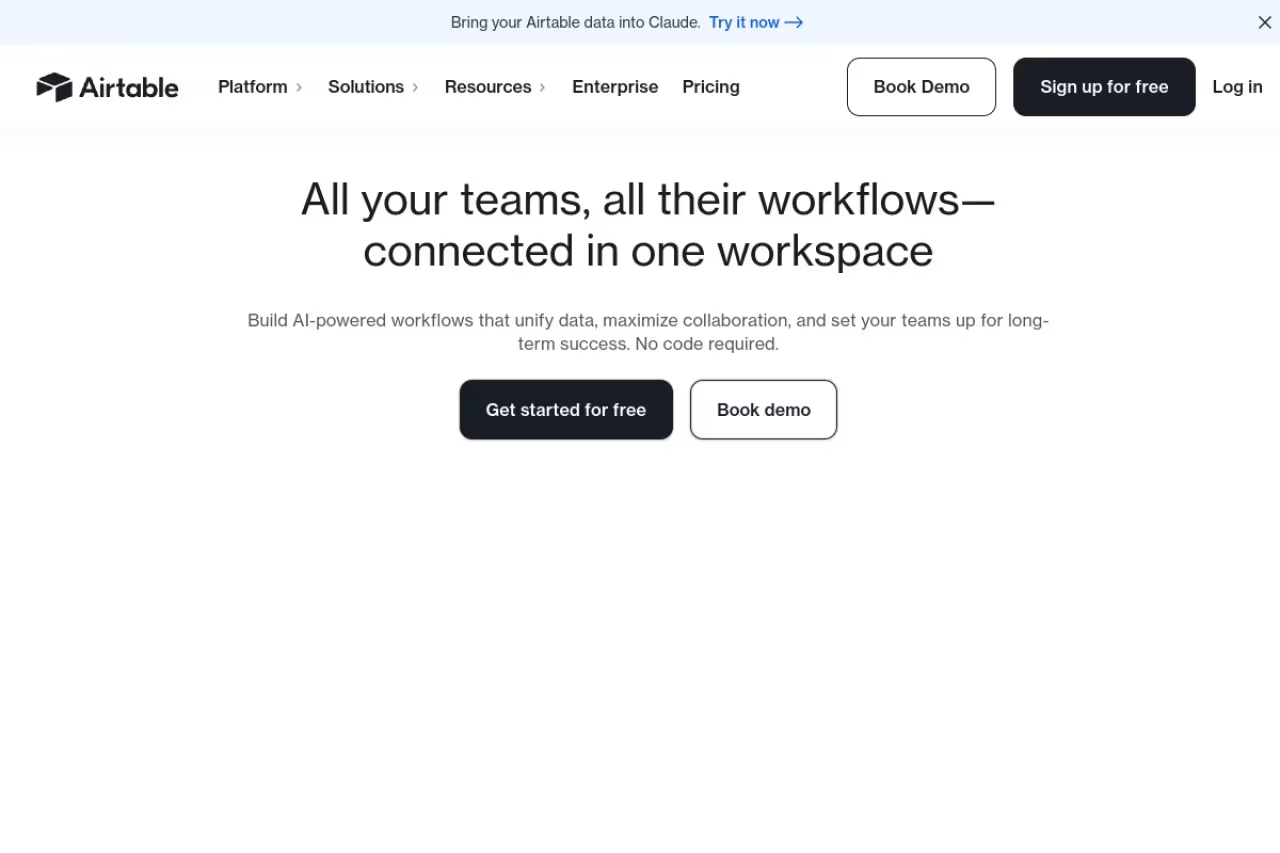
Airtable sits between a spreadsheet and a database, and that's exactly why it works as a customer database when off-the-shelf CRMs don't fit. You design the tables, fields, and relationships, then build views, forms, and automations on top. If your customer data has an unusual shape, Airtable bends to it instead of the other way around.
Airtable suits ops teams, agencies and marketplaces whose customer records need custom fields a normal CRM won't allow. It's a flexible database, not a CRM, so you build the pipeline workflow yourself.
The standout is raw flexibility plus a friendly interface that non-technical people actually use.
Pricing runs Free, then Team at $20 per seat per month (annual), and Business at $45. The free plan caps you at 1,000 records per base and 5 editors, while Team raises that to 50,000 records. Note that pricing is per editor: read-only viewers are free, which keeps costs down if most people just need to look at the data.
The catch: Airtable is a database, not a CRM. There's no native sales pipeline intelligence, no email tracking, no built-in sequences. You're getting a blank, powerful canvas, and you have to build the customer workflow yourself. For a sales team that wants pipeline features out of the box, it's the wrong tool.
If keeping customer data clean is the bottleneck slowing your growth, Dupple X helps founders and operators find the right systems and ship faster without the trial-and-error.

Salesforce: the enterprise standard
Salesforce runs a huge share of the enterprise world. If your needs are genuinely complex (multiple business units, deep integrations, custom objects, regulated data), almost nothing else matches what it can be configured to do. The standout is depth: anything you can imagine tracking about a customer, Salesforce can probably model, and the AppExchange ecosystem fills the gaps.
The enterprise standard for larger organizations with an admin or partner to run it, with unmatched depth. It's overkill for small teams, and the real cost is the admin and months-long implementation, not the license.
Pricing starts at $25 per user per month for the Starter Suite, then $100 for Pro Suite, $175 for Enterprise, and $350 for Unlimited. The newer Agentforce 1 Sales tier sits at $550 per user per month for teams leaning hard into AI agents.
The catch: it's overkill for small teams, and the real cost is rarely the license. You usually need a dedicated admin or a consulting partner, and implementations stretch over months. A four-person startup running Salesforce is almost always a mistake. For that crowd, check our guide to the best CRM for small business instead.
Zoho CRM: the most value per dollar
Zoho CRM packs an absurd amount of functionality into a low price. If you want serious features without HubSpot's upgrade cliff or Salesforce's complexity, Zoho is the value play, and it plugs into Zoho's wider suite of 50-plus business apps.
Zoho CRM is the value pick for cost-conscious SMBs that want room to grow, with automation, AI and deep customization at low prices. The interface feels dated, and the breadth can be overwhelming.
There's a free edition for up to 3 users, then Standard at $14 per user per month (annual), Professional at $23, Enterprise at $40, and Ultimate at $52. The standout is sheer feature density: workflow automation, an AI assistant, and deep customization show up at price points where competitors give you a stripped-down version.
The catch: the interface feels dated next to Attio or Folk, and the breadth can be overwhelming. You sometimes pay in time, hunting through menus for a setting that should be obvious. It rewards patience, not impulse.

Pipedrive: the simple pipeline
Pipedrive is built around one job: moving deals through a pipeline without friction. As a customer database it's lighter than the others here, but for a small sales team that wants clarity over capability, that focus is the feature.
A lightweight choice for sales-led small teams that live in the pipeline view and want a working database in an afternoon. It's a deal tracker first, so you'll feel the ceiling if you need a full customer record.
Pricing starts at $14 per user per month for Essential (annual), then $29 for Advanced, $59 for Professional, and up to $99 for Enterprise. The standout is how fast a rep gets productive: the visual pipeline is genuinely intuitive, and you can have a working sales database running in an afternoon.
The catch: Pipedrive is a sales tool first and a customer database second. Marketing features, reporting depth, and customization lag behind the broader platforms, and you'll likely bolt on add-ons (which cost extra) as you grow. If your goal is a full customer record rather than a deal tracker, you'll feel the ceiling.

Folk: the relationship database
Folk is the customer database for people whose business runs on relationships rather than a formal sales pipeline. Think founders doing fundraising and BD, agencies managing client rosters, anyone who needs a clean, enriched contact list that doesn't feel like enterprise software.
Folk is the elegant pick for relationship-driven teams that want speed and a light touch, with enrichment that fills in details itself. It trades depth for polish and isn't a system of record for a 50-person revenue org.
The standout is contact enrichment and a genuinely pleasant interface: you add a person and Folk fills in the details, syncs your email, and keeps the record current with minimal effort.
Pricing starts at $24 per user per month (annual) for Standard, $48 for Premium, and custom plans from $80. There's no permanent free plan, only a trial.
The catch: Folk trades depth for elegance. It's not built for high-volume transactional sales or complex reporting, and teams that need heavy automation will outgrow it. It's a relationship manager that's lovely to use, not a system of record for a 50-person revenue org.

Salesflare: the database that builds itself
Salesflare solves the problem every CRM secretly has: nobody keeps it updated. It pulls contact details, email, calendar, and even social data automatically, so your customer database fills in without manual entry. For B2B teams that hate admin work, that's the whole pitch.
Salesflare is the pick for small and mid-sized B2B teams that hate admin, since it builds records from your email and calendar automatically. If your relationships don't run through email, you lose the main reason to choose it.
The standout is automatic record building. Salesflare watches your communication and constructs the customer history for you, which means the data is actually current instead of three weeks stale.
Pricing is Growth at $29 per user per month (annual), Pro at $49, and Enterprise at $99 with a five-user minimum. Every plan includes a 30-day trial with no setup fees.
The catch: that automation magic depends on B2B email patterns. If your customer relationships don't run primarily through email and calendar (high-volume B2C, in-person retail), the auto-capture has less to work with, and you lose the main reason to choose it.
How to choose
Start with one question: do you need a sales pipeline, or do you need a clean record of who your customers are? Those pull in different directions.
If you want a database you can shape exactly to your business, go Airtable (custom schema) or Attio (structured but CRM-aware). If you want a working CRM today with zero budget, start on HubSpot or Zoho free and upgrade only when a wall appears. If you're a small sales team that lives in deals, Pipedrive or Salesflare gets you there fastest. If your business is relationship-led, Folk is the nicest tool to actually open every day. And if you're a real enterprise with an admin to run it, Salesforce earns its complexity.
Two cheap insurance policies: pick something that exports your data easily (you will migrate eventually), and model your two-year cost, not your month-one cost. The upgrade cliffs are where budgets quietly break. For more on the sales side, our best AI sales tools and best AI lead generation tools guides pair well with whatever database you land on.
FAQ
What is the best customer database software in 2026?
For most modern teams, Attio is the strongest pick because it's a true queryable database with AI built into the data model, starting free and scaling to $29 per user per month. If you want a free, ready-to-use CRM, HubSpot is the safest default, and Airtable wins when you need to design the database structure yourself.
What is the difference between a CRM and a customer database?
A customer database is the underlying record of who your customers are and their data. A CRM is software built on top of that database to manage sales and relationships, with pipelines, automation, and reporting. Every CRM contains a customer database, but a customer database (like an Airtable base) isn't always a full CRM.
Is there free customer database software?
Yes. HubSpot offers a free CRM with up to 1,000 contacts for new accounts, Zoho CRM is free for up to 3 users, Attio has a free plan for up to 3 users, and Airtable's free plan stores up to 1,000 records per base. These are real free tiers, not trials, though each has limits you'll hit as you scale.
How much does customer database software cost?
Entry pricing typically runs $14 to $30 per user per month for tools like Zoho, Pipedrive, Attio, and Airtable. Mid-tier plans land around $40 to $70 per user per month, and enterprise platforms like Salesforce reach $175 to $550 per user per month. Watch for onboarding fees and add-ons, which can quietly double the sticker price.
Can I use a spreadsheet as a customer database?
For a handful of contacts, sure. But spreadsheets break down fast: no relationship history, no automation, no permissions, and version chaos the moment two people edit at once. Airtable is the natural step up if you like the spreadsheet feel but need real database structure. See our best AI for spreadsheets guide if you want to push a spreadsheet further first.
Which customer database is best for a startup?
Startups usually want something cheap, flexible, and fast to set up. Attio and Folk are popular with founders for that reason, and HubSpot's free tier plus startup discount makes it a safe default. We break this down in detail in our best CRM for startups guide.
Related guides
Some offers on this page may be paid placements or contain affiliate links.
Across our whole catalogue the median is $24 a month and 33% of tools advertise a free tier. Figures are the lowest recurring monthly price quoted in our own review of each tool, read on 2026-08-19. Full method and every category.
