
Best Customer Tracking Software in 2026: 8 Tools Compared

Key facts8 tools compared: HubSpot, Pipedrive, Zoho CRM, Salesforce, Freshsales, Capsule, Mixpanel…
- 8 tools compared: HubSpot, Pipedrive, Zoho CRM, Salesforce, Freshsales, Capsule, Mixpanel, Help Scout
- HubSpot (best for: All-round CRM tracking): Free, then $15/seat/mo
- Pipedrive (best for: Sales pipeline tracking): $14/seat/mo
- Zoho CRM (best for: Budget-conscious teams): Free (3 users), $14/user/mo
- Salesforce (best for: Growing into enterprise): $25/user/mo
"Customer tracking software" means two very different things depending on who you ask. A sales team wants to track deals, calls, and follow-ups. A product team wants to track what users actually do inside the app. Most listicles smush both into one ranking and end up recommending tools that don't compete with each other at all.
I split them on purpose. I compared eight different tools, reading their docs and pricing pages and checking public user reviews, to see which ones earn the "tracking" label and which ones just store names in a spreadsheet with a nicer UI.
If you want the short answer: for most teams tracking customers as relationships and deals, HubSpot is the one to start with. It's free for two users, the timeline view actually shows you every email and page visit, and you won't outgrow it for a while. If you're tracking customer behavior inside a product instead of inside a pipeline, jump to Mixpanel. This guide covers both jobs, so read the "How to choose" section before you commit.
Quick comparison
| Tool | Best for | Price (entry) | Standout |
|---|---|---|---|
| HubSpot | All-round CRM tracking | Free, then $15/seat/mo | Free tier that doesn't feel crippled |
| Pipedrive | Sales pipeline tracking | $14/seat/mo | Visual pipeline you can read in 3 seconds |
| Zoho CRM | Budget-conscious teams | Free (3 users), $14/user/mo | Most features per dollar |
| Salesforce | Growing into enterprise | $25/user/mo | Room to scale forever |
| Freshsales | AI-assisted sales tracking | Free (3 users), $9/user/mo | Cheapest paid entry with AI scoring |
| Capsule | Simple contact tracking | Free (250 contacts), $18/user/mo | Clean and genuinely easy |
| Mixpanel | Product behavior tracking | Free (1M events), then usage | Funnel and retention analysis |
| Help Scout | Support conversation history | Free (5 users), $25/user/mo | Customer history at a glance |
HubSpot: the default for relationship tracking
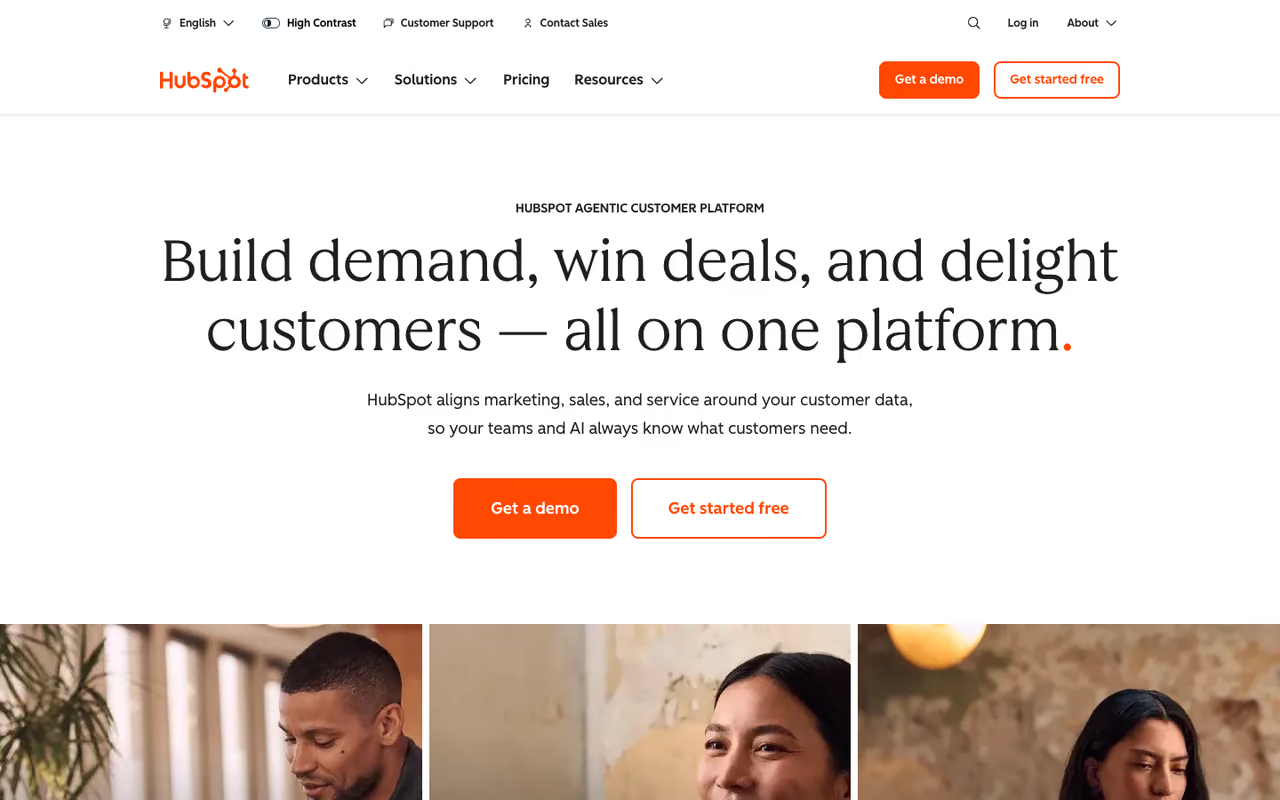
HubSpot is a full CRM that tracks every interaction a contact has with your business: emails opened, links clicked, pages visited, forms filled, calls logged. The contact timeline is the feature that sold me. You open one record and see the whole relationship in chronological order without clicking into five tabs.
The default for small and mid-size teams that want one place for contacts, deals and activity without paying upfront. The free tier is genuinely usable, but the price cliff from Starter to Professional is steep.
The free CRM covers unlimited contacts and tracking, capped at 2 users. Paid plans start at the Starter tier, $15 per seat per month on an annual commitment (HubSpot has been running a promo as low as $9 per seat for new customers, per its pricing page). Professional jumps significantly, into four-figure monthly territory.
The standout: the free tier is genuinely usable. You get email tracking, deal pipelines, a meeting scheduler, and live chat without a credit card. Most "free" CRMs lock the tracking behind a paywall.
The catch: the price cliff between Starter and Professional is steep. The moment you want serious automation or custom reporting, you're looking at a jump to roughly $890 to $1,300 a month. Plan your growth before you get attached.

Pipedrive: the cleanest sales pipeline
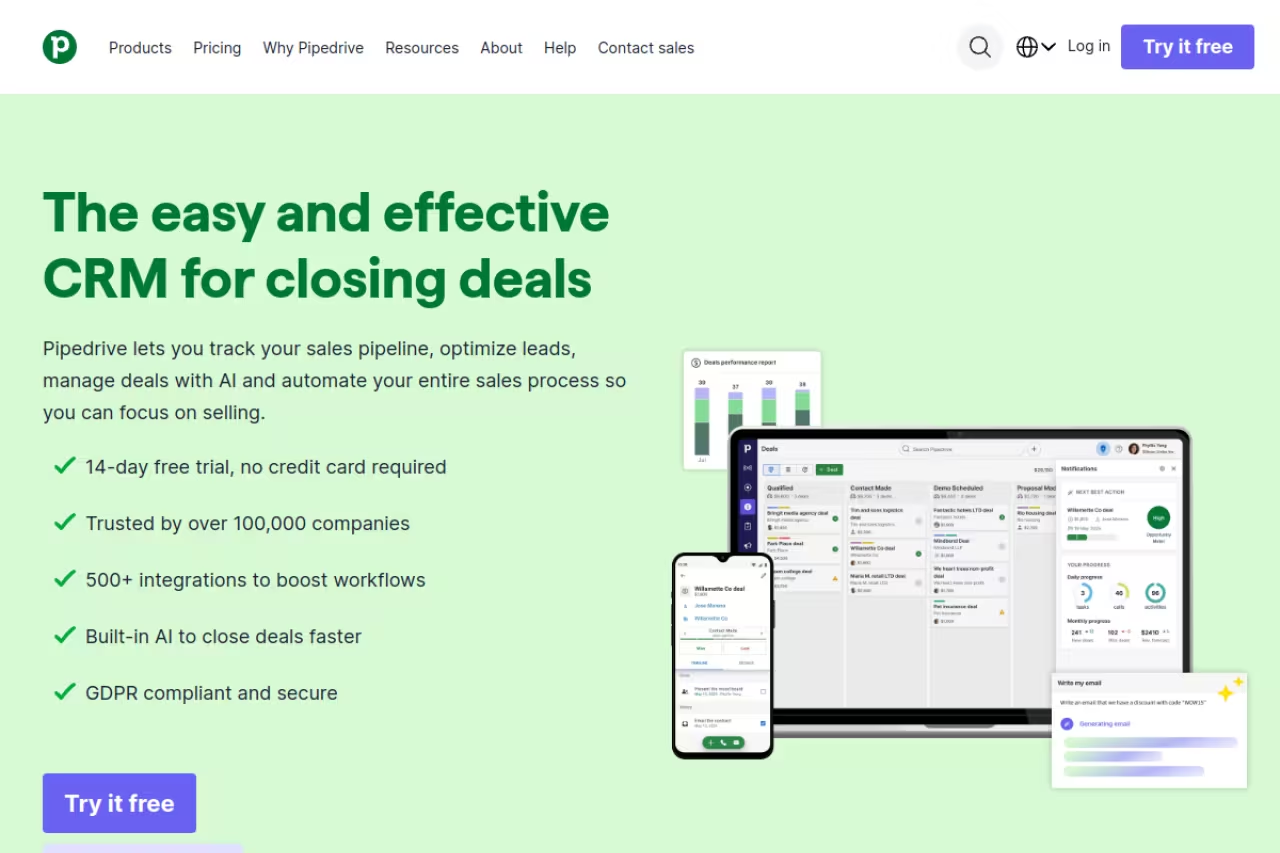
Pipedrive was built by salespeople who got tired of fighting their CRM, and it shows. The whole product is organized around a visual pipeline where you drag deals between stages. If your "customer tracking" really means "where is every deal right now," this is the most readable tool on the list.
Pipedrive suits sales-led teams that live in their pipeline and want activity reminders so nothing slips. It stops at the deal, so post-sale tracking needs other software, and the cheapest Lite plan strips out automation.
Pipedrive renamed its plans in late 2025. The current lineup is Lite ($14/seat/mo), Growth ($39), Premium ($59), and Ultimate ($79), all billed annually. There's no free plan, only a 14-day trial.
The standout: activity-based selling. Pipedrive nags you to schedule the next step on every deal, so contacts don't go cold. The reporting on win rates and pipeline velocity is clearer than most tools twice the price.
Where it falls short: it's a sales tool, not a customer-success or support tool. If you need to track customers after the deal closes (tickets, onboarding, renewals), you'll be bolting on other software. The cheapest Lite plan also strips out automation, which most teams will miss fast.
Zoho CRM: the most features per dollar
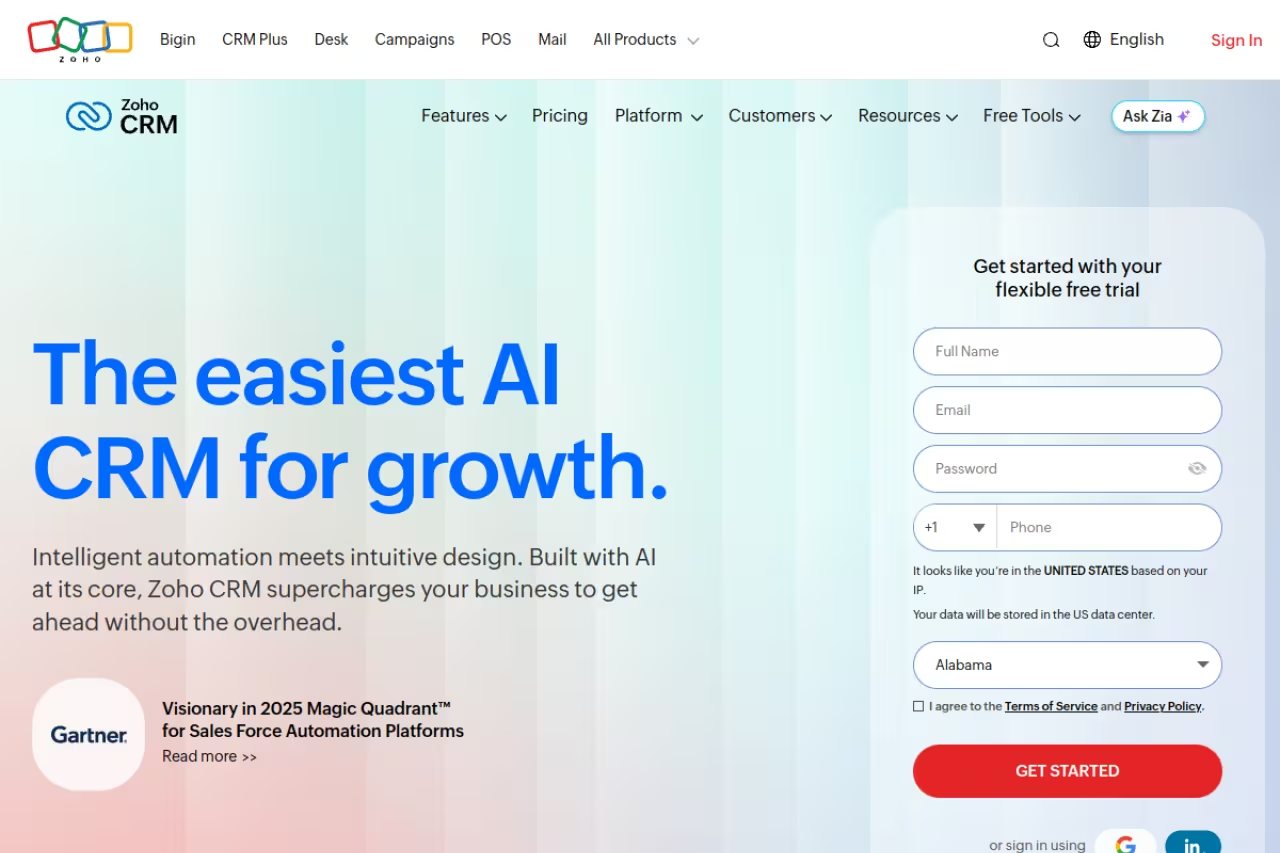
Zoho CRM is what I recommend when budget is the deciding factor and you still want real capability. It tracks leads, deals, and customer activity across email, phone, social, and live chat, and it plugs into the wider Zoho suite if you already use their other apps.
Zoho CRM is for cost-conscious teams that want full CRM tracking without HubSpot's price cliff or Salesforce's complexity. The value is hard to beat, but expect a dated interface and real time spent configuring it.
free for up to 3 users with basic lead and contact tracking. Paid tiers run Standard at $14/user/mo, Professional at $23, and Enterprise at $40, all billed annually (per Zoho's published USD pricing). Monthly billing adds roughly 20 to 40 percent.
The standout: the value. At $40 a user, Zoho's Enterprise tier includes territory management, advanced analytics, and an AI assistant (Zia) that would cost far more elsewhere. The customization options run deep.
The catch: the interface feels dated next to HubSpot or Pipedrive, and the sheer number of settings can overwhelm a small team. You'll spend real time configuring it before it sings. Zoho's own support can be slow on lower tiers too.

Salesforce: when you're tracking toward enterprise
Salesforce is the heavyweight, and for small teams it's usually overkill. But if you know you're scaling fast and don't want to migrate CRMs in two years, starting on Salesforce's small-business product is a reasonable bet. It tracks everything: pipelines, cases, marketing touches, and customer service history in one platform.
Choose Salesforce if you expect to grow past 50 people and want a CRM you'll never outgrow. The ceiling is unmatched, yet complexity and cost make it a sledgehammer for a five-person shop.
the Starter Suite is $25 per user per month, billed monthly or annually, per Salesforce's pricing page. It bundles sales, service, and marketing basics, plus Slack. Higher tiers (Pro Suite, Enterprise, Unlimited) climb steeply from there.
The standout: ceiling. There is almost nothing you can't track or automate once you're on the platform, and the AppExchange ecosystem fills any gap. Agentforce, their AI agent layer, now sits on top of the customer data you've tracked.
Where it falls short: complexity and cost. You will likely need a consultant or admin to set it up properly, and real-world Salesforce bills balloon once you add the editions most teams actually need. For a five-person shop tracking a few hundred customers, this is a sledgehammer.
If you're weighing CRMs against AI sales assistants more broadly, our guide to the best AI tools for sales is a useful companion read.
Freshsales: cheapest paid entry with AI baked in
Freshsales from Freshworks tracks contacts, deals, and activity with an AI layer (Freddy) that scores leads and predicts which deals will close. It's the budget pick that doesn't feel like a budget tool.
The cheapest paid entry with AI baked in, a fit for small sales teams that want lead scoring without enterprise prices. Lower tiers are thin on automation and reporting, and the best AI features sit on pricier plans.
free for up to 3 users. The Growth plan is $9/user/mo billed annually, Pro is $39, and Enterprise is $59. That $9 entry point is the lowest paid tier of any full CRM here.
The standout: built-in phone and email plus AI scoring at a price that undercuts almost everyone. For a team of three or four reps, the math is hard to argue with.
The catch: the free and Growth tiers are thin on automation and reporting depth. You'll feel the limits as your process matures, and the best Freddy AI features live on the pricier tiers. Freshworks also nudges you toward its other products constantly.

Capsule: the simple one that just works
Capsule is for people who find HubSpot and Zoho exhausting. It tracks contacts, conversations, and a basic sales pipeline, and that's mostly it. The restraint is the point. I had a test pipeline running in under ten minutes.
Capsule is for solo founders, consultants and small teams who want to track relationships without a learning curve. The restraint is the point, but the 250-contact free cap is tight and it lacks depth for complex sales.
free for up to 2 users and 250 contacts. Paid plans are Starter ($18/user/mo), Growth ($36), Advanced ($54), and Ultimate ($72), billed annually, with contact limits rising from 30,000 to 240,000 across tiers.
The standout: simplicity that respects your time. The contact records are clean, tagging is flexible, and you won't drown in settings you'll never touch.
Where it falls short: the 250-contact free cap is tight, and the depth isn't there for complex sales processes or marketing automation. If you need lead scoring, multi-step workflows, or product analytics, Capsule will feel limiting quickly.

Mixpanel: tracking what customers actually do
If "customer tracking" means understanding behavior inside your product, not deals in a pipeline, Mixpanel is where I'd start. It tracks events (sign-ups, clicks, feature usage) and lets you build funnels, retention curves, and cohorts to see exactly where users drop off.
Start here if tracking means understanding behavior inside your product, as a product or growth team. Funnels and retention analysis are the strength, but it's not a CRM and needs engineering to instrument events.
the free plan covers up to 1 million events per month with unlimited seats, which is generous (Mixpanel raised the free allowance 100x in early 2025, per its pricing page). The Growth plan is usage-based at roughly $0.28 per 1,000 events above the free tier, so 10 million events lands near $2,500 a month.
The standout: funnel and retention analysis that answers "why are people leaving" rather than "who are my contacts." For a SaaS team, that's the tracking that drives revenue.
The catch: it's not a CRM and won't manage deals or send sales emails. It also requires engineering to instrument event tracking properly, and the usage-based pricing can surprise you at scale if your event volume spikes. If you're comparing analytics options, see our roundup of the best AI analytics tools.

Help Scout: customer history for support teams
Help Scout tracks customers through the lens of support: every conversation, every ticket, every previous issue, all visible the moment a customer writes in. The sidebar shows you who you're talking to and what's happened before, which makes replies feel personal instead of robotic.
A good fit for support and customer-success teams that want full conversation history without a clunky help desk. The profile sidebar makes replies personal, but it won't track sales and per-seat pricing adds up for larger teams.
free for up to 5 users. Paid plans are Standard ($25/user/mo), Plus ($45), and Pro ($75), per Help Scout's pricing page. An AI Answers add-on runs $0.75 per autonomous resolution.
The standout: the customer profile sidebar. It pulls history, app data, and past conversations into one view, so agents track the relationship, not just the open ticket.
Where it falls short: it's support-focused, so it won't track your sales pipeline or run marketing. Reporting on the Standard plan is capped at two years of history, and per-seat pricing adds up fast for larger support teams.
How to choose the right one
Start by naming the job, because these tools split into three buckets.
If you're tracking customers as deals and relationships, you want a CRM. Pick HubSpot if you value a strong free tier and room to grow, Pipedrive if you're purely sales-driven, Zoho if budget rules, and Salesforce only if you're heading toward real enterprise scale. Capsule and Freshsales are the lightweight, lower-cost ends of this same bucket.
If you're tracking customers as users inside a product, you want product analytics. Mixpanel is the pick. It answers behavioral questions a CRM never can.
If you're tracking customers as support conversations, you want a help desk with strong history. Help Scout does this without the bloat of bigger platforms.
One honest warning: don't buy on feature lists. Every tool here claims to "track customers." What matters is whether the daily view (the timeline, the pipeline, the funnel, the inbox) matches how your team actually works. Run the free trial with real data before you commit, and time how long it takes to find one customer's full history. If it's more than a few clicks, keep looking.
Most teams I've watched succeed pick the simplest tool that covers today's job, then upgrade when they feel a real wall. Buying for an imagined future usually means paying for features you never switch on.
If you're assembling a wider stack of AI-powered tools for your team this year, our Dupple X bundle and the curated top AI tools directory are good next stops.
FAQ
What is customer tracking software?
Customer tracking software records and organizes every interaction a customer has with your business, so you can see the full relationship in one place. Depending on the tool, that means tracking sales deals and emails (a CRM like HubSpot), product usage and behavior (analytics like Mixpanel), or support conversations (a help desk like Help Scout). The goal is the same: never lose context on who a customer is and what they've done.
What is the best free customer tracking software?
For tracking contacts and deals, HubSpot's free CRM is the strongest. It covers unlimited contacts, email tracking, and deal pipelines for up to 2 users with no time limit. Zoho CRM's free plan supports 3 users, and Freshsales also offers a free tier for 3. For product behavior tracking, Mixpanel's free plan handles up to 1 million events a month, which is enough for most early-stage products.
Is a CRM the same as customer tracking software?
A CRM is one type of customer tracking software, the most common one. CRMs track customers as contacts and sales relationships. But product analytics tools and help desks also "track customers," just from a different angle: what users do in your app, or how support handles their issues. If someone says "customer tracking software," ask whether they mean deals, product behavior, or support history before recommending a tool.
How much does customer tracking software cost?
Entry pricing ranges widely. Several solid CRMs start free (HubSpot, Zoho, Freshsales, Capsule) and paid tiers begin around $9 to $25 per user per month. Mid-tier plans typically land at $35 to $60 per user. Enterprise platforms like Salesforce can run into thousands of dollars a month once you add the editions and add-ons most teams need. Usage-based tools like Mixpanel scale with your event volume rather than your headcount.
Which customer tracking tool is best for a small sales team?
For a small sales team, Pipedrive and Freshsales are the easiest wins. Pipedrive gives you a visual pipeline and activity reminders starting at $14 per seat, and Freshsales adds AI lead scoring from $9 per user. HubSpot's free tier is also a strong starting point if you want to track marketing touches alongside deals. Avoid Salesforce until you've outgrown those.
Can I track customers without paying for software?
Yes, up to a point. HubSpot, Zoho, Freshsales, Capsule, and Mixpanel all have real free tiers that handle basic tracking for small teams or low volumes. Spreadsheets can work for a handful of contacts, but they break down fast once you need timelines, reminders, or shared access. The free CRM tiers exist precisely to replace that messy spreadsheet stage, so there's little reason to stay on one.
Related guides
Some offers on this page may be paid placements or contain affiliate links.
Across our whole catalogue the median is $24 a month and 33% of tools advertise a free tier. Figures are the lowest recurring monthly price quoted in our own review of each tool, read on 2026-08-19. Full method and every category.
