
Best Membership Software in 2026 (Compared)

Key facts8 tools compared: Skool, Circle, Kajabi, Mighty Networks, Podia, Memberstack, MemberPress…
- 8 tools compared: Skool, Circle, Kajabi, Mighty Networks, Podia, Memberstack, MemberPress, Patreon
- Skool (best for: Paid communities): $9/mo (Hobby)
- Circle (best for: Branded creator communities): $89/mo (Professional)
- Kajabi (best for: All-in-one course + membership): $89/mo (Kickstarter)
- Mighty Networks (best for: Mobile-first communities): $79/mo (Launch)
Picking membership software in 2026 is mostly a fight over two numbers: the monthly fee and the transaction fee. Get the second one wrong and a "cheap" plan can quietly skim thousands off your revenue every year. I learned that the hard way running a paid community, then again helping three other operators migrate off platforms they outgrew.
So this guide puts the main options through the same test: how fast you can launch, what it actually costs at $5k and $50k in monthly revenue, and how much the platform fights you when you want something custom. Pricing shifted a lot this year. Kajabi did its first major restructure in almost a decade, Patreon moved every new creator to a flat 10% fee, and Mighty Networks killed its $49 entry plan.
Short answer: Skool is the best pick for most paid communities because the math is simple and the engagement features lead the category. If you sell courses and run email too, Kajabi is the all-in-one to beat. If you're building on Webflow or a custom site, Memberstack is the one I reach for. Here's how they all compare.
Quick comparison
| Tool | Best for | Price (cheapest paid) | Standout |
|---|---|---|---|
| Skool | Paid communities | $9/mo (Hobby) | Dead-simple pricing, top engagement |
| Circle | Branded creator communities | $89/mo (Professional) | Polished UX, deep customization |
| Kajabi | All-in-one course + membership | $89/mo (Kickstarter) | Courses, email, payments in one place |
| Mighty Networks | Mobile-first communities | $79/mo (Launch) | Native apps, strong mobile engagement |
| Podia | Beginners on a budget | $39/mo (Mover) | Website + community + courses, low cost |
| Memberstack | Custom/Webflow sites | $25/mo (Basic) | Auth + gating on any site you design |
| MemberPress | WordPress owners | ~$200/yr (Launch) | Full control, no monthly SaaS lock-in |
| Patreon | Individual creators | Free to start | Built-in audience and discovery |
Skool: the simplest way to run a paid community
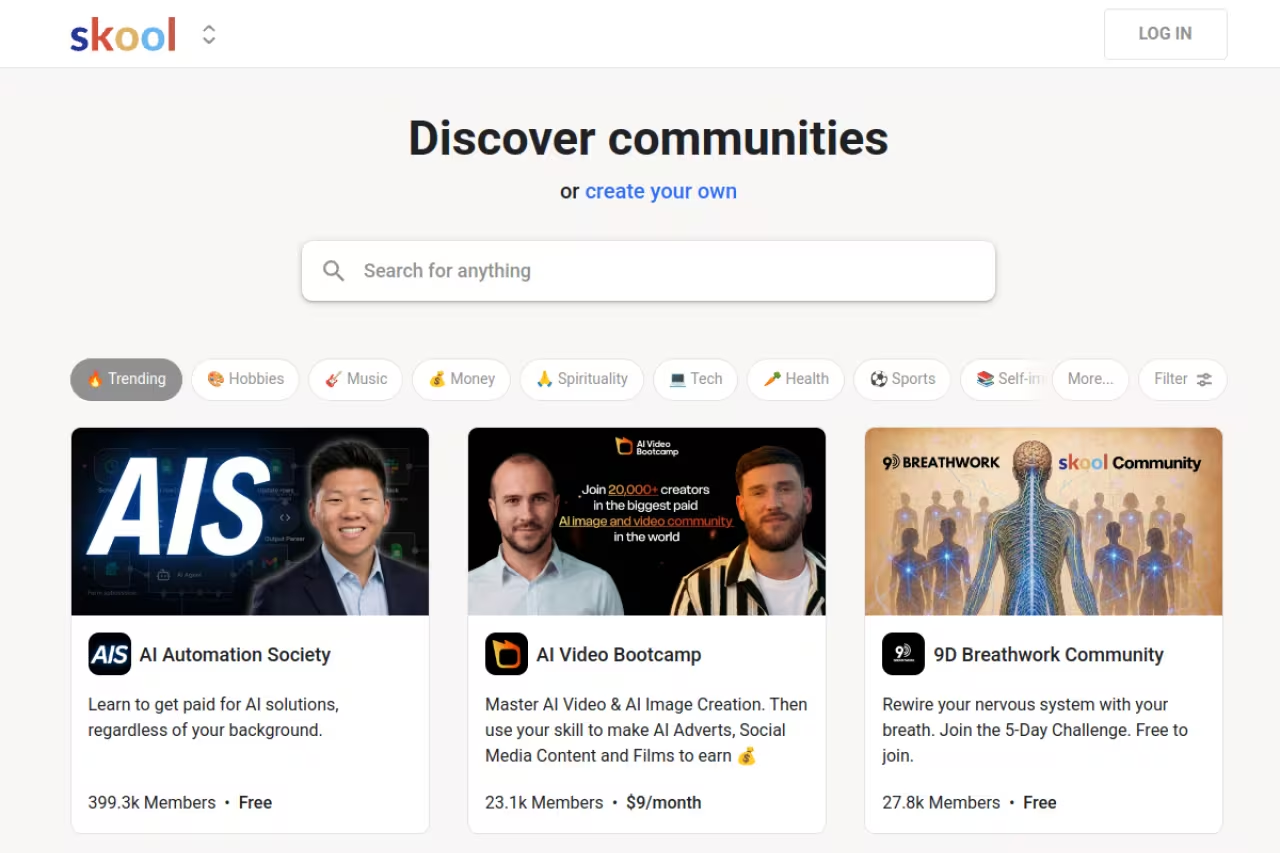
Skool strips the membership business down to its core: a community feed, courses and a calendar, wrapped in a gamified interface that pushes people to show up. I've watched lurkers turn into daily posters because of the leaderboard alone. For community-first memberships, nothing else gets engagement this consistently.
Who it's best for: Coaches, course creators and operators who want a paid community without 40 settings tabs.
Pick Skool for a community-first paid membership without 40 settings tabs, since its leaderboard mechanics drive engagement better than most alternatives. It is deliberately bare, with no native email marketing or automation, so expect to bolt on other tools.
Two plans, and that's the point. Hobby is $9/month with a 10% transaction fee. Pro is $99/month with a 2.9% fee. Both include unlimited members, courses and videos, per Skool's pricing page. Break-even is around $1,300/month in revenue: below that, stay on Hobby; above it, Pro pays for itself fast.
The standout: Simplicity that doesn't feel cheap. You can launch in under an hour, and there's only one real decision to make. The engagement mechanics (leaderboards, levels, unlocks) are genuinely better than most of the alternatives.
The catch: It's deliberately bare. No native email marketing, limited design control, no real automation. If you want sales funnels, landing pages or branded mobile apps, you'll be bolting on other tools.

Circle: the polished pick for branded communities
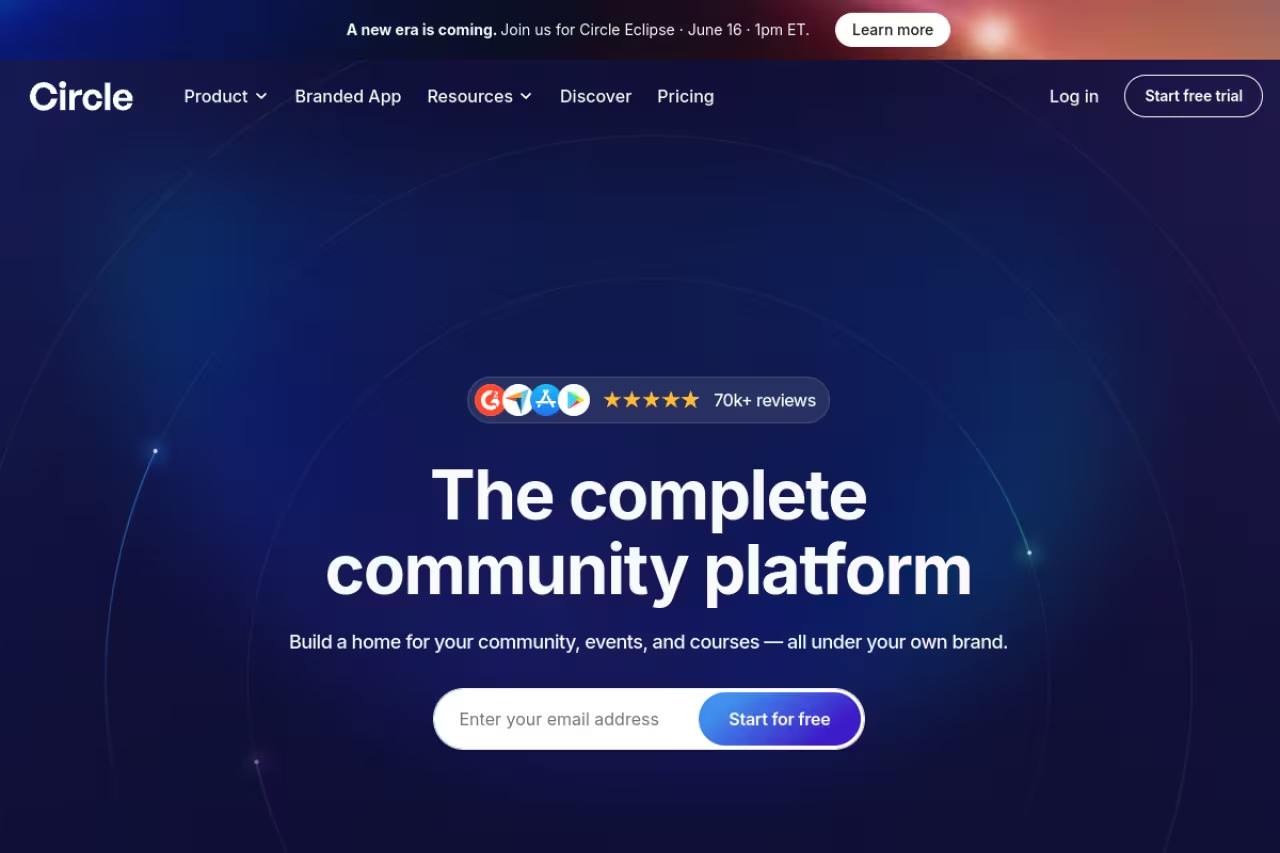
Circle is what you graduate to when Skool starts feeling too rigid. It runs branded community spaces, courses, events, live streams and paywalls under your own domain, and the interface is the most refined in this list. Most premium creator communities I respect are on Circle.
Who it's best for: Established creators and brands who want a high-end, customizable community and have the revenue to absorb the cost.
The polished choice for established creators and brands who want a high-end, customizable community under their own domain. Add-ons stack up and Professional lacks automation and the API, so real costs usually beat the sticker price.
Professional is $89/month and Business is $199/month, confirmed on Circle's pricing page. Transaction fees run 2% on Professional and 1% on Business, stacked on top of Stripe's standard 2.9% + 30¢.
The standout: Customization. Workflows, API access, custom profile fields and white-label options let you build something that doesn't look like everyone else's community.
The catch: The add-ons stack up. The Email Hub is +$99/month, extra admin seats $10/month each, branded emails $40/month. Professional also locks you out of automation and the API, so serious users get pushed to the $199 tier quickly. Real costs usually beat the sticker price.

Kajabi: the all-in-one for courses plus membership
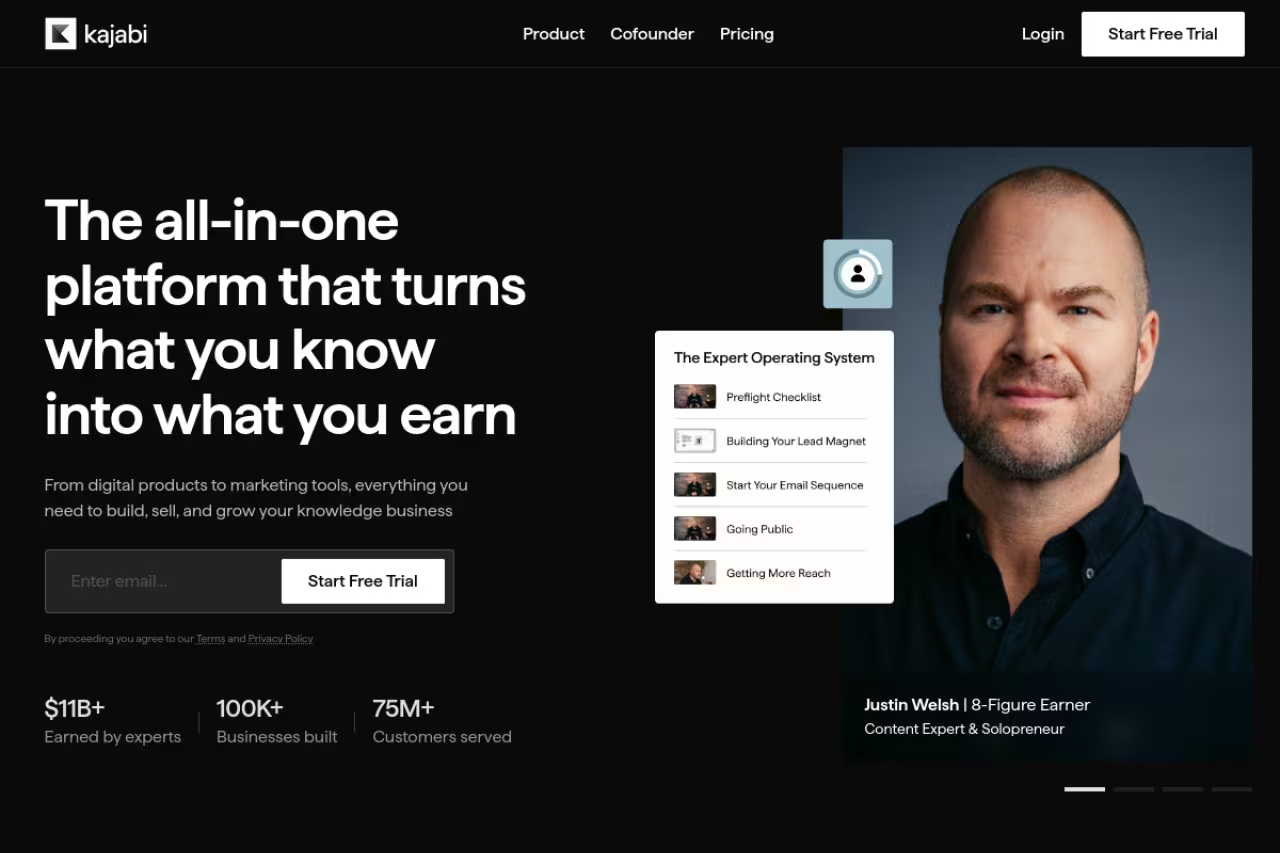
Kajabi isn't just membership software. It's a full business platform: courses, memberships, email marketing, landing pages, checkout and a website under one login. If you're tired of duct-taping six tools together, this is the consolidation play. I'd reach for it over a stack of separate email marketing tools and landing page builders when the goal is one system.
Who it's best for: Creators selling courses and memberships who also want email and marketing handled in the same place.
Go with Kajabi if you want courses, memberships, email and landing pages under one login, with 0% transaction fees on every tier. It is expensive and the entry tiers are tight, with Basic capped at 2,500 contacts.
January 2026 brought Kajabi's first major restructure in nearly a decade. The legacy Kickstarter plan sits at $89/month (when you can find it), with Basic at $149/month, Growth at $199/month and Pro at $399/month on monthly billing, per Kajabi's pricing. The upside: 0% transaction fees on every tier.
The standout: Zero transaction fees plus a real marketing engine. At higher revenue, that 0% fee alone can justify the higher monthly cost versus a percentage-based platform.
The catch: It's expensive, and the entry tiers are tight. Basic caps you at 2,500 contacts and a handful of products, so you feel the limits early. For a small membership with no course or email ambitions, it's overkill.
If you're weighing whether to consolidate your whole stack like this, Dupple X is worth a look for the bundle of creator tools we put together.

Mighty Networks: built for mobile-first communities
Mighty Networks leans hard into mobile. Members get a native app experience, and that consistently drives higher daily activity than web-only platforms. It blends community, courses and events with an algorithmic feed.
Who it's best for: Creators whose members live on their phones and who value engagement over deep marketing tooling.
The strongest option here for creators whose members live on their phones, thanks to a native app experience that drives daily activity. The jump from Launch to Scale is steep and the interface has a learning curve.
Mighty restructured to three tiers in 2026. Launch starts at $79/month, Scale jumps to $215/month (adding APIs, integrations and migration help), and Mighty Pro runs a flat $360/month and up for branded apps. Transaction fees range from 1% to 3% by tier. The old $49 Community plan is gone.
The standout: The mobile experience and the engagement that comes with it. If your community's success depends on people checking in daily, this is the strongest option here.
The catch: The jump from Launch to Scale is steep, and the interface has a learning curve. No free plan anymore, just a 14-day trial.

Podia: the budget all-rounder
Podia is the platform I recommend to people who want a website, community and courses in one place without spending Kajabi money. It's not the most powerful, but it's clean, cheap and quick to set up.
Who it's best for: Beginners and solo creators who want one affordable tool to sell digital products and run a small community.
A clean, cheap all-rounder for beginners and solo creators who want a website, community and courses without Kajabi money. Community features are basic next to Skool or Circle, so you may outgrow it within a year.
Mover is $39/month ($33 annual) and Shaker is $89/month ($75 annual). The big gotcha: Mover carries a 5% transaction fee, while Shaker drops it to 0%. There's no free plan, but a 30-day trial with no card required, per Podia's pricing. For anyone doing real volume, that 5% fee on Mover means Shaker usually works out cheaper.
The standout: Value. You get a website builder, blog, landing pages, courses and community for one low fee, which makes it a solid entry point.
The catch: It's a generalist. Community features are basic next to Skool or Circle, and the design and automation options are limited. You may outgrow it within a year.

Memberstack: membership for sites you design yourself
Memberstack is different from everything above. It doesn't host your community or courses. It adds authentication, payments and content gating to a site you build, most commonly on Webflow but also WordPress or any custom site. You paste one script, mark elements with data attributes, and it handles logins and Stripe.
Who it's best for: Designers, agencies and founders who want full control over the front end and just need the membership plumbing.
Choose it if you want total design freedom and only need authentication, payments and content gating on a site you build yourself, such as on Webflow. There is no community feed or course player, so it is infrastructure, not a turnkey product.
Basic is $25/month (4% fee), Professional is $39/month (2% fee), Business is $79/month (0.9% fee), and Established is $399/month with 0% fees, all on annual billing. You can build the whole thing in test mode for free and only pay when you go live. Nonprofits get 50% off.
The standout: Total design freedom. If you've ever felt boxed in by a template-driven platform, Memberstack is liberating. It pairs naturally with the AI website builders and no-code tools most founders already use.
The catch: You have to build the site yourself. There's no community feed or course player out of the box, so this is for people who want infrastructure, not a turnkey product.

MemberPress: for WordPress owners who want to own everything
MemberPress is the heavyweight WordPress membership plugin. If you already run on WordPress and refuse to rent your business from a SaaS, this gives you rules, paywalls, drip content and access control with no monthly platform lock-in.
Who it's best for: WordPress users who want maximum control and own their data and hosting.
The pick for WordPress owners who want to own their members, content and data with no platform lock-in. You become the administrator for hosting, security and updates, and the license renewal roughly doubles after year one.
It's an annual license. Launch runs about $199.50/year, Growth $349.50, and Scale $499.50. Two things to watch: the license renewal roughly doubles after year one, and the entry Launch plan adds a 4.9% transaction fee. Higher tiers drop the fee to 0%.
The standout: Ownership. Your members, content and data live on your hosting, and you're not exposed to a platform changing its pricing overnight.
The catch: You're now a WordPress administrator. That means hosting, security, updates and plugin conflicts are your problem, and the renewal price hike catches a lot of people off guard.

Patreon: the lowest-friction way to start
Patreon is the outlier: it comes with a built-in audience and discovery, which none of the others do. For an individual creator who just wants paid tiers and posts without building anything, it's the fastest start.
Who it's best for: Individual creators (podcasters, artists, writers) who want recurring support without running their own site.
The fastest start for individual creators who want paid tiers without building anything, with built-in discovery none of the others offer. That 10% fee is steep at scale, and you do not own the relationship.
As of August 2025, all new creators pay a flat 10% platform fee plus processing, per Patreon's fee documentation. On iOS, Apple's cut pushes effective costs higher, and Patreon raises in-app prices about 43% to compensate.
The standout: Zero setup and built-in discovery. You can be taking payments in 20 minutes.
The catch: That 10% is steep at scale, you don't own the relationship, and customization is minimal. Most serious operators eventually migrate off.
How to choose
Skip the feature checklists and answer three questions in order.
First, what are you actually selling? A pure community goes to Skool or Circle. Courses plus a membership point to Kajabi or Podia. A custom-designed product or web app means Memberstack or MemberPress. Match the tool to the core thing you sell, not the longest feature list.
Second, do the fee math at your real revenue. A 2% fee feels trivial until you're at $50k/month, where it's $1,000 you hand over before processing fees. Kajabi, Memberstack's top tier and MemberPress's higher plans charge 0% but cost more upfront. Percentage platforms like Skool Pro (2.9%) and Circle (1-2%) win when you're small and lose when you scale. Run the numbers at both $5k and $50k before you commit.
Third, how much do you value simplicity versus control? Skool and Patreon get you live today but box you in. Memberstack and MemberPress give you total control but make you build. Most people overestimate how much customization they need and underestimate how much engagement matters, which is why I push most operators to Skool first.
If you're still torn between community-led options specifically, our deeper community platforms breakdown goes further on engagement features, and the top tools directory is useful for cross-checking categories.
FAQ
What is the best membership software in 2026?
For most paid communities, Skool is the best pick because its pricing is the simplest in the category ($9 or $99/month) and its engagement features are the strongest. If you also sell courses and run email marketing, Kajabi is the better all-in-one, and for custom-designed sites Memberstack is the standout.
What is the cheapest membership platform?
Skool's Hobby plan at $9/month is the cheapest paid SaaS option, though it carries a 10% transaction fee. Patreon is free to start but takes a flat 10% platform fee plus processing. For WordPress owners, MemberPress is an annual license from around $199.50/year with no monthly SaaS fee.
Do membership platforms charge transaction fees?
Most do, and they add up. Skool Hobby takes 10%, Skool Pro 2.9%, Circle 1-2%, Mighty Networks 1-3%, and Podia's Mover plan 5%. Kajabi, Memberstack's top tier and MemberPress's higher plans charge 0%, which is why they often cost less at scale despite higher monthly fees.
Is Skool or Circle better for a paid community?
Skool wins on simplicity and engagement, and it's far cheaper to start. Circle wins on customization, design polish and advanced features like workflows and API access. Choose Skool if you want to launch fast and maximize participation; choose Circle if you have the revenue and want a branded, highly tailored experience.
Can I build a membership site without code?
Yes. Skool, Circle, Kajabi, Mighty Networks and Podia are fully no-code and host everything for you. Memberstack is also no-code but adds membership features to a site you design (usually in Webflow). Only MemberPress requires managing your own WordPress install, which involves some technical upkeep.
Which membership platform is best for selling online courses?
Kajabi is the strongest for courses plus membership because it bundles a course player, email marketing, landing pages and 0% transaction fees in one platform. Podia is the budget alternative if you want courses, community and a website without Kajabi's price. Skool includes basic courses but isn't built as a dedicated course platform.
Whichever you pick, run the fee math first and start with the simplest tool that fits. You can always migrate up. If you want a creator stack that bundles these kinds of tools, try Dupple X.
Related guides
Some offers on this page may be paid placements or contain affiliate links.
