
Best AI Writing Assistants in 2026 (Compared and Ranked)

Key facts8 tools compared: ChatGPT, Claude, Grammarly, Jasper, Lex, Sudowrite, Copy.ai, Rytr
- 8 tools compared: ChatGPT, Claude, Grammarly, Jasper, Lex, Sudowrite, Copy.ai, Rytr
- ChatGPT (best for: All-around drafting + research): Free / $20 mo
- Claude (best for: Long-form, natural prose): Free / $20 mo
- Grammarly (best for: Editing everywhere you type): Free / $12 mo (annual)
- Jasper (best for: Marketing teams, brand voice): $59/seat mo (annual)
Most "best AI writing assistant" lists read like they were written by someone who opened ten free trials and never came back. I've actually shipped work with these tools: newsletter drafts, sales emails, landing page copy, and a few thousand words of fiction I'll never publish. They are not the same product, and picking the wrong one wastes both money and the half hour you spend fighting its interface.
Here's the tension. The general-purpose chatbots (ChatGPT, Claude) are now so good at raw drafting that a lot of the old "AI copywriter" tools feel redundant. But a chatbot won't catch your typos inside Gmail, won't hold your brand voice across a 40-person team, and won't help a novelist outline a 90,000-word manuscript. The right assistant depends on where your writing actually breaks down.
If you want the short version: for most people doing serious writing in 2026, ChatGPT at $20/month is the best all-around assistant, and Grammarly is the best add-on layer for catching mistakes everywhere you already type. Everything below is for the cases where those two aren't the right fit.
Quick comparison
| Tool | Best for | Price | Standout |
|---|---|---|---|
| ChatGPT | All-around drafting + research | Free / $20 mo | GPT-5.6, voice, deep research |
| Claude | Long-form, natural prose | Free / $20 mo | Least "AI-sounding" output |
| Grammarly | Editing everywhere you type | Free / $12 mo (annual) | Browser-wide corrections |
| Jasper | Marketing teams, brand voice | $59/seat mo (annual) | Brand voice + agents |
| Lex | Distraction-free drafting | Free / $18 mo | Writer-first editor |
| Sudowrite | Fiction and novels | $10-44 mo (annual) | Story Bible, novel tooling |
| Copy.ai | Sales/marketing workflows | $24 mo (annual) | Go-to-market automation |
| Rytr | Cheapest everyday writing | Free / $9 mo | Unlimited words for $9 |

ChatGPT: the default everyone should try first
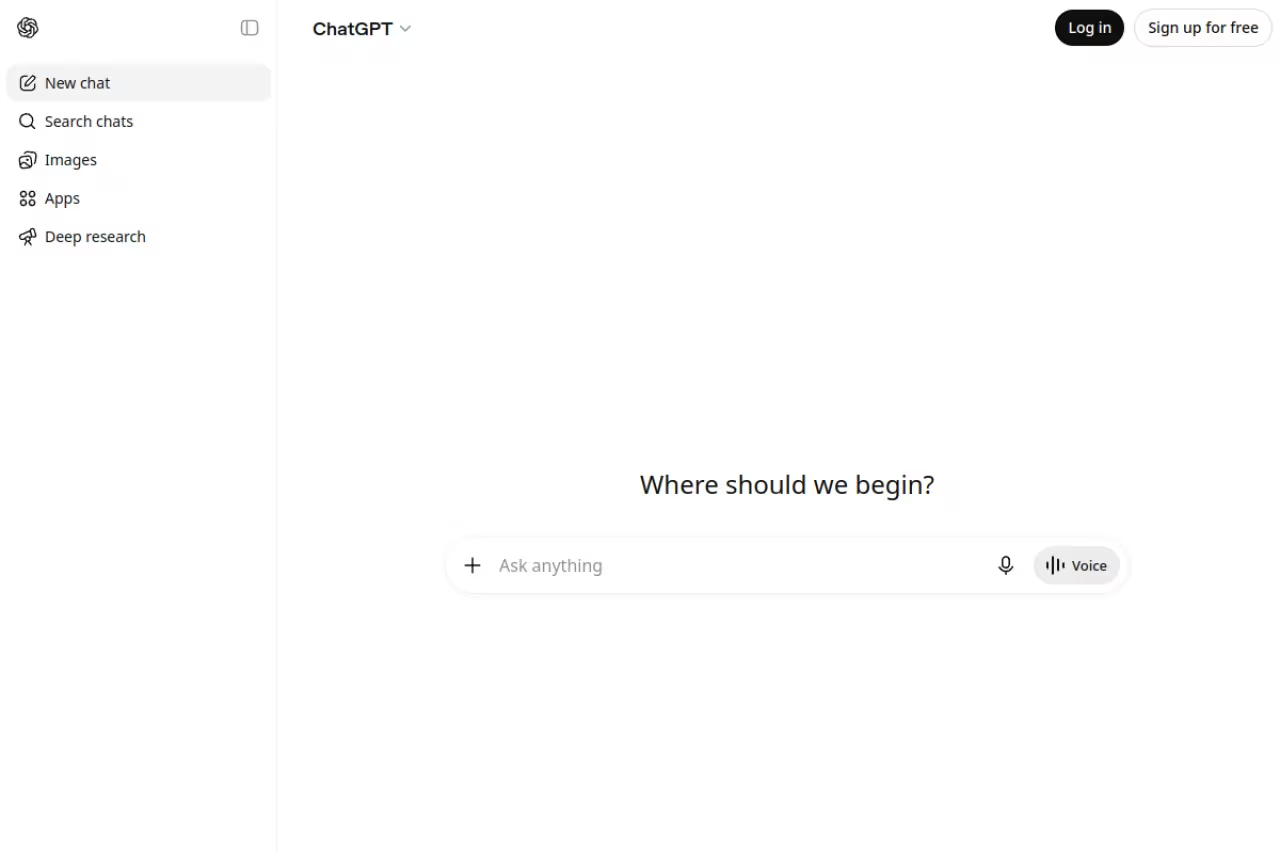
ChatGPT runs on GPT-5.6 in everyday chat, with GPT-6 Astra on the Pro plans, per OpenAI's model guide, and it's the assistant I open without thinking. It drafts, rewrites, summarizes, brainstorms angles, and (with the deep research mode) goes and reads twenty sources before it writes a word. For writing that needs facts behind it, that research step is the feature that pays for the subscription.
The default to try first for writers who want drafting, editing, research and ideation in one window, and deep research is the feature that pays for Plus at $20/month. It writes in a recognizable house style until you push it with samples of your own voice.
Pricing: the free tier gives you unlimited everyday text chats on GPT-5.6 Luna. ChatGPT Plus is $20/month and adds GPT-5.6 Sol with deeper thinking levels. ChatGPT Pro is $100/month (5x Plus usage) or $200/month (20x, new sign-ups paused since September 10, 2026) for heavy users who want GPT-6 Pro, per OpenAI's pricing. Most writers never need Pro.
The standout is range. No other tool here does research, drafting, and editing this well in one window, and the voice mode is genuinely useful for talking through an outline on a walk.
The catch: out of the box, ChatGPT writes in a recognizable house style. Too many transitions, too many tidy summaries. You have to push it hard with examples of your own voice before the output stops sounding like every other AI draft on the internet. It also has no idea what's in your private documents unless you paste them in.

Claude: the one that sounds most like a person
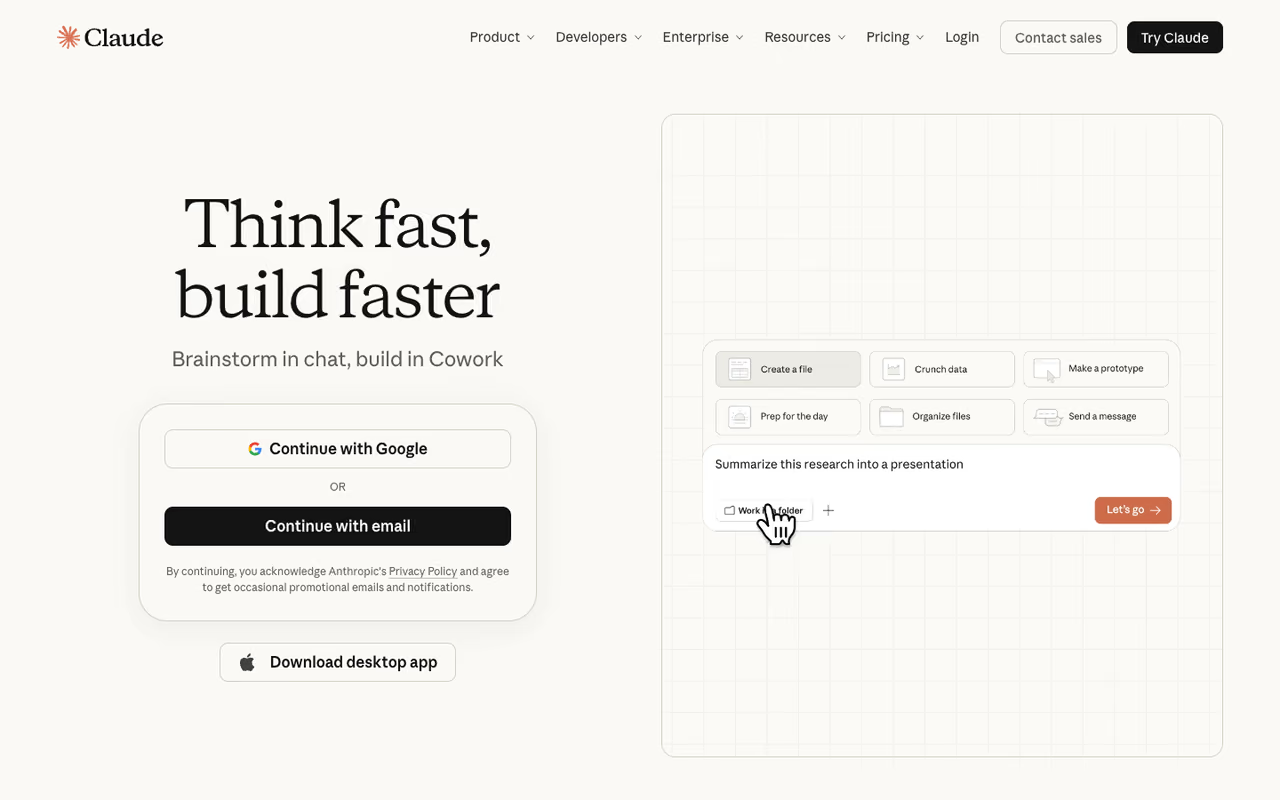
Claude, from Anthropic, runs Claude Opus 5.5, released September 22, 2026, alongside Sonnet 5, and consistently produces the most natural long-form prose I've seen from any chatbot. Where ChatGPT defaults to listicle energy, Claude holds a paragraph together. For essays, scripts, and anything where the reader should not feel a machine behind the words, I reach for it first.
The pick for long-form writers and essayists tired of stripping out robotic phrasing, since it holds a paragraph together and respects tone instructions. It lacks ChatGPT-style live research, so you verify facts yourself, and its free tier hits limits fast.
Pricing: free tier with daily limits, then Claude Pro at $20/month for higher usage and the Projects feature, which lets you load reference docs once and write against them.
The standout is restraint. Claude over-explains less, hedges less, and respects a tone instruction better than its rivals. Hand it three paragraphs of your own writing and it picks up the rhythm faster than anything else on this list.
The catch: Claude has no live web browsing in the way ChatGPT's research mode does, so for fact-heavy pieces you'll still verify everything yourself. Its free tier is also stingier on message limits, so you hit the wall faster.

Grammarly: the editor that follows you everywhere
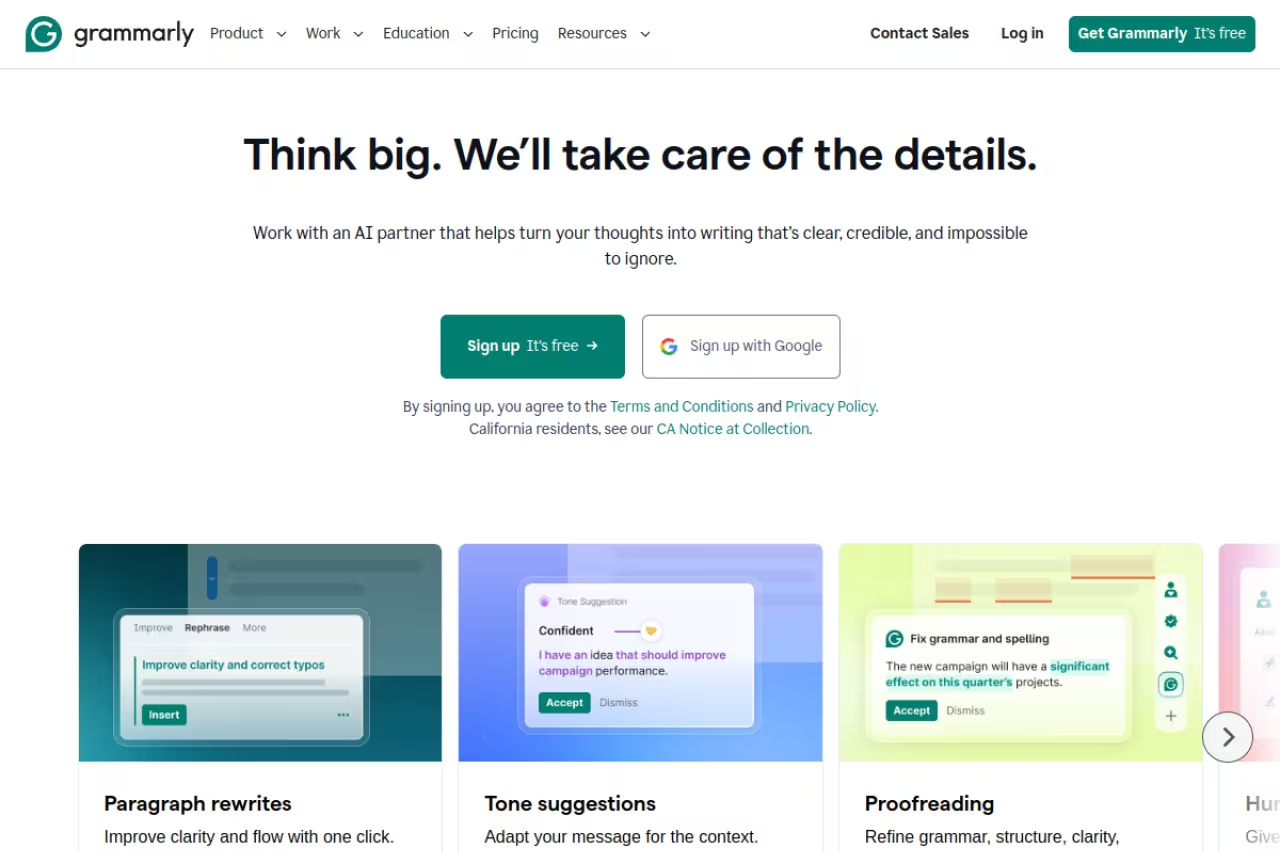
Grammarly isn't trying to write your draft. It's the layer that catches the mistakes in everything you've already typed, inside Gmail, Google Docs, Slack, LinkedIn, and basically any text box in your browser. After fifteen years of building this, it's still the cleanest real-time editing experience, and the one I'd hand to a non-writer first.
A safety net rather than a ghostwriter, catching mistakes in Gmail, Docs, Slack and any browser text box. Pro is $12/month billed annually, but as a generative writer it is mediocre next to ChatGPT or Claude.
Pricing: the free plan covers spelling, grammar, tone detection, and 100 AI prompts a month. Pro is $12/month billed annually (or $30 month-to-month), adding full-sentence rewrites, plagiarism and AI-detection, and 2,000 AI prompts, per Grammarly's plans page. Students get 50% off through SheerID. Grammarly says it's trusted by over 40 million people, which tracks with how often I see its icon in other people's browsers.
The standout is ubiquity. No other tool corrects you in real time across this many apps without you copying text anywhere.
The catch: as a generative writer it's mediocre compared to ChatGPT or Claude. The newer "rewrite" features are fine, but you're paying mainly for the corrections engine. If you never make typos and write entirely inside a chatbot, you don't need it.

Jasper: built for marketing teams, not solo writers
Jasper remains the most feature-loaded platform aimed squarely at content marketing teams. Brand voice training, reusable knowledge assets, audience profiles, a Canvas workspace, and a set of agents that can run multi-step campaigns. It's the closest thing here to a content operations system rather than a writing app.
Built for marketing teams that publish at volume and need one brand voice across many writers. At $59/seat it is overkill for individuals, who get better raw writing from a $20 ChatGPT subscription.
Pricing: no free plan. The Pro plan is $59/seat per month billed annually ($69 monthly), with a 7-day free trial. Business pricing is custom with a 12-month minimum, per Jasper's pricing page.
The standout is brand voice plus knowledge assets. Load your style guide and product docs once, and every writer on the team produces copy that sounds like the same company.
The catch: it's overkill for individuals. At $59 a seat, a solo creator gets better raw writing from a $20 ChatGPT subscription. Jasper earns its price only when you have a team and a brand voice problem to solve. If you're one person, skip it.

Lex: for people who actually want to write
Lex is the anti-chatbot. It's a clean, distraction-free document editor with AI baked in, built by the team behind a writing community, and it feels like a real writing tool first and an AI tool second. You write in a normal document; the AI helps when you ask, with rewrites, feedback, and the ability to ask questions of your own draft.
The anti-chatbot for essayists and bloggers who think in documents and want AI feedback on their own draft, at $18/month for Pro. It is narrow on purpose, so skip it if you want the AI to do the writing.
Pricing: free tier covers the basics and core AI. Lex Pro is $18/month and unlocks higher usage plus access to the strongest models from OpenAI and Anthropic. There's a Teams add-on for shared folders.
The standout is the writing experience. Lex respects the blank page. The AI feedback feature, where it critiques your draft like an editor would, is one of the cleverest implementations of "AI as coach" on this list.
The catch: it's narrow on purpose. No brand voice system, no campaign workflows, no plugins into your other apps. If you want the AI to do the writing rather than assist it, you'll feel boxed in. It's a tool for people who still want to do the writing themselves.

Sudowrite: the one fiction writers actually use
Sudowrite is the only tool here built specifically for fiction. Story Bible for world-building and characters, First Draft for generating chapters, Expand for fleshing out scenes, and a "Show Don't Tell" rewrite that turns flat narration into something with texture. Novelists, screenwriters, and game writers are its actual users.
Pick Sudowrite if you write fiction, since its Story Bible keeps characters and plot consistent across a manuscript. The credit system is hard to predict, and for non-fiction a chatbot does more for less.
Pricing: Hobby & Student is $10/month annually (225,000 credits), Professional is $22/month (1 million credits), and Max is $44/month (2 million credits with 12-month rollover), per Sudowrite's plans. Monthly billing runs $19 to $59. Every tier unlocks the same features; you're only buying credits.
The standout is the Story Bible. It keeps your characters, plot, and style consistent across a whole manuscript, which is exactly where general chatbots fall apart.
The catch: the credit system is hard to predict. Heavy generation burns through credits faster than you expect, and for non-fiction it's the wrong tool entirely. Outside of novels and scripts, a chatbot does more for less.

Copy.ai: sales and marketing on autopilot
Copy.ai has pivoted from a simple copywriting tool into a go-to-market workflow platform. The Chat product still does the copy basics, but the real pitch now is automated workflows that pull from your data and run sales and marketing tasks at scale.
Made for revenue teams automating go-to-market writing, not individual bloggers. The $24/month Chat plan is good value, but the automation sits behind a wall that starts at $1,000/month.
Pricing: the Chat plan is $24/month billed annually ($29 monthly) for 5 seats with unlimited words and access to OpenAI, Anthropic, and Gemini models. The workflow-heavy Growth, Expansion, and Scale tiers jump to $1,000, $2,000, and $3,000 a month, per Copy.ai's pricing. There's no free plan anymore.
The standout is unlimited words on the entry plan plus multi-model access, which is rare at $24.
The catch: the jump from the $24 plan to the $1,000 plan is enormous, and the automation that makes Copy.ai interesting lives behind that wall. For plain writing, the Chat plan resells the same chatbots you can buy directly.

Rytr: the budget pick that still works
Rytr is the cheapest serious option. It covers 40-plus use cases and 20-plus tones, and the paid plan removes word limits for less than the cost of two coffees. It won't win awards, but for routine writing it does the job.
Best for: freelancers and small businesses who want unlimited everyday AI writing on a tight budget.
The budget pick for freelancers and small businesses, with unlimited writing for $9/month and a usable free tier. Quality sits a notch below ChatGPT and Claude, so expect heavy edits on anything needing polish.
Pricing: the free plan gives 10,000 characters a month. Saver is $9/month with unlimited word generation. Unlimited is $29/month, adding a dedicated account manager and priority support, per Rytr's pricing.
The standout is value. Unlimited generation for $9 undercuts almost everything else here, and the free tier is genuinely usable for occasional needs.
The catch: output quality sits a clear notch below ChatGPT and Claude. For short marketing copy and first drafts it's fine; for anything that needs polish or nuance, you'll edit heavily. You get what you pay for, and what you pay is very little.
If you're assembling a stack of AI tools rather than picking one, our Dupple X bundle gives you access to several of these in one subscription, which is usually cheaper than paying for each separately.
How to choose
Start with where your writing actually breaks down, not with the feature list.
If you draft from scratch and want one tool: get ChatGPT Plus. If your drafts come out sounding robotic and you spend more time editing than writing, get Claude instead. Its prose needs less cleanup.
If you make small mistakes across email, docs, and Slack all day: add Grammarly on top of whatever you use for drafting. It solves a different problem than the chatbots and the two stack well.
If you run a content team with brand-voice headaches: Jasper or Copy.ai, depending on whether you're publishing content (Jasper) or automating go-to-market (Copy.ai). Solo creators should skip both.
If you write fiction: Sudowrite, full stop. Nothing else holds a novel together.
If you want a real editor that helps you write better rather than writing for you: Lex. And if budget is the only thing that matters: Rytr at $9.
For a wider view of general-purpose options, our guide to the best AI for writing goes deeper on the chatbots, and if you're picking an everyday assistant for non-writing tasks too, the best AI chatbots rundown is worth a look. You can also browse our top AI tools directory to compare these side by side.
FAQ
What is the best AI writing assistant in 2026?
For most people, ChatGPT (running GPT-5.6) is the best all-around AI writing assistant because it handles drafting, editing, and research in one place for $20/month. If you mainly want help fixing mistakes across email and docs rather than generating text, Grammarly is the better add-on. The "best" tool depends on whether your bottleneck is writing, editing, or holding a brand voice across a team.
Are AI writing assistants free?
Several are. ChatGPT, Claude, Grammarly, and Rytr all have usable free tiers, though they cap how much you can do per day or month. Lex also offers a free plan with core AI. Jasper and Copy.ai no longer offer free plans, only trials or paid tiers. For zero-budget writing, start with ChatGPT free or Rytr's free 10,000 characters a month.
Can teachers and editors detect AI writing?
Detection tools exist but are unreliable, and they flag human writing as AI often enough that many institutions distrust them. The bigger tell is style: default AI output has predictable transitions and over-tidy structure. The fix is editing. Run drafts through your own voice, cut filler, and add specifics only you would know. Claude tends to need the least cleanup; ChatGPT the most.
Which AI writing assistant is best for SEO and marketing content?
For solo marketers, ChatGPT or Claude paired with a dedicated SEO tool covers most needs. For teams publishing at volume, Jasper is purpose-built for brand-consistent marketing content with SEO integrations. Copy.ai is the pick if your real goal is automating go-to-market workflows rather than writing individual articles. Avoid relying on the cheap unlimited tools for content meant to rank; the output usually needs heavy editing.
Do I still need Grammarly if I use ChatGPT?
They solve different problems. ChatGPT generates and rewrites text inside its own window. Grammarly corrects what you type everywhere else: email, Slack, docs, web forms. If you write most of your content directly in a chatbot, you may not need Grammarly. If you write all day across many apps and want a real-time safety net, the two work well together and don't overlap much.
Is Jasper worth it for a solo writer?
Usually not. At $59 a seat per month, Jasper costs nearly three times a ChatGPT Plus subscription, and a solo writer gets better raw writing from the chatbot. Jasper earns its price through team features: shared brand voice, knowledge assets, and campaign agents. If you're one person without a brand-voice problem to solve, spend the $20 on ChatGPT or Claude instead.
Related guides
Some offers on this page may be paid placements or contain affiliate links.
