
Best Accounting Software for Mac (2026): 8 Picks Compared

Key facts8 tools compared: Xero, QuickBooks Online, FreshBooks, Wave, Zoho Books, AccountEdge…
- 8 tools compared: Xero, QuickBooks Online, FreshBooks, Wave, Zoho Books, AccountEdge, MoneyWorks, Sage Accounting
- Xero (best for: Small businesses wanting unlimited users): $25/mo
- QuickBooks Online (best for: US businesses with an accountant): $38/mo
- FreshBooks (best for: Freelancers and service invoicing): $23/mo
- Wave (best for: Solo and side businesses on a budget): Free
If you run a business on a Mac, accounting software is one of those purchases where the wrong choice costs you for years. You import your bank feeds, build your chart of accounts, train a bookkeeper on it, and then you're stuck. Switching later is a weekend you'll never get back.
Here's the thing most "best accounting software for Mac" lists skip: there's barely any native Mac accounting software left worth recommending. Intuit is winding down QuickBooks Desktop for Mac, with the 2023 version losing support after May 31, 2026. The real answer for most Mac users in 2026 is a browser-based tool that runs anywhere, plus a couple of genuine desktop holdouts if you need to keep your books on your own machine.
This guide compares eight options against the demands of real bookkeeping. My top pick for most Mac-based small businesses is Xero, mostly because it doesn't punish you with per-user fees and it handles bank reconciliation better than anything else at the price. But the right tool depends on whether you're a freelancer chasing invoices or a growing team that needs inventory and multi-currency. This guide is for founders, freelancers, and operators who'd rather spend an afternoon picking once than redo it next year.
Quick comparison
| Tool | Best for | Starting price | Standout |
|---|---|---|---|
| Xero | Small businesses wanting unlimited users | $25/mo | Bank reconciliation, no per-seat fees |
| QuickBooks Online | US businesses with an accountant | $38/mo | Accountant ecosystem, app integrations |
| FreshBooks | Freelancers and service invoicing | $23/mo | Invoicing and time tracking |
| Wave | Solo and side businesses on a budget | Free | Genuinely free core accounting |
| Zoho Books | Teams already in the Zoho stack | Free tier | Automation and customization |
| AccountEdge | Mac desktop diehards | $20/mo | Local company file, no cloud lock-in |
| MoneyWorks | Native Mac desktop power users | ~$274/yr | True Mac app, scriptable, offline |
| Sage Accounting | Established small businesses | $19/mo intro | Reporting depth and accountant trust |
Xero, the best all-around pick for Mac

Xero is cloud accounting that runs in any browser, so your Mac, your iPad, and your accountant's Windows machine all see the same books. No install, no "is there a Mac version" anxiety. That alone solves the biggest headache Mac users have had with accounting tools for a decade.
Who it's best for: small businesses and growing teams that want proper double-entry accounting without paying extra every time they add a person.
The easy default for Mac users, since it runs in any browser and every plan includes unlimited users from $25/month. A strong fit for growing teams that do not want to pay more for each added person.
Pricing is the part Xero gets right. The Early plan is $25/month, Growing is $55, and Established is $90, and every plan includes unlimited users. That last detail matters more than it sounds. Most competitors charge per seat, so a five-person team can pay double on a rival tool for the same work. Xero also runs an aggressive new-customer promo (currently 85% off for the first six months in the US), so the real first-year cost is lower than the sticker.
The standout is bank reconciliation. Xero's matching engine learns your recurring transactions and reconciles them in a couple of clicks, and the daily bank feed is reliable. After a few weeks it felt like the software was doing the boring 80% and leaving me the judgment calls.
The catch: the Early plan caps you at 20 invoices and 5 bills per month, which sounds like a starter plan but quietly forces a lot of real businesses straight to the $55 Growing tier. Phone support is also thin. You're mostly in email and help docs. If you want a human on the line fast, that's a knock.
QuickBooks Online, the accountant's default
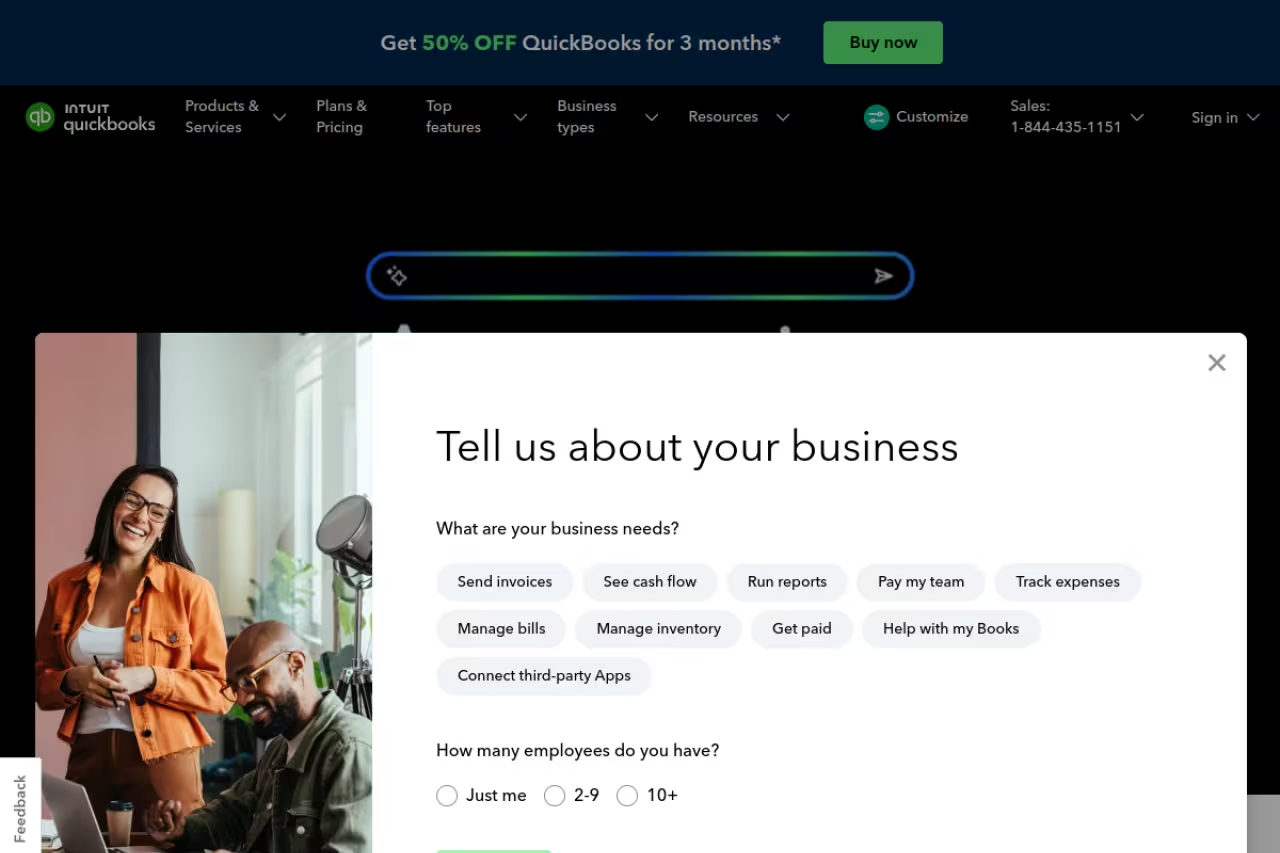
QuickBooks Online is the browser-based version of the product your accountant almost certainly already knows. With Desktop for Mac being retired, Online is the path Intuit is pushing everyone toward, and on a Mac it's the same experience as everyone else gets.
Who it's best for: US businesses that work closely with a bookkeeper or CPA, or anyone who wants the deepest pool of third-party integrations.
The accountant's default and the largest app marketplace, which means cheaper bookkeeping help and easier connectors. It is pricier than Xero, with Simple Start at $38/month rising to $275 for Advanced, but a sensible path now that Desktop for Mac is retired.
Pricing runs higher than Xero. Simple Start is $38/month, Essentials is $75, Plus is $115, and Advanced jumps to $275. Intuit usually offers 50% off for the first three months if you skip the free trial, so weigh those against each other before you click.
The standout is the ecosystem. More accountants are fluent in QuickBooks than any other tool, which means cheaper bookkeeping help and faster tax prep. The app marketplace is the largest in the category, so whatever payroll, CRM, or e-commerce tool you use, there's probably a native connector.
The catch: it's expensive and the plans are gated tightly. Want to track inventory or bills? That's the Plus tier at $115. The interface has also gotten busier over the years, with upsells for payroll and payments nudging you constantly. For a simple service business, you're paying for depth you may never touch.

FreshBooks, built for people who invoice
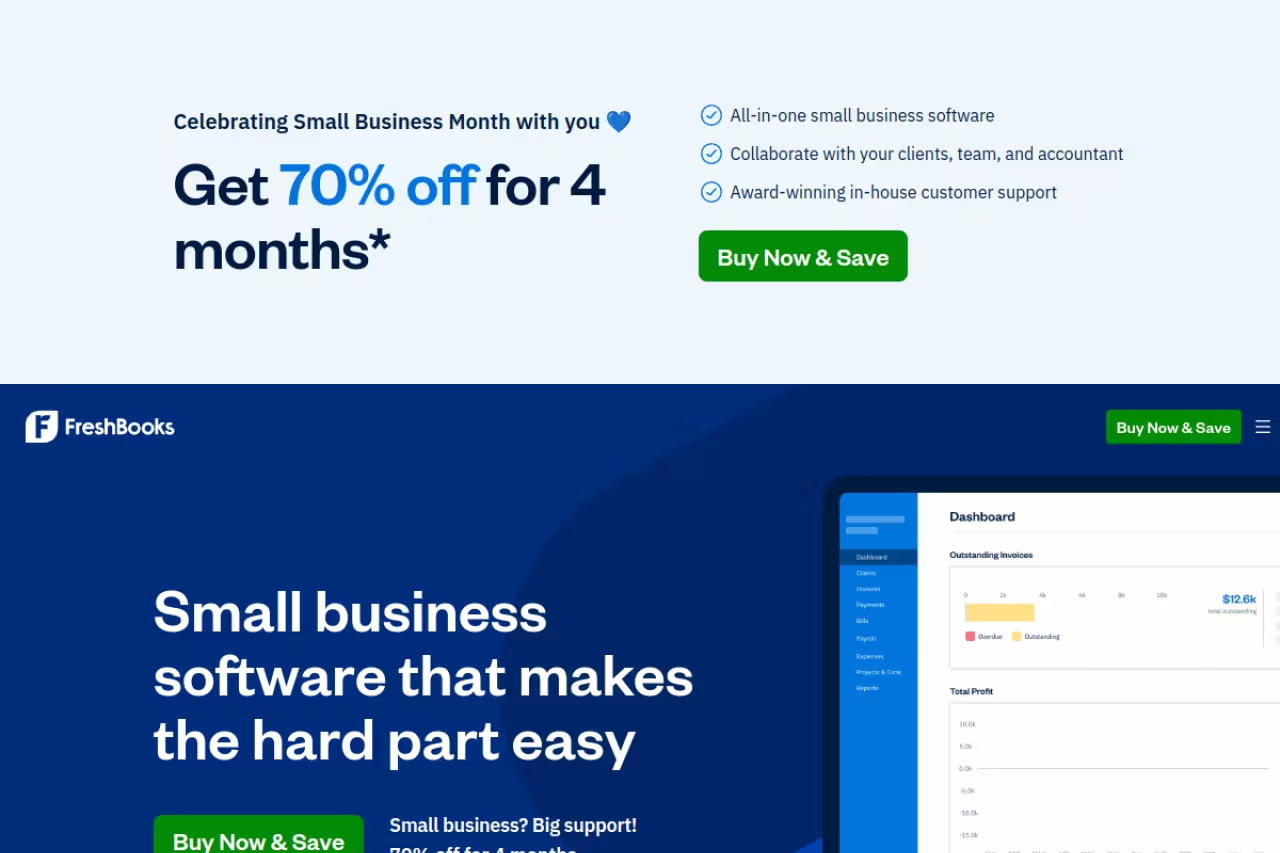
FreshBooks started as invoicing software and grew into accounting, and you can feel that heritage. If your business is mostly "do work, send invoice, get paid," this is the smoothest workflow on the list.
Who it's best for: freelancers, agencies, and service businesses where client billing and time tracking matter more than inventory.
The Lite plan is $23/month for up to 5 billable clients, Plus is $43 for up to 50, and Premium is $70 for unlimited clients. Note that "clients" here means active billable clients, not invoices, which is a pricing model you don't see elsewhere.
The standout is the invoicing and time-tracking combo. You can track hours against a project, turn them into an invoice, accept card payments, and chase late payers with automated reminders, all without leaving the app. The mobile app is genuinely good for logging expenses from a phone, which matters when you're capturing receipts on the go.
The catch: that 5-client cap on the entry plan is brutally low. The moment you're juggling a sixth client you're bumped to the $43 Plus tier, nearly double the price. And while FreshBooks does real double-entry accounting now, it's still lighter on inventory and complex reporting than Xero or QuickBooks. It's an invoicing tool that learned accounting, not the reverse.
Pick FreshBooks if your business is mostly do work, send invoice, get paid, with strong time tracking and a good mobile app for receipts. The Lite plan's 5-client cap is very low, so growing agencies will climb tiers quickly.

Wave, the free option that's actually free
Wave is the rare free tool that isn't a crippled trial. Its core accounting and invoicing have no monthly fee, no time limit, and no transaction cap. For a side business or a solo founder watching every dollar, that's hard to beat.
Who it's best for: freelancers, side hustles, and microbusinesses that need clean books without a subscription.
The Starter plan is free forever. The Pro plan runs around $16/month and adds receipt scanning, automatic bank imports, and faster support. Wave makes its money on payments and payroll, which are pay-as-you-go on top of any plan.
The standout is simply the price-to-quality ratio. You get real double-entry accounting, unlimited invoices, and a clean interface for zero dollars. I've recommended Wave to more than one freelancer who was about to overpay for features they'd never use.
The catch: on the free plan, bank connections and receipt scanning sit behind the Pro upgrade, so "free" means more manual entry. Support is limited unless you pay, there's no inventory tracking, and Wave is US and Canada focused. If you invoice internationally or plan to scale past a handful of people, you'll outgrow it.
A rare free tool that is not a crippled trial, with no time limit and no transaction cap on core accounting. Bank connections and receipt scanning require the roughly $16/month Pro plan, and there is no inventory tracking.
If you're a solopreneur leaning on AI to run lean across finance, marketing, and ops, a single subscription like Dupple X can cover the AI side so your accounting budget goes purely toward the books.
Zoho Books, the automation pick
Zoho Books is the accounting piece of the larger Zoho suite, and it punches well above its price on automation and customization. If you already use Zoho CRM or Zoho Mail, the integration is the obvious draw.
Who it's best for: small teams that want workflow automation, or businesses already living inside the Zoho ecosystem.
There's a genuine free plan for businesses under $50K in annual revenue, capped at 1,000 invoices a year and one user plus one accountant. Paid tiers start at $20/month for Standard and $50/month for Professional, with several higher tiers above that.
The standout is automation. You can build workflow rules, automate payment reminders, set up approval flows, and customize invoice templates more deeply than most rivals allow at this price. The client portal is also one of the better ones, letting customers view and pay invoices and accept estimates.
The catch: the real value only clicks if you're already a Zoho customer. As a standalone tool it's perfectly good, but you lose the integration magic that justifies choosing it over Xero. US accountant familiarity is also lower than QuickBooks, so finding local bookkeeping help can take more hunting.
The automation pick for small teams, with workflow rules, approval flows and a good client portal, plus a free plan under $50K in annual revenue. The value mostly clicks if you already use the Zoho suite.

AccountEdge, for Mac desktop holdouts
AccountEdge is for the person who reads "cloud accounting" and recoils. It's a desktop-first product where your company file lives on your Mac, not on someone else's server, with optional hosted and connect services when you need remote access.
Who it's best for: Mac users who want local control of their data and don't trust a subscription to hold their books hostage.
For Mac users who want their books on their own machine and work offline, starting around $20/month. The big catch is that there is no true native Mac build, so the experience leans on a hosted or compatibility layer.
Pricing starts around $20/month, with add-ons for extra users, payroll, and support pushing it higher.
The standout is ownership. Your data sits on your machine, you can work offline, and you're not at the mercy of a vendor's uptime or a price hike that locks your books behind a paywall. For some businesses that's worth a lot.
The catch: this is the honest downside, and it's a big one. AccountEdge dropped a true native Mac build years ago and has been promising a rebuilt version for a long stretch without delivering. The current Mac experience leans on a hosted or compatibility layer rather than a modern Cocoa app. If "native Mac" is your hard requirement, set expectations accordingly and test the trial before committing.
MoneyWorks, the genuine native Mac app
MoneyWorks from Cognito Software is the closest thing to a real, modern, native Mac accounting application still in active development. It's been built for Mac (and Windows) since the early 1990s and remains a desktop product with optional cloud hosting.
Who it's best for: Mac power users and small-to-medium businesses that want a fast offline desktop app with serious reporting and don't mind paying once.
The genuine native Mac option, fast, offline and scriptable with strong inventory and reporting, at roughly $274 per year for a hosted plan. Technical users will love it, but the licensing structure differs from typical SaaS and needs careful reading.
Pricing is a one-time-style or annual license rather than a low monthly SaaS fee. Expect roughly $274 per year for a hosted plan, or a higher one-time license for the desktop edition. It's structured differently from the subscription crowd, so read the license tiers carefully.
The standout is that it's a proper Mac app. It's fast, works fully offline, has strong inventory and reporting, and is scriptable, which appeals to technical users who want to automate their books. If you've been frustrated that "Mac accounting software" usually means "a website," MoneyWorks is the antidote.
The catch: the interface looks its age, the learning curve is steeper than Xero or FreshBooks, and the smaller user base means fewer accountants know it and fewer third-party integrations exist. You trade ecosystem and polish for speed, ownership, and a real desktop app.
Sage Accounting, the established-business pick
Sage is one of the older names in accounting, and its cloud Accounting product runs in a browser, so it works on a Mac without fuss. Sage 50 is the heavier desktop line, but for most Mac users the cloud Accounting tier is the relevant one.
Who it's best for: established small businesses that want strong reporting and an accountant-trusted name without the QuickBooks price tag.
Sage Accounting starts at around $19/month on intro pricing, scaling up through mid and higher tiers. Watch for the jump from promo to standard rates after the introductory period.
The standout is reporting depth and accountant credibility. Sage has decades of trust with bookkeepers and a reputation for solid financial reporting, which matters when you're past the freelancer stage and need clean statements for lenders or investors.
The catch: the interface feels more dated than Xero, and the product lineup is confusing. There's cloud Accounting, Sage 50, Sage Intacct, and more, and it's easy to land on the wrong one. The US small-business cloud product also has a smaller app ecosystem than QuickBooks or Xero, so integrations may be tighter.
A reasonable choice for established small businesses that want accountant-trusted reporting, starting around $19/month on intro pricing. Expect a dated interface, a confusing product lineup and a price jump after the promotional period.
How to choose
Start with one question: do you need your books in the cloud or on your own Mac? That decision cuts the list in half.
If you want cloud accounting (which is most people in 2026), pick by team size and what you sell. Solo and budget-conscious: start with Wave for free, upgrade to its Pro plan only when manual entry annoys you. Freelancer or agency built on invoicing: FreshBooks. Small team that wants unlimited users and great reconciliation: Xero, and it's my default recommendation. Working closely with a US accountant or running e-commerce with lots of integrations: QuickBooks Online. Already in the Zoho suite: Zoho Books.
If you specifically want a desktop app that lives on your Mac, MoneyWorks is the only one I'd call a genuine, actively developed native experience. AccountEdge gives you local data ownership but the Mac story is shaky, so trial it hard first. And Sage sits in the middle for established businesses that value reporting and a trusted name.
One rule that saves regret: use the free trial to import your real bank feed and run one full month of actual transactions. Demos hide the friction. Reconciling a real account for thirty days tells you everything. For a broader look at the AI tools that pair well with a lean finance stack, our top tools roundup and the best AI tools for small business guide are good next stops.
FAQ
What is the best accounting software for Mac in 2026?
For most Mac-based small businesses, Xero is the best all-around choice because it runs in any browser, includes unlimited users on every plan, and has excellent bank reconciliation starting at $25/month. Freelancers who mostly invoice are better served by FreshBooks, and anyone on a tight budget should start with Wave's free plan.
Is there a native Mac accounting app, or do I have to use a website?
Genuine native Mac accounting apps are now rare. MoneyWorks from Cognito Software is the main actively developed desktop option built for Mac. QuickBooks Desktop for Mac is being retired (the 2023 version loses support after May 31, 2026), and AccountEdge's native Mac build has lagged for years. Most strong tools today are browser-based, which means they run perfectly on a Mac without any install.
What is the cheapest accounting software for Mac?
Wave is the cheapest because its core accounting and invoicing are free forever, with no transaction limits. Zoho Books also has a free plan for businesses under $50,000 in annual revenue. Among paid tools, FreshBooks Lite ($23/month) and Xero Early ($25/month) are the lowest entry prices, though both have caps that can push you to a higher tier.
Does QuickBooks still work on Mac?
QuickBooks Online works on any Mac through a browser, and that's what Intuit recommends. QuickBooks Desktop for Mac is a separate, older product being phased out, with the 2023 version losing support after May 31, 2026. If you're on Desktop for Mac, plan to migrate to QuickBooks Online or an alternative like Xero.
Can I switch accounting software later without losing my data?
Yes, but it's work. Most tools let you export your data and import bank transactions, customers, and your chart of accounts, and QuickBooks offers a 60-day import window for new accounts. The friction is in reconciling history and retraining your team. This is why testing your real bank feed during the free trial matters before you commit.
Is cloud accounting safe for my financial data?
Reputable cloud tools like Xero, QuickBooks, and FreshBooks use bank-level encryption and run regular backups, which is often safer than a single hard drive that can fail or get stolen. The trade-off is you depend on the vendor's uptime and pricing. If that bothers you, a desktop app like MoneyWorks keeps your company file local, at the cost of handling your own backups.
Related guides
Some offers on this page may be paid placements or contain affiliate links.
Across our whole catalogue the median is $24 a month and 33% of tools advertise a free tier. Figures are the lowest recurring monthly price quoted in our own review of each tool, read on 2026-08-19. Full method and every category.
