
The 8 Best AI Tools for Developers in 2026


Key facts8 tools compared: Cursor, Claude Code, GitHub Copilot, OpenAI Codex, Devin Desktop (formerly…
- 8 tools compared: Cursor, Claude Code, GitHub Copilot, OpenAI Codex, Devin Desktop (formerly Windsurf), Replit, v0 by Vercel, Tabnine
- Cursor (best for: All-around IDE work): Free / $20 Pro
- Claude Code (best for: Deep codebase reasoning): $20 Pro / $100 Max
- GitHub Copilot (best for: Cheapest solid assistant): Free / $10 Pro
- OpenAI Codex (best for: Parallel cloud agents): In ChatGPT $20+
By the end of 2025, roughly 85% of developers were using AI tools to write code every week, according to GitHub's own reporting. That number isn't a fad anymore. The question stopped being "should I use an AI coding tool" and became "which one, and how much will it actually cost me when I run an agent all day."
That second part trips people up. The sticker price and the real price are two different things in 2026. Copilot and Cursor both bill on metered usage that can quietly balloon past the headline number. Claude Code and Codex bundle into subscription tiers with hard ceilings. v0 charges by token. Comparing marketing claims against pricing pages and public user reports on day-to-day reality, the gap is wide.
If you want the short answer: Cursor is the best all-around AI editor for most developers right now, and Claude Code is the one I reach for when a task needs deep reasoning across a big codebase. The rest of this guide breaks down all eight, who each one is actually for, and where each falls apart.
One newer name worth watching is Hermes Agent, Nous Research's open-source agent that keeps a single persistent memory across Telegram, Slack, email, and the CLI.
Quick comparison
| Tool | Best for | Price | Standout |
|---|---|---|---|
| Cursor | All-around IDE work | Free / $20 Pro | Project-wide agent edits |
| Claude Code | Deep codebase reasoning | $20 Pro / $100 Max | Terminal-native agent |
| GitHub Copilot | Cheapest solid assistant | Free / $10 Pro | Best free tier, native GitHub |
| OpenAI Codex | Parallel cloud agents | In ChatGPT $20+ | Sandboxed multi-task runs |
| Devin Desktop (formerly Windsurf) | Autonomous agent IDE | Free / $20 Pro | Agent Command Center + Devin Local |
| Replit | Browser-based building | Free / $25 Core | Code and deploy in one tab |
| v0 by Vercel | Frontend and full-stack UI | Free / $20 | Prompt to deployed app |
| Tabnine | Privacy-first teams | $39/user | Self-hosted, no training on your code |

Cursor
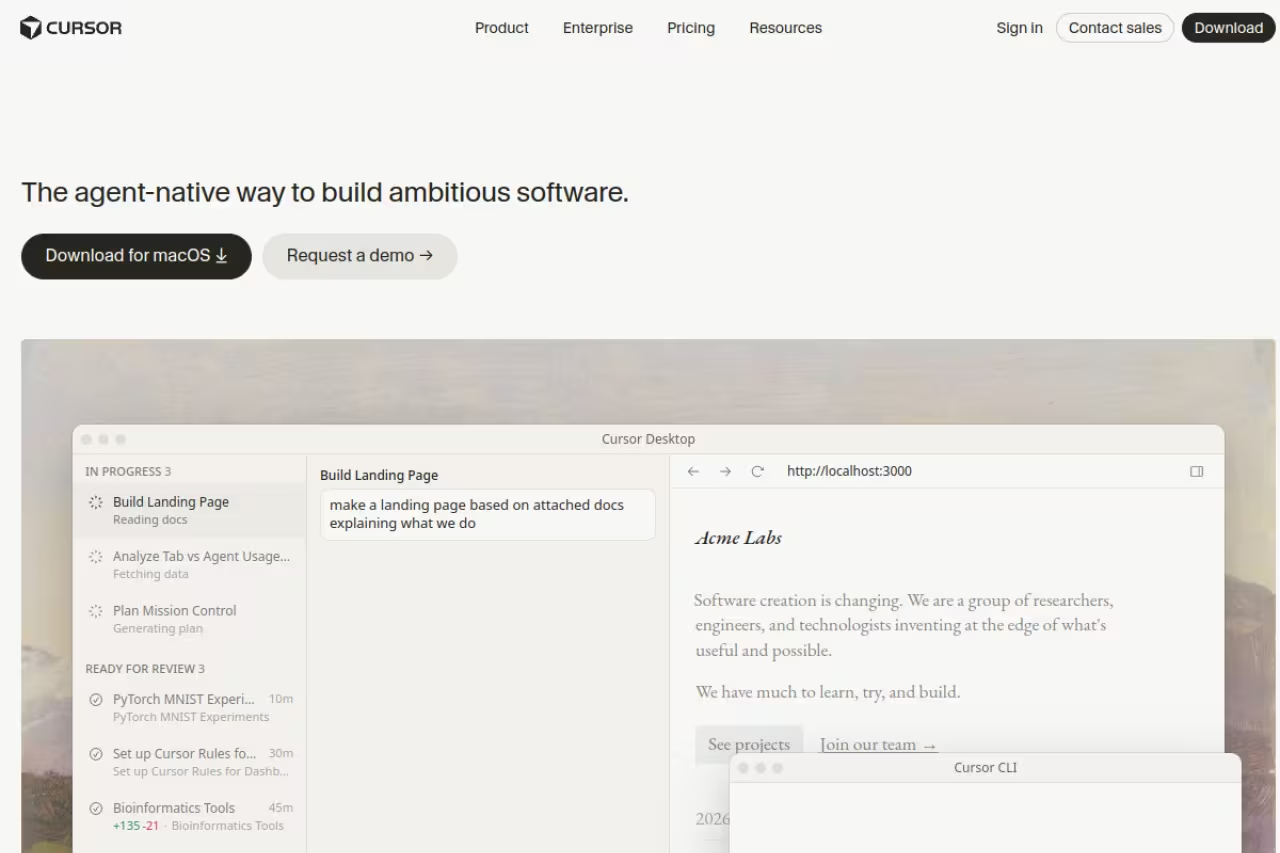
Cursor is a fork of VS Code with AI wired into the core instead of bolted on through an extension. That sounds like a small thing. It isn't. Because Cursor owns the whole editor, its agent can read your entire project, make edits across a dozen files at once, run terminal commands, and check its own work before handing it back to you.
Who it's for: developers who live in an IDE and want one tool that handles autocomplete, chat, and multi-file agent work without context-switching. If you came from VS Code, the muscle memory transfers in about five minutes.
Pick it if you live in an IDE and want autocomplete, chat and multi-file agent work in one place, with Tab completion as the standout. Usage-based billing means heavy agent users can push the real bill well past $20.
there's a free Hobby tier with limited agent requests and Tab completions. The Pro plan is $20/month and unlocks extended agent limits, frontier model access, MCP support, and cloud agents. Teams run $40/user/month and Ultra power users can go to $200/month for the highest limits. The official Cursor pricing page has the full breakdown.
The standout: Tab completion. Cursor predicts your next edit, not just the next token, and it's eerily good at guessing where your cursor is about to go after a refactor. The agent mode is strong too, but Tab is the feature people don't shut up about for a reason.
The catch: usage-based billing means heavy agent users blow past the included Pro quota. I've seen developers running agents all day push their real bill toward $60 to $100 a month once overages kick in. The $20 number is a starting line, not a ceiling. Also, since it's a separate editor, you give up the official VS Code Marketplace for the open-source one, which occasionally matters for proprietary extensions.
Claude Code
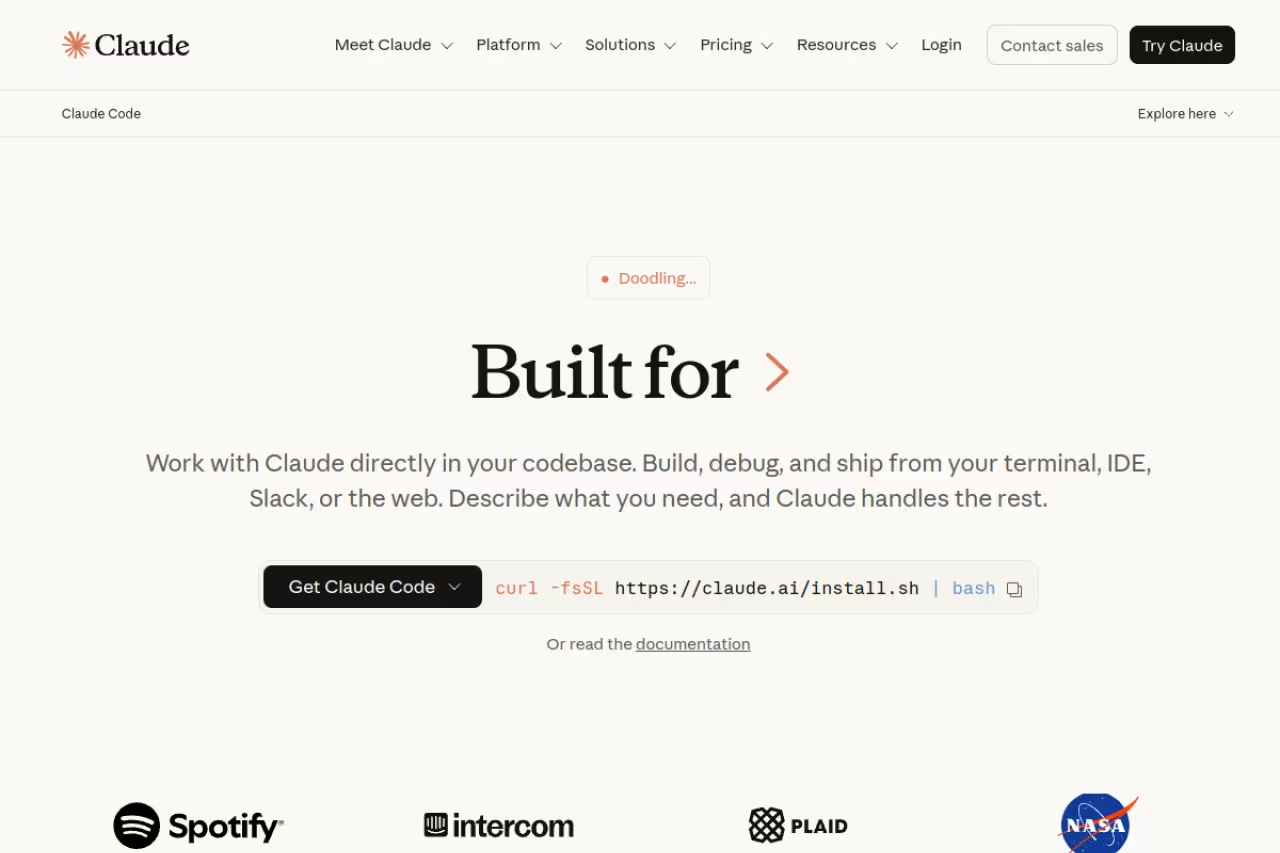
Claude Code is Anthropic's terminal-native coding agent. There's no fancy GUI. You run it in your shell, point it at a repo, and describe what you want. It reads files, plans the work, writes code, runs tests, and iterates. For tasks that span a large or unfamiliar codebase, nothing I've tried reasons about the structure as well.
Who it's for: developers who are comfortable in the terminal and want an agent that can handle genuinely hard, multi-step tasks. It pairs naturally with how a lot of senior engineers already work.
The agent for hard, multi-step work across large or unfamiliar codebases, where planning before acting beats weaker tools. It is terminal-first with no inline autocomplete, and the Pro usage ceiling pushes serious users to the $100 Max plan.
Claude Code is included in Claude Pro at $20/month and Claude Max from $100/month. Max comes in a 5x tier ($100) and a 20x tier ($200), where the multiplier is usage relative to Pro. Pricing is on the Claude plans page. The hard usage ceiling is the design philosophy here: you hit a wall instead of a surprise invoice.
The standout: the quality of reasoning on complex changes. When I ask it to trace a bug across services or restructure a module that touches twenty files, it plans before it acts and explains its thinking. That planning step saves you from the "confidently wrong" output that plagues weaker agents.
Where it falls short: the terminal-first design is a wall for some developers, especially those who want inline autocomplete as they type. Claude Code is an agent, not a pair-programmer that lives in your editor. And on the Pro tier, the usage ceiling arrives fast if you run it hard, which pushes serious users to the $100 Max plan whether they planned to or not.
GitHub Copilot
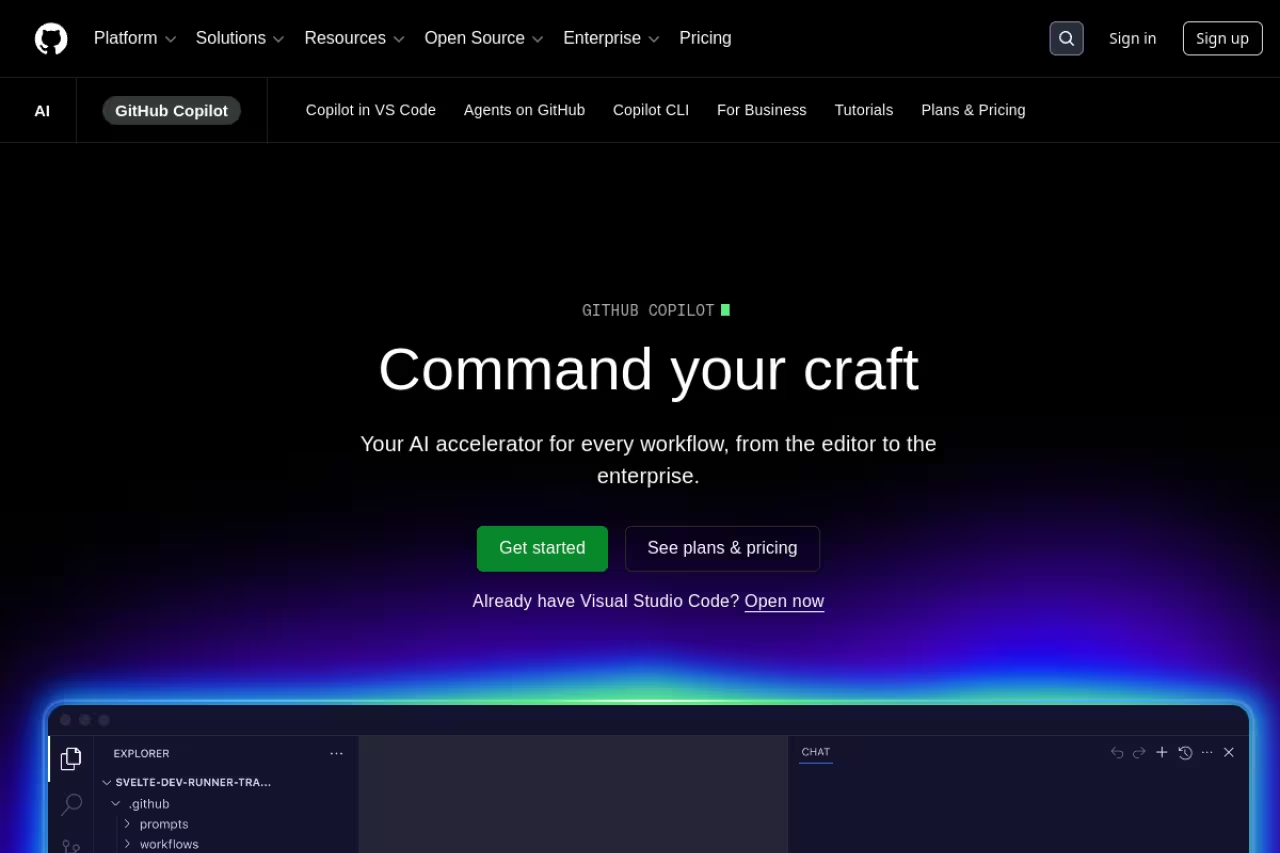
GitHub Copilot is the one almost everyone tried first, and it's still the best value for plain assistance. It gives you inline completions, a chat panel, multi-file edits, and an agent mode, all wired directly into VS Code, JetBrains, and GitHub itself.
Who it's for: developers who want a dependable assistant at the lowest price, and teams already deep in the GitHub ecosystem where the native integration pays off.
The best value for plain assistance, with a genuinely useful free plan and a $10 Pro tier, plus native GitHub integration. Its agent mode lags Cursor and Claude Code on complex multi-file work, and usage-based billing is creeping in.
the free tier is genuinely useful, with 2,000 completions a month plus an allowance of AI Credits, with Copilot picking the model automatically, per GitHub's plan docs. Pro is $10/month with unlimited completions and $15 in monthly AI credits. Pro+ at $39/month adds premium models including Claude Opus and $70 in credits. Full details are on the Copilot plans page.
The standout: the free plan. No other tool here gives you this much for $0, and the $10 Pro tier is the cheapest entry into real unlimited completion. If budget is the deciding factor, Copilot wins outright.
The catch: the agent mode lags behind Cursor and Claude Code on complex multi-file work. Copilot shines at completion and quick chat, but ask it to autonomously refactor a feature and it's noticeably less reliable. Worth knowing too: starting June 1, 2026, GitHub shifted more workflows onto usage-based billing, so the simple "$10 covers everything" story is getting more nuanced for organizations.
If you want to skip the testing phase, Dupple X rounds up the AI tools and workflows worth paying for, so you can stop trialing eight subscriptions and start shipping.
OpenAI Codex
OpenAI Codex reinvented itself as a cloud-based autonomous agent. Powered by GPT-6 Astra and the GPT-5.6 models, it runs multi-step software tasks inside isolated sandboxes and can work on several projects in parallel. You hand it tasks, it spins up isolated environments, and it reports back with diffs.
Who it's for: developers who want to fan out work across many parallel agents, or who already pay for ChatGPT and want their coding agent bundled in.
Go with it if you want to fan out work across parallel cloud agents, or already pay for ChatGPT and want coding bundled in. The sandbox round trip suits batch refactors better than tight interactive loops, and token-aligned billing is harder to predict.
Codex ships inside every ChatGPT plan rather than as a standalone product. That means Free ($0), Plus ($20/month), and Pro from $100/month with a choice of 5x or 20x rate limits. On April 2, 2026, OpenAI moved Codex billing to align with API token usage instead of per-message pricing, which the Codex pricing docs lay out. OpenAI's own estimate puts heavy users at $100 to $200 a month.
The standout: parallel execution. The ability to kick off five tasks across five sandboxes and review them all later is a genuinely different workflow from a single inline assistant. For batch refactors or knocking out a backlog, it's powerful.
Where it falls short: the cloud-sandbox model means it's less suited to tight, interactive loops than an in-editor tool. There's latency in the round trip, and the token-aligned billing makes costs harder to predict than a flat sub. If you want to feel the agent typing alongside you, this isn't that.
Devin Desktop (formerly Windsurf)
Devin Desktop, the editor formerly called Windsurf, had a busy year. Cognition, the company behind the autonomous agent Devin, acquired it in a deal reported around $250 million, and as of June 2, 2026 the editor is shipping as Devin Desktop. Your plans, settings, and keybindings carry over, but the original Cascade agent stayed available only through July 2026; its replacement is a new agent called Devin Local.
Who it's for: developers who want an agent-first IDE with an autonomous coding agent (Devin) embedded directly in the editor, not just a chat sidebar.
An agent-first IDE with the autonomous Devin agent embedded, for developers who want more than a chat sidebar. The platform is mid-transition after the rename and agent switch, so stability seekers should wait for the dust to settle.
there's a free tier with a light usage quota and unlimited Tab completions, enough for a few meaningful agent sessions before you hit the wall. Pro is $20/month, Teams cost $80/month plus $40 per full seat, and there's a $200/month Max tier for power users (checked on Devin's pricing page, September 2026). Paid plans include models from Anthropic, OpenAI and Google alongside Cognition's own SWE-2 model.
The standout: the Cascade agent built a strong reputation for codebase-aware editing, and the Devin integration adds an autonomous agent that can take a task and run with it end to end. Windsurf ranked #1 in LogRocket's AI Dev Tool Power Rankings earlier in 2026.
The catch: the platform is mid-transition. The rename to Devin Desktop and the switch from Cascade to Devin Local introduce uncertainty right when you're trying to settle into a tool. If you value stability over the latest agent features, the churn is a real downside until the dust settles.

Replit
Replit collapses the entire development loop into a browser tab. You write code, the AI Agent helps you build it, and you deploy, all without touching a local environment. For prototyping and for developers who hate environment setup, it removes a lot of friction.
Who it's for: people who want to go from idea to deployed app fast, learners, and anyone building on a Chromebook or a locked-down machine where local tooling is a pain.
Ideal for going from idea to deployed app in a browser tab, especially for learners and anyone on a Chromebook or locked-down machine. Credits run out after a few substantial Agent builds, and large performance-sensitive projects want a local toolchain.
there's a free Starter plan. The Core plan is $25/month (or $20 annually) and includes monthly usage credits for AI, compute, and deployments, plus full Agent access. Heavier teams move up to Pro and Enterprise tiers.
The standout: zero setup. The Agent can scaffold a working app from a prompt, and deployment is one click away in the same window. For validating an idea over a weekend, that speed is hard to beat.
Where it falls short: the credit math bites. The included credits on Core cover light use, but two or three substantial Agent builds in a month and you're buying more credits. Browser-based development also hits limits for large, performance-sensitive projects where you really want a local toolchain.
v0 by Vercel
v0 by Vercel turns plain-English prompts into production-ready React and Tailwind components, and now full-stack apps. Built by the team behind Next.js, it's the fastest path from a UI idea to something you can deploy. In January 2026 it rebranded from v0.dev to v0.app and expanded well beyond components.
Who it's for: frontend developers, founders, and designers who want to generate working UI fast and push it straight to production on Vercel or to a GitHub repo.
The fastest path from a UI idea to a polished, deployable React and Tailwind component, and a good fit for frontend developers, founders and designers. It is weaker on complex backend logic, and token-based billing can drain credits quickly.
the free tier includes $5 in monthly credits that reset each cycle. Premium is $20/month with $20 in credits plus Figma import, Team is $30/user/month, and Business runs $100/user/month. In February 2026 v0 moved to token-based pricing, so credit burn now scales with prompt complexity. The v0 site has current limits.
The standout: UI quality. The components it generates look polished out of the box, not like generic AI scaffolding, and the one-click deploy to Vercel closes the loop instantly. For shipping a landing page or dashboard UI in an afternoon, it's excellent.
The catch: it's strongest at frontend. While it's grown into full-stack territory, complex backend logic isn't its sweet spot, and the token-based billing means a few heavy generations can chew through your monthly credits faster than you'd expect.

Tabnine
Tabnine made a deliberate bet that almost nobody else made: privacy above all. Its models never train on your code, it offers self-hosted and air-gapped deployment, and it can run entirely on your own infrastructure. For regulated industries and security-conscious teams, that's the whole pitch.
Who it's for: enterprises and teams in finance, healthcare, defense, or any environment where sending source code to a third-party cloud is a non-starter.
The privacy-first option for finance, healthcare, defense and any team that cannot send source code to a third-party cloud, with self-hosted and air-gapped deployment. You trade raw code-generation quality for that control, and there is no free tier anymore.
Tabnine retired its free Basic tier in 2025. The Code Assistant plan starts at $39/user/month, the Agentic Platform is $59/user/month, and Enterprise is custom. A 14-day trial lets you evaluate before committing.
The standout: the deployment model. Running an AI assistant fully on-premises with zero data retention is something the big cloud-first tools simply don't offer. If your security team vetoes Copilot and Cursor, Tabnine is often the only option left standing.
Where it falls short: raw capability. On pure code-generation quality, Tabnine trails Cursor, Claude Code, and Copilot. You're trading some performance for privacy. And without a free tier anymore, individual developers who just want to try it have a harder time than they used to.
How to choose
Don't overthink it. Match the tool to how you actually work.
If you want one tool for everything, start with Cursor on the free tier and upgrade to $20 Pro when you hit the limits. It covers autocomplete, chat, and agent work in a familiar editor.
If your tasks are hard and span big codebases, Claude Code is the reasoning champion. Budget for the $100 Max plan if you'll run it daily, because the Pro ceiling comes fast.
If price is the deciding factor, GitHub Copilot's free tier and $10 Pro plan beat everyone. It's not the strongest agent, but it's the best value.
If you build a lot of UI, v0 gets you from prompt to deployed interface faster than anything else.
If security rules your stack, Tabnine's self-hosted model is the answer, full stop.
A practical move: pick two. Use a cheap in-editor assistant like Copilot or Cursor for the constant flow of small edits, and reach for an agent like Claude Code or Codex when a task is big enough to delegate. That combo costs less than you'd think and covers both modes of work. For more on the agent side, see our guides to the best AI coding agents and the best AI agents generally.
FAQ
What is the best AI tool for developers in 2026?
For most developers, Cursor is the best all-around choice because it combines fast autocomplete, chat, and project-wide agent edits in a familiar VS Code-style editor for $20/month. If your work involves deep reasoning across large codebases, Claude Code is stronger. And if budget matters most, GitHub Copilot's free tier and $10 Pro plan are the best value.
Are there free AI coding tools worth using?
Yes. GitHub Copilot's free tier gives you 2,000 completions and 50 chat requests a month, which is plenty for light use. Cursor, Devin Desktop (formerly Windsurf), Replit, and v0 all have free tiers too, though they're designed to let you form an opinion rather than run a full workflow. For a wider list, check our roundup of the best free AI tools.
How much do AI coding tools actually cost per month?
The headline prices ($10 to $20) understate real costs for heavy users. Tools with metered or token-based billing, like Cursor, Codex, and v0, can push active developers into the $60 to $200 range once they're running agents daily. OpenAI's own estimate puts Codex power users at $100 to $200 a month. Subscription tools with hard ceilings, like Claude Code, are more predictable but cut you off when you hit the limit.
Cursor vs Claude Code: which should I use?
They solve different problems. Cursor is an editor with an agent inside it, so you get inline autocomplete plus multi-file edits in one place. Claude Code is a terminal agent that reasons better on hard, large-scale tasks but has no inline completion. Many developers run both. We compare them in detail in our Claude Code vs Cursor guide.
Is GitHub Copilot still worth it in 2026?
For the price, yes. Copilot remains the best value for inline completion and quick chat, and its free tier is the most generous in the category. Where it lags is autonomous multi-file agent work, where Cursor and Claude Code are clearly ahead. If you mostly want a smart autocomplete that's tightly integrated with GitHub, Copilot is still an easy recommendation.
Which AI coding tool is best for privacy and enterprise security?
Tabnine. It's the only major tool here that offers fully self-hosted and air-gapped deployment with models that never train on your code. For teams in finance, healthcare, or defense where source code can't leave your infrastructure, it's usually the only viable option. The trade-off is somewhat weaker code-generation quality than the cloud-first leaders.
Want a steady signal on which AI dev tools are actually worth your time? Dupple X filters the noise so you spend your budget on tools that ship, not tools that demo well. You can also browse our running list of top tools.
Related guides
Some offers on this page may be paid placements or contain affiliate links.
