
Best Contractor Accounting Software in 2026 (Compared and Ranked)

Key facts8 tools compared: QuickBooks, FreshBooks, Bonsai, Wave, Xero, Zoho Books, Found, Hurdlr
- 8 tools compared: QuickBooks, FreshBooks, Bonsai, Wave, Xero, Zoho Books, Found, Hurdlr
- QuickBooks (best for: Most contractors, 1099 filing): $20/mo Solopreneur, $38+/mo Online
- FreshBooks (best for: Invoice-heavy freelancers): $23/$43/$70 per mo
- Bonsai (best for: Contracts + invoicing in one): $25/mo Essentials
- Wave (best for: Budget and side projects): Free, Pro $19/mo
Most accounting software is built for businesses with employees, inventory, and a bookkeeper on payroll. If you bill clients on 1099 income, chase your own invoices, and dread quarterly taxes, that software fights you the whole way. You end up with categories you don't need and missing the one thing you actually want: a clean number for what you owe the IRS.
I compared every tool below against what a contractor setup actually needs: real bank feeds, real invoices, and a real Schedule C. Pricing and feature limits are current as of June 2026 and pulled straight from each vendor's own pricing page.
If you want the short answer: QuickBooks wins for most contractors because of how it handles 1099 tracking and tax filing, and its Solopreneur tier is cheap. If you live in invoices, FreshBooks is friendlier. If you also write contracts and proposals, Bonsai does the whole client workflow in one place. Here's the full breakdown.
Quick comparison
| Tool | Best for | Price (regular) | Standout |
|---|---|---|---|
| QuickBooks | Most contractors, 1099 filing | $20/mo Solopreneur, $38+/mo Online | Files 1099s, syncs to TurboTax |
| FreshBooks | Invoice-heavy freelancers | $23/$43/$70 per mo | Best invoicing and proposals |
| Bonsai | Contracts + invoicing in one | $25/mo Essentials | Contracts, proposals, CRM |
| Wave | Budget and side projects | Free, Pro $19/mo | Genuinely free accounting |
| Xero | Growing into a real business | $25/$55/$90 per mo | Unlimited users, scales up |
| Zoho Books | Small revenue, free tier | Free under $50K, $20+/mo | Free plan with 1,000 invoices |
| Found | Banking + bookkeeping combined | Free, Plus $35/mo | Bank account with tax built in |
| Hurdlr | Mileage and quarterly taxes | Free, Premium ~$8/mo | Auto mileage and tax estimates |

QuickBooks: the default for a reason
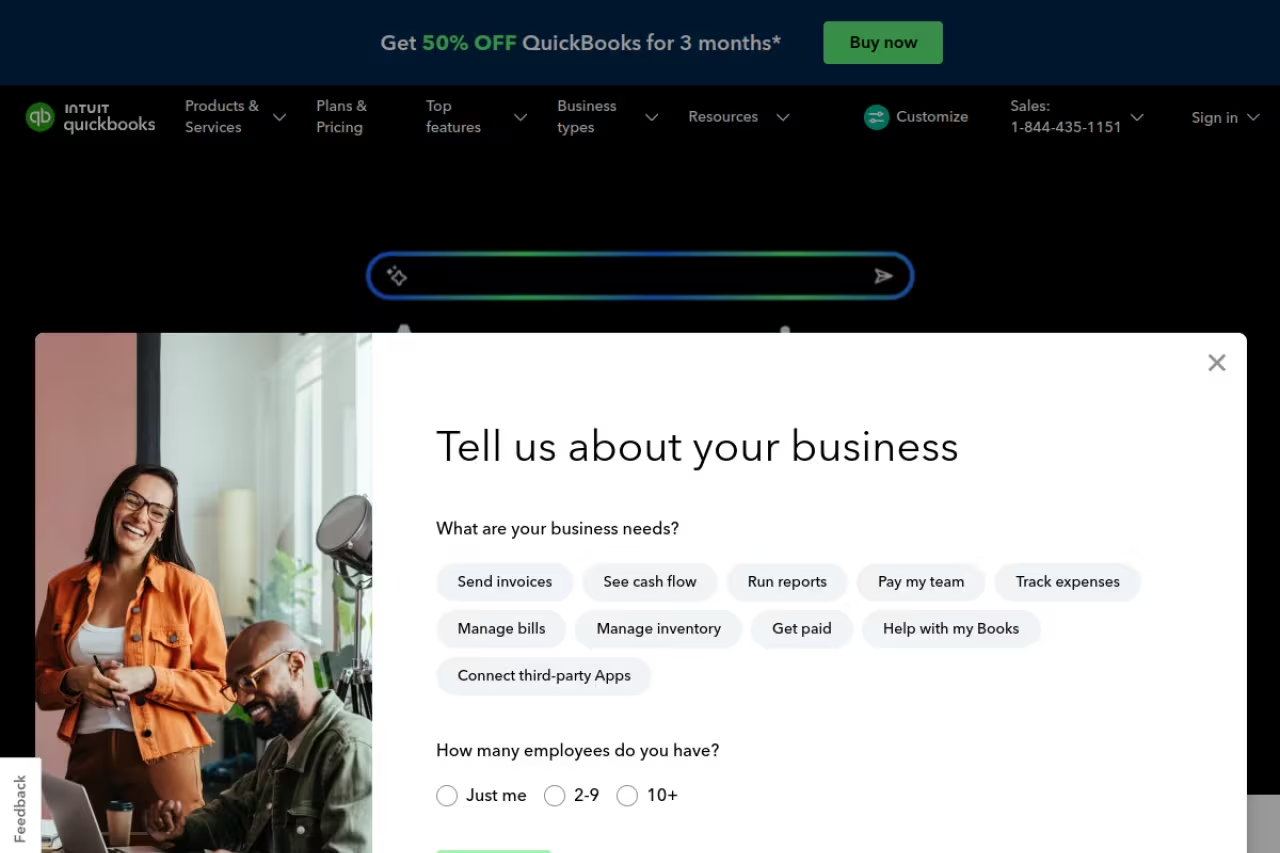
QuickBooks is what your accountant already knows, and that matters more than people admit. When you hand off your books at tax time, nobody wants to learn your weird app.
For solo contractors, the Solopreneur tier runs $20/month and covers the basics that actually map to a Schedule C: income and expense tracking, GPS mileage logging, receipt capture, and estimated quarterly tax calculations. It pushes straight into TurboTax when you file. That tax handoff is the reason I keep recommending it over prettier tools.
If you pay your own subcontractors, you move up to QuickBooks Online. Plus ($115/month) and Advanced track every payment to a contractor and generate ready-to-file 1099-NEC forms at year end, which the IRS requires for anyone you paid $2,000 or more in 2026 (the threshold was $600 until 2025; see when 1099s are due for the 2027 dates) (Intuit's own contractor docs spell out the workflow). Simple Start is $38/month and Essentials is $75/month if you fall in between.
The accountant-friendly default for contractors who want the safest option and a clean TurboTax handoff. Solopreneur is stripped down at $20/month, and the jump from $38 to $115 to unlock 1099 filing feels steep.
Best for: contractors who want the safest, most accountant-friendly option and plan to file 1099s themselves.
The catch: Solopreneur is deliberately stripped down. You can only track one contractor, there's no double-entry balance sheet, and reporting is thin. The moment you need real financial statements you're pushed up to QuickBooks Online, where the jump from $38 to $115 to unlock 1099 filing feels steep. Intro promos knock 50% off the first three months, but the regular price is what you'll actually pay.

FreshBooks: built around getting paid
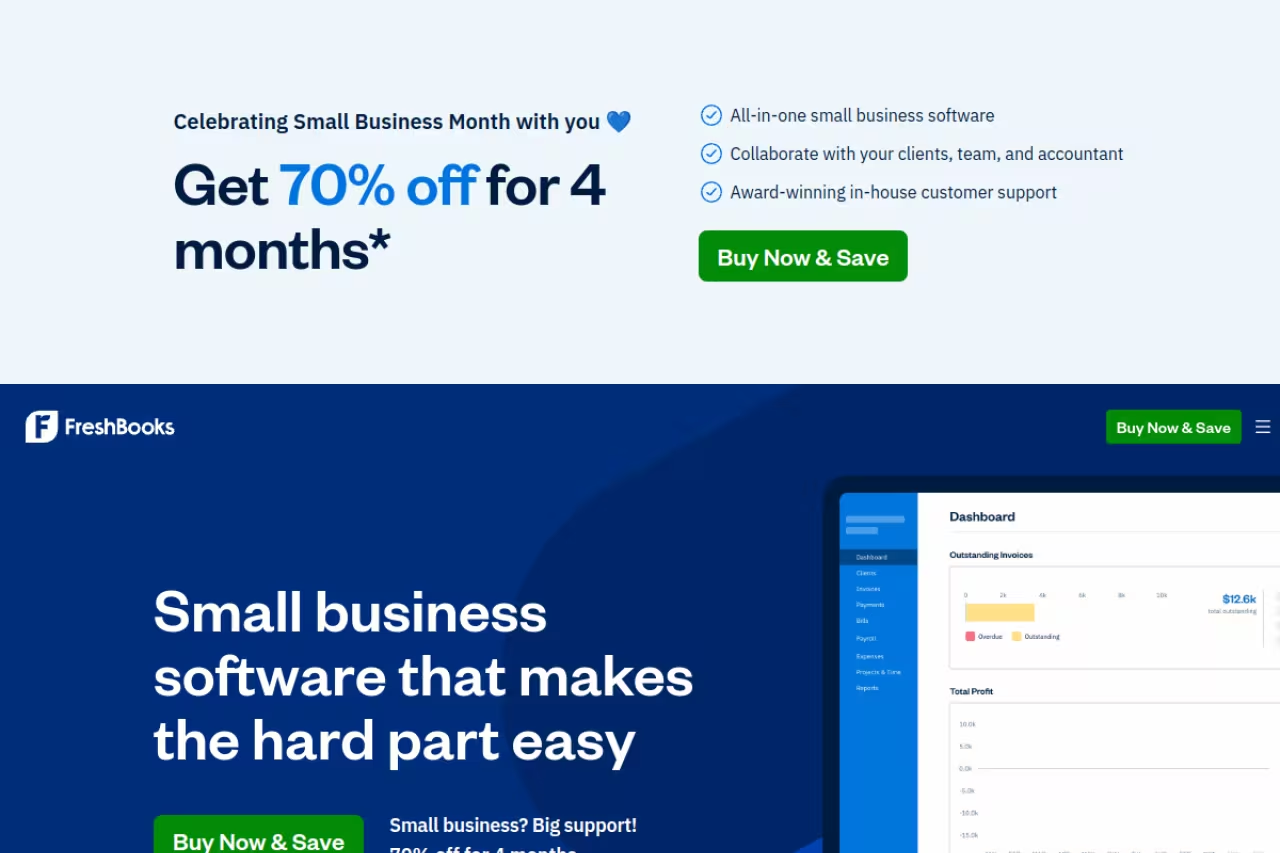
If most of your financial admin is sending invoices and nagging clients, FreshBooks feels like it was designed by someone who has done that job. The invoicing is the cleanest on this list, late-payment reminders are automatic, and clients can pay by card without creating an account.
Pricing is tier-by-client-count. Lite is $23/month for 5 billable clients, Plus is $43/month for 50 clients, and Premium is $70/month for unlimited. Plus is where it gets good: proposals, client retainers, e-signatures, and receipt scanning all live there. There's a 30-day free trial and a frequent 90%-off-for-three-months promo.
Built for contractors whose main pain is invoicing and chasing payments, with automatic late-payment reminders. The billable-client cap annoys (51 clients forces the $70 Premium tier), and it is weaker on reporting than QuickBooks or Xero.
Where it falls short: the billable-client cap is annoying. If you have 51 clients you're forced onto the $70 Premium tier even if half are one-off projects. Extra team members cost $11/month each, and payroll is a separate $40/month add-on. FreshBooks is also weaker on inventory and detailed reporting than QuickBooks or Xero, so it's a poor fit if you're growing past pure services.

Bonsai: the whole client workflow in one tab
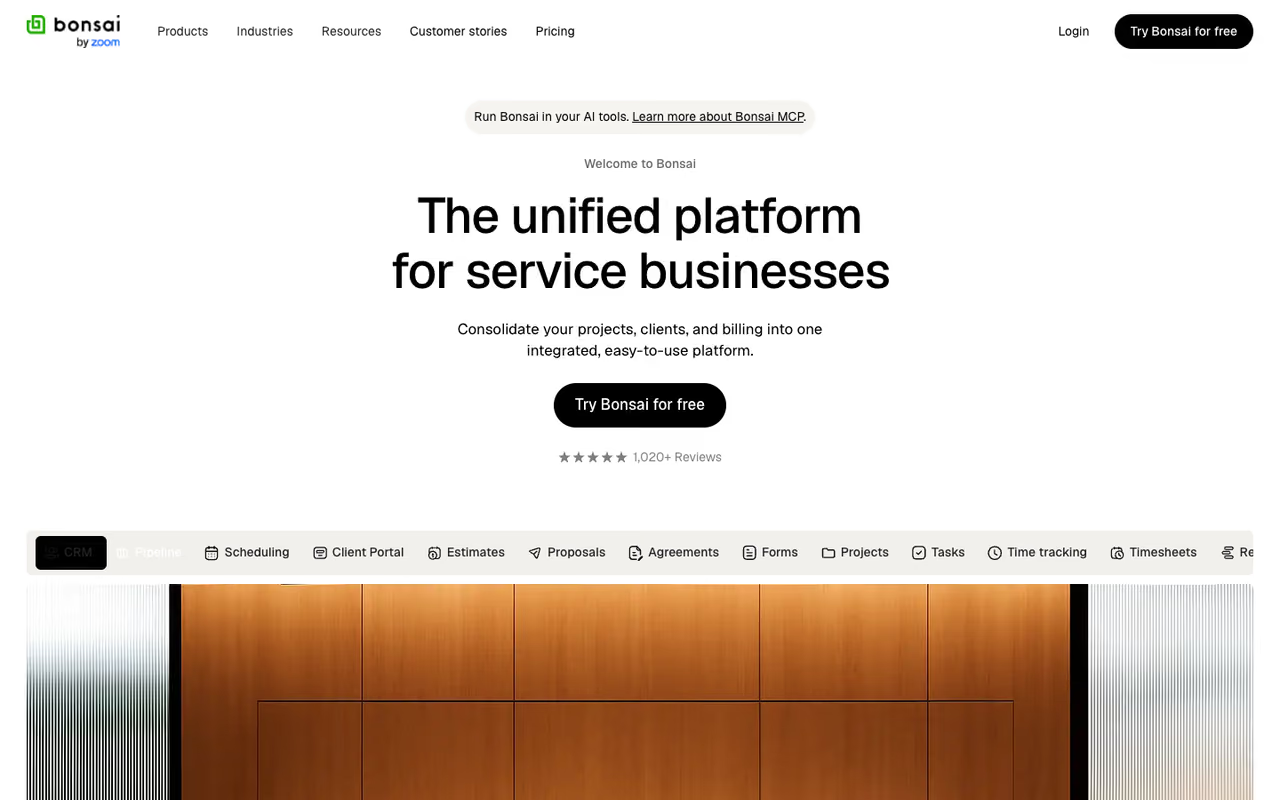
Bonsai is the one I reach for when invoicing isn't the whole job. It bundles proposals, contracts, e-signatures, a CRM, time tracking, invoicing, and basic bookkeeping into a single platform, so you stop stitching together four subscriptions.
Pricing is per user. Basic is $15/month but skips invoicing and contracts, so most people start at Essentials ($25/month), which unlocks proposals, contracts, scheduling, and invoices. Premium is $39/month for heavier client management. There's a 7-day free trial. It also integrates back into QuickBooks and Xero, so you're not locked out of "real" accounting if you scale.
For freelancers and contractors who send contracts and proposals and want one tool for the whole client lifecycle. It is a business platform first and accounting second, and the Basic plan skips invoicing, which is a trap.
The catch: Bonsai is a business management platform first and an accounting tool second. The bookkeeping is functional but lighter than a dedicated ledger, the per-user pricing adds up if you bring on help, and the Basic plan's missing invoicing is a genuine trap. If you only need to track income and file taxes, you're paying for project and CRM features you'll never open.

Wave: free accounting that actually works
Wave is the rare free tool that isn't a crippled demo. The free Starter plan gives you unlimited invoicing, expense tracking, and double-entry accounting with no time limit, which is genuinely hard to beat for a side hustle or a brand-new contractor.
The Pro plan is $19/month and adds automatic bank imports, receipt scanning, and waived fees on your first 10 card transactions a month. Payroll is separate at $40/month plus $6 per active employee or contractor.
The pick for new contractors and side projects whose revenue doesn't justify a paid subscription yet, with free accounting that isn't a crippled demo. On the free plan you lose automatic bank feeds, and support is thinner.
Where it falls short: on the free plan you lose automatic bank feeds, so you're importing transactions by hand, which gets old fast above a few dozen a month. Support is thinner than the paid tools, there's no built-in quarterly tax estimation, and Wave has narrowed over the years. It's an accounting ledger, not a tax co-pilot.

Xero: the one you grow into
Xero is built for the contractor who's quietly becoming a small business. Every plan includes unlimited users at no extra cost, which is unusual and a real saving once you add a bookkeeper or a partner.
US pricing as of March 2026 is Early at $25/month (capped at 20 invoices and 5 bills a month), Growing at $55/month for unlimited transactions, and Established at $90/month, which adds multicurrency, project tracking, and expense claims. Payroll through Gusto integration is extra.
The one to grow into for contractors planning to scale or working with an accountant who prefers Xero, with unlimited users on every plan. The Early plan's cap of 20 invoices is tight and US support trails QuickBooks.
The catch: the Early plan's invoice cap is tight. Twenty invoices a month sounds like plenty until a busy month forces you onto the $55 tier. Xero's interface has a learning curve, and its US support and bank-feed coverage still trail QuickBooks. For a true solo contractor it's more software than you need.
Zoho Books: the best free tier with room to grow
Zoho Books has the most generous free plan among real accounting platforms. If your business makes under $50,000 a year, the free tier gives you one user, up to 1,000 invoices a year, bank reconciliation, and payment reminders.
Paid plans start at Standard ($20/month, or $15 billed annually) and Professional ($50/month, $40 annually), climbing through six tiers total. If you already use other Zoho apps for CRM or email, the integration is the real draw.
The most generous free tier among real accounting platforms, for cost-conscious contractors under $50K in revenue and Zoho users. Past $50K you lose the free plan, and the single-user limit means no accountant access.
Where it falls short: outside the Zoho universe it feels a little isolated, US payroll support is weaker than the incumbents, and once you cross $50K you lose the free plan and have to pay. The free tier's single-user limit also means no accountant access without upgrading.

Found: a bank account that does your books
Found flips the model. Instead of bolting accounting onto a bank feed, it's a business checking account built for the self-employed with bookkeeping and tax tools inside. Every transaction is categorized as it happens, and it estimates your quarterly taxes and lets you set money aside automatically.
The core account is free. Found Plus is $35/month (or $315/year) and adds in-app quarterly tax payments, deeper bookkeeping, and 1.50% APY on balances up to $20K. Found Pro is $80/month with 2.50% APY uncapped.
Ideal for Schedule C filers who want banking, bookkeeping, and tax estimation in one app and hate reconciling. It is a closed loop that only sees money through its own account, so use it as your only business account.
The catch: it's a closed loop. The bookkeeping only sees money that flows through your Found account, so if you keep income in another bank it can't see it. There's no traditional invoicing-plus-AR depth, and as a fintech it lacks the decades of integrations that QuickBooks has. It's best as your only business account, not one of several.
Hurdlr: mileage and quarterly taxes on autopilot
Hurdlr is laser-focused on the two things gig and 1099 workers forget until it hurts: mileage and estimated taxes. It auto-tracks drives in the background and recalculates your self-employment tax in real time as income comes in.
The free plan covers manual income, expenses, and a tax summary. Premium is roughly $8.34/month billed annually and unlocks automatic expense and income tracking plus state and self-employment tax tracking. Pro adds tax filing.
A focused tool for rideshare drivers, couriers, and mobile contractors who rack up miles and want quarterly tax numbers on autopilot. It is not full accounting, with no real invoicing, so contractors who bill clients need something else.
Where it falls short: it's a tax-and-mileage tool, not full accounting. There's no real invoicing or balance sheet, so a contractor who bills clients still needs something else. The free plan's manual tracking is tedious, and you're effectively paying to make the automation work.
How to choose
Match the tool to your actual bottleneck, not to a feature list.
- Your problem is taxes and 1099s. Start with QuickBooks Solopreneur ($20/month) for a tax-ready Schedule C. If you pay your own subs, you need QuickBooks Online Plus or Advanced to file 1099s.
- Your problem is getting paid. FreshBooks ($23+/month) has the best invoicing, reminders, and proposals.
- Your problem is the whole client workflow. Bonsai ($25/month) handles contracts, proposals, and invoicing together.
- Your problem is budget. Wave (free) or Zoho Books (free under $50K) get you real accounting at no cost.
- You're outgrowing solo. Xero ($25+/month) scales with unlimited users and an accountant who likely already uses it.
- You want one app for banking and books. Found (free core) keeps money, bookkeeping, and tax estimates together.
A useful rule: don't buy for the business you wish you had. Pick the cheapest tool that solves today's bottleneck, because switching ledgers later is painful but starting small costs you nothing.
If you're building an AI-assisted operation and want a feed of the tools worth your time, Dupple X is where I track new releases before they hit everyone's radar.
FAQ
What is the best accounting software for independent contractors?
For most independent contractors, QuickBooks is the strongest pick because it produces tax-ready reports, files 1099s, and syncs with TurboTax, and nearly every accountant already knows it. If your main need is invoicing rather than tax filing, FreshBooks is the better fit. If you write contracts and proposals too, Bonsai covers the full client workflow in one place.
Is there free accounting software for contractors?
Yes. Wave offers a permanently free plan with unlimited invoicing, expense tracking, and double-entry accounting. Zoho Books has a free tier for businesses under $50,000 in annual revenue that includes up to 1,000 invoices a year. Found's core business banking with built-in bookkeeping is also free. The trade-off is usually fewer automatic bank feeds and lighter support than paid plans.
Do I need accounting software to file 1099s for my subcontractors?
You don't strictly need it, but it saves real time and reduces errors. QuickBooks Online Plus and Advanced track every payment you make to a contractor and generate ready-to-file 1099-NEC forms at year end. The IRS requires a 1099 for anyone you paid $600 or more in a year, with forms due to contractors by January 31. Software that tags those payments as you go means you're not reconstructing them in January.
How much should a contractor pay for accounting software?
A solo contractor can spend $0 to $25 a month and have everything they need. Free tools like Wave and Zoho Books cover the basics, QuickBooks Solopreneur is $20/month for tax-ready books, and FreshBooks starts at $23/month for stronger invoicing. You only reach the $50 to $115 range when you need to file 1099s for subcontractors or run real financial statements.
What's the difference between QuickBooks Solopreneur and QuickBooks Online?
Solopreneur ($20/month) is built for one-person businesses filing a Schedule C. It handles income, expenses, mileage, and quarterly tax estimates but has no balance sheet and tracks only one contractor. QuickBooks Online (from $38/month) is full double-entry accounting with financial statements, multiple users, and 1099 filing on the Plus and Advanced tiers. Pick Solopreneur if you're a true solo; move to Online once you pay subs or need real reports.
Can I switch accounting software later without losing my data?
Mostly yes, but expect friction. Most tools let you export transactions and invoices as CSV, and platforms like QuickBooks and FreshBooks offer guided migration. The harder part is historical reports and reconciled balances, which don't always transfer cleanly. The practical advice is to switch at the start of a tax year so your old and new books don't overlap mid-period.
For more on building a lean operator stack, see our guides to the top AI tools and the best AI agents for automating the busywork around your books.
Related guides
Some offers on this page may be paid placements or contain affiliate links.
Across our whole catalogue the median is $24 a month and 33% of tools advertise a free tier. Figures are the lowest recurring monthly price quoted in our own review of each tool, read on 2026-08-19. Full method and every category.
