
Best AI Website Builders in 2026: 8 Tools Compared

Key facts8 tools compared: Wix, Framer, Hostinger Horizons, v0 by Vercel, Lovable, Webflow, Durable…
- 8 tools compared: Wix, Framer, Hostinger Horizons, v0 by Vercel, Lovable, Webflow, Durable, 10Web
- Wix (best for: Most small businesses): From $17/mo
- Framer (best for: Design-led sites): From $10/mo
- Hostinger Horizons (best for: Tightest budgets): From $2.99/mo
- v0 by Vercel (best for: Developers): Free, $30/user/mo
A year ago, "AI website builder" mostly meant a chatbot that filled in placeholder text on a template you'd seen a thousand times. That's over. The good ones now ship a working site, with copy that fits your business, in the time it takes to make coffee. The bad ones still hand you a generic landing page and a monthly bill.
The problem is the gap between the two. Every tool claims "build a site in 30 seconds," and a few actually deliver something you'd put your name on. Most don't. I compared how each builder below handles the same brief (a small consulting business, a blog, and a one-page product launch), based on their own sample outputs and public user reviews, to see which ones are reported to produce something usable versus something that needs a rebuild.
If you want the short answer: Wix is the best all-around pick for most people, because it turns a prompt into a real business site with bookings, payments, and email all wired up. If you care more about how the site looks than how fast you got it, go Framer. If you're a developer who'd rather generate React than fight a drag-and-drop editor, v0 is the one. Here's the full rundown.
Quick comparison
| Tool | Best for | Price | Standout |
|---|---|---|---|
| Wix | Most small businesses | From $17/mo | Full business platform built in |
| Framer | Design-led sites | From $10/mo | Best-looking output, no design skills needed |
| Hostinger Horizons | Tightest budgets | From $2.99/mo | Site + hosting + domain in one bill |
| v0 by Vercel | Developers | Free, $30/user/mo | Generates real React you can ship |
| Lovable | Full-stack apps | From $25/mo | Builds the database and backend too |
| Webflow | Agencies and scale | From $15/mo | Production-grade CMS and control |
| Durable | Instant local presence | ~$15/mo | Live site in under a minute |
| 10Web | WordPress fans | From $13/mo | AI-generated WordPress you fully own |

Wix: the best AI website builder for most people
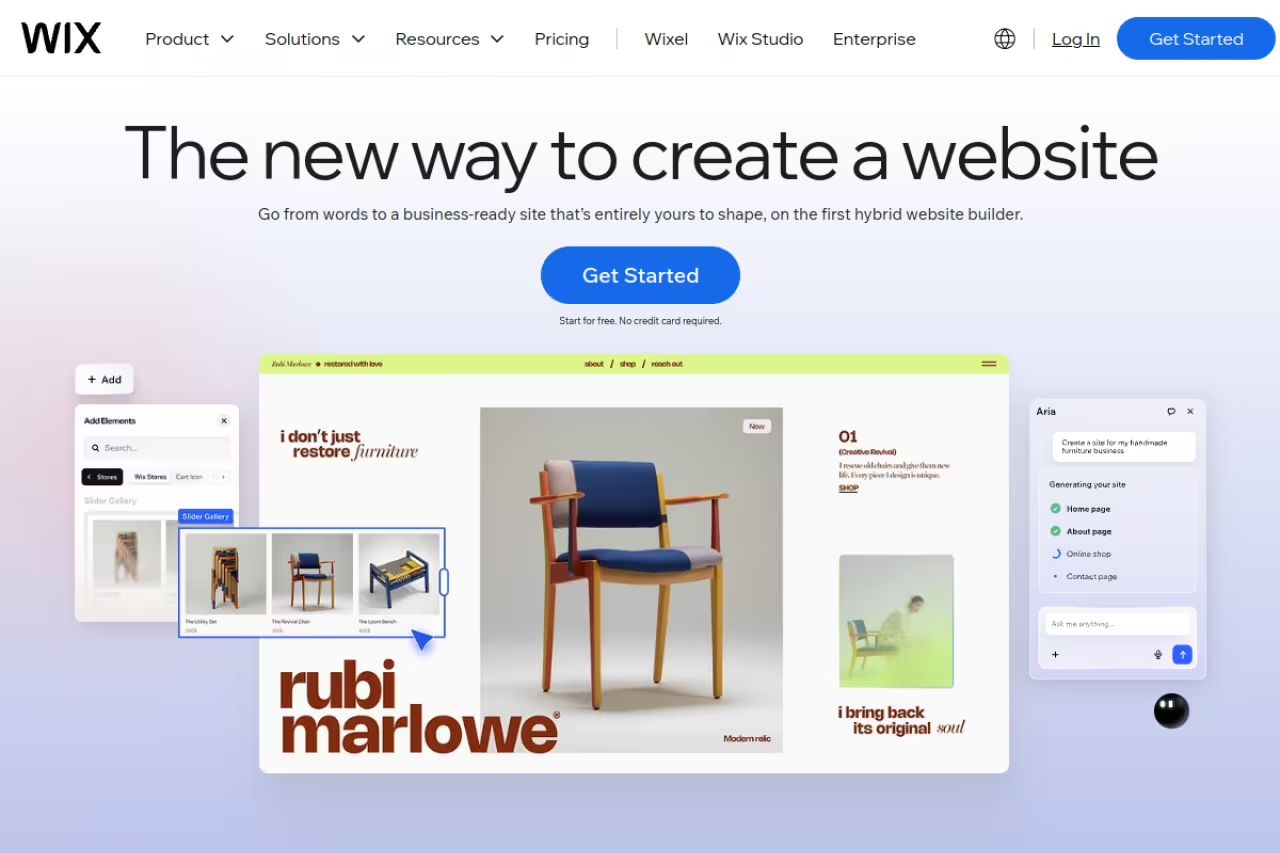
Wix has been the easy joke of the website-builder world for years, but its AI builder is genuinely the one I'd hand to a non-technical friend without a second thought. You answer a few questions about your business, and it generates a multi-page site with sections, images, and copy that actually reference what you do. Then it drops you into an editor where you can fix anything by typing what you want.
Who it's for: Small business owners and solopreneurs who need bookings, a store, a contact form, and email marketing without stitching five tools together.
The one I would hand to a non-technical friend: small business owners get bookings, a store and email marketing in one dashboard, from $17/mo. You cannot change the template after publishing, and the output is recognizably Wix-shaped.
The free plan runs on a Wix subdomain with ads. Paid plans start at $17/mo for Light, $29/mo for Core (the one most stores want), with Business at $39/mo, all billed annually per Wix's pricing page. Monthly billing costs noticeably more.
The standout: Breadth. Scheduling, payments, a blog, an email tool, and basic CRM all live inside the same dashboard. For a service business, that's the difference between launching this week and spending a month on integrations.
The catch: Once you've published a Wix site, you can't change the underlying template. If you want a structural redesign later, you rebuild. The output is also recognizably "Wix-shaped," so design snobs will spot it.

Framer: the best-looking results without a designer
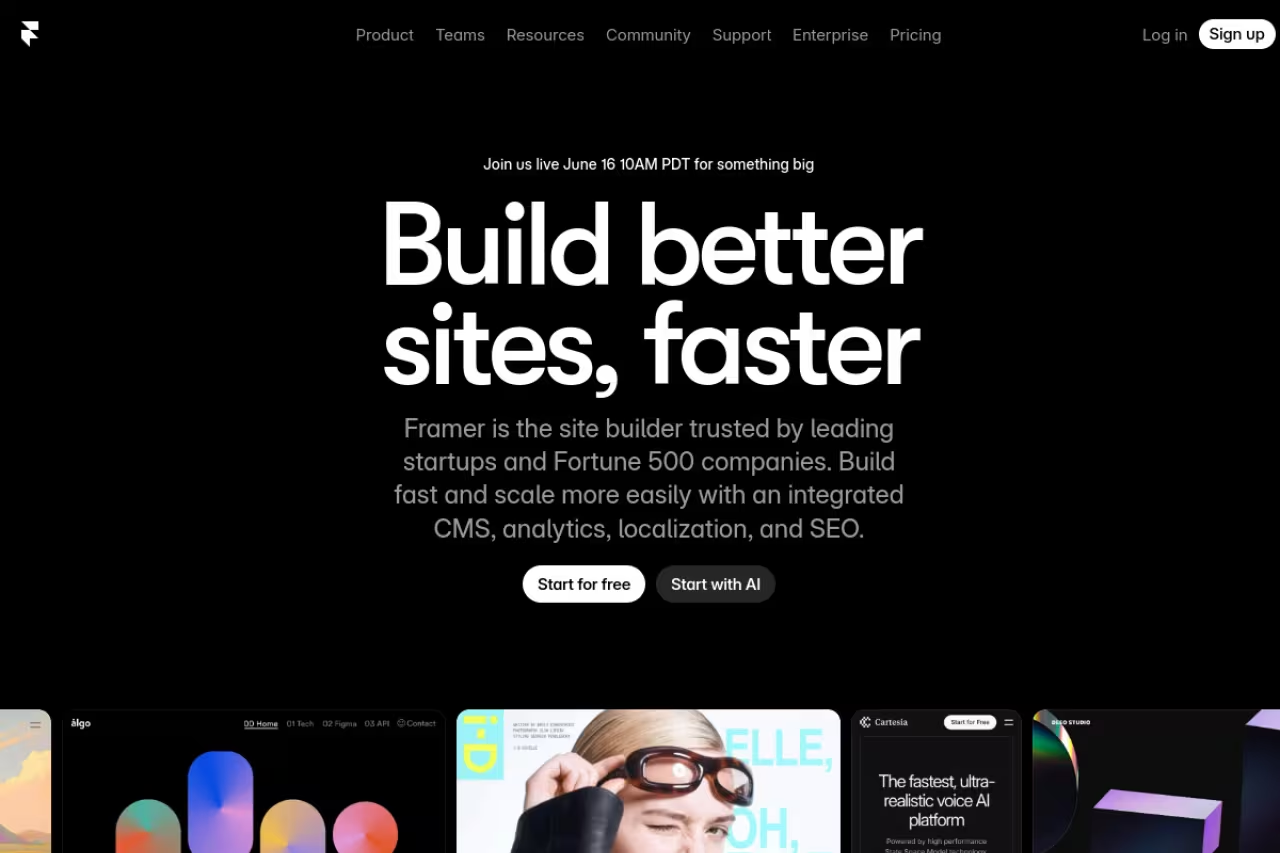
Framer started as a tool for designers and never lost that DNA. Its AI generates sites that look like a studio made them, with real typography, spacing, and motion instead of the flat template feel most builders produce. I gave it the product-launch brief and got back something I would have happily shipped with light edits.
Who it's for: Founders, marketers, and creators who want a portfolio, landing page, or marketing site that looks premium and don't want to hire a designer to get there.
Go with Framer for a premium-looking portfolio or marketing site without hiring a designer. It is not a store or app platform, and the credit pool can run out fast if you iterate heavily.
Free with a Framer subdomain and a daily credit cap. The Basic plan is $10/mo (annual) with a custom domain, and Pro is $30/mo per Framer's pricing. AI agents and generation features draw from a monthly credit pool, so heavy iteration eats into your allowance.
The standout: Visual polish. Framer's output respects design fundamentals in a way no other builder here matches, and the published sites are fast.
The catch: It's a marketing-site and portfolio tool, not a store or app platform. There's e-commerce, but it's basic. And the credit system means power users can burn through their monthly allowance faster than expected, which pushes you toward the pricier tier.
Hostinger Horizons: the most site for the least money
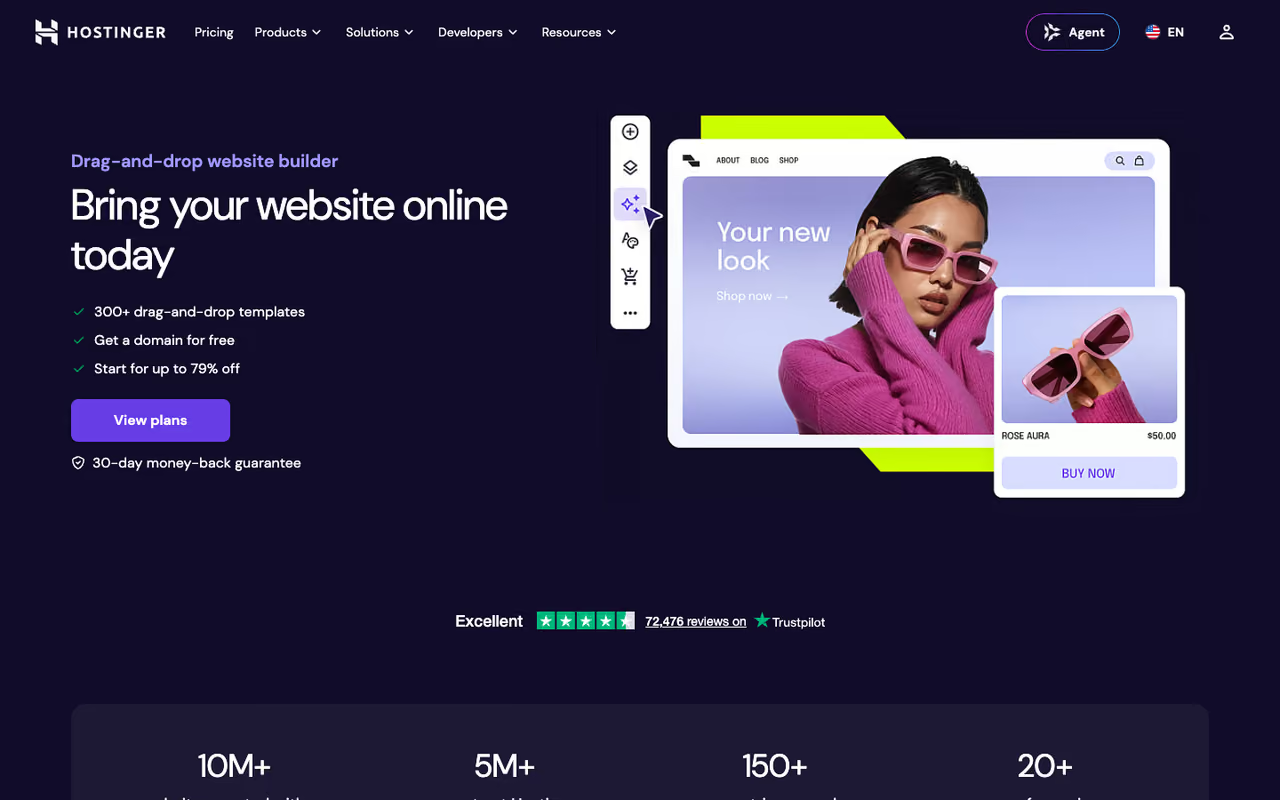
If your budget is the deciding factor, Hostinger is hard to argue with. Its Horizons AI builder generates a clean, functional site, and the plan bundles hosting, a free domain for the first year, and SSL into one cheap subscription. For someone launching a first project, that bundling removes a lot of friction.
Who it's for: First-time site owners, freelancers, and anyone who wants a real domain and hosting without juggling separate bills.
The most site for the least money, bundling hosting, a domain and SSL for first-time owners and freelancers. The $2.99/mo price needs a 48-month prepay, renewals jump to $10.99, and AI editing is more limited than Wix or Framer.
The Premium plan runs $2.99/mo on the long 48-month commitment per Hostinger's site, and Business is $3.99/mo with e-commerce. Read the fine print: renewal jumps to $10.99 and $16.99 respectively, and AI generation credits are limited per month.
The standout: Value. Few tools give you a generated site plus hosting plus domain at this price. The dashboard also folds in AI tools for logos, images, and SEO copy.
The catch: That headline price needs a four-year prepay, and renewals are roughly four times higher. AI editing is more limited than Wix or Framer, so you're nudged toward the drag-and-drop editor for anything beyond the first draft.
If you're piecing together a lean stack and want a steer on what's actually worth paying for, our /dupple-x breakdown of the AI tools we run internally is a useful reference point.
v0 by Vercel: the builder for people who write code
v0 isn't a website builder in the usual sense, and that's exactly why developers love it. You describe a UI, and it generates production-ready React and Tailwind that you can edit, sync to GitHub, and deploy to Vercel in a couple of clicks. No proprietary editor lock-in, no exporting some mangled HTML.
Who it's for: Developers and technical founders who want AI to handle the boilerplate but still want to own the code.
The builder for people who write code, generating production-ready React and Tailwind that syncs to GitHub with no lock-in. Token-based pricing punishes iteration, and it is the wrong tool for non-coders.
The free tier gives you $5 of monthly credits and a 7-message daily limit. The Team plan is $30/user/mo with $30 of monthly credits plus daily login credits, per v0's pricing. Generation is token-based, so complex requests cost more.
The standout: Real code, real framework. What v0 produces drops straight into a Next.js project. For anyone already living in that ecosystem, it's the fastest path from idea to deployed UI.
The catch: The token-based pricing punishes iterative work. Each small tweak burns credits, and costs are harder to predict than a flat subscription. It also assumes you can read and fix React when the AI gets something wrong, so it's the wrong tool for non-coders. If you're weighing your options here, our guide to the best AI for coding covers the broader toolset.

Lovable: from prompt to full-stack app
Lovable goes a step past v0 by building the backend too. Ask it for a SaaS dashboard or a booking app, and it generates the frontend, the database, and the auth, then deploys the whole thing. It's the closest any of these tools comes to "describe an app, get an app."
Who it's for: Founders and product people who want to ship a working web app or MVP without a dev team, and who are comfortable describing logic in plain English.
Pick Lovable to turn a prompt into a working full-stack app with database and auth, from $25/mo. Ambitious projects often need a developer to debug them, and credits disappear fast, so treat it as a first draft.
There's a limited free tier. Pro is $25/mo with 100 monthly credits and custom domains, and Business is $50/mo with SSO and team features, per Lovable's pricing. Credits roll over on paid plans.
The standout: Full-stack output. Most builders stop at the marketing page. Lovable will scaffold a logged-in product with a real database behind it, which is a different category of useful.
The catch: Complexity is where it strains. Simple apps come out clean; ambitious ones often need a developer to debug what the AI produced. Credits also disappear quickly during heavy iteration, the same trap as v0. Think of it as a fast first draft of an app, not the finished product.

Webflow: production-grade when you've outgrown the easy tools
Webflow is what you graduate to when a template builder stops being enough. Its AI features help generate layouts and copy, but the real draw is the CMS and the pixel-level control. Agencies build client sites here precisely because you don't hit a ceiling.
Who it's for: Agencies, designers, and teams building content-heavy or highly custom sites that need a serious CMS and clean handoff.
What you graduate to when template builders stop being enough, with a serious CMS and pixel-level control for agencies and custom sites. The learning curve is steep, and it is overkill for a simple five-page brochure site.
Free Starter plan on a webflow.io subdomain. Basic is $15/mo (annual) for static marketing sites, and the Premium plan, which merged the old CMS and Business tiers, is $25/mo billed yearly per Webflow's restructured 2026 plans. Workspace seats are billed separately.
The standout: Control and scale. Webflow gives you a real design system, a capable CMS with up to 20,000 items, and code-level customization without writing much code.
The catch: The learning curve is steep. Webflow rewards people who understand HTML and CSS concepts and frustrates everyone else. The AI assists, but it won't carry a beginner the way Wix does. Overkill for a simple five-page brochure site.

Durable: a live site before you finish your coffee
Durable leans hard into speed. Answer three questions and it generates a complete site in roughly 30 seconds, aimed squarely at local service businesses (plumbers, salons, cleaners) that need to exist online yesterday. It also bundles a basic invoicing and CRM layer.
Who it's for: Local and service businesses that want a credible web presence immediately and won't fuss over fine design control.
A fast on-ramp for local service businesses that need to exist online now, with a site in roughly 30 seconds plus basic invoicing and CRM. Customization is shallow and the copy is generic, so it is no long-term home for a standout brand.
No meaningful free plan. Paid access runs around $15/mo, often a bit less on annual billing, which includes a custom domain.
The standout: Sheer speed plus the small-business extras. The invoicing and CRM tools mean a sole trader can run more than just a brochure site from one place.
The catch: Customization is shallow. You can swap colors, fonts, and text, but you can't restructure much. The generated copy tends to be generic, so you'll want to rewrite it. It's a fast on-ramp, not a long-term home for a brand that wants to stand out.

10Web: AI-generated WordPress you actually own
10Web is the pick if you want AI convenience without leaving the WordPress ecosystem. It generates a full WordPress site with an Elementor-based editor and managed hosting, so you get AI speed plus the portability and plugin universe of WordPress underneath.
Who it's for: People who like WordPress, want to avoid platform lock-in, or plan to migrate or extend the site heavily later.
The pick if you want AI speed without leaving WordPress, so you can export, move hosts and install any plugin. You inherit WordPress maintenance and plugin conflicts, and the editor is heavier than Wix or Framer.
Plans start around $13/mo on annual billing and include managed hosting. There's a free trial rather than a permanent free tier.
The standout: It's real WordPress. You can export it, move hosts, and install any of the tens of thousands of plugins. No other AI builder here gives you that exit door.
The catch: You inherit WordPress's complexity along with its power. Maintenance, plugin conflicts, and the occasional update headache come with the territory. The AI generation is solid but the editor is heavier than the slick interfaces of Wix or Framer.
How to choose
Skip the feature-matrix paralysis. The decision usually comes down to one question: what do you actually own afterward, and how much control do you need?
- You want a business running fast and you're not technical: Wix. It's the safest default and it covers bookings, payments, and email out of the box.
- The site needs to look expensive: Framer. Nothing else here produces that level of polish without a designer.
- Budget is the hard constraint: Hostinger Horizons. Cheapest real option, just commit to the long plan and expect a renewal bump.
- You write code: v0 for UI, Lovable if you need a backend too. You'll own the output and avoid editor lock-in.
- You're building for clients or at scale: Webflow. The ceiling is high enough that you won't outgrow it.
- You want WordPress with AI speed: 10Web. Best of both, with an exit door.
One rule that saved me time: pick based on where you'll be in a year, not where you are today. Migrating a live site between platforms is painful, so the "owned code" tools (v0, Lovable, 10Web) age better if you expect to grow, while the all-in-one platforms (Wix, Durable) win on speed if you just need to launch.
A polished site is only step one. If you're trying to build a full AI stack around it, our roundup of the best AI agents and the /top-tools directory will save you the trial-and-error I went through.
Want our running shortlist of the AI tools worth paying for, updated as the field moves? Dupple X is where we keep it.
FAQ
What is the best AI website builder in 2026?
For most people, Wix is the best AI website builder because it turns a single prompt into a real business site with bookings, payments, and email built in. If design quality matters more than breadth of features, Framer produces the best-looking results, and developers should look at v0 by Vercel for code they actually own.
Are AI website builders actually good, or just hype?
The good ones are genuinely useful now. Tools like Wix, Framer, and Hostinger reliably produce a usable first draft in minutes, which solves the blank-page problem. The catch is that "first draft" still needs editing: AI-generated copy tends to be generic, and structural changes often mean rebuilding. Treat the output as a strong starting point, not a finished site.
Can I build a website with AI for free?
Yes, with limits. Wix, Framer, Webflow, and v0 all have free tiers, but they put your site on a branded subdomain (like yoursite.framer.website) and show ads or cap usage. To use a custom domain and remove branding, you'll need a paid plan, which typically starts between $10 and $17 per month.
Which AI website builder is best for developers?
v0 by Vercel is the strongest pick for developers because it generates real React and Tailwind code that syncs to GitHub and deploys to Vercel, with no proprietary editor lock-in. If you also need a database and backend, Lovable scaffolds full-stack apps from a prompt. Both assume you can read and fix code when the AI gets something wrong.
How much do AI website builders cost?
Entry pricing ranges widely. Hostinger Horizons starts at $2.99/mo (on a long prepay), Framer and Webflow start around $10-15/mo, and Wix, Lovable, and v0 land in the $17-30/mo range. Watch for two traps: renewal prices that jump well above the promo rate, and credit-based plans where heavy AI use pushes you to a higher tier.
Do I own my website if I build it with AI?
It depends on the tool. With Wix, Framer, and Durable you're renting space on their platform and can't easily move the site elsewhere. With 10Web (real WordPress) and code-generators like v0 and Lovable, you own the output and can export or self-host it. If long-term portability matters, choose one of the latter.
Related guides
Some offers on this page may be paid placements or contain affiliate links.
