
The Best AI Chatbots in 2026 (Compared and Ranked)

Key facts8 tools compared: Claude, ChatGPT, Gemini, Perplexity, Grok, Microsoft Copilot, DeepSeek, Le…
- 8 tools compared: Claude, ChatGPT, Gemini, Perplexity, Grok, Microsoft Copilot, DeepSeek, Le Chat (Mistral)
- Claude (best for: Writing, coding, nuance): Free / $20 mo
- ChatGPT (best for: All-round versatility): Free / $20 mo
- Gemini (best for: Free use + research): Free / $19.99 mo
- Perplexity (best for: Research with citations): Free / $20 mo
A few years ago there was one chatbot worth talking about. Now there are eight that are genuinely good, and the gap between them is smaller than the marketing wants you to believe. ChatGPT's share of the consumer market slipped from around 87% to roughly 68% over the past year, while Gemini and Claude both took real ground. The race is closer than ever.
That makes "which one should I pay for?" a harder question than it sounds. They all cost about $20 a month. They all have free tiers. They all claim to be the best at everything. So I compared them on the work that matters most: drafting, coding, research, and summarizing long documents.
Here's the short version for skimmers. For raw output quality across most tasks, Claude is my top pick in 2026, with ChatGPT close behind as the most versatile all-rounder and Gemini the best free option by a wide margin. The rest earn their spot for specific jobs. Below is what each one is actually good at, what it costs, and where it lets you down.
Quick comparison
| Tool | Best for | Price | Standout |
|---|---|---|---|
| Claude | Writing, coding, nuance | Free / $20 mo | Most human-sounding output |
| ChatGPT | All-round versatility | Free / $20 mo | Widest feature set |
| Gemini | Free use + research | Free / $19.99 mo | Best free tier, Google integration |
| Perplexity | Research with citations | Free / $20 mo | Sourced, up-to-date answers |
| Grok | Real-time X/web takes | Free / $30 mo | Live data from X |
| Microsoft Copilot | Office 365 users | Free / $19.99 mo | Lives inside Word/Excel |
| DeepSeek | Free power use | Free | No paywall, strong reasoning |
| Le Chat (Mistral) | Privacy, EU users | Free / $14.99 mo | Cheapest Pro, EU-hosted |

Claude (best overall)
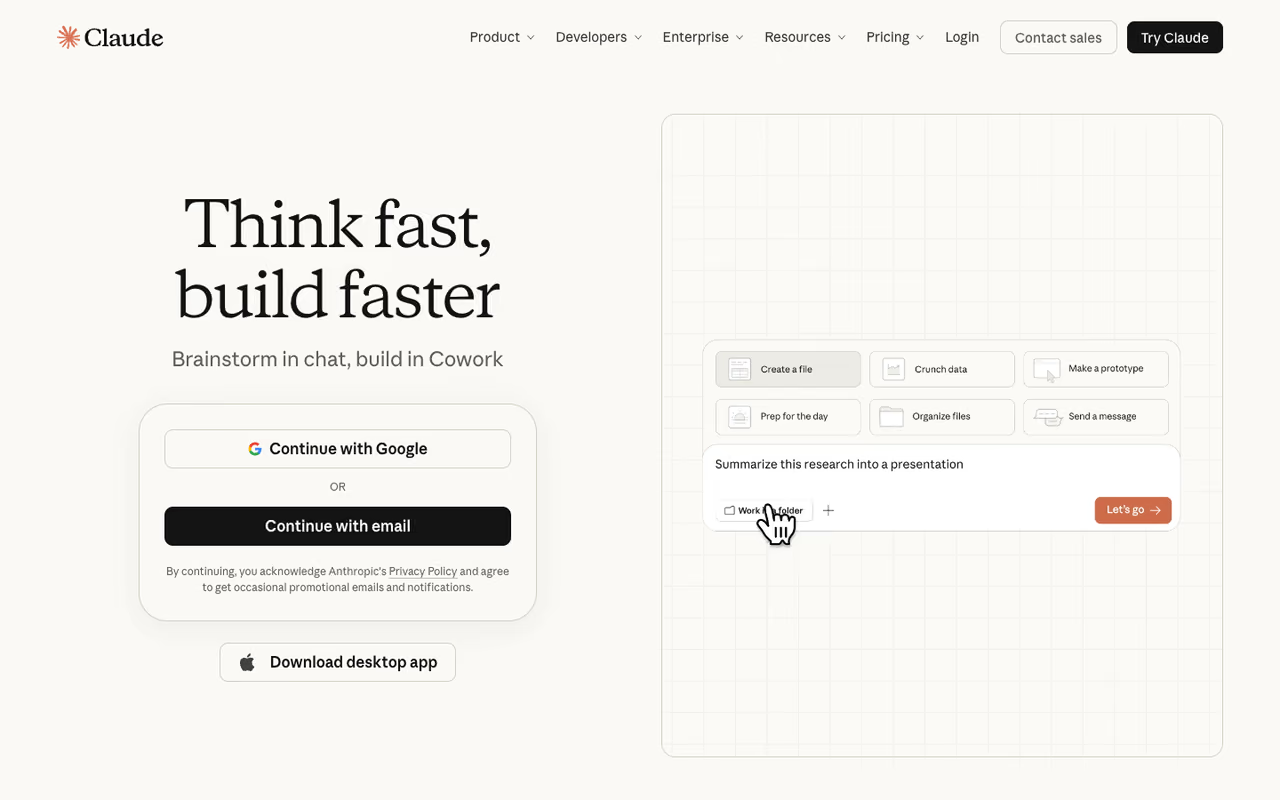
Claude is what I open first now. The reason is boring but it matters: it writes like a person. Ask it for an email or a blog draft and you get varied sentences, a tone that fits the brief, and no robotic padding. The other chatbots improved here, but Claude is still the one whose output I edit least.
The chatbot I open first, for anyone who writes or codes for a living, because its output needs the least editing. It has no native image generation and its web search arrived late, so skip it if your day is real-time lookups.
On the LMArena leaderboard, Claude Opus held the top text Elo through spring 2026, and independent coding tests put it ahead of Gemini and GPT on real software tasks. When I throw a messy 40-page contract at it, the summary actually reflects the document instead of inventing clauses.
Pricing is simple. The free tier runs Claude Sonnet with daily limits that are fine for casual use. Pro is $20 a month, or $17 if you pay annually, and unlocks Opus, bigger usage windows, and Projects. There's a Max tier at $100 and $200 a month for people who hit limits constantly. As of mid-2026 the latest Opus model is available on every paid tier, per Anthropic's plans.
The catch: Claude has no native image generation and its web search showed up later than rivals, so it still feels less connected to live information. If your day is mostly real-time lookups, this isn't your tool.

ChatGPT (most versatile)
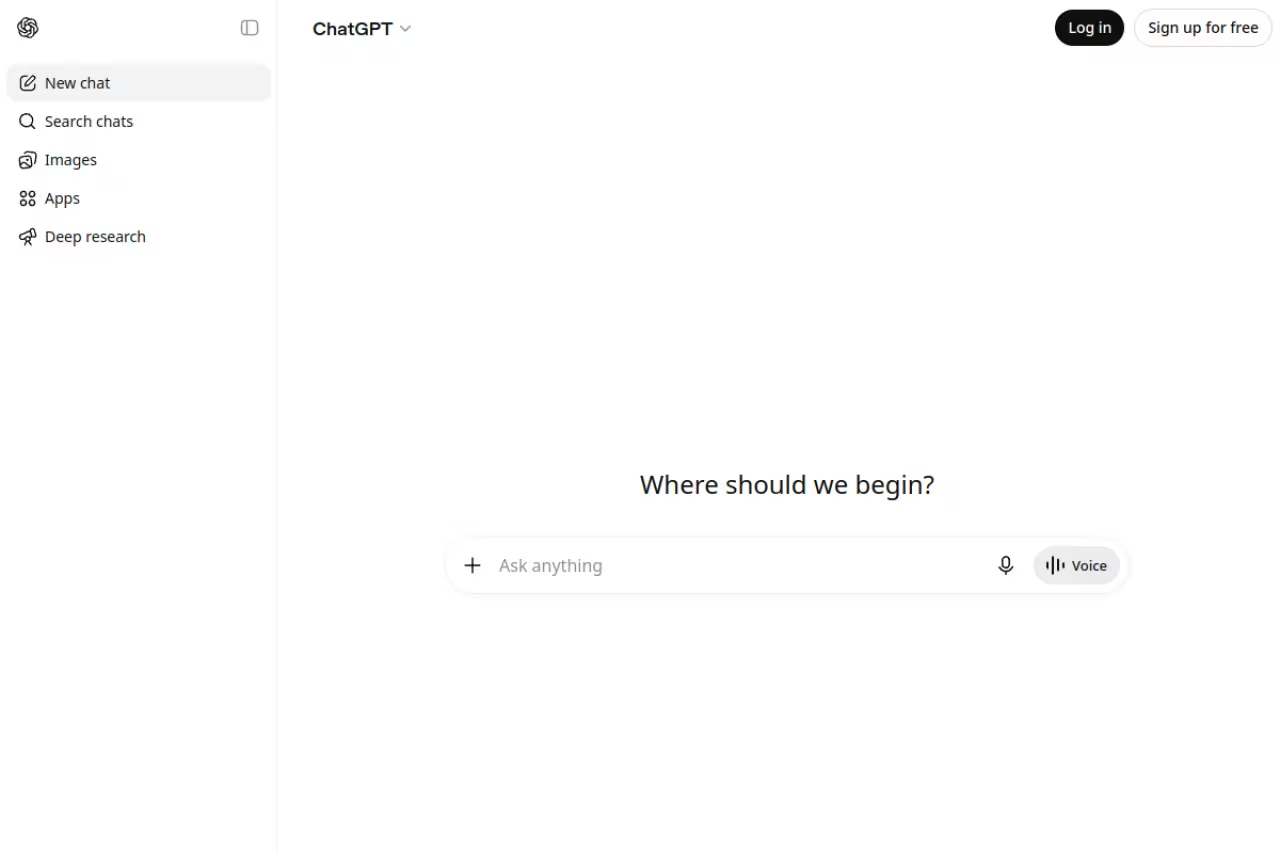
ChatGPT is the safe default, and that's a compliment. It does more things competently than anything else: text, image generation, voice, file analysis, custom GPTs, an agent mode that browses and clicks for you. If you only want one subscription and you do a bit of everything, this is the pick.
The safe default for generalists and teams that want one subscription covering text, images, voice, files and agent mode. The model picker is a mess, and the writing is a notch below Claude's with a recognizable cadence.
Plus is still $20 a month, a price OpenAI has held for three years while stacking on features. That tier gives you GPT-5.6 Sol, with a fast Instant setting for everyday chat and Medium and High thinking levels for harder problems, plus GPT-6 Astra inside ChatGPT Work and Codex, per OpenAI's model guide. The free tier is generous enough that plenty of people never upgrade.
For power users there are two Pro options, at $100 and $200 a month, that raise limits sharply and add the full Codex coding tools, Deep Research, and longer context. Most readers won't need those.
The catch: the model picker is a mess. Plus users juggle a thinking slider in Chat and different models in Work and Codex, and it's never obvious which to use. The writing is also a notch below Claude's. Competent, but it has a recognizable ChatGPT cadence that careful readers will spot.

Google Gemini (best free tier)
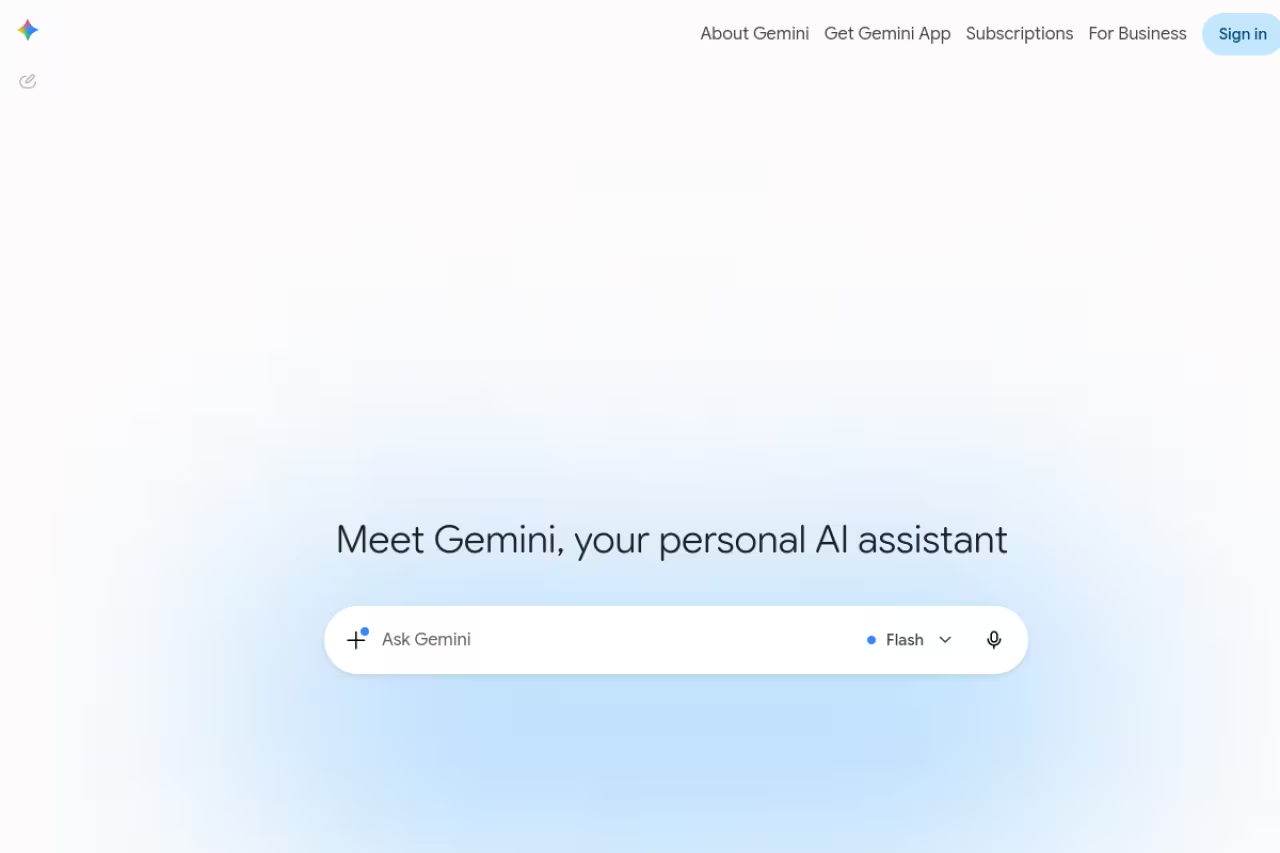
Gemini is the one I recommend to people who refuse to pay. The free tier runs Gemini Flash with web search, image generation, voice, and a few Deep Research runs a month. For zero dollars, that beats every other free offering on this list.
It's best for anyone living inside Google Workspace and for research where freshness matters. Gemini pulls from Google Search, so it handles "what happened this week" questions better than the models with stale or limited browsing. It also drafts in Gmail and Docs without leaving the page, which is a real time-saver if that's where you work.
The paid plan, Google AI Pro, is $19.99 a month and unlocks fuller access to Gemini 3.1 Pro, a 1M-token context window, higher limits, and a monthly pile of AI credits. New subscribers often get the first year half off, according to Google's pricing. There's also an Ultra tier at $99.99 or $199.99 a month for heavy users, per the Google AI plans page.
The catch: Google tightened the free API tier in April 2026, and the consumer free tier locks you out of the strongest models. Gemini also still refuses or hedges on more prompts than its rivals, which gets old fast.
The one I recommend to people who refuse to pay, since the free tier beats every other free offering here, and it shines inside Google Workspace and for fresh-news research. The free tier locks out the strongest models, and it hedges on more prompts than rivals.
If you're piecing together an AI stack and want a wider view than just chatbots, our guide to the best AI tools is a useful next stop, and Dupple X bundles a set of these into one workflow.

Perplexity
Perplexity isn't trying to be a do-everything assistant. It's a research engine that answers in plain language and cites its sources inline, so you can click through and check. When I need facts I'll actually defend in a meeting, this is where I start.
My starting point when I need facts I can defend in a meeting, thanks to inline citations. It is the wrong tool for creative work or long drafting, so treat it as a search replacement rather than a writing partner.
Pro is $20 a month and adds the strongest underlying models, unlimited file uploads, deeper research modes, and $5 of monthly Sonar API credits, per Perplexity's pricing. The free tier handles a solid number of quick lookups a day before nudging you to upgrade.
The catch: for open-ended creative work or long drafting, it's the wrong tool. Perplexity wants a question, not a brainstorm, and it can feel rigid the moment you stray from "find me X." Treat it as a search replacement, not a writing partner.

Grok
Grok from xAI has one trick nobody else has: live access to X. If a story is breaking and you want the conversation as it happens, Grok reads the firehose in real time. It's also looser and more willing to take a stance, which some people love and others find grating.
A fit for people glued to X who want fast, opinionated takes on breaking events, with free access for all X users. The divisive personality and lighter guardrails mean less reliable answers, so keep it away from polished professional deadlines.
Free access is available to all X users. The paid SuperGrok plan runs $30 a month for higher limits, Grok 4.6 in Chat, Expert mode and image and video creation, with a cheaper SuperGrok Lite at $10 and a $300-a-month Heavy tier for extreme use, according to xAI's plans.
The catch: the personality is divisive and the guardrails are lighter, which means more off-color or unreliable answers than the competition. For polished, professional output, it's not where I'd send a deadline.

Microsoft Copilot
Microsoft Copilot matters because of where it lives. It's wired into Word, Excel, PowerPoint, and Outlook, so it can act on your actual files instead of a copy-paste of them. For someone buried in spreadsheets and slide decks all day, that context is the whole pitch.
Matters because of where it lives: wired into Word, Excel, PowerPoint and Outlook so it acts on your real files. Outside Office it trails ChatGPT and Claude, so you are paying for integration, not for a best-in-class model.
The standalone Copilot Pro was retired in late 2025 and its features folded into Microsoft 365 Premium at about $19.99 a month, which also bundles the Office apps and 6 TB of storage. The free version at copilot.microsoft.com gives you web chat, search, and basic image generation. For organizations, Microsoft 365 Copilot is $30 per user per month on an annual commitment.
The catch: outside the Office apps, the chatbot itself feels a step behind ChatGPT and Claude. You're paying for the integration, not for a best-in-class model. If you don't live in Microsoft 365, there's little reason to choose it.

DeepSeek
DeepSeek is the value play. The consumer chat at chat.deepseek.com is completely free, with no Pro tier and no paywall on file uploads or long conversations, and its reasoning is genuinely strong, especially on math and code. The V4 model that landed in April 2026 closed a lot of the gap with the Western flagships.
The value play: free chat with strong reasoning on math and code, and an API that costs a fraction of the alternatives. Data-residency and censorship questions are real, and many companies will not run sensitive data through it.
New API accounts get 5 million free tokens for 30 days.
The catch: it's a Chinese app with the data-residency and censorship questions that come with that. It dodges certain political topics, and many companies won't run sensitive data through it. Know your constraints before you commit.
Le Chat by Mistral
Le Chat, now branded as Mistral Vibe, is the European answer. It's fast, the free tier is usable, and Pro is the cheapest of the bunch at $14.99 a month, with a $5.99 student rate. For privacy-minded users in the EU, the data-residency story is the real draw.
The European answer, with the cheapest Pro tier here and a data-residency story that appeals to privacy-minded EU teams. It is very good but not best-in-class on the hardest reasoning and coding, and the subscription buys no API credits.
The paid plan also folds in Mistral's coding workspace, image generation, and deep research under one price. Verified students get Pro for $5.99 a month for up to a year, per Mistral's pricing.
The catch: on the hardest reasoning and coding tasks it trails Claude, GPT, and Gemini. It's very good, not best-in-class. And the chatbot subscription buys you zero API credits, so don't confuse the two if you're a developer.
How to choose
Skip the leaderboards and start with your actual work.
If you write or code for a living, pay for Claude. The output quality saves you editing time, and that pays back the $20 fast. If you want one tool that does a little of everything, including images and voice, get ChatGPT Plus. If you refuse to pay or live in Google Workspace, Gemini's free tier is the best deal in AI right now.
For research you'll defend with sources, add Perplexity. For live news off X, Grok. If your whole day is Office files, Copilot earns its place through integration alone. And if budget is the constraint, DeepSeek is free and seriously capable, with Le Chat as the privacy-first pick for EU users.
One more thing: most of these have real free tiers. Before you pay, run a week of your own work through two or three of them. The "best" chatbot is the one that fits your tasks, and you'll know within a few days. If you're building a broader stack, our roundup of the best AI agents and the best AI writing tools pair well with whichever chatbot you land on, and Dupple X is worth a look if you'd rather have several of these in one place.
Want a faster way to keep up with which model just took the lead? Try Dupple X and stop refreshing leaderboards.
FAQ
What is the best AI chatbot in 2026?
For overall output quality, Claude is my top pick, with ChatGPT close behind as the most versatile all-rounder. Gemini wins on the free tier. The honest answer is that the top three are close enough that your specific work, writing, coding, or research, should decide it more than any benchmark.
Which AI chatbot is best for free?
Google Gemini has the strongest free tier in 2026: it includes web search, image generation, voice, and a few monthly Deep Research runs. DeepSeek is also fully free with no Pro paywall and strong reasoning, though it comes with data-residency questions. Both beat the free versions of ChatGPT and Claude for everyday use.
How much does ChatGPT Plus cost in 2026?
ChatGPT Plus is $20 a month, the same price OpenAI has held for three years. It unlocks GPT-5.6 Sol with thinking levels, higher limits, image generation, voice, and agent features. For most people the free tier is enough, and the two Pro tiers at $100 and $200 a month are only worth it if you hit limits constantly.
Is Claude better than ChatGPT?
For writing quality and coding, I think Claude edges out ChatGPT in 2026, and it topped the LMArena text leaderboard through the spring. ChatGPT is more versatile, with image generation, voice, and a wider feature set. If you mainly draft and code, pick Claude. If you want one tool for everything, pick ChatGPT.
Which AI chatbot is best for research?
Perplexity is built for research: it answers in plain language with inline citations you can click and verify. Gemini is a strong second for freshness because it pulls from Google Search. If you need facts you'll defend in a meeting, start with Perplexity over a general-purpose chatbot.
Are AI chatbots safe to use for work data?
It depends on the tool and your industry. Mistral's Le Chat offers an EU-hosted, no-telemetry mode that keeps prompts out of training. ChatGPT, Claude, and Gemini have business and enterprise tiers with data-protection commitments. DeepSeek raises data-residency concerns for sensitive work. Always check your company policy before pasting confidential material into any chatbot.
Related guides
Some offers on this page may be paid placements or contain affiliate links.
