
The Best Field Service Management Software in 2026

Key facts7 tools compared: Jobber, ServiceTitan, Housecall Pro, Workiz, FieldPulse, Connecteam…
- 7 tools compared: Jobber, ServiceTitan, Housecall Pro, Workiz, FieldPulse, Connecteam, Salesforce Field Service
- Jobber (best for: Small to mid teams (1-15 trucks)): $29/mo annual (1 user)
- ServiceTitan (best for: Large trades operations (20+ trucks)): Quote-only, ~$245/tech/mo
- Housecall Pro (best for: Fast setup, marketing built in): $59/mo annual (1 user)
- Workiz (best for: HVAC, locksmith, cleaning): $187/mo (Kickstart)
A missed appointment, a quote that sat in someone's inbox for three days, an invoice nobody remembered to send. Those are the leaks that quietly drain a service business. The work gets done in the field, but the money gets lost in the office. Field service management software exists to close that gap: dispatch the tech, track the job, collect the payment, and do it without a whiteboard and a stack of sticky notes.
I've watched small contractors run their entire operation off text messages and a shared Google Calendar, and I've watched 40-truck operations grind to a halt because their dispatch board lived in one person's head. The right software depends almost entirely on your size. A solo plumber and a regional HVAC company shopping for the same tool will end up hating each other's pick.
Here's the short version. For most small and mid-size service businesses, Jobber is the one I'd start with: clean, affordable, and you can run a job from quote to paid invoice without leaving it. If you're a large operation with dispatchers, CSRs, and 20-plus trucks, ServiceTitan is the heavyweight built for that scale. And if you want fast setup and built-in marketing, Housecall Pro is the easiest on-ramp. Below are seven I'd actually trust, with the catch on each.
Quick comparison
| Tool | Best for | Price (entry) | Standout |
|---|---|---|---|
| Jobber | Small to mid teams (1-15 trucks) | $29/mo annual (1 user) | Quote-to-paid in one flow |
| ServiceTitan | Large trades operations (20+ trucks) | Quote-only, ~$245/tech/mo | Depth of dispatch + reporting |
| Housecall Pro | Fast setup, marketing built in | $59/mo annual (1 user) | Easiest onboarding |
| Workiz | HVAC, locksmith, cleaning | $187/mo (Kickstart) | Built-in VoIP call tracking |
| FieldPulse | Growing crews wanting guidance | $65/user/mo | Guided workflows |
| Connecteam | Deskless teams, scheduling-first | Free up to 30 users | Generous free tier |
| Salesforce Field Service | Enterprise on Salesforce already | ~$165/user/mo add-on | CRM + AI agents |

Jobber: the default for small and mid-size service businesses
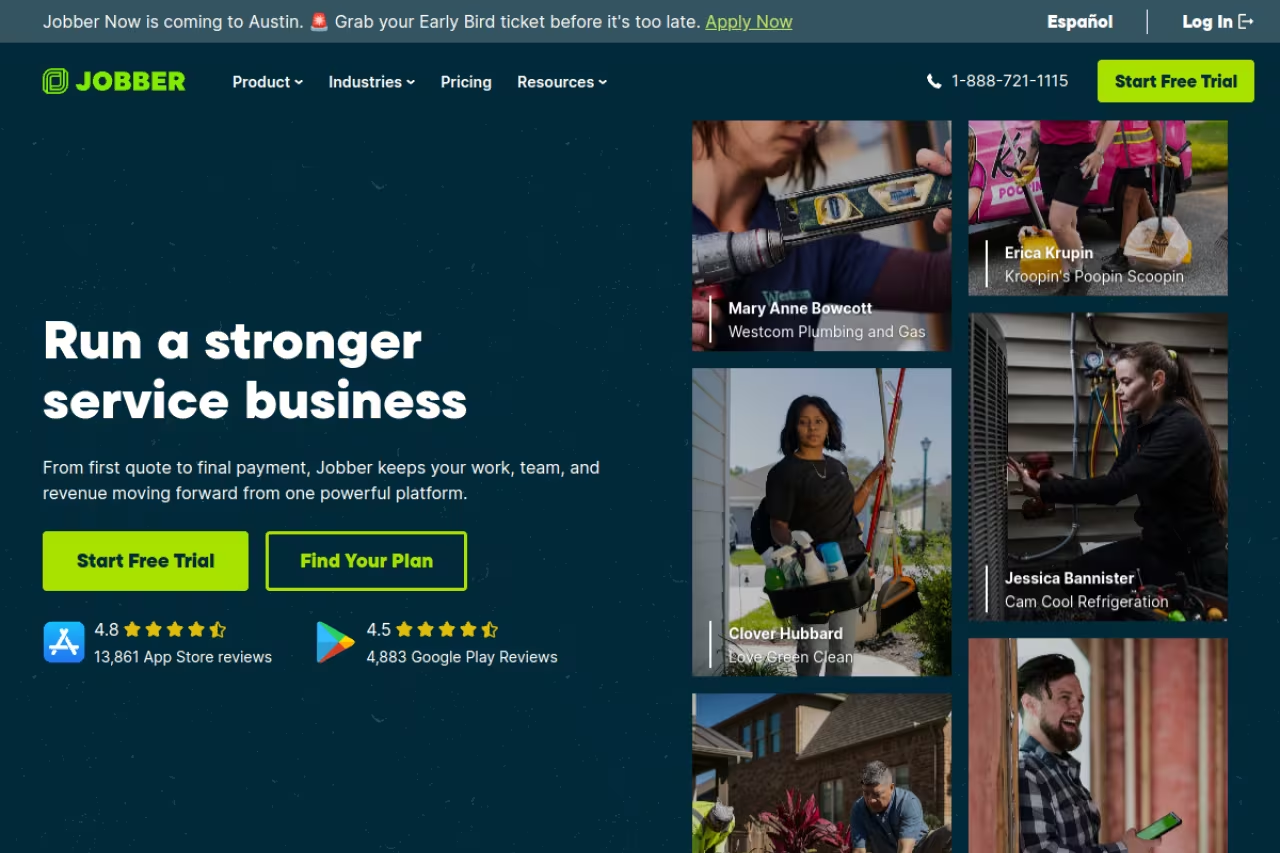
Jobber is the tool I point most people to first, and it's because it nails the boring core jobs without making you fight the software. You quote, schedule, dispatch, invoice, and take payment in one continuous flow. A customer approves a quote online, it becomes a job, the job becomes an invoice, and the invoice gets paid by card. No re-entering anything three times.
Who it's for: Solo contractors and teams running roughly 1 to 15 trucks. Lawn-care crews, cleaners, plumbers, electricians, and home-service trades who want one clean system without an implementation project.
My default for solo contractors and teams of roughly 1 to 15 trucks, with a smooth quote-to-cash loop and a self-serve client portal. It tops out before true enterprise scale, with ceilings on reporting and pricebook depth around a 25-truck fleet.
Per the Jobber pricing page, the Core plan is $49/mo paid monthly or $29/mo prepaid annually for a single user. Connect runs $139/mo monthly (or $99 annual) and includes 5 users plus automations and two-way SMS. Grow is $199/mo monthly ($149 annual) for 10 users with job costing and quote add-ons. Extra users are $29 each. There's a 14-day free trial with no card required.
The standout: The quote-to-cash loop is genuinely smooth, and clients can book, approve, and pay through a self-serve portal. For a business that loses money to slow invoicing, that alone pays for the subscription.
The catch: Jobber tops out before you hit true enterprise scale. Once you have dedicated dispatchers, complex commission structures, or a 25-truck fleet, you'll start bumping into ceilings on reporting and pricebook depth. It's a small-to-mid tool, and it's honest about that.

ServiceTitan: the heavyweight for large trades operations
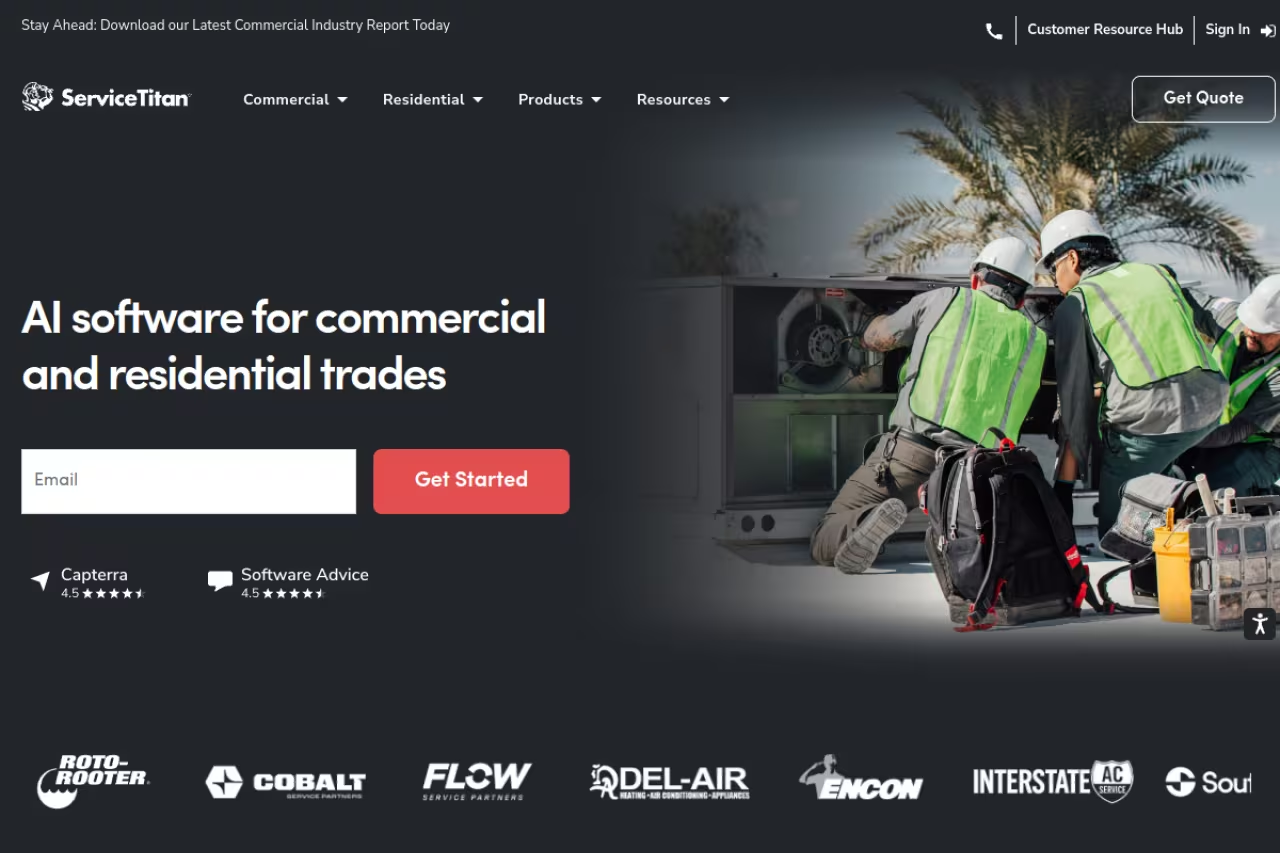
ServiceTitan is what big HVAC, plumbing, and electrical companies graduate to. It's not really competing with Jobber. It's a different category: an enterprise platform with capacity-based scheduling, GPS fleet routing, membership billing, commission tracking, pricebook management, and reporting deep enough to keep a CFO happy. Its Atlas AI features can summarize job notes, flag invoice anomalies, and build reports.
Who it's for: Established operations running 20 or more trucks with dispatchers, customer service reps, and back-office staff. If you have a dedicated dispatch desk, this is your tier.
The heavyweight for established operations running 20 or more trucks with dispatchers and back-office staff, with unmatched operational depth. Quote-only pricing, setup fees and months of implementation make it overkill for teams under 15 trucks.
ServiceTitan is quote-only with no public self-serve pricing. Independent reviews put it around $245 per technician per month with setup fees that can run from $5,000 into the tens of thousands. Operators routinely report it costing several times more than the small-business tools. You're buying capability, and you pay for it.
The standout: Nobody matches the operational depth. The reporting, the dispatch logic, and the membership/recurring-service automation are built for businesses where a 2% efficiency gain is real money. It earns a 4.5/5 on G2 across hundreds of reviews.
Where it falls short: It's overkill for small teams, and the implementation is a real project that can take months. If you have fewer than 15 trucks, you'll pay for power you can't use and spend weeks configuring it. Buy it when you've outgrown everything else, not before.
Housecall Pro: the easiest on-ramp
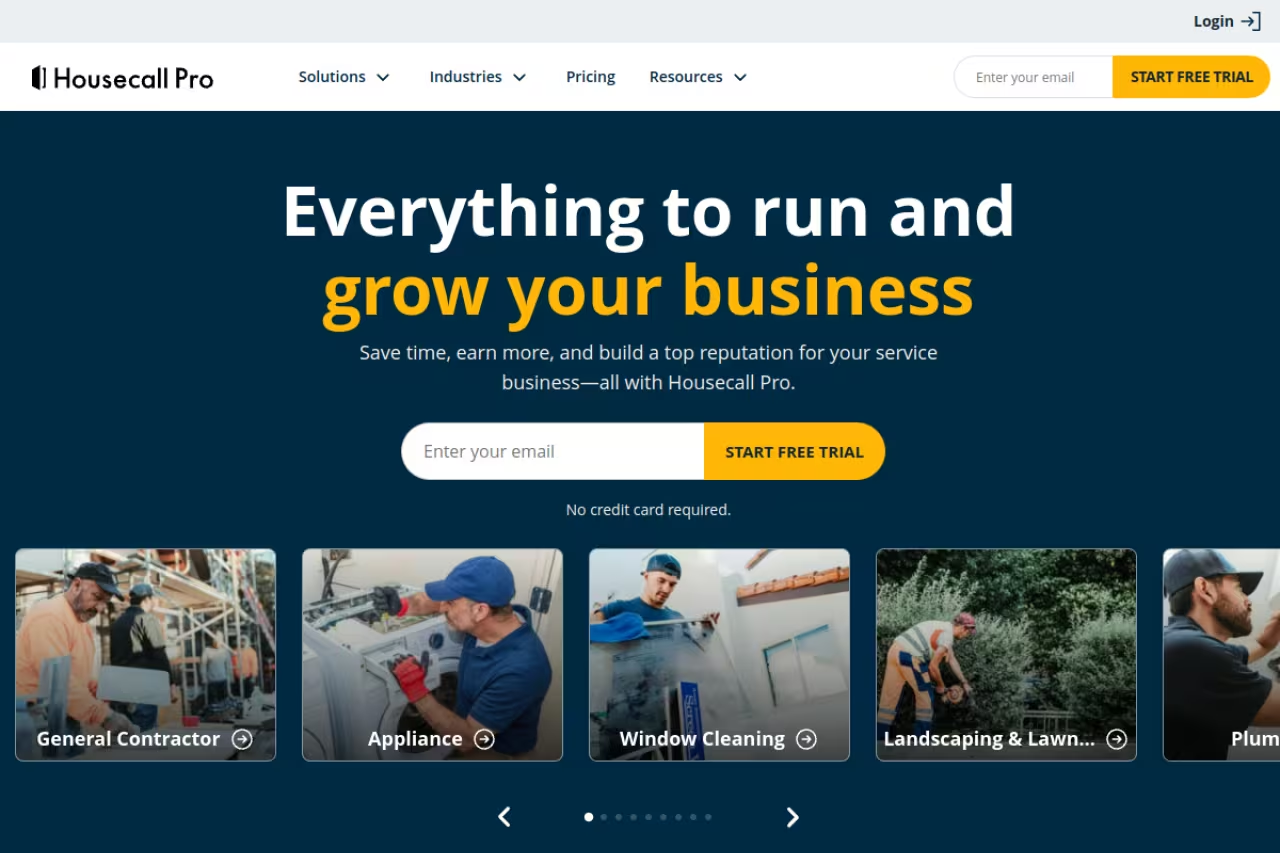
Housecall Pro sits between Jobber and ServiceTitan, leaning toward businesses that want to be running by this afternoon. The mobile app is genuinely good, onboarding is fast, and it layers in marketing tools (email and postcard campaigns) plus tighter payment processing than most small-business rivals.
Who it's for: Teams of roughly 5 to 50 technicians who want a quick setup with marketing automation included, not bolted on later.
A great middle option for teams of roughly 5 to 50 technicians who want to be running the same day, with marketing tools built in. Marketing and call tracking are basic, reporting is shallower than ServiceTitan's, and the jump to MAX at $299/mo is steep.
Per the Housecall Pro pricing page, Basic is $59/mo (annual billing) for 1 user, Essentials is $149/mo for up to 5 users and adds QuickBooks sync, GPS tracking, and equipment tracking, and MAX is $299/mo for up to 8 users with advanced reporting and a dedicated onboarding specialist. Extra MAX users are $35/mo. Card processing sits at 2.59%, and there's a 14-day free trial.
The standout: Speed to value. You can sign up, import customers, and dispatch a job the same day. The built-in marketing and review tools mean you're not stitching together three apps to chase repeat business.
The catch: The marketing features and call tracking are basic compared to dedicated tools, and the jump from Essentials to MAX is steep at $299/mo. Heavy users also note the reporting isn't as deep as ServiceTitan's. It's a great middle option, not the deepest one.
If your team is drowning in admin work and you want the AI side of your stack sorted too, Dupple X bundles the assistants I lean on for drafting customer follow-ups and summarizing job notes.

Workiz: built for HVAC, locksmiths, and cleaning
Workiz made its name with trades that live and die by the phone: locksmiths, HVAC, garage doors, junk removal, and cleaning. Its differentiator is a built-in VoIP phone system with call tracking and recording, so you can tie every inbound call to a job and a marketing source. That's a big deal if you spend on ads and want to know which lead actually paid off.
Who it's for: Phone-heavy service trades that want to track call sources and book jobs straight from a ringing phone.
Built for phone-heavy trades like locksmiths and HVAC, with a native VoIP system that ties each call to a job and a marketing source. Pricing climbs fast as you add users, and without a need for call tracking you are paying for its whole point.
Per the Workiz pricing page, there's a free Lite plan for up to 2 users, a Kickstart plan around $187/mo, a Standard plan around $229/mo, and a Pro plan around $270/mo. Extra Standard users run roughly $46-55/mo each depending on billing. The free tier is a real way to test the workflow.
The standout: The native phone system. Tracking calls, recording them, and attributing leads inside the same tool you dispatch from is something most rivals charge extra (or a separate integration) to match.
The catch: Pricing climbs fast once you add users, and the interface feels busier than Jobber's. If you don't care about call tracking, you're paying for a feature that's the whole point of Workiz. Match the tool to the trade.

FieldPulse: guided workflows for growing crews
FieldPulse targets the awkward growth stage where you're too big for a spreadsheet but not ready for ServiceTitan. It leans on guided workflows that walk newer office staff through estimates, scheduling, and follow-ups, which lowers the training burden when you're hiring.
Who it's for: Growing service businesses that want structure and hand-holding in the software without a heavy enterprise rollout.
A fit for growing service businesses with a green office team, where guided workflows cut the training burden. Per-user pricing and bolt-ons for AI and VoIP can push the real bill well past the headline number, and quotes come only after a demo.
FieldPulse doesn't publish prices openly, but reviews place plans around $65 to $115 per user per month across Essentials, Professional, and Premium tiers, with annual discounts. Add-ons like VoIP, AI dispatching, and fleet tracking cost extra on top.
The standout: The guided-workflow approach genuinely helps when your office team is green. It reduces the "how do I do this again" questions that eat a manager's day.
The catch: Per-user pricing adds up quickly for larger teams, and the custom-quote model means you can't compare costs cleanly before a demo. The bolt-on pricing for AI and VoIP can push the real bill well past the headline number.

Connecteam: scheduling-first for deskless teams
Connecteam approaches this from a different angle. It's less a trades-specific dispatch system and more an operations app for deskless workforces, with shift scheduling, time tracking, checklists, and team chat at its core. For a service business where the priority is "who's working when" rather than complex pricebooks, it's a strong, cheap fit.
Who it's for: Deskless teams under about 30 people that need scheduling, time clocks, and communication more than deep job costing.
Choose Connecteam if scheduling, time clocks and team chat matter more than job costing, since the free plan covers up to 30 users. It is not built for quote-to-invoice, with no pricebook depth and thinner field-job features.
Connecteam has a genuinely useful free plan for up to 30 users. Paid hubs start around $29/mo for the first 30 users (Basic), with Advanced near $49/mo and Expert around $99/mo. For a small crew, the free tier covers a lot.
The standout: The free tier is the most generous on this list. For a sub-30-person team that mostly needs scheduling and time tracking, you can run real operations at $0.
The catch: It's not built for the quote-to-invoice lifecycle. There's no pricebook depth, and the field-job features are thinner than purpose-built FSM tools. If billing and dispatch are your core problem, this isn't the answer.
Salesforce Field Service: enterprise on the Salesforce stack
Salesforce Field Service (now folded into the Agentforce family) makes sense for one specific buyer: a large company already living in Salesforce. It connects field operations to your CRM and Service Cloud data, adds AI scheduling optimization, and increasingly pushes AI agents for self-service and dispatch.
Who it's for: Enterprises with an existing Salesforce investment and complex service-to-CRM workflows.
Only for large companies already living in Salesforce, where nothing ties field work to CRM and case data as tightly. All-in cost is high, setup is heavy and annual contracts are required, so skip it for a standalone service company.
It's an add-on layered on top of base Salesforce licenses. Reviews cite roughly $165/user/mo for Dispatcher and Technician tiers, climbing toward $220-450/user/month for Contractor and Field Service Plus tiers with scheduling optimization. All of it requires annual contracts, and it sits on top of your existing CRM spend.
The standout: If your customer data and case management already run on Salesforce, nothing connects field work to the rest of the business as tightly. The AI scheduling and agent layer is moving fast.
The catch: The all-in cost is high and the setup is heavy. For a standalone service company without Salesforce, this is the wrong starting point. You're buying it for the ecosystem, not the FSM features alone.
How to choose
Start with your truck count, because that single number narrows the field faster than any feature checklist.
If you run 1 to 15 trucks, start with Jobber or Housecall Pro. Pick Jobber for the cleanest quote-to-paid flow and lower price; pick Housecall Pro if same-day setup and built-in marketing matter more. Both have free trials, so run a week of real jobs through each before committing.
If you're phone-driven (locksmith, HVAC, garage doors) and spend on ads, Workiz earns its place because the call tracking ties marketing spend to paid jobs. If you're a deskless team under 30 that mostly needs scheduling, Connecteam's free tier is hard to argue with.
If you run 20-plus trucks with dispatchers and back-office staff, you've outgrown the cheap tier. ServiceTitan is the depth play; FieldPulse is the lighter-weight step up if you want guidance without the enterprise rollout. And if you already live in Salesforce, Field Service is the obvious bridge despite the cost.
One rule that saves money: don't buy the tier above your actual size. The most expensive FSM mistake isn't picking the cheap tool, it's paying for ServiceTitan-grade power when a 6-person crew will only ever touch a fifth of it. For more on stacking the right operational tools, our roundups of appointment scheduling software, CRM for construction, and AI invoice tools pair well with whatever FSM you land on. You can also browse our full top tools directory.
FAQ
What is field service management software?
Field service management (FSM) software runs the operations of a business that sends people out to do work: scheduling and dispatching technicians, managing work orders, tracking jobs in the field, handling quotes and invoices, and collecting payment. It connects the office and the field so a job moves from booking to paid without falling through the cracks. Most modern FSM tools also include a mobile app, GPS tracking, and customer notifications.
How much does field service management software cost?
It ranges widely by size. Small-business tools like Jobber start around $29/mo (annual, one user) and Housecall Pro at $59/mo. Mid-tier plans for teams of 5 to 10 run roughly $100 to $300/mo. Enterprise platforms like ServiceTitan are quote-only and commonly cited near $245 per technician per month plus setup fees that can reach five figures. Per-user tools like FieldPulse ($65-115/user/mo) and Salesforce Field Service can climb fast as you add seats.
What is the best field service management software for small businesses?
For most small service businesses, Jobber is the best starting point: affordable, easy to learn, and it covers quoting, scheduling, invoicing, and payments in one flow. Housecall Pro is the better pick if you want the fastest setup and built-in marketing tools. Connecteam's free plan works well for very small deskless teams that mainly need scheduling and time tracking rather than full job billing.
Do I need ServiceTitan or is it overkill?
ServiceTitan is built for operations running 20-plus trucks with dedicated dispatchers and office staff. If you have fewer than 15 trucks, it's usually overkill: you'll pay several times more than competitors and spend weeks on implementation for features you won't fully use. Start with Jobber or Housecall Pro, and move to ServiceTitan only when you genuinely hit the ceiling on reporting, dispatch complexity, or fleet size.
Can field service software handle invoicing and payments?
Yes. Most FSM platforms convert a completed job into an invoice and let customers pay by card directly, often through a self-serve portal. Jobber and Housecall Pro both close the full quote-to-paid loop, and Housecall Pro processes cards at 2.59%. If accounting integration matters, check for QuickBooks sync, which is included on Housecall Pro's Essentials tier and available on Jobber. For deeper accounting, see our guide to accounting software for construction.
Related guides
Some offers on this page may be paid placements or contain affiliate links.
Across our whole catalogue the median is $24 a month and 33% of tools advertise a free tier. Figures are the lowest recurring monthly price quoted in our own review of each tool, read on 2026-08-19. Full method and every category.
