
Best Event Management Software (2026): 8 Platforms I'd Actually Use

Key facts8 tools compared: Luma, Eventbrite, Cvent, Swoogo, Bizzabo, Whova, vFairs, Splash
- 8 tools compared: Luma, Eventbrite, Cvent, Swoogo, Bizzabo, Whova, vFairs, Splash
- Luma (best for: Communities, creators, startups): Free; Plus $59/mo
- Eventbrite (best for: Public ticketed events): Free + ~3.7% + $1.79/ticket
- Cvent (best for: Enterprise event programs): Custom (often $50K+/yr)
- Swoogo (best for: Registration-heavy events): From $7,800/yr
Event software is one of those categories where the price gap between options is almost comical. You can run a 300-person meetup for free, or you can sign a six-figure contract for a platform that does roughly the same job with more dashboards. The trick is matching the tool to the event, not to the sales demo.
I've planned community meetups, helped run a two-day B2B conference, and sat through more vendor calls than I'd like to admit. Most "best event management software" lists read like they were written from a feature spreadsheet. This one isn't. I'm going to tell you what each tool is genuinely good at, what it costs in 2026, and where it quietly falls apart.
If you want the short version: for small events, free events, and anything community-driven, Luma is the one I reach for first. For public ticketed events at scale, Eventbrite is still the default. And if you're an enterprise running dozens of events with CRM integration baked in, Cvent is the heavyweight you'll probably end up with whether you love it or not.
Quick comparison
| Tool | Best for | Price | Standout |
|---|---|---|---|
| Luma | Communities, creators, startups | Free; Plus $59/mo | Gorgeous event pages in minutes |
| Eventbrite | Public ticketed events | Free + ~3.7% + $1.79/ticket | Built-in discovery audience |
| Cvent | Enterprise event programs | Custom (often $50K+/yr) | End-to-end at huge scale |
| Swoogo | Registration-heavy events | From $7,800/yr | Unlimited custom registration logic |
| Bizzabo | B2B conferences | $499/user/mo ($17,999/yr min) | Branded attendee experience |
| Whova | Attendee engagement, event apps | Custom per event + 3% + $0.99/ticket | Networking and agenda app |
| vFairs | Virtual and hybrid events | Custom | Immersive virtual venues |
| Splash | Event marketing teams | Custom | On-brand pages and email at scale |
Luma: the one I'd start with for almost any small event
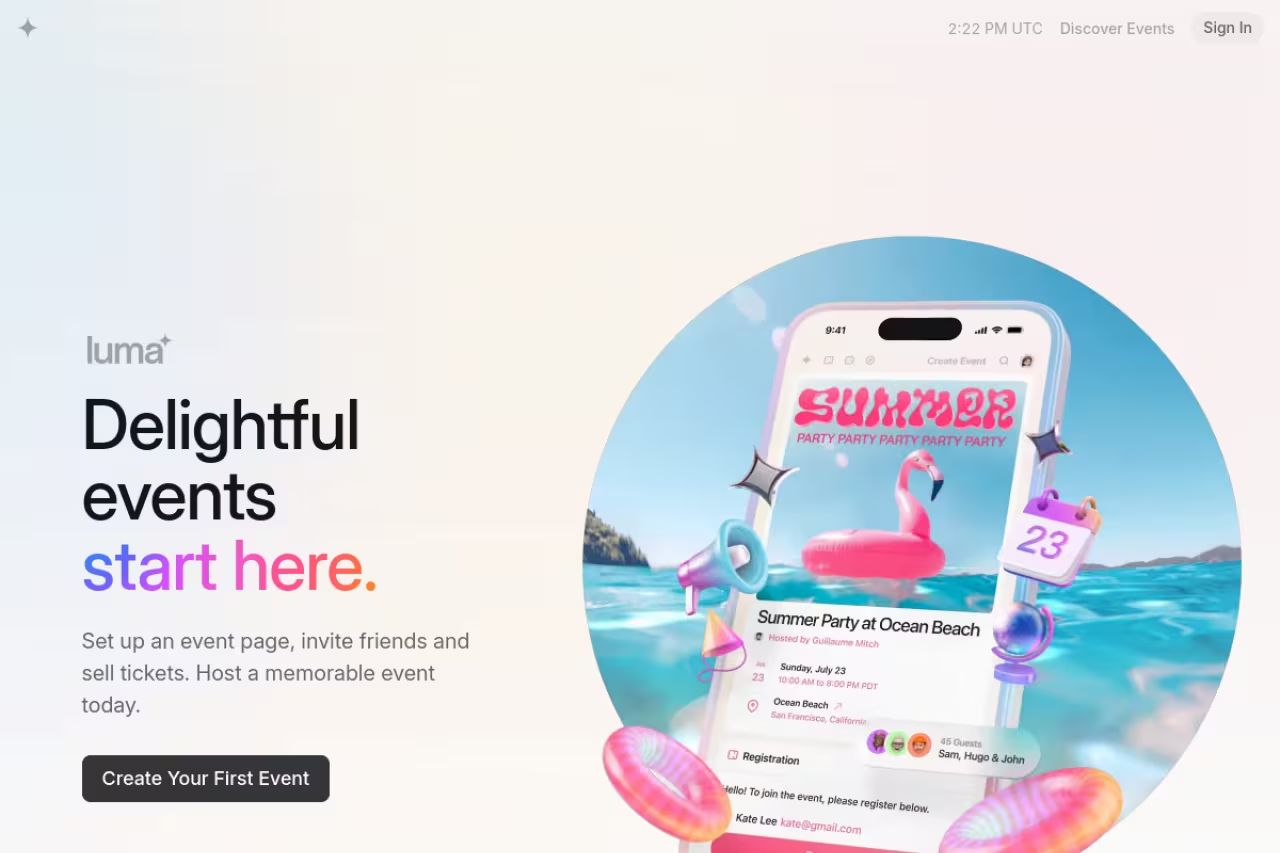
Luma (lu.ma) quietly became the default for the startup and creator crowd, and once you've used it you understand why. You build an event page, set RSVP rules, and send invites in about five minutes. The pages look good without any design effort, the calendar feature keeps a community coming back, and check-in via QR code on the day just works.
Who it's best for: community organizers, startup teams, and anyone running recurring meetups, dinners, or workshops where you care more about turnout and vibe than enterprise reporting.
The one to start with for almost any small event, especially community organizers and startup teams running recurring meetups and dinners. It is free for free events with a 0% platform fee, but deliberately light, so it is not for a 5,000-person trade show.
Free for free events with unlimited RSVPs and 0% platform fee. Luma Plus is $59/month and adds paid ticketing extras, custom domains, advanced analytics, and better email tools. Paid tickets carry a small percentage fee.
The standout: speed and taste. No other tool gets you from idea to a shareable, professional-looking event page this fast. The calendar subscriptions also turn one-off events into an actual audience over time.
Where it falls short: it's deliberately light. No badge printing, no exhibitor management, no deep CRM sync. If your event has sponsors, breakout tracks, and a lead-retrieval requirement, you'll outgrow Luma fast. It's a precision tool for a specific job, and that job is not a 5,000-person trade show.

Eventbrite: still the default for public, ticketed events
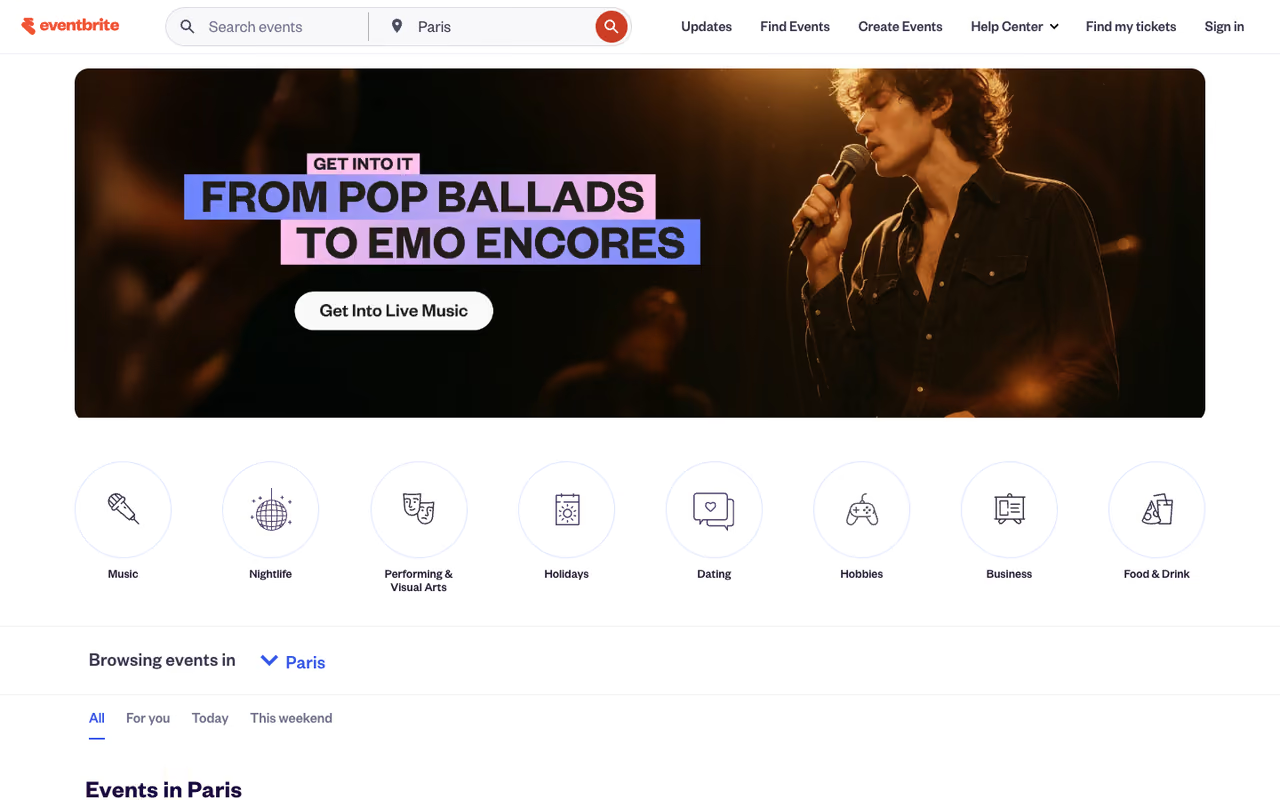
Eventbrite earns its spot through reach. When you list a paid public event, you're tapping into an audience that's already browsing for things to attend. For concerts, classes, festivals, and one-off ticketed events, that discovery layer is the real product.
Who it's best for: public events that sell tickets to strangers. If your attendees don't already know you, Eventbrite's marketplace does marketing you'd otherwise pay for.
Still the default for public ticketed events that sell to strangers, since its marketplace does marketing you would otherwise pay for. The fees stack, though, at roughly a 10% effective rate on a $50 ticket, and the math gets ugly for cheap high-volume tickets.
free to publish, including unlimited free events. Paid events run 3.7% + $1.79 per ticket plus 2.9% payment processing, per Eventbrite's pricing terms. On a $50 ticket that's roughly a 10% effective rate, and on cheap tickets under $25 it creeps closer to 15%. The optional Pro plans ($15 to $100/month) only expand email marketing, they don't lower ticket fees.
The standout: the built-in demand. You can spin up an event and start selling to people who've never heard of you.
The catch: the fees stack, and in 2026 Eventbrite removed fee caps and stopped refunding fees on canceled events. For a free community event it costs nothing, but for high-volume low-price tickets the math gets ugly. Read the fee breakdown before you commit a whole festival to it.

Cvent: the enterprise standard nobody loves but everyone uses
Cvent is the platform corporate event teams graduate into. It covers the entire lifecycle: venue sourcing, registration, badging, mobile apps, lead capture, and reporting that ties back to your CRM and marketing automation. If you run a portfolio of events and answer to finance, this is the safe institutional choice.
Who it's best for: large enterprises and associations running many events a year, with dedicated event staff and a need for SOC 2-grade compliance and CRM-connected data.
The safe institutional choice for large enterprises and associations running many events a year, with unmatched breadth including a venue sourcing network. It is complex and costly with weeks of onboarding, and overkill if you run fewer than ten events a year.
custom, and Cvent doesn't publish it. Industry estimates put real contracts anywhere from the low five figures to several hundred thousand a year depending on event volume and modules. Expect a sales process, not a checkout page.
The standout: breadth. Almost nothing in events is impossible in Cvent. The venue sourcing network alone (you book hotels and spaces through it) is a genuine advantage no startup tool matches.
Where it falls short: complexity and cost. The interface feels like enterprise software from a decade ago, onboarding takes weeks, and you'll likely need someone whose job is partly "knows Cvent." It is overkill for small teams, full stop. If you're running fewer than ten events a year, you're paying for capacity you won't touch.
A quick aside: the tooling that surrounds your events matters as much as the event platform itself. If you're trying to keep up with which AI and automation tools are actually worth adopting, Dupple X is the daily brief I use to filter the noise.
Swoogo: when registration logic is the hard part
Swoogo is built for event marketers who need registration flows that bend to weird requirements: conditional questions, multiple ticket types, approval workflows, and fully custom branded pages without a developer. It sits in the sweet spot between Eventbrite's simplicity and Cvent's sprawl.
Who it's best for: mid-market and enterprise event teams whose pain is registration complexity rather than raw scale or virtual delivery.
Go with it if registration logic is your hard part, for mid-market and enterprise event teams needing conditional questions, approval workflows and fully branded pages. Plans start around $7,800/year, and virtual event features are thinner than vFairs or Hubilo.
transparent and seat-based. Plans start around $7,800/year for one full user, then roughly $12,000 for three users, $18,000 for five, and $24,000 for eight, all with unlimited events and registrations. On-site badging, session scanning, and lead retrieval are a la carte add-ons.
The standout: the registration builder. You can construct almost any logic-driven flow yourself, and the pages look fully on-brand. Teams that have fought Eventbrite's rigid forms tend to exhale when they move here.
The catch: it's a registration and event-marketing tool first. Native virtual event features are thinner than vFairs or Hubilo, and you're paying annual contract money, so it's not where you test a single small event.

Bizzabo: a polished home for B2B conferences
Bizzabo targets the branded B2B conference: a flagship annual event where the attendee experience reflects on your company. The platform handles registration, agendas, a slick event app, sponsor and exhibitor management, and onsite tech like badges, all under one roof with a strong design sensibility.
Who it's best for: marketing and events teams running marquee conferences where polish and a unified attendee app matter.
A polished home for marquee B2B conferences where a unified attendee app and design matter. At $499 per user per month with a three-user minimum, that $18K floor is hard to justify if you run one or two events a year.
$499 per user per month billed annually, with a three-user minimum, so you're starting around $17,999/year per Bizzabo's pricing page. Several advanced capabilities (enhanced branding, sponsor tools, production features) are premium add-ons on top.
The standout: the attendee experience. The event app and registration feel modern and cohesive in a way that's rare in this category, and data flows cleanly into your CRM and marketing stack.
Where it falls short: the seat-based pricing punishes small teams, and the add-ons add up. If you run one or two events a year, that $18K floor is hard to justify versus Swoogo or even a heavily customized Eventbrite setup. If most of your "events" are actually webinars, the platform fit is different again, and our guide to promoting a B2B webinar digs into that.

Whova: the engagement layer attendees actually open
Whova made its name on the attendee-facing app: networking, personalized agendas, in-app messaging, and gamification that genuinely gets people interacting at conferences. It also handles registration, but the mobile experience is the reason teams pick it.
Who it's best for: conferences and association events where attendee networking and engagement are the whole point, and you want an app people will actually use.
The pick for conferences and association events where attendee networking is the whole point, with an agenda builder and app people actually use. Pricing is quote-driven, and heavy add-on usage erodes the value, so pin down the full cost before signing.
custom, with a per-event platform fee plus a registration fee reported around 3% + $0.99 per paid ticket. Reviewers generally call it cost-effective for smaller organizations, though add-ons (like unlimited document uploads) can push the bill up, and you have to request a quote.
The standout: engagement features that don't feel bolted on. The agenda builder and networking tools are some of the best around, and attendees consistently rate the app highly.
The catch: pricing isn't transparent, and the buying experience is quote-driven. Heavy add-on usage erodes the value story quickly, so pin down the full cost before signing.

vFairs: virtual and hybrid done properly
vFairs specializes in virtual and hybrid events, building immersive online venues with virtual booths, webinar rooms, and networking lounges. When the event isn't fully in-person, this is one of the few platforms that treats the digital experience as a first-class product rather than an afterthought.
Who it's best for: organizers running virtual job fairs, online expos, and hybrid conferences where the remote attendee experience can't be a tacked-on livestream.
Choose it for virtual job fairs, online expos and hybrid conferences where the remote experience cannot be a tacked-on livestream, with branded virtual venues and booths. Purely in-person events would pay for unused capability, and comparing cost means sales calls.
custom, scaled by event type, duration, and feature set. There's no public rate card, so you'll be quoting per event or per package.
The standout: the virtual environment. Branded 3D-style venues and exhibitor booths give online events a sense of place that generic webinar tools never manage.
Where it falls short: if your events are purely in-person, you're paying for capabilities you won't use. And like most custom-priced platforms, comparing it on cost means getting into sales conversations rather than reading a page.

Splash: for marketing teams who care about brand
Splash approaches events from the marketing side. It's built to produce beautiful, on-brand event pages and email campaigns at scale, with the data feeding straight into your marketing and sales tools. Think of it as event software for the people who own the brand.
Who it's best for: marketing teams running lots of smaller branded events (field marketing, roadshows, dinners) who need consistency and clean data more than badge printers.
Built for marketing teams running lots of smaller branded events like field marketing, roadshows and dinners, with templated pages that keep every regional event on-brand. It is lighter on complex registration and onsite logistics, so a single huge conference suits Cvent or Bizzabo better.
custom, split into Pro and Enterprise tiers, both quote-based and billed annually.
The standout: brand control and scale. Templated pages keep every regional event on-brand, and the integrations push attendee data where your team already works. Pair it with one of the best email marketing software tools and the follow-up runs itself.
The catch: it's lighter on heavy logistics like complex registration and onsite operations. For a single huge conference, a Cvent or Bizzabo will carry more weight.
How to choose without overthinking it
Skip the feature matrices and answer three questions in order.
Is the event free or paid, and who's coming? If it's free and community-driven, start with Luma and stop there. If it's a paid public event for strangers, Eventbrite's audience is worth the fees.
What's the hard part of your event? Be honest about the actual bottleneck. Complex registration points to Swoogo. Attendee engagement points to Whova. A virtual or hybrid format points to vFairs. Brand consistency across many small events points to Splash.
How many events, and how big is the team? One or two events a year almost never justifies a $18K+ annual platform. Run those on Luma, Eventbrite, or a single Swoogo seat. A full event program with dedicated staff is where Cvent and Bizzabo start earning their keep, mostly through CRM integration and scale.
One rule that's saved me real money: don't buy enterprise software for a startup-sized event. The demo will make every feature feel essential. Most of them won't be. If you're still building out the rest of your operations stack, our roundup of the top tools, the best CRM software, and the best appointment scheduling software will help you connect events to the rest of your funnel.
Want a steady read on the tools worth your attention? Dupple X sends one tight brief a day so you're not the last to hear about the platform everyone's switching to.
FAQ
What is the best event management software for small events?
For small, free, or community events, Luma is the easiest and cheapest place to start. It's free for free events with unlimited RSVPs, the pages look professional out of the box, and check-in works without extra hardware. If you're selling tickets to a public audience that doesn't know you, Eventbrite's built-in discovery is worth its per-ticket fees.
How much does event management software cost in 2026?
It ranges enormously. Luma is free (with $59/month for Plus features), Eventbrite charges roughly 3.7% + $1.79 per paid ticket plus payment processing, Swoogo starts around $7,800/year, and Bizzabo begins near $17,999/year. Enterprise platforms like Cvent are custom-quoted and routinely run well into five or six figures annually depending on event volume.
Is Eventbrite still worth it given the fees?
It depends on your ticket price. On a $50 ticket the effective fee is around 10%, which is reasonable for the discovery audience you get. On cheap tickets under $25 the fixed $1.79 component pushes the effective rate toward 15%, which is steep. For high-volume low-price events, compare alternatives. For free events, Eventbrite costs nothing.
What's the difference between Cvent and Bizzabo?
Both target larger organizations, but Cvent is broader and more operational, covering venue sourcing, complex logistics, and massive event volumes, with pricing to match. Bizzabo focuses on the branded attendee experience for flagship B2B conferences and has more transparent (if still expensive) seat-based pricing. Pick Cvent for breadth and scale, Bizzabo for polish and a unified attendee app.
Which event platform is best for virtual and hybrid events?
vFairs is the strongest pick for virtual and hybrid because it treats the online experience as a real venue, with branded environments, virtual booths, and networking spaces rather than a bare livestream. Whova and Bizzabo also handle hybrid well thanks to their attendee apps. For a purely in-person event, none of these virtual-first features are worth paying for.
Can free event management software handle paid ticketing?
Yes, to a point. Luma's free tier supports paid tickets with a small percentage fee, and Eventbrite lets you publish for free and only charges per paid ticket sold. The catch is that "free to start" doesn't mean free to run: per-ticket fees, payment processing, and add-ons are where the real cost lives, so model your fees against your actual ticket prices before committing.
Related guides
Some offers on this page may be paid placements or contain affiliate links.
