What Is Housecall Pro?
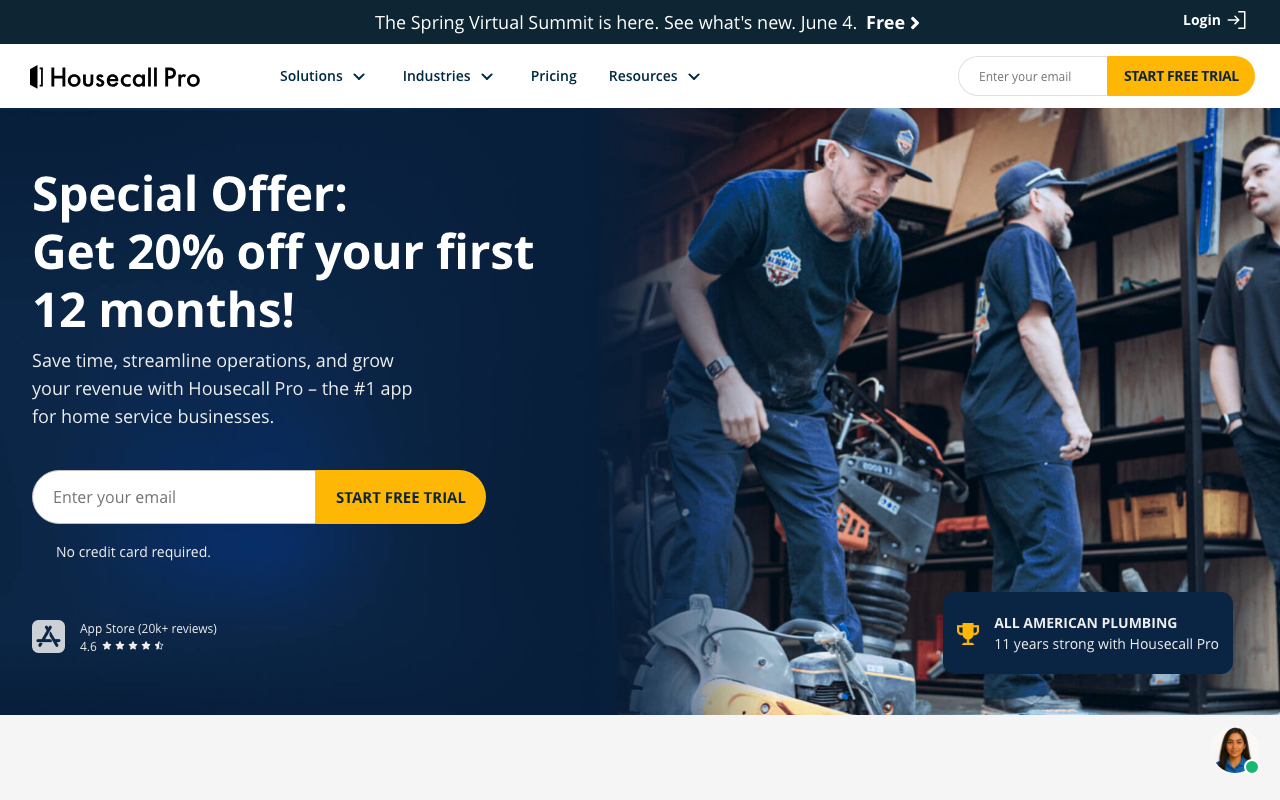
Housecall Pro is the field service management platform for home service businesses including plumbing, electrical, HVAC, cleaning, landscaping, locksmith, and pest control. The product handles the full job lifecycle: customer booking, dispatching, on-site work, invoicing, and payment collection.
The pitch is end-to-end operations for service trades. Solo operators and small home service businesses traditionally used a mix of phone, paper, spreadsheets, and basic invoicing software. Housecall Pro replaces that patchwork with one mobile-first platform where the office, technicians in the field, and customers all interact through one system.
The platform serves over 50,000 home service businesses with strongest adoption among small to mid-size operations (1-50 technicians). Larger enterprise operations typically use ServiceTitan, while solo operators often start with cheaper Jobber.
Try Housecall Pro Free Get started →How Housecall Pro Works
Customers book jobs through your branded online booking page, by phone, or via referral. The office team schedules jobs to technicians based on territory, skills, and availability. Smart dispatching suggests optimal assignments considering drive time and technician capacity.
Technicians use the mobile app for everything in the field. They see today's route with directions, customer history, equipment serviced, and previous notes. On-site, they generate quotes from price book templates, get customer signatures on estimates, document work with photos, and process payments before leaving.
The price book is configurable per business. Plumbers have plumbing services and parts pricing; electricians have their own. Technicians select from the price book rather than typing custom line items, ensuring consistent pricing across the team.
Payment processing happens on-site or after the job. Cards, ACH, and check tracking all supported. Financing options (Wisetack integration) let customers split larger bills into installments.
Marketing automation runs follow-up campaigns: thank-you texts, review requests, maintenance reminders. The system tracks customer lifetime value and flags accounts due for recurring service.
Housecall Pro Pricing in 2026
Basic: $69/month annually. 1 user, scheduling, dispatching, customer database, online booking.
Essentials: $169/month annually. Up to 5 users, GPS tracking, marketing automation, QuickBooks sync.
MAX: Custom pricing. Multi-location, advanced reporting, dedicated success manager, API access.
Add-ons: Wisetack financing, equipment service contracts, advanced marketing.
Payment processing fees apply on credit card transactions (2.59% + $0.30 typical).
See Housecall Pro Plans See plans →Where Housecall Pro Wins
- Mobile-first for technicians: built for the field, not retrofitted from desktop.
- End-to-end workflow: from booking through payment in one platform.
- Industry-specific features: price books, equipment tracking, and workflows tuned for home services.
- Customer financing options: Wisetack integration helps close larger jobs.
- Marketing automation: reviews and repeat business automated.
Where It Falls Short
- Pricing climbs with users: $169 Essentials covers 5 users; larger teams need MAX with custom pricing.
- Less customization than enterprise tools: ServiceTitan handles intricate operations better.
- Some features behind add-ons: marketing automation depth, financing, equipment contracts cost extra.
- Mobile app occasionally lags: heavy workloads in the field can stress the app.
Housecall Pro vs ServiceTitan vs Jobber vs FieldEdge
Operations tools, published pricing
| Tool | Pricing | Model |
|---|---|---|
| Housecall Pro | $69/mo (lowest published recurring price) | Subscription |
| Shippo | $19/mo (lowest published recurring price) | Subscription |
| Stamped | $23/mo (lowest published recurring price) | Subscription |
| SimplePractice | $39/mo (lowest published recurring price) | Subscription |
| Foursixty | $50/mo (lowest published recurring price) | Subscription |
| Houzz Pro | $99/mo (lowest published recurring price) | Subscription |
ServiceTitan is the enterprise leader for home services. Much more powerful, much more expensive (typical 5x+ Housecall Pro pricing). Pick ServiceTitan for 25+ technician operations.
Jobber is the closest competitor for SMB home services. Comparable feature set, slightly different pricing. Choose based on UX preference and which platform's price book matches your trade.
FieldEdge targets HVAC specifically with deep equipment service contract management.
WorkWave targets cleaning and pest control with industry-specific workflows.
Who Should Use Housecall Pro
Home service businesses with 1-25 technicians: feature scope matches this size sweet spot.
Plumbing, electrical, HVAC, cleaning, landscaping operators: industry-tuned features fit.
Service businesses ready to move off paper and spreadsheets: clear upgrade path with manageable learning curve.
Skip it if: you run a 50+ technician enterprise operation (use ServiceTitan), you only book occasional jobs (manual scheduling works), or your trade has unusual workflows not well-served by general home service tools.
How Housecall Pro works
Housecall Pro is field service management software for home service businesses: HVAC, plumbing, electrical, cleaning, handyman, landscaping, pest control, garage door and general contracting, across 50+ trades. It runs the whole cycle from lead capture through scheduling and dispatch to invoicing and payment collection, then adds a growth layer on top: website builder, review management, online booking, a call-answering service called HCP Assist, and an AI Team that handles calls and bookings 24/7. The company cites 200K+ pros and 100M+ jobs completed, with marketing claims of 35% average revenue growth after year one and 8+ hours saved per week.
Setup means building a price book, a scheduling and dispatch board, and the customer database. From there the office works in the web dashboard and crews work from the iOS and Android apps, both rated 4.5 or higher. Payments run through Housecall Pro itself: card processing as low as 2.59%, bank payments at 1%, and no fee on check deposits captured through the mobile app, with Wisetack consumer financing and expense cards attached.
Around 29 named integrations cover leads (Thumbtack, Angi, Yelp, Google Local Services, CallRail), flat-rate pricing (Profit Rhino, The New Flat Rate, OnCall Air), reviews (Broadly, NiceJob, Swell, Podium), payroll (Gusto), photo documentation (CompanyCam), vehicle tracking (Force by Mojio), and Zapier for everything else. Plans are Basic at $59 a month billed annually ($79 monthly, 1 user), Essentials at $149 ($189 monthly, 5 users) and MAX at $299 ($329 monthly, 8 users, extra users $35 a month each), with a 14-day free trial and no long-term contract.
Where Housecall Pro wins
- The core stack is in the entry tier. Booking, scheduling, dispatch, quotes, invoicing, payments, job costing and review management are all included at $59 a month.
- Pricing is published and specific. Per-tier user counts, a stated $35 a month extra-user rate on MAX, and explicit processing rates (2.59% card, 1% bank, free mobile check deposit) are all on the site.
- 14-day free trial with no credit card and no long-term contract, so you can run real jobs through it before committing.
- The integration bench is built for the vertical. 29 named partners spanning lead marketplaces, flat-rate pricing books, review platforms, payroll and GPS, with Zapier as the catch-all.
- Open API access on MAX for businesses that need custom reporting or to pipe data into their own warehouse.
- Real mobile apps on both platforms, which is not a small detail when the product is used from the seat of a truck.
Where it falls short
- Important features are gated high. GPS tracking, QuickBooks Online sync, flat-rate pricing, checklist automations, photo reports and commissions all need Essentials at $149. Route optimization, recurring service plans, the sales proposal tool, API access and dedicated onboarding all need MAX at $299.
- Basic is one user. Any business with even a single employee besides the owner jumps straight to the $149 tier.
- Accounting support is confusingly split. The pricing page lists QuickBooks Online sync under Essentials, while the integrations page describes syncing invoice data to QuickBooks Desktop. Confirm which edition you need before buying.
- Add-ons stack onto the base price. The sales proposal tool and recurring service plans are each described as a $40 a month value bundled into MAX, and other add-ons are listed with no published price.
- Processing is a range, not a rate. "As low as 2.59%" means the rate you actually get is not knowable before you sign up.
- No free tier beyond the 14-day trial, and the newer AI Team and HCP Assist services have no published pricing at all.
Who should use Housecall Pro
This fits small to mid-sized home service companies with field crews who want scheduling, invoicing and card payments in one system and are comfortable processing payments through the vendor. Solo operators can genuinely start at $59 a month and get the full job cycle. Any team of two or more should budget for Essentials at minimum, since Basic is single-user and the features most crews ask for first (GPS, flat-rate pricing, photo reports) live one tier up.
Skip it if you need GPS tracking or QuickBooks sync on a tight budget, since both push you to $149. Skip it too if you already run a payment processor you do not want to leave, because the economics of the platform assume you are processing through it. Use the 14-day trial to confirm the QuickBooks edition question and to get a real quoted processing rate before you commit.
Frequently Asked Questions
Does it integrate with QuickBooks?
Yes natively. Two-way sync with QuickBooks Online and Desktop.
Can customers book online?
Yes through your branded booking page.
How does GPS tracking work?
Technician phones share location during work hours. Dispatchers see real-time positions for optimal routing.
Is there a free trial?
Yes, 14-day trial with full features.
What about recurring service contracts?
Yes. Schedule recurring jobs (quarterly HVAC service, monthly pool cleaning) with automated reminders and renewals.