
Best AI Knowledge Management Tools (2026): 9 Tools Compared

Key facts10 tools compared: Document360, Notion, Glean, Guru, Confluence + Rovo, Slite, Tana, Mem…
- 10 tools compared: Document360, Notion, Glean, Guru, Confluence + Rovo, Slite, Tana, Mem, Obsidian + Smart Connections, Capacities
- Document360 (best for: Customer-facing help centers & product docs): Custom quote
- Notion (best for: Teams already writing docs): $15 Business (AI included)
- Glean (best for: Enterprise search across 100+ apps): ~$40-50 + AI add-on
- Guru (best for: Verified, always-current answers): $25 (10-user min)
Every company I've worked with has the same problem. The answer to your question exists somewhere. It's in a Slack thread from March, a Notion page nobody linked, a Google Doc the author left the company. Knowledge isn't missing. It's scattered, and finding it costs more time than the work itself.
AI was supposed to fix this. Mostly it did, but not the way the marketing promised. The tools that work in 2026 don't just bolt a chatbot onto a wiki. They index where your team already works, verify what's true, and answer in plain language with a source you can click. The ones that fail do the opposite: confident answers, no citation, stale data.
I spent the last few weeks comparing nine of these tools' documentation, pricing, and public user reviews. If you want the short version: for most teams already writing docs, Notion is the best value because the AI is now bundled into the Business plan instead of an extra fee. If you're a larger company drowning in SaaS tools, Glean is the search layer worth paying for. And if accuracy matters more than anything, Guru wins on verification. Here's the full breakdown.
Quick comparison
| Tool | Best for | Price (per user/mo) | Standout |
|---|---|---|---|
| Document360 | Customer-facing help centers & product docs | Custom quote | Docs that answer readers and external AI agents |
| Notion | Teams already writing docs | $15 Business (AI included) | All-in-one workspace + bundled AI |
| Glean | Enterprise search across 100+ apps | ~$40-50 + AI add-on | Indexes everything, respects permissions |
| Guru | Verified, always-current answers | $25 (10-user min) | Human verification workflows |
| Confluence + Rovo | Atlassian shops | $5.42-$10.44 (Rovo included) | AI now free inside paid plans |
| Slite | Small teams wanting simple AI Q&A | $8-$12.50 | Clean "Ask AI" without enterprise bloat |
| Tana | Power users who think in structure | $8-$14 annual | Supertags turn notes into a database |
| Mem | Solo knowledge workers | $14.99 | Auto-organizes so you don't have to |
| Obsidian + Smart Connections | Privacy-first individuals | Free (Sync $4) | Local files, your own AI key |
| Capacities | Visual personal knowledge | $11.99 Pro | Object-based notes + AI chat |

Document360: the dedicated knowledge base
Document360 (built by Kovai.co) is a documentation platform rather than a general workspace. It's built for public help centers, internal knowledge bases, SOPs, and API or product docs, with category hierarchies, article revision history, approval and custom workflows, and analytics that surface searches returning nothing, page-not-found hits, and reader feedback. Eddy AI runs on both sides of the knowledge base: readers get cited answers in the search bar plus an embeddable chatbot, and writers get an AI writing agent, glossary generation, and duplicate content detection.
The pick for teams whose documentation is read by customers, where versioning, approval workflows and a branded self-service site matter. Eddy AI closes the loop between answers and content planning, but it only answers from content you bring in, not from Slack or Jira.
When docs are a product surface rather than an internal reference, versioning, approval workflows, and a branded self-service site stop being nice-to-haves.
The standout is the loop between AI answers and content planning. Ask Eddy returns a synthesized answer with numbered citations back to the source articles, and the analytics show what readers asked, which searches came back empty, and where Eddy escalated instead of answering. Reader questions become a queue of articles to write. The MCP server points the same content outward, so assistants like Claude and ChatGPT answer from your live docs.
The catch: it answers from content you bring into it, not from your stack. The chatbot can pull in uploaded files, web pages, and tickets, but Slack threads, Drive files, and Jira tickets stay out of reach unless you migrate them. Which AI capabilities you get also depends on the plan you're on.

Notion: the default for most teams
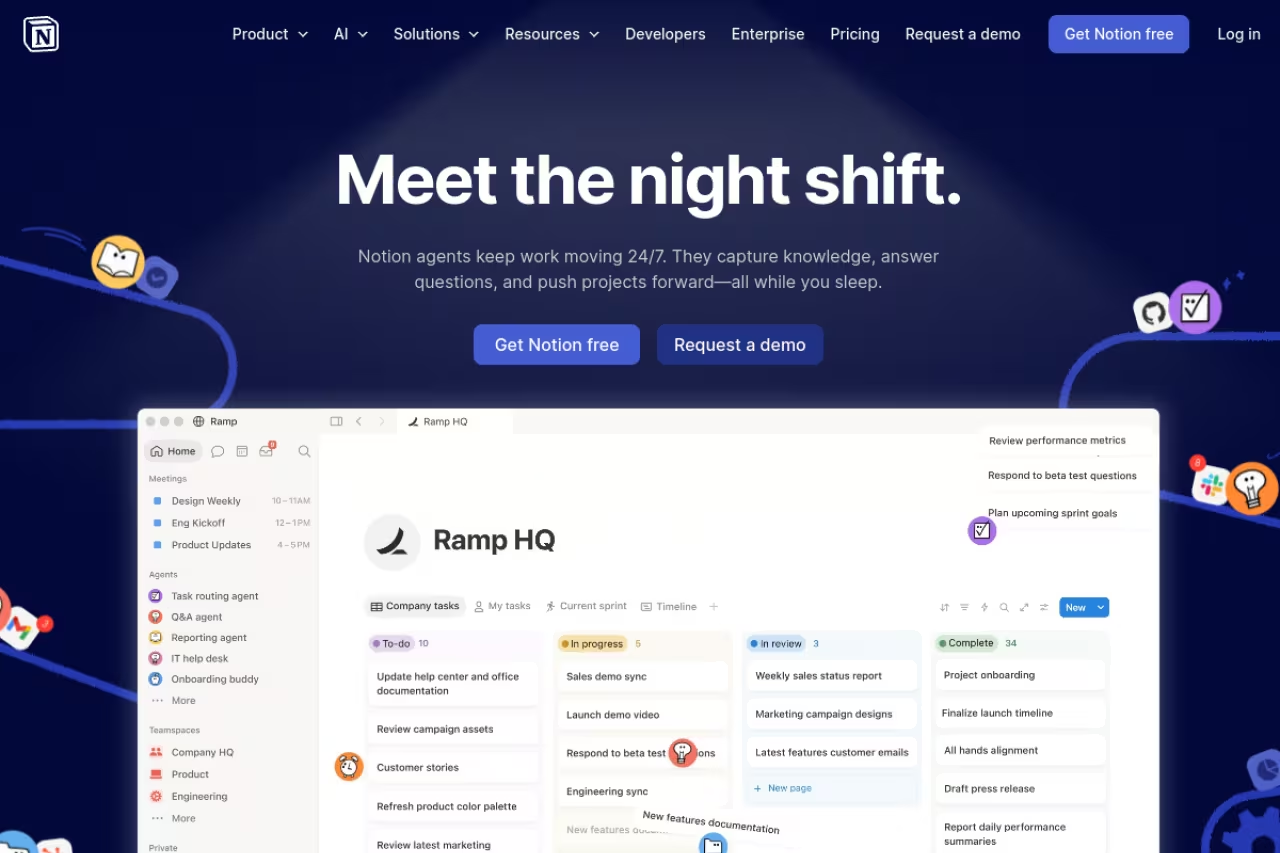
Notion has been the "everything app" for years. What changed in 2026 is the money. The old $10 standalone AI add-on retired in May 2025, and full Notion AI is now baked into the Business plan at $15 per user per month on annual billing, per Notion's own pricing. That includes Notion Agent, AI search across your workspace, AI Meeting Notes, and Enterprise Search that reaches into connected apps like Slack and Drive.
The default for teams that already write things down and want wiki, project docs and AI in one place. Notion AI is now in the Business plan at $15 per user per month, but heavy Custom Agent use costs extra, and the free and Plus tiers get only a small AI trial.
The standout is how the AI reads the workspace you already built. Ask it "what did we decide about the Q3 pricing change" and it pulls the actual page, not a hallucinated summary. The new Custom Agents can run multi-step tasks across your databases.
The catch: Custom Agents started burning credits on May 4, 2026, at $10 per 1,000 Notion credits with no rollover, so heavy automation costs extra on top of the seat price. And Notion's search is only as good as your structure. Messy workspace, messy answers. The free and Plus tiers now get only a small trial of AI, so you're effectively pushed to Business to get the real thing.
Glean: enterprise search that actually works
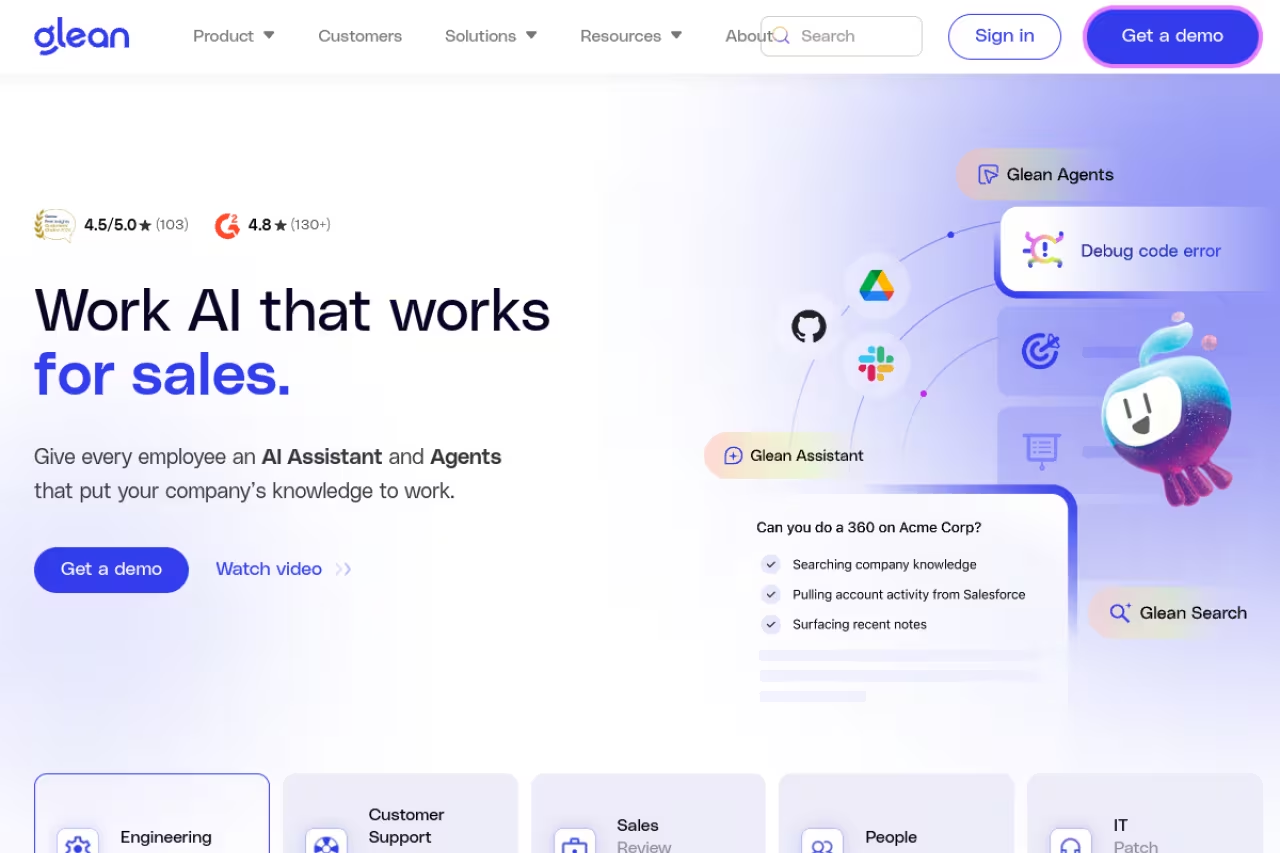
Glean isn't a wiki. It's a search and AI layer that sits on top of every tool your company runs: Slack, Google Drive, Salesforce, GitHub, Confluence, Notion, all of it. You ask a question, it answers from across your entire stack and respects each user's existing permissions so nobody sees what they shouldn't.
Glean is enterprise search for companies where knowledge is scattered across dozens of apps, answering across your stack while respecting permissions. It is the closest thing to institutional memory you can buy, but quote-based pricing and big minimums make it overkill for small teams.
The standout is breadth. Glean connects to 100+ apps and builds a knowledge graph of your org, so it understands that "the Acme deal" relates to specific people, documents, and Slack channels. For a large team, this is the closest thing to an institutional memory you can buy.
The catch: price and commitment. Glean is quote-based with no public price list, and reporting puts the enterprise search license around $40-50 per user per month plus a roughly $15 AI add-on, with a typical minimum near 100 seats and $50,000-$60,000 annual contracts, according to buyer data on Vendr. This is overkill for small teams. It only earns its cost when you genuinely have knowledge spread across many systems.
Guru: when being right matters most
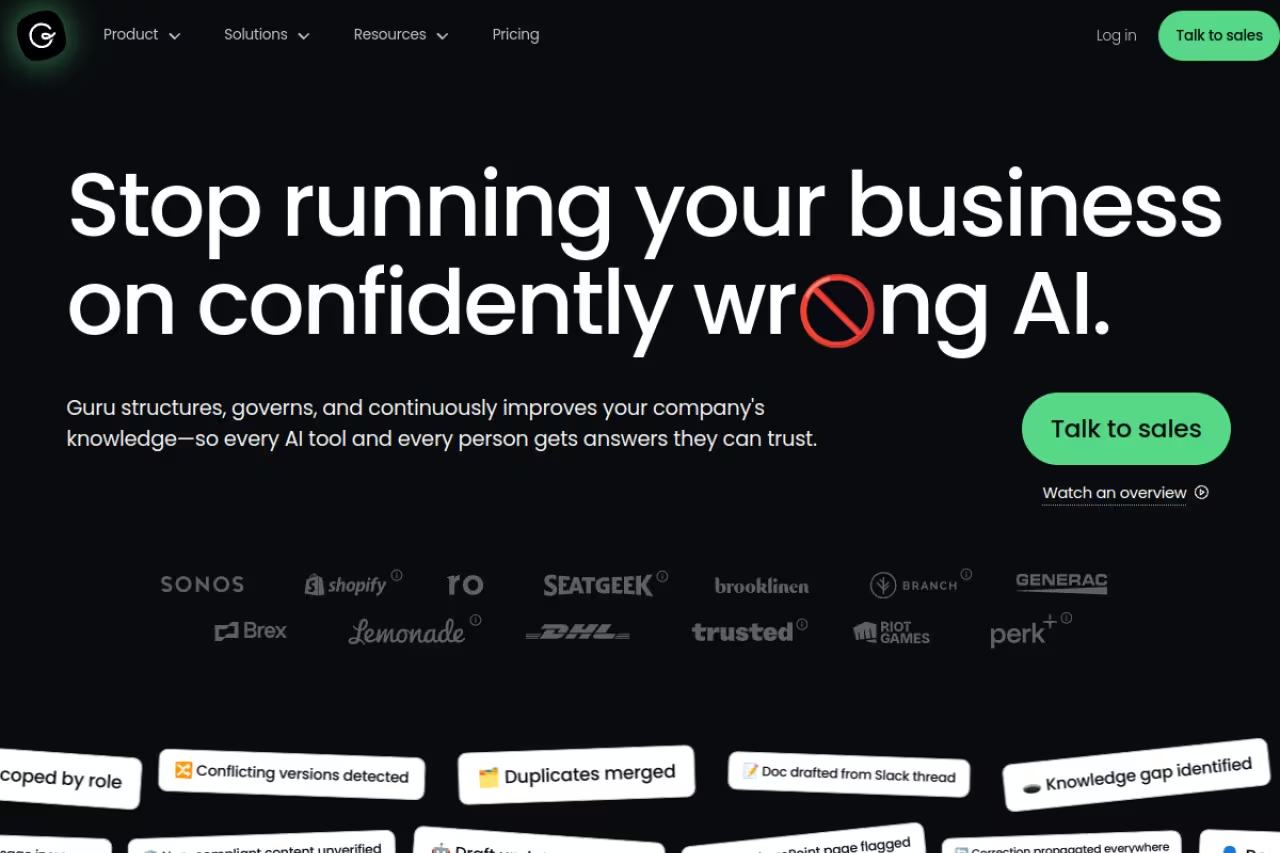
Guru's whole pitch is trust. Every piece of knowledge (a "card") can be assigned an expert who verifies it, and Guru nags that person to re-confirm it on a schedule. So when the AI answers, it's pulling from content a human already certified as accurate, with a visible "verified" badge and date.
Best for: support, sales, and ops teams where a wrong answer has real consequences. Telling a customer the wrong refund policy is worse than telling them nothing.
The standout is the verification workflow combined with delivery. Guru lives in a browser extension and inside Slack and Teams, so answers surface where people already work instead of forcing a context switch. You ask in Slack, you get a verified card back.
The catch: the Self-Serve plan starts at $25 per user per month billed annually with a 10-user minimum, per Guru's pricing details on Vendr, and Enterprise moves to custom usage-based pricing. That's pricier than a basic wiki, and the verification process only pays off if your experts actually keep up with it. Abandoned verification turns the trust badge into a lie.
Choose Guru when a wrong answer has real consequences, as in support, sales and ops. Expert-verified cards mean the AI cites content a human certified, though it costs more than a basic wiki and the trust badge is only as good as your experts' upkeep.
If your team is wrestling with which AI stack to standardize on, a Dupple X membership gets you weekly tested-tool breakdowns so you're not buying on vendor promises.
Confluence + Rovo: the Atlassian default
If your engineering org already lives in Jira, Confluence is the path of least resistance, and it got much more interesting in 2026. Atlassian's Rovo AI engine, which treats your whole org as one knowledge graph for search, chat, and agents, is now included at no extra upfront cost in paid Confluence Cloud plans. Standard tier got access in October 2025.
The Atlassian default for teams already in Jira who want AI search without a separate contract. Rovo bundled into plans around $5 gives the best price-to-capability ratio here, but the editor feels dated next to Notion and Rovo's pricing is still shifting.
The standout is value. Confluence Standard runs about $5.42 per user per month and Premium about $10.44, with Rovo bundled in, based on 2026 pricing reporting. Getting genuine AI search inside a $5 wiki tier is the best price-to-capability ratio on this list.
The catch: Confluence's editor and navigation still feel dated next to Notion, and Rovo's quality depends heavily on how disciplined your space structure is. Atlassian has also been adjusting Rovo's pricing and credit model, so the "free" status is worth re-checking before you commit a large team.
Slite: simple AI Q&A for small teams
Slite is what you reach for when Glean is too much and a plain wiki is too little. Its "Ask AI" feature lets anyone query the knowledge base in natural language and get a contextual answer with sources, not a list of ten blue links.
Slite suits startups and small teams of roughly 5 to 50 people who want clean docs and working AI Q&A without enterprise complexity. The catch is metered AI questions, with 30 per user per month on Standard, which fill up fast if you lean on search.
The standout is restraint. Slite does docs and AI Q&A well without burying you in databases, automations, and config. The Standard plan is around $8 per user per month annual, per Slite pricing breakdowns.
The catch: AI questions are metered. Standard gives 30 AI questions per user per month, and the higher Knowledge Suite tier raises it to 100. For a team that leans hard on AI search, those caps fill up faster than you'd expect, and you'll feel pushed up a tier.
Tana: structure for people who think in systems
Tana is the most opinionated tool here. Its core idea is the Supertag: instead of tagging a note with a keyword, you assign it a schema. Tag a note #Meeting and Tana auto-adds fields for date, participants, and action items. Your notes quietly become a queryable database.
Tana is for power users, researchers and operators who want notes that behave like a queryable database through Supertags. The AI credits are generous, but the learning curve is real, and it feels like friction if you just want to capture a thought and move on.
The standout is that object model plus a generous AI budget. The free plan includes 500 AI credits a month, Plus runs $8 per month on annual billing with about 2,000 credits, and Pro is $14 annual with around 5,000, per Tana's plan details. Those credits cover meeting transcription and AI chat, not just text generation.
The catch: the learning curve is real. Most reviewers say it takes two to three weeks before Supertags click. If you want to capture a thought and move on, Tana's structure will feel like friction before it feels like power.
Mem: auto-organization for solo workers
Mem pioneered the "AI-native" note app, and in 2026 its bet is full automation: stop filing things into folders and let the AI organize and resurface everything for you. You dump notes in, and Mem connects related ideas and serves them back when relevant.
Go with Mem if you are a solo knowledge worker or consultant who hates filing and just wants capture plus recall. At $14.99 per month it is priced for individuals, and the invisible organization feels like a black box if you want control or team collaboration.
The standout is the zero-effort filing. There's no folder hierarchy to maintain. You search or chat, and Mem finds the thread. At $14.99 per month it's priced for individuals, not teams.
The catch: hands-off organization means less control. If you're someone who wants to see and shape your own structure, Mem's invisible system can feel like a black box. And it's built for individuals, so it's a weak fit for collaborative team knowledge.

Obsidian + Smart Connections: privacy-first knowledge
Obsidian stores everything as plain Markdown files on your own machine. Add the Smart Connections plugin and you get semantic search and AI chat over your notes, powered by your own OpenAI or Anthropic key, or even a local model through Ollama so no data leaves your computer.
The privacy-first option for developers, writers and anyone who wants to own plain Markdown files and choose which AI touches them, even a local model. It is the most DIY route, with API keys, plugin quirks and no support desk, so the price is your time.
The standout is ownership. The Obsidian app and its plugins are free, with optional Sync at $4 per month and Publish at $8, per Obsidian's pricing. Smart Connections costs only what your own API usage runs, typically a few dollars a month, or nothing if you run a local model.
The catch: this is the most DIY option. You assemble your own AI setup, manage API keys, and tolerate plugin quirks. There's no support desk and no team permission model. The payoff is total control. The price is your time.
Capacities: visual personal knowledge
Capacities sits between Notion's flexibility and Mem's automation. Everything is an "object" with a type (a person, a book, a meeting), and the AI chat lets you query your whole knowledge base conversationally. It's the closest thing to Mem's old AI chat with more visible structure.
Capacities suits individuals who want a visually pleasant second brain with object-based structure and built-in AI chat, without Tana's steep curve. At $11.99 per month Pro, it is a personal tool, so skip it if you need collaboration or company-app integrations.
The standout is the object model done in a friendly way. You get structure without Tana's steep curve, plus a clean interface. Capacities Pro is $11.99 per month.
The catch: it's a personal tool, not a team platform, and the AI features are lighter than dedicated enterprise tools. If you need collaboration or deep integrations across company apps, look elsewhere on this list.
How to choose
Match the tool to your scale and your real problem, not the feature list.
If you're a team that already writes docs, start with Notion. The bundled AI makes it the best value, and you avoid running multiple subscriptions. If you're an Atlassian shop, Confluence with Rovo gives you AI search for almost nothing extra.
If you're a larger company where knowledge is genuinely scattered across dozens of apps, Glean is the one tool here built for that exact mess, and it's worth the price only at that scale. If accuracy is non-negotiable (support, sales, compliance), Guru's verification model is the right trade.
If this is for you alone, pick by philosophy: Mem to never organize anything, Tana or Capacities if you want visible structure, Obsidian if you want to own your files and your privacy. Small team on a budget? Slite is the sane middle.
One rule above all: the tool only works if people actually put knowledge into it and keep it current. The best AI search in the world can't retrieve what nobody wrote down. For more tested picks, browse our top AI tools directory or compare notes with our guide to the best AI agents and the best AI note-taking apps.
FAQ
What is the best AI knowledge management tool in 2026?
For most teams it's Notion, because full AI is now bundled into the $15 Business plan instead of costing extra, and it combines docs, wikis, and AI search in one place. Larger enterprises with knowledge spread across many apps are better served by Glean, and teams that need verified accuracy should look at Guru.
How much do AI knowledge management tools cost?
It ranges widely. Personal tools like Mem ($14.99/mo) and Capacities ($11.99/mo) are billed per individual. Team tools run from about $5.42 (Confluence) to $15 (Notion Business) per user per month. Enterprise search like Glean is quote-based, typically $40-50 per user per month plus an AI add-on and a roughly 100-seat minimum.
What's the difference between a knowledge base and enterprise search?
A knowledge base (Notion, Confluence, Slite, Guru) is where you store and organize your team's documented knowledge. Enterprise search (Glean) doesn't store anything new. It indexes the tools you already use and answers questions across all of them. Many companies run both: a wiki for authored content and a search layer over everything else.
Are AI knowledge tools accurate, or do they hallucinate?
It depends on the design. Tools that cite their sources and let you click through to the original (Notion, Glean, Confluence) are far safer than ones that just generate text. Guru goes furthest by requiring human experts to verify content on a schedule, so answers come from certified-accurate material. Always check whether a tool shows its sources before you trust it.
Can I use AI knowledge management for personal notes instead of a team?
Yes, and several tools are built specifically for that. Mem auto-organizes everything for you, Obsidian with the Smart Connections plugin keeps your files local and private, and Capacities and Tana give you structured, AI-searchable personal knowledge. These are cheaper and simpler than team platforms because you don't need permissions or collaboration features.
Which AI knowledge tool is best for privacy?
Obsidian with Smart Connections is the strongest privacy option. Your notes stay as local Markdown files on your machine, and you can run the AI through a local model via Ollama so no data ever leaves your computer. For teams that need privacy with collaboration, look for tools with permission-aware search like Glean, which only shows each user what they already have access to.
Related guides
Some offers on this page may be paid placements or contain affiliate links.
Across our whole catalogue the median is $24 a month and 33% of tools advertise a free tier. Figures are the lowest recurring monthly price quoted in our own review of each tool, read on 2026-08-19. Full method and every category.
