
The Best Appointment Scheduling Software in 2026

Key facts7 tools compared: Calendly, Cal.com, Acuity Scheduling, SavvyCal, Square Appointments…
- 7 tools compared: Calendly, Cal.com, Acuity Scheduling, SavvyCal, Square Appointments, YouCanBookMe, HubSpot Meetings
- Calendly (best for: Sales calls and 1:1 meetings): Free / $10 / $16 seat/mo
- Cal.com (best for: Open source and self-hosting): Free / $12 / $28 user/mo
- Acuity Scheduling (best for: Service businesses with payments): $20 / $34 / $61 flat/mo
- SavvyCal (best for: Sharing availability politely): Free / $10 / $17 user/mo
Every "let me check my calendar" email is a small tax on your week. Multiply that by a sales team, a client roster, or a packed solo calendar and the cost gets real. A booking link kills the back-and-forth, but the tool you pick decides whether people actually show up, pay on time, and land on the right person.
Scheduling tools cover very different use cases, from a newsletter business to a consulting side hustle to a sales team that lives in a CRM. Some tools are built for a single founder grabbing demos. Others are built for a salon juggling staff calendars and deposits. Picking the wrong category is how you end up paying for features you never touch, or fighting a tool that can't take a payment.
If you want the short answer: Calendly is still the default for meetings and sales calls. If you run a service business that takes payments and intake forms, Acuity Scheduling is the better fit. And if you care about open source, generous free limits, or self-hosting, Cal.com is the one to watch (20% off for a year via our Cal.com link). Below are seven with the catch on each.
Quick comparison
| Tool | Best for | Price | Standout |
|---|---|---|---|
| Calendly | Sales calls and 1:1 meetings | Free / $10 / $16 seat/mo | Frictionless setup, huge integration list |
| Cal.com | Open source and self-hosting | Free / $12 / $28 user/mo | Generous free tier, full code access |
| Acuity Scheduling | Service businesses with payments | $20 / $34 / $61 flat/mo | Flat pricing, deep intake and deposits |
| SavvyCal | Sharing availability politely | Free / $10 / $17 user/mo | Overlay calendar, meeting polls |
| Square Appointments | In-person services and POS | Free / $29 / $69 per location | Tied to Square payments and hardware |
| YouCanBookMe | Budget solo and small teams | Free / $9 / $13 user/mo | Cheap, flexible booking pages |
| HubSpot Meetings | Teams already on HubSpot | Free with HubSpot CRM | Every booking becomes a CRM contact |

Calendly: the default for meetings and demos
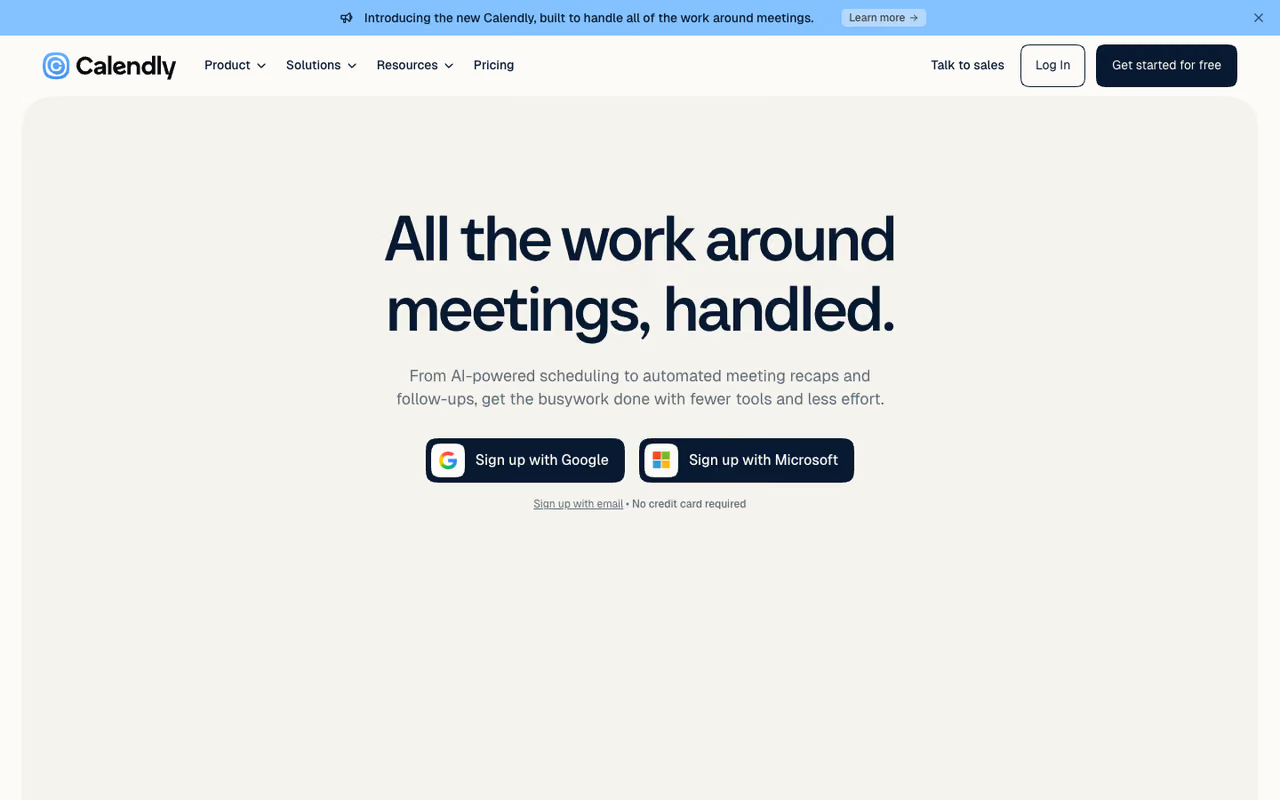
Calendly is the tool most people picture when they hear "booking link," and it earned that spot. You connect a calendar, set your hours, share a link, and people book open slots without emailing you. The setup is fast and the booking page is clean enough that a prospect rarely stumbles.
The default for sales teams scheduling 1:1 meetings and demos, with the longest integration list and round-robin routing. Per-seat pricing adds up (a ten-person Teams plan runs $160 a month), and the free plan's single event type feels tight.
Round-robin routing sends incoming leads to the next available rep, and the integration list is the longest in the category: Zoom, Google Meet, Salesforce, HubSpot, Stripe, and hundreds more.
Pricing: the free plan gives you one event type and one connected calendar. Paid plans run $10 per seat per month (Standard) and $16 per seat per month (Teams), billed yearly, per Calendly's pricing page. Enterprise starts around $15k per year. Calendly also added a Notetaker feature for meeting recaps and action items.
The catch: pricing is per seat, so a ten-person sales team on Teams runs $160 a month before anyone touches Enterprise. The free plan's single event type also feels tight the moment you need a "30-minute intro" and a "60-minute deep dive" link side by side. If you want the call recorded and summarized too, pair it with one of the best AI meeting assistants rather than relying on Calendly's Notetaker alone.

Cal.com: the open-source option with room to grow
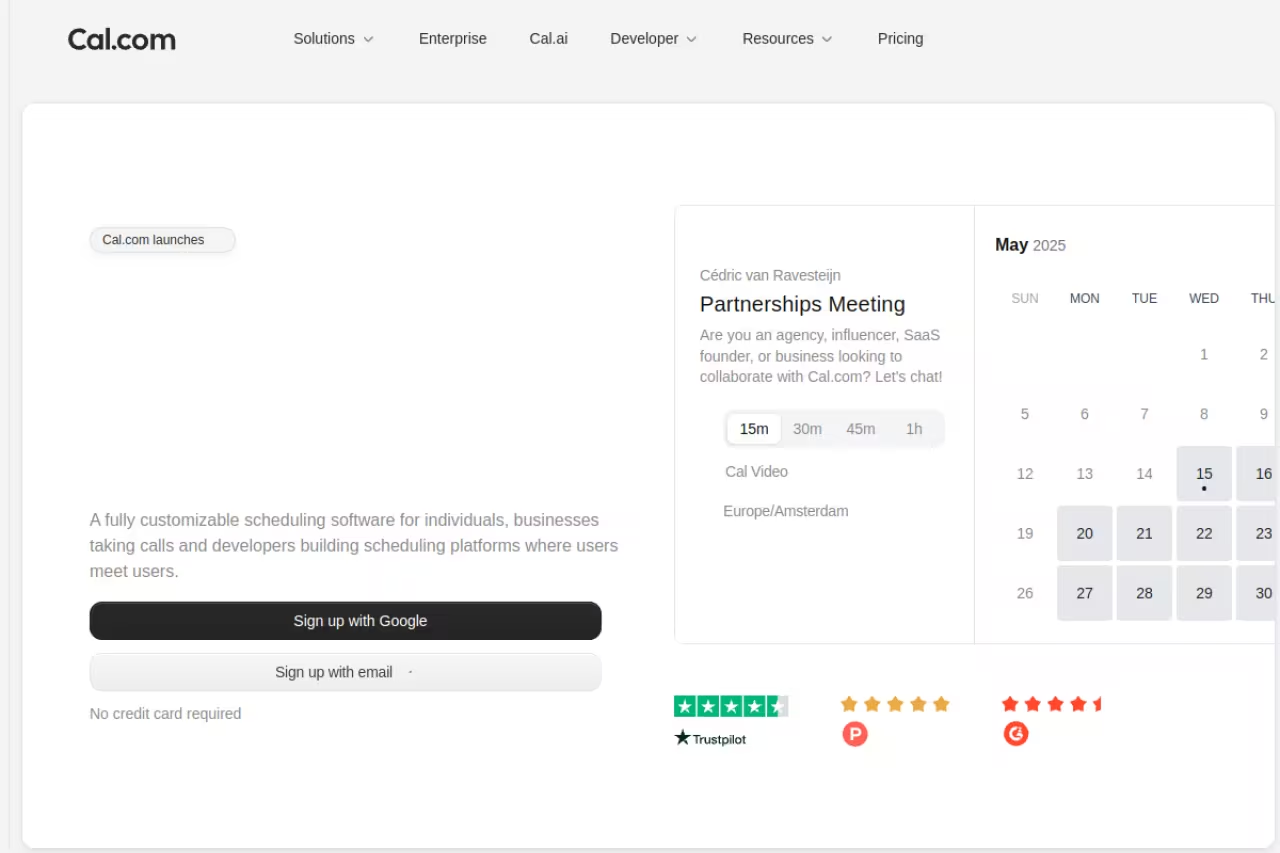
Cal.com is the open-source answer to Calendly, and it has quietly become a serious alternative rather than a clone. You can use the hosted cloud version like any SaaS, or self-host the whole thing on your own server if data control matters to you. The code is on GitHub, which is rare in this category.
Cal.com is the open-source alternative for developers and privacy-focused teams, with a free plan that is not crippled. Self-hosting is only free if your time is, and the hosted version trails Calendly on small UX details.
The free tier includes unlimited event types, unlimited calendar connections, email and SMS notifications, and native payments through Stripe and PayPal, according to Cal.com's pricing. That's more generous than most paid competitors.
Paid plans are $12 per user per month for Teams (round-robin, managed event types, booking analytics) and $28 per user per month for Organizations (SAML SSO, custom routing, SOC 2 and HIPAA support).
The catch: self-hosting is only "free" if your time is free. Standing up and maintaining your own instance takes real engineering effort, and the hosted version's polish, while strong, still trails Calendly on the small UX details. If you just want a link in five minutes, this is more tool than you need.
Acuity Scheduling: built for service businesses
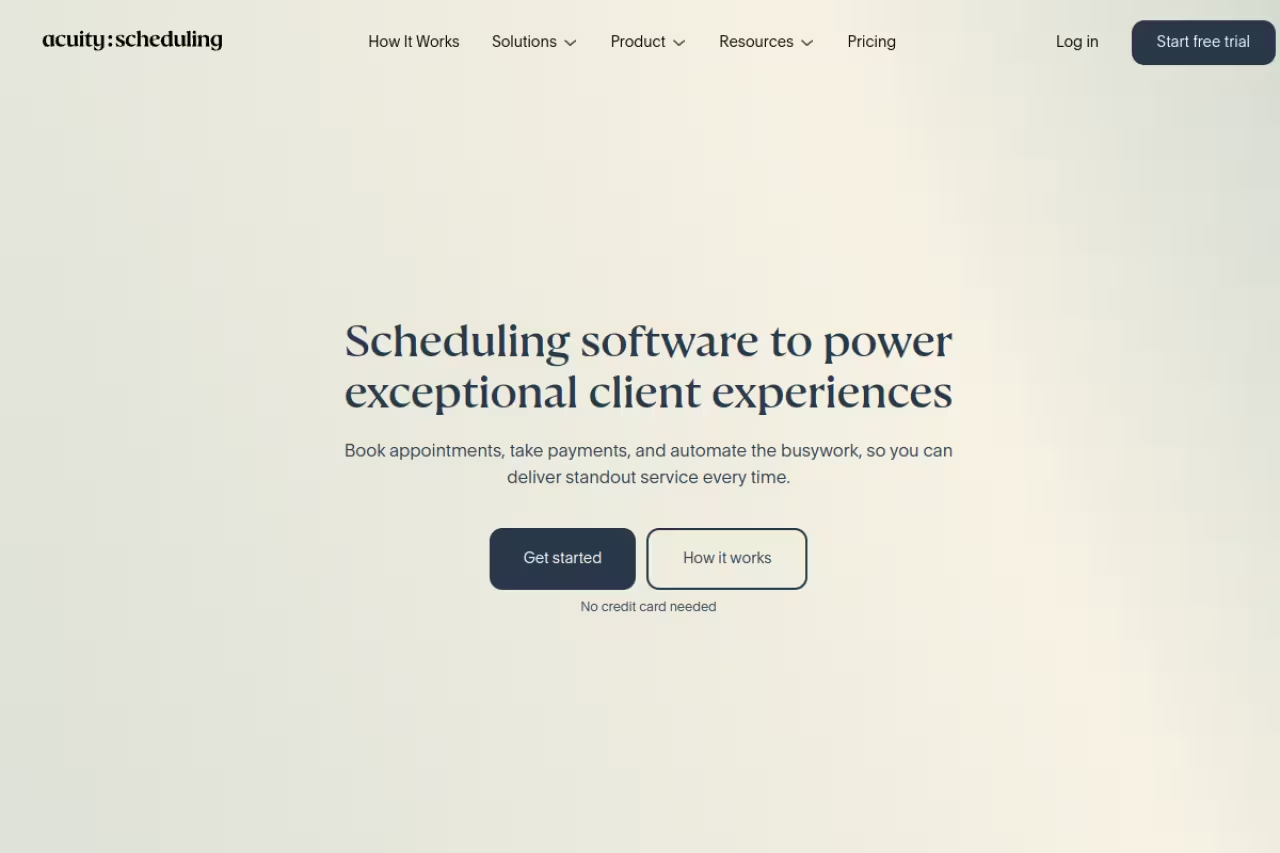
Acuity (owned by Squarespace) is what I point coaches, therapists, photographers, and salon owners toward. It treats a booking as a transaction, not just a calendar block. Clients can pay or leave a deposit at booking, fill out intake forms, and get tied to a record you can look back on.
Acuity is built for service businesses that take money up front, like coaches, therapists and salons, with deposits, intake forms and flat per-account pricing. Skip it for plain meeting scheduling, where it is overkill, and note there is no free plan.
You get customizable intake questions, packages and gift certificates, class scheduling, and the ability to manage multiple staff calendars under one roof.
Pricing is flat per account, which is the part teams love: $20 a month (Emerging), $34 a month (Growing), and $61 a month (Powerhouse), with roughly 20% off on annual billing, per Acuity's listed plans. There's no per-user surcharge, so a five-person studio pays the same as a solo practitioner.
The catch: there's no free plan, only a trial. And for plain meeting scheduling, Acuity is overkill. The intake forms, deposits, and class tools are great for a wellness studio and clutter for a founder who just wants demo bookings.

SavvyCal: scheduling that doesn't feel one-sided
A booking link can come across as "here's my calendar, work around me." SavvyCal fixes that with an overlay: your invitee drops their own calendar on top of your availability and picks a time that works for both. It's a small touch that makes the tool feel polite, and it's the reason people who book a lot of external meetings swear by it.
A polite, overlay-based booking experience for consultants and founders who schedule with busy outsiders, plus meeting polls and ranked availability. It does one job very well, so look elsewhere if you need POS, staff rosters or a marketplace.
Meeting polls let you propose a few times for group calls, and ranked availability nudges bookers toward the slots you actually prefer.
Pricing is $10 per user per month (Basic) and $17 per user per month (Premium), with two months free on annual billing, from SavvyCal's pricing page. There's a free tier for light use plus a 30-day money-back guarantee. Premium adds custom domains, paid bookings, and the option to delegate scheduling to an assistant.
The catch: SavvyCal is laser-focused on the meeting-scheduling job. If you need POS, staff rosters, or a client marketplace, look elsewhere. It does one thing very well and doesn't pretend to be a business management suite.
Square Appointments: best when you already use Square
If you run a barbershop, nail salon, or any walk-in-plus-booking business, your scheduling tool and your card reader should be the same system. Square Appointments is that. It plugs straight into Square's point of sale, so a booking, a checkout, and a tip all live in one place.
It's best for in-person service businesses already on Square hardware. The free plan covers one location with online booking, calendar sync, automated reminders, and cancellation policies. You only pay processing fees on transactions.
Paid tiers add class bookings, waitlists, and staff management: $29 per month per location (Plus) and $69 per month per location (Premium), per Square's plan breakdown. Processing runs around 2.9% plus 30 cents for online payments, lower for in-person.
The catch: this only makes sense inside the Square ecosystem. The payment fees are baked in, so you can't bring your own processor, and the scheduling features are thinner than Acuity's once you leave the salon-and-spa use case. Outside in-person retail, it's the wrong tool.
The natural choice for in-person service businesses already on Square hardware, with booking, checkout and tips in one system. Outside the Square ecosystem it is the wrong tool, since you cannot bring your own processor and features trail Acuity's.
If you're stitching scheduling into a wider stack of revenue tools, our roundup of the best AI sales tools covers the CRM and outreach side that sits next to your booking flow. And if you want a single subscription that bundles dozens of these tools, Dupple X is worth a look before you pay for five separate seats.

YouCanBookMe: the budget pick that still flexes
YouCanBookMe (often shortened to YCBM) is the tool I recommend when budget is the deciding factor but you still want real control over the booking page. It's cheap, the free plan is usable, and the customization runs deeper than the price suggests.
The budget pick for solo operators and small teams who want a polished, customizable booking page without Calendly's per-seat math. The interface looks dated beside Calendly and SavvyCal, and the less familiar brand may earn less prospect trust.
The free plan includes one calendar connection, one booking page, basic branding, and video integrations for Zoom, Teams, and Google Meet, plus Stripe payments.
Paid plans start at $9 per month (Individual), $13 per month (Professional), and $18 per member per month (Teams), per YouCanBookMe's pricing. Professional adds automated workflows, SMS from a dedicated business line, a direct HubSpot integration, and analytics.
The catch: the interface shows its age next to Calendly and SavvyCal, and the brand recognition isn't there, so some prospects may not trust an unfamiliar booking domain as quickly. For internal use or budget-conscious teams, none of that matters much.
HubSpot Meetings: free if you live in the CRM
If your team already runs on HubSpot, you may not need a separate scheduling tool at all. HubSpot Meetings is built into the free CRM, and its killer feature is that every booking creates or updates a contact record automatically, with full context attached.
It's best for sales and marketing teams already inside HubSpot who want scheduling and pipeline in one system. You get an embeddable widget, shareable links, calendar sync with Google and Outlook, and group meeting links, all on the free tier, according to HubSpot.
Free and sensible if your sales and marketing team already lives in HubSpot, since every booking updates a contact record automatically. As a standalone booking link it is unremarkable, so do not adopt HubSpot just for the scheduler.
Pricing: the scheduler itself is free with HubSpot's free CRM. Advanced pieces (team scheduling, custom branding, the AI meeting assistant) sit inside paid Sales Hub tiers.
The catch: it only makes sense if you're committed to HubSpot. As a standalone booking link it's fine but unremarkable, and you'll feel the missing branding and routing features fast unless you're paying for Sales Hub. Don't adopt HubSpot just for the scheduler.
How to choose
Skip the feature checklist and answer one question first: what happens at the moment of booking?
If the answer is "a meeting goes on two calendars," you want a meeting scheduler. Start with Calendly for the safe default, SavvyCal if you book a lot of external calls and want the polite overlay, or Cal.com if free limits and open source matter. For a team already on HubSpot, the built-in scheduler is the lazy-correct answer.
If the answer is "a customer pays and fills out a form," you want a service-business tool. Acuity wins for most appointment-based businesses because of flat pricing and deep intake. Square Appointments wins specifically when you take in-person payments on Square hardware.
Then sanity-check the math. Per-seat tools (Calendly, SavvyCal, Cal.com paid tiers) get expensive as headcount grows, while flat-rate Acuity stays the same whether you have two staff or twenty. A five-person team can flip the cheaper option just by adding people. Most of these offer a free plan or trial, so book a few test slots yourself before you commit. For the AI layer that suggests times and reschedules for you, our guide to the best AI scheduling assistants goes deeper than this list, and you can browse more options in our top tools directory.
FAQ
What is the best free appointment scheduling software?
For meetings, Cal.com has the most generous free plan: unlimited event types, unlimited calendar connections, and native Stripe and PayPal payments at no cost. HubSpot Meetings is free if you use HubSpot's CRM. For in-person services, Square Appointments offers a genuinely free plan for a single location where you only pay payment processing fees. Calendly's free tier works but limits you to one event type.
Is Calendly or Acuity better?
They solve different jobs. Calendly is better for meetings, sales demos, and round-robin lead routing, and it has the larger integration ecosystem. Acuity is better for service businesses that take payments, deposits, and intake forms at the time of booking. If you schedule calls, pick Calendly. If you run appointments that involve money up front, pick Acuity.
How much does appointment scheduling software cost?
Most paid plans run $10 to $20 per user per month for meeting schedulers like Calendly, SavvyCal, and Cal.com. Service-business tools price differently: Acuity is flat at $20 to $61 per month regardless of team size, and Square Appointments charges $29 to $69 per location plus payment processing fees. Several tools, including Cal.com and HubSpot Meetings, have free plans that cover solo use.
Can clients pay when they book an appointment?
Yes. Acuity, Square Appointments, Cal.com, and SavvyCal's Premium plan all support taking payments or deposits at the point of booking, usually through Stripe (or Square's own processor for Square Appointments). This cuts no-shows because people are less likely to skip a slot they've already paid for. Free meeting schedulers often gate paid bookings behind a higher tier.
What's the best appointment scheduler for a small service business?
Acuity Scheduling is my pick for most small service businesses because its flat pricing means adding staff doesn't raise your bill, and it handles intake forms, deposits, packages, and multiple staff calendars. If you take in-person payments on Square hardware, Square Appointments is the better fit since booking and checkout live in one system.
Do I need a separate scheduling tool if I use a CRM?
Often not. HubSpot includes a free meeting scheduler that logs every booking as a CRM contact, and many CRMs have similar built-in booking. A standalone tool only makes sense if you need features your CRM lacks (advanced routing, custom-branded pages, payments) or if your CRM's scheduler feels clunky. Try the built-in option first before paying for another subscription.
Want a faster way to test-drive tools like these without paying for every seat? Dupple X bundles access to dozens of AI and productivity tools under one yearly plan, so you can find your stack before you commit.
Related guides
Some offers on this page may be paid placements or contain affiliate links.
