
Best Accounting Software for Construction (2026)

Key facts8 tools compared: QuickBooks Online, Knowify, Foundation, Sage 100 Contractor, Buildertrend…
- 8 tools compared: QuickBooks Online, Knowify, Foundation, Sage 100 Contractor, Buildertrend, Procore, CMiC, Jobber
- QuickBooks Online (best for: Small contractors, light job costing): $115/mo (Plus)
- Knowify (best for: Trade contractors, subs ($1M-$10M)): $99-$329/mo
- Foundation (best for: Mid-size GCs ($3M-$15M)): ~$500-$1,500+/mo
- Sage 100 Contractor (best for: Mid-size, deep reporting): ~$115-$200/user/mo
Most accounting software was never built to answer the question every contractor actually asks: am I making money on this job, right now, before it closes? Generic tools track money in and money out. Construction lives in the gap between a budget, a commitment, what's been billed, and what's left to spend. That gap is where margin quietly leaks.
I've spent the last few weeks pulling pricing pages, reading contractor forums, and mapping which of these tools genuinely handle job costing, work-in-progress reporting, certified payroll, and AIA progress billing, versus which ones just bolt those words onto a marketing page. The differences are bigger than the logos suggest.
If you want the short version: for small residential and light commercial shops, QuickBooks Online Plus is still the default and it's fine. The moment you need real job costing without enterprise overhead, Knowify is my top pick for trade contractors. And once you're past roughly $5M in revenue with union payroll and WIP schedules your auditor signs off on, you graduate to Foundation or Sage. Here's how the field shakes out for 2026.
Quick comparison
| Tool | Best for | Price | Standout |
|---|---|---|---|
| QuickBooks Online | Small contractors, light job costing | $115/mo (Plus) | Everyone integrates with it |
| Knowify | Trade contractors, subs ($1M-$10M) | $99-$329/mo | Job costing + two-way QBO sync |
| Foundation | Mid-size GCs ($3M-$15M) | ~$500-$1,500+/mo | Certified payroll, WIP, contractor-only |
| Sage 100 Contractor | Mid-size, deep reporting | ~$115-$200/user/mo | All-in-one financial depth |
| Buildertrend | Home builders, remodelers | $339-$829/mo | PM + accounting in one place |
| Procore | Large GCs needing field + finance | $50K-$100K+/yr | Best field-to-finance link |
| CMiC | Enterprise ($50M+ revenue) | $50K-$150K+/yr | Single ERP, no integration gaps |
| Jobber | Service trades, small crews | $39-$599/mo | Simple scheduling + invoicing |

Knowify (best for trade contractors who outgrew QuickBooks)
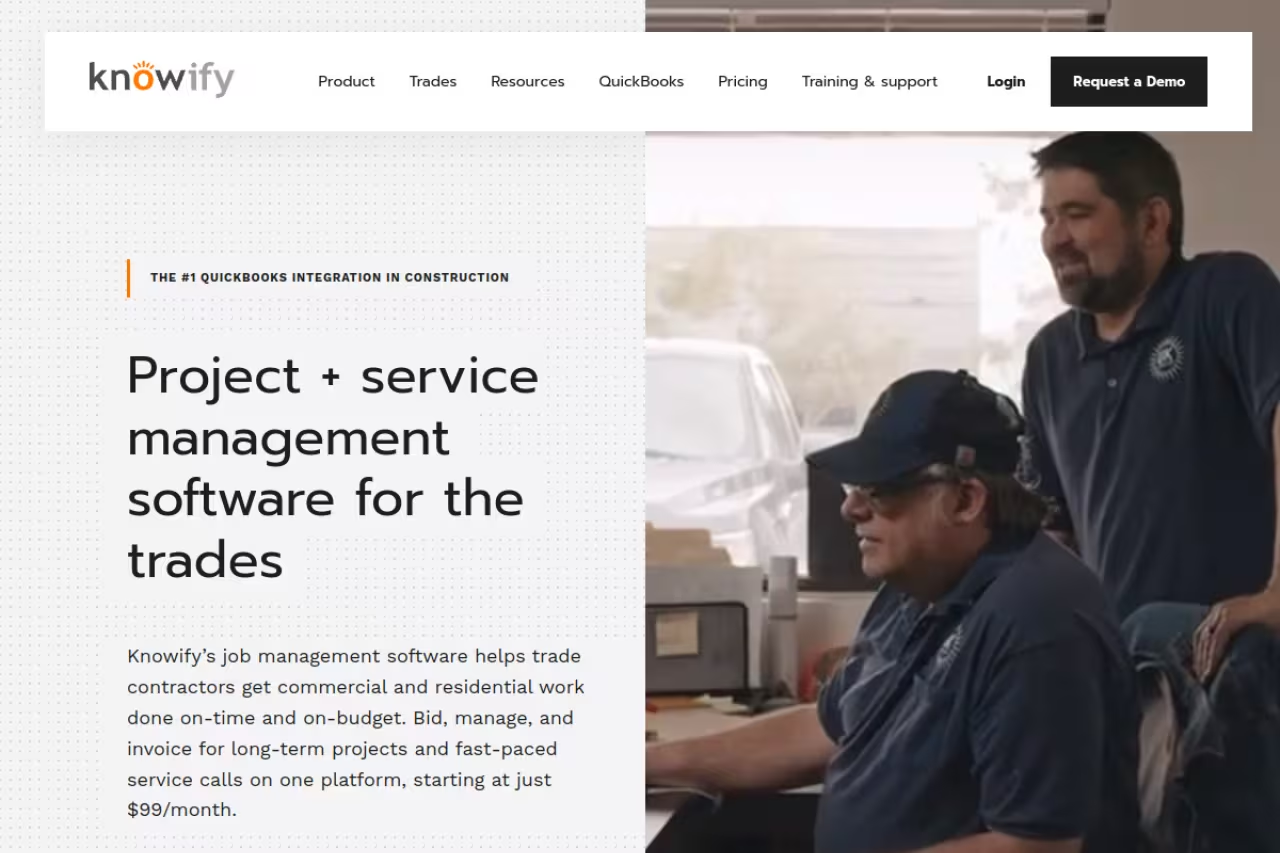
If you're a subcontractor or specialty trade doing somewhere between $1M and $10M and QuickBooks alone has started to feel like a spreadsheet held together with tape, Knowify is where I'd point you first. It sits on top of QuickBooks Online rather than replacing it, which is the smart play: you keep your accountant happy and your books familiar, and Knowify handles the construction-specific layer QuickBooks never did well.
What it is: A cloud platform for job costing, estimating, AIA-style progress billing, time tracking, change orders, and purchase orders, with a genuinely two-way sync to QuickBooks Online. Bills, invoices, payments, and projects move between the two systems in real time, so you're not double-entering anything.
The first place I would point trade contractors who have outgrown QuickBooks, since it layers job costing and progress billing on top of it. It is not cheap once you need the Advanced plan at $329/month annually.
Core is $99/month on an annual plan ($149 month-to-month), but the plan that matters is Advanced at $329/month annually ($399 monthly), because job costing only unlocks at Advanced. Enterprise is custom-quoted. Read that closely before you buy Core to save money.
The standout: The QuickBooks sync is the best in this category. Knowify assigns every expense to the right project, phase, and cost code automatically, so your WIP and profit-per-job numbers are live instead of reconstructed at month-end.
The catch: Job costing is gated behind the Advanced tier, so the real entry price is $329/month, not the $99 headline. And it's purpose-built for trades and subs. A large GC managing dozens of concurrent commercial projects will outgrow it.

Foundation Software (best for mid-size general contractors)
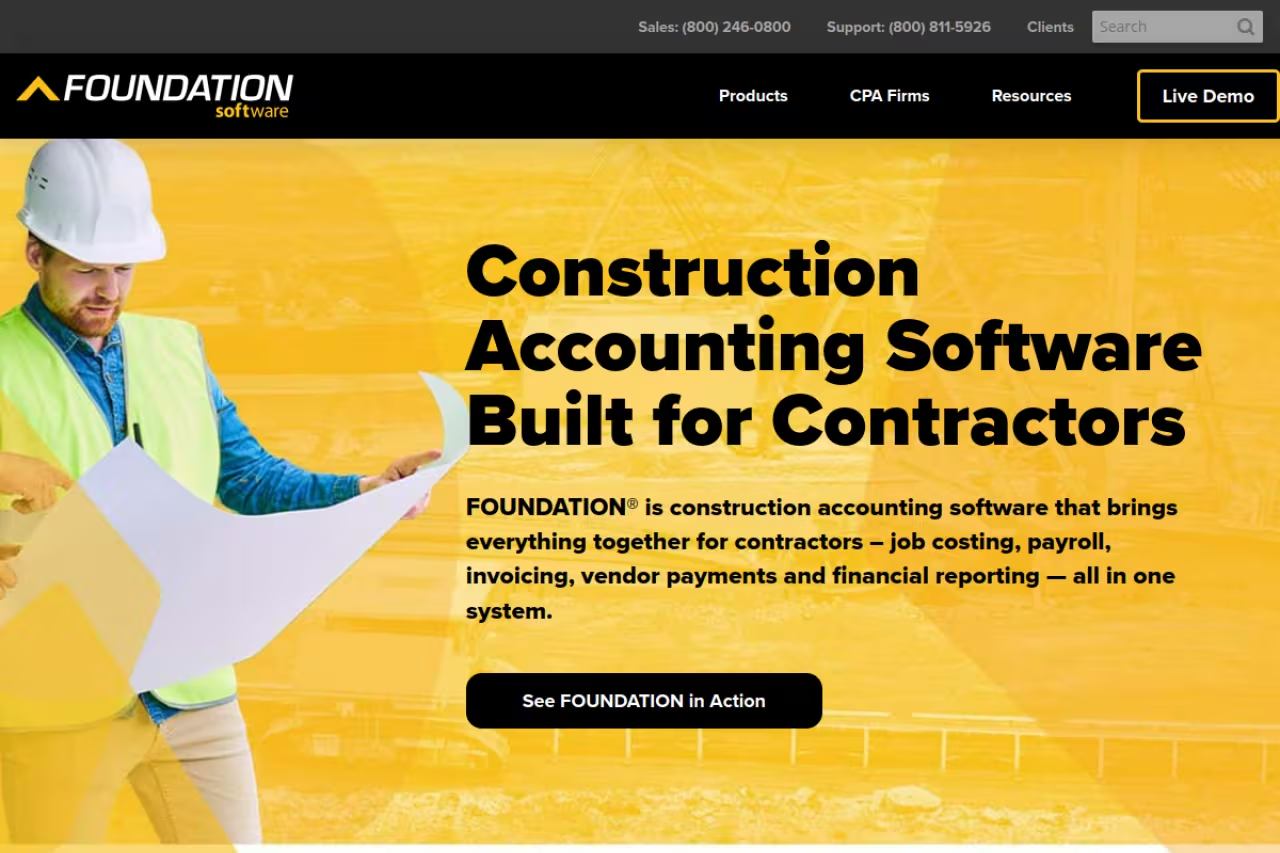
Foundation is what you move to when "good enough" accounting stops being good enough and you need software that was built by people who understand retainage, prevailing wage, and a WIP schedule your bonding company will accept. It's contractor-only, and that focus shows.
What it is: A dedicated construction accounting platform centralizing job costing, certified payroll, progress billing, and compliance. It supports unlimited cost codes, automated certified payroll, multi-state tax handling, union and prevailing-wage rules, and real-time WIP reporting. This is the financial backbone for commercial and government contractors who live and die by compliance.
The serious choice for mid-size contractors who need certified payroll, WIP and AIA billing handled natively. It is overkill for small shops, and five-year total cost can approach six figures once implementation and training are counted.
Foundation doesn't publish prices, which tells you it's a quote-based, modular system. From vendor and reseller estimates, pricing starts around $500/month for core accounting and climbs past $1,500/month for the full suite. A 10-user setup runs roughly $15,000/year before implementation.
The standout: Certified payroll and WIP. If you do public works, prevailing-wage jobs, or anything requiring G702/G703 AIA billing, Foundation handles it natively instead of through bolt-ons and spreadsheet gymnastics.
Where it falls short: It's overkill for small shops, and the total cost of ownership over five years (license, implementation, training, support) can approach six figures. You also need someone on staff who can run a real construction accounting system. This isn't plug-and-play.
QuickBooks Online (best for small contractors getting started)

I'm not going to pretend QuickBooks is purpose-built for construction, because it isn't. But for a residential remodeler or a light commercial contractor running a handful of jobs, it's the path of least resistance, and almost every other tool on this list integrates with it.
What it is: General small-business accounting with a Projects feature that does basic job costing. On the Plus tier you get project profitability, material costing, and class tracking, which covers the essentials if your jobs aren't compliance-heavy.
The path of least resistance for small contractors and remodelers who only need basic job costing. It was not built for construction, so skip it if your jobs are compliance-heavy, and note the Plus tier at $115/month is the minimum worth buying.
QuickBooks Online Plus is $115/month, and that's the minimum tier I'd recommend for contractors since project costing lives there. Advanced jumps to $275/month for up to 25 users and custom reporting. Note that Intuit raised prices 15-20% in mid-2025, so older quotes are stale.
The standout: Ubiquity. Your accountant already knows it, your bank feeds work, and tools like Knowify and Jobber sync straight into it. As a financial base layer, it's the safe choice.
The catch: No native AIA billing, no certified payroll, no out-of-the-box WIP schedules. Those are all missing and require add-ons or manual spreadsheets. Once you're running prevailing-wage work or progress billing on commercial jobs, you'll be fighting the software instead of using it.
If you're a small operator trying to figure out which back-office tools actually earn their keep, our roundup of the best AI tools for small business pairs well with whatever accounting stack you land on.
Sage 100 Contractor (best all-in-one financial depth)
Sage has been in construction accounting longer than most of these companies have existed, and Sage 100 Contractor (formerly Master Builder) reflects that. It does deep financial reporting, multi-entity accounting, certified payroll, and full job costing in one system, no second tool required.
What it is: An integrated construction accounting and project management system aimed at mid-size contractors who want everything (GL, AP, AR, payroll, job costing, WIP, change orders) under one roof.
A good fit for mid-size contractors who want GL, payroll, job costing and WIP in one system, with standout reporting depth. The Windows desktop roots and dated interface show, and implementation is a real commitment.
Roughly $115-$200 per user per month under subscription, plus implementation that can run $2,000-$20,000+ depending on complexity. Budget for training too.
The standout: Reporting depth. If you need to slice financials across entities and produce WIP and cost-to-complete schedules without exporting anything, Sage delivers.
Where it falls short: The interface feels dated, and it's a Windows desktop application at its core, which grates if your team expects a modern cloud UI. Implementation isn't quick. This is a commitment, not a trial.
Buildertrend (best for home builders and remodelers)
Buildertrend comes at construction from the project-management side and folds accounting in, which is the opposite of how Foundation or Sage think. For custom home builders and remodelers who want client communication, scheduling, selections, and financials in one place, that's exactly right.
What it is: An end-to-end construction management platform with budgeting, change orders, invoicing, and bill pay, plus the field and client-facing tools (daily logs, schedules, customer portal) that builders actually use daily. It integrates with QuickBooks and Xero for the deeper accounting.
The right pick for home builders and remodelers who want client communication, scheduling and financials together, with unlimited users on flat-fee plans. The accounting is lighter than a true ledger, so most users still pair it with QuickBooks.
Three flat-fee tiers, reported in the $339 to $829/month range (some 2026 listings show higher tiers up to ~$1,099). Plans include unlimited users, which is unusual and genuinely valuable. Watch for onboarding fees of $400-$1,500.
The standout: It's where your project and your money meet for residential builders. The client portal alone closes the communication gaps that cause disputes and change-order fights.
The catch: The accounting is lighter than a dedicated ledger, so most serious users still pair it with QuickBooks. You're paying for the PM layer first, accounting second.

Procore (best field-to-finance link for large GCs)
Procore is the field-coordination giant, and in 2026 its financial management module is the most credible it's ever been. But you need to understand what it does and doesn't do.
What it is: Project financials done right (budgets, commitments, change orders, pay applications, cost codes) tightly linked to field operations, then connected to your accounting ERP through an ERP connector platform. It talks to Sage 300 CRE, QuickBooks, and Viewpoint.
Go with Procore if you are a large GC that needs the jobsite tied tightly to the budget. It cannot close your books or produce a WIP schedule, so you still need an accounting system underneath, at $50,000 to $100,000+ per year.
Enterprise, volume-based. Full financial-management deployments run $50,000 to $100,000+ per year, and ERP integration setup adds around $3,500 in launch services. Not a small-shop tool.
The standout: Nobody connects what's happening on the jobsite to what's hitting the budget faster. For a GC coordinating many subs and trades, that real-time link is worth real money.
Where it falls short: Procore can't close your books, produce a balance sheet, or generate a WIP schedule on its own. It's a financial-management front end, not your general ledger, so you still need an accounting system underneath.
CMiC (best for enterprise contractors)
If you're one of the largest contractors in North America, CMiC is probably already on your shortlist. It's an accounting-centered ERP built to remove the integration gap between operations and finance entirely.
What it is: A single ERP covering financials, job cost accounting, HR and payroll, procurement, and reporting. Union payroll with prevailing wage, auditor-grade WIP, subcontract management with retention, and AIA billing are all native.
An enterprise-grade ERP for the largest contractors that closes the gap between field and finance in one system. Expect annual costs of $50,000 to $150,000+ and an implementation of 12 to 18 months, so it is not for smaller firms.
Annual costs run $50,000 to $150,000+ depending on modules and users, with implementations that take 12 to 18 months. CMiC reportedly holds around 25% market share among the top 400 US contractors.
The standout: One system, zero integration seams. Everything from the field to the financials lives in the same database, which is the holy grail at enterprise scale.
The catch: The implementation timeline and cost are brutal. This is a multi-year strategic commitment, not software you spin up this quarter. For anyone under roughly $50M in revenue, it's the wrong tool.
Jobber (best for small service trades)
Jobber isn't construction accounting in the WIP-and-certified-payroll sense, and I'm including it because plenty of "construction" searches are really service contractors: HVAC, electrical, plumbing, landscaping. For those crews, Jobber is a cleaner fit than anything above.
What it is: Field service software for scheduling, quoting, invoicing, payments, and a customer hub, with QuickBooks Online sync for the books.
Skip it if you do project-based building, but a cleaner fit than anything above for HVAC, electrical, plumbing and landscaping crews. Pricing starts at $39/month, though the QuickBooks sync can drop line items and there is no real job costing.
From $39/month for a solo operator up to $599/month for the 15-user Plus team plan. Honest and affordable for small crews.
The standout: Speed from quote to paid invoice. For a service business that lives on fast turnaround and repeat customers, the workflow is hard to beat.
Where it falls short: The QuickBooks integration is the most-complained-about feature in reviews, with line items occasionally dropping during sync. And it does no real job costing or WIP, so a project-based builder will outgrow it fast.
How to choose
Skip the feature-checklist paralysis and answer three questions in order.
First, what kind of contractor are you? Service trades (HVAC, plumbing, landscaping) want Jobber. Custom home builders and remodelers want Buildertrend. Specialty subs and trade contractors want Knowify. General contractors doing commercial or public work want Foundation, Sage, Procore, or CMiC depending on size.
Second, do you need compliance features? If you touch prevailing-wage jobs, certified payroll, or AIA G702/G703 billing, cross QuickBooks and Jobber off immediately. Those needs alone push you to Knowify (at minimum) or a dedicated construction ledger.
Third, what's your revenue? Under $1M, QuickBooks Plus is fine. $1M-$10M as a sub, Knowify. $3M-$15M as a GC, Foundation or Sage. $50M+, CMiC or Procore plus a real ERP. Buy for where you'll be in two years, not where you are today, because migrating accounting systems mid-growth is genuinely painful.
If you want a faster way to evaluate any of these, our top tools directory and the broader best AI productivity tools guide can help you stress-test a stack before you commit budget.
Picking the right tool is half the battle. Staying on top of the AI and software shifts that keep changing what "best" means is the other half, which is exactly what Dupple X is built to do.
FAQ
What is the best accounting software for a small construction business?
For small residential and light commercial contractors, QuickBooks Online Plus at $115/month is the default starting point because it includes basic project costing and integrates with nearly everything. The moment you need real job costing, retainage, or progress billing, move up to Knowify, which layers construction-specific features on top of QuickBooks for $329/month on its Advanced plan.
Why isn't QuickBooks enough for construction accounting?
QuickBooks handles general bookkeeping well but lacks native AIA progress billing (G702/G703), certified payroll, and out-of-the-box WIP schedules, all of which are core to construction. Contractors running prevailing-wage or commercial work end up patching those gaps with add-ons like Knowify or moving to a dedicated platform like Foundation or Sage.
How much does construction accounting software cost?
It ranges widely. Entry-level options like Jobber start at $39/month and QuickBooks Plus is $115/month. Mid-tier construction-specific tools like Knowify run $99-$329/month, while dedicated platforms like Foundation and Sage land in the $500-$2,000/month zone once you include users and modules. Enterprise ERPs like CMiC and Procore reach $50,000-$150,000+ per year.
What is a WIP report and which software produces it?
A work-in-progress (WIP) report shows the financial status of every active job: costs incurred, amount billed, and cost-to-complete, so you can see over- and under-billings. QuickBooks has no native WIP report. Foundation, Sage 100 Contractor, and CMiC produce auditor-grade WIP schedules natively, and Knowify generates real-time WIP through its job-costing layer.
Should I use separate project management and accounting software?
For small to mid-size contractors, a connected pair (Knowify plus QuickBooks, or Buildertrend plus QuickBooks) usually beats forcing one tool to do both. At enterprise scale, the integration gap between two systems is where margin leaks, which is why large contractors move to a single ERP like CMiC or anchor Procore's financials to a dedicated accounting ledger.
Related guides
Some offers on this page may be paid placements or contain affiliate links.
