
Best Knowledge Base Software in 2026: 9 Tools Compared

Key facts9 tools compared: Notion, Slite, Stonly, Confluence, Guru, Document360, Zendesk, Helpjuice…
- 9 tools compared: Notion, Slite, Stonly, Confluence, Guru, Document360, Zendesk, Helpjuice, Tettra
- Notion (best for: All-in-one team wikis): $10/user/mo
- Slite (best for: AI-native internal KB): $10/user/mo
- Stonly (best for: High-volume customer service teams): Custom (demo)
- Confluence (best for: Atlassian-heavy enterprises): $5.42/user/mo
Every growing team hits the same wall. The answer to "how do we do X" lives in someone's head, three Slack threads, and a Google Doc nobody can find. Onboarding drags. Support agents copy-paste the same reply forty times a week. That wall is what knowledge base software is supposed to fix.
The problem in 2026 is that "knowledge base" now means five different things: internal wikis for your team, public help centers for your customers, and AI search layers that sit on top of everything you already use. Pick the wrong category and you'll pay for features you never touch while missing the one thing you needed.
I compared pricing pages, documentation, and public user reviews for each tool, looking at how they handle the kind of messy questions a new hire actually asks. If you want one answer: Notion is the best knowledge base software for most teams under 200 people, because it doubles as your docs, project tracker, and wiki without a second subscription. But the right pick depends heavily on whether your knowledge faces inward or outward. Here's the breakdown.
Quick comparison
| Tool | Best for | Starting price | Standout |
|---|---|---|---|
| Notion | All-in-one team wikis | $10/user/mo | Docs, wiki and projects in one app |
| Slite | AI-native internal KB | $10/user/mo | Self-checking docs, AI "Ask" |
| Stonly | High-volume customer service teams | Custom (demo) | Knowledge Agents that keep content current |
| Confluence | Atlassian-heavy enterprises | $5.42/user/mo | Deep Jira integration |
| Guru | AI answers across your stack | $25/seat/mo | Verified answers in Slack/browser |
| Document360 | Customer-facing product docs | Custom quote, no public price | Versioned public docs portal |
| Zendesk | Support teams with a help center | $55/agent/mo | KB tied to tickets and AI agents |
| Helpjuice | Dedicated standalone KB | $249/mo flat | Heavy customization, flat pricing |
| Tettra | Small Slack-first teams | $4/user/mo | Cheap, answers questions in Slack |

Notion: the default for most teams
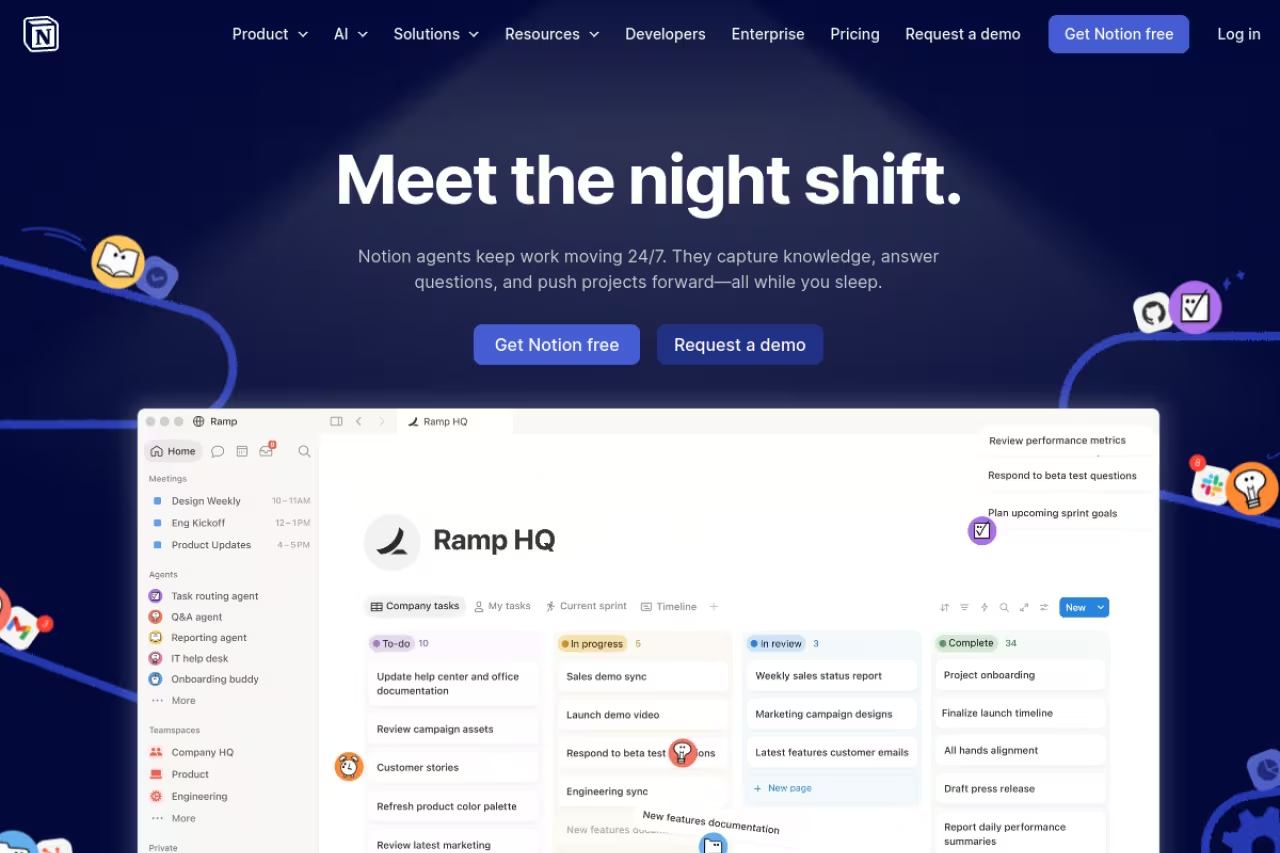
Notion won't call itself a knowledge base, and that's exactly why it works as one. You get a flexible doc editor, databases, and a wiki structure in a single app, so the same tool that holds your meeting notes also holds your onboarding guide and your product roadmap. For teams that hate context-switching, that consolidation is the whole pitch.
Who it's best for: startups and teams up to roughly 200 people who want one workspace for docs, wikis, and light project management. If you're already drafting in Notion, turning that into a knowledge base is almost zero extra effort. It's a regular on our list of top AI tools for exactly that reason.
The default for startups and teams up to roughly 200 people who want docs, wikis and light project management in one workspace. Search struggles past a few thousand pages, customer-facing docs are clunky, and AI features need the $20 Business tier.
the Plus plan runs $10 per member per month billed annually, and Business is $20. The catch on AI: the new Notion Agent, AI meeting notes, and Enterprise Search only show up on the Business tier, so if AI search is the point, budget for $20/seat, not $10.
The standout: structure that bends to how your team thinks. Nested pages, linked databases, and a genuinely good editor mean your wiki can look like a wiki or a project hub, no plugins required.
Where it falls short: search. Notion's native search has improved but still struggles past a few thousand pages, and the wiki sprawls into chaos without someone owning the structure. It's also weak for customer-facing docs. You can publish pages, but it's clunky next to a real help center tool.

Slite: the AI-native knowledge base
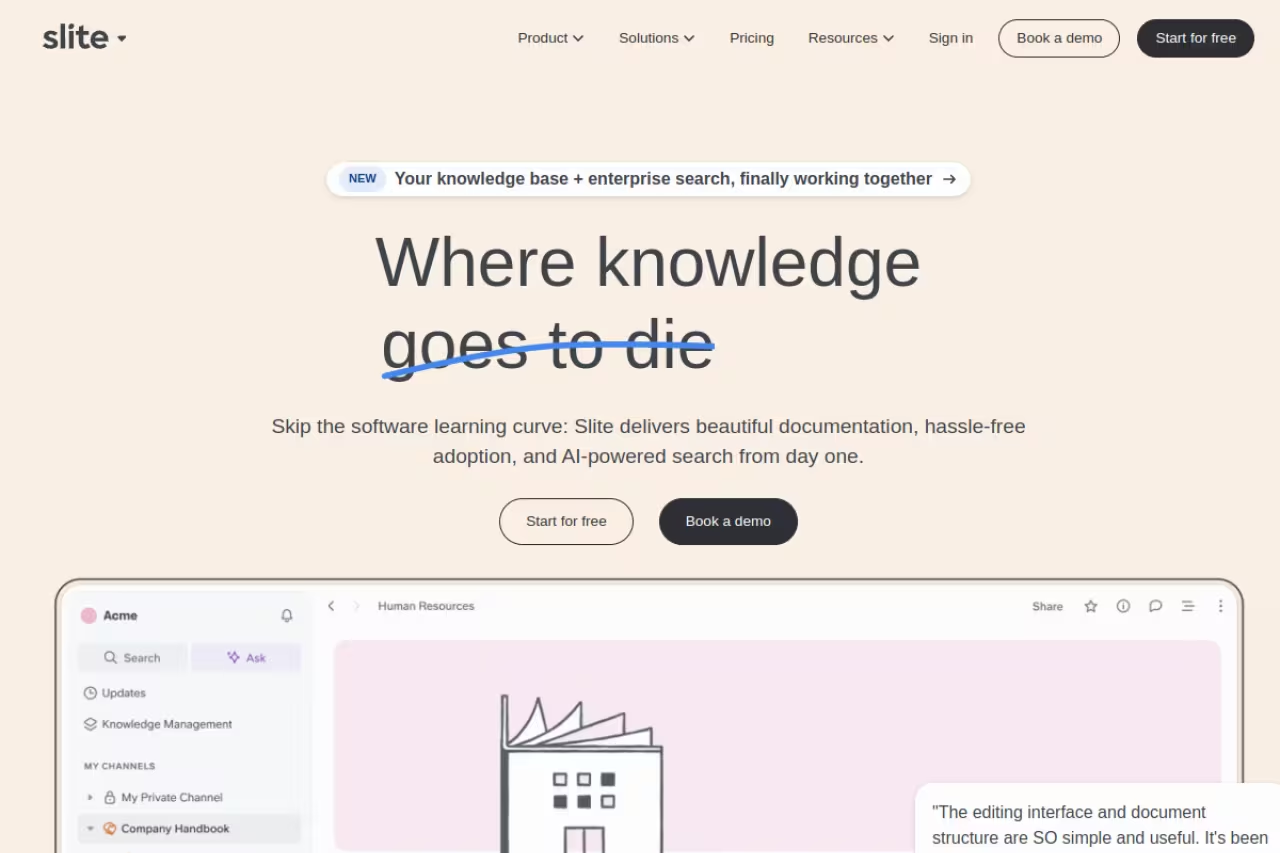
Slite was rebuilt around a simple idea: a knowledge base is only useful if people trust it, and they only trust it if it's current. So Slite added an AI assistant called Ask that answers questions from your docs, plus a fact-checking feature that flags pages going stale. It's the cleanest internal wiki on this list.
Who it's best for: remote and async teams who want answers, not archaeology. If your main pain is "we have docs but nobody can find the right one," Slite's search-first design hits that directly.
Slite is the cleanest internal wiki here for remote and async teams whose pain is that nobody can find the right doc. Ask gives synthesized answers with sources, but it is strictly internal and Basic's AI limits push you toward Pro quickly.
the Basic plan is $10 per user per month annually, with AI search capped at 30 questions per seat each month. Pro at $20 adds unlimited Ask, the Slite Agent, doc fact-checking, and cross-tool search across connected apps like Slack and Google Drive.
The standout: Ask. You type a real question and get a synthesized answer with source links, not a list of ten documents to read. The fact-checking nudges keep the base from rotting, which is what every wiki eventually dies from.
The catch: it's strictly internal. No customer-facing help center, and the AI limits on Basic are tight enough that you'll feel pushed toward Pro fast. For a five-person team that also wants project management, Notion is the better single bill.

Stonly: the knowledge platform built for customer service
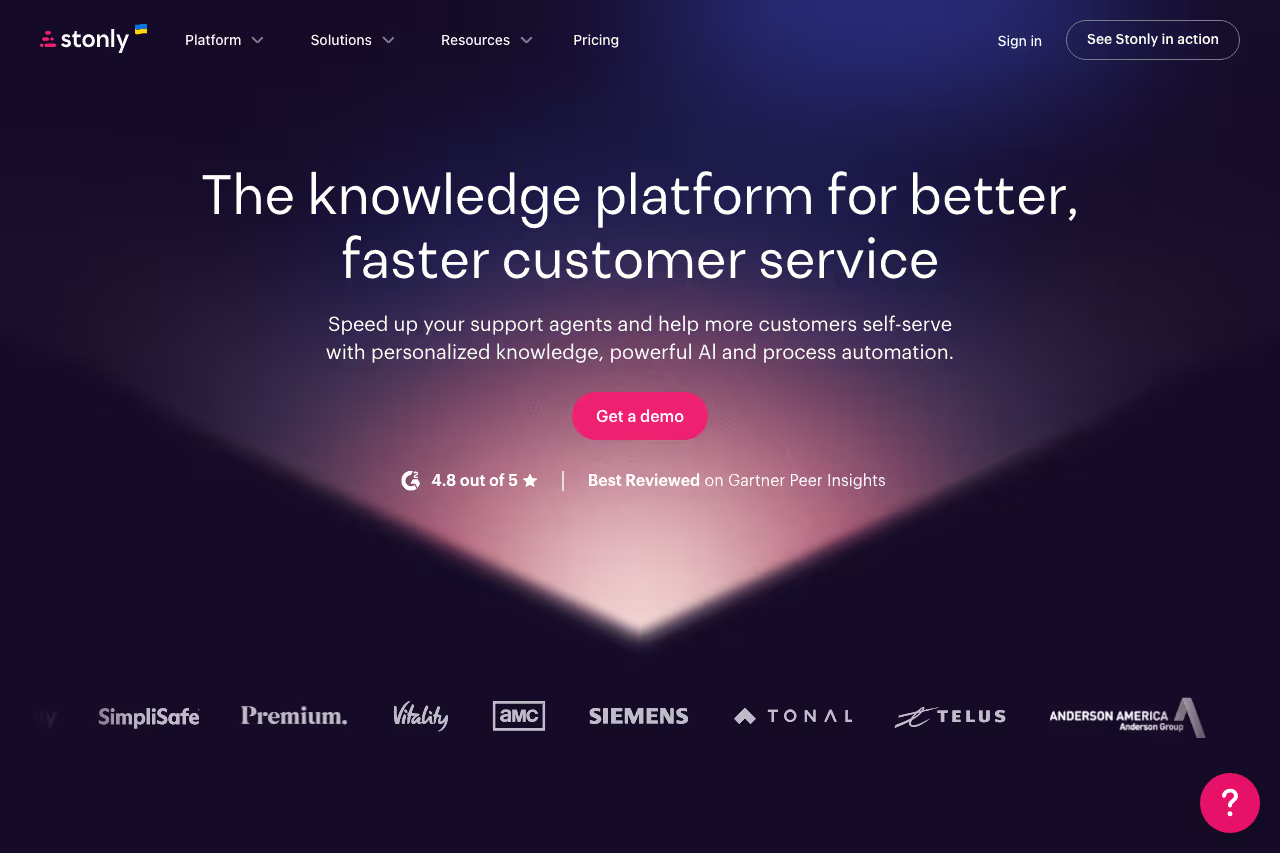
Stonly is purpose-built for high-volume customer service teams that need knowledge to drive support outcomes, not just inform. It combines standard articles and step-by-step guides that adapt to each user's situation based on context, inputs, and choices, so complex support processes are easy to follow consistently whether a customer is troubleshooting on their own or an agent is handling a ticket.
Who it's best for: mid-market and enterprise support teams that need knowledge to work equally well for agents and customers, and want AI that executes real processes rather than just surfaces links. If your main pain is agents handling the same complex issue differently every time, or AI that gets the easy questions right and the hard ones wrong, Stonly is built for exactly that.
Stonly is built for mid-market and enterprise support teams that want agents and customers to follow the same adaptive processes, with Knowledge Agents helping keep content current. It is laser-focused on customer service, so look elsewhere for a general wiki.
custom pricing for mid-market and enterprise teams. Booking a demo is required to get a quote tailored to your team size and use case.
The standout: Knowledge Agents. While most tools put the burden of keeping content current on your team, Stonly's Knowledge Agents monitor your knowledge sources around the clock, spot gaps, and help teams update content continuously. It's the closest thing on this list to ai knowledge base software that maintains itself.
The catch: Stonly is laser-focused on customer service, so teams looking for a general-purpose internal wiki or project management tool will need to look elsewhere.
Confluence: built for the Atlassian crowd
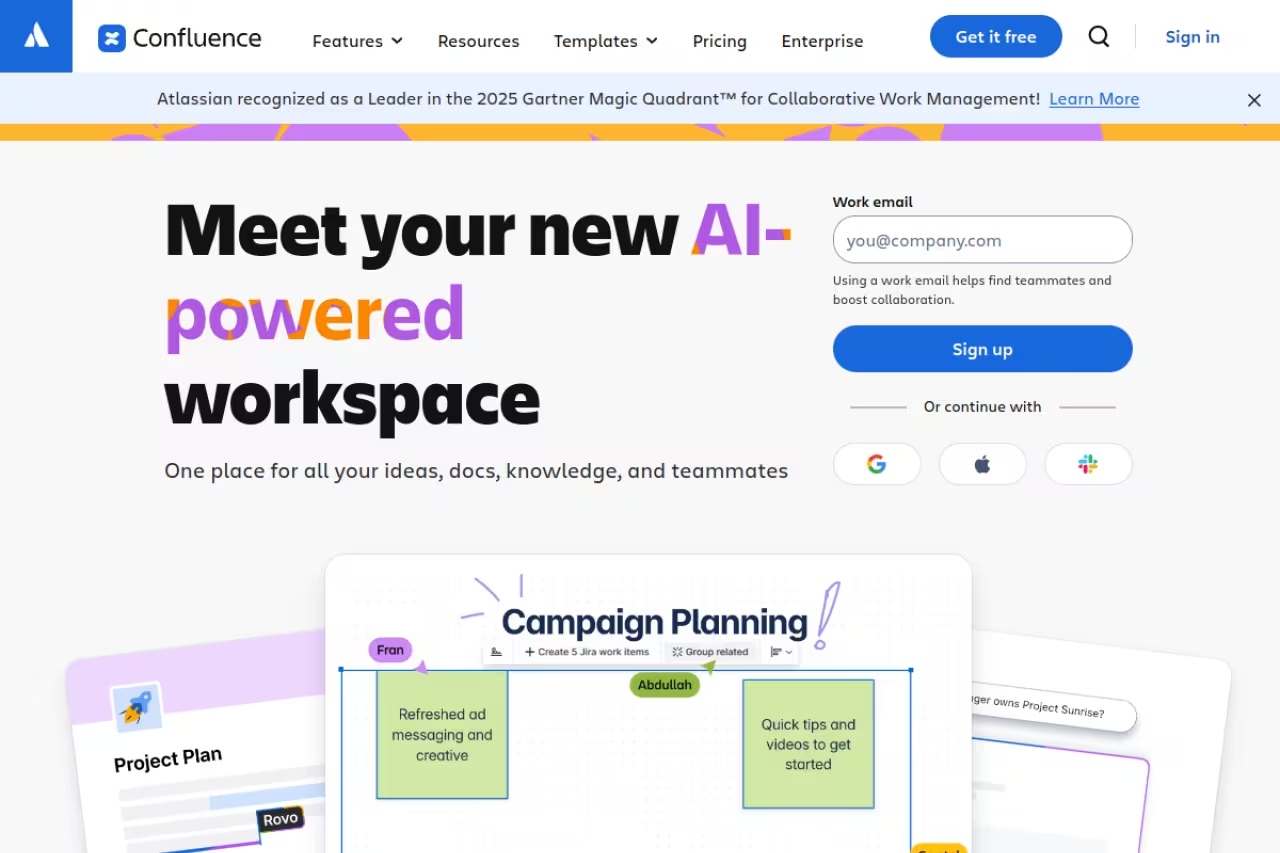
Confluence is the enterprise default, and most of that comes down to one thing: if your engineers already live in Jira, Confluence pages link to tickets, sprints, and roadmaps natively. That tight loop between docs and work is hard to replicate elsewhere.
Who it's best for: mid-size to large companies, especially engineering-led ones, already paying for the Atlassian suite. The value compounds the more Atlassian tools you run.
The enterprise default if your engineers already live in Jira, since pages link natively to tickets, sprints and roadmaps. The interface feels dated, and outside the Atlassian world the main reason to choose it mostly disappears.
there's a free tier for up to 10 users with 2GB storage. Standard is $5.42 per user per month and Premium is $10.44, both billed annually, which makes it one of the cheaper per-seat options at scale.
The standout: the Jira integration and a deep library of templates and macros. For documenting technical decisions, runbooks, and specs that connect back to real work items, nothing else is this native.
Where it falls short: the interface feels dated next to Notion or Slite, and the editor is fussier than it should be. If you're not already in the Atlassian world, the main reason to choose Confluence mostly disappears.

Guru: AI answers wherever you work
Guru takes a different angle. Instead of asking you to visit a wiki, it brings verified answers to you, inside Slack, your browser, or wherever you're already working. Its calling card is "verified" knowledge: every card has an owner and an expiry date, so answers don't quietly go out of date.
Who it's best for: support, sales, and ops teams who need fast, trustworthy answers mid-task and won't tolerate stale info. The browser extension surfacing the right card while an agent is on a ticket is genuinely useful.
Guru brings verified answers into Slack and the browser for support, sales and ops teams that cannot tolerate stale info. The 10-seat minimum prices out small teams, and without the verification discipline it is just a pricier wiki.
the Self-Serve plan is $25 per seat per month annually, but the minimum is 10 seats, so the real floor is $250/month. Enterprise is custom and adds deeper governance and AI controls.
The standout: verification workflow plus enterprise search across connected apps. Guru reads from your other tools and returns one synthesized answer, which makes it as much an AI search layer as a traditional KB.
The catch: the 10-seat minimum prices out small teams, and Guru only works if you commit to the verification discipline. Skip the upkeep and you lose the one thing separating it from a cheaper wiki. If you're weighing tools that answer questions across your whole stack, our roundup of the best AI agents covers the broader category Guru is edging into. Teams that want a faster way to find vetted tools like these use Dupple X to skip the trial-and-error entirely.

Document360: for customer-facing docs
Document360 is what you reach for when the knowledge base is the product experience: public help centers, API docs, and versioned product manuals that customers read. It's purpose-built for that job in a way the wiki tools aren't.
Who it's best for: SaaS companies and product teams publishing external documentation that needs versioning, multiple languages, and a polished reader-facing portal.
The specialist for SaaS and product teams publishing versioned, multilingual external docs through a polished reader-facing portal. Pricing is opaque (custom quote after a 14-day trial), and it is overkill for an internal team wiki.
here's the friction. Document360 has no free plan and publishes no list price: its pricing page offers a 14-day trial, then a custom quote, as of September 2026. The quote moves with team accounts, workspaces, languages, SSO, public or private access, and AI Premium Suite usage, so get it in writing before you commit.
The standout: documentation features done right. Version control, a category manager, analytics on what readers search for, and a clean branded portal. For external docs at scale, it's more capable than any general wiki.
Where it falls short: opaque pricing is a procurement headache, and per-project billing gets expensive across several products. It's overkill if all you need is an internal team wiki.

Zendesk: knowledge base tied to support
Zendesk bundles its knowledge base (Guide) into its support suite, so your help center, tickets, and AI agents share one system. The logic is sound: the same articles that help customers self-serve also train the AI that deflects tickets.
Who it's best for: support-led teams already running Zendesk or shopping for an all-in-one help desk plus help center. The KB earns its keep when it cuts ticket volume.
A fit for support-led teams already on Zendesk or shopping for an all-in-one help desk, where articles, tickets and AI deflection share one loop. You are buying a whole support platform, and per-resolution AI pricing makes costs harder to forecast.
Guide isn't sold alone anymore. You buy a Suite plan, and Suite Team starts at $55 per agent per month annually, with Professional at $115 and Enterprise at $169. Note that AI agents now bill per resolution, not per seat, so AI deflection is a separate, usage-based line.
The standout: the loop between articles, tickets, and AI deflection. When a question maps to an article, Zendesk can answer automatically, and you can see exactly which articles prevent tickets.
The catch: you're buying a whole support platform to get the KB. For a knowledge base alone, $55/agent is a lot of overhead, and per-resolution AI pricing makes costs harder to forecast.

Helpjuice: the dedicated specialist
Helpjuice does one thing: knowledge bases, internal or external, with heavy customization. No project management, no ticketing, no distractions. That focus is the appeal and the limit.
Who it's best for: teams that want a standalone, heavily branded KB and prefer predictable flat pricing over per-seat math.
Helpjuice suits teams wanting a standalone, heavily branded knowledge base with flat pricing instead of per-seat math. AI sits behind a steep $200 jump, and the flat fee looks pricey for a five-person team.
plans are flat-rate, not per user. The base Knowledge Base plan is $249 per month for up to 30 users; the AI plan jumps to $449 for up to 100 users with the full AI Suite, and Unlimited is $799. Worth noting: that $200 jump just to get AI is steep.
The standout: customization and flat pricing. For a team of 25 that would pay per seat elsewhere, a fixed $249 can work out cheaper, and the design control beats most competitors.
Where it falls short: AI sits behind that expensive upgrade, and the flat fee that saves a 30-person team looks pricey for a 5-person one. There's no broader platform, so you're paying purely for KB depth.

Tettra: cheap and Slack-native
Tettra is the budget pick for small teams glued to Slack. It's a lightweight internal wiki with an AI bot that answers questions right in Slack, so people get answers without leaving the conversation.
Who it's best for: small companies, 10 to 100 people, who run on Slack and want a simple, affordable place to document things.
The budget pick for small Slack-native teams of 10 to 100 people, with a smart request-knowledge workflow that routes questions to experts. It is basic by design, and the 10-user minimum makes the cheap headline price less cheap.
it starts at $4 per user per month on the Basic plan (with a 10-user minimum), while the Scaling plan at $8/user adds the AI Slack bot, advanced permissions, and analytics.
The standout: price and Slack integration. The "request knowledge" workflow, where someone asks a question and it routes to an expert who turns the answer into a doc, is a smart way to grow a KB organically.
The catch: it's basic by design. No customer-facing help center, fewer features than Notion or Slite, and a 10-user minimum that makes the cheap headline price less cheap. For a tiny team it's plenty; for a scaling one you'll outgrow it.
How to choose
Skip the feature checklists and answer one question first: who reads this knowledge base?
If it faces your team (internal), start with Notion for an all-in-one workspace, Slite if AI search and freshness are the priority, or Confluence if you're already in Atlassian. Slack-first and budget-conscious? Tettra. Need answers surfaced inside your tools mid-task? Guru.
If it faces your customers (external), the wiki tools fall away. Document360 wins for standalone product and API docs; Zendesk wins if the help center should live inside your support stack.
Two more filters. First, count your real users, not your seats. Tettra and Guru have 10-seat minimums, Helpjuice charges flat fees, and the rest bill per head, so the same headcount produces wildly different bills. Second, treat AI as a tiebreaker, not a headline. Most of these tools now have AI search; what matters is whether it answers from your content accurately, which you can only judge by trialing it on your actual docs. If your knowledge base is mainly there to deflect tickets, that decision overlaps heavily with picking the right AI customer support tools.
If you're building an AI-first stack across your whole company, it's worth seeing how a knowledge base fits next to the other top AI tools teams are standardizing on in 2026. And if you want the tested shortlist without setting up nine trials yourself, start a Dupple X trial: it curates the tools worth your time so you can skip the noise.
FAQ
What is the best knowledge base software in 2026?
For most teams, Notion is the best all-around choice because it combines a wiki, docs, and light project management in one tool at $10 per user per month. If you specifically need AI-powered internal search, Slite is the stronger pick. For customer-facing product documentation, Document360 or Zendesk are better fits than any general wiki. If you'd rather see a curated shortlist of tools like these, Dupple X does the vetting for you.
What is the difference between an internal and external knowledge base?
An internal knowledge base serves your own team: onboarding guides, processes, and policies. Tools like Notion, Slite, Confluence, Guru, and Tettra are built for this. An external knowledge base is public-facing documentation customers read, like help centers and API docs, which is where Document360 and Zendesk Guide specialize. Some tools do both, but most do one well and the other poorly.
Is there a free knowledge base software option?
Yes. Notion has a usable free plan for small teams, and Confluence offers a free tier for up to 10 users with 2GB of storage. Tettra and Slite offer free trials rather than permanent free plans. Document360 has no free plan either, only a 14-day trial before a quoted price.
How much does knowledge base software cost?
Per-seat tools typically run $5 to $25 per user per month: Confluence starts at $5.42, Notion and Slite at $10, and Guru at $25 (with a 10-seat minimum). Flat-rate options like Helpjuice start at $249 per month regardless of seats. Customer-facing tools like Document360 publish no list price and quote each deal, based on workspaces, languages, team accounts and AI usage.
Do I really need AI features in a knowledge base?
AI search is genuinely useful once your knowledge base grows past a few hundred pages, because it returns direct answers instead of a list of documents to read. But AI quality varies, and several tools gate it behind pricier tiers. Trial the AI on your own messy documents before paying for it. If it can't answer your real questions accurately, the feature isn't worth the upgrade.
Related guides
Some offers on this page may be paid placements or contain affiliate links.
Across our whole catalogue the median is $24 a month and 33% of tools advertise a free tier. Figures are the lowest recurring monthly price quoted in our own review of each tool, read on 2026-08-19. Full method and every category.
