
Best Knowledge Management Software (2026): 8 Tools Compared

Key facts8 tools compared: Notion, Slite, Glean, Confluence, Guru, Nuclino, Tettra, ClickUp
- 8 tools compared: Notion, Slite, Glean, Confluence, Guru, Nuclino, Tettra, ClickUp
- Notion (best for: All-in-one for most teams): Free / €9.50 / €19.50
- Slite (best for: AI-maintained internal docs): $10 / $20
- Glean (best for: Enterprise search at scale): ~$50+ (custom)
- Confluence (best for: Atlassian-native teams): $5.42 / $10.44
Most knowledge bases die the same way. Someone sets one up in a burst of enthusiasm, a few people write docs, and six months later half of it is wrong and nobody trusts it. The doc says the onboarding flow has four steps. It has six now. So people stop checking and start asking in Slack again, which is exactly what the knowledge base was supposed to fix.
What changed in 2026 is that AI finally got good enough to fight the rot. The best tools now answer questions from your docs directly, flag pages that have gone stale, and pull context from Slack, Jira, and Google Drive. That shifts the question from "where do we store this" to "can the system surface the right answer when someone needs it."
I compared eight of the most-recommended platforms across two angles: a team writing and maintaining internal docs, and a team that mostly wants to search across the tools they already use. Short answer: Notion is the safest pick for most small and mid-size teams, Slite is the one I'd hand to a team that wants AI doing the maintenance, and Glean is what you buy when you have 500 people and search is the actual problem. The rest fit narrower cases, and I'll be specific about which.
Quick comparison
| Tool | Best for | Price (per user/mo) | Standout |
|---|---|---|---|
| Notion | All-in-one for most teams | Free / €9.50 / €19.50 | Docs, databases, and AI in one workspace |
| Slite | AI-maintained internal docs | $10 / $20 | Self-checking docs and a writing agent |
| Glean | Enterprise search at scale | ~$50+ (custom) | Permission-aware AI search across 35+ apps |
| Confluence | Atlassian-native teams | $5.42 / $10.44 | Deep Jira integration plus Rovo AI |
| Guru | Customer-facing teams | Custom | Verified knowledge cards in Slack/browser |
| Nuclino | Small teams who want speed | Free / $6 / $10 | Fast, clean, minimal setup |
| Tettra | Slack-first answers | $4 / $8 (10-seat min) | Kai bot answers from your wiki in Slack |
| ClickUp | Docs + project management | Free / paid tiers | Knowledge living next to tasks |

Notion
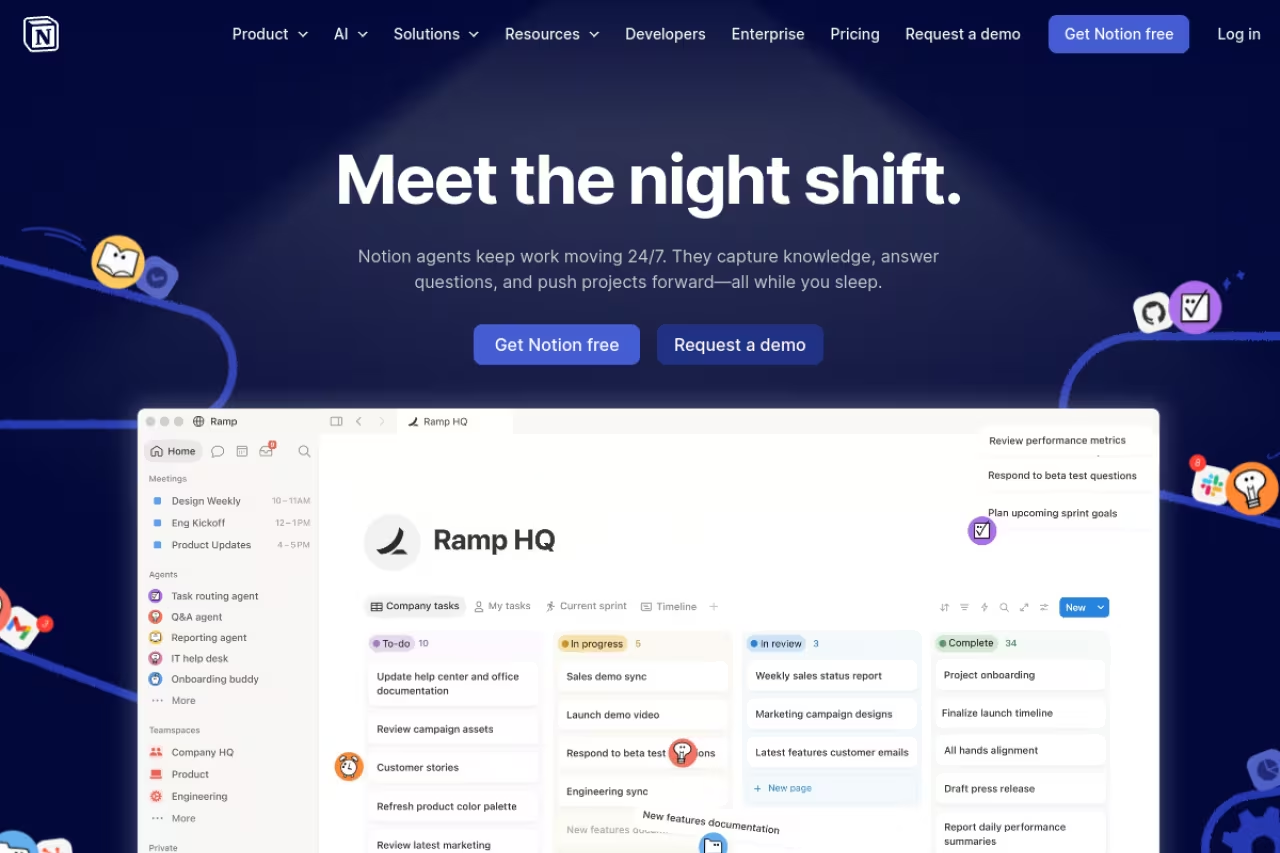
Notion is the default for a reason. It's a single workspace where docs, wikis, databases, and project boards all live in the same place, which means your knowledge base isn't a walled-off thing people forget about. It sits next to the work.
Who it's best for: small and mid-size teams who want one tool to do most jobs, and don't want to run a separate doc platform alongside their project tracker. New hires usually figure it out in an afternoon, which matters more than any feature list because a knowledge base nobody adopts is worthless.
The default for small and mid-size teams who want one tool for docs, wikis and projects, and new hires pick it up in an afternoon. The flexibility cuts both ways, since large workspaces get messy and nothing verifies that a doc is current.
Pricing is straightforward. Free works for individuals and tiny teams, Plus is €9.50 per member/month and Business is €19.50. The Business tier is where the real 2026 features live: the Notion Agent for task automation, AI meeting notes, and Enterprise Search across connected apps. Custom agents run on a credit model at $10 per 1,000 monthly credits, so heavy AI use has a separate meter to watch.
The standout is flexibility. You can model almost any system as a database with linked views, and AI search now answers questions across your whole workspace instead of just finding pages.
The catch: that same flexibility is the downside. Large Notion workspaces get messy fast, search can feel slow once you cross a few thousand pages, and there's no built-in verification telling you a doc is out of date. You're trusting people to keep things current, and people don't. For a deeper look at how the AI side stacks up, I compared the options in our AI knowledge management tools guide.

Slite
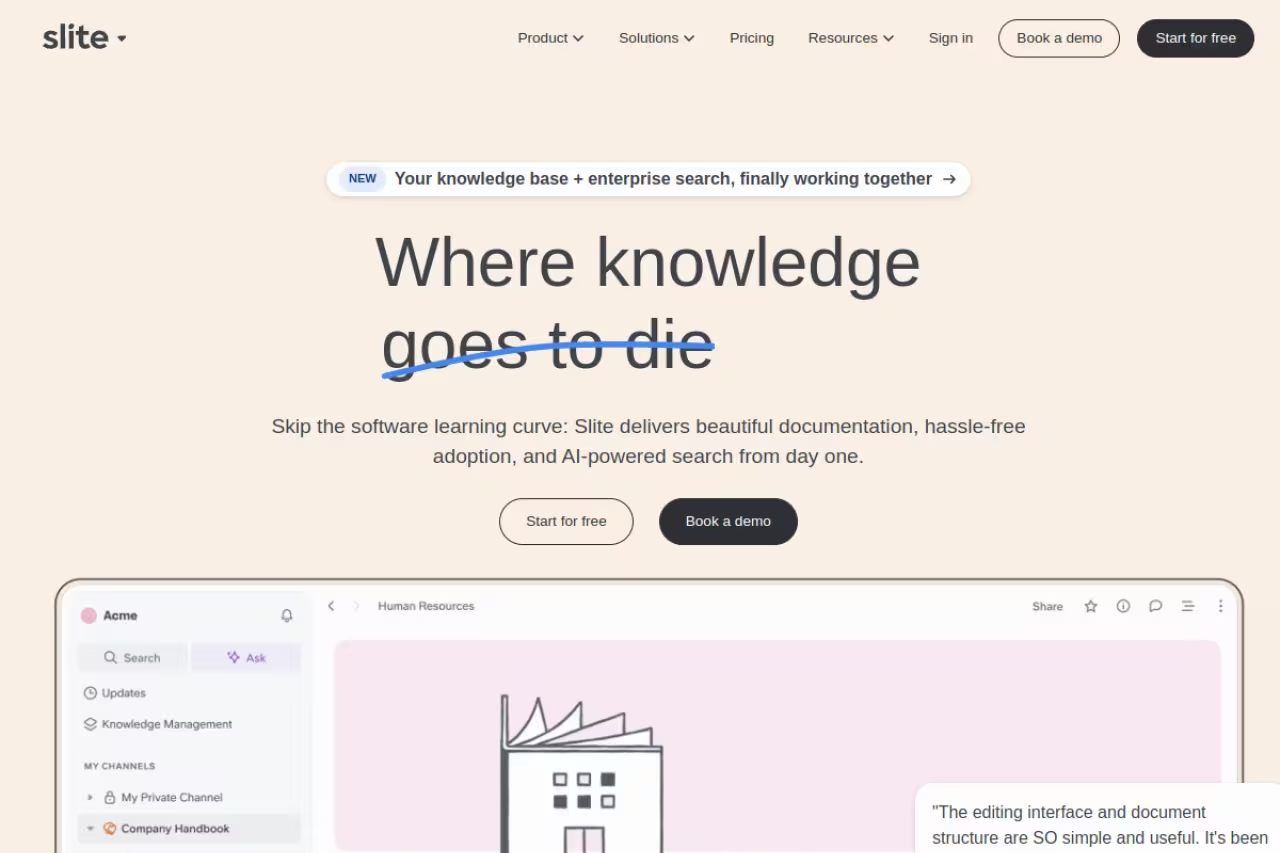
Slite took the opposite bet from Notion. Instead of being everything, it's a focused internal knowledge base built around one idea: the docs should keep themselves honest. Its "Ask" feature answers questions from your content, and the newer fact-checking flow actively flags claims in your docs that look outdated and suggests fixes.
Who it's best for: teams that already feel the maintenance burden. If you've got a wiki rotting because nobody owns it, Slite's verification and the Slite Agent are aimed squarely at you. It's also a clean fit for teams that want their knowledge usable by AI agents, not just humans.
Pricing is $10 per user/month for Basic and $20 for Pro. Basic includes Ask with 30 monthly AI questions per seat and the verification workflow. Pro adds the Slite Agent, search across 12+ connected tools, and doc fact-checking with suggested fixes. There's no permanent free tier, just a 14-day trial, which is the one thing I'd flag for budget-conscious teams.
The standout is the self-maintaining angle. Watching it surface a doc and say "this section may be outdated" is the feature I wish every other tool on this list had.
Where it falls short: it's deliberately narrow. No project management, no databases, no sprawling app. If you want a wiki and only a wiki, that focus is a strength. If you wanted Slite to also run your roadmap, you're in the wrong tool.
Pick it if your wiki is rotting because nobody owns it, since verification and fact-checking flag outdated docs. It is deliberately narrow with no databases or project management, and there is no permanent free tier, only a 14-day trial.

Glean
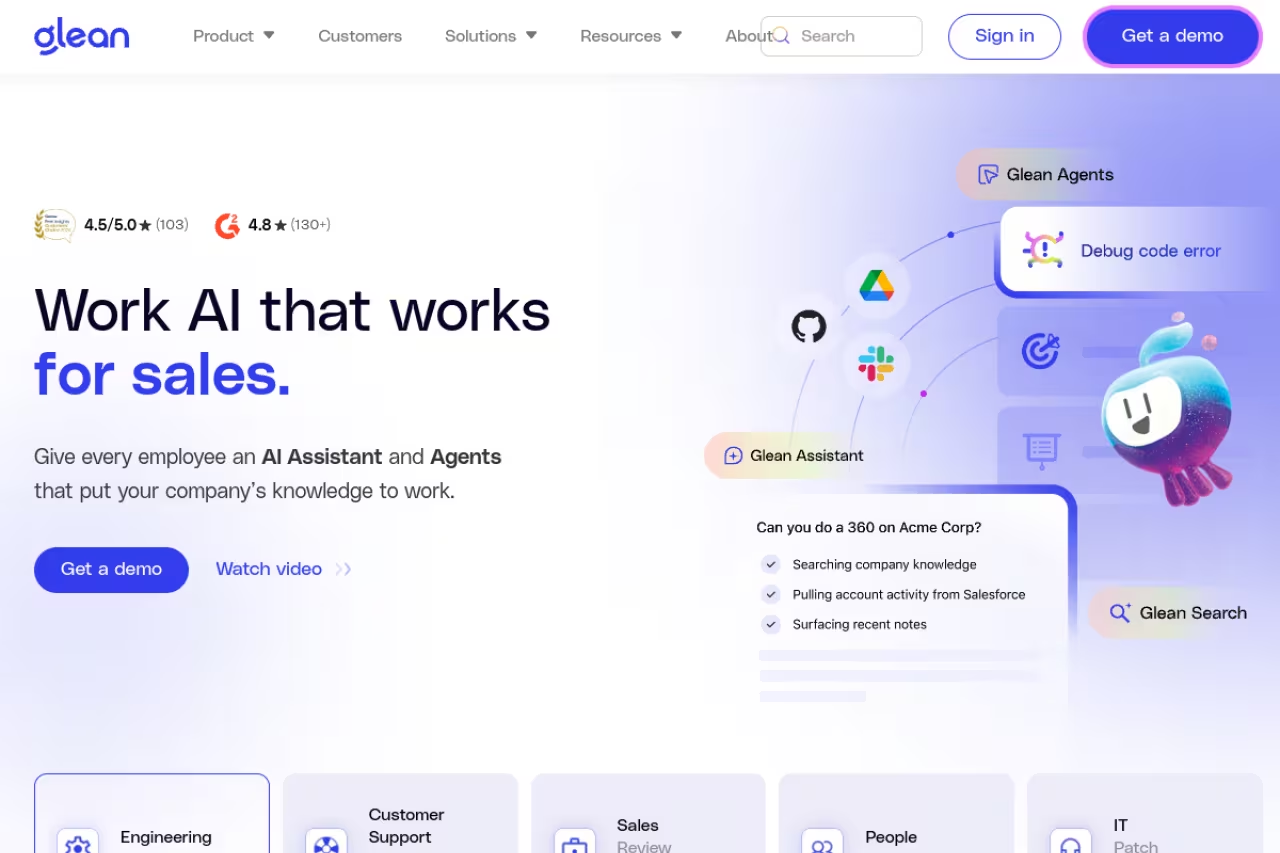
Glean isn't really a place to write docs. It's the search layer that sits on top of everything you already have. It indexes 35+ apps (Slack, Drive, Jira, Confluence, SharePoint, GitHub, Salesforce) and answers questions across all of them with permission-aware results, so people only see what they're allowed to see.
Who it's best for: larger companies where knowledge is scattered across a dozen systems and the actual pain is finding anything. If your problem is "we have the answer somewhere, we just can't locate it," this is the category Glean defined.
Enterprise search for larger companies whose knowledge is scattered across a dozen systems, with a well-built permission model. At roughly $50+ per user/month with about a 100-seat minimum it is overkill for small teams, and it searches knowledge rather than creating it.
Pricing is enterprise-only and quote-based. Public reporting puts it around $50+ per user/month with a roughly 100-seat minimum, so figure on a $60,000-plus annual contract before you start. Larger deployments with heavy integrations run far higher. Glean itself frames the cost conversation around total scaling spend, which tells you who the buyer is.
The standout is reach plus security. The permission model is genuinely well-built, and the AI assistant and agent builder go well past basic search.
The catch: it's overkill for small teams, full stop. The price floor alone rules out most companies under a few hundred people, and you still need a place to actually write docs because Glean searches knowledge, it doesn't create it. If enterprise AI search is your real need, our AI search engines roundup covers the adjacent options.
Confluence
Confluence is the obvious answer if your engineering team already lives in Jira. The integration is the whole point: link a doc to a ticket, reference a sprint, keep specs next to the work they describe. In 2026 Atlassian wrapped it in two AI layers, Atlassian Intelligence inside the product and Rovo for cross-product search and agents.
Who it's best for: Atlassian-committed orgs, especially mid-size and larger engineering teams. If you're already paying for Jira, Confluence is the path of least resistance.
Standard runs $5.42 per user/month and Premium $10.44, which is cheap on paper. Both include AI credits (25/month on Standard, 70 on Premium). Rovo Chat and agent requests burn 10 credits each, and deep research costs 100, so credits go quicker than the headline numbers suggest.
The standout is the Jira link and the price-to-power ratio for technical teams.
Where it falls short: it's clunky for non-technical people. Marketing and ops teams often find the editor and permission model heavier than they want, and the credit accounting adds a layer of math you didn't have before.
The path of least resistance for Atlassian-committed engineering teams, at $5.42 per user/month on Standard. It is clunky for non-technical people, and AI credits (25/month on Standard) burn faster than the headline numbers suggest.

Guru
Guru built its name on verified knowledge cards. The idea: every piece of knowledge has an owner and a verification date, so people customer-facing teams especially can trust an answer is current. It surfaces those cards right where work happens, in Slack, Teams, and the browser, so reps don't leave their workflow to find an answer.
Who it's best for: support, sales, and success teams who need correct answers fast and can't afford a stale doc embarrassing them on a customer call.
The best fit for support, sales and success teams that cannot afford a stale answer on a customer call, thanks to enforced verification. Pricing is now opaque and custom, and it is less suited to a public help center or a general wiki.
Pricing changed. Guru moved away from simple per-seat tiers to a custom platform model where cost depends on scale and AI maturity, with a solution-engineering team attached. Older list pricing floated around $10 to $25 per user/month, but you now book a call to get real numbers, which is a step backward for transparency.
The standout is the verification workflow. Nothing else here makes "is this still true" a first-class, enforced concept the way Guru does.
The catch: the pricing opacity is real, and Guru is built around internal knowledge for teams. It's less suited to being your public help center or a sprawling general wiki.

Nuclino
Nuclino is the tool I'd hand a small team that wants to start writing in the next ten minutes. It's fast, clean, and deliberately minimal. Pages load instantly, edits save as you type, and there's almost nothing to configure.
Who it's best for: small teams and startups who find Notion and Confluence too heavy. Nuclino merges docs, light project views, and a wiki without the setup tax.
It's also the friendliest on price. Free covers basics, Starter is $6 per user/month, and Business is $10, with the Sidekick AI (content generation, Q&A, image creation) bundled into Business.
The standout is pure speed and simplicity. There's a real productivity gain in a tool that never makes you wait or hunt through menus.
Where it falls short: that minimalism caps you. No deep databases, no heavy automation, fewer integrations than the bigger players. Growing teams sometimes outgrow it, though plenty stay happily for years.
The tool I'd hand a small team that wants to start writing in ten minutes, fast and minimal, from $6 per user/month. That minimalism caps you, with no deep databases or heavy automation, so growing teams can outgrow it.

Tettra
Tettra is a Slack-first wiki. Its bot, Kai, answers questions directly in Slack by pulling from your knowledge base, and when no answer exists it routes the question to the right person and turns their reply into a new doc. That loop is smart: it builds the knowledge base out of questions people were already asking.
Who it's best for: Slack-heavy teams, especially support and ops, who'd rather answer in-channel than send people off to a separate app.
Basic starts around $4 to $5 per user/month and Scaling is $8 to $10, both with a 10-seat minimum. The AI Slack bot and analytics live on Scaling, so that's the tier that matters for most buyers.
The standout is the question-to-doc workflow. It treats every unanswered question as a gap to fill rather than a one-off.
The catch: the 10-seat minimum makes it pricier than it looks for very small teams, and outside Slack the experience is plainer than competitors.
A Slack-first wiki for support and ops teams that would rather answer in-channel, turning unanswered questions into new docs. The 10-seat minimum makes it pricier for tiny teams, and outside Slack the experience is plainer.

ClickUp
ClickUp earns a spot because it puts knowledge next to the work. Its Docs and built-in AI sit inside a full project management platform, so a spec lives beside the tasks it spawns instead of in a separate tool people forget.
Who it's best for: teams who want one app for projects and documentation and are willing to accept a busier interface to get it. If you're already running ClickUp for tasks, adding docs costs you nothing extra to learn.
There's a capable free tier, and paid plans add more AI and storage. The AI can organize resources, answer questions, and draft content across your workspace.
The standout is consolidation. One tool, one login, knowledge and execution in the same place.
Where it falls short: ClickUp is famously dense. The feature volume that makes it powerful also makes it overwhelming, and as a pure knowledge base it's less focused than Slite or Guru. You're buying a project tool that also does docs, not a docs tool first.
Reasonable if you already run ClickUp for tasks and want docs beside the work, with consolidation as the payoff. It is famously dense and less focused than Slite or Guru, so you are buying a project tool that also does docs.
How to choose
Start with your actual bottleneck, not the feature list.
If the problem is nobody writes or maintains docs, you want self-maintenance and verification. Slite and Guru are built for that. If the problem is we can't find anything across our tools, that's a search problem, and Glean (at scale) or the AI search inside Notion and Confluence is the answer. If the problem is we have no system at all, pick the lowest-friction option your team will actually adopt: Notion or Nuclino for most, Confluence if you're already in Atlassian.
Then check the stack you already own. A Slack-first team gets disproportionate value from Tettra or Guru. A Jira shop should look hard at Confluence before anything else. A team that wants docs and tasks in one place leans ClickUp or Notion.
Last, be honest about size. The enterprise tools are genuinely overkill below a few hundred people, and the lightweight ones get strained above that. Match the tool to the team you have now, not the one you imagine in three years.
Most of these offer free tiers or trials, so test with your real docs before committing. If you're building out your wider stack, our productivity tools roundup and AI note-taking apps guide cover the adjacent pieces. To keep up with which tools are actually worth your time as the space moves, the Dupple X newsletter tracks the ones that matter.
FAQ
What is the best knowledge management software in 2026?
For most teams, Notion is the safest all-around pick because it combines docs, databases, and AI search in one workspace that's easy to adopt. If your priority is AI keeping docs current, Slite is the stronger choice. For large companies that need search across many systems, Glean is the category leader. The "best" tool depends on whether your problem is writing docs, maintaining them, or finding them.
What's the difference between a knowledge base and knowledge management software?
A knowledge base is the storage layer: the docs, wiki pages, and articles themselves. Knowledge management software is the full system around it, including how knowledge gets created, verified, searched, and surfaced to people when they need it. In 2026 the line blurred because AI features like verification and cross-app search turned simple knowledge bases into active management systems.
How much does knowledge management software cost?
Pricing ranges widely. Lightweight tools like Nuclino start free or around $6 per user/month, mid-market options like Slite and Notion run $10 to $20 per user/month, and enterprise search platforms like Glean start near $50 per user/month with large seat minimums, often $60,000+ per year. Many tools now meter AI usage with credits on top of the base seat price, so factor that in.
Do I need AI features in my knowledge management tool?
If your knowledge base is small and well-maintained, basic search is fine. AI earns its keep when knowledge is scattered or goes stale, because that's where features like AI answers, automatic verification, and cross-app search save real time. Most teams over 20 or 30 people hit that point, which is why nearly every tool added AI in 2026.
Which knowledge management tool is best for small teams?
Nuclino and Notion are the strongest picks for small teams. Nuclino wins on speed and simplicity with a genuinely useful free tier, while Notion offers more room to grow into databases and project management. Both have low setup overhead, which matters most when you don't have someone whose job is maintaining the wiki. Avoid enterprise tools like Glean until you're well past 100 people.
Related guides
Some offers on this page may be paid placements or contain affiliate links.
Across our whole catalogue the median is $24 a month and 33% of tools advertise a free tier. Figures are the lowest recurring monthly price quoted in our own review of each tool, read on 2026-08-19. Full method and every category.
