
The 11 Best AI Note-Taking Apps in 2026

Key facts12 tools compared: Granola, Fathom, Bluedot, NotebookLM, Plaud NotePin S, Plaud Note Pro…
- 12 tools compared: Granola, Fathom, Bluedot, NotebookLM, Plaud NotePin S, Plaud Note Pro, Notion AI, Otter, Happy Scribe, Fireflies, tl;dv, Reflect
- Granola (best for: Founders in back-to-back calls): Free / $14 per user/mo
- Fathom (best for: Free unlimited recording): Free / $20/mo
- Bluedot (best for: Privacy-first capture with video): Free (5 meetings) / $14 per user/mo
- NotebookLM (best for: Research and document synthesis): Free / $7.99/mo (via Google AI)
There are two completely different problems hiding inside the phrase "AI note-taking app," and most roundups blur them together. One is capturing meetings: you want a transcript, a summary, and action items without typing while someone talks. The other is building a personal knowledge base: you want to dump messy thoughts, recordings, and PDFs into one place and have the AI help you find and connect them later.
Some apps are excellent at one thing and useless at the other. A few try to do everything and end up mediocre. This guide splits them by what they're actually good at, with pricing from each company's own page.
Short version for skimmers: if you live in back-to-back meetings, Granola is the meeting-notes pick (first month free via our Granola link). If you want unlimited recording for free, Fathom is hard to beat. And if you're synthesizing documents rather than meetings, NotebookLM is in a class of its own. Here's how the rest stack up.
Quick comparison
| Tool | Best for | Price | Standout |
|---|---|---|---|
| Granola | Founders in back-to-back calls | Free / $14 per user/mo | Bot-free notes that read like yours |
| Fathom | Free unlimited recording | Free / $20/mo | Most generous free tier |
| Bluedot | Privacy-first capture with video | Free (5 meetings) / $14 per user/mo | Bot-free audio and video, EU data |
| NotebookLM | Research and document synthesis | Free / $7.99/mo (via Google AI) | Grounded answers with citations |
| Plaud NotePin S | Commuting voice memos, wearable capture | $179 | Clip-on hardware, offline-first |
| Plaud Note Pro | Phone calls and in-room meetings on the table | $189 | Dual-Mode call recording |
| Notion AI | Teams already in Notion | $20 per member/mo (Business) | AI inside your existing docs |
| Otter | Live transcript during calls | Free / $16.99/mo | Real-time captions |
| Happy Scribe | Transcription beyond meetings | Pay-as-you-go / subscription | Accurate transcription + translation & captions |
| Fireflies | Sales teams, CRM logging | Free / $10 per seat/mo | Cheapest paid team tier |
| tl;dv | Recorded video highlights | Free / $18 per user/mo | Clip-and-share reels |
| Reflect | Private daily note-takers | $10/mo (no free tier) | Encrypted, fast, opinionated |

Granola: the meeting tool I actually keep open
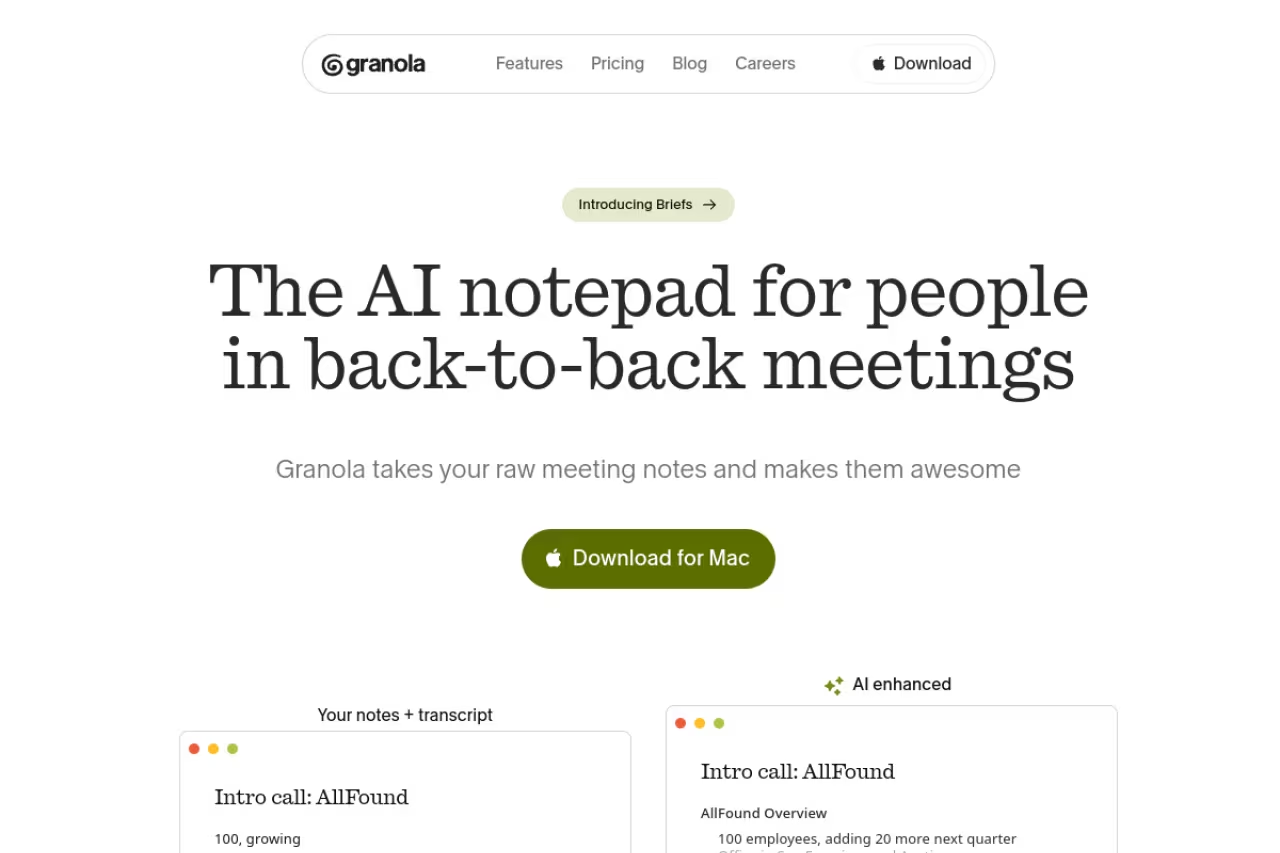
Granola is the one that changed how I take meeting notes. It doesn't send a bot into your call. Instead, it runs quietly on your Mac, Windows machine, or iPhone, listens to the audio, and merges whatever you type during the meeting with a full AI summary afterward. The result reads like notes you wrote, just cleaner and with nothing missed.
The one I keep open for founders, PMs and anyone whose calendar is a wall of 30-minute calls. Granola runs bot-free and merges your typing with an AI summary, but it is meeting-first and gives thinner notes if you go fully passive.
The "bot-free" part matters more than it sounds. No awkward "Granola Notetaker has joined" moment, no client asking why a robot is recording them.
On pricing, the Basic plan is free and now includes AI meeting notes plus AI chat across meetings, though with limited history. Business is $14 per user per month for unlimited history, advanced models, and integrations with Notion, Slack, HubSpot, and Attio. Enterprise runs $35 per user with SSO and admin controls.
The catch: it's still meeting-first, so it won't organize your PDFs or research the way a knowledge tool does. And because it leans on you typing alongside it, if you go fully passive in a call the notes are thinner than a pure-transcription tool would give you.

Fathom: the most generous free tier in the category
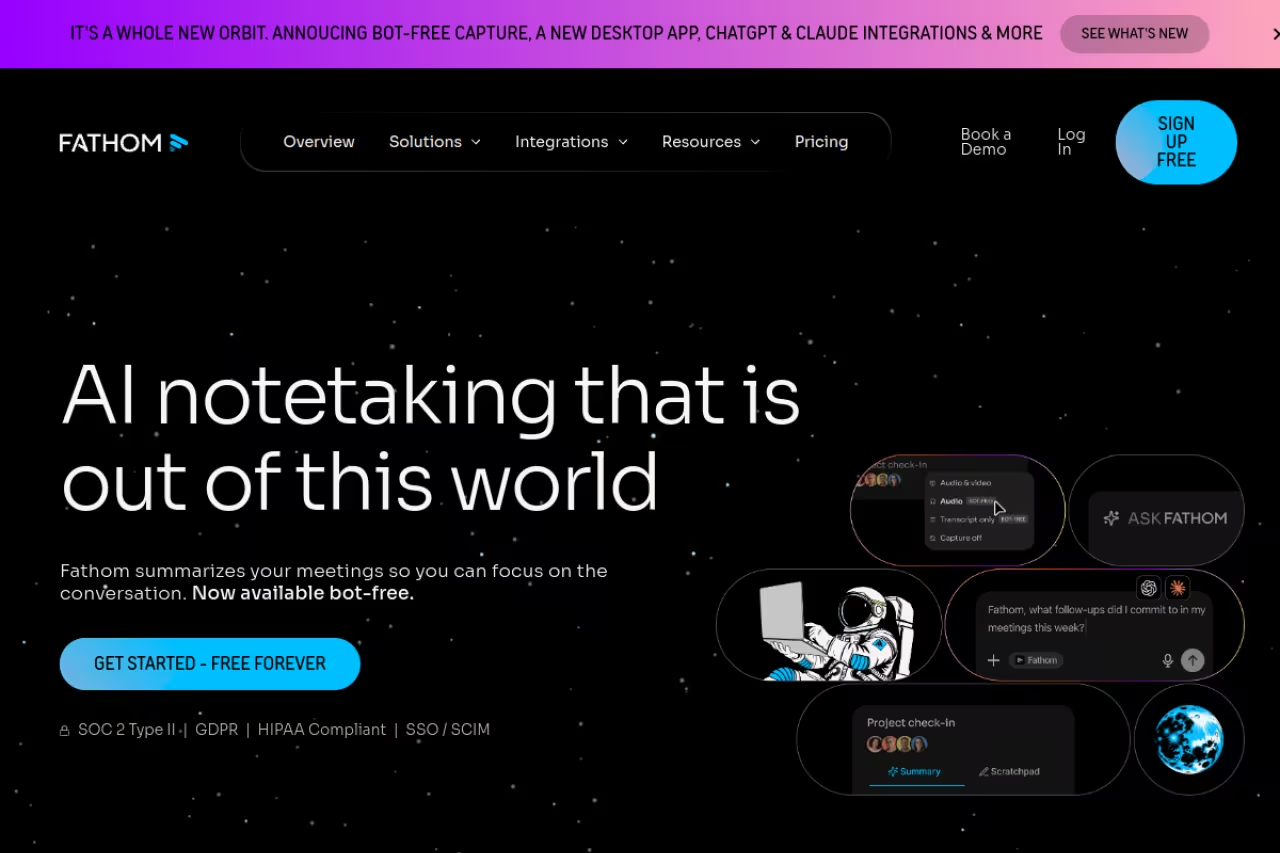
Fathom's free plan is genuinely hard to argue with. You get unlimited recordings, unlimited transcriptions, clips, and instant AI summaries for $0, with a choice of bot-free or bot capture. Most rivals throttle the free tier hard. Fathom mostly doesn't.
Fathom has the most generous free tier here, with unlimited recordings, transcriptions and instant AI summaries. Pick it for a searchable archive of every call or as a sales team's on-ramp, but expect an upsell once you want custom templates or action items.
The Premium plan is $20 a month ($16 annually) and adds 15+ summary templates, AI-generated action items, and a meeting assistant you can chat with. The Business tier at $34 per user ($25 annually) brings CRM field sync, Deal View, and AI coaching scorecards that grade rep calls automatically.
The catch: the free tier's AI summaries are capped in flavor compared to Premium, so you'll feel the upsell once you want custom templates or action items. And like Granola, it's built around conversations, not document research.

Bluedot: the privacy-first pick that also records video
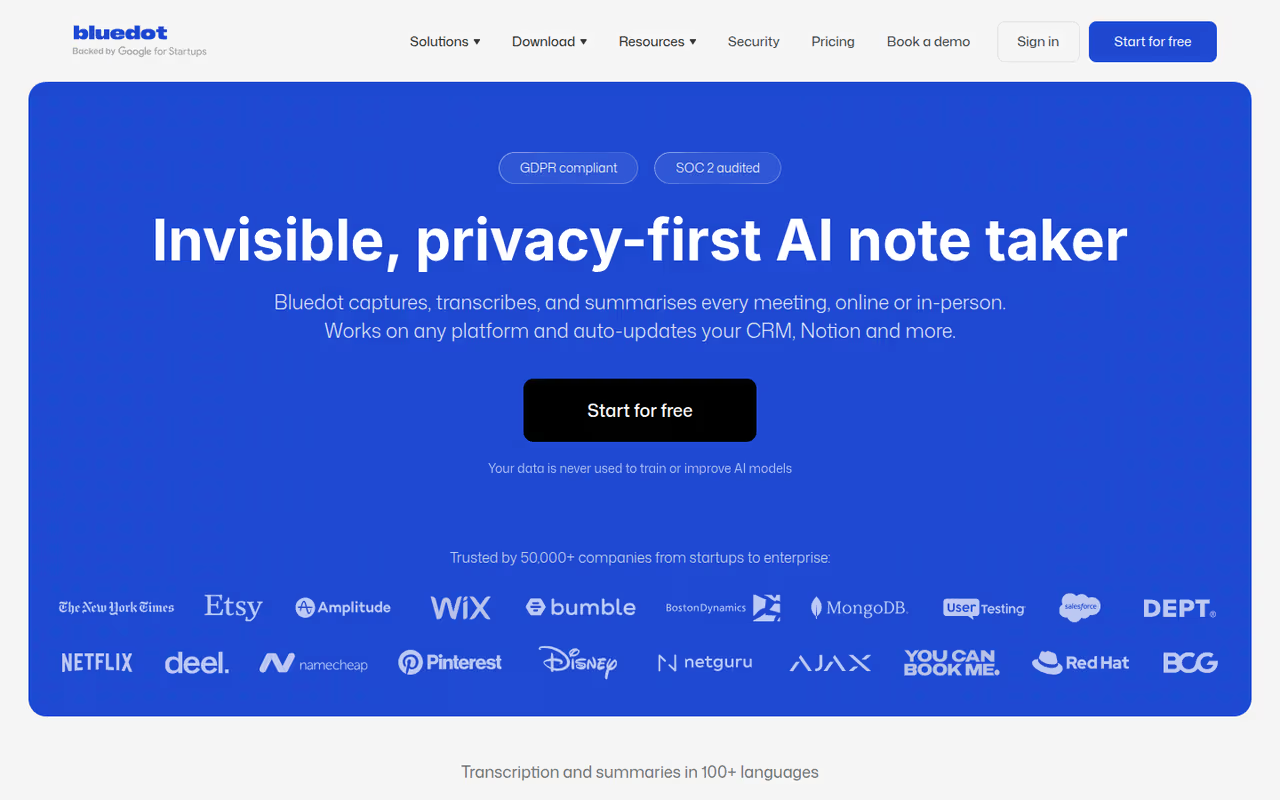
Bluedot is an AI note-taker built around privacy. It records, transcribes and summarizes online and in-person meetings without sending a bot into the call, capturing audio and video straight from your device on Chrome, macOS, Windows, iOS, Android and Apple Watch. It is GDPR-compliant, SOC 2 Type II audited, and doesn't use customer data to train its models.
I'd pick Bluedot over Granola when you need to rewatch what happened, not just read a summary, or when your team wants meeting data kept in the EU. If you only want clean text notes, Granola stays the lighter option.
Best for European teams and anyone who wants the full recording, not just the notes. Data is stored primarily on AWS in Frankfurt, and speakers are labeled automatically, by name in online meetings. Where Granola keeps notes and a transcript, Bluedot keeps a replayable recording, video included.
On pricing, there's a free plan capped at 5 recorded meetings, and paid tiers are $14 (Basic, audio only), $20 (Pro, adds video) and $32 (Business) per user per month, billed annually.
The catch: the free plan stops at 5 recorded meetings, video only starts on Pro, and Basic caps each recording at 1 hour. In-person recordings also label people as Speaker 1 and Speaker 2 rather than by name.
NotebookLM: the research brain, not a meeting tool
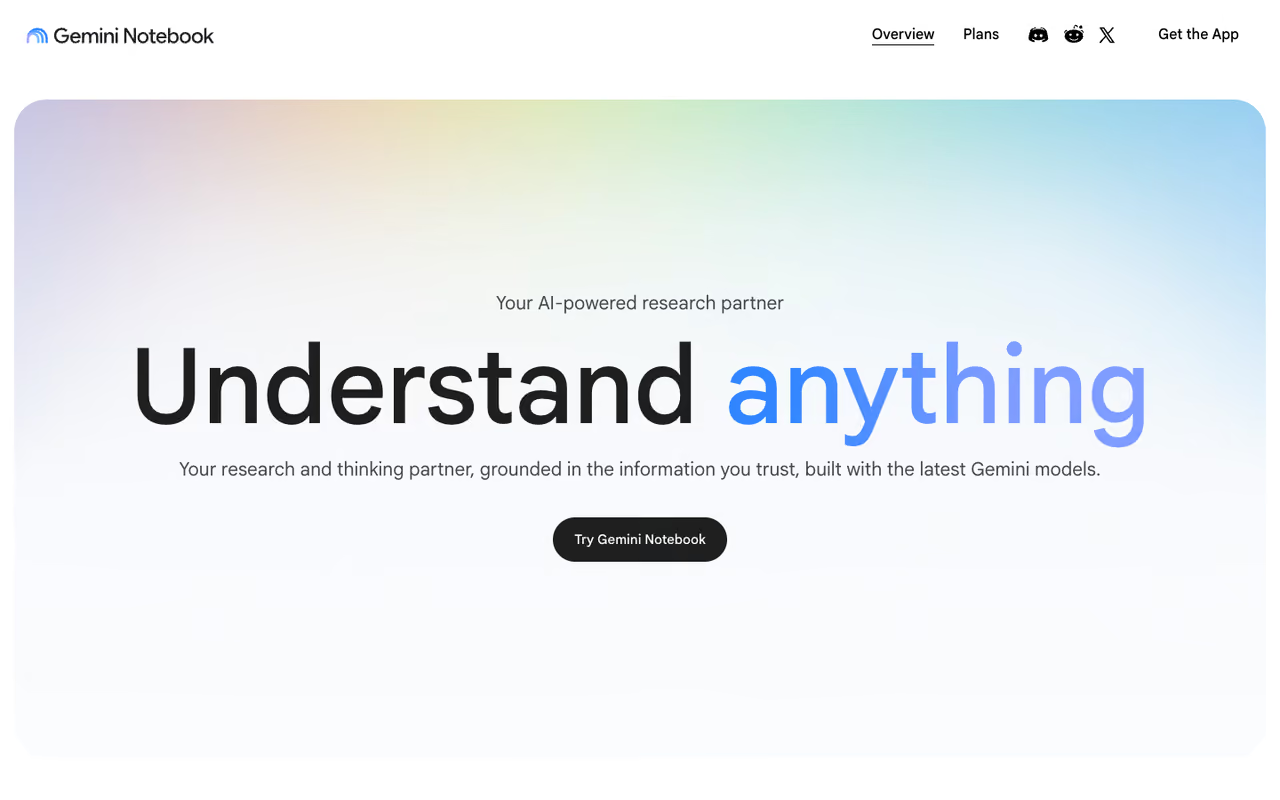
NotebookLM is the odd one out here, and that's the point. Google's tool isn't for live meetings. You feed it sources: PDFs, Google Docs, pasted text, YouTube links, and it answers questions grounded in those documents with inline citations back to the exact passage. It's the closest thing to a research assistant that won't make things up, because it only reasons over what you gave it.
Best for analysts, students, and anyone synthesizing a pile of source material into something coherent. The free tier is more useful than most people realize: 100 notebooks, 50 sources per notebook, and 50 chat queries a day. You can't buy NotebookLM on its own anymore. NotebookLM Plus ships inside Google AI Plus at $7.99 a month and roughly doubles the limits to 200 sources per notebook and 6 Audio Overviews a day.
The catch: it has no meeting capture at all. You're transcribing calls elsewhere and importing them. And the daily query limits on the free tier are real, so heavy research days hit the wall fast.
A research brain for analysts, students and anyone synthesizing a pile of sources, with answers grounded in your documents. It has no meeting capture at all, and the free tier's daily query limits bite on heavy research days.
If you're building a stack rather than picking one app, our roundup of the best AI agents pairs well with NotebookLM for turning research into action. And for the broader picture, the top AI tools list covers categories beyond notes.

Plaud: hardware recorders you wear or set on the desk
Plaud is the outlier on this list. Instead of a meeting bot that joins your calls, it's physical hardware you wear or set on the table and talk to. Two devices split the job, one for your pocket and one for the desk. If you want a recorder that leans harder into turning conversations into finished work, the Comu Action Pro is another hardware option worth a look, with a longer battery (up to 70 hours) and real-time translation across 113 languages.
Plaud NotePin S
The Plaud NotePin S is the wearable AI note taker I keep clipped on for commuting voice memos. I use it away from my desk, with my hands full, when picking up a phone isn't an option. Unlike the software-based meeting bots on this list, it's the hardware option here, something you wear and talk to rather than an app that joins calls for you.
Best for commuting, travel, site visits, and hands-free voice notes. It's in-person only, and it records and stores audio locally, so a spotty subway signal won't stop it from recording. At 0.61 oz, it's light enough to wear all day as a lanyard, clip, pin, or wristband, and you'll barely notice it's there. Pricing is a one-time $179 for the hardware, and it comes with the free Starter Plan: 300 transcription minutes per month, per Plaud account (shared across devices).
The catch: it can't record phone calls, and it's not meant to replace a dedicated meeting-room device.
Plaud Note Pro
Plaud Note Pro is the hardware note taker I keep on the table. It's built for conversations that don't stay in one format: some happen in person, others come in as phone calls. Smart Dual-Mode senses which one it's picking up and switches automatically. It's not a wearable, and it won't auto-join a call like a meeting bot app.
Plaud is the outlier: hardware you wear or set on the table instead of a meeting bot. The NotePin S suits commutes, travel and hands-free voice notes at a one-time $179, but it can't record phone calls and won't replace a meeting-room device.
Four MEMS microphones and a dedicated VPU pick up voices from up to 16.4 ft away, a full conference room, not just the seat next to it. Pricing is a one-time $189 for the hardware, on the same Starter Plan: 300 transcription minutes per month, per Plaud account (shared across devices).
The catch: it's not a clip-on device, so it's not the pick for commuting, walking meetings, or job sites.
Notion AI: best if your team already lives in Notion
If your docs, wikis, and project notes already live in Notion, adding AI on top is the path of least resistance. Notion AI summarizes pages, answers questions across your whole workspace, drafts content, and now pulls in connected apps like Slack and Google Drive. The value is that it works where your knowledge already is.
Add Notion AI if your docs and wikis already live in Notion, since it works where your knowledge is. It is now bundled into Business at $20 per member per month, a real price hike, and only as good as your workspace is organized.
Pricing shifted in 2026: the old $8 standalone AI add-on is gone for new buyers. AI is now bundled into Business at $20 per member per month (billed annually) and Enterprise. Free and Plus users get only limited trial usage.
The catch: that bundling is a real price hike if you were on the $10 Plus plan and wanted AI. You're now paying $20 per member to get it. And Notion AI is only as good as how organized your workspace already is. Messy Notion, messy answers.

Otter: when you want the transcript live
Otter built its reputation on real-time transcription, and that's still its edge. You see captions scroll as people talk, which is genuinely useful for accessibility, fast follow-ups, or catching a name you missed mid-sentence. It also handles speaker identification and an in-meeting AI chat.
Otter is for people who want to read the transcript live as captions scroll, which helps for accessibility and catching a missed name. The 300 free minutes disappear fast, and its lean into sales features can feel like bloat.
The free Basic plan gives you 300 transcription minutes a month and 3 lifetime file imports. Pro is $16.99 a month for 1,200 monthly recording minutes and integrations with Salesforce and HubSpot. Business is $30 per user for unlimited meetings.
The catch: 300 free minutes disappears fast, roughly five hour-long meetings, and the import cap of 3 lifetime files on free is stingy. Otter has also leaned hard into sales features, which can feel like bloat if you just want clean notes.
Happy Scribe: the go-to choice for transcription beyond meetings
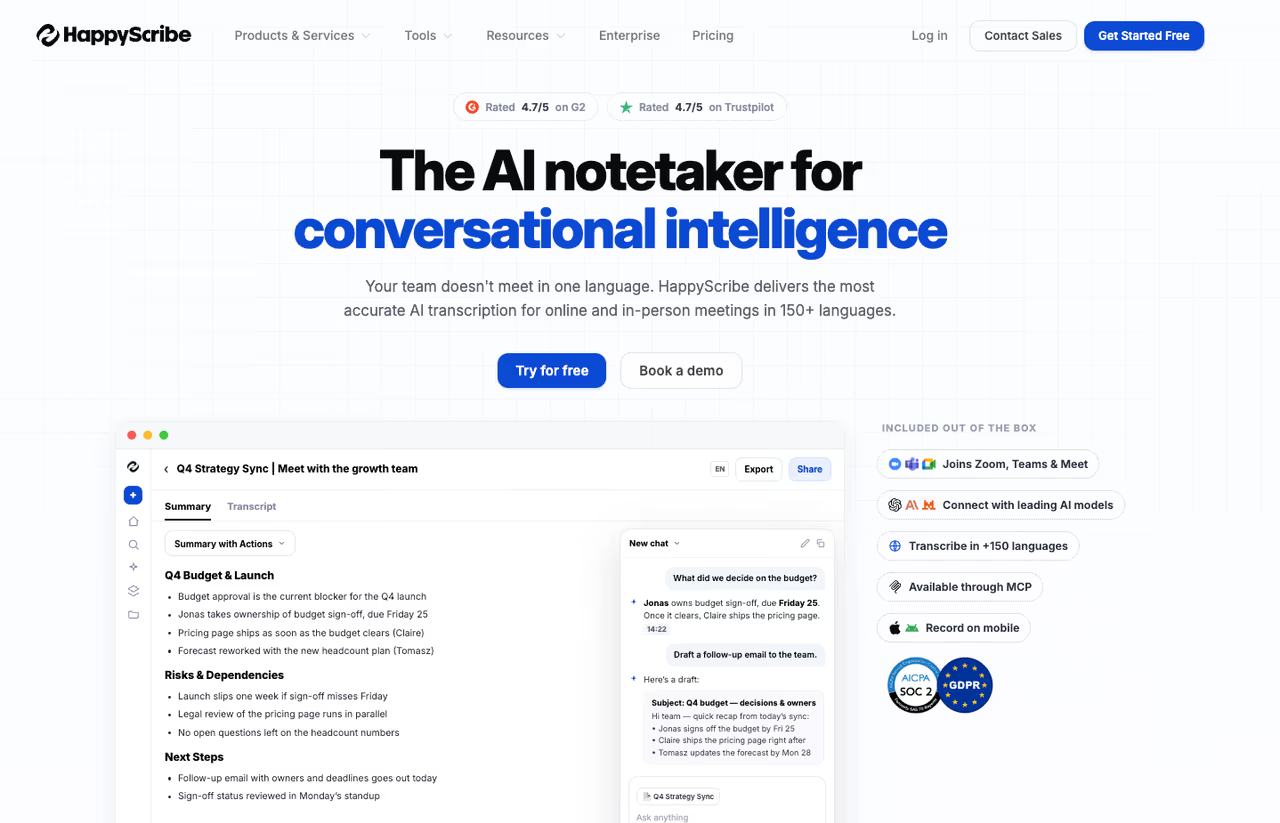
Happy Scribe takes a slightly different approach from most AI note-taking apps here. While tools like Otter and Fireflies are built around capturing meetings, Happy Scribe is designed for turning any audio or video file into accurate transcripts, subtitles, and translations. Upload an interview, podcast, webinar, lecture, or recorded meeting, and it converts the content into searchable text with speaker labels and timestamps.
Happy Scribe is the choice for journalists, creators, researchers and multilingual teams who need transcripts, subtitles and translations from any audio or video file. It is not a meeting assistant, so treat it as a complement to meeting tools.
The AI transcription service supports dozens of languages and includes subtitle generation, translation workflows, and export options for formats used in video production. Human-made transcription and captioning services are also available when accuracy matters more than speed.
Pricing is usage-based, with subscriptions available for regular users. AI transcription starts with affordable per-minute rates, while teams handling larger volumes can use business plans with collaboration features and centralized billing.
The catch: Happy Scribe is not really a meeting assistant. It won't automatically join your Zoom call, build CRM notes, or create sales insights like Fireflies. It's better thought of as a transcription and localization platform that complements meeting tools rather than replacing them.

Fireflies: the cheapest way to log calls into a CRM
Fireflies is the workhorse for teams that need every call captured, transcribed, and pushed into a CRM without much fuss. Its AskFred assistant answers questions across your meeting history, and it integrates with basically everything. The pricing is what stands out.
The cheapest way to log calls into a CRM, aimed at sales and revenue teams watching per-seat costs. Pro at $10 per seat is hard to beat, but the free storage cap fills quickly and accuracy slips on messy audio.
The free plan is unlimited transcription with 400 minutes of storage per team. Pro is $10 per seat per month (annual) for 8,000 minutes of storage per seat and unlimited AI summaries, which undercuts most rivals. Business at $19 per seat adds conversation intelligence and team analytics.
The catch: the free tier's storage cap fills quickly, and the cheapest paid price assumes annual billing. Month-to-month, Pro jumps to $18. Transcription accuracy is good but not the best in this list on messy audio.
tl;dv: built for sharing video moments
tl;dv leans into video. It records your calls, transcribes them, and lets you clip the important 30 seconds to share as a reel, which is great for passing customer quotes to a product team or coaching moments to a rep. The free plan is unusually open.
Pick tl;dv if your team shares recorded highlights and clips rather than full transcripts. The free plan is open, but recordings auto-delete after 3 months, Business is pricey next to Fireflies, and the clip-first workflow is overkill if you never share video.
The free plan covers unlimited recordings and AI summaries, though recordings auto-delete after 3 months. Pro is $18 per user per month (annual) for permanent storage, custom AI prompts, and CRM sync. Business runs $59 per user with analytics and SSO.
The catch: the 3-month deletion on free is a trap if you forget to upgrade, and the Business tier is pricey next to Fireflies. The clip-first workflow is also overkill if you never share video.

Reflect: the private, fast option for personal notes
Reflect is the pick for people who want a fast, encrypted daily notes app with AI baked in rather than a meeting recorder. It uses GPT-class models to transcribe voice notes, clean up writing, and pull takeaways, all inside an interface built around backlinks and a daily note. It's the only tool here with end-to-end encryption as a core selling point.
Reflect suits writers, consultants and privacy-conscious note-takers who want a fast, end-to-end encrypted daily notes app with AI. At $10 a month billed annually there is no free tier, and it will not capture a team meeting or sync to a CRM.
Pricing is simple: $10 a month billed annually, with a 14-day trial.
The catch: there's no free tier at all, which is a tough sell when Granola and Fathom give you so much for nothing. And it's a personal tool, so it won't capture a team meeting or sync to a CRM.
How to choose without overthinking it
Start with the job, not the feature list.
If your problem is meetings, ask one question: do you need the notes to feel like yours, or do you just need an archive? If you want polished notes you'd actually send to a client, Granola wins. If you want a free, searchable record of every call, Fathom's free tier is the answer. If you need live captions during the call, Otter. If a CRM is the destination, Fireflies.
If your problem is knowledge and research, the meeting tools are the wrong category. NotebookLM is the default for synthesizing documents with citations. Notion AI makes sense only if your team already lives in Notion. Reflect fits the solo writer who wants speed and privacy.
A practical move: most of these have real free tiers, so run your next three meetings through two of them in parallel and compare the summaries. The difference in quality on your specific audio and accents is more telling than any review, including this one. If you want a faster way to keep up with which tools are worth testing, the Dupple X newsletter tracks new AI releases so you're not auditing everything yourself.
Frequently asked questions
What is the best free AI note-taking app?
For meetings, Fathom has the most generous free plan: unlimited recordings, transcriptions, and instant AI summaries at $0. Granola's free tier is strong too but limits meeting history. For research and documents, NotebookLM's free version gives you 100 notebooks and 50 sources each, which is more than most people need.
Do AI note-takers work without a bot joining the meeting?
Yes. Granola and Otter capture audio directly from your device without sending a visible bot into the call, which avoids the awkward "notetaker has joined" notification. Fathom lets you choose between bot-free and bot capture. Bot-free is better for client calls where you'd rather not flag that you're recording.
Is Notion AI worth it in 2026?
It depends on whether you already use Notion. In 2026 the standalone AI add-on was discontinued, so AI now comes bundled in the Business plan at $20 per member per month. If your team's docs already live in Notion, that's reasonable. If not, a dedicated tool like NotebookLM or a meeting app gives you more for less.
Can one app handle both meetings and personal notes?
Not really, and that's the honest answer. Meeting tools like Granola and Fathom are built for live capture and summaries. Knowledge tools like NotebookLM and Reflect are built for organizing and connecting information over time. Most people I know run one of each rather than forcing a single app to do both jobs poorly.
How accurate is AI meeting transcription?
The leading tools claim 90 to 95 percent accuracy on clear audio, and public user reports back that up for native-accent speakers on a good connection. Accuracy drops with crosstalk, heavy accents, background noise, or technical jargon. Tools with custom vocabulary settings, like Fathom Team and Fireflies, handle niche terminology better.
Which AI note-taker is best for sales teams?
Fathom and Fireflies are the strongest sales picks. Fathom's Business tier adds CRM sync, Deal View, and AI coaching scorecards that grade calls automatically. Fireflies is the cheaper per-seat option with conversation intelligence and deep CRM logging. For a wider look at sales-specific tooling, see our best AI tools roundup.
Related guides
Some offers on this page may be paid placements or contain affiliate links.
Across our whole catalogue the median is $24 a month and 33% of tools advertise a free tier. Figures are the lowest recurring monthly price quoted in our own review of each tool, read on 2026-08-19. Full method and every category.
