
The Best Error Tracking Software in 2026 (Compared and Ranked)

Key facts8 tools compared: Sentry, PostHog, Rollbar, Honeybadger, Bugsnag (Insight Hub), GlitchTip…
- 8 tools compared: Sentry, PostHog, Rollbar, Honeybadger, Bugsnag (Insight Hub), GlitchTip, SigNoz, Datadog Error Tracking
- Sentry (best for: Most teams, broadest SDK support): Free 5k errors/mo, Team $26/mo
- PostHog (best for: Teams already running analytics): Free 100k exceptions/mo
- Rollbar (best for: Frequent deployers wanting CI/CD links): Free 5k events/mo, Essentials paid
- Honeybadger (best for: Small SaaS teams wanting a bundle): Free dev plan, paid from $26/mo
A production exception you never see is the worst kind. A user hits a broken checkout, rage-clicks twice, and leaves. No support ticket, no Slack message, nothing in your logs that you'd think to grep for. The first you hear of it is a dip in revenue a week later. Error tracking exists to close that gap: it catches the exception, groups it with its siblings, hands you the stack trace and the breadcrumbs, and pings you before the user gives up.
The problem in 2026 is that "error tracking" now means five different things. Some tools are focused exception monitors. Some bundle errors into a full observability suite with logs, traces, and metrics. A few have folded error tracking into a product analytics platform you might already run. Pricing models range from a flat $26/month to usage-based meters that surprise you on the invoice.
I've shipped on most of these and spun up test accounts for the rest. If you want the short answer: Sentry is still the default for most engineering teams, and it deserves the spot. But if you already run product analytics, PostHog gives you error tracking nearly for free, and that changes the math. This guide is for founders, developers, and operators who want real numbers and honest trade-offs, not a feature grid copied off a vendor page.
Quick comparison
| Tool | Best for | Price | Standout |
|---|---|---|---|
| Sentry | Most teams, broadest SDK support | Free 5k errors/mo, Team $26/mo | 100+ language and framework SDKs |
| PostHog | Teams already running analytics | Free 100k exceptions/mo | Errors bundled with analytics and flags |
| Rollbar | Frequent deployers wanting CI/CD links | Free 5k events/mo, Essentials paid | Deploy tracking and aggressive grouping |
| Honeybadger | Small SaaS teams wanting a bundle | Free dev plan, paid from $26/mo | Errors plus uptime plus cron checks |
| Bugsnag (Insight Hub) | Mobile and crash-heavy apps | Free 7.5k events/mo, paid from ~$59/mo | Native iOS and Android crash reporting |
| GlitchTip | Cost-conscious, self-hosting teams | Free to self-host; cloud from $15/mo | Sentry SDK compatible, open source |
| SigNoz | Teams wanting errors plus traces plus logs | Community free; Cloud from $49/mo | OpenTelemetry-native, one platform |
| Datadog Error Tracking | Teams already on Datadog | From ~$25/mo for 50k errors | Tied into full Datadog observability |

Sentry: the default that earns it
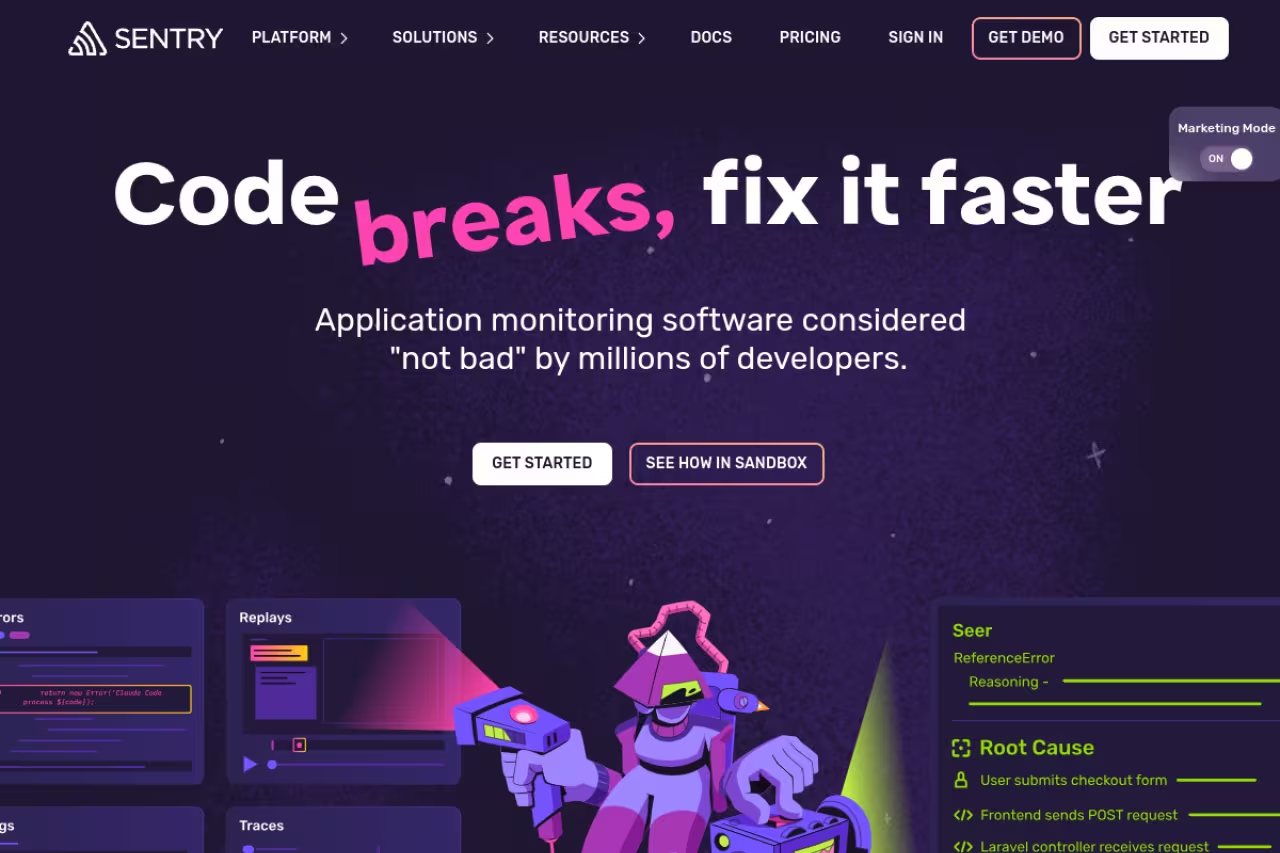
Sentry is the tool most teams reach for first, and after years of using it I still think that's the right instinct for the majority. It catches exceptions across more than 100 languages and frameworks, groups them intelligently, and shows you the stack trace, the breadcrumbs leading up to the crash, and the exact release that introduced the regression. Session Replay lets you watch the user's session that triggered the error, which turns "cannot reproduce" tickets into a 30-second fix.
The default for full-stack teams that want one tool across frontend, backend and mobile, with a huge SDK ecosystem and Session Replay. Pricing scales across several meters at once, so the $26 headline is rarely what a real team pays.
Pricing: the free Developer tier covers 5,000 errors a month for a single user. The Team plan is $26/month billed annually and includes 50k errors, 20 custom dashboards, and unlimited team members and projects. Business runs $80/month with unlimited custom dashboards, advanced quota management, and SAML/SCIM. Extra errors on Team PAYG bill at $0.0003625 each at 50K-100K and drop to $0.00015 at 20M+.
The standout: the SDK ecosystem. Whatever you're running, Sentry probably has a first-party SDK with sensible defaults, and the release-tracking integration that ties an error back to a specific deploy and commit is genuinely useful when you ship multiple times a day.
The catch: Sentry's pricing scales across several meters at once. Errors, spans (5M included on every plan for tracing), logs and metrics (5GB included), replays, and attachments each have their own quota, and a busy app can blow past the Team plan's allowances faster than you'd expect. Read the metered breakdown before you commit, because the $26 headline is rarely what a real team pays.

PostHog: error tracking you might already have
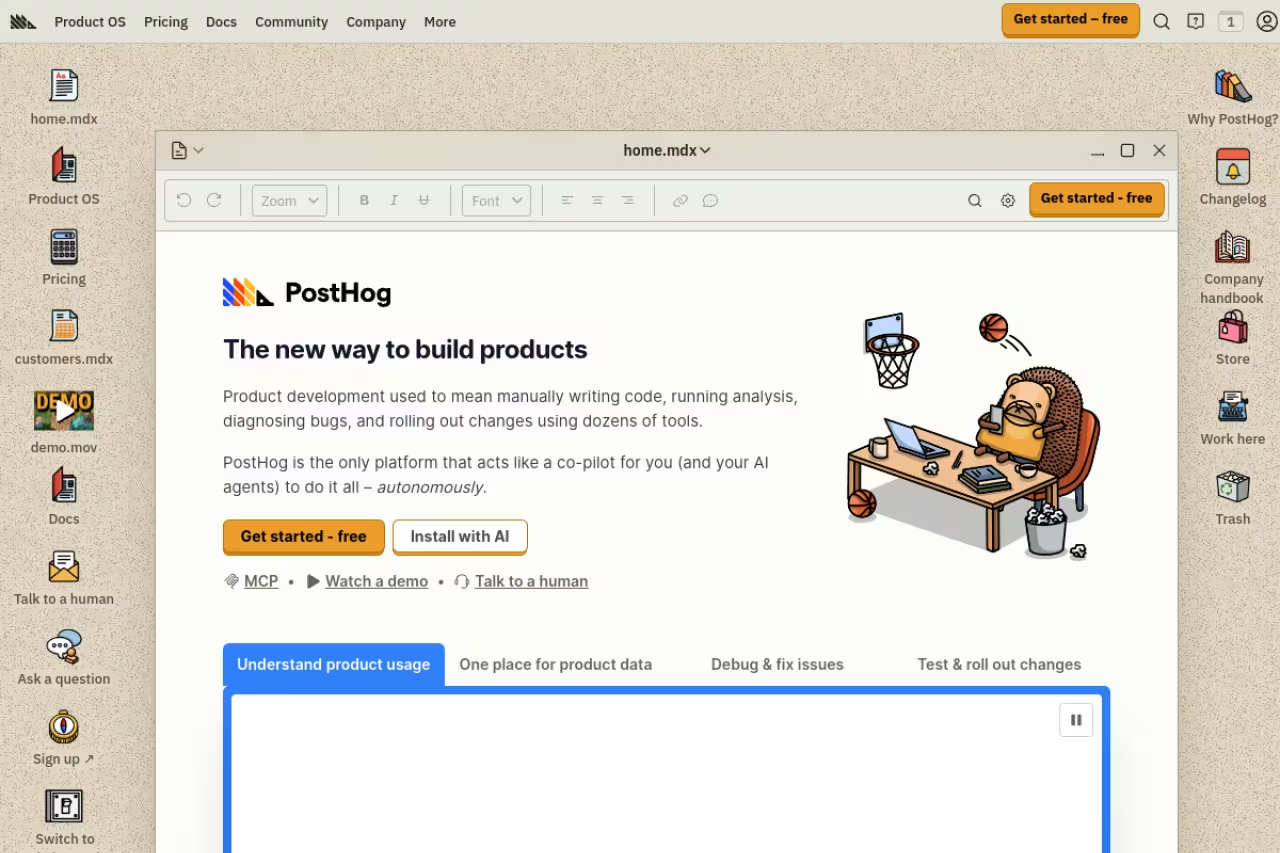
PostHog started as a product analytics platform and kept absorbing adjacent tools: feature flags, session replay, A/B testing, and now error tracking. If you already pipe events into PostHog, turning on error tracking is close to free, and that bundling is the entire pitch.
Choose it if you already run PostHog for analytics, since turning on error tracking is close to free and shows which exceptions actually hurt conversion. It is newer than Sentry with less mature SDK coverage and grouping, so a focused product still wins on depth.
Pricing: the free plan includes 100,000 exception events a month, the most generous free tier in this roundup by a wide margin. After that it's usage-based per $exception event, and you can set hard billing limits so a traffic spike never produces a surprise invoice. PostHog reports that more than 90% of its companies stay on the free tier across all products.
The standout: correlation. Because the same platform holds your analytics and your errors, you can see which exceptions actually hurt conversion instead of triaging crashes in a vacuum. An error that fires on a marketing page nobody converts on matters less than one on your signup form, and PostHog can show you the difference.
Where it falls short: PostHog's error tracking is newer than Sentry's, and the language SDK coverage and grouping logic are less mature. If exception monitoring is the only thing you need and you want the deepest tooling, a focused product still wins. As a free add-on to analytics you already run, though, it's hard to argue with.

Rollbar: built for teams that ship constantly
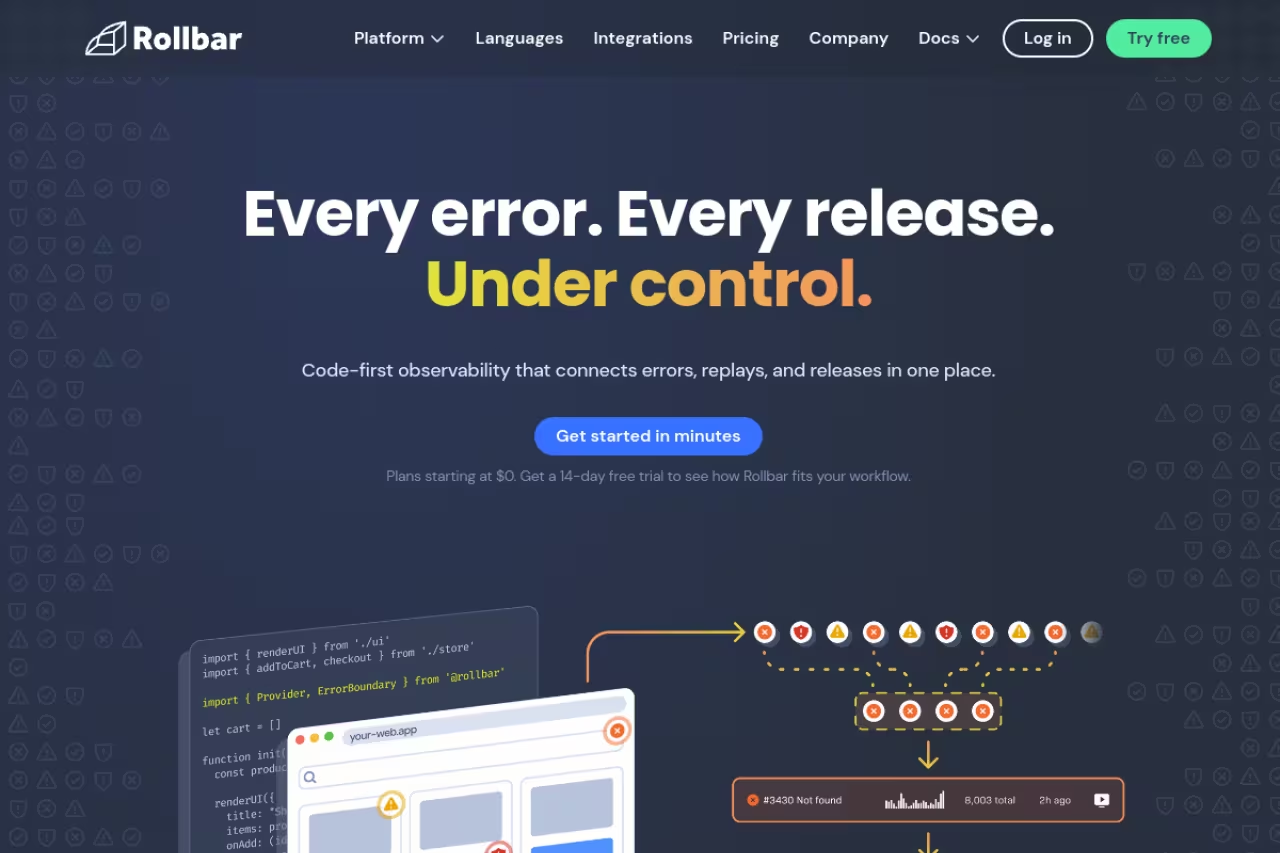
Rollbar has always pitched itself at teams that deploy often and want errors tied tightly to their release pipeline. Its deploy tracking and CI/CD integrations are first-class, so when an error spikes you can see immediately which release caused it and roll back with confidence.
Best for: teams with a high deploy cadence who want every error linked to a commit and a deploy out of the box.
A fit for teams with a high deploy cadence that want every error tied to a commit and a deploy, with aggressive grouping that cuts noise. That grouping can hide variations you would want to see, and credit-based pricing is harder to predict than Sentry's.
Pricing: the free tier covers 5,000 occurrences and 1,000 replays a month. The paid Essentials plan is usage-based on occurrence credits rather than a flat seat price, with Advanced and Enterprise above it. Rollbar leans on a "no surprise bills" model: you can cap at your plan limit, enable on-demand overage, or set custom rate limits.
The standout: grouping. Rollbar is more aggressive than Sentry about consolidating similar errors into one item, which means a noisy crash loop shows up as a single fingerprint instead of 4,000 line items. For on-call engineers, less noise is the whole game.
The catch: that same aggressive grouping occasionally hides variations you'd actually want to see separately, and the opaque credit-based pricing makes it harder to predict your bill than Sentry's per-error meter. You'll want to model your real volume before signing.
If you want a soft pause here: if you run a newsletter or content brand alongside your product, Dupple X is how a lot of the tech teams in our audience keep their growth stack lean. Back to the tools.

Honeybadger: the small-team bundle
Honeybadger is the answer for small SaaS teams that don't want to run three monitoring vendors. It combines error tracking, uptime monitoring, and cron job checks in one product, so a two-person team gets exception alerts, downtime alerts, and "did the nightly job run" alerts from a single dashboard.
The small-team bundle for bootstrapped B2B SaaS shops that want error tracking, uptime and cron checks in one product with clear billing. SDK breadth trails Sentry, and teams with heavy mobile or performance needs will outgrow it.
Pricing: there's a free developer plan, and paid plans start at $26/month with team features kicking in higher up. Overage on Team plans runs $0.0003 per notification beyond your quota. Every plan comes with a 30-day trial and no credit card required. Error monitoring covers Ruby, JS, Node, Go, Elixir, Python, PHP, Java, and more.
The standout: simplicity and price predictability. Honeybadger has a reputation for clear billing and a support team that actually answers, which matters more than it sounds when you're a tiny team picking infrastructure you'll live with for years.
Where it falls short: the SDK breadth and integrations don't match Sentry's, and large teams with heavy mobile or performance needs will outgrow it. It's deliberately scoped for smaller shops, and it's excellent at that.
Bugsnag (Insight Hub): the mobile specialist
Bugsnag, now folded into SmartBear's Insight Hub, is the one I reach for when mobile crash reporting is the priority. It handles iOS and Android symbolication, ProGuard mapping, and crash-free session metrics natively, which is exactly the stuff that makes mobile error tracking painful elsewhere.
The mobile specialist for teams that live or die by a crash-free session rate, with native iOS and Android symbolication. Since the SmartBear rebrand it has grown busier, the free tier is stingy, and the value thins out if you are not mobile-heavy.
Pricing: the free tier covers 7,500 events a month. Paid plans start around $59/month and scale with event volume, with the Standard tier landing closer to $99/month for 25,000 events depending on contract. Pricing is event-based rather than seat-based.
The standout: crash-free session and user metrics. Bugsnag's stability scores give you a single number to track release health, and product teams can gate a rollout on it. For consumer mobile apps that's a genuinely better mental model than raw error counts.
The catch: since the SmartBear acquisition and the Insight Hub rebrand, the product has broadened into full observability, and some longtime users feel the focused crash-reporting tool got busier. The free tier is also stingier than PostHog's or Sentry's. If you're not mobile-heavy, the value proposition thins out.

GlitchTip: open source and Sentry-compatible
GlitchTip is the pick for teams that want Sentry's developer experience without Sentry's bill, or that need to keep error data on their own infrastructure for compliance reasons. It speaks the same SDK wire protocol as Sentry, so you keep the Sentry client libraries you already use and just point them at your own server.
Sentry's developer experience without Sentry's bill, ideal for cost-conscious teams comfortable self-hosting and EU teams with data-residency needs. Migration is mostly a config change, but it is intentionally lean with no session replay, and self-hosting means you own the uptime.
Pricing: self-hosting is free with no caps on events, users, or projects, you just pay for the server. The managed cloud starts at $15/month, with a free cloud tier capped at 1,000 events a month and discounted $5/month plans for non-profits and open-source projects.
The standout: the migration cost is close to zero. Because GlitchTip is SDK-compatible with Sentry, moving over is mostly a config change, not a rewrite. That's a rare thing in this category.
Where it falls short: GlitchTip is intentionally lean. You don't get session replay, deep performance monitoring, or the polish of a venture-funded UI. Self-hosting also means you own the uptime of your error tracker, which is its own small irony when it goes down at 2am.

SigNoz: errors as part of full observability
SigNoz belongs on this list because error tracking on its own is increasingly a slice of a bigger picture. SigNoz is OpenTelemetry-native and correlates errors with logs, traces, and metrics in one open-source platform, so when an exception fires you can jump straight to the trace that produced it.
Pick it if you want errors, logs, traces and metrics in one OpenTelemetry-native tool without per-user or per-host pricing. It is observability rather than focused error tracking, so it is more than you need for clean exception alerts, and self-hosting carries real overhead.
Pricing: the Community edition is free to self-host. SigNoz Cloud Teams starts at $49/month including usage, then bills $0.30/GB for logs and traces and $0.10 per million metric samples. There's a 30-day trial. Notably, there are no per-user or per-host charges, which is what makes it attractive against Datadog.
The standout: correlation across signals without paying Datadog prices. Clicking from an error to its distributed trace to the surrounding logs, in one UI, is the workflow that justifies a unified platform.
The catch: this is observability, not focused error tracking. If all you want is clean exception alerts, SigNoz is more than you need, and the self-hosted route carries real operational overhead. For teams already drowning in disconnected tools, that trade can be worth it.

Datadog Error Tracking: if you're already there
Datadog Error Tracking is the obvious choice if your team already lives in Datadog. It groups errors from your logs, APM, and RUM data into issues, so you're not adding a new vendor, just switching on a feature next to dashboards your team already checks.
The obvious choice if your organization already lives in Datadog, with errors in the same pane as your traces and metrics. Billed separately at roughly $25/month for 50,000 errors, it is expensive overkill as a standalone tracker, and Datadog billing has a reputation for surprises.
Pricing: Error Tracking is billed separately from core Datadog products at roughly $25/month for 50,000 errors, or about $36 on-demand. That's on top of whatever you already pay for infrastructure, APM, and logs.
The standout: zero new tooling. The correlation with your existing traces and infrastructure metrics is tight because it's all the same platform.
Where it falls short: Datadog only makes sense if you're already paying for Datadog, and its billing has a well-earned reputation for surprising teams. As a standalone error tracker it's expensive and overkill. As one more module on an existing bill, it's convenient.
How to choose
Start with one question: do you already run a platform that does errors as a feature? If you're on PostHog for analytics or Datadog for observability, turn on their error tracking before you buy anything new. The marginal cost is low and the correlation you get for free is worth more than a marginally nicer standalone UI.
If you're starting fresh, default to Sentry. The SDK coverage and release tracking make it the safe pick for most full-stack teams, and the free tier is enough to evaluate it properly. Pick Bugsnag instead if you're mobile-first and crash-free session rate is your north-star metric. Pick Honeybadger if you're a small team that wants uptime and cron checks bundled in.
If budget or data residency is the binding constraint, GlitchTip self-hosted is the value play, since it reuses Sentry SDKs and caps your cost at server rent. And if your real problem is that errors, logs, and traces live in three disconnected tools, SigNoz is the consolidation move.
One rule regardless of pick: model your actual event volume against the pricing meter before you sign. Every horror story in this category is someone who read the headline price, not the per-event overage. For the broader picture beyond exceptions, our guide to the best application monitoring tools and the best AI DevOps tools cover the rest of the stack, and you can browse our full top tools directory for adjacent picks.
FAQ
What is the best error tracking software in 2026?
For most teams, Sentry is the best all-round choice thanks to its support for 100+ languages and frameworks, strong release tracking, and a usable free tier of 5,000 errors a month. If you already run product analytics through PostHog, its bundled error tracking with a 100,000-exception free tier is the better-value option since you avoid paying a second vendor.
Is there a free error tracking tool?
Yes, several. PostHog's free tier covers 100,000 exceptions a month, Sentry's covers 5,000 errors, and Bugsnag's covers 7,500 events. GlitchTip is free to self-host with no event caps at all, which makes it the cheapest option if you're willing to run your own server.
What is the difference between error tracking and application monitoring?
Error tracking captures exceptions and crashes, groups them, and alerts you with the stack trace and context to fix the bug. Application monitoring is broader: it watches performance, uptime, response times, and resource usage to tell you whether the whole system is healthy. Many platforms now bundle both. See our guide to the best application monitoring tools for the wider category.
How is error tracking priced?
Most tools price by event or error volume rather than per seat, so your bill scales with traffic and bugs, not team size. Sentry meters errors, spans, logs and metrics, replays, and attachments separately. PostHog and SigNoz use simple usage-based pricing with hard billing caps. Datadog bills error tracking separately from its core products. Always estimate your real monthly volume before choosing a plan.
What is the best error tracking tool for mobile apps?
Bugsnag, now part of SmartBear's Insight Hub, is the strongest pick for mobile. It handles iOS and Android symbolication and ProGuard mapping natively and reports crash-free session and user metrics, which give you a single stability score to gate releases on. Sentry also has solid mobile SDKs if you want one tool across mobile and backend.
Should I self-host my error tracking?
Self-hosting makes sense if you have strict data-residency requirements or want to cap costs at server rent rather than per-event fees. GlitchTip and self-hosted Sentry are the common choices, and GlitchTip's Sentry SDK compatibility makes migration nearly free. The trade-off is that you now own the uptime and maintenance of your error tracker, which is real operational work. For most small teams, a managed free tier is simpler.
If you're building in this space and following AI and dev tooling closely, Dupple X is where a lot of our readers keep up without drowning in tabs. And if you want adjacent picks, the best AI tools for developers and best bug tracking software guides pair well with this one.
Related guides
Some offers on this page may be paid placements or contain affiliate links.
