
Best AI Expense Tracking Tools (2026)

Key facts8 tools compared: ITILITE, Ramp, Brex, Expensify, Navan, Zoho Expense, Dext, Fyle
- 8 tools compared: ITILITE, Ramp, Brex, Expensify, Navan, Zoho Expense, Dext, Fyle
- ITILITE (best for: Card-heavy mid-market teams needing fast reconciliation): Travel: $10/trip; Expense: $6/user/month
- Ramp (best for: Most startups and SMBs): Free; Plus $15/user/mo
- Brex (best for: VC-backed and global startups): Free; Premium $12/user/mo
- Expensify (best for: Reimbursement-first teams): Collect $5/user/mo (with card)
Expense reports are the chore nobody volunteers for. You photograph a crumpled receipt, type a merchant name a machine could have read, guess at a category, and wait two weeks to get paid back. Multiply that across a team and your finance lead spends Friday afternoons chasing people for coffee receipts.
The AI here has gotten genuinely good: receipt capture that reads line items, auto-categorization that learns your chart of accounts, policy checks that flag the out-of-policy dinner before anyone approves it. The catch is that "AI expense tracking" now means two different things. Corporate-card platforms that bundle spend management (Ramp, Brex, Navan), and receipt-and-reimbursement apps that sit on top of whatever cards you already have (Expensify, Zoho Expense, Dext). Picking the wrong category wastes months.
My top pick for most teams is ITILITE, though Ramp is still the strongest pure-expense option if you don't need travel bundled in. Can't issue corporate cards or just need clean reimbursements? Skip to Expensify or Zoho Expense below. This guide is for founders, operators, and finance leads who'd rather automate the busywork than build a process around it.
Quick comparison
| Tool | Best for | Price | Standout |
|---|---|---|---|
| ITILITE | Card-heavy mid-market teams needing fast reconciliation | Travel: $10/trip; Expense: $6/user/month | Flat-fee travel, expense, and cards in one AI system |
| Ramp | Most startups and SMBs | Free; Plus $15/user/mo | Hands-off receipt coding, no card lock-in |
| Brex | VC-backed and global startups | Free; Premium $12/user/mo | AI compliance audits, global cards |
| Expensify | Reimbursement-first teams | Collect $5/user/mo (with card) | SmartScan + Concierge assistant |
| Navan | Travel-heavy companies | Free up to 5 users; $15/user/mo | Travel and expense in one AI agent |
| Zoho Expense | Zoho users and budget teams | Free (3 users); Standard ~$4/user/mo | Cheapest serious option |
| Dext | Accountants and bookkeepers | From ~$25/mo (annual) | 99.9% OCR extraction accuracy |
| Fyle | Real-time card-feed tracking | From $149/mo | Text-message receipt capture |

ITILITE: AI expense tracking that comes bundled with travel and cards
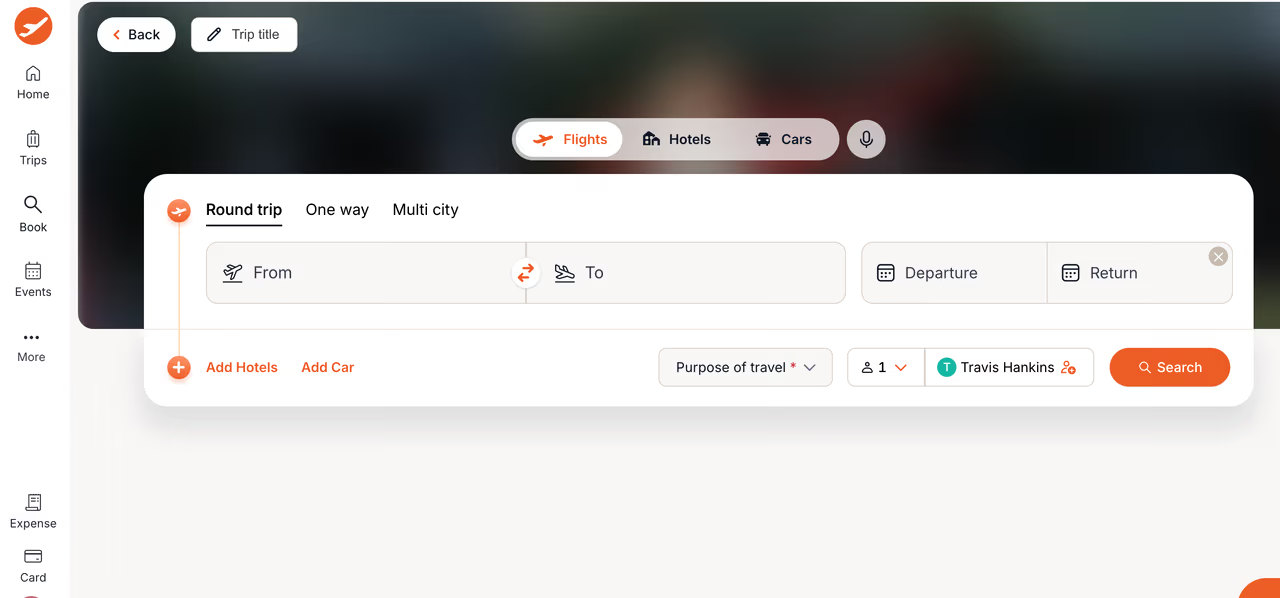
ITILITE bundles AI-driven expense tracking with travel booking and corporate cards on a single platform, which matters most if your spend is dominated by flights, hotels, and the meals around them. Its Expense Buddy AI reads receipts, suggests the category and GL code straight from your accounting system, and flags anything that breaks policy before an employee ever hits submit. Card transactions and travel bookings land in the same expense report automatically, so nobody is stitching data together from three different tools.
Who it's best for: mid-market teams (50+ employees) with real travel volume who want expense tracking, card issuance, and booking under one AI system instead of pairing a card platform with a separate travel tool.
A good fit for mid-market teams with real travel volume who want expense tracking, cards and booking under one AI system. ITILITE charges $10 per trip plus a small per-user fee, but if your team barely travels, a pure expense tool will be cheaper and simpler.
Pricing is flat rather than per-seat: $10 per trip plus $6 to $9 per active expense user per month, with no platform or implementation fees. That's a different model from everything else on this list, most of which charge a flat per-user rate regardless of how much travel a company actually does.
The standout is the AI doing double duty. Expense Buddy handles receipt-to-GL-code automation the way Ramp or Brex do, while a second AI layer, Iris, answers plain-language questions about policy and spend, and flags savings opportunities most expense-only tools never surface. Cashback applies on both card spend and total travel spend, stacking up to 2.5% combined.
The catch: if your team barely travels, you're paying for a travel engine you won't use, a pure expense tool like Zoho Expense or Ramp will be cheaper and simpler. ITILITE's value shows up specifically when travel and expense overlap.

Ramp: the default for most teams
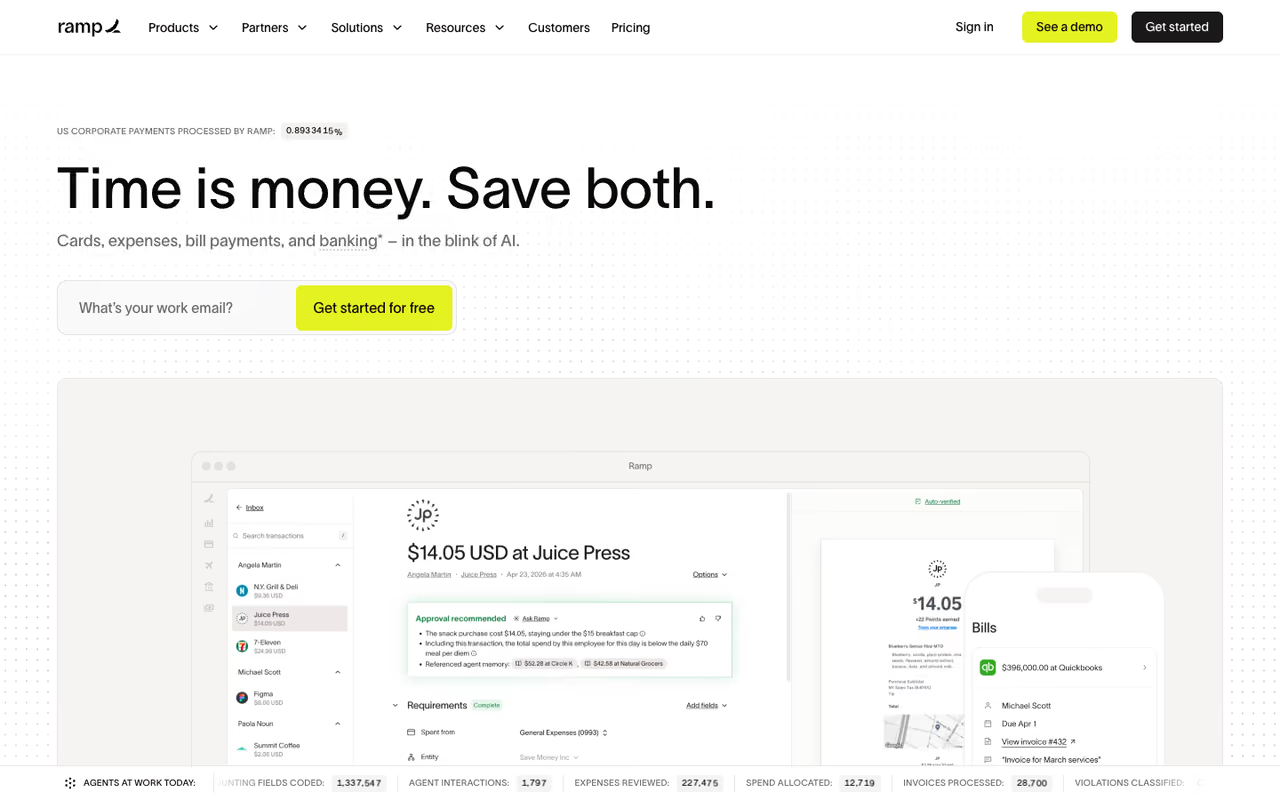
Ramp is a corporate card plus spend management platform, and the expense side is where its AI earns its keep. You take a photo, Ramp's OCR reads it, matches it to the card transaction, codes the GL account, and in most cases the employee does nothing else. For recurring vendors it remembers your past coding and applies it automatically.
Who it's best for: startups and growing SMBs that can issue corporate cards and want month-end close to stop being a fire drill. From running it myself, the receipt-chasing genuinely drops to near zero.
The default for startups and growing SMBs that can issue corporate cards and want month-end close to stop being a fire drill. Receipt chasing drops to near zero and the base plan is free, but very early or pre-revenue companies can get declined.
Pricing is the part people underrate. The base plan is free: unlimited cards, expense management, accounting sync, and AI-assisted reporting at $0. The Plus plan runs $15 per user per month and adds AI-driven expense reviews, auto-coded line items, multi-entity support, and deeper ERP integrations. Enterprise is custom.
The standout is how little you touch it. Auto-coding for every field, AI approval recommendations, and policy insights that surface odd spend before it's approved. It feels less like software you operate and more like a junior accountant who never sleeps.
The catch: Ramp issues actual corporate cards, which means underwriting and approval. Very early or pre-revenue companies can get declined or get a small limit. And while it doesn't force all spend onto its card, you get the most value when card transactions and receipts live in one place.

Brex: built for venture-backed and global startups
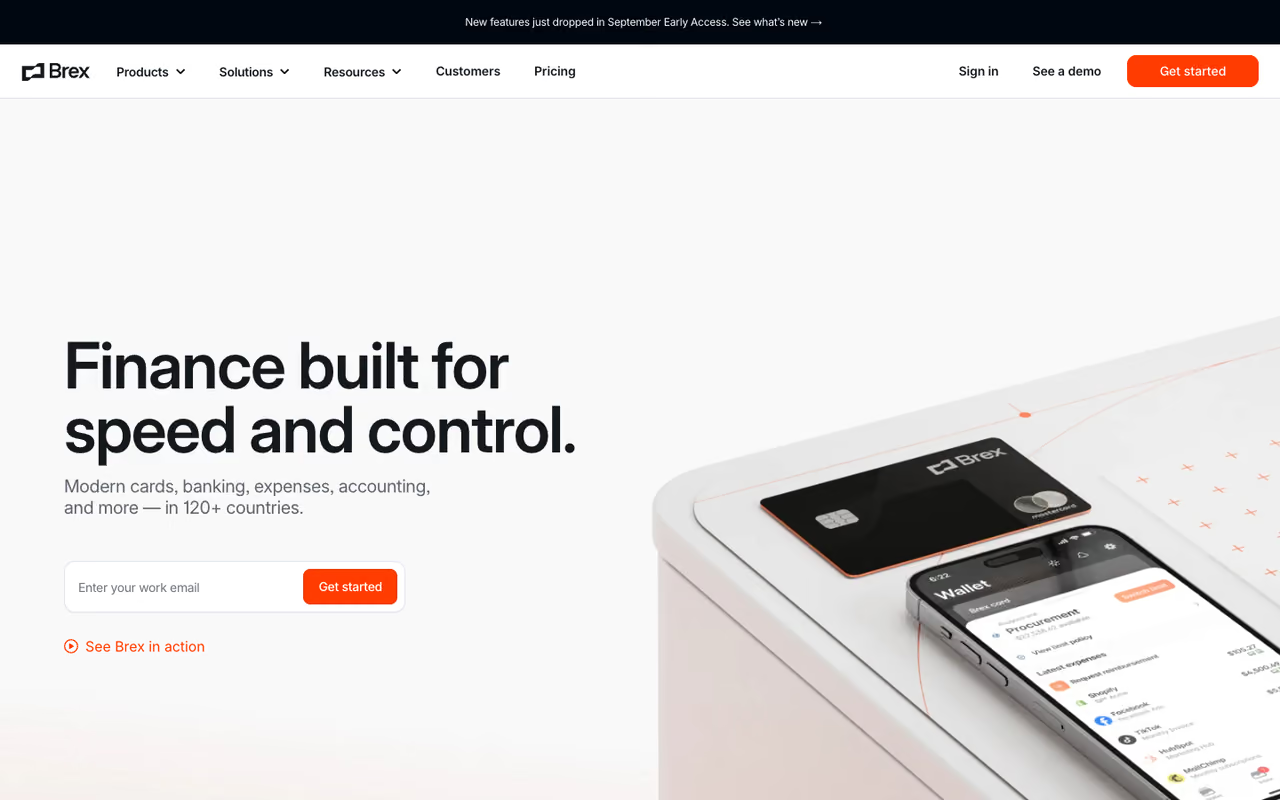
Brex is Ramp's closest rival and the two trade blows constantly. Brex leans harder into companies with venture funding, international operations, and complex entity structures. Its AI auto-approves in-policy expenses and flags anything unusual, so approvers only look at the exceptions.
Who it's best for: VC-backed startups and companies with employees or entities across multiple countries. The global card issuing and multi-currency handling are stronger than most reimbursement apps bother with.
The Essentials plan is free and covers basic card issuance and expense management for up to two entities with no per-seat fee. Premium is $12 per user per month and adds live budgets, multiple custom expense policies, AI-powered compliance audit detection, anomaly alerts, and HRIS sync. Enterprise is custom-quoted.
The standout for me is the AI compliance auditing on Premium. Instead of a human spot-checking reports, the system reviews every transaction against policy and surfaces the genuinely suspicious ones. For a finance team of one or two, that's the difference between reviewing everything and reviewing what matters.
The catch: Brex has historically pushed toward larger, well-funded companies, and some smaller teams have felt nudged out. The free tier is real, but the platform's center of gravity is startups with money in the bank, not a three-person agency.
Pick Brex if you are venture-backed or run entities across multiple countries. Global card issuing and AI compliance auditing are the strengths, but its center of gravity is startups with money in the bank, not a three-person agency.

Expensify: the reimbursement workhorse
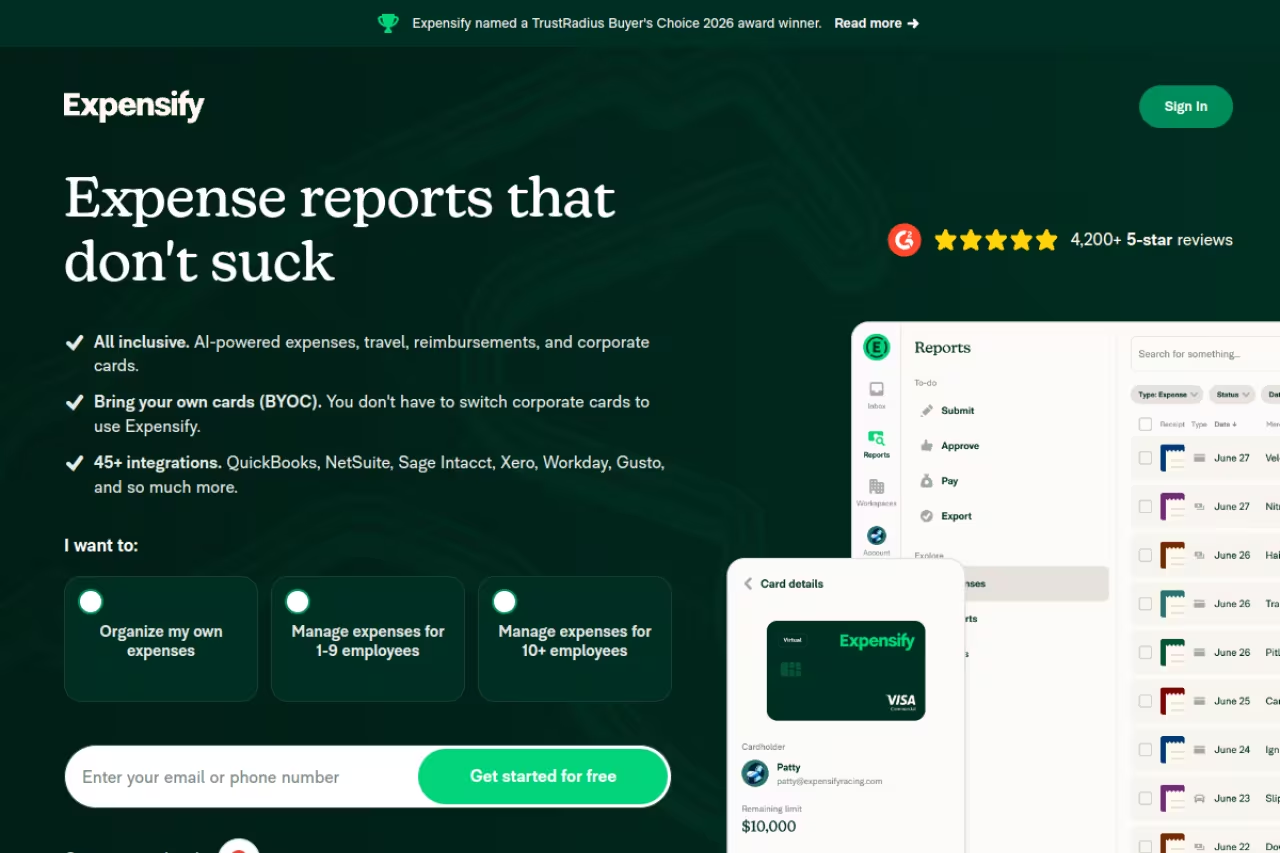
Expensify basically invented AI receipt capture with SmartScan, and it's still the one to beat if your problem is reimbursements rather than corporate cards. You forward a receipt or snap a photo, SmartScan pulls the merchant, amount, date, and tax, and builds the expense for you. In 2026 it added Concierge, an AI assistant that handles capture, coding, report submission, and chasing reimbursement status.
Who it's best for: teams that already have their own cards and just need clean, fast reimbursements without adopting a whole spend platform.
The reimbursement workhorse for teams that already have their own cards and want clean, fast payouts without a whole spend platform. SmartScan is still the one to beat, but the $5 rate assumes you route spend through the Expensify Card.
Pricing uses a per-active-user model, so you pay only for people who submit at least one expense that month. The Collect plan is $5 per user per month when you use the Expensify Card, and includes unlimited SmartScans, ACH reimbursement, and QuickBooks Online and Xero integrations. Control is $9 per user and adds NetSuite, Sage Intacct, SSO, and multi-approver workflows.
The catch: that $5 rate assumes you route at least half your spend through the Expensify Card. Skip the card and the effective per-user price climbs, with some users reporting it doubling or worse. Read the card-allocation terms before you commit, or you'll be surprised by the invoice.

Navan: when travel and expenses are the same problem
Navan (formerly TripActions) merges corporate travel booking and expense management, which is the right shape if your spend is mostly flights, hotels, and the meals around them. Its Expense Agent reads receipts, and the smarter trick is pulling context from your calendar, bookings, and CRM to auto-write compliant expense descriptions. The dinner gets categorized and justified before you'd normally even open the app.
Who it's best for: companies where business travel is a major spend line and you're tired of running a travel tool and an expense tool side by side.
Navan Expense is free for the first 5 monthly expensing users, and the free Business plan covers companies up to 200 employees with travel booking, expense management, and policy controls. Past the free tier it's $15 per active expense user per month for companies with 300 or fewer employees; above that it's custom.
The standout is the auto-generated, context-rich descriptions. AI captures the why behind a charge from your own systems, which kills the most annoying part of any expense report: explaining what the spend was for.
The catch: if your team rarely travels, you're paying for an engine you won't use. Navan's value is concentrated in travel; for a remote SaaS team that mostly buys software subscriptions, a pure spend platform fits better.
The right fit when business travel is a major spend line and you are tired of running a travel tool and an expense tool side by side. Skip it if your team rarely travels, since the value is concentrated in travel.
If you're assembling a finance stack and want a wider view, our roundups of the best AI for accounting and the best AI for finance cover the tools that sit alongside expense tracking.
Zoho Expense: the budget pick that punches up
Zoho Expense is the value play, and it's a serious one. The free tier covers up to 3 users with 20 receipt autoscans a month, multi-currency expenses, mileage tracking, and integrations with Zoho Books, QuickBooks Online, and Xero. Autoscan reads receipts, email-to-receipt forwarding turns inbox clutter into expenses, and the categorization is solid for the price.
Who it's best for: small teams watching every dollar, and anyone already living in the Zoho ecosystem where it slots into Zoho Books without friction.
Paid plans are cheap. Standard runs roughly $4 per user per month with corporate card reconciliation and multi-level approvals; Premium is around $5 to $7 per user and adds travel requests, per-diem automation, and advanced approval flows. Even the top tier costs less than most competitors' entry plans.
The catch: the AI is capable but not as proactive as Ramp's or Brex's. You won't get the same anomaly detection or auto-approval intelligence, and the deepest integrations assume you're using other Zoho products. As a standalone outside that ecosystem it's good, not exceptional.
The budget pick that punches up, especially for small teams watching every dollar or already living in Zoho Books. Paid plans are cheap, but the AI is less proactive than Ramp's or Brex's, and outside the Zoho ecosystem it is good, not exceptional.

Dext: the accuracy specialist for bookkeepers
Dext (formerly Receipt Bank) is built for accountants and bookkeepers who need extraction accuracy above everything. It pulls supplier, tax, and payment details from receipts, invoices, and platforms like Shopify, Stripe, and Amazon, and the company claims up to 99.9% data accuracy even on handwritten receipts.
Who it's best for: bookkeeping firms and finance teams managing many clients or high document volume, where a wrong digit means a reconciliation headache later.
Business plans start around $25 per month billed annually for 5 users and 250 documents, scaling up with volume. Practice plans for accounting firms start lower per client with a minimum client count. It integrates with Xero, QuickBooks, Sage, and thousands of banks.
The standout is pure extraction quality plus automated receipt matching and supplier rules, which is exactly what a bookkeeper wants. If your job is keeping someone else's books clean, Dext removes the data-entry grind.
The catch: it's a document-processing and bookkeeping tool, not a spend platform. No corporate cards, no live budgets, no employee reimbursement flow in the way Ramp or Expensify do it. For deeper document automation beyond receipts, see our best AI document processing tools guide.
Dext is the accuracy specialist for bookkeeping firms and finance teams handling many clients or high document volume, where a wrong digit means a reconciliation headache. It is a document tool, not a spend platform, so there are no cards or reimbursement flows.

Fyle: real-time tracking on your existing cards
Fyle takes a clever angle: it connects directly to your existing Visa and Mastercard credit cards and texts the employee the moment a charge hits, asking them to reply with a photo of the receipt. The match happens in real time instead of at month-end.
Who it's best for: teams that don't want to switch corporate cards but still want automated, real-time receipt capture and coding on the cards they already use.
Choose Fyle if you do not want to switch corporate cards but still want real-time receipt capture by text message. Flat pricing can beat per-seat math for mid-size teams, but at $149 a month minimum, a five-person startup pays more per head.
Pricing is flat-rate by tier rather than per-user: Startup at $149 per month, Growth at $349, Scale at $849, and custom Enterprise, all annual-billed with AI features included. For a mid-size team that math can beat per-seat pricing.
The standout is the text-message capture tied to live card feeds. No app to open, no end-of-month scramble. The catch is the flat pricing floor: at $149 a month minimum, a five-person startup pays more per head than it would on Ramp's free tier or Zoho's cheap seats.
How to choose
Start with one question: do you control the cards, or just the reimbursements?
If you can issue corporate cards and want the most automation, go with Ramp (free, hands-off, no card lock-in) or Brex (if you're venture-backed or global). If most of your spend is travel, Navan's combined travel-and-expense model saves you a second tool.
If you can't or won't change cards, you need a reimbursement layer. Expensify is the workhorse, especially if you'll use its card to hit the $5 rate. Zoho Expense is the budget winner, particularly inside the Zoho ecosystem. Fyle wins if you want real-time capture on your current cards and have the volume to justify flat pricing.
If you're an accountant or bookkeeper rather than the company spending the money, Dext's extraction accuracy is the priority and the rest matters less.
One rule that's saved me from buyer's remorse: run the free tier or trial for one real month-end before you commit. Expense tools feel similar in a demo and very different when 30 receipts hit on the same Friday.
Want a faster way to evaluate tools like these without reading ten review sites? Dupple X curates and tracks AI tools across categories, and our top AI tools directory is a good starting map. If you'd rather have the standouts land in your inbox, you can start a Dupple X trial here.
FAQ
What is the best AI expense tracking tool in 2026?
For most startups and small businesses, Ramp is the best overall pick: it's free at the base tier, the AI receipt coding is genuinely hands-off, and it doesn't lock you into routing all spend through its card. Venture-backed or global teams should look at Brex, and reimbursement-first teams at Expensify.
Can AI really categorize expenses automatically?
Yes, and it's the most mature part of this category now. Tools like Ramp, Brex, and Expensify read receipts with OCR, match them to card transactions, and code the GL account based on the merchant and your past coding. You mostly review exceptions rather than enter data, though you'll still want to spot-check unusual transactions.
Is there a free AI expense tracker for small businesses?
Several. Ramp's base plan is free with unlimited cards and expense management. Brex Essentials is free for up to two entities. Navan is free for the first 5 monthly expensing users, and Zoho Expense has a free tier for up to 3 users with 20 receipt scans a month. They all gate advanced AI behind paid plans, but the free tiers are usable.
What's the difference between expense tracking and spend management?
Expense tracking captures and categorizes receipts and reimburses employees. Spend management is broader: corporate cards, live budgets, policy enforcement, vendor management, and accounts payable in one place. Ramp, Brex, and Navan are spend platforms with expense tracking inside; Expensify, Zoho Expense, and Dext focus mainly on the expense and receipt layer.
How accurate is AI receipt scanning?
It depends on the tool and the receipt. Dext claims up to 99.9% extraction accuracy and is built around that. Expensify's SmartScan and Ramp's OCR are also strong on clean printed receipts. Faded thermal paper, handwriting, and foreign-language receipts are where accuracy drops, so a quick human review of flagged items is still worth keeping.
Do these tools integrate with QuickBooks and Xero?
Most do. Ramp, Brex, Expensify, Zoho Expense, and Dext all sync with QuickBooks Online and Xero, and several add NetSuite and Sage Intacct on higher tiers. If a specific ERP is non-negotiable for you, confirm it's supported on the exact plan you're buying, since the deepest accounting integrations often sit on the upper plans.
Related guides
Some offers on this page may be paid placements or contain affiliate links.
Across our whole catalogue the median is $24 a month and 33% of tools advertise a free tier. Figures are the lowest recurring monthly price quoted in our own review of each tool, read on 2026-08-19. Full method and every category.
