
The Best Bug Tracking Software in 2026

Key facts8 tools compared: Linear, Sentry, Jira, GitHub Issues, BugHerd, Marker.io, Jam.dev, Zoho…
- 8 tools compared: Linear, Sentry, Jira, GitHub Issues, BugHerd, Marker.io, Jam.dev, Zoho BugTracker
- Linear (best for: Modern dev teams triaging bugs): Free; $10/user/mo
- Sentry (best for: Catching production errors automatically): Free; $26/mo
- Jira (best for: Enterprise workflows and compliance): Free up to 10; $7.91/user/mo
- GitHub Issues (best for: Teams already living in GitHub): Free
Most bug tracking advice assumes you already know what kind of bug tracker you need. You don't, and that's the actual problem. "Bug tracking software" covers three very different jobs: a fast issue tracker where engineers triage and fix, an error monitor that catches crashes in production before a human notices, and a visual reporter that lets clients and QA point at a broken button and describe what they saw. Buy the wrong category and you'll fight the tool forever.
I compared all three setups against what small product teams and a 40-person agency actually run. The short version: if you're a software team that wants one fast place to triage and resolve bugs, Linear is the pick in 2026. If you want crashes reported to you automatically from production, you need Sentry sitting next to whatever tracker you use. And if non-technical people file your bugs, a visual reporter like BugHerd saves hours of "can you send a screenshot" emails.
This guide is for founders, engineers, and operators picking a stack, not buying for a 500-seat enterprise. I'll give you what each tool actually does, real pricing I verified on official pages this month, the standout, and where it falls short.
Quick comparison
| Tool | Best for | Price | Standout |
|---|---|---|---|
| Linear | Modern dev teams triaging bugs | Free; $10/user/mo | Speed and keyboard-first UX |
| Sentry | Catching production errors automatically | Free; $26/mo | Stack traces with the exact broken line |
| Jira | Enterprise workflows and compliance | Free up to 10; $7.91/user/mo | Deep customization and 5,000+ apps |
| GitHub Issues | Teams already living in GitHub | Free | Lives next to your code, zero cost |
| BugHerd | Agencies and client bug reports | $42/mo (5 members) | Point-and-click feedback on live sites |
| Marker.io | Web teams routing visual bugs to devs | $39/mo (3 seats) | Reporters file without an account |
| Jam.dev | One-click repro from anyone | Free; $14/creator/mo | Auto-captures console and network logs |
| Zoho BugTracker | Budget teams wanting structure | Free; $4/user/mo | Cheapest structured tracker |
Linear: the default for modern software teams

Linear is an issue tracker built for the way engineering teams actually work. You file a bug, assign it, set a priority, and move it through a workflow. Nothing groundbreaking on paper. What makes it the top pick is how little it gets in your way. Every action has a keyboard shortcut, pages load instantly, and the opinionated defaults mean you spend zero time configuring workflows that a slower tool would force on you.
The default for product and engineering teams that want one fast surface for bugs, features and tasks. Keyboard shortcuts and instant pages shine, but the 250-issue free cap hits quickly and marketing or ops teams will find the structure rigid.
Pricing is genuinely usable on the free tier: 2 teams, 250 issues, unlimited members, and Linear's agent platform included. Paid starts at $10 per user per month (billed yearly) for unlimited issues and 5 teams, and the Business plan at $16 per user per month adds Triage Intelligence and Code Intelligence that ties issues to your actual codebase.
The standout is raw speed plus the Git integration. Mention an issue ID in a branch or pull request and the issue updates itself. By the time you're past a few hundred bugs, the triage automation starts saving real time instead of just looking nice.
The catch: that 250-issue cap on free hits fast for an active team, so the free tier is more of a trial than a home. Linear also assumes a software-team mental model. Hand it to a marketing or ops team and the opinionated structure feels rigid rather than helpful.

Sentry: the bug tracker that finds bugs for you
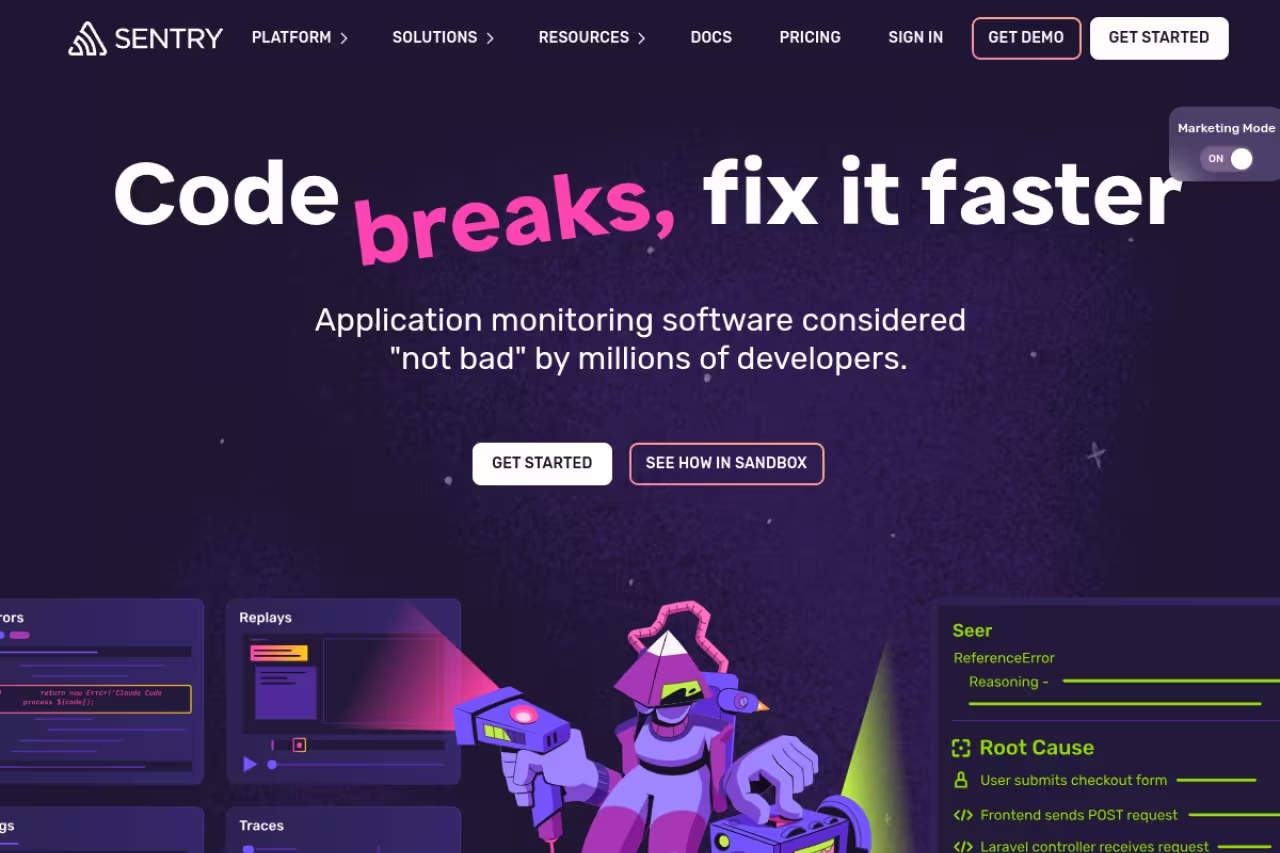
Sentry is error monitoring, which is a different job from issue tracking and the one most teams under-invest in. Instead of waiting for a human to notice and file a bug, Sentry sits in your production app and captures every unhandled exception, performance regression, and crash automatically. You get the stack trace, the exact line, the browser or device, and often the user session that triggered it.
The pick if you want to hear about errors from a dashboard instead of an angry support ticket. It captures stack traces and context automatically, but it is a detection layer, not a place to manage work, and costs climb with volume.
The free Developer tier gives one user 5,000 error events a month, which is enough to instrument a side project or a small app. The Team plan is $26 a month billed annually with unlimited users and 50,000 events, and Business is $80 a month with anomaly detection and SAML. All paid plans bill extra events as pay-as-you-go, so a noisy app can run past the included quota.
The standout is how much context arrives with each error. A good Sentry alert tells you what broke, where, for whom, and how often, before a customer emails you. Its AI issue grouping now collapses duplicate errors so you triage root causes instead of 400 copies of the same crash.
Where it falls short: Sentry is not a place to manage work. There's no real triage board or sprint planning, so you'll pipe its issues into Linear, Jira, or GitHub anyway. Treat it as the detection layer, not the whole system. Pricing also climbs quickly once your event volume grows.
Jira: the enterprise standard, for better and worse
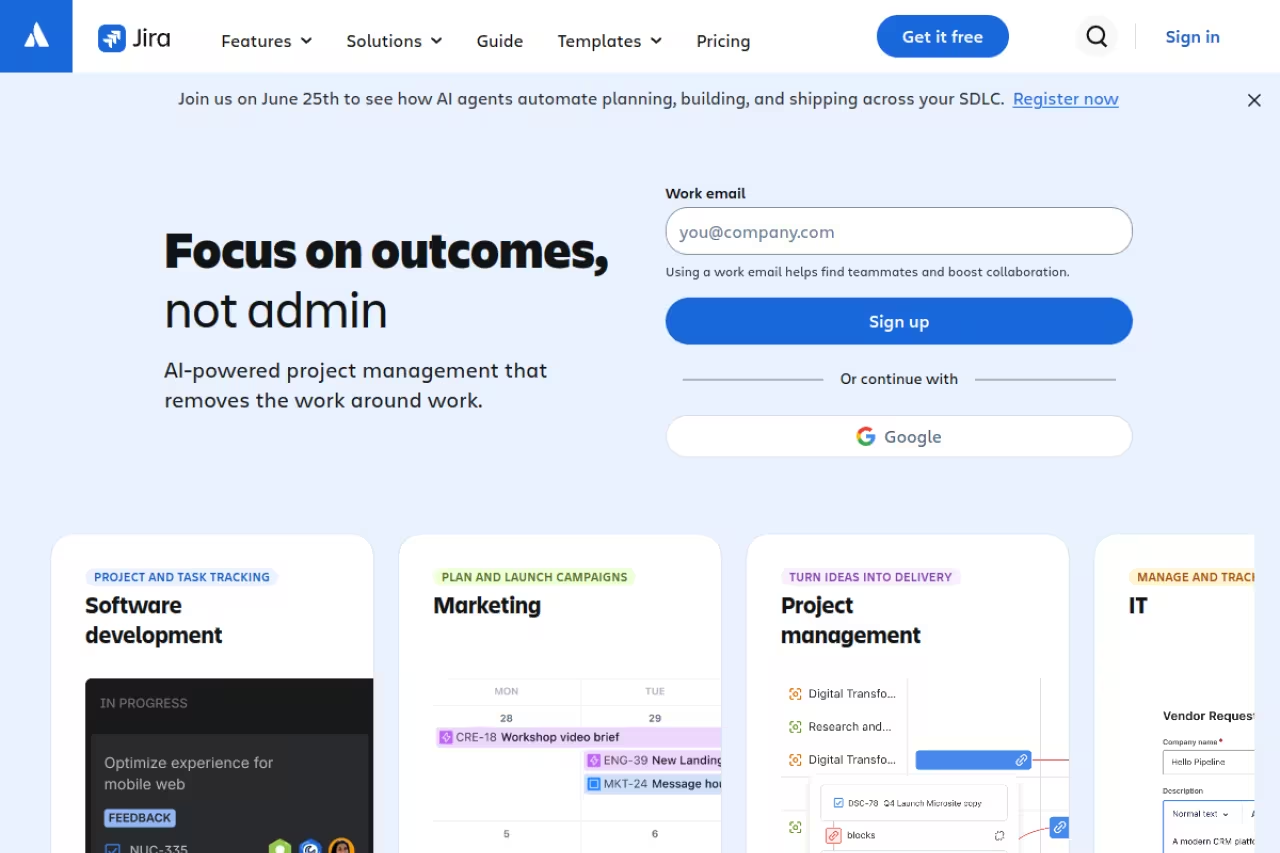
Jira is the tool everyone loves to complain about and almost every large company still runs. For complex workflows, compliance requirements, and cross-team dependency planning, nothing matches its customization, governance, and the 5,000-plus app marketplace. If you need a bug to trigger an approval chain across three departments, Jira does that.
Best for larger organizations and regulated teams that need granular workflows, audit trails, and deep reporting more than they need speed.
The free plan covers up to 10 users with 2 GB storage. Standard is $7.91 per user per month and Premium is $14.54 per user per month with cross-team planning and 24/7 support. Enterprise is custom and annual only. Note that AI features now ride on Atlassian's Rovo, bundled into paid plans.
The standout is configurability. Custom fields, custom issue types, custom workflows, custom dashboards. If your process is unusual, Jira bends to fit it, which is exactly why enterprises pick it.
The catch: all that power is the cost. Jira is slower and more cluttered than Linear, onboarding a new hire takes real effort, and small teams routinely use 10% of the features while paying the complexity tax on the other 90%. It's overkill for a five-person startup. The market has been shifting lighter-weight teams toward Linear for exactly this reason.
If your team is small and fast, skip ahead. If you've inherited Jira and it works, there's no urgent reason to rip it out.
GitHub Issues: free and already where your code lives
GitHub Issues is the most underrated bug tracker on this list because it's free and you probably already have it. Issues live in the same repo as the code, link directly to commits and pull requests, and now support sub-issues for breaking a bug into smaller tasks. Pair it with GitHub Projects for a Kanban board and you have a real tracker at zero cost.
Best for engineering-led teams who live in GitHub and want bugs next to the code instead of in a separate app.
Go with GitHub Issues if your team lives in GitHub and wants bugs next to the code at zero cost. It is bare, with weak reporting and no SLAs, and non-technical reporters will not file bugs there.
Pricing is the headline: unlimited private repos with issue tracking on the Free plan, unlimited collaborators included. Team and Enterprise plans exist for advanced permissions, but the core tracker costs nothing.
The standout is the tight loop between issue and code. Reference an issue number in a commit and it closes automatically on merge. For developers, that closeness beats any standalone tool's integration.
Where it falls short: GitHub Issues is bare. No built-in SLAs, weak reporting, and triaging hundreds of issues gets clumsy without third-party tooling. Non-technical people also won't file bugs in GitHub, so it's a poor fit if clients or QA need access. It's a developer tool, full stop.
If you want a broader view of dev tooling beyond tracking, our roundup of the best AI agents and the top tools directory are worth a scan.

BugHerd: visual feedback your clients will actually use
BugHerd flips the model. Instead of asking clients and QA to write a ticket, they click directly on the broken element on a live website and describe the problem. BugHerd captures the screenshot, the browser, the OS, and the exact page, then drops a card on a Kanban board for your team. It's the tool that ends the "which button, on which page?" email thread.
Ideal for agencies and web teams whose bug reporters are non-technical clients or designers, since they just click the broken element. It is weak for native apps, APIs or backend bugs and gets pricey as the team grows.
Pricing is per-plan, not strictly per-seat. The Standard plan is $42 a month billed annually for 5 members, Studio is $67 a month for 10, and Premium is $125 a month for 25, with extra users at $6.60 each. There's a free trial and a 60-day money-back guarantee, but no permanent free plan.
The standout is the point-and-click reporting overlay. Clients need zero training and no account to pin feedback, which dramatically raises the quality of bug reports you receive.
The catch: BugHerd is built around website feedback, so it's a weak fit for native apps, APIs, or backend bugs. It's also pricier than a general tracker once your team grows past the included seats. You're paying for the visual layer, so it only pays off if visual reporting is your actual bottleneck.

Marker.io: visual bug reports routed into your existing tracker
Marker.io is BugHerd's closest competitor, with one important difference in philosophy. Marker.io is built to capture visual, annotated bug reports and then push them straight into the tracker you already use, like Jira, Linear, or GitHub. It positions itself as the reporting front end, not the destination.
Pick Marker.io if you already have a tracker you like and need clients and QA to file rich visual reports into it. Unlimited reporters are the draw, but it is a layer, not a standalone system, and there is no free plan.
The Starter plan is $39 a month billed annually for 3 seats and 1 project, Team is $149 a month for 15 seats and 3 projects, and there's an Agency plan at $99 a month annually. Every plan includes unlimited reporters, the end-users who file bugs without needing an account, plus a 15-day free trial.
The standout is unlimited reporters. You can let a whole client roster submit detailed, technical bug reports without buying a seat for each one, and each report lands in your dev tool with console logs attached.
Where it falls short: there's no free plan, the seat caps on Starter are tight, and if you don't already run a separate tracker, Marker.io alone isn't enough since it's designed to feed another tool. It's a layer, not a standalone system.
Jam.dev: one-click repro that captures the technical context
Jam.dev is a browser extension that turns any bug into a developer-ready report in one click. The person reporting just clicks Jam, and it captures a recording, the console logs, network requests, browser details, and reproduction steps, then hands you a single shareable link. It closes the gap between "it's broken" and a report an engineer can actually act on.
A smart fit for cross-functional teams where PMs, designers and support must file bugs developers can reproduce. The free plan is generous, but Jam is a reporting tool, not a tracker, and free recordings cap at 5 minutes.
The free plan is generous: 30 Jams a month, recordings up to 5 minutes, and Jira and Linear integrations included. The Team plan is $14 per creator per month billed yearly for unlimited Jams, longer recordings, and 200 AI summaries. Viewer seats are always free, so only the people creating reports count.
The standout is the auto-captured technical context. Most bug reports die because nobody can reproduce them. Jam attaches the console errors and network calls automatically, which kills the back-and-forth.
The catch: Jam is a reporting tool, not a tracker. You still need somewhere for those reports to live and get worked, so it pairs with Linear or Jira rather than replacing them. The 5-minute recording cap on free also bites for longer repro steps.
Zoho BugTracker: structured tracking on a tight budget
Zoho BugTracker is the value pick. It gives you a structured bug tracker with custom workflows, SLAs, and reporting at a price that undercuts almost everything else. If you want more structure than GitHub Issues but can't justify Jira or Linear seats, this is the middle path.
The value pick for small, budget-conscious teams that want real workflow features, SLAs and automation without per-seat sticker shock. You trade polish for price, since the interface feels dated and integrations outside Zoho are thinner.
There's a free plan for up to 2 projects, Standard at $4 per user per month for 10 projects, and Premium at $7 per user per month with business rules and 100GB attachments. That Standard price is roughly half of Linear or Jira.
The standout is value. You get SLAs, custom fields, and automation rules at a price point usually reserved for bare-bones tools.
Where it falls short: it's part of the wider Zoho suite, so the interface feels dated next to Linear, and it pulls you toward other Zoho products. The integrations outside the Zoho world are thinner than what Jira or GitHub offer. You trade polish for price.
How to choose
Skip the feature-list paralysis and answer one question first: who files your bugs?
If engineers file them and you want speed, pick Linear, or GitHub Issues if you want free and live in GitHub. If clients or non-technical QA file them, you need a visual layer, so add BugHerd (it's the destination) or Marker.io and Jam.dev (they feed an existing tracker). If your users find bugs by hitting them in production, you need Sentry as the detection layer regardless of what tracker you run.
The second question is scale. Under 10 people, avoid Jira unless compliance forces it; the complexity tax isn't worth it. Over a few hundred issues a month, the free tiers stop being homes and start being trials, so budget for paid seats.
The honest answer for most product teams in 2026 is a two-tool stack: Sentry catching errors automatically plus Linear managing the work. Agencies swap Linear for BugHerd. Enterprises keep Jira. That's the whole map.
If you're putting together a wider toolkit for your team, Dupple X curates the tools worth paying for, and you can try it here.
FAQ
What is the best bug tracking software in 2026?
For modern software teams, Linear is the best all-around bug tracker thanks to its speed, keyboard-first UX, and tight Git integration. But the right answer depends on the job: Sentry is best for catching production errors automatically, Jira is best for enterprise workflows, and BugHerd is best for client and visual bug reports.
Is there free bug tracking software?
Yes. GitHub Issues is fully free with unlimited private repos. Linear's free tier covers 250 issues, Sentry's free Developer plan gives 5,000 error events a month, Jam.dev offers 30 reports a month free, and Zoho BugTracker has a free plan for 2 projects. Free tiers usually cap issue counts or seats, so active teams eventually move to paid.
What is the difference between bug tracking and error monitoring?
Bug tracking software like Linear or Jira is where humans file, triage, and resolve issues. Error monitoring like Sentry automatically detects crashes and exceptions in your live production app and reports them to you. Most teams use both: error monitoring catches the problem, the tracker manages the fix.
Which bug tracker is best for a non-technical team or clients?
BugHerd, Marker.io, and Jam.dev are built for non-technical reporters. They let clients, designers, or support point at a broken element or click one button to file a detailed bug report, with screenshots and technical context captured automatically, so you don't need to train anyone on a complex ticketing system.
Is Jira still worth it in 2026?
Jira is still the strongest choice for large organizations with complex workflows, compliance needs, and cross-team dependencies, where its customization and 5,000-plus app marketplace pay off. For small and fast-moving teams, it's usually overkill, and lighter tools like Linear deliver a better day-to-day experience at lower complexity.
How much does bug tracking software cost?
Most tools land between $4 and $16 per user per month on entry paid plans. Zoho BugTracker starts at $4, Linear at $10, Jira at $7.91, and Jam.dev at $14 per creator. Visual reporters bill per plan instead: BugHerd from $42 a month and Marker.io from $39 a month. Free tiers exist on most, with usage caps.
Related guides
Some offers on this page may be paid placements or contain affiliate links.
Across our whole catalogue the median is $24 a month and 33% of tools advertise a free tier. Figures are the lowest recurring monthly price quoted in our own review of each tool, read on 2026-08-19. Full method and every category.
