
Best Invoicing Software in 2026: 9 Tools Compared and Ranked

Key facts9 tools compared: FreshBooks, Zoho Invoice, Wave, QuickBooks Online, Stripe Invoicing, Square…
- 9 tools compared: FreshBooks, Zoho Invoice, Wave, QuickBooks Online, Stripe Invoicing, Square Invoices, Invoice Ninja, Xero, Harvest
- FreshBooks (best for: Freelancers and service businesses): From $23/mo
- Zoho Invoice (best for: Anyone who wants free): Free, forever
- Wave (best for: Solo and very small businesses): Free / $19 mo Pro
- QuickBooks Online (best for: Growing teams that need real accounting): From $38/mo
Getting paid is the part of running a business nobody warns you about. You do the work, you send the invoice, and then you wait. And chase. And wait some more. Good invoicing software shrinks that gap between "work done" and "money in the bank," which is the whole point.
I compared nine of the most popular tools on pricing pages, transaction fees, and documentation, and looked at what public user reviews say happens when a client clicks "pay." Most of them work fine. The differences show up in the details: how much you pay per transaction, whether the free plan is genuinely free, and whether the thing scales with you or boxes you in.
If you want the short version: FreshBooks is the best all-around pick for freelancers and small service businesses, and Zoho Invoice is the one to grab if you want a serious tool that costs nothing. The rest depends on what you already use and how you take payments. Here's the breakdown.
Quick comparison
| Tool | Best for | Price | Standout |
|---|---|---|---|
| FreshBooks | Freelancers and service businesses | From $23/mo | Polished invoicing + light accounting |
| Zoho Invoice | Anyone who wants free | Free, forever | Full feature set at zero cost |
| Wave | Solo and very small businesses | Free / $19 mo Pro | Free invoicing with built-in books |
| QuickBooks Online | Growing teams that need real accounting | From $38/mo | The accountant's default |
| Stripe Invoicing | Online and developer-led businesses | 0.5% per paid invoice | Best payment experience |
| Square Invoices | In-person + online sellers | Free / $20 mo Plus | One system for POS and invoices |
| Invoice Ninja | Tinkerers and the privacy-minded | Free / $14 mo Pro | Open-source, self-hostable |
| Xero | Product businesses and bookkeepers | From $25/mo | Unlimited users, strong reporting |
| Harvest | Hourly and project billing | Free / $11 seat/mo | Time tracking wired into invoices |

FreshBooks: the best all-rounder for service businesses
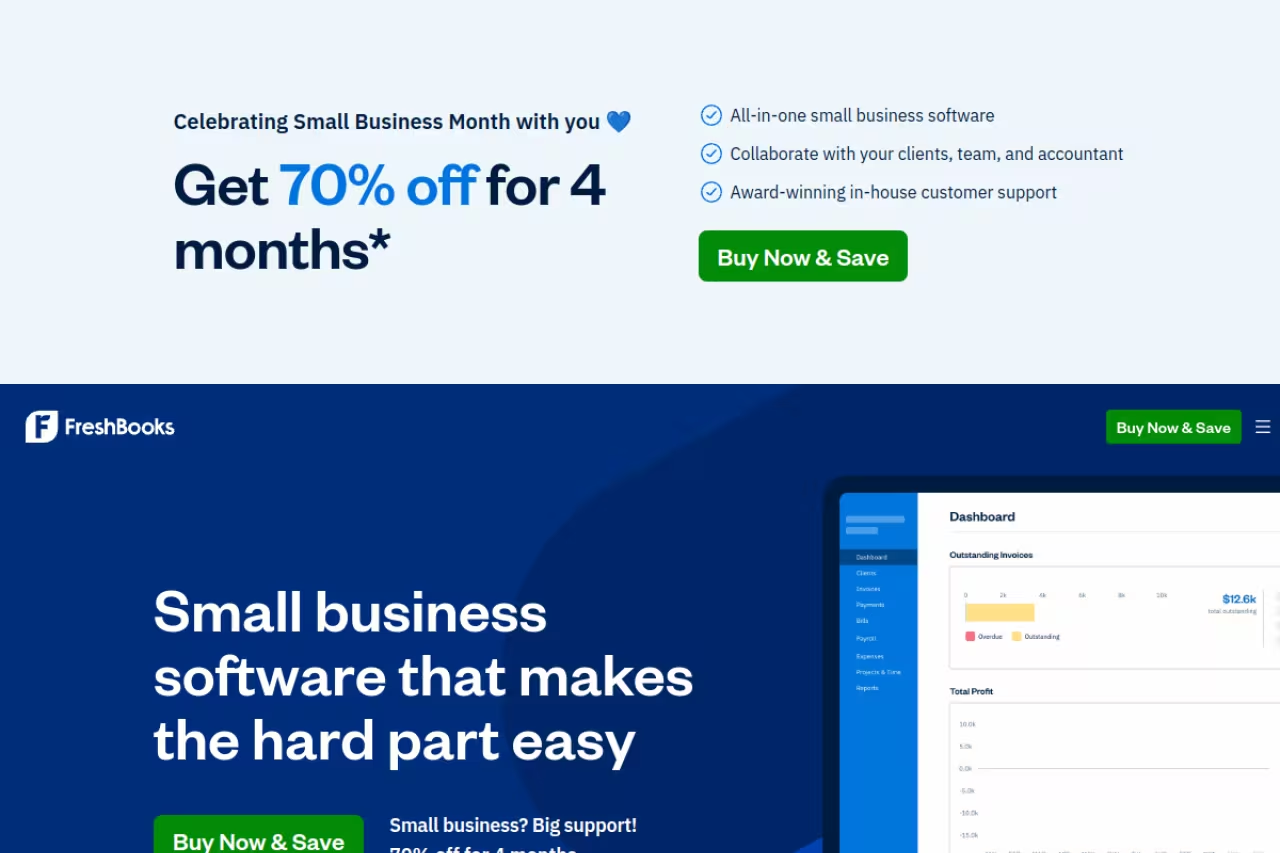
FreshBooks started as invoicing software and grew into light accounting, and that order matters. The invoice flow is the most polished on this list. You build a clean, branded invoice in under a minute, set it to recur, turn on automatic late reminders, and let clients pay by card or bank transfer from the invoice itself.
Who it's for: freelancers, consultants, agencies, and any service business that bills clients and wants the books handled without hiring a bookkeeper.
The all-rounder for freelancers, consultants and agencies, with the most polished invoice flow on the list and light accounting built in. The client caps are stingy, since five clients on Lite pushes busy freelancers to Plus fast.
the Lite plan is $23/month for up to 5 billable clients, Plus is $43/month for 50 clients, and Premium is $70/month for unlimited clients. New accounts usually get a steep intro discount for the first few months. Extra team members run $11/month each.
The standout: the small stuff is done right. Reminders, late fees, deposits, retainers, and a client portal where people see every invoice and payment. It reads like software built by people who have actually waited on an invoice.
The catch: those client caps are stingy. Five clients on the cheapest plan means a busy freelancer hits the Plus tier fast, and the per-client model gets pricey if you have a long tail of small accounts. If most of your work is hourly, a time-first tool may suit you better.
Zoho Invoice: the best free tool, no asterisk
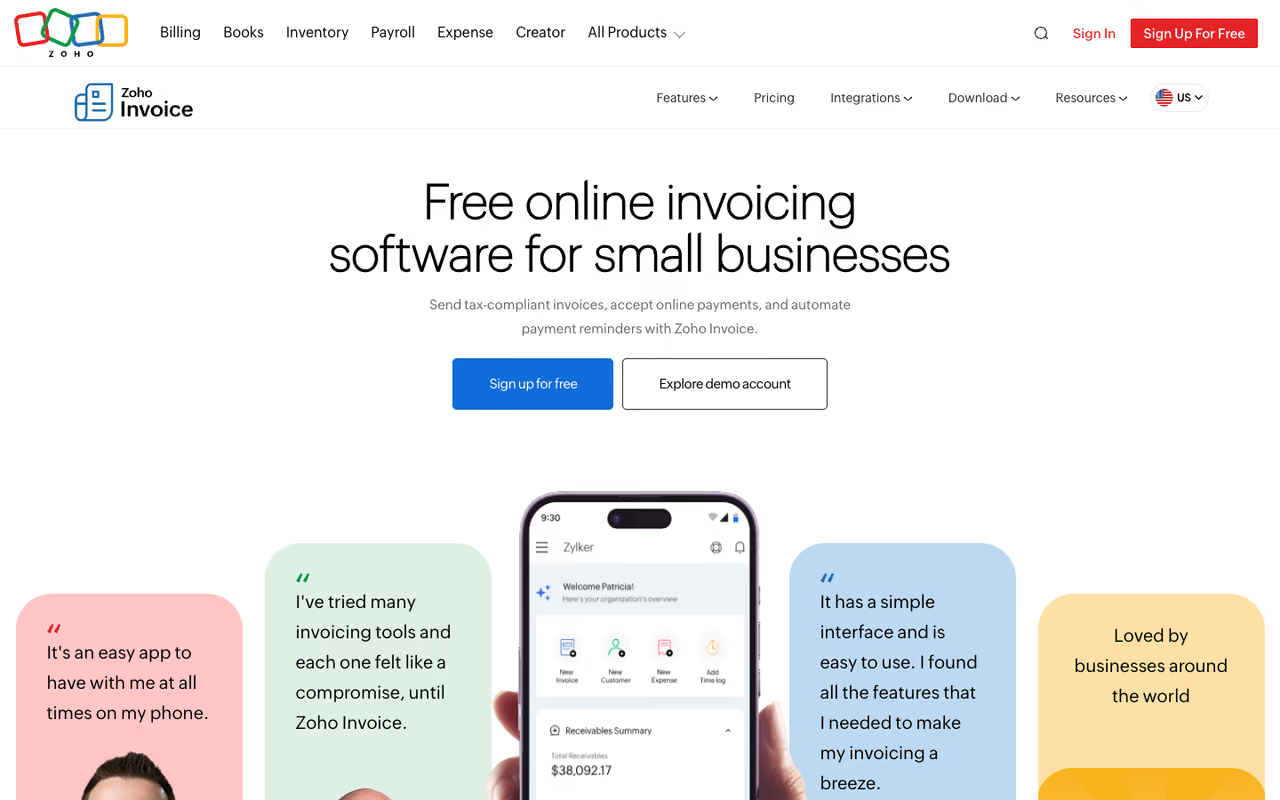
Here's the one that surprised me. Zoho Invoice is completely free. Not free-with-a-paywall, not a trial. Zoho made it permanently free in 2022 as a goodwill move toward small businesses, and the feature list reads like a paid product.
Who it's for: freelancers, contractors, and small teams who want professional invoicing without a monthly bill, especially if you don't need full double-entry accounting.
A completely free tool with a paid-product feature list, ideal for freelancers and small teams who do not need double-entry accounting. You pay gateway fees on payments, there is no built-in ledger, and the Zoho upsell is constant.
$0. You get unlimited invoices, unlimited customers, recurring invoices, automated payment reminders, expense and time tracking, a customer portal, and decent reporting. Mobile apps on every platform.
The standout: the value-to-cost ratio is unmatched because the cost is nothing. On raw invoicing depth, it goes toe to toe with tools charging $20 to $40 a month. It earns a 4.7 rating on Capterra, higher than most paid rivals.
Where it falls short: payments aren't free to process, since you connect Stripe, PayPal, or another gateway and pay their fees. There's no built-in accounting ledger here. If you outgrow pure invoicing, you graduate to Zoho Books, which is a paid product. And the upsell toward the wider Zoho ecosystem is constant.

Wave: free invoicing with the books built in
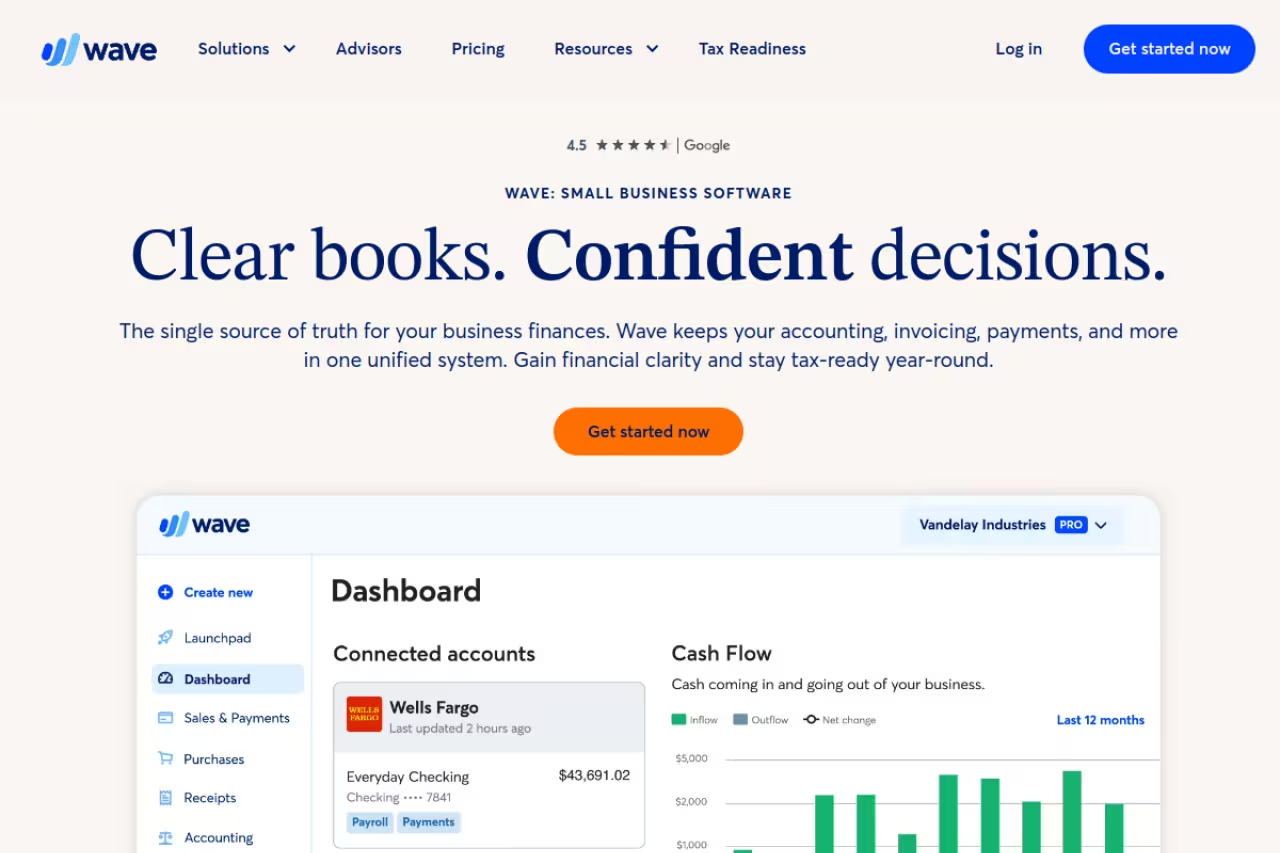
Wave hits a sweet spot Zoho doesn't: free invoicing plus free accounting in one place. You send unlimited invoices, track income and expenses, and get real bookkeeping reports without paying a cent on the Starter plan.
Who it's for: solo operators and very small businesses that want invoicing and basic accounting together, cheaply.
The pick for solo operators and very small businesses that want free invoicing and basic accounting under one login. The $0.60 fixed card fee bites on small invoices, support is thin, and it strains as you grow past a couple of people.
the Starter plan is $0. The Pro plan is $19/month and adds auto-import of bank transactions, receipt scanning, automated reminders, and lower card fees on your first ten monthly payments. Card processing runs 2.9% + $0.60 per transaction (3.4% for Amex); ACH is available too.
The standout: the unified free dashboard. For a one-person business, Wave covers invoicing and the books in a single login, which is rare at $0.
The catch: the free plan's payment fees sit a touch above average, and that $0.60 fixed fee per transaction bites hard on small invoices. Support on the free tier is thin, and Wave's feature pace has slowed since the Block acquisition. It's built for the small end and shows strain as you grow past a couple of people.
If you're stacking up the lean tools that keep a small business running, our roundups of the best bookkeeping software and best accounting software for small business pair well with whatever invoicing tool you land on.
QuickBooks Online: the accountant's default
QuickBooks Online is the tool your accountant probably already knows. Invoicing is one slice of a full accounting platform that handles bookkeeping, expenses, taxes, and payroll as an add-on.
Who it's for: growing small businesses that need proper accounting, not just invoicing, and want their bookkeeper to work in the same system.
Buy it when you need proper accounting and want your bookkeeper in the same system, not for invoicing alone. At $38/month to start after a price hike it is heavier and pricier than a freelancer needs.
Simple Start is $38/month, Essentials $75/month, and Plus $115/month, after Intuit's mid-2025 price hike of roughly 15 to 20 percent. New users get a free trial or a few discounted months.
The standout: ubiquity. Nearly every accountant in the US works in QuickBooks, so handoffs at tax time are painless, and the integration ecosystem is the deepest in the category.
Where it falls short: it's expensive and heavier than a freelancer needs. If all you want is to send invoices and get paid, QuickBooks is overkill, and Intuit keeps nudging prices up. Buy it when you need the accounting, not for the invoicing alone.
Stripe Invoicing: the best payment experience
If most of your clients pay online, Stripe gives the smoothest checkout in the business. Invoices are hosted, mobile-friendly, and clients pay by card, bank transfer, or wallet without leaving the page. Developers can wire it into an app with a few API calls.
Who it's for: online businesses, SaaS, e-commerce, and anyone who already runs payments through Stripe.
The smoothest checkout for online businesses, SaaS and anyone already running payments through Stripe, with a free tier of 25 invoices and no monthly fee. It is a payments tool, not accounting, so non-technical owners will find FreshBooks or Wave friendlier.
the free tier covers 25 invoices, then it's 0.4% per paid invoice (0.5% with Stripe's automation features), on top of standard Stripe processing of around 2.9% + $0.30 per card charge. No monthly fee.
The standout: the pay experience and the data. Conversion on hosted invoices is excellent, and you get real payment analytics. For developers, programmatic invoicing is in a class of its own.
The catch: it's a payments tool, not accounting software. There's no expense tracking, no real bookkeeping, and the dashboard assumes some technical comfort. Non-technical owners who want hand-holding will find FreshBooks or Wave friendlier.
A smooth pay page only helps if the rest of your stack is tight. If you're still assembling tools, /top-tools is where we keep the running shortlist across categories.
Square Invoices: one system for in-person and online
Square Invoices is the obvious move if you already swipe cards with Square. Sales in your shop and invoices you email live in the same dashboard, with one payout and one set of reports.
Who it's for: retail, salons, trades, and service businesses that take both in-person and online payments.
The obvious move if you already swipe cards with Square, putting in-person sales and emailed invoices in one dashboard. It is payments-first with basic accounting, and outside the Square ecosystem there is less reason to pick it over Stripe or FreshBooks.
the base plan is free to create and send invoices. Online card payments cost 2.9% + $0.30 each; ACH is 1% (minimum $1). The optional Plus plan is $20/month and adds custom templates, payment schedules, and milestone billing.
The standout: unified payments. If you're already in the Square world, adding invoices is friction-free, and the recurring invoice and deposit options are solid.
Where it falls short: it's payments-first, so accounting features are basic and you'll export to something else for real books. Outside the Square ecosystem there's less reason to choose it over Stripe or FreshBooks.

Invoice Ninja: open-source and yours to control
Invoice Ninja is the pick for people who want to own their data. It's open-source, you can self-host it on your own server for free, and even the hosted free plan is generous.
Who it's for: developers, privacy-conscious owners, and anyone who wants to white-label or self-host their invoicing.
The open-source pick for developers and privacy-conscious owners who want to self-host or white-label their invoicing. Self-hosting means you maintain it, and the free hosted tier's 5-client cap pushes active users to Pro quickly.
the hosted Free plan covers 5 clients with unlimited invoices. Ninja Pro is $14/month (or $140/year) for unlimited clients and removes branding. Enterprise starts at $18/month for multi-user setups. Self-hosting is free beyond your server cost.
The standout: control and flexibility. Custom invoice designs, an API, automation, e-signatures, and the option to run the whole thing on infrastructure you own. No other tool here lets you do that.
The catch: self-hosting means you maintain it, patch it, and back it up. The interface is more utilitarian than FreshBooks, and the free hosted tier's 5-client cap pushes active users to Pro quickly. It rewards people who like to tinker and frustrates people who don't.

Xero: unlimited users and strong reporting
Xero is QuickBooks's main global rival, and it shines where teams collaborate. Every plan includes unlimited users at no extra charge, which alone can save a growing business real money.
Who it's for: product-based and inventory businesses, and teams where several people (plus the bookkeeper) touch the books.
A strong choice for product-based and inventory businesses and teams where several people plus the bookkeeper touch the books, with unlimited users on every plan. The Early plan's 20-invoice limit is restrictive, and it is more than you need for a few invoices a month.
in the US, Early is $25/month (capped at 20 invoices), Growing $55/month with unlimited transactions, and Established $90/month adding multicurrency and project tracking. Priced per organization, not per user.
The standout: the per-organization pricing with unlimited seats. Add your whole team and your accountant without watching a per-seat meter climb. Reporting and bank reconciliation are genuinely strong.
Where it falls short: the Early plan's 20-invoice limit is restrictive for an active freelancer, and the interface has a learning curve if you're not accounting-minded. Like QuickBooks, it's accounting software first, so it's more than you need if you only send a handful of invoices a month.

Harvest: when you bill by the hour
Harvest approaches invoicing from the time-tracking side. Track hours against a project, then turn those hours straight into an invoice. For anyone who bills by the hour, that loop is the whole game.
Who it's for: agencies, consultants, lawyers, and freelancers who bill time and need tracking and invoicing connected.
Right for agencies, consultants and lawyers who bill by the hour, since tracked time flows straight into an invoice. It is a time tracker that does invoicing, so customization is lighter than FreshBooks, and it is wasted if you do not bill hourly.
the Free plan covers 1 user and 2 projects with unlimited invoicing. Pro is $11/seat/month (about $10.80 billed annually) for unlimited projects and clients; a Premium tier sits above it.
The standout: the time-to-invoice pipeline. No copying hours between apps. Track, approve, invoice, get paid, all in one place, with reminders and online payment baked in.
The catch: it's a time-tracking tool that does invoicing, not a full invoicing platform, so the invoice customization is lighter than FreshBooks. After Bending Spoons acquired Harvest in 2025, some usage-based fees crept in. If you don't bill hourly, you're paying for a feature you won't use.
How to choose
Skip the feature-matrix paralysis. Start with how you get paid and how complex your books are.
You just want to send invoices and look professional. Start with Zoho Invoice (free) or FreshBooks if you'll pay for polish and reminders. Both nail the core job.
You want invoicing plus basic accounting, cheaply. Wave does both for free. The moment you outgrow it, look at Xero or QuickBooks.
Most clients pay online or you're technical. Stripe Invoicing gives the best pay experience and the cleanest API. Pair it with separate bookkeeping.
You sell in person too. Square keeps POS and invoices in one place.
You bill by the hour. Harvest connects time tracking to invoices better than anyone.
You want to own your data. Invoice Ninja self-hosted, full stop.
One rule that matters more than the tool: turn on automatic reminders and let clients pay from the invoice. That single habit gets you paid faster than any feature on these pricing pages. And once invoicing is sorted, the next use is your time. If you run lean, our guide on how to use AI to be more productive and the best AI tools for productivity cover the workflows that free you up to do billable work instead of admin. We also bundle the AI stack we actually pay for into Dupple X if you'd rather skip the testing.
FAQ
What is the best invoicing software for small businesses?
For most small service businesses, FreshBooks is the best balance of polish, automation, and light accounting. If budget is the priority, Zoho Invoice delivers a near-complete feature set for free, and Wave adds basic bookkeeping at no cost. Your choice should follow how you take payments and whether you need full accounting.
What is the best free invoicing software in 2026?
Zoho Invoice is the most generous genuinely free option, with unlimited invoices and customers, recurring billing, and reminders at no cost. Wave is the other strong free pick because it adds bookkeeping. Square and Stripe are free to start too, but you pay per transaction when clients actually pay.
How much does invoicing software cost?
Plenty of capable tools are free, including Zoho Invoice, Wave's Starter plan, and Square's base invoicing. Paid plans typically run $11 to $43 per month for invoicing-focused tools, while full accounting platforms like QuickBooks ($38+) and Xero ($25+) cost more. Most also charge payment processing fees of roughly 2.9% plus a fixed amount per card transaction.
Do I need accounting software or just an invoicing tool?
If you only send invoices and track who's paid, a dedicated invoicing tool like Zoho Invoice or FreshBooks is enough. Once you need to track expenses, reconcile bank accounts, and file taxes cleanly, move to accounting software like QuickBooks or Xero. Many businesses start with invoicing and graduate to full accounting as they grow.
Which invoicing software has the lowest payment fees?
Fees are fairly standard across tools at around 2.9% + $0.30 per card transaction, since most route through the same processors. ACH bank transfers are cheaper, often 1% with a cap, and tools like Square and Stripe support them. Wave Pro and FreshBooks Select offer reduced rates on some transactions, which adds up at higher volume.
Can I switch invoicing software later without losing my data?
Yes. Most tools let you export invoices and client lists as CSV files, and several, including FreshBooks and QuickBooks, offer guided migration. The friction is usually recurring invoices and saved client details rather than historical data, so move before your busy season, not during it.
Related guides
Some offers on this page may be paid placements or contain affiliate links.
Across our whole catalogue the median is $24 a month and 33% of tools advertise a free tier. Figures are the lowest recurring monthly price quoted in our own review of each tool, read on 2026-08-19. Full method and every category.
