
Best CRM for Sales Teams in 2026: 8 Tools I'd Actually Recommend

Key facts8 tools compared: Pipedrive, HubSpot, Salesforce, Creatio, Close, Attio, Folk, Freshsales
- 8 tools compared: Pipedrive, HubSpot, Salesforce, Creatio, Close, Attio, Folk, Freshsales
- Pipedrive (best for: SMB pipeline-first teams): $14 to $79
- HubSpot (best for: Sales + marketing in one place): $0 to $150
- Salesforce (best for: Enterprise with admins): $25 to $500+
- Creatio (best for: Complex sales process without an admin team): $40 platform + $15 per module
Most CRMs are sold to the VP of Sales and hated by the reps who have to use them. That gap is the whole problem. A CRM only works if the people closing deals actually log their calls, update deal stages, and trust the pipeline view. The moment data entry feels like a tax, your forecast turns into fiction.
I've reviewed CRMs built for a two-person founder-led sales motion and read public accounts of bigger teams drowning in a Salesforce instance that needed a full-time admin just to stay upright. The right tool depends almost entirely on your sales motion and team size, not on which logo has the biggest booth at the trade show.
If you want the short version: for most small and mid-sized sales teams, Pipedrive is the one I'd start with. It's pipeline-first, reps adopt it fast, and the pricing doesn't bury you in add-ons. Below I break down eight CRMs I'd actually put in front of a sales team in 2026, who each one is for, what it really costs, and where it falls short.
Quick comparison
| Tool | Best for | Price (per user/mo, annual) | Standout |
|---|---|---|---|
| Pipedrive | SMB pipeline-first teams | $14 to $79 | Fast rep adoption, clean deal view |
| HubSpot | Sales + marketing in one place | $0 to $150 | Free tier, unified ecosystem |
| Salesforce | Enterprise with admins | $25 to $500+ | Endless customization |
| Creatio | Complex sales process without an admin team | $40 platform + $15 per module | AI agents, changes without code |
| Close | Phone-heavy inside sales | $9 to $139 | Built-in calling and dialer |
| Attio | Modern startups, data-driven GTM | $0 to $69 | Flexible data model, real-time |
| Folk | Lean teams, relationship sales | $0 to $80 | Lightweight, enrichment built in |
| Freshsales | Outbound teams on a budget | $0 to $71 | AI scoring at a low price |

Pipedrive: the default I reach for first
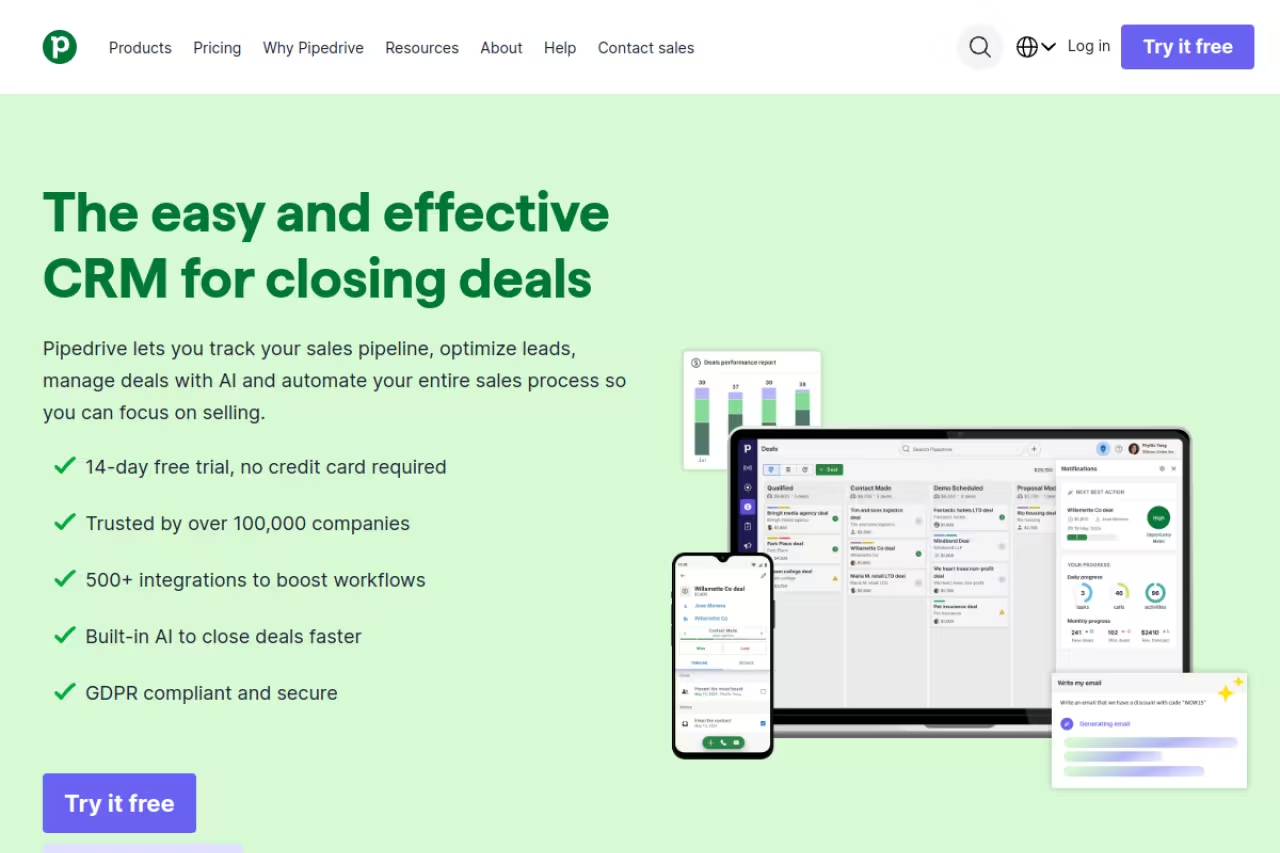
Pipedrive was built by salespeople who were tired of CRMs designed for managers to run reports. It shows. The core experience is a visual pipeline where you drag deals between stages, and almost everything else hangs off that simple idea.
Who it's best for: small and mid-sized sales teams that want a tool reps will actually open every day without being forced to. If your sales motion is deal-based and you care about pipeline velocity over heavy marketing automation, this is the sweet spot.
The sweet spot for small and mid-sized deal-based teams that want reps to open the tool daily, with adoption in an afternoon. It is a sales CRM, not a marketing platform, and big teams needing granular permissions will eventually outgrow it.
four plans, billed annually. Lite is $14 per seat, Growth is $39, Premium is $49, and Ultimate is $79 per seat per month, per the official pricing page. There's a 14-day free trial with no card required. Most teams land on Growth or Premium once they want automation and email sync.
The standout: adoption. I've handed Pipedrive to non-technical reps and had them productive in an afternoon. The drag-and-drop pipeline, activity reminders, and email integration cover what a working salesperson needs without a training program.
Where it falls short: it's a sales CRM, not a marketing platform. Native marketing tooling is thin, and you'll feel the per-feature limits on the lower plans (the Lite tier caps automations and reporting hard). Big teams that need granular permissions and deep customization will eventually outgrow it.
HubSpot: when sales and marketing live under one roof
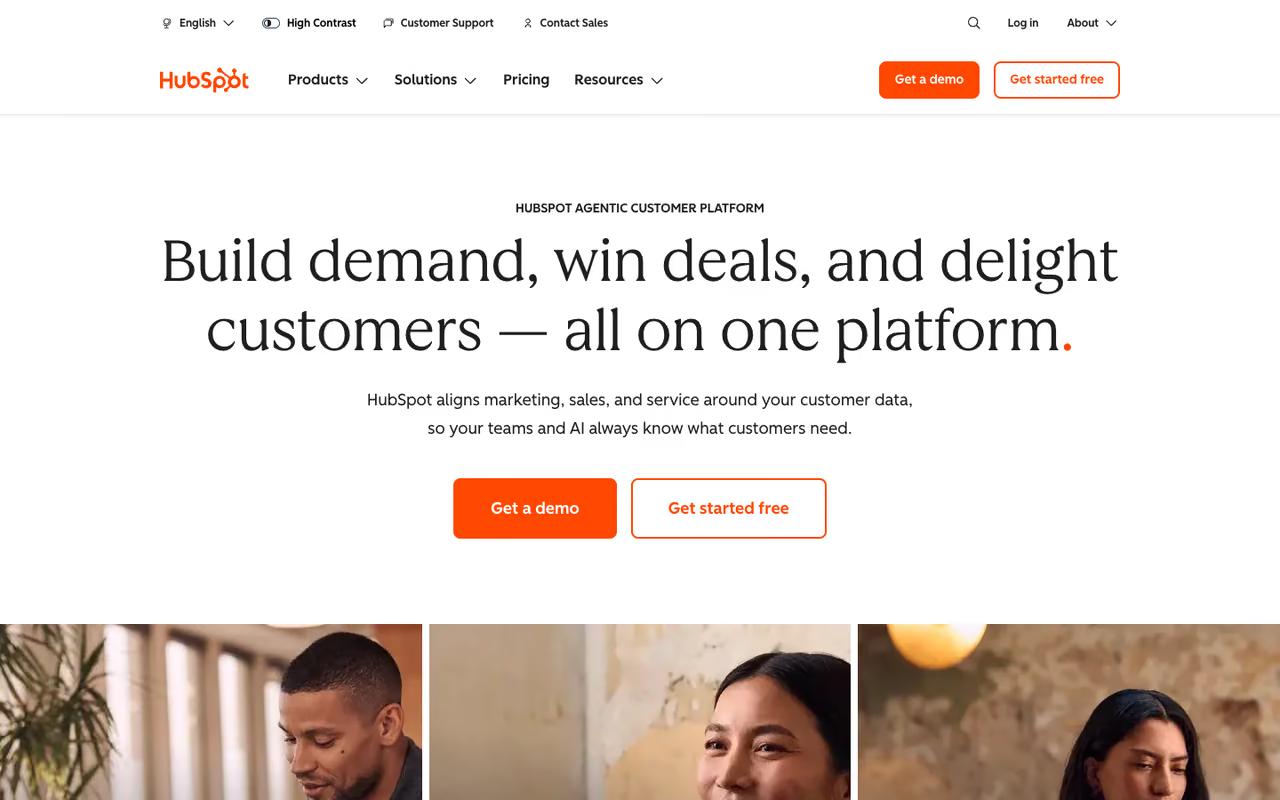
HubSpot started as marketing software and grew a serious sales product around it. That history is the reason to pick it: if your leads come from content, ads, and forms, having the CRM share the same contact records as your marketing tools removes a lot of duct tape.
Who it's best for: SMB and mid-market teams where sales and marketing need to operate from one system. Also a strong choice if you want to start free and grow into paid tiers gradually.
Go with HubSpot when sales and marketing need one system, or you want to start free and grow into paid tiers. The Starter to Professional jump is steep, onboarding fees sting, and a pure-sales team pays for breadth it may not use.
the free CRM is genuinely usable for a small team. Sales Hub Starter is $15 per seat per month annually, Professional is $100 per seat, and Enterprise is $150 per seat, according to HubSpot's pricing. The catch most people miss: Professional carries a mandatory $1,500 onboarding fee in year one, and Enterprise adds $3,500.
The standout: the free tier and the way the whole ecosystem connects. You can run a real sales pipeline at $0, then bolt on marketing, service, and reporting as you scale, all sharing the same data.
Where it falls short: the jump from Starter to Professional is steep, and the onboarding fees sting. Power features (sequences, custom reporting, deal automation) sit behind Professional. Once you're committed, switching costs are high because so much of your operation runs through it. For a pure-sales team with no marketing overlap, you're paying for breadth you may not use.

Salesforce: the enterprise standard, for better and worse
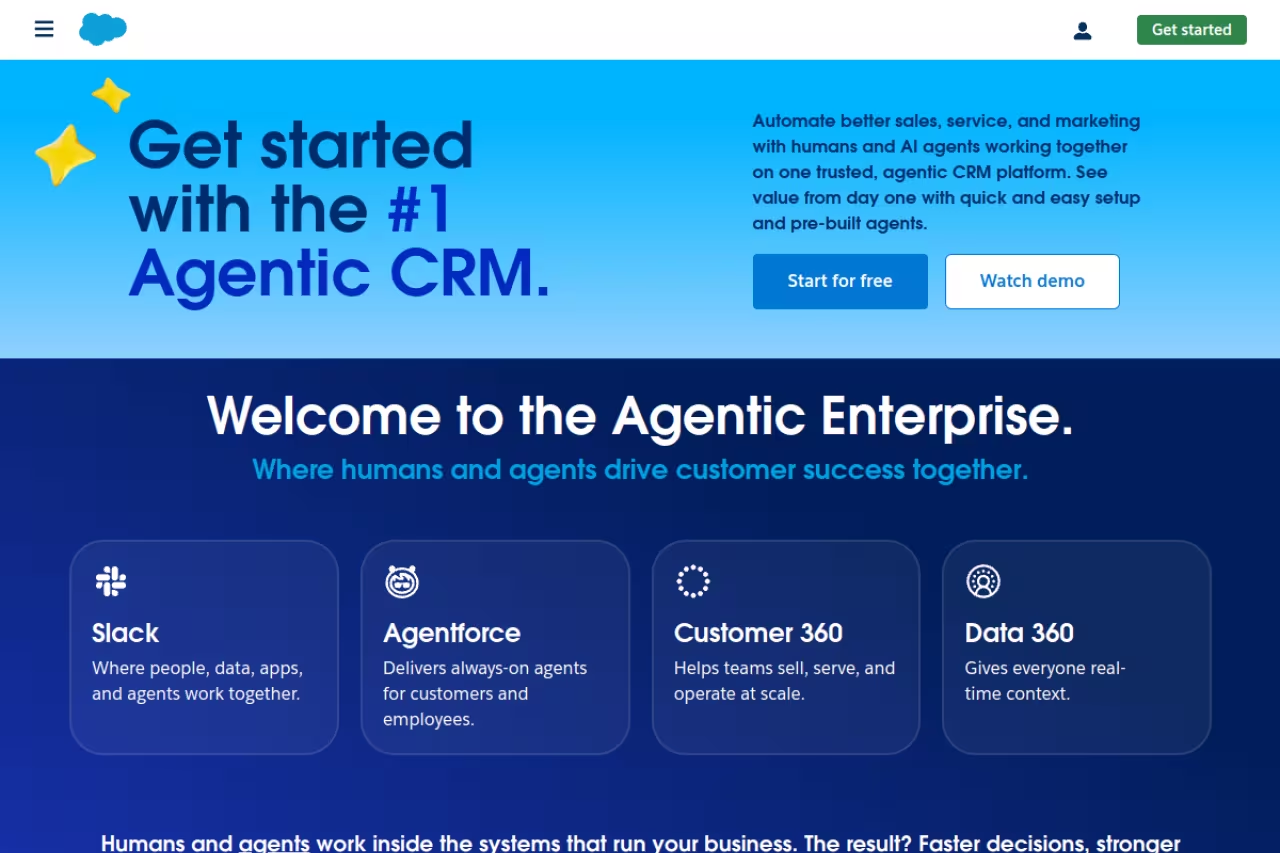
Salesforce is the CRM other CRMs measure themselves against. There is almost nothing it can't be configured to do. That power is exactly why it's the wrong choice for a lot of teams that buy it anyway.
Who it's best for: larger organizations (think 100+ reps) with complex sales processes, multiple teams, and the budget for at least one dedicated admin. If you need territory management, deep approval workflows, and a custom object model, this is where you land.
The enterprise standard for larger organizations with complex processes, multiple teams and a dedicated admin, with a ceiling nothing matches. Total cost of ownership is the problem, and it is overkill for most companies under 50 reps.
Sales Cloud runs from Starter Suite at $25 per user per month up through Pro Suite at $100, Enterprise at $175, Unlimited at $350, and the Agentforce 1 Sales tier at $550 per user per month, based on Salesforce's pricing. All paid plans require annual contracts. Phone support (Premier Success) costs roughly 30% of your license fees on top.
The standout: customization and the AppExchange ecosystem. Whatever niche workflow or integration you need, someone has built it. For complex enterprise sales, nothing matches the ceiling.
Where it falls short: total cost of ownership. The sticker price is the start. Implementation, admin salaries, add-ons, and support contracts can multiply year-one costs several times over. Small teams that buy Salesforce usually use 15% of it and resent the other 85%. It's overkill for most companies under 50 reps.

Creatio: complex sales process without the admin overhead
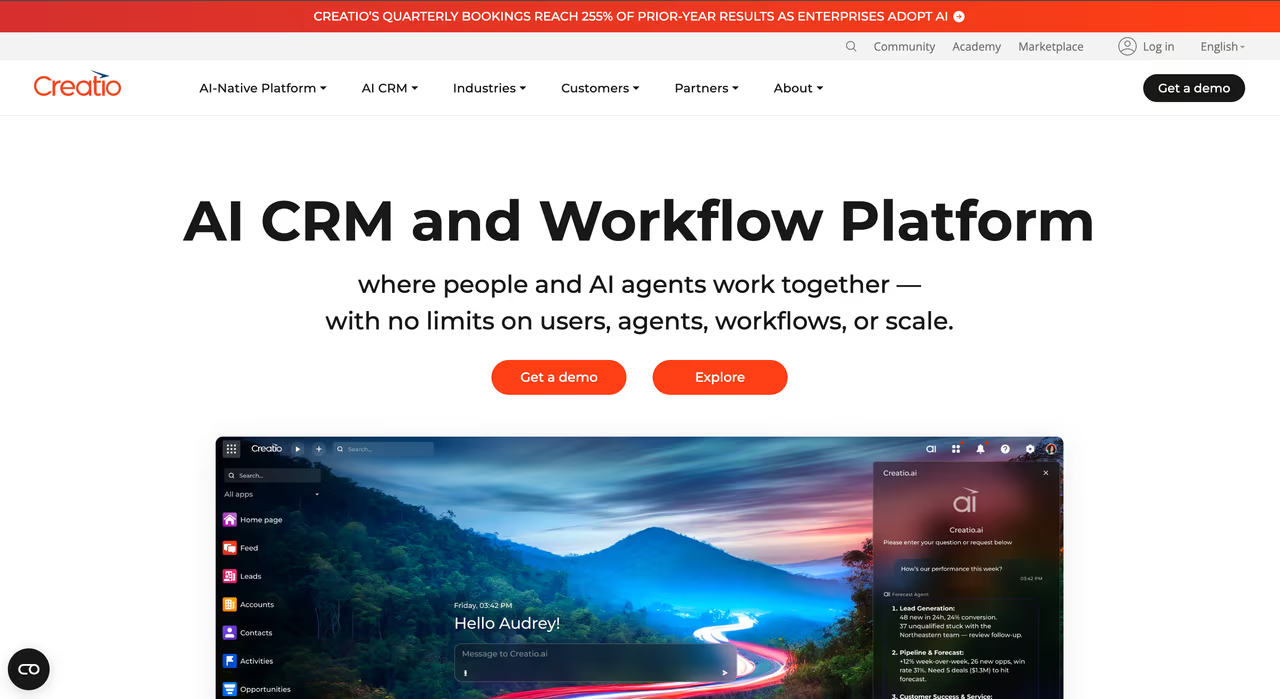
Creatio suits sales teams whose process doesn't fit a standard pipeline, multi-stage deals, approvals, territories, several teams working the same account. What sets it apart is the setup model: business users assemble the sales process, screens, and AI agents themselves instead of queuing behind developers. CRM and workflow automation sit on one data model, so quoting, approvals, and adjacent operations live in the same system as the pipeline.
Who it's best for: midsize and large sales organizations with genuine process complexity that don't want a dedicated admin team or a year-long rollout. Field and partner sales are covered natively, which most tools on this list leave to integrations.
Suited to midsize and large sales organizations with genuine process complexity that do not want a dedicated admin team or a year-long rollout. Entry cost lands above SMB tools, there is no self-serve trial, and its app ecosystem is thinner than Salesforce's.
composable, and you assemble it. The core platform starts at $40 per user per month (Growth tier, $75 for Enterprise), with the Sales product adding $15 per user per month on top. CRM products aren't sold on their own, so the platform license always counts toward the total. An Unlimited Enterprise plan removes caps on users, agents, workflows, and applications. AI is included in every plan rather than metered per action.
The standout: AI agents that absorb the admin. They research accounts, prep meetings, explain forecast movement, recommend the next step, and draft follow-ups, and they surface inside Outlook and Teams, so reps aren't asked to live in a second window. Adjusting one doesn't require a developer.
Where it falls short: there's no free tier and no self-serve trial, evaluation runs through a guided demo. Entry cost lands above the SMB tools once the platform license is counted; the build-it-yourself flexibility takes some learning, and the third-party app ecosystem is thinner than Salesforce's.

Close: built for teams that live on the phone
Close made one bet that still sets it apart: calling, SMS, and email belong inside the CRM, not bolted on through a third-party integration. For inside sales teams running high call volume, that bet pays off daily.
Who it's best for: SDR and inside-sales teams that dial a lot. If your reps make 50+ calls a day and you want the dialer, the recording, and the follow-up sequence all in one window, Close is purpose-built for it.
Purpose-built for SDR and inside-sales teams that dial a lot, with dialer, recording and SMS sequences in one window. If your team does little calling you are paying for the wrong strength, and usage charges can surprise you.
Solo is $9 per user per month annually, Essentials is $35, Growth is $99, and Scale is $139 per user per month. Calling and SMS are usage-based on top of the base plan. There's a 14-day trial with no card required. The predictive dialer lives on the Scale tier.
The standout: the built-in communication stack. Power dialer, call recording, and SMS sequences mean a rep can work a list without leaving the record. The AI agent (Chloe) handles call summaries and follow-up drafting, which cuts admin time noticeably.
Where it falls short: if your team doesn't do much calling, you're paying for the wrong strength. Reporting is decent but not as deep as Salesforce, and the calling usage charges can surprise teams that don't model them. It's narrow on purpose, and that narrowness is a downside outside its lane.
Attio: the CRM that feels like it was built this decade
Attio is what happens when someone rethinks the CRM from a data model up. It behaves more like a fast, relational spreadsheet than a rigid record system, and it syncs in real time. For startups that find legacy CRMs clunky, it's a breath of air.
Who it's best for: modern startups and GTM teams that want to shape the CRM around their own workflow instead of forcing their process into someone else's boxes. Especially good for product-led and data-driven teams.
A fast, modern CRM for startups and GTM teams who want to shape it around their own workflow, especially product-led and data-driven ones. Its integration library is less mature than HubSpot's, and phone-heavy teams will miss native calling.
there's a free plan for up to 3 users with 250 automation credits a month. Plus is $29 per seat, Pro is $69 per seat (both annual), and Enterprise starts around $119, per Attio's pricing. The free tier is more capable than most.
The standout: the flexible data model and speed. You can build custom objects, link records however you want, and the interface stays fast even with a lot of data. Auto-enrichment pulls company and contact details so reps spend less time on manual entry.
Where it falls short: it's newer, so the integration library and template ecosystem aren't as deep as HubSpot's or Salesforce's. Teams that want a mature, opinionated sales process out of the box may find the blank-canvas flexibility is more setup than they want. Phone-heavy teams will miss native calling.

Folk: the lightweight pick for relationship selling
If a deal-stage pipeline feels too heavy for how you actually sell, Folk is worth a look. It treats the CRM as a smart, shared contact book with just enough pipeline on top, which suits founder-led and relationship-driven sales.
Who it's best for: small teams, agencies, and founders whose sales depend on warm relationships more than a high-velocity pipeline. If you're selling through your network and partnerships, Folk fits the way you work.
A fit for small teams, agencies and founders whose sales depend on warm relationships, with LinkedIn capture, enrichment and sequences in one place. It is deliberately light, so expect to hit the ceiling on forecasting, reporting and heavy automation.
there's a free trial (14 days, defaults to Premium features). Standard is $24 per user per month annually, Premium is $48, and Custom starts at $80, per Folk's pricing. Standard already includes enrichment credits, email campaigns, and the folkX Chrome extension for pulling contacts off LinkedIn.
The standout: speed and the enrichment-plus-outreach combo. The folkX extension grabs contacts straight from LinkedIn, enrichment fills in the gaps, and you can run email sequences without a separate tool. For a lean team, that's a lot of the stack in one place.
Where it falls short: it's deliberately light. If you need detailed deal forecasting, complex reporting, or heavy automation, you'll hit the ceiling fast. The credit limits on enrichment and messages matter if you're prospecting at volume. It's a relationship CRM, not a sales-ops machine.
If you're piecing together a full outbound stack around your CRM, the Dupple X toolkit and our roundup of the best AI SDR tools cover the prospecting and outreach layers that sit on top.
Freshsales: AI features without the enterprise price
Freshsales packs lead scoring, a built-in phone, and AI assistance into a price most small teams can swallow. It's the value pick for outbound-leaning teams that want modern features without a Salesforce budget.
Who it's best for: budget-conscious outbound teams that still want AI deal scoring and built-in communication. Good for SMBs scaling their first real sales process.
The value pick for budget-conscious outbound teams and SMBs scaling their first real sales process, with AI scoring and a built-in phone at a low entry cost. Upsell pressure toward the wider Freshworks suite is constant, and support quality varies.
a free plan supports up to 3 users with unlimited contacts. Growth starts around $11 per user per month, Pro at $47, and Enterprise at $71 (annual billing), with a 21-day trial. The AI assistant (Freddy) shows up even on lower tiers, which is unusual at this price.
The standout: AI features at a low entry cost. Predictive contact scoring, built-in phone and email, and sales sequences come together for a fraction of what HubSpot Professional costs. The free tier is a real starting point, not a demo.
Where it falls short: it's part of the broader Freshworks suite, and the upsell pressure toward other products is constant. Some advanced reporting and automation are gated to higher tiers, and the interface, while clean, can feel busy as you add modules. Support quality is hit or miss depending on your plan.
How to choose without overthinking it
Forget the feature checklists for a minute. Pick based on two things: your sales motion and who's going to administer the tool.
Start with the motion. Phone-heavy inside sales points to Close. Marketing-driven inbound points to HubSpot. Relationship and network selling points to Folk. A clean deal pipeline for a growing team points to Pipedrive. Data-heavy modern startup points to Attio. Outbound on a budget points to Freshsales. Genuine enterprise complexity points to Salesforce.
Then check the admin reality. If nobody on your team wants to (or can) administer a CRM, rule out Salesforce immediately. The tools reps adopt without training (Pipedrive, Folk, Attio) win on real-world usage, and a CRM your team ignores is worthless no matter how powerful it is.
A practical rule I use: run the free trial with your two most skeptical reps, not your most enthusiastic one. If the skeptics log their deals without nagging by day three, you've found the right tool. If they don't, the forecast you build on it will be wrong.
Whichever CRM you land on, the deals still have to come from somewhere. If you want a steady feed of warm prospects and the AI-tooling news that keeps your team sharp, Dupple X is the unfair advantage worth a look. Try it with the yearly trial and see what lands in your pipeline.
For more on the surrounding stack, see our guides to the best AI sales tools, best CRM for B2B, and best AI lead generation tools.
Frequently asked questions
What is the best CRM for a small sales team?
For most small sales teams, Pipedrive is the strongest all-around pick because reps adopt it fast and it starts at $14 per user per month. If you want a free starting point, HubSpot's free CRM or Freshsales' free plan (both up to 3 users) let you run a real pipeline at $0 before committing to a paid tier.
How much does a sales CRM cost per user?
Entry sales CRMs start around $9 to $15 per user per month on annual billing (Close Solo at $9, HubSpot Starter at $15, Pipedrive Lite at $14). Mid-tier plans that include automation and reporting run $40 to $100 per user. Enterprise platforms like Salesforce reach $175 to $550 per user per month before add-ons and onboarding fees.
Is Salesforce worth it for a small business?
For most businesses under 50 reps, no. Salesforce's power comes with real overhead: annual contracts, paid support, and usually a dedicated admin. Small teams typically use a fraction of its features and would get faster adoption and a lower total cost from Pipedrive, HubSpot, or Freshsales. Salesforce earns its keep when you have genuine enterprise complexity and a team to run it.
Which CRM is best for outbound and cold calling?
Close is built for it. Calling, SMS, a power dialer, and email sequences live inside the CRM, so reps work a list without switching tools, and the predictive dialer (on the Scale plan) handles high volume. Freshsales is a cheaper alternative with a built-in phone if you don't need the dialer. Pair either with strong prospecting data to keep the pipeline full.
Do I need a CRM with AI features?
In 2026, most quality CRMs include AI for call summaries, lead scoring, and follow-up drafting, and these genuinely save admin time. But AI is a multiplier, not a foundation. A CRM your reps actually use beats a feature-rich one they ignore. Pick for adoption and sales motion first; treat AI scoring and automation as the tiebreaker between two tools you'd otherwise be happy with.
Can I switch CRMs later without losing my data?
Yes, but plan for friction. Most CRMs export contacts, deals, and activity to CSV, and tools like Pipedrive, HubSpot, and Attio have import wizards built for migration. The hard part is mapping custom fields and re-creating automations, not moving the raw records. This is why heavily customized Salesforce instances are the most painful to leave: the data moves easily, but the configuration doesn't.
Related guides
Some offers on this page may be paid placements or contain affiliate links.
Across our whole catalogue the median is $24 a month and 33% of tools advertise a free tier. Figures are the lowest recurring monthly price quoted in our own review of each tool, read on 2026-08-19. Full method and every category.
