
Best CRM for Service Businesses (2026)

Key facts8 tools compared: Jobber, Housecall Pro, HubSpot, Pipedrive, Zoho CRM, ServiceTitan, Thryv…
- 8 tools compared: Jobber, Housecall Pro, HubSpot, Pipedrive, Zoho CRM, ServiceTitan, Thryv, monday CRM
- Jobber (best for: Small field-service teams): $49 / $139 / $199
- Housecall Pro (best for: Home-service pros who text customers): $59 / $149 / $299
- HubSpot (best for: Office-based service teams on a budget): Free / $20 per seat
- Pipedrive (best for: Consultants tracking a sales pipeline): $14 to $99 per seat
A service business lives and dies on the work after the sale. The quote, the booking, the technician showing up on time, the invoice that goes out before everyone forgets, the follow-up that turns a one-off job into a contract. A generic sales CRM tracks deals and then goes quiet. A service CRM has to run the whole job.
That is the split that trips up most people shopping for software. The "best CRM" lists are written for software companies chasing pipeline, so they push you toward tools that were never built to dispatch a crew or attach a price book to a quote. If you run a plumbing outfit, a cleaning company, a consulting practice, or a marketing agency, your needs are different and the right tool depends heavily on whether you send people into the field.
This guide reads the fine print on every pricing page below and compares what each tool actually delivers. Short version: if you do field work, Jobber is the best all-around pick for most small service teams in 2026. If your "service" is meetings and deliverables rather than truck rolls, HubSpot gives you the most for free. The rest depends on your size and how much of the job lives in the field.
Quick comparison
| Tool | Best for | Price (monthly) | Standout |
|---|---|---|---|
| Jobber | Small field-service teams | $49 / $139 / $199 | Quote-to-invoice flow that just works |
| Housecall Pro | Home-service pros who text customers | $59 / $149 / $299 | Customer communication and booking |
| HubSpot | Office-based service teams on a budget | Free / $20 per seat | Best free CRM, room to grow |
| Pipedrive | Consultants tracking a sales pipeline | $14 to $99 per seat | Cleanest pipeline UI |
| Zoho CRM | Teams wanting automation cheaply | $14 to $52 per seat | Most features per dollar |
| ServiceTitan | High-volume trades (HVAC, electrical) | $245+ per tech | Enterprise field operations |
| Thryv | Local small businesses, all-in-one | $199 to $499 | CRM plus marketing and booking |
| monday CRM | Project-heavy service teams | $12 to $28 per seat | Visual workflows, easy to bend |

Jobber: the best all-around pick for field service
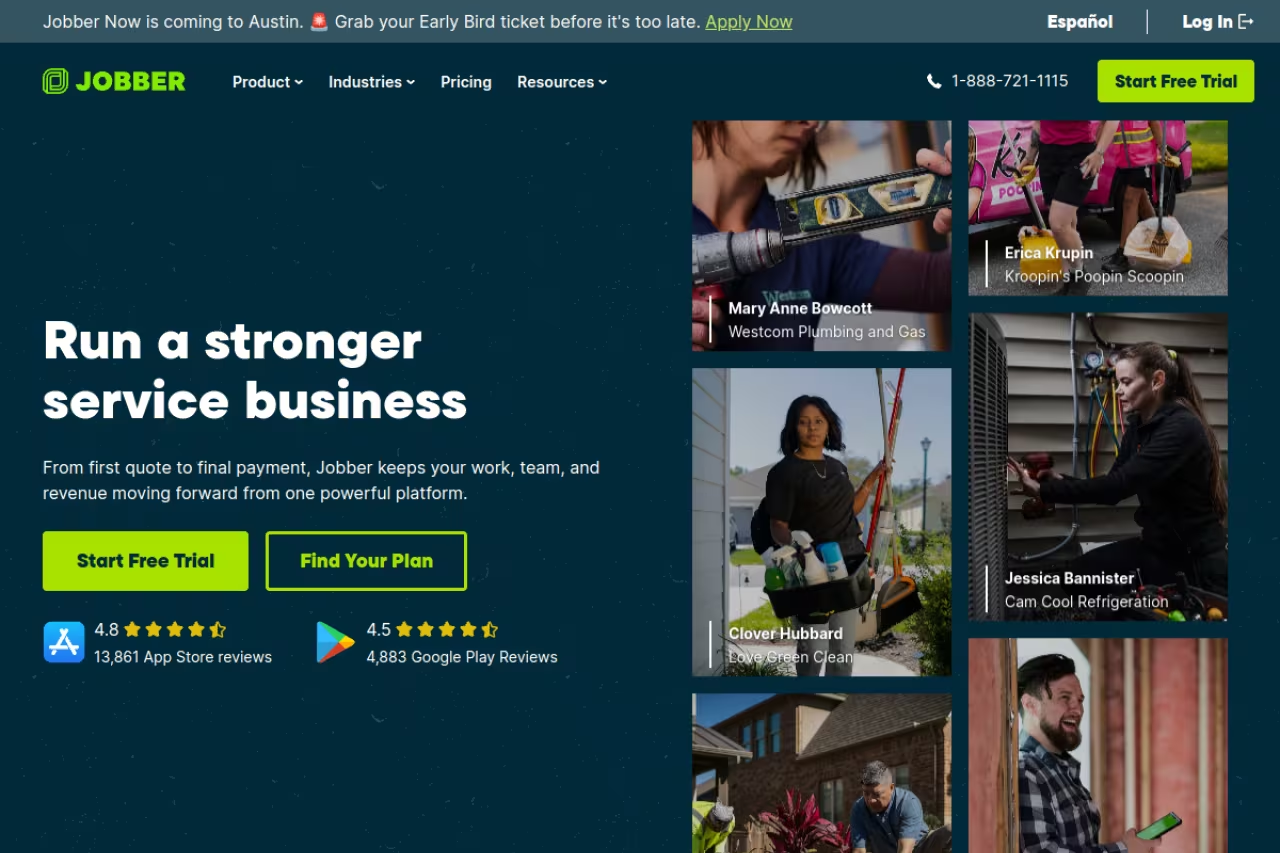
Jobber is field-service management software with a real CRM underneath it. It runs the full arc of a job: a customer requests work, you send a quote, they approve it, you schedule a visit, the tech does the work, and an invoice goes out, often before the truck leaves the driveway. Every client record holds the full history so nobody digs through email.
The best all-rounder for small to mid-size teams that send people on-site, thanks to a smooth quote-to-cash flow and per-business pricing. The cheap Core plan is bare, so most real businesses end up on Connect or higher, with AI add-ons on top.
I rank it first for the quote-to-cash flow. Quotes convert to jobs with one click, jobs convert to invoices, and the whole thing syncs to QuickBooks Online without re-keying anything.
Pricing is per business, not per seat, which is rare and welcome. According to Jobber's pricing page, Core is $49/mo for one user, Connect is $139/mo for up to five users, and Grow is $199/mo for up to ten. Annual billing roughly halves those numbers, and there is a 14-day free trial with no card required.
The catch: the cheap Core plan is genuinely bare. The features that make Jobber feel automated, two-way texting, automatic reminders, job costing, live on Connect and Grow, so most real businesses end up paying $139 or more. The AI Receptionist and Marketing Suite are paid add-ons on top.
Housecall Pro: best for home-service customer communication
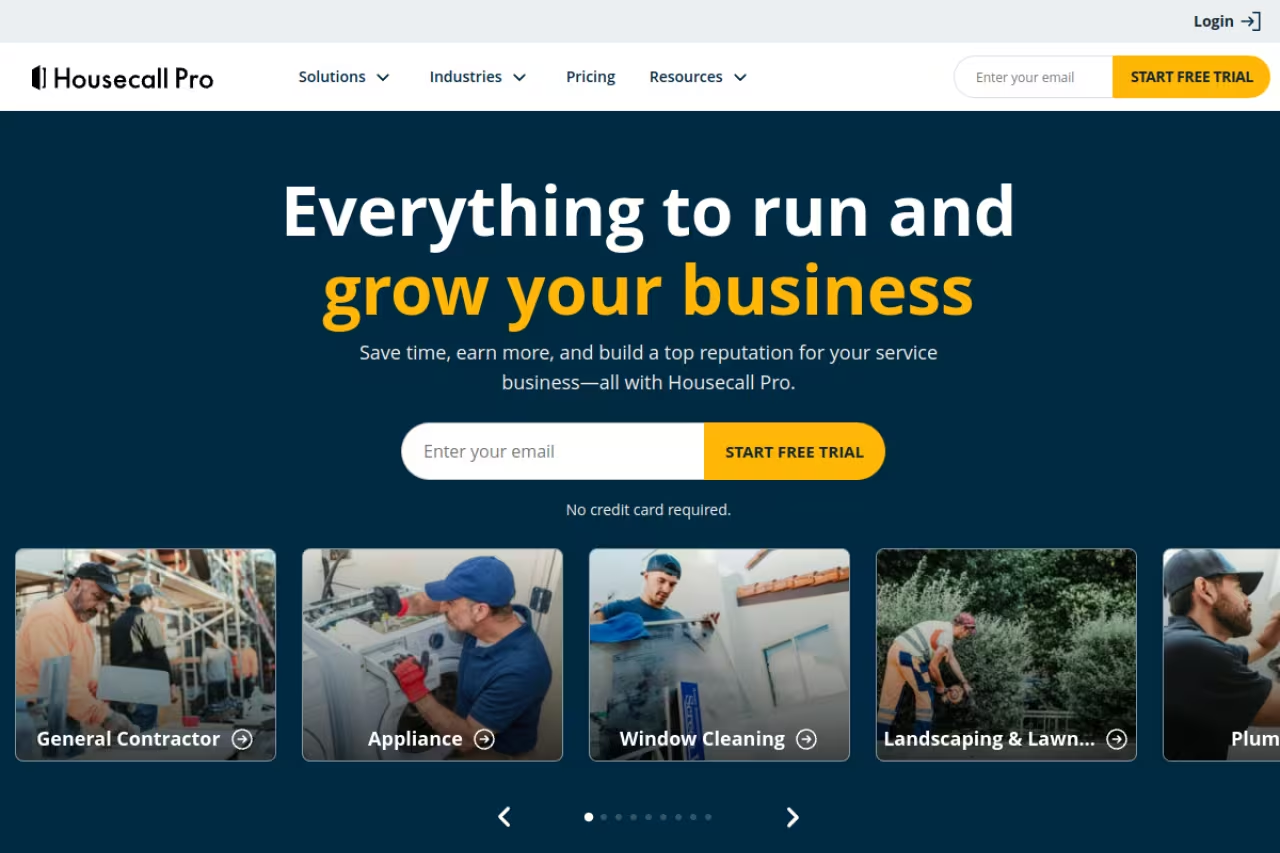
Housecall Pro overlaps with Jobber but leans harder into the customer-facing side of home services. Where it pulls ahead is communication: automated text updates when a tech is on the way, in-app review requests, postcard and email marketing, and online booking that drops straight onto the schedule. For a business that wins repeat work by being easy to reach, that matters.
It fits plumbers, HVAC techs, cleaners, and electricians who want booking, dispatch, and customer messaging in one place. The customer experience is the standout. The "on my way" texts and tracking links make a two-truck operation look like a franchise.
Per Housecall Pro's pricing, Basic is $59/mo for one user, Essentials is $149/mo for up to five, and MAX is $299/mo for up to eight (extra seats $35/mo). Card processing starts at 2.59%, bank payments 1%. The free trial gives you 14 days on MAX features.
Where it falls short: payment processing fees stack up if you push a lot of volume through their card reader, and the marketing tools that justify the higher tiers are upsell-heavy. Reporting is thinner than Jobber's once you want to slice revenue by job type or tech.
Pick it for plumbers, HVAC techs, cleaners and electricians who win repeat work by being easy to reach, with on-my-way texts and online booking. Card processing fees stack up, the higher tiers are upsell-heavy, and reporting is thinner than Jobber's.

HubSpot: the best free CRM for office-based service teams
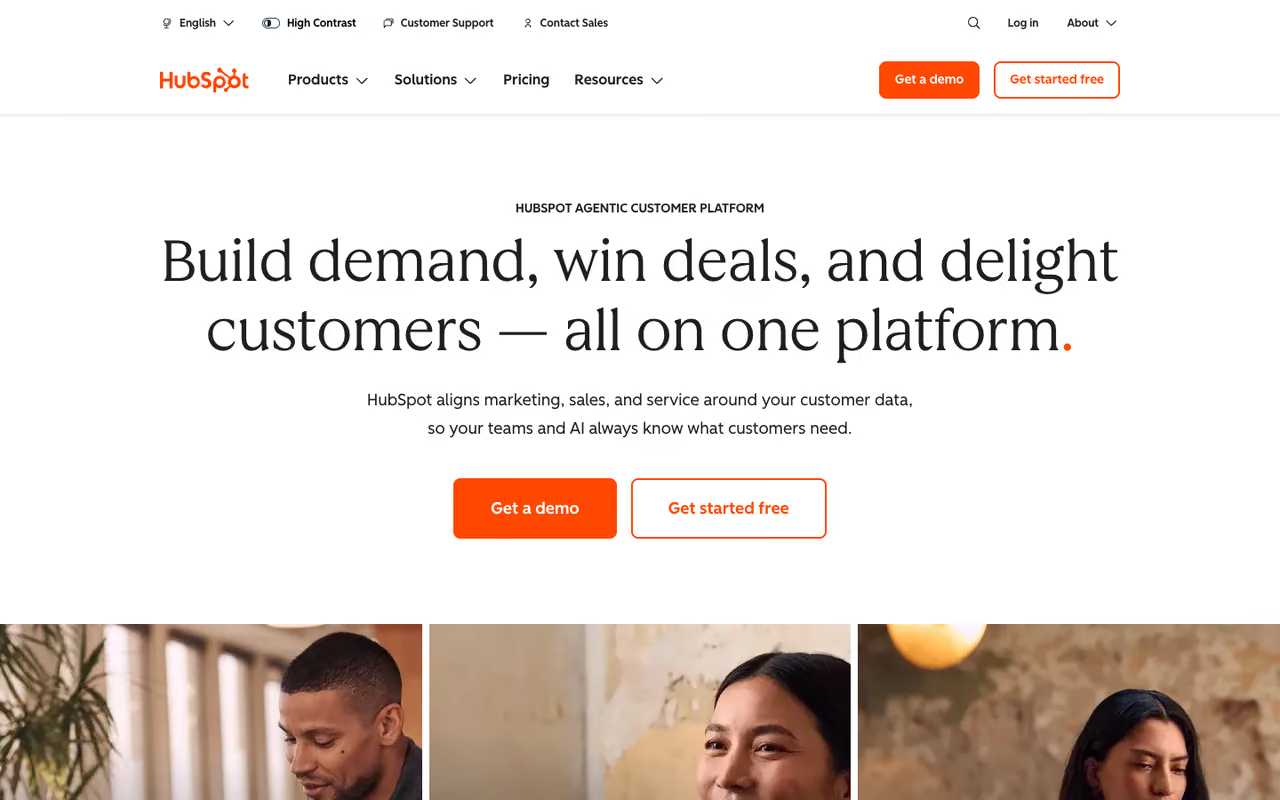
Not every service business sends people into the field. If you run a consultancy, an accounting practice, a law firm, or an agency, your "service" is meetings, deliverables, and renewals. For that, HubSpot is the strongest starting point because the core CRM is free for unlimited users and it never makes you migrate later.
HubSpot's free tier covers contact and deal management, email tracking, meeting scheduling, live chat, and basic ticketing. That is enough to run client relationships for a small office team at zero cost. When you outgrow it, the Service Hub Starter is around $20 per seat per month, and the heavier Professional tier jumps to roughly $500/mo for five seats. HubSpot's own pricing page lays out the tiers.
The standout is the free plan paired with one of the better customer-service ticketing setups in this list. You can field support requests, route them, and track resolution without buying anything.
The catch: the gap between free and Professional is a cliff, not a ramp. The moment you need real automation or custom reporting you are staring at a $500/mo bill. And HubSpot has no field-service features at all, so if you dispatch crews, skip it.
The strongest free starting point for office-based service teams like consultancies, accounting practices and agencies, with solid ticketing included. The gap between free and Professional is a cliff, and it has no field-service features if you dispatch crews.

Pipedrive: best for consultants who live in a pipeline
Pipedrive is a sales-first CRM, and that focus is the point. If your service business runs on landing new clients, proposals, and retainers, its visual pipeline is one of the clearest ways to see where every deal sits. Drag a card from one stage to the next and the whole team knows the status.
It suits consultants, freelancers, and agencies managing a steady flow of incoming work rather than dispatching technicians. The standout is how little training it takes. New hires understand the board in an afternoon.
Pipedrive's plans run from $14 per seat per month on Essential up to $99 on the top tier (annual billing), with Advanced around $34 and Professional around $49 being the sweet spot for most teams.
Where it falls short: it is a sales tool, not a service-delivery tool. There is no native quoting tied to a price book, no scheduling for field visits, and the post-sale side is thin. You will likely bolt on other software for the actual work. For relationship management it is excellent; for running jobs it is not.
Great for consultants, freelancers and agencies whose business runs on landing new clients, proposals and retainers, with a pipeline anyone grasps in an afternoon. It is a sales tool, so scheduling and running jobs mean bolting on other software.
Zoho CRM: the most features per dollar
Zoho CRM is the value play. It does almost everything the expensive tools do, automation, custom modules, workflow rules, AI assistance, for a fraction of the price, and it plugs into the rest of the Zoho suite (Books, Desk, Projects) if you want one vendor for the whole business.
It works for teams that are comfortable doing a little setup themselves and want maximum capability on a tight budget. The standout is the price-to-power ratio: Standard is $14 per seat per month, Professional $23, Enterprise $40 (annual billing), per Zoho's pricing page. Enterprise-grade automation for what HubSpot charges for its entry tier is hard to argue with.
The catch is the learning curve. Zoho's flexibility comes from a settings maze, and the interface feels dated next to Pipedrive or monday. If you want something that works the moment you log in, this is not it. If you are willing to invest a weekend in configuration, few tools give you more.
The value play for teams comfortable doing some setup who want maximum capability on a tight budget. The learning curve and settings maze are real, and the interface feels dated, but few tools give you more for the price.
Setting up your CRM is the first system most service teams build. If you want a sharper read on which AI tools are worth adding to that stack, my top tools shortlist and Dupple X are a faster way to keep up than reading release notes all week.

ServiceTitan: enterprise field operations for the trades
ServiceTitan is the heavyweight built for high-volume residential and commercial trades: HVAC, plumbing, electrical, garage doors. It is not really a CRM you compare to Pipedrive. It is an operating system for a contracting business, with dispatch boards, flat-rate price books, call tracking, financing, and marketing attribution baked in.
It fits established trades businesses with multiple crews and real call volume, the kind doing seven figures and up. The standout is depth: nothing else here comes close to its dispatch, capacity planning, and revenue reporting for a busy field operation.
ServiceTitan does not publish pricing. Independent breakdowns put it around $245 to $400+ per technician per month, plus implementation and training fees that can run into five figures in year one. For a five-tech shop that is well over $1,000/mo before add-ons.
Where it falls short: cost and complexity. It is overkill, and over-budget, for anyone under roughly ten technicians, and the contracts and onboarding are a commitment. Buy it when you have outgrown Jobber or Housecall Pro, not before.
The heavyweight for established trades businesses with multiple crews and real call volume, with unmatched dispatch and revenue reporting. Pricing is unpublished and steep with implementation fees, so buy it only after you have outgrown Jobber or Housecall Pro.
Thryv: all-in-one for the local small business
Thryv bundles CRM with the other things a local service business juggles: appointment booking, invoicing, email and text marketing, online reputation, even a website. The pitch is one login instead of five subscriptions, which appeals to owners who would rather run the business than wire tools together.
It suits non-technical owners of small local businesses, salons, repair shops, professional services, who want marketing and CRM in one place. The standout is breadth: a functional CRM plus the marketing and booking layer most small teams otherwise cobble together.
Thryv's Business Center runs roughly $199/mo (Plus) to $499/mo (Unlimited), with bundles that add marketing and command-center features on top, plus a one-time onboarding fee.
The catch: you pay for the bundle whether or not you use every piece, and the individual modules are decent rather than best-in-class. A dedicated tool beats Thryv on any single axis. The value is in consolidation, so it pays off only if you would have bought several of those tools anyway.
An all-in-one for non-technical owners of small local businesses like salons and repair shops who want booking, marketing and CRM under one login. You pay for the whole bundle, and a dedicated tool beats each module on its own.
monday CRM: best for project-heavy service teams
monday CRM sits on top of monday's work-management platform, so it bends to almost any process you can draw on a whiteboard. For service teams where the relationship and the delivery project are tightly linked, agencies, implementation firms, studios, that flexibility is the draw. You can track a deal and the project that follows it in one workspace.
It works for teams that already think in boards and want their CRM and their work in one tool. The standout is customization without code. If your process is unusual, monday adapts where rigid CRMs make you adapt to them.
A flexible fit for agencies, implementation firms and studios whose deals and delivery projects are tightly linked, if your team already thinks in boards. It is a platform pretending to be a CRM, with no field-service capability and a three-seat minimum.
Pricing starts at $12 per seat per month (Basic), $17 (Standard), and $28 (Pro) on annual billing, with a three-seat minimum on every paid plan, so the real floor is higher than the per-seat number suggests.
Where it falls short: it is a platform pretending to be a CRM, so out of the box it is less of one than Pipedrive and you do more assembly. There is no field-service capability, and the three-seat minimum makes it a poor fit for solo operators.
How to choose
Start with one question: does your service involve sending people to a location? If yes, you want field-service software, not a sales CRM, and the choice narrows to Jobber (most small teams), Housecall Pro (communication-heavy home services), or ServiceTitan (large trades with multiple crews). Trying to run dispatch out of Pipedrive or HubSpot will cost you more in workarounds than the software saves.
If your service is office-based, meetings and deliverables, then it is a relationship-management problem. HubSpot free is the no-risk starting point, Pipedrive if you want the cleanest pipeline, Zoho CRM if budget is tight and you do not mind setup, monday CRM if the work and the relationship live in the same project.
Then weigh seat math. Per-business pricing (Jobber, Housecall Pro) beats per-seat pricing once you have more than a couple of users. Per-seat tools (Pipedrive, Zoho, monday) stay cheap for small teams and get expensive as you hire. Map your headcount over the next year before you commit, because migrating a CRM mid-growth is the kind of pain you only want to feel once.
If you are still building out the broader stack around your CRM, the best AI sales tools and best appointment scheduling software round-ups pair naturally with whatever you pick here, and the best AI scheduling assistants guide covers the calendar layer most service teams bolt on next.
Want the AI angle on all of this delivered in five minutes a day? Dupple X is the trial I would point a busy operator toward.
Frequently asked questions
What is the best CRM for a small service business?
For most small service businesses that do field work, Jobber is the best all-around pick because it handles quoting, scheduling, and invoicing in one flow and charges per business rather than per seat. If your work is office-based, HubSpot's free CRM is the strongest no-cost starting point.
What is the difference between a CRM and field-service software?
A CRM tracks contacts, deals, and the relationship. Field-service software adds the operational side of the job: scheduling technicians, dispatching, mobile work orders, on-site invoicing, and price books. Tools like Jobber and Housecall Pro are field-service platforms with a CRM built in, which is what most home-service businesses actually need.
Is there a free CRM good enough for a service business?
Yes, for office-based teams. HubSpot's free tier supports unlimited users with contact management, deal tracking, ticketing, and meeting scheduling, and Zoho offers a free plan for very small teams. Field-service businesses have fewer free options because dispatch and scheduling almost always sit behind a paid plan.
How much should a service business expect to pay for a CRM?
A small field-service team typically lands between $49 and $200 per month on Jobber or Housecall Pro. Per-seat CRMs like Pipedrive or Zoho run roughly $14 to $50 per user monthly. High-volume trades using ServiceTitan pay $245 or more per technician per month plus setup fees.
Do I need ServiceTitan or is Jobber enough?
If you run fewer than about ten technicians, Jobber or Housecall Pro is almost always enough and far cheaper. ServiceTitan earns its cost once you have multiple crews, heavy call volume, and need advanced dispatch and marketing attribution. Most growing trades start on Jobber and move up only when they hit its limits.
Related guides
Some offers on this page may be paid placements or contain affiliate links.
Across our whole catalogue the median is $24 a month and 33% of tools advertise a free tier. Figures are the lowest recurring monthly price quoted in our own review of each tool, read on 2026-08-19. Full method and every category.
