
The 8 Best Product Analytics Tools in 2026

Key facts8 tools compared: PostHog, Amplitude, Mixpanel, Heap, Statsig, Pendo, Hotjar, Microsoft Clarity
- 8 tools compared: PostHog, Amplitude, Mixpanel, Heap, Statsig, Pendo, Hotjar, Microsoft Clarity
- PostHog (best for: Engineering-led startups): Free to 1M events/mo, then usage-based
- Amplitude (best for: Enterprise & growth teams): Free, Plus $49/mo, Growth custom
- Mixpanel (best for: Self-serve SaaS, PMs): Free to 1M events, Growth from $0/mo usage
- Heap (best for: Teams who hate instrumenting): Free to 10K sessions/mo, then custom
Every product team I've worked with hits the same wall. You ship features, users do something with them, and nobody can say with confidence what actually moved retention. Google Analytics tells you about pageviews. Your database tells you about rows. Neither tells you whether the new onboarding flow is making people stick around or quietly driving them away.
That gap is what product analytics tools fill. They track what users do inside your product (clicks, funnels, feature adoption, cohort retention) and let you answer the questions that decide your roadmap. The category shifted a lot in the last two years: Heap got folded into Contentsquare, June.so wound down into Amplitude, and OpenAI bought Statsig for around $1.1 billion. The tools that survived got better, and most added session replay and feature flags so you're not stitching five vendors together.
I spent the last few weeks going through each tool's documentation, pricing pages, and public user reviews so you don't have to. If you want one answer: PostHog is the best all-around pick for most teams in 2026, especially engineering-led startups. The right tool still depends on your situation, so here's the full breakdown.
Quick comparison
| Tool | Best for | Price | Standout |
|---|---|---|---|
| PostHog | Engineering-led startups | Free to 1M events/mo, then usage-based | Analytics + flags + replay + surveys in one |
| Amplitude | Enterprise & growth teams | Free, Plus $49/mo, Growth custom | Deep behavioral analysis + experimentation |
| Mixpanel | Self-serve SaaS, PMs | Free to 1M events, Growth from $0/mo usage | Cleanest funnel and report builder |
| Heap | Teams who hate instrumenting | Free to 10K sessions/mo, then custom | Autocapture everything, retroactively |
| Statsig | Experimentation-first teams | Free to 2M events, Pro $150/mo | Best-in-class A/B testing engine |
| Pendo | Product-led SaaS, onboarding | Free to 500 MAUs, paid custom | In-app guides tied to analytics |
| Hotjar | Qualitative + behavior | Free, paid from $32/mo | Heatmaps, surveys, recordings |
| Microsoft Clarity | Free session insight | Free, unlimited | Genuinely free, no session caps |

PostHog: the best all-in-one for startups
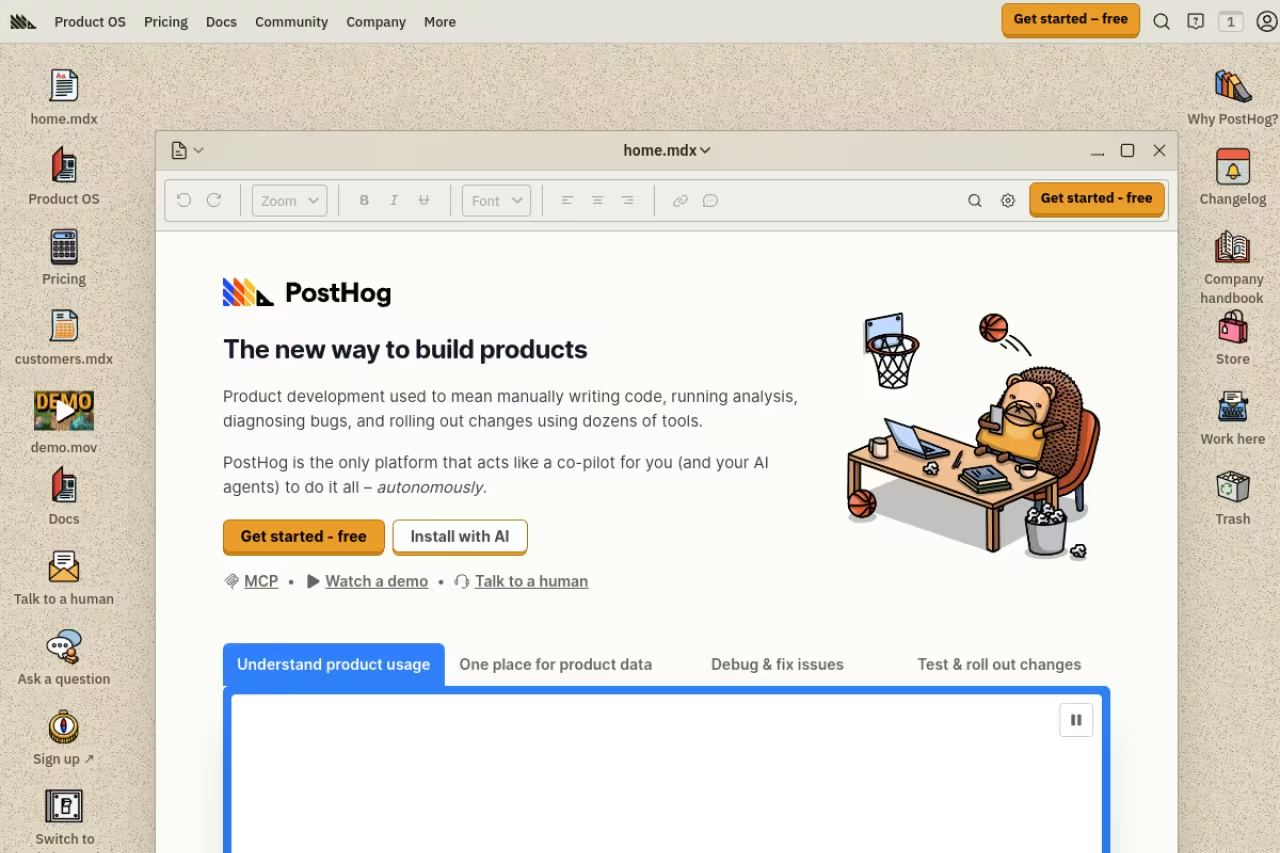
PostHog is what happens when engineers build the analytics tool they actually wanted. It started as open-source product analytics and turned into a single platform that covers analytics, session replay, feature flags, A/B testing, surveys, error tracking, and even LLM observability. Instead of paying four vendors and wiring them together, you point one SDK at PostHog and get the lot.
Who it's best for: engineering-led startups and any team that wants to keep user data in-house. The self-hosted option means you can run it on your own infrastructure if your CTO doesn't want behavioral data leaving your servers.
The pick for engineering-led startups and teams that want user data in-house, with analytics, replay, flags and experiments in one platform and a free tier of 1 million events. The breadth can overwhelm a non-technical PM, and the UI leans on SQL-style queries.
the free tier is the most useful in the category. You get 1 million events, 5,000 session recordings, 1 million feature flag requests, and 1,500 survey responses per month, all resetting monthly, no credit card. After that it's pure usage-based: product analytics starts at $0.00005 per event for the first paid tier and drops as you scale, down to $0.000009 per event past 250 million. You set billing limits per product so a traffic spike can't surprise you.
The standout: the breadth. Most teams adopt PostHog for analytics and quietly retire three other subscriptions over the next quarter. Feature flags and experiments living next to your funnels means you can ship a flag, watch its impact on retention, and roll it back without leaving the tool. If you're also evaluating that side of things, my roundup of the best feature flag tools goes deeper.
The catch: the sheer number of products can overwhelm a non-technical PM on day one. The UI assumes you're comfortable with SQL-style queries when you want to go beyond the templates. Marketing and growth folks sometimes find Mixpanel or Amplitude friendlier for fast, no-code exploration.

Amplitude: the enterprise standard
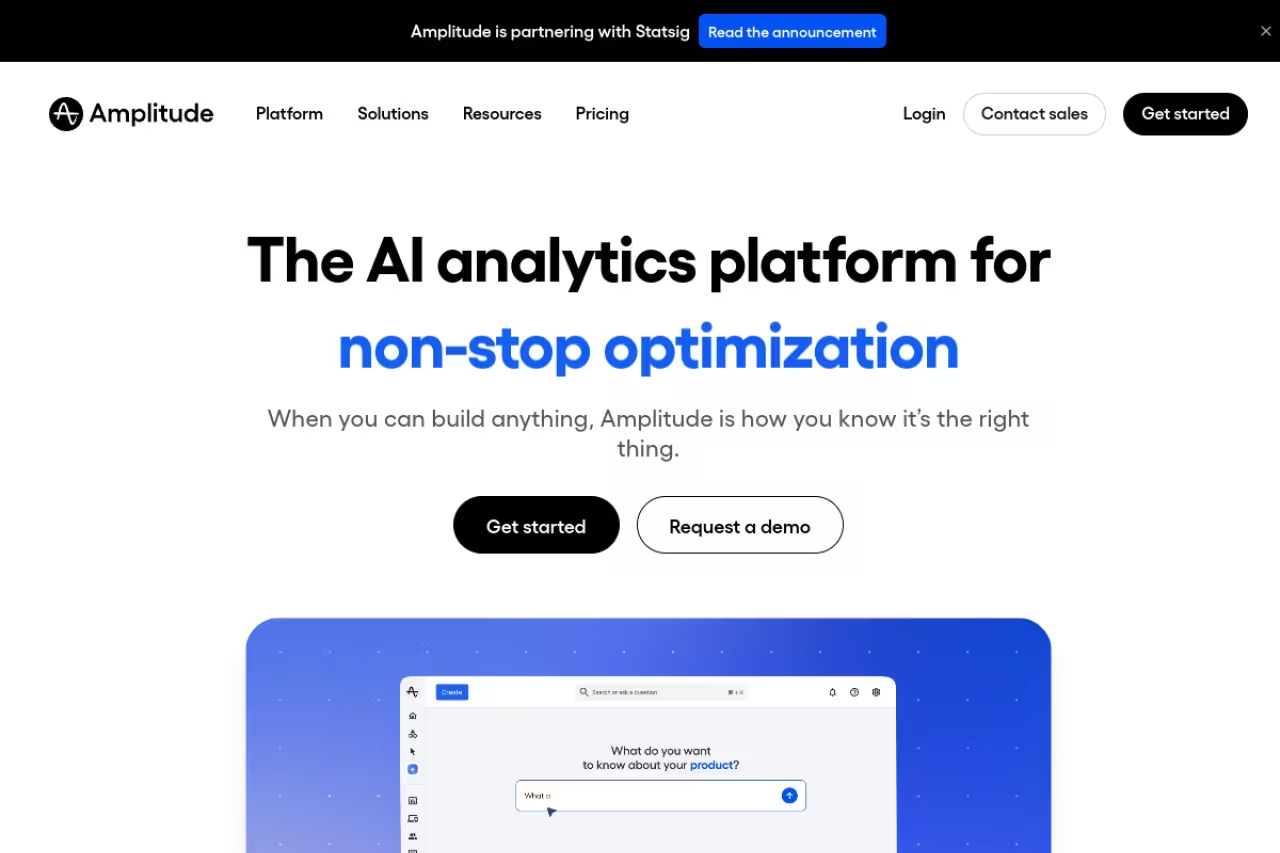
Amplitude is the tool most large product orgs end up standardizing on. It's warehouse-native, ships with a built-in customer data platform, and has the most mature behavioral analysis in the category. When a VP of Product asks "which behaviors predict a renewal," Amplitude's causal and predictive features were built for exactly that question.
Who it's best for: growth and enterprise teams that need depth, governance, and experimentation under one roof. It absorbed the June.so team in 2025, so the new-user onboarding got noticeably friendlier too.
The enterprise standard for growth teams that need depth, governance and experimentation, with a free Starter plan for 10,000 monthly tracked users. The jump to Growth pricing is a cliff, with median deals north of $60,000 a year, and the interface is heavy for a five-person startup.
the Starter plan is free with 10,000 monthly tracked users and up to 2 million events, and it now includes session replay, unlimited feature flags, and web experimentation. Plus runs $49/month billed annually for up to 300,000 MTUs or 25 million events. Growth and Enterprise are custom, and they get expensive fast: verified contract data puts the median Amplitude deal north of $60,000 a year.
The standout: behavioral cohorts and causal insights. You can define a cohort like "users who used feature X three times in week one" and track their retention against everyone else, then layer an experiment on top. Few tools match this for serious analysis.
Where it falls short: the jump from the free tier to enterprise pricing is a cliff, not a ramp. Small teams that outgrow the free plan often get sticker shock at the Growth quote. The interface also carries more complexity than a five-person startup needs.

Mixpanel: the cleanest self-serve analytics
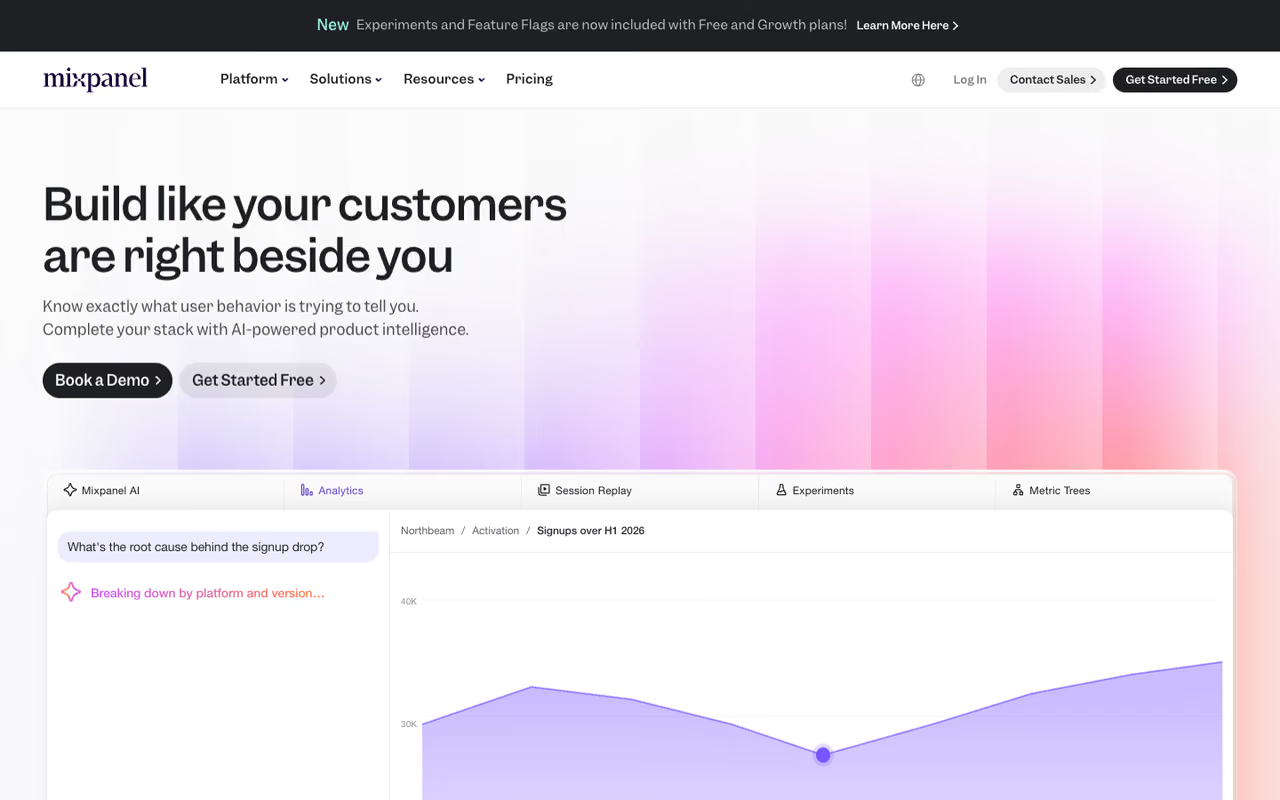
Mixpanel has spent years making event analytics feel approachable, and it shows. The report builder is the one I reach for when I want to answer a question fast without writing a query. Its funnel analysis is the most polished in the category: multi-step funnels with conversion windows, property breakdowns at each step, and side-by-side cohort comparison.
Who it's best for: product managers and self-serve SaaS teams who live in the data daily and value speed over platform breadth.
The cleanest self-serve option for product managers who live in the data daily and value speed over breadth, with a free plan up to 1 million monthly events. It is analytics-first, with no feature flags or real experimentation engine.
the free plan covers up to 1 million monthly events plus 10,000 session replays. The Growth plan starts at $0 with that same 1 million events included, then charges roughly $0.28 per 1,000 events after, with volume discounts. Qualifying startups (under five years old, under $8M raised) can get their first year free.
The standout: the funnel and retention reports. Building a multi-step funnel, segmenting it by plan tier, and spotting exactly where users drop takes under a minute. For a PM doing weekly analysis, that velocity compounds.
The catch: it's analytics-first and not much else. There are no feature flags, no real experimentation engine, and the session replay is newer and thinner than dedicated tools. If you want analytics plus everything around it, PostHog or Amplitude give you more in one place.

Heap: autocapture for teams who hate instrumenting
Heap, now part of Contentsquare, takes the opposite bet from everyone else. Instead of asking you to manually define and track each event in code, Heap captures everything automatically the moment you install the snippet. Every click, pageview, form submit, and tap gets recorded, and you define events later, even retroactively on historical data.
Who it's best for: teams who keep forgetting to instrument events before launch, and analysts who want to answer questions about behavior that nobody thought to track in advance.
Pick Heap if you keep forgetting to instrument events, since autocapture lets you define events retroactively. It generates noise, and pricing is opaque past the free plan of 10,000 monthly sessions, with reported deals from around $3,600 a year.
there's a free plan up to 10,000 monthly sessions. Beyond that, Growth, Pro, and Premier tiers all require a sales conversation, with reported deals starting around $3,600 a year and climbing from there. Pricing is session-based and opaque past the free tier.
The standout: retroactive analysis. Because Heap already captured everything, you can answer "how many users clicked this button last month" even if you never set up tracking for it. That's genuinely useful when priorities shift.
Where it falls short: autocapture generates a lot of noise, and you'll spend time defining meaningful events out of the raw firehose. The opaque pricing and sales-gated tiers also make it harder to budget than the usage-based options. Since the Contentsquare acquisition, the standalone roadmap has felt less independent.

Statsig: experimentation-first analytics
Statsig is the tool to beat if A/B testing sits at the center of how you build. It combines feature flags, experimentation, and product analytics in one platform, with a stats engine serious enough that OpenAI, Notion, and Microsoft run on it. OpenAI acquired the company in late 2025, which says something about how good the experimentation core is.
Who it's best for: teams that ship behind flags and measure everything with experiments rather than gut feel.
Experimentation-first: choose it if you ship behind flags and measure with experiments, with Pro at a flat $150/month. Exploratory reporting is less polished than Mixpanel or Amplitude, and the fresh OpenAI acquisition leaves some buyers watching.
the free Developer tier is generous at 2 million events a month, unlimited feature flag checks, and 50,000 session replays. Pro is a flat $150/month with 5 million events included, then $0.05 per additional 1,000 events. Enterprise is custom with SSO and SOC 2.
The standout: the experimentation engine. Sequential testing, CUPED variance reduction, and automatic guardrail metrics are the kind of features that usually live in expensive enterprise suites. Getting them at $150/month is a deal. If experiments are your focus, pair this with my guide to the best A/B testing tools.
The catch: the analytics side, while solid, isn't as polished for pure exploratory reporting as Mixpanel or Amplitude. And with the OpenAI acquisition still fresh, some buyers are watching to see how the independent product evolves.

Pendo: analytics meets in-app guidance
Pendo blends product analytics with in-app guides, onboarding flows, and NPS surveys. The pitch is that you can spot a drop-off in the data and then launch a tooltip or walkthrough to fix it without shipping code. For product-led SaaS where onboarding is the growth lever, that loop is the whole point.
Who it's best for: product-led companies that care as much about guiding users as measuring them, especially in onboarding and feature adoption.
Fits product-led companies that care as much about guiding users as measuring them, especially in onboarding. Analytics depth trails Amplitude and Mixpanel, the free tier caps at 500 monthly active users, and real pricing is high and sales-gated.
Pendo Free covers up to 500 monthly active users with basic analytics, in-app guides, and NPS, though with Pendo branding. Paid tiers (Starter, Growth, Portfolio) are quote-based, and reported contracts land anywhere from $15,000 to over $140,000 a year depending on MAUs.
The standout: the analytics-to-action loop. Seeing a funnel drop and being able to launch an in-app guide targeting that exact step, all in one tool, is something pure analytics platforms can't do.
Where it falls short: the analytics depth trails Amplitude and Mixpanel, and the 500-MAU free cap is tight. Real pricing is high and sales-gated, so it's overkill for a small team that just needs to understand behavior.

Hotjar: behavior plus the "why"
Hotjar isn't a classic event-analytics tool, and that's the point. It gives you heatmaps, session recordings, on-site surveys, and feedback widgets, which together explain the why behind the numbers your other tools surface. When a funnel shows people bailing on step three, Hotjar's recordings often show you the broken button nobody noticed.
Who it's best for: teams who want qualitative insight alongside quantitative data, especially marketers and UX folks optimizing specific pages.
A companion for marketers and UX folks who want qualitative insight, pairing heatmaps and recordings with surveys, from $32/month. It does not replace event analytics, with no funnels across the product, cohort retention or experimentation.
there's a free plan with limited sessions, and paid plans start at $32/month. It scales by sessions and by which products (Observe, Ask, Engage) you turn on.
The standout: the combination of recordings and surveys. Watching real sessions and asking users a one-question survey at the moment they hesitate gives you context no event chart can. For the visual side specifically, see my best heatmap tools roundup.
The catch: it doesn't replace event analytics. There are no real funnels across your whole product, no cohort retention, no experimentation. Treat it as a companion to one of the tools above, not a substitute.

Microsoft Clarity: the genuinely free option
Microsoft Clarity is the rare tool that's free with no asterisk. Unlimited sessions, no daily caps, no paid upsell. You get heatmaps, session recordings, and basic behavioral metrics like rage clicks and dead clicks, and it works on mobile apps too.
Who it's best for: anyone who wants session insight without a budget conversation, and teams just getting started with understanding user behavior.
Install it if you want session insight without a budget conversation: free, unlimited sessions, heatmaps and recordings. The trade-off is that Microsoft monetizes the data, retains it for only 30 days, and the analytics depth is shallow.
free. All of it. Microsoft monetizes the data rather than charging you, which is the trade-off to understand going in.
The standout: the price-to-value ratio is unbeatable for what it does. For a side project or an early-stage product, there's no reason not to install it.
Where it falls short: data is only retained for 30 days, the analytics depth is shallow compared to paid tools, and Microsoft reserves the right to use visitor data for advertising with no opt-out. Read the terms before you put it on a privacy-sensitive product.
How to choose
Skip the feature checklist and answer three questions instead.
Who's the primary user? If it's engineers, PostHog or Statsig fit your workflow. If it's product managers and growth marketers, Mixpanel or Amplitude are friendlier. If it's a customer success or onboarding team, Pendo earns its keep.
Do you need more than analytics? If you want feature flags, experiments, and replay in one bill, PostHog covers the most ground for the least money. If experimentation is the core discipline, Statsig is purpose-built for it. If you only need event analytics done cleanly, Mixpanel is hard to beat.
What's your scale and budget? Start on a free tier and let real usage guide you. PostHog, Mixpanel, Statsig, and Amplitude all have free plans good enough to run a real product on. Layer in Hotjar or Microsoft Clarity for the qualitative side, since they answer a different question than the event tools do.
The teams that get the most out of analytics usually run two tools: one quantitative platform for funnels and retention, and one qualitative tool for the why. If you want a broader view of the product stack, my top AI tools list and the Dupple X toolkit are good next stops. For deeper dives on adjacent categories, the best customer insights tools and best business intelligence tools guides pair well with this one.
We track tool launches and shifts like the Heap and June acquisitions every day at Dupple. If you'd rather have the signal delivered than dig through pricing pages yourself, grab a Dupple X trial and let the research come to you.
Frequently asked questions
What is the best product analytics tool in 2026?
For most teams, PostHog is the best all-around choice because it bundles analytics, session replay, feature flags, and experiments into one usage-based platform with a genuinely free tier. Enterprise teams that need deep behavioral analysis and governance tend to land on Amplitude, while product managers who want the cleanest funnel reports prefer Mixpanel.
What is the difference between product analytics and web analytics?
Web analytics (like Google Analytics) measures traffic: pageviews, sessions, sources, and bounce rates. Product analytics measures what users do inside your product: feature adoption, funnels, cohort retention, and the actions that predict whether someone sticks or churns. Web analytics tells you who arrived; product analytics tells you what they did and whether it worked.
Is PostHog really free?
Yes, for most companies. PostHog's free tier includes 1 million events, 5,000 session recordings, and 1 million feature flag requests per month, resetting monthly with no credit card. PostHog says more than 90% of its users never pay. You only get billed once you exceed those limits, and even then it's usage-based with caps you set yourself.
Which product analytics tool is best for a small startup?
PostHog and Mixpanel are the two strongest picks for early-stage teams. Both have free tiers that can run a real product, and both run startup programs (Mixpanel gives qualifying startups their first year free). Engineering-heavy teams usually prefer PostHog for the all-in-one platform; teams that want fast no-code reporting often start with Mixpanel.
Do I still need Google Analytics if I use a product analytics tool?
Often yes, for different jobs. Google Analytics is built for marketing and acquisition: where traffic comes from and how campaigns perform. Product analytics tools are built for in-app behavior and retention. Many teams run both, or lean on PostHog and Mixpanel's web analytics features to consolidate. If marketing attribution matters to you, keep a web analytics tool in the mix.
Related guides
Some offers on this page may be paid placements or contain affiliate links.
