
The 8 Best Business Intelligence Tools in 2026

Key facts8 tools compared: Power BI, Tableau, Metabase, ThoughtSpot, Looker, Sigma, Qlik Sense, Looker…
- 8 tools compared: Power BI, Tableau, Metabase, ThoughtSpot, Looker, Sigma, Qlik Sense, Looker Studio
- Power BI (best for: Microsoft-stack teams, value): $14/user/mo
- Tableau (best for: Visual analysts, deep exploration): $75/user/mo (Creator)
- Metabase (best for: Startups, self-serve teams): Free / $90/mo
- ThoughtSpot (best for: Non-technical users, AI search): ~$25/user/mo
Most BI tool roundups read like a vendor brochure. Every product is "powerful," every dashboard is "intuitive," and nobody mentions the part where your renewal quote jumps 30% or your analyst spends three weeks modeling data before anyone sees a chart. I've spent years watching teams pick a platform on a demo and regret it on the invoice.
The truth is that "best" depends entirely on where your data already lives and who actually needs to read the dashboards. A 12-person startup running on Postgres has nothing in common with a 2,000-seat enterprise on Azure, and the tool that's perfect for one will quietly bankrupt or bore the other.
If you want the short answer: Power BI wins on price-to-power for most companies, especially anyone already in the Microsoft world. If you're a small or fast-moving team that just wants charts on top of your database without a procurement cycle, Metabase is the one I'd start with. Below I break down eight tools I'd actually recommend, with real 2026 pricing and the catch for each.
Quick comparison
| Tool | Best for | Price (entry) | Standout |
|---|---|---|---|
| Power BI | Microsoft-stack teams, value | $14/user/mo | Cheapest serious BI per seat |
| Tableau | Visual analysts, deep exploration | $75/user/mo (Creator) | Best-in-class visualization |
| Metabase | Startups, self-serve teams | Free / $90/mo | Fastest to first dashboard |
| ThoughtSpot | Non-technical users, AI search | ~$25/user/mo | Ask questions in plain English |
| Looker | Google Cloud, governed metrics | ~$5,000/mo | One metric definition, everywhere |
| Sigma | Cloud-warehouse teams | Custom (~$60k/yr) | Spreadsheet UX on live data |
| Qlik Sense | Complex data relationships | $30/user/mo | Associative exploration engine |
| Looker Studio | Free reporting, marketers | Free / $9/user/mo | Zero-cost Google data dashboards |
Microsoft Power BI
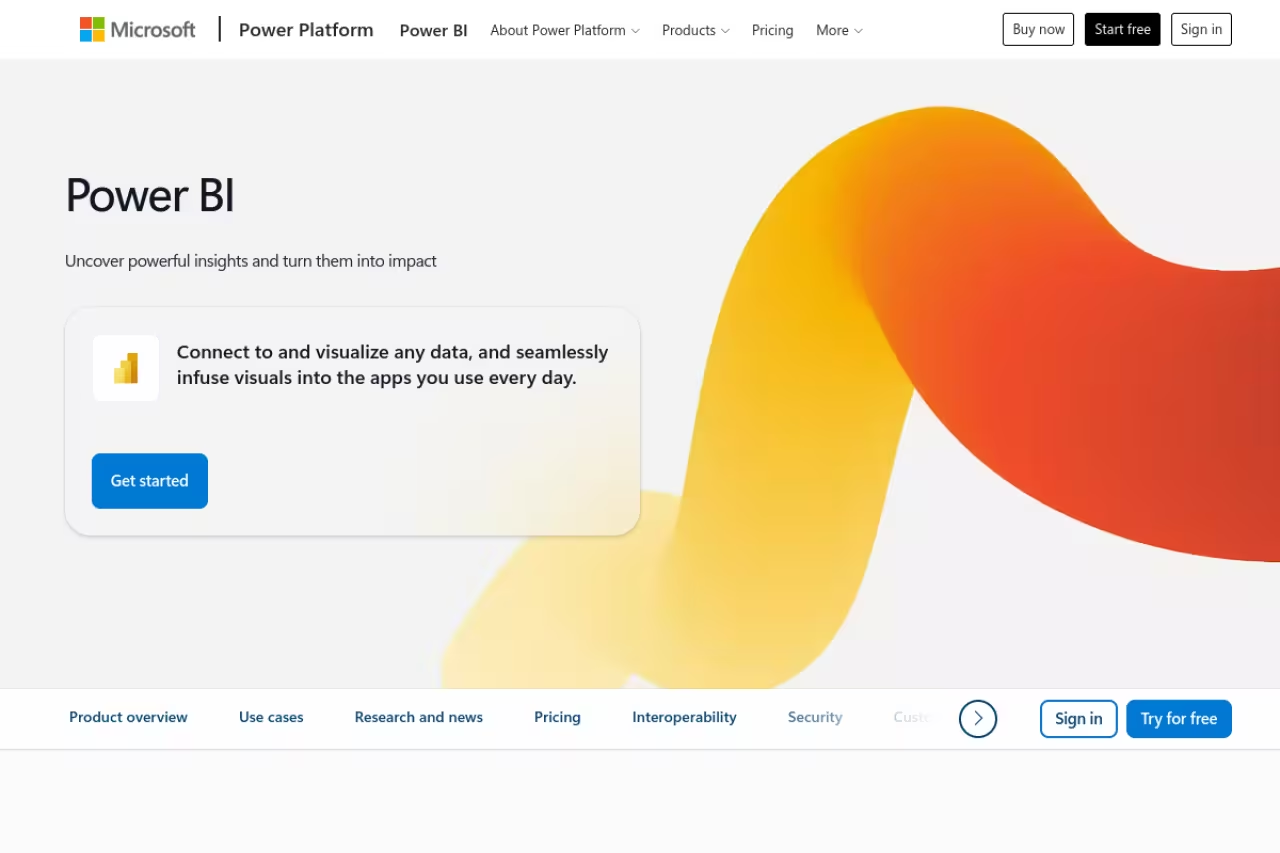
Power BI is the default BI tool for a reason: it does 90% of what enterprise platforms do at a fraction of the per-seat cost, and if you already pay for Microsoft 365, half the integration work is done.
The default for teams living in the Microsoft world, with Pro at $14 per user per month and a free desktop authoring tool. DAX is not beginner-friendly, the desktop app is Windows-only, and the broader Fabric ecosystem makes costs harder to predict.
If your data sits in Azure, your finance team breathes Excel, and your reports get shared over Teams, Power BI slots in with almost no friction. The desktop authoring tool is free, and the modeling language (DAX) is genuinely capable once you climb the learning curve.
Pricing is the real selling point. Power BI Pro runs $14 per user per month, and Premium Per User is $24. For 100 viewers, that's roughly $1,400/month versus the $7,000+ you'd pay Tableau for the same headcount. Past a few hundred viewers, Fabric capacity (which lets free-license users view content) becomes cheaper still.
The catch: DAX and the data modeling layer are not beginner-friendly. The interface can feel cluttered, and the Mac experience is poor since the desktop app is Windows-only. You also get pulled toward the broader Fabric ecosystem, where costs get harder to predict.

Tableau
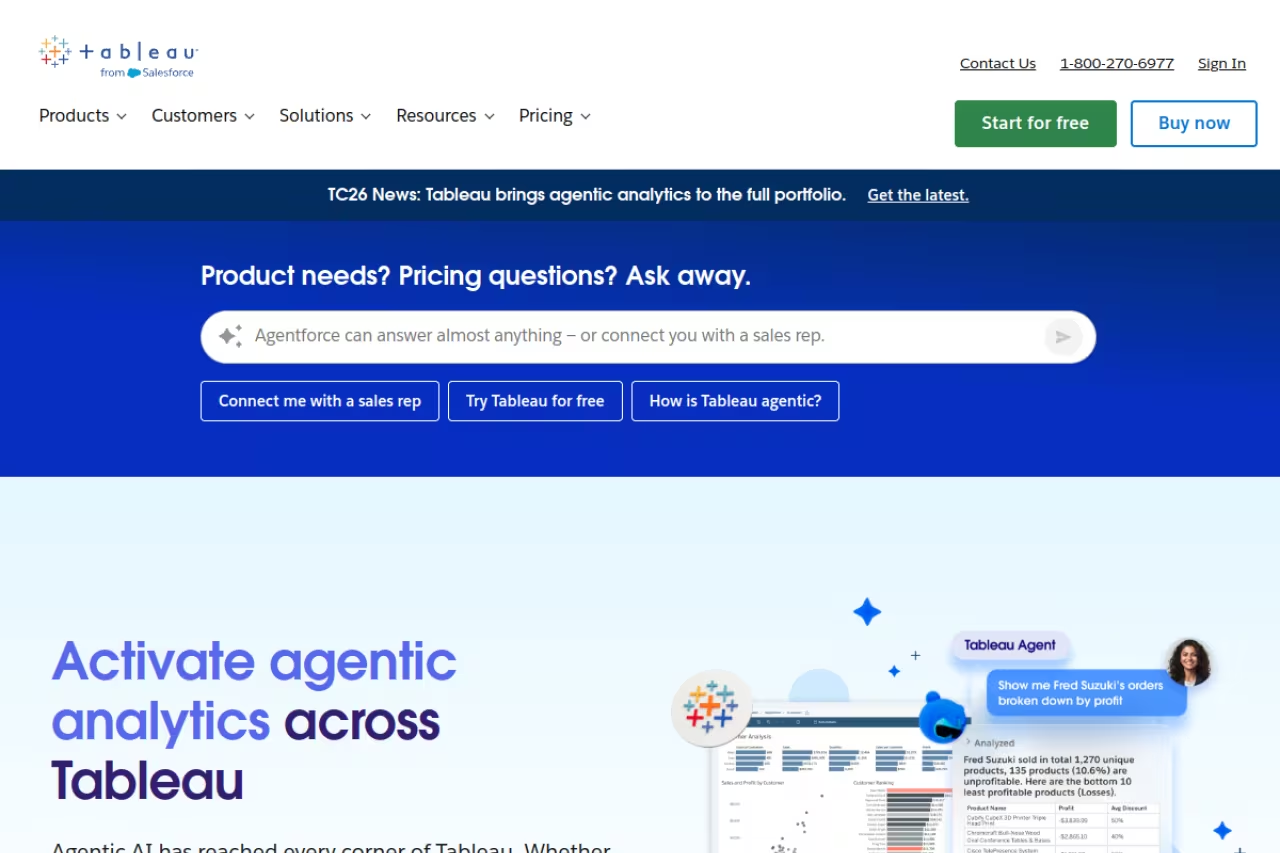
Tableau is still the tool analysts reach for when they want to actually explore data, not just display it. Drag a field, drop it, and the chart updates instantly. For visual discovery and presentation-grade dashboards, nothing else feels as fluid.
The analyst's choice when visual exploration and presentation-grade dashboards matter more than budget. Nothing feels as fluid, but a Creator seat is $75 per user per month, and renewal quotes have crept up since the Salesforce takeover.
If your team's job is to find the story buried in the numbers, Tableau's interface rewards that kind of poking around in a way spreadsheet-style tools don't.
Pricing reflects its premium position. On Tableau Cloud, a Creator license is $75 per user per month, with Explorer at $42 and Viewer at $15, all billed annually. The Enterprise edition pushes Creator to $115. Those numbers add up fast across a big team.
The catch: since Salesforce took over, renewal quotes have crept up 20 to 40% in many accounts, and the per-seat model gets expensive at scale. Viewer licenses are cheaper, but you still pay for everyone who opens a dashboard. For read-only consumption at scale, Tableau is one of the priciest paths you can take.

Metabase
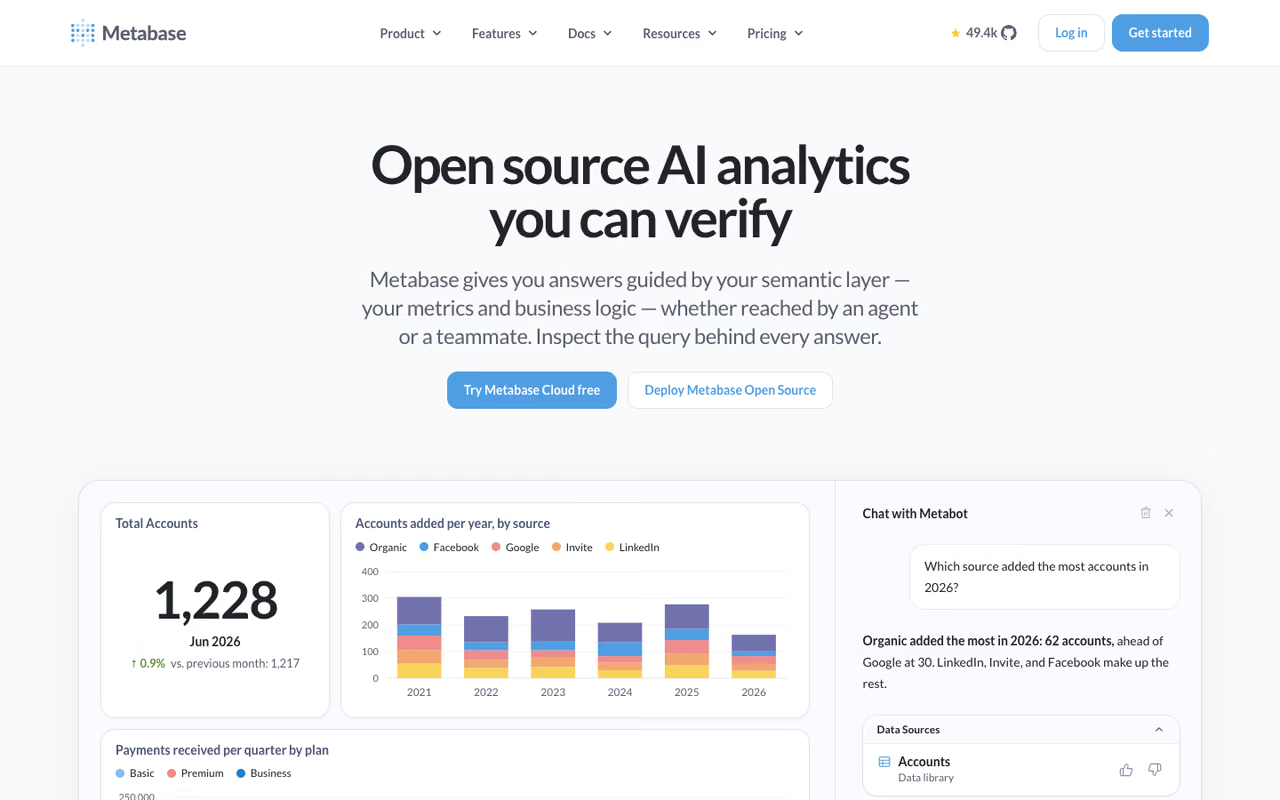
Metabase is what I recommend to almost every startup that asks. It's open source, you can self-host it for free, and a non-technical teammate can build a useful dashboard in an afternoon without writing SQL. The time from "we need analytics" to "here's our first dashboard" is measured in hours.
It's best for small and mid-sized teams who want self-serve analytics without a data engineering project attached. The query builder lets business users ask questions through dropdowns, and anyone comfortable with SQL gets a clean editor underneath.
The open-source version is free and unlimited. The hosted Starter plan is $90/month for up to 5 users (then $6/user), and Pro is $517.50/month with SSO, embedding, and row-level permissions. Enterprise starts around $20,000/year.
The catch: Metabase has a ceiling. There's no real semantic layer, so as your metrics get complex and teams start defining "revenue" three different ways, governance gets messy. Heavy custom modeling and very large datasets are where teams outgrow it and start shopping for Looker or Sigma.
A great first BI tool for small and mid-sized teams that want self-serve analytics without a data engineering project. It is open source and free to self-host, but it has no real semantic layer, so governance gets messy as metrics grow complex.
If you're a lean team trying to move fast without a data hire, that's the same bet we made building Dupple X: pick tools that get you to value in days, not quarters.

ThoughtSpot
ThoughtSpot flips the usual model. Instead of building a dashboard and hoping people read it, users type a question in plain English and get a chart back. Its AI Analyst, Spotter, handles the natural-language part, which makes it genuinely usable by people who'd never open a BI tool otherwise.
Pick ThoughtSpot if business users, not analysts, need to answer their own questions in plain English. It only works well on a cleanly modeled schema, and the Spotter AI features are not in the cheapest plan, so real cost lands higher.
If your sales or ops team constantly pings the data team with "what was last quarter's number for region X," ThoughtSpot offloads a lot of that.
The Essentials plan starts around $25 per user per month for 5 to 50 users, billed annually. The Spotter AI agent and the more advanced features live in the Pro tier, which moves to consumption-based pricing (roughly $0.10 per query), and Enterprise is custom.
The catch: the search-first magic only works if your data is modeled well underneath. Garbage schema in, confusing answers out. And the AI features that make ThoughtSpot worth choosing aren't in the cheapest plan, so the real cost lands higher than the $25 headline once you want Spotter.
Looker
Looker, now part of Google Cloud, is built around one strong idea: define your metrics once in code (LookML), and every dashboard, report, and embedded chart pulls from that single definition. No more arguing about whose "active user" number is right.
The gold standard for centrally governed metrics if you are data-mature and already on Google Cloud. LookML is a real commitment that someone must staff, pricing is enterprise-only, and it is overkill for small teams.
If you have a data engineering function and want metrics governed centrally rather than redefined in every report, Looker's modeling layer is the gold standard.
Pricing is enterprise-only and quote-based. The Standard edition starts around $66,600 per year for a small team, and larger deployments run well into six figures once you add Developer and Viewer seats. There's no cheap on-ramp.
The catch: LookML is a real commitment. Someone has to build and maintain the model, which means Looker isn't a tool you "try" so much as a project you staff. Because it queries your warehouse directly, every dashboard refresh also runs up your BigQuery bill. It's overkill for small teams, full stop.

Sigma
Sigma gives business users a spreadsheet interface on top of your cloud data warehouse, running live queries against billions of rows without copying data out. If your team thinks in Excel but your data lives in Snowflake or BigQuery, Sigma bridges that gap nicely.
A good bridge for teams that think in spreadsheets but keep data in a cloud warehouse, with live queries and a familiar grid. You need a warehouse like Snowflake or BigQuery already, and pricing means a sales-led negotiation.
The familiar grid lowers the learning curve while keeping a single source of truth.
Pricing is custom and not published. Based on aggregated contract data, the median deployment lands around $60,000 per year, with a platform fee plus Creator licenses near $2,000 to $3,500 each and cheaper viewer tiers.
The catch: no cloud data warehouse, no Sigma. It's designed to sit on Snowflake, BigQuery, Databricks, or similar, so if you're not already there, it's a non-starter. And like every enterprise tool with hidden pricing, you're walking into a sales-led negotiation rather than a self-serve signup.
Qlik Sense
Qlik Sense is the veteran with a genuinely different engine. Its associative model lets you explore data in any direction, surfacing relationships (and the absence of them) that query-based tools miss. Click on a value and you instantly see what's related and what's excluded.
Choose Qlik Sense if your data is complex and interconnected and you want to explore it freely with the associative model. The scripting has a steeper learning curve, and the interface feels dated and heavy for smaller teams.
The associative approach shines when the interesting insight is something you didn't think to ask about.
Qlik Sense Business runs about $30 per user per month, with Enterprise SaaS around $70. There are also company-level plans bundling fixed user counts, starting around $825/month for 20 full users.
The catch: Qlik's scripting and data-load model has a steeper learning curve than the newer tools, and the interface feels dated next to Sigma or ThoughtSpot. It's a strong engine wrapped in an experience that takes patience. Smaller teams often find it heavier than they need.

Looker Studio
Looker Studio (formerly Google Data Studio) is the free option that's good enough for a surprising number of teams. If your data lives in Google Analytics, Google Ads, Sheets, or BigQuery, you can build shareable dashboards at zero cost.
The free option that is good enough for many marketers, agencies and small teams reporting on Google data. It is excellent for reporting but weak for serious analysis, slows on large datasets and should not become your company-wide BI layer.
The free tier handles real reporting work, and dashboards share as easily as a Google Doc.
The free version covers most needs. Looker Studio Pro adds team management and support at $9 per user per month, though the billing is per user per Google Cloud project, which agencies running many client projects should read carefully.
The catch: Looker Studio gets slow on large datasets and lacks the modeling depth of a real BI platform. Connectors to non-Google sources can be flaky or paid third-party add-ons. It's excellent for reporting, weak for serious analysis. Don't expect it to scale into your company-wide BI layer.
How to choose
Forget feature checklists. Three questions get you 90% of the way:
Where does your data already live? This is the biggest filter. On Azure and Microsoft 365, start with Power BI. On Google Cloud and BigQuery, look at Looker or Looker Studio. On Snowflake or Databricks, Sigma is built for you. The tool that matches your stack saves you months of integration pain.
Who reads the dashboards? If dedicated analysts are your main users, Tableau or Qlik reward their skill. If non-technical business users need to self-serve, ThoughtSpot's natural-language search or Metabase's query builder will get more adoption than a powerful tool nobody opens.
What's your real budget, including viewers? Per-seat tools like Tableau punish you for every person who opens a dashboard. If you have a small core of builders and a large audience of readers, model the viewer cost before you commit. For most small teams, free Metabase or Looker Studio answers the question entirely.
My rule: start cheaper than you think you need. It's far easier to graduate from Metabase to Looker than to justify a $60,000 contract you've half-outgrown. For more tools worth knowing before you commit, our top tools directory and the best AI analytics tools roundup are good next stops.
Frequently asked questions
What is the best business intelligence tool in 2026?
For most companies, Power BI offers the best balance of capability and price, especially on a Microsoft stack at $14 per user per month. For small and fast-moving teams, Metabase is the better starting point because it's free to self-host and quick to deploy. The genuine "best" depends on where your data lives and who needs to read the dashboards.
What is the cheapest business intelligence tool?
Looker Studio and the open-source version of Metabase are both free, which makes them the cheapest serious options. Among paid tools, Power BI Pro at $14/user/month is the lowest entry price for an enterprise-grade platform. Tools like Looker and Sigma start in the tens of thousands per year.
What is the difference between Power BI and Tableau?
Power BI is cheaper and integrates tightly with Microsoft products, making it the value pick for most teams. Tableau costs more (Creator licenses are $75/user/month) but offers a smoother, deeper visualization experience that dedicated analysts prefer. Power BI wins on cost; Tableau wins on visual exploration depth.
Do I need technical skills to use BI tools?
It depends on the tool. Metabase and ThoughtSpot are designed for non-technical users to ask questions through a builder or plain-English search. Power BI and Tableau have meaningful learning curves for authoring, and Looker requires actual coding in LookML. Most platforms let viewers consume dashboards with no skills at all.
Are free BI tools good enough for a startup?
For many startups, yes. Self-hosted Metabase and Looker Studio handle real reporting at zero cost and cover the needs of most teams under 50 people. You typically outgrow free tools when metric governance gets complex or datasets get very large, at which point Looker or Sigma start to make sense.
Picking the right analytics stack is one piece of running lean. If you want a steady read on the AI and SaaS tools worth your attention, Dupple X curates them so you spend less time evaluating and more time building. Start a yearly trial and skip the demo-driven mistakes.
Related guides
Some offers on this page may be paid placements or contain affiliate links.
