
The 8 Best Heatmap Tools in 2026 (Compared)

Key facts8 tools compared: Microsoft Clarity, Hotjar, Mouseflow, Crazy Egg, PostHog, Lucky Orange…
- 8 tools compared: Microsoft Clarity, Hotjar, Mouseflow, Crazy Egg, PostHog, Lucky Orange, Smartlook, Attention Insight
- Microsoft Clarity (best for: Anyone starting out): Free forever
- Hotjar (best for: Marketers who want the "why"): Free, paid from €32/mo
- Mouseflow (best for: Serious CRO teams): Free, paid from $31/mo
- Crazy Egg (best for: Built-in A/B testing): From $29/mo (annual)
A heatmap shows you the truth your analytics dashboard keeps hiding. Google Analytics tells you a page has a 60% bounce rate. It never tells you that everyone clicks a headline that isn't a link, or that nobody scrolls past the fold because a giant hero image eats the whole screen. Heatmaps and session recordings fill that gap. They show you where people actually look, click, rage-click, and quit.
The problem in 2026 is that "heatmap tool" now means a dozen overlapping things. Some are free behavior analytics platforms. Some are AI tools that predict attention before you ship a single visitor. Some are full CRO suites with funnels, form analytics, and surveys bolted on. Pick wrong and you either overpay for features you'll never open or hit a session cap two days into the month.
I compared the major options on pricing, features, and public user reviews. If you want the short answer: install Microsoft Clarity today because it's genuinely free and good, and reach for Hotjar or Mouseflow when you need the deeper CRO workflow. This guide is for founders, marketers, and product people who want to understand user behavior without turning it into a six-month tooling project. Here's how the field actually shakes out.
Quick comparison
| Tool | Best for | Price | Standout |
|---|---|---|---|
| Microsoft Clarity | Anyone starting out | Free forever | No traffic limits, ever |
| Hotjar | Marketers who want the "why" | Free, paid from €32/mo | Surveys + heatmaps in one place |
| Mouseflow | Serious CRO teams | Free, paid from $31/mo | Six heatmap types, friction scoring |
| Crazy Egg | Built-in A/B testing | From $29/mo (annual) | Confetti reports by source |
| PostHog | Engineering teams | Free, then usage-based | Heatmaps inside a full product-analytics stack |
| Lucky Orange | Small ecommerce | Free, paid from $19/mo | Live chat bundled with heatmaps |
| Smartlook | Web + mobile apps | Free, paid from ~$31/mo | Event-based heatmaps for apps |
| Attention Insight | Pre-launch design checks | From €29/mo | AI attention maps, no traffic needed |

Microsoft Clarity: the best free heatmap tool, full stop
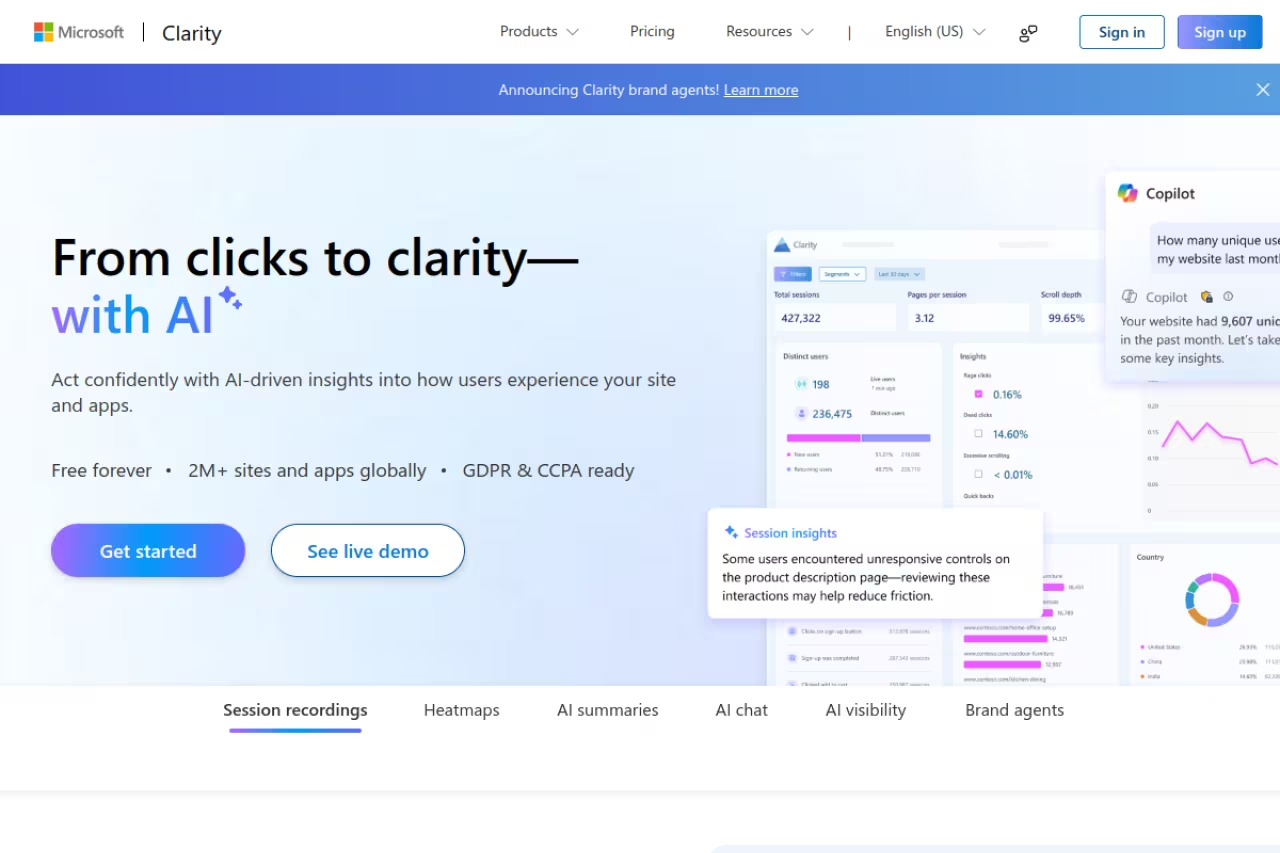
I'll say it plainly: if you're not using Microsoft Clarity yet, install it before you finish this article. It's free, and not "free with a trap" free. There are no traffic limits, no session caps, and no upsell waiting to ambush you when your site grows.
What it is: a behavior analytics platform from Microsoft that gives you click, scroll, and area heatmaps plus unlimited session recordings. It now ships with AI features too, including one-click session summaries and a conversational layer that answers plain-language questions about your data.
Install it first. Clarity is free with no traffic limits or session caps, which suits solo founders and content sites. But it watches rather than works: there is no A/B testing, survey depth or funnel building, so heavy CRO teams will outgrow it.
Pricing: free forever. Microsoft confirms there are no traffic limitations on the free plan, which is wild given what you pay elsewhere for the same data.
The standout is the price-to-quality ratio. You get rage-click and dead-click detection, JavaScript error tracking, and a native Google Analytics integration without spending a cent.
The catch: Clarity is a watcher, not a worker. There's no A/B testing, no built-in surveys with the depth Hotjar offers, and no funnel-building to speak of. Data also lives inside Microsoft's ecosystem, which some privacy-sensitive teams won't love. It's a phenomenal starting point and a permanent keeper for many sites, but heavy CRO teams will outgrow the action side of it.

Hotjar: the marketer's all-rounder
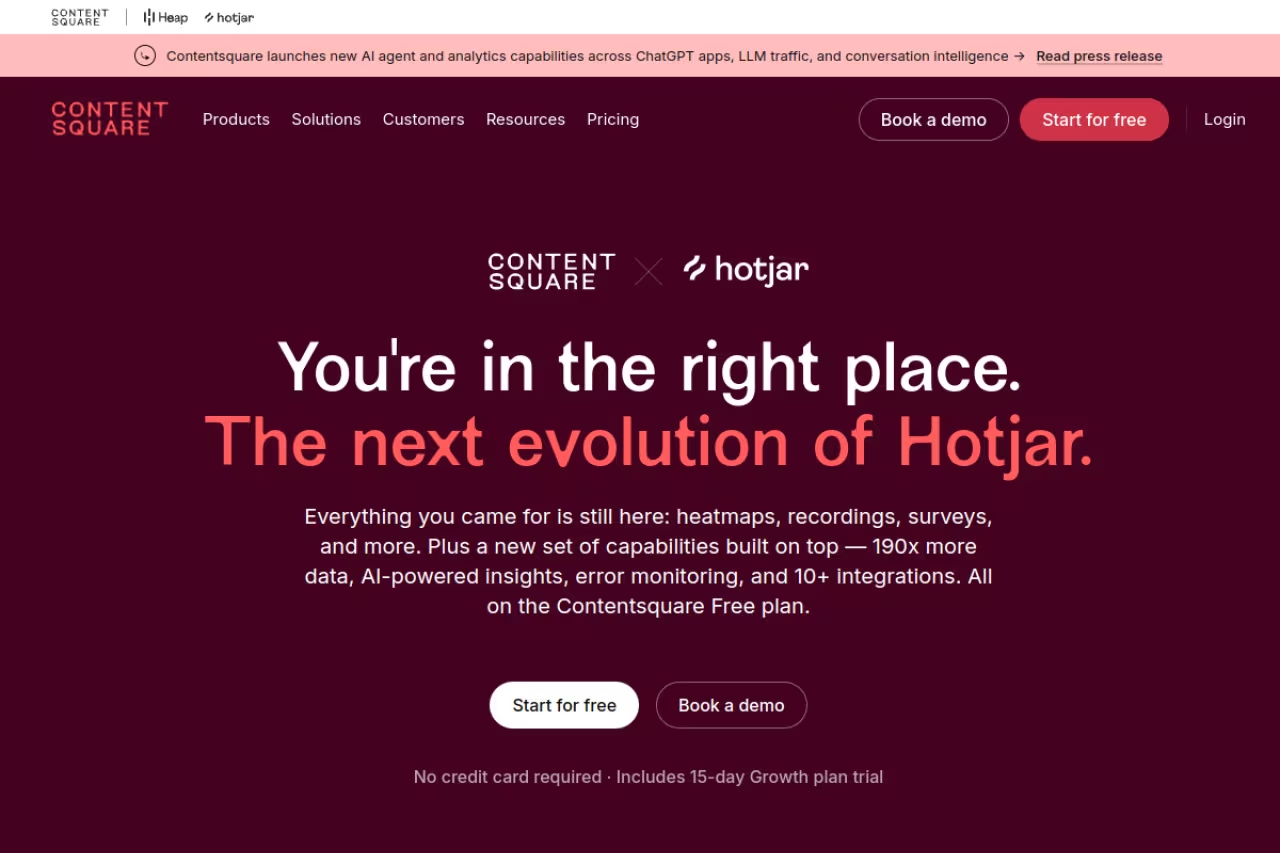
Hotjar is the name most people think of first, and for good reason. It's now part of Contentsquare, but the product still runs as Hotjar with its own plans. It pairs heatmaps and recordings with surveys and feedback widgets, so you can see what people do and then ask them why on the same page.
What it is: click, scroll, and move heatmaps plus session recordings (the "Observe" product), bundled with on-site surveys and feedback (the "Ask" product). The two are priced separately.
The marketer's all-rounder if you want to see what people do and then ask them why. The survey tie-in is the draw, but the daily session cap stings (35 on the free plan) and surveys are priced separately.
Pricing: the Basic plan is free with 35 daily sessions. Paid Observe plans run €32/month for Plus (100 daily sessions), €80/month for Business (500 daily sessions), and €171/month for Scale (1,500 daily sessions) on annual billing. Hotjar doesn't charge overage fees. When you hit your daily cap, recording pauses and picks back up the next day.
The standout is the survey integration. Being able to fire a "what stopped you from buying?" poll on the exact page where you see drop-off, then watch the recordings behind those answers, is a workflow Clarity can't match.
Where it falls short: the daily session cap stings. Hit 35 sessions before lunch on the free plan and you're blind for the rest of the day. Surveys live in a separate product with its own price, so a full setup costs more than the headline number suggests. For a high-traffic site, the math climbs quickly.

Mouseflow: built for people who do CRO for a living
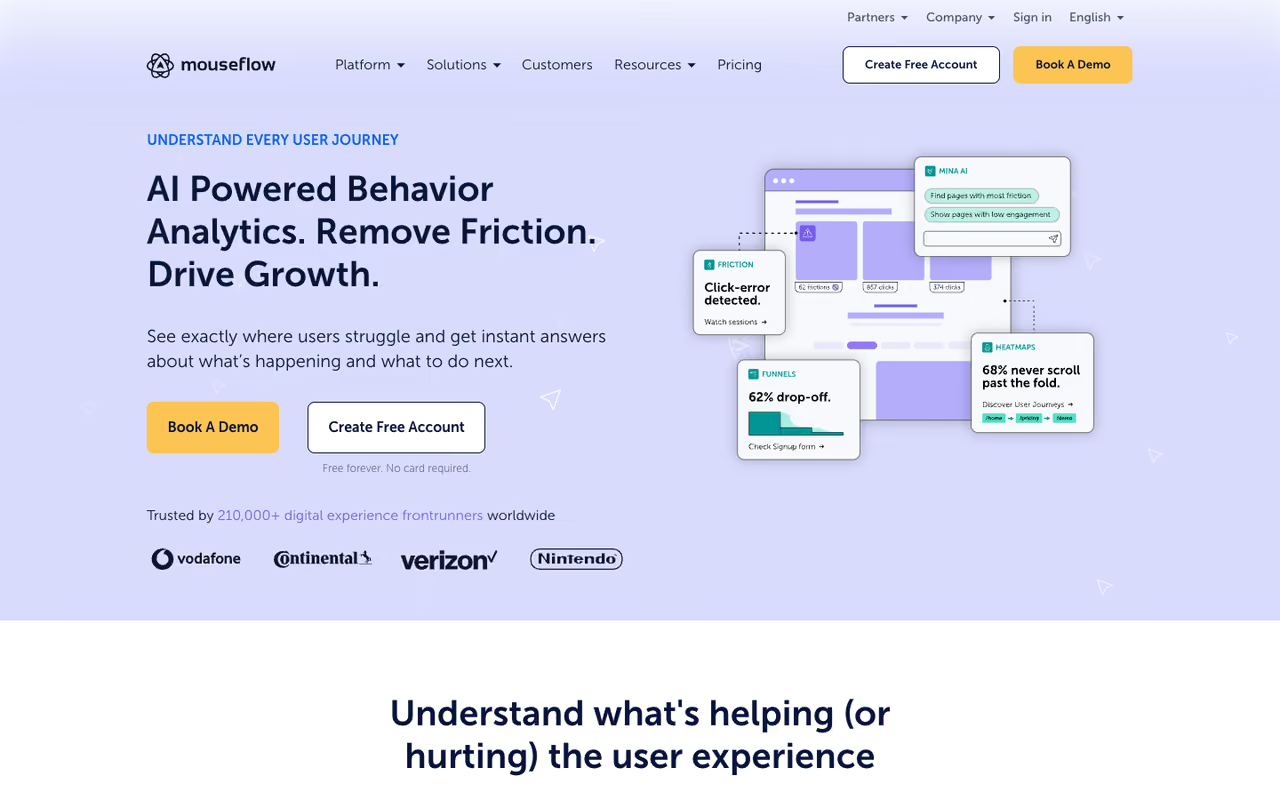
If your job is literally to lift conversion rates, Mouseflow is the one I'd point you to. It's less famous than Hotjar but arguably better suited to a serious optimization workflow.
What it is: session replay plus six heatmap types (click, scroll, movement, attention, geo, and live), funnels, form analytics, and feedback campaigns in one tool.
Pick Mouseflow if conversion work is your job. The Friction Score and form analytics surface broken sessions fast, but the interface has a learning curve, the 500-recording free cap fills quickly, and it is overkill for a small blog.
Pricing: there's a free plan with 500 recordings per month, and paid plans start around $31/month, scaling up with recording volume. Mouseflow's recording-based pricing is more honest than pageview-based metering because every unit you pay for is an actual session you can analyze.
The standout is the automatic Friction Score. Mouseflow flags the sessions where users struggled (rage clicks, erratic mouse movement, repeated form errors) so you don't have to scrub through hundreds of boring recordings to find the broken ones. The form analytics are also some of the best in this category, showing exactly which field makes people abandon checkout.
The catch: the interface has a learning curve, and the free 500-recording cap fills fast on a busy site. It's overkill for a small blog that just wants to see where people click. But for a team running structured experiments, it pays for itself.
Crazy Egg: heatmaps with A/B testing baked in
Crazy Egg is one of the originals, and it has aged into a solid pick for teams that want testing and heatmaps under one roof instead of stitching two tools together.
What it is: four visualization types (click maps, scroll maps, confetti, and overlay reports) plus recordings, surveys, and built-in A/B testing.
A good fit for marketers who want to test a change and see the heatmap impact in one tool, with unlimited A/B testing on every plan. Paid plans require annual billing, a viral post can burn your pageview quota, and the interface feels dated.
Pricing: Starter is $29/month for 5,000 pageviews, Plus is $99/month for 150,000, Pro is $249/month, and Enterprise is $599/month, all on annual billing. Every plan includes unlimited A/B testing and a 30-day free trial.
The standout is the confetti report, which splits clicks by referral source, search term, device, and more. It's a fast way to see whether your paid traffic behaves differently from organic on the same landing page.
Where it falls short: paid plans require annual billing, so there's no cheap month-to-month option to kick the tires. The pageview model also means a viral post can burn your quota in a day. The interface feels dated next to newer tools.

PostHog: for engineering teams who want everything in code
PostHog is the developer's answer. It's an open-source product analytics platform where heatmaps are one feature inside a much bigger stack: events, funnels, feature flags, A/B testing, and session replay all share the same data.
What it is: click and scroll heatmaps delivered through the PostHog Toolbar overlay, sitting on top of full product analytics.
Best for: technical teams already instrumenting product events who want behavior data in the same place.
Choose PostHog if your engineers already instrument product events and want heatmaps tied to feature flags and funnels in one data model. Non-technical teams will find the dedicated tools friendlier, since heatmaps here are a supporting act.
Pricing: generous free tier including 5,000 session recordings per month. After that, session replay is $0.005 per recording, dropping to $0.0015 at high volume. PostHog says more than 90% of companies use it for free.
The standout is the unified data model. Tying a heatmap to a feature flag and a funnel without exporting anything is something no dedicated heatmap tool can do.
The catch: this is built for engineers. If you can't add a snippet and you're nervous about a usage-based bill, the dedicated tools above will feel far friendlier. Heatmaps here are a supporting act, not the headliner.
If you're assembling a stack like this, my rundown of the best AI agents and the broader top AI tools directory pairs well with a developer-first analytics setup.

Lucky Orange: heatmaps plus live chat for small ecommerce
Lucky Orange is the scrappy all-in-one. It bundles heatmaps, recordings, form analytics, and live chat into every plan, which makes it a tidy fit for small online stores that want to watch behavior and talk to customers from one dashboard.
What it is: dynamic heatmaps, session recordings, conversion funnels, surveys, and live chat, all priced by monthly sessions.
A tidy all-in-one for small to mid-size ecommerce teams on a budget, with live chat that lets you message a confused visitor. The 100-session free tier is tiny, and it suits rigorous experimentation less well than Mouseflow or Crazy Egg.
Pricing: a free plan covers up to 100 sessions. Paid plans start at $19/month, with Grow around $72/month for 10,000 sessions and Expand around $199/month for 50,000 (annual billing). Every feature is in every plan; you just pay for volume.
The standout is the live chat bundle. Spotting a confused visitor in a recording and being able to message them is a combination most heatmap tools don't offer.
Where it falls short: that 100-session free tier is tiny, so you're nudged toward paying almost immediately. It's less suited to large teams running rigorous experiments than Mouseflow or Crazy Egg.

Smartlook: the pick for mobile apps
Smartlook earns its spot because it does something most tools on this list don't do well: heatmaps and recordings inside native mobile apps, not just websites.
What it is: web and mobile session recordings, event-based heatmaps, funnels, and crash reporting via an SDK.
The pick when mobile is in the mix, since it handles heatmaps and recordings inside native iOS and Android apps. Reviewers flag restrictive session and storage limits on lower tiers, and web-only teams get more from Clarity or Hotjar.
Pricing: there's a free plan, and paid plans start around $31/month for the Starter tier, with Business near $81/month. Mobile SDK support is the differentiator.
The standout is event-triggered heatmaps. Instead of mapping a static URL, Smartlook can show interaction maps tied to in-app events, which is how heatmapping has to work when your "pages" are app screens that change state constantly.
The catch: reviewers consistently flag the session and storage limits on lower tiers as restrictive. If you're web-only, Clarity or Hotjar will give you more for less. Smartlook earns its keep specifically when mobile is in the mix.
Attention Insight: predict attention before you ship
Attention Insight is the outlier, and a useful one. It doesn't need any traffic at all. It uses AI trained on eye-tracking studies to predict where people will look on a design, so you can test a mockup before a single real visitor sees it.
What it is: AI-generated attention heatmaps that forecast visual focus, with a web app and a Figma plugin.
Useful for designers and CRO teams who want to validate a layout before launch, since it needs no traffic. It predicts attention rather than measuring real behavior, so treat it as a pre-flight check alongside a real heatmap tool.
Pricing: Basic is €29/month for 40 credits, Pro is €119/month for 200 credits, and Hero is €299/month for unlimited credits. There's a 14-day free trial with no card required. One credit covers an image, a URL analysis, or an AI recommendation.
The company cites accuracy validated by MIT researchers, with heatmaps matching real eye-tracking data at over 90% accuracy for general images.
The catch: it predicts attention, it doesn't measure real behavior. There are no clicks, no recordings, no actual users. Treat it as a pre-flight check that complements a real heatmap tool, not a replacement. Pair it with Clarity and you cover both before and after launch.
How to choose
Skip the feature spreadsheets and answer three questions.
What's your budget? If it's zero, install Clarity and stop reading. It covers the fundamentals for free with no traffic ceiling. PostHog's free tier is the runner-up if your team writes code.
Do you need to act on the data, or just see it? Watchers like Clarity show you what's happening. Workers like Hotjar, Mouseflow, and Crazy Egg add surveys, funnels, and A/B testing so you can do something about it. If "see where people click" is the whole job, don't pay for a CRO suite.
Where does your product live? Web-only sites have the most choice. If you're mobile-first, Smartlook is the safe pick. If you want to validate designs before launch, Attention Insight is the only tool here that works with zero traffic.
My honest default for most readers: run Clarity permanently for free, and add Hotjar or Mouseflow when you reach the stage where you're running structured experiments and need the surveys and friction scoring. The two layers cost little and answer different questions.
Behavior data is only half the equation. Once you know what to fix, you still have to write the page, the email, and the ad that converts. If you'd rather spend your time on that than juggling tools, Dupple X gives you the AI stack to ship it faster. You can start a yearly trial here.
FAQ
What is the best free heatmap tool?
Microsoft Clarity is the best free heatmap tool in 2026. It offers unlimited heatmaps, session recordings, and AI insights with no traffic limits and no paid upgrade required. PostHog is the strongest free option for engineering teams, with 5,000 free recordings a month inside a full analytics stack.
Is Hotjar still worth it in 2026?
Yes, if you need surveys and feedback alongside heatmaps. Hotjar's free Basic plan gives you 35 daily sessions, and paid plans start at €32/month. The value comes from combining behavior data with on-page surveys. If you only need heatmaps and recordings, Microsoft Clarity does that part for free.
How are heatmap tools priced?
Most price by either monthly sessions, monthly pageviews, or recordings captured. Session and recording models (Mouseflow, Lucky Orange, PostHog) tend to be more predictable because each unit equals one analyzable visit. Pageview models like Crazy Egg can burn through quota fast if a page goes viral. Clarity is the exception with no limits at all.
What's the difference between a heatmap and a session recording?
A heatmap aggregates many visitors into one visual overlay showing where people click, scroll, and move. A session recording plays back one individual visitor's journey in detail. Heatmaps tell you what most people do; recordings tell you why a specific person got stuck. Most tools on this list offer both.
Can heatmap tools track mobile apps?
Most heatmap tools only cover websites. Smartlook is the standout for native iOS and Android apps because it maps interactions to in-app events through an SDK rather than mapping static URLs. For web and mobile in one tool, it's the most reliable choice in 2026.
Do AI heatmap tools replace real user testing?
No. Tools like Attention Insight predict where people will look using AI trained on eye-tracking data, which is great for checking a design before launch. But predictions aren't real behavior. Use them to catch obvious layout problems early, then validate with a real heatmap tool like Clarity or Mouseflow once you have live traffic.
Related guides
Some offers on this page may be paid placements or contain affiliate links.
Across our whole catalogue the median is $24 a month and 33% of tools advertise a free tier. Figures are the lowest recurring monthly price quoted in our own review of each tool, read on 2026-08-19. Full method and every category.
