
Best Invoicing Software for Freelancers (2026)

Key facts8 tools compared: Wave, Bonsai, Zoho Invoice, Invoice Ninja, Harvest, FreshBooks, Stripe…
- 8 tools compared: Wave, Bonsai, Zoho Invoice, Invoice Ninja, Harvest, FreshBooks, Stripe Invoicing, Square Invoices
- Wave (best for: Free + bookkeeping): Free; Pro $19/mo
- Bonsai (best for: Contract + invoice combo): $9 to $29/user/mo (annual)
- Zoho Invoice (best for: Free, no strings): Free forever
- Invoice Ninja (best for: Open-source / self-host): Free (5 clients); Pro $14/mo
Getting paid is the worst part of freelancing. Not the work, not even the cold outreach. It's the moment a project wraps and you have to build an invoice, send it, chase it, and reconcile it against a payment that may or may not show up in 30 days. Plenty of freelancers do this badly with spreadsheets and PDF templates for years before switching, which is why we compared most of the tools that claim to fix it.
Here's the short version. If you refuse to pay for invoicing, Wave and Zoho Invoice both do it for free and do it well, and for most freelancers Wave is the one to start with. If you bill clients on contracts and want everything in one place, Bonsai is built for exactly that. And if you'd rather pay for a polished app that handles invoices, reminders, and expenses on autopilot, FreshBooks is a solid choice once a free tool starts limiting you.
This guide is for solo freelancers and very small studios: designers, developers, writers, consultants, anyone sending fewer than a few hundred invoices a year. I'll give you real 2026 pricing, the standout feature for each, and the catch nobody puts on the landing page.
Quick comparison
| Tool | Best for | Price | Standout |
|---|---|---|---|
| Wave | Free + bookkeeping | Free; Pro $19/mo | Real accounting at $0 |
| Bonsai | Contract + invoice combo | $9 to $29/user/mo (annual) | Proposals, contracts, invoices in one |
| Zoho Invoice | Free, no strings | Free forever | Genuinely full-featured free |
| Invoice Ninja | Open-source / self-host | Free (5 clients); Pro $14/mo | Self-hostable, you own the data |
| Harvest | Hourly billing | Free (1 seat); $9/seat/mo | Time tracking to invoice pipeline |
| FreshBooks | Most freelancers | $23/mo (Lite, 5 billable clients) | Polished, automated reminders |
| Stripe Invoicing | High-ticket B2B | 0.4% per paid invoice (cap $2) | Pay only when you get paid |
| Square Invoices | Mixed online + in-person | Free; processing 3.3% + 30¢ | One system for invoices and card swipes |

Wave: free, and not a toy
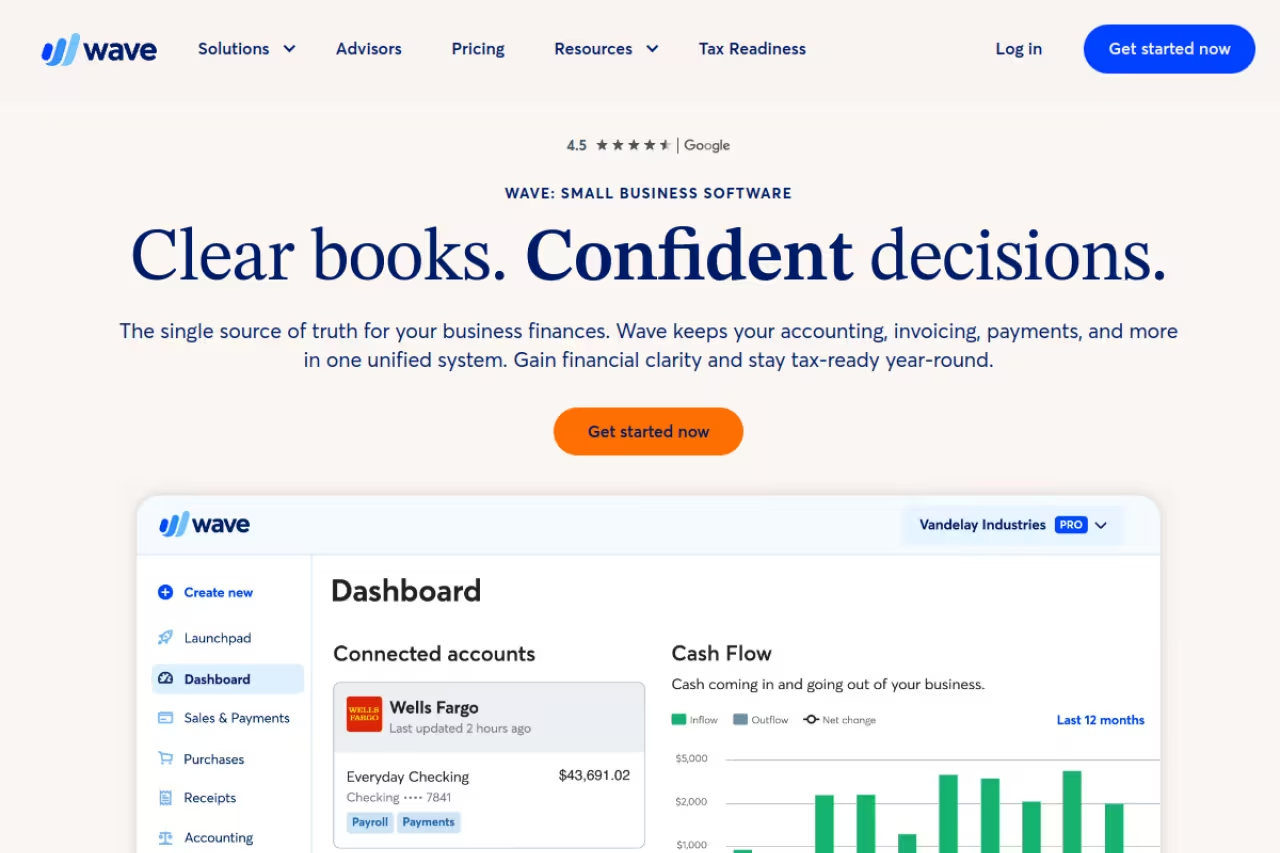
Wave is the rare free product that doesn't feel like bait. The Starter plan gives you unlimited invoices, unlimited estimates, unlimited clients, and actual double-entry bookkeeping, with no trial timer and no client cap. For a freelancer who invoices and gets paid by bank transfer or check, Wave costs nothing.
A strong pick for freelancers who want real accounting on a zero budget, with unlimited invoices and double-entry bookkeeping for free. Card fees of 2.9% + $0.60 run high, support is thin, and billing internationally gets frustrating.
The numbers: Starter is free. Pro is $19/month and adds automatic bank-transaction import and removes the per-transaction surcharge on your first 10 online payments each month. Card processing on the free plan runs 2.9% + $0.60 per transaction, per Wave's pricing page, which is slightly above the 2.9% + $0.30 you see elsewhere.
The standout is that bookkeeping and invoicing live in the same place for free. When a client pays, the transaction reconciles against your books automatically. Most freelancers cobble that together from two paid tools.
The catch: support is thin on the free plan, the per-transaction card fee is a little high, and payroll plus instant payouts are US/Canada only. If you bill internationally or want a human on the phone, Wave gets frustrating.

Bonsai: invoicing wrapped in a freelance OS
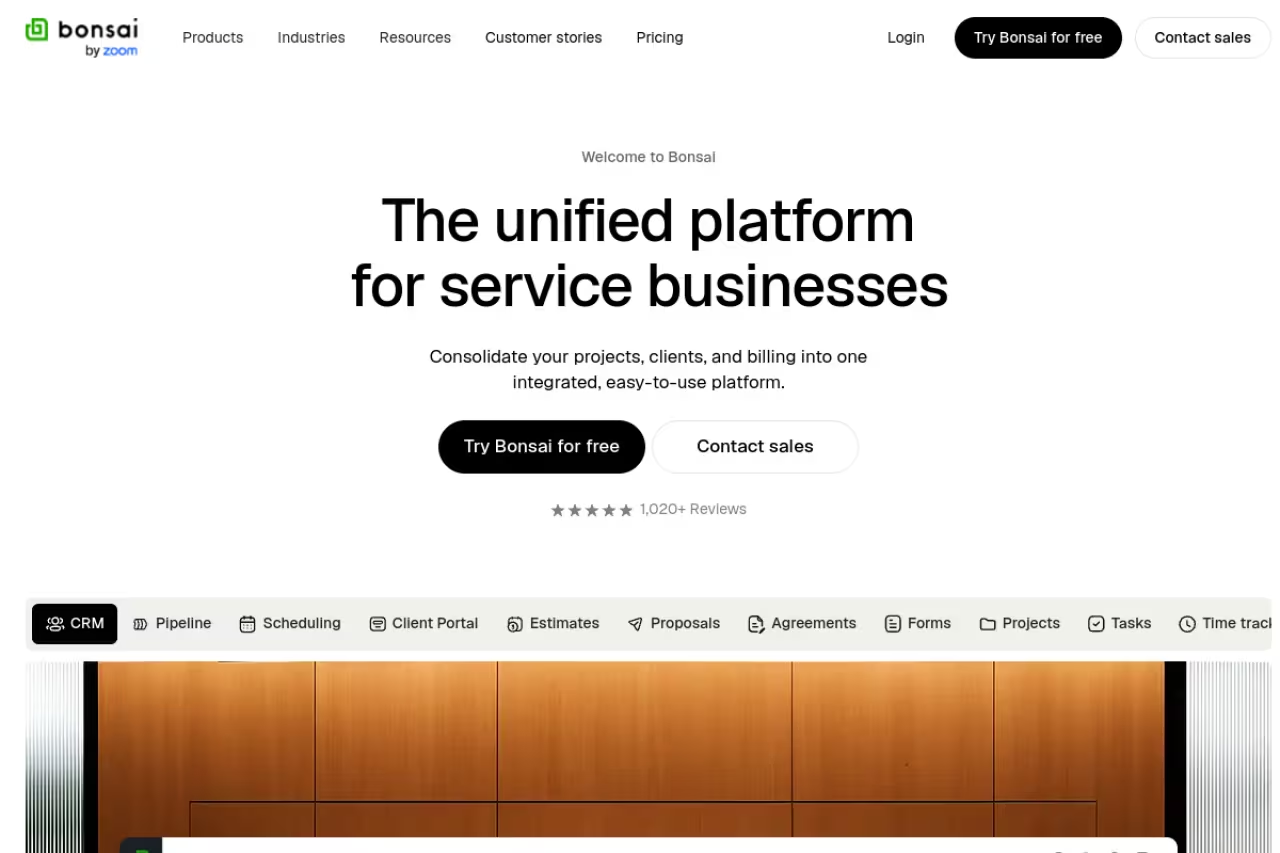
Bonsai treats the invoice as the last step of a chain: proposal, contract, project, time tracked, then invoice. If your work starts with a signed agreement, having the invoice pull straight from the contract and tracked hours saves real friction.
Go with it if you send contracts and want one app for the whole client lifecycle, from proposal to invoice, starting at $9/user/month. If all you want is invoicing it is overkill, and the better integrations sit behind Premium and Elite.
Pricing on annual billing is $9/user/month (Basic), $19 (Essentials), $29 (Premium), and $49 (Elite, 3-user minimum). On monthly billing those become $15, $25, $39, and $59, per Bonsai's pricing page. Even the Basic tier includes unlimited invoices, online payments, proposals, and contracts.
The standout is the contract-to-invoice flow. E-signature proposals, legally vetted contract templates, and automated invoice reminders all sit in one tool, so you're not paying separately for a contract app and an invoicing app. If you also need to track leads alongside this, pair it with the right setup from our roundup of the best CRM for freelancers.
The catch: you're paying for the suite, not the invoicing. If all you want is to send invoices, Bonsai is overkill and pricier than dedicated tools. Branding removal and the better integrations (QuickBooks, Xero, Zapier) are locked to Premium and Elite.
Worth knowing: a lot of this lifecycle work is getting automated now. Our look at the best AI invoice tools covers where the smart-billing features are heading.
Zoho Invoice: the best free option most people miss
Zoho Invoice is free. Not free-with-a-catch. Zoho removed the price tag years ago and committed to keeping it free, ad-free, and unlimited. It includes invoice customization, time tracking, expense management, automated reminders, a client portal, and a genuinely good set of mobile apps.
The free option most people miss, ideal for freelancers who want a no-cost tool that does not feel stripped down, with multi-currency and AR aging included. It has no built-in accounting, and Zoho Books is the upsell for that.
Pricing: free, full stop. You pay standard payment-gateway fees when clients pay by card (Stripe, PayPal, etc.), but Zoho takes nothing on top.
The standout is how complete it is for $0. You get WhatsApp and iMessage invoice delivery, multi-currency support, and AR aging reports, features that cost money in most paid tools. I'd put its invoicing UX a notch above Wave's.
The catch: it's a deliberately narrow product. There's no built-in accounting (Zoho wants you to upgrade to Zoho Books for that), and if you live inside Google Workspace, the Zoho ecosystem can feel like a walled garden you didn't mean to enter.
If a free invoicing tool is all you need, this is where I'd start before touching anything paid.

Invoice Ninja: for people who want to own their data
Invoice Ninja is open source. You can use the hosted cloud version or self-host it on your own server, which means the invoices, client records, and payment history are yours, not locked inside a SaaS account.
The open-source choice for technical freelancers and developers who want to own their billing data, with self-hosting at $40/year. The interface is more utilitarian than FreshBooks, and you own the updates, backups and uptime.
Pricing as of January 2026: the free plan covers 5 clients with unlimited invoices. Pro is $14/month (1 user). Enterprise scales from $18/month (2 users) up to $300/month (100 users), per the January 2026 pricing update. Self-hosting with white-label is $40/year.
The standout is self-hosting. If you don't want your financial data sitting in a vendor's cloud, you can run Invoice Ninja yourself for the cost of a small VPS. It also supports a long list of payment gateways out of the box.
The catch: the interface feels more utilitarian than FreshBooks or Bonsai, and self-hosting means you own the updates, backups, and uptime. That's a feature for some freelancers and a chore for everyone else.

Harvest: if you bill by the hour
Harvest is a time-tracking tool first and an invoicing tool second, which is exactly right if you bill hourly. You track time against projects, then turn those hours into an invoice in a couple of clicks.
Right for consultants, developers and agencies that bill by time, since tracked hours become an invoice in a couple of clicks. It is weak as pure invoicing, and the free plan's two-project limit is tight.
Pricing: the Free plan gives one seat and two active projects, enough for a freelancer testing the waters. Teams is $9/seat/month billed monthly (or $11 with the annual discount applied per seat) and unlocks unlimited projects and clients, per the Harvest pricing page. Enterprise adds reporting and approvals.
The standout is the time-to-invoice pipeline. One-click timers, weekly timesheets, and budget tracking flow straight into a billable invoice, so you never lose an hour you should have charged for.
The catch: the two-project limit on the free plan is tight, and Harvest is weak as pure invoicing software. There's no contract handling, light expense features, and no real accounting. It's a billing-by-time specialist, and outside that lane it's thin.

FreshBooks: polished invoicing you pay for
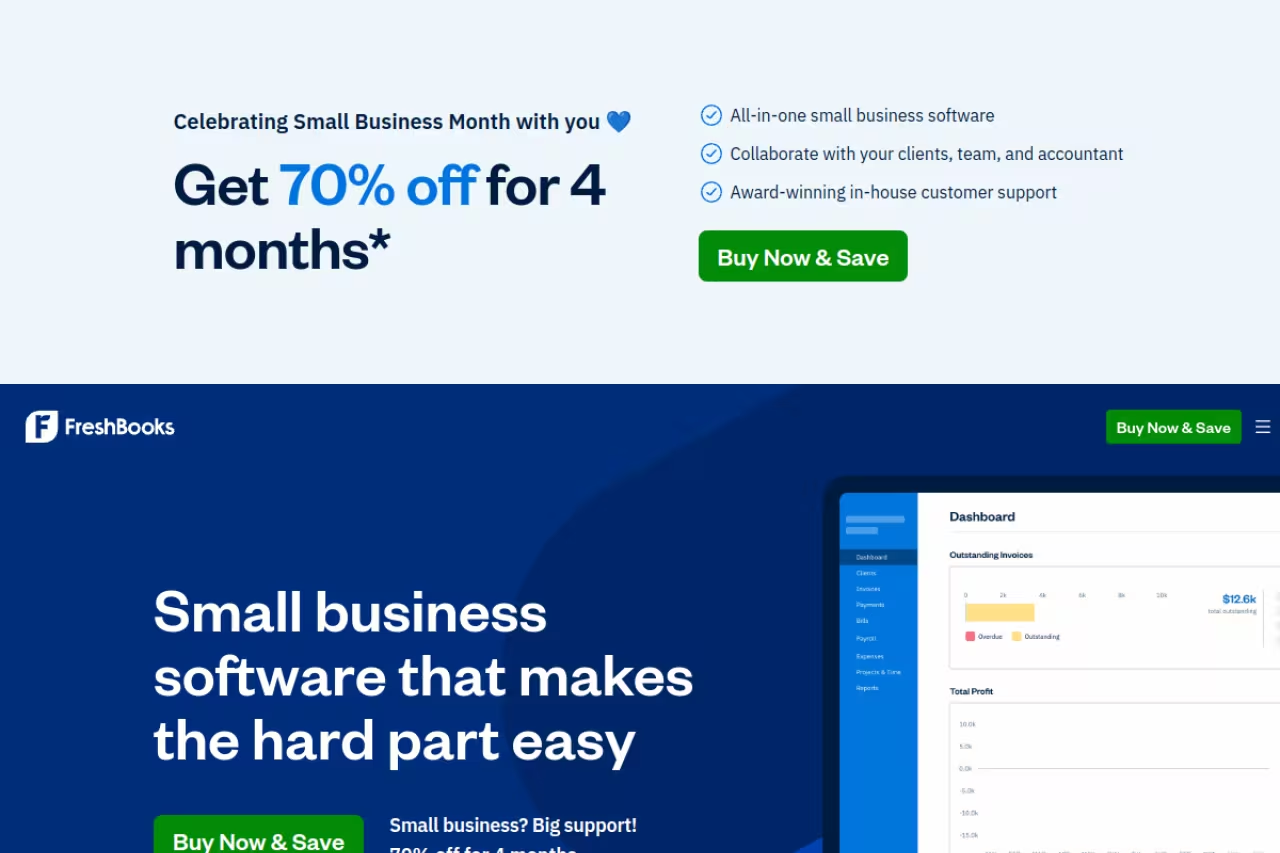
FreshBooks started as invoicing software for freelancers and never lost the plot. It does double-entry accounting now, and the invoicing experience is still one of the most polished in the category: clean templates, automatic late-payment reminders, recurring invoices, and a client portal where people can pay by card without creating an account.
Polished invoicing for the freelancer who wants to stop thinking about billing and does not mind paying, from $23/month. The 5-client cap on Lite is stingy, and the 90% intro discount hides the real price for the first quarter.
Pricing in 2026 starts at $23/month for the Lite plan, which caps you at 5 billable clients. Plus is $43/month for 50 clients and adds proposals, e-signatures, and receipt scanning. Premium is $70/month for unlimited clients. FreshBooks runs a heavy intro discount (90% off for three months on its pricing page), so the first quarter feels cheap, then the real number lands.
The standout is automation. Reminders go out on their own, late fees apply automatically, and the mobile app tracks mileage and receipts so your invoices and expenses stay in one ledger.
The catch: the 5-client cap on the entry plan is stingy. If you have six clients you're pushed to the $43 tier, and team members cost an extra $11/month each. For a true solo with a handful of clients, the math gets annoying fast.
Stripe Invoicing: built for high-ticket B2B
Stripe Invoicing makes the most sense when your invoices are large and your clients pay by card or ACH. Instead of a monthly subscription, you pay a small percentage only when an invoice gets paid, which flips the cost model in your favor on big jobs.
Smart for freelancers and studios sending large B2B invoices, since you pay 0.4% per paid invoice capped at $2 and nothing until money arrives. It is not a freelance-business tool, with no contracts or bookkeeping and card fees on top.
Pricing: Stripe charges 0.4% per paid invoice on the Starter tier, capped at $2 per invoice, plus standard Stripe payment processing on top. The Stripe Invoicing pricing makes the cap the headline: on a $10,000 invoice you pay $2 for the invoicing layer, not $40.
The standout is that you pay nothing until the money arrives. No monthly fee sitting on your card during a slow quarter. For a freelancer with a few big projects a year, that's a real saving versus a $23 to $70/month subscription.
The catch: Stripe is a payments company, not a freelance-business tool. There's no expense tracking, no contracts, no bookkeeping, and the invoice templates are basic. You're also paying full card-processing fees on top of the invoicing fee, so it's not "cheap," just structured differently.
Square Invoices: invoices plus in-person payments
Square Invoices earns its spot if some of your work happens in person. The same account that sends a digital invoice can also take a card swipe at a market, a shoot, or a client meeting, which most invoicing tools can't do.
A good match for freelancers who mix remote invoicing with face-to-face payments, since one account handles both. Free-plan card rates of 3.3% + 30¢ run high, and the $49 tier is priced for retailers, so most should stay on free.
Pricing: the standard plan is free to send invoices. Online card payments run 3.3% + 30¢ per transaction on the free plan; paid plans (Plus at $49/month, Premium at $149/month) drop that toward 2.9%. Sending invoices itself costs nothing.
The standout is one unified system for both online and in-person money. If you sell physical work or take deposits in person, Square ties it all to the same dashboard and reporting.
The catch: the free-plan processing rate is on the high side, and the paid plans are priced for retail businesses, not solo freelancers. Most freelancers will never need the $49 tier and should stay on free.
How to choose
Skip the feature checklists and answer three questions.
First, how do you bill? Hourly work points to Harvest. Contract-based work points to Bonsai. Flat project fees or retainers work fine on any of the rest.
Second, what's your budget? If the answer is zero, Zoho Invoice and Wave are the only two I'd seriously consider, and Zoho wins on invoicing polish while Wave wins on bookkeeping. Don't pay for invoicing until a free tool actually limits you.
Third, how big are your invoices? If you send a handful of $5,000-plus B2B invoices a year, Stripe's pay-per-paid-invoice model beats any subscription. If you send many small invoices, a flat monthly fee like FreshBooks or Bonsai is cheaper per invoice.
If you're not sure, start free with Zoho Invoice or Wave. You can always graduate to FreshBooks or Bonsai when chasing payments and contracts starts eating your week. For the broader stack around invoicing, our guides to the best bookkeeping app for small business and the best expense management software cover what to pair it with.
Want a faster way to keep up with tools like these and the AI features reshaping them? Dupple X sends one short brief that does the filtering for you, and you can start a yearly trial here.
FAQ
What is the best free invoicing software for freelancers?
Zoho Invoice and Wave are the two best free options in 2026. Zoho Invoice is free forever with no client cap, time tracking, reminders, and a client portal. Wave is also free with unlimited invoices and adds real double-entry bookkeeping. Zoho has the cleaner invoicing experience; Wave is better if you want accounting bundled in.
How much does invoicing software cost for a freelancer?
Most paid invoicing tools run $9 to $30 per month for a solo freelancer. FreshBooks starts at $23/month (5 clients), Bonsai at $9/user/month on annual billing, Invoice Ninja Pro at $14/month, and Harvest Teams at $9/seat/month. Wave and Zoho Invoice are free, and Stripe Invoicing charges 0.4% per paid invoice instead of a subscription.
Do I need invoicing software, or can I just use a PDF template?
A template works until it doesn't. Once you're sending more than a few invoices a month, dedicated software pays for itself by automating reminders, tracking who has paid, accepting online card payments, and keeping a clean record for tax time. Manual PDFs cost you in chased payments and bookkeeping headaches.
What's the best invoicing tool if I bill hourly?
Harvest. It's built around time tracking, so you log hours against a project and convert them to an invoice in a couple of clicks. FreshBooks and Bonsai also include time tracking, but Harvest's timer-to-invoice flow is the tightest if hourly billing is your main model.
Can I accept credit card payments through invoicing software?
Yes. FreshBooks, Wave, Bonsai, Zoho Invoice, Stripe, and Square all let clients pay invoices by card. You pay a processing fee per transaction, typically around 2.9% + $0.30, and some tools add a small platform fee on top. Stripe's cap of $2 per paid invoice makes it cheapest for large invoices.
Is FreshBooks or Wave better for freelancers?
FreshBooks is better if you want polish, automation, and support and are willing to pay $23/month or more. Wave is better if you want a capable free tool with bookkeeping built in. A freelancer on a budget should start with Wave (or Zoho Invoice); one who wants billing to run itself should pay for FreshBooks.
Related guides
Some offers on this page may be paid placements or contain affiliate links.
