
The Best CRM for Freelancers in 2026 (Compared and Ranked)

Key facts8 tools compared: HoneyBook, Bonsai, Moxie, Dubsado, HubSpot, Streak, Pipedrive, Plutio
- 8 tools compared: HoneyBook, Bonsai, Moxie, Dubsado, HubSpot, Streak, Pipedrive, Plutio
- HoneyBook (best for: Service freelancers who want polish): $29/mo
- Bonsai (best for: Designers and devs who bill hourly): $9/mo
- Moxie (best for: Solopreneurs on a budget): $10/mo
- Dubsado (best for: Automation-heavy workflows): ~$28/mo
Most freelancers don't lose clients because the work is bad. They lose them because a follow-up email never went out, a proposal sat in drafts for a week, or an invoice slipped through the cracks. The actual delivery was fine. The system around it leaked.
A CRM fixes the leak, but "CRM" means two very different things depending on who you ask. A sales rep wants a pipeline that tracks 200 deals. A freelancer wants something that holds the whole client relationship: the lead, the proposal, the contract, the invoice, and the reminder to chase the one that's overdue. Most CRMs are built for the first person and sold to the second, which is why so many freelancers end up with a tool that's half empty and twice the price they need.
This guide compares eight of these tools against the demands of real client work. If you want one recommendation and you're done reading, it's HoneyBook: it's the most polished all-in-one for service freelancers, and the 30-day trial means you can test it on a live project before paying. But the right pick depends on how you actually work, so here's the full breakdown.
Quick comparison
| Tool | Best for | Price (annual) | Standout |
|---|---|---|---|
| HoneyBook | Service freelancers who want polish | $29/mo | Client experience, end to end |
| Bonsai | Designers and devs who bill hourly | $9/mo | Time tracking plus contracts |
| Moxie | Solopreneurs on a budget | $10/mo | Most features for the money |
| Dubsado | Automation-heavy workflows | ~$28/mo | Deep workflow builder |
| HubSpot | Freelancers who only need a pipeline | Free | Best free tier, period |
| Streak | People who live in Gmail | Free / $59/seat | CRM inside your inbox |
| Pipedrive | Lead-volume freelancers | ~$14/seat/mo | Visual sales pipeline |
| Plutio | Project-first freelancers | $15/mo | Projects and CRM in one |

HoneyBook: the best all-in-one for service freelancers
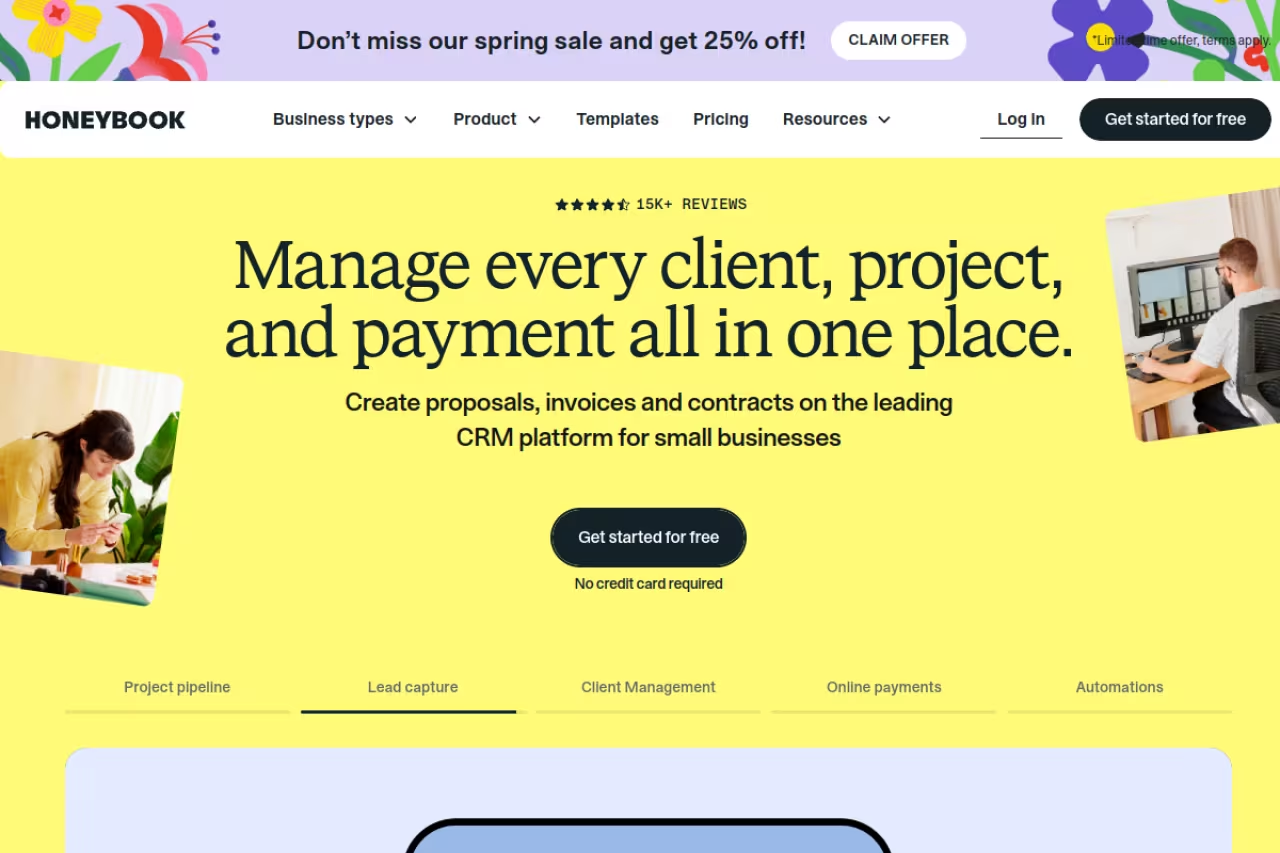
HoneyBook is what most people picture when they imagine a freelancer CRM that actually feels modern. A lead fills out your contact form, lands in your pipeline, gets a branded proposal, signs the contract, pays the invoice, and the whole thread lives in one client file. You're not stitching together Calendly, DocuSign, and Stripe with tape.
The most polished all-in-one for service freelancers like photographers, designers and coaches who care about client experience. The proposal-to-payment flow is smooth, but processing fees add up and you realistically need the Essentials plan for automations.
The branded client portal and the smooth proposal-to-payment flow make you look like an agency when you're a team of one.
Pricing starts at $29/month on the Starter plan billed annually, with Essentials at $49/month (this adds the scheduler, automations, and QuickBooks sync) and Premium at $109/month for unlimited team members. There's a 30-day free trial with no card required, which is generous and lets you run a real project through it. Payment processing runs 2.7% plus 10 cents per card transaction.
The catch: those payment fees add up if you process a lot of volume, and the Starter plan caps you at two lead forms with no automations. To get the time-saving workflow features that justify a CRM, you're really looking at Essentials at $49/month.

Bonsai: built for freelancers who bill by the hour
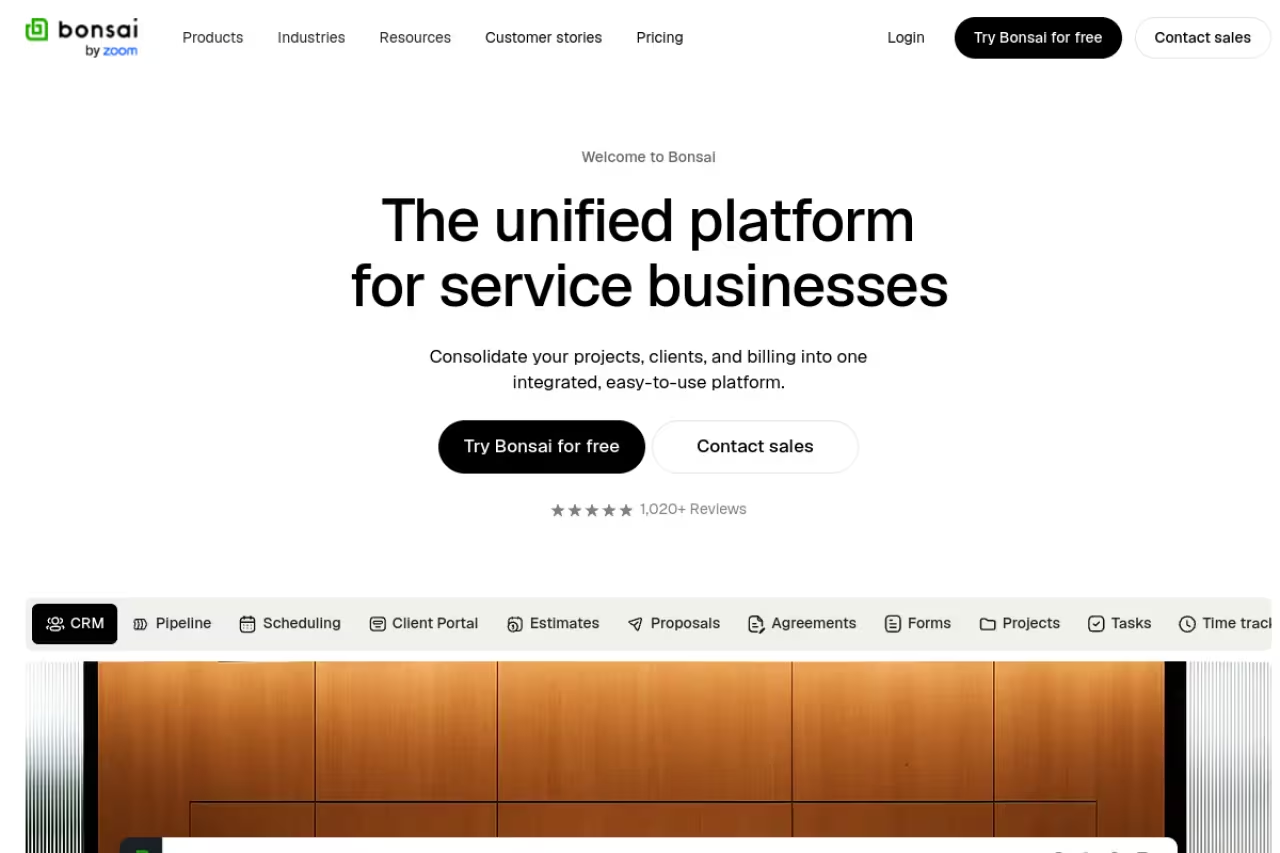
Bonsai started as a contracts-and-invoicing tool for freelancers and grew into a full client platform. What sets it apart from HoneyBook is that time tracking is native and central, not an afterthought. You track hours against a project, and those hours flow straight into an invoice. For anyone billing hourly or against retainers, that loop is the whole game.
It fits designers, developers, writers, and consultants who track time and want contracts, proposals, and billing in the same place. The contract templates are genuinely good, vetted for freelance work rather than generic legalese.
The Basic plan is $9/user/month billed annually and includes CRM, time tracking, and unlimited projects. Essentials at $19/month adds invoicing, proposals, contracts, and the client portal, which is the plan most freelancers actually need. Premium at $29/month adds a deals pipeline and reporting.
Where it falls short: the genuinely useful features (invoicing, proposals, contracts) live on Essentials, not Basic, so the real entry price is $19/month. The free trial is also only 7 days, which is tight for testing on real client work. And tax features that used to be bundled now cost extra in some regions.
Built for designers, developers and writers who bill by the hour or on retainers, with time tracking flowing straight into invoices. The real entry price is Essentials, since invoicing and proposals sit above Basic, and the trial is only 7 days.

Moxie: the most features per dollar
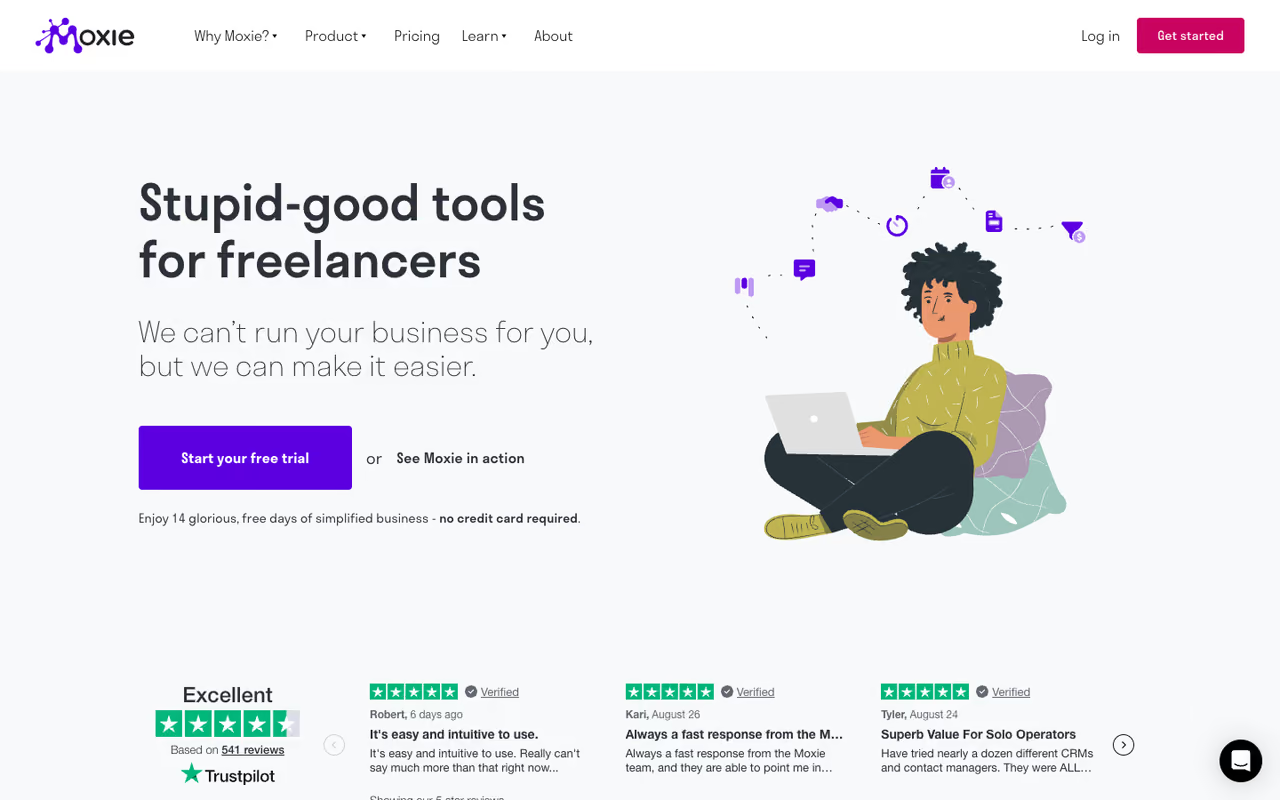
Moxie (formerly Hectic) is the value play. Its Starter plan at $10/month billed annually includes client management, a sales pipeline, proposals, quotes, contracts, invoicing, time tracking, basic accounting, custom forms, schedulers, and an AI assistant. That's a feature list that costs $49/month elsewhere, packed into one entry tier.
The value play for solopreneurs who want one tool to run the whole business, including basic accounting, from a low entry price. The interface is busier and less polished than HoneyBook's, but for raw capability per dollar little comes close.
The accounting layer is a real differentiator: most freelancer CRMs stop at invoicing, but Moxie tracks expenses and gives you a rough profit picture without a separate bookkeeping app.
Pricing is $10/month for Starter and $20/month for Pro (annual), which adds white-label portals, workflow automation, a built-in phone line, and Zapier and QuickBooks integrations. Teams runs $32/month for up to five members. The free trial is 14 days.
The catch: cramming this many features into one product means the interface is busier than HoneyBook's, and the polish isn't quite there. A few modules feel like they were shipped fast. If client-facing elegance matters more to you than feature count, Moxie isn't the prettiest option. But for raw capability per dollar, nothing else comes close.
If juggling all of this still feels like more admin than you signed up for, a curated stack like Dupple X bundles the tools that actually move the needle so you spend less time evaluating software and more time billing.

Dubsado: for automation obsessives
Dubsado is the tool for freelancers who think in workflows. Its automation builder is the deepest in this category: you can chain emails, forms, contracts, and reminders into sequences that fire on triggers, so onboarding a new client becomes a single button press. Once you've built your system, it runs itself.
It suits established freelancers and small studios with repeatable processes worth automating. If every project follows the same five steps, Dubsado pays for itself in saved hours.
The Starter plan is $335/year (roughly $28/month) with unlimited projects and clients, and Premier is $525/year (roughly $44/month), which unlocks the scheduler, public proposals, and the full automated workflows. The 21-day trial is the most generous here, and there's no project cap during it.
Where it falls short: the automation builder is powerful but has a real learning curve. Expect to spend a weekend setting up your workflows before you get value out of it. Automations also live on the more expensive Premier plan, so the cheap tier is mostly a billing-and-forms tool. It's overkill for someone with three clients and simple needs.
Ideal for established freelancers and small studios with repeatable processes worth automating, with the deepest automation builder here. Expect a weekend of setup, automations require the pricier Premier plan, and it is overkill for someone with a few clients.

HubSpot: the best free CRM
HubSpot wins the free tier without much competition. The free plan gives you up to 1,000 contacts, deal pipelines, email tracking, meeting scheduling, and basic email sequences for two users, at $0 forever. For a freelancer who just needs to track leads and follow up, that's often all you need.
The best free CRM if your bottleneck is sales rather than delivery and you already handle invoicing elsewhere. It has no invoicing, proposals or contracts, and the interface is built for sales teams, so it is the wrong shape for an all-in-one.
The free CRM is free for up to 1,000 contacts and two users. If you outgrow it, Sales Hub Starter runs $20/seat/month, though that's where the cost can climb fast once you start adding hubs.
The catch: HubSpot has no invoicing, proposals, or contracts in any meaningful freelance sense. It's a pure sales CRM, so you'll need separate tools for billing and documents. It's also built for sales teams, which means a lot of the interface is features you'll never touch. Powerful, but the wrong shape if you want an all-in-one. For a wider look at sales tooling, my guide to the best AI sales tools covers what pairs well with a CRM like this.

Streak: a CRM that lives in Gmail
Streak is different by design: it turns your Gmail inbox into a CRM. Pipelines, deal tracking, and contact history all sit inside the Gmail interface you already use all day. There's no separate app to check, no context switch. If your client communication is already 90% email, this removes the friction of a standalone tool.
A good fit for freelancers who run their business out of Gmail and resist learning a new platform. Paid plans are pricey for a Gmail layer, there is no invoicing or contracts, and Outlook users are out.
The free tier covers email tracking, mail merge (capped at 50 a day), and snippets, which is enough for basic outreach.
Full CRM features start at $49/user/month for Pro (or $59 on annual billing, which is one of the few tools where monthly is cheaper than the listed annual rate). Pro+ is $69/month with advanced reports and automations.
Where it falls short: the paid plans are expensive for what is essentially a Gmail layer, and pricing is per user, which only matters if you're solo (you're not paying for a team). There's also no native invoicing or contracts, so it's a pipeline tool, not an all-in-one. And it only works with Gmail, so Outlook users are out.

Pipedrive: a visual pipeline if leads are your focus
Pipedrive is a sales-first CRM with the cleanest visual pipeline in this list. You drag deals between stages, and the whole thing is built to keep you moving leads forward. For a freelancer managing a steady flow of inbound inquiries (say 10 to 30 active conversations) it's a calm, focused way to make sure nothing stalls.
Pick it when your work is genuinely sales-driven and you juggle many simultaneous leads. It is a pure sales CRM with no invoicing or contracts, so it solves the wrong half of the job if your problem is delivery and admin.
Pricing starts around $14/seat/month for the entry tier billed annually, rising through mid-tiers near $39 to $49/seat/month. Pipedrive reorganized its plan names and pricing in 2025, so check the current page before committing. There's a 14-day free trial.
The catch: like HubSpot and Streak, Pipedrive is a pure sales CRM with no invoicing, contracts, or proposals built for freelancers. The per-seat pricing also assumes you're thinking like a sales team, which most freelancers aren't. If your problem is delivery and admin rather than lead volume, this solves the wrong half of the job.

Plutio: project management plus CRM
Plutio leans harder into project and task management than the others, then wraps a CRM around it. Client profiles connect to projects, invoices, time entries, and conversations, so it's a strong pick if your work is project-heavy and you want the delivery side and the client side in one tool.
It fits freelancers who manage multi-step projects with deliverables and deadlines, and who want task boards alongside their client records.
The Core plan is $15/month billed annually with unlimited projects, invoices, proposals, and contracts, plus a client portal. The big caveat is a cap of 9 active clients per month on Core; lift that and you're on Pro at $39/month. The trial is 7 days.
Where it falls short: that 9-client cap on the entry plan is restrictive for anyone with a steady roster, and the jump to Pro is steep. The interface is also dense, since it's trying to be a project manager and a CRM at once. If you don't need the project-management depth, you're paying for complexity you won't use.
A strong choice for project-heavy freelancers who want task boards and client records together. The cap of 9 active clients on Core is restrictive, the jump to Pro is steep, and the dense interface is overkill if you do not need project depth.
How to choose
Don't start with the tool. Start with where your work actually leaks.
If your problem is admin (proposals, contracts, invoices, and the follow-ups around them), you want an all-in-one. HoneyBook for polish, Bonsai if you bill hourly, Moxie if budget is tight, Dubsado if you'll invest in automation.
If your problem is sales (too many leads, not enough follow-through), you want a pipeline CRM and you can run it for free. HubSpot if you want the most generous free tier, Streak if you live in Gmail, Pipedrive if you want the cleanest visual board.
If your problem is delivery (managing the actual projects), Plutio or Bonsai give you task management alongside the client record.
One rule worth following: pick the tool you'll actually open every day. A free CRM you check daily beats a $49 one you forget exists. Test on a real client during the trial, not a fake one. The friction only shows up when there's money on the line. For more on building a lean software stack, see my roundup of the best AI productivity tools and the broader top tools list.
FAQ
What is the best CRM for freelancers in 2026?
For most service freelancers, HoneyBook is the best all-in-one because it covers leads, proposals, contracts, and invoicing with a polished client experience and a 30-day trial. If you bill hourly, Bonsai is a better fit thanks to native time tracking. If you only need a sales pipeline, HubSpot's free plan is hard to beat.
Do freelancers actually need a CRM?
If you have more than a handful of clients, yes. The value isn't fancy reporting, it's never dropping a follow-up, proposal, or invoice again. Even a free CRM that just tracks who you owe a reply to will recover real revenue. Below three or four clients, a spreadsheet is honestly fine.
What is the best free CRM for freelancers?
HubSpot's free plan is the strongest, with 1,000 contacts, deal pipelines, email tracking, and meeting scheduling at no cost for two users. Streak's free tier is good if you work mostly in Gmail. The catch with both is no invoicing or contracts, so you'll need separate billing tools.
What's the difference between a CRM and project management software for freelancers?
A CRM tracks the client relationship: leads, proposals, contracts, invoices, and follow-ups. Project management software tracks the work itself: tasks, deadlines, and deliverables. Tools like Plutio and Bonsai try to do both, which suits freelancers who want one place for everything rather than two subscriptions.
How much should a freelancer pay for a CRM?
Most freelancers land between $10 and $30 a month. Moxie ($10/month) and Bonsai ($19/month for the useful tier) sit at the value end, HoneyBook ($29 to $49) at the premium end. If you only need a sales pipeline, you can run HubSpot or Streak's free plan at $0. Don't pay for features you won't open.
Can I switch CRMs later without losing my data?
Mostly, yes. Most of these tools let you export contacts and client data as CSV, and the pipeline-focused ones (HubSpot, Pipedrive) have proper import tools. The harder part to migrate is automations and templates, which usually have to be rebuilt by hand. That's a reason to test thoroughly during the trial before you commit.
Related guides
Some offers on this page may be paid placements or contain affiliate links.
Across our whole catalogue the median is $24 a month and 33% of tools advertise a free tier. Figures are the lowest recurring monthly price quoted in our own review of each tool, read on 2026-08-19. Full method and every category.
