
The Best Bookkeeping App for Small Business in 2026

Key facts6 tools compared: QuickBooks Online, Xero, FreshBooks, Wave, Zoho Books, QuickBooks Solopreneur
- 6 tools compared: QuickBooks Online, Xero, FreshBooks, Wave, Zoho Books, QuickBooks Solopreneur
- QuickBooks Online (best for: US businesses that want accountant familiarity): $38/mo (Simple Start)
- Xero (best for: Teams and multi-currency): $25/mo (Early)
- FreshBooks (best for: Service businesses billing by project): $21/mo (Lite)
- Wave (best for: Solo and side businesses on a budget): Free
Most "best bookkeeping app" lists read like they were written by someone who has never reconciled a bank feed at 11pm before a tax deadline. I have. So this is the version I wish I'd had.
The honest answer to "which one should I use" depends on whether you sell products or sell your time, whether you have employees, and how much you'd rather pay in software versus pay an accountant to clean up a mess later. Short version: QuickBooks Online is the safest default because every accountant in the US already knows it, Xero is better if you have a team or work across currencies, and Wave is genuinely free if your needs are simple.
This guide is for founders, freelancers, and small operators who do their own books or hand them to a part-time bookkeeper. I'll give you real 2026 pricing, who each tool is for, and the catch nobody mentions in the marketing copy. One note: Bench, the popular managed-bookkeeping service, shut down in December 2024 and left thousands of customers scrambling, so I've left "done-for-you" services to the end and focused on apps you control.
Quick comparison
| Tool | Best for | Starting price | Standout |
|---|---|---|---|
| QuickBooks Online | US businesses that want accountant familiarity | $38/mo (Simple Start) | Biggest ecosystem, every CPA knows it |
| Xero | Teams and multi-currency | $25/mo (Early) | Unlimited users on every plan |
| FreshBooks | Service businesses billing by project | $21/mo (Lite) | Invoicing and time tracking |
| Wave | Solo and side businesses on a budget | Free | Real double-entry accounting at $0 |
| Zoho Books | Anyone already in the Zoho ecosystem | Free under $50K revenue | Deep automation for the price |
| QuickBooks Solopreneur | Freelancers tracking Schedule C | $20/mo | Auto mileage and quarterly tax estimates |
QuickBooks Online: the default for a reason
QuickBooks Online is the one your accountant, your bookkeeper, and your tax preparer almost certainly already use. That sounds boring until you switch software and watch a professional spend three billable hours figuring out your chart of accounts. Familiarity has real dollar value.
It's the most capable option here. Bank feeds, invoicing, expense tracking, inventory on higher tiers, project profitability, and an app marketplace with more integrations than anyone else. If you sell products, run payroll, or expect to hire, this is the deepest toolset on the list.
The safe default if you want your accountant and tax preparer already at home in your books. It has the deepest toolset and integration list here, but pricing runs from $38 to $275 a month and Intuit keeps raising it every summer.
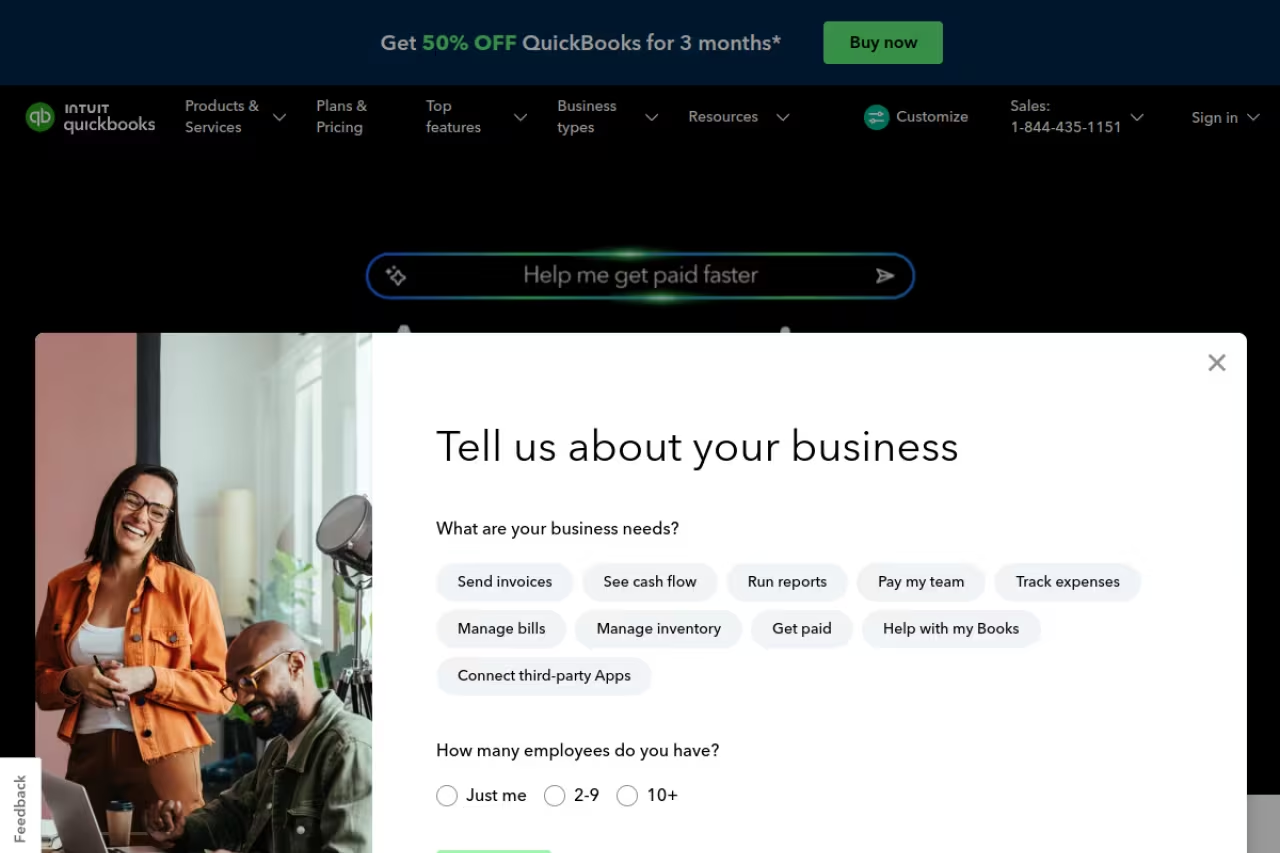
Pricing in 2026, confirmed on Intuit's own pricing page and cross-checked against NerdWallet's breakdown: Simple Start is $38/month, Essentials $75/month, Plus $115/month, and Advanced $275/month. New signups usually get 50% off for three months if you skip the free trial.
The standout is the ecosystem. Whatever your stack, there's a tested QuickBooks connector for it.
The catch: Intuit raises prices roughly every summer. Simple Start was $30 in 2023 and is $38 now after a July 2025 increase of 15 to 20 percent across the board. Budget for that creep, because once your books live here, leaving is a project.

Xero: the team-friendly alternative
Xero is what I recommend when QuickBooks feels like too much money for too many seats. Its single best feature is buried in the fine print: every plan includes unlimited users. You can invite your accountant, a contractor, and your business partner without paying per seat, which is how QuickBooks and most rivals quietly inflate your bill.
The interface is cleaner than QuickBooks, bank reconciliation is faster once you learn it, and multi-currency on the top plan is genuinely good for anyone selling outside their home country.
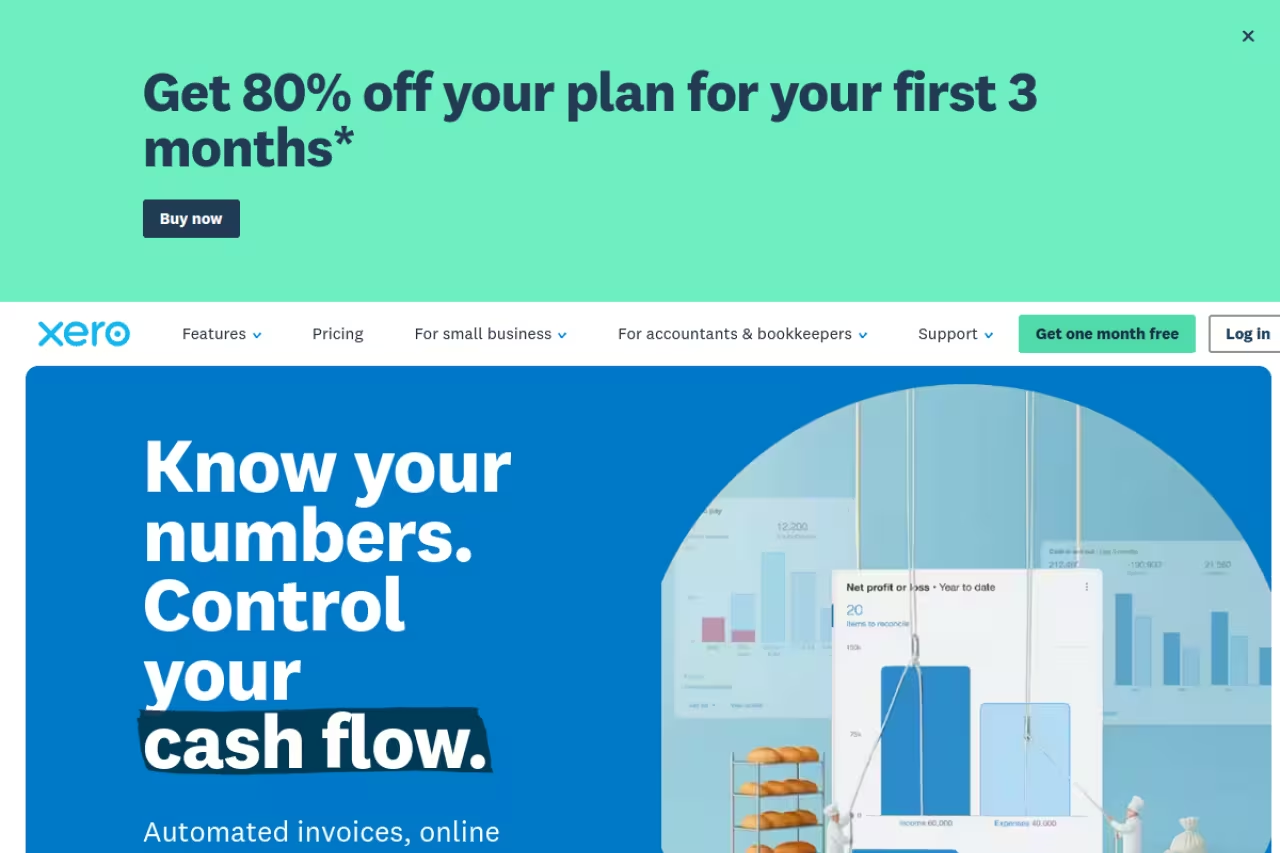
Per Xero's US pricing page, the 2026 rates are Early at $25/month, Growing at $55/month, and Established at $90/month. Early caps you at 20 invoices and 5 bills a month, so freelancers with light volume can live there cheaply. New US customers have been getting heavy first-six-months discounts, so check the current promo before paying full price.
The catch: that Early plan's invoice limit sneaks up on you fast. Send your 21st invoice and you're forced up to Growing at more than double the price. Multi-currency, projects, and expense claims are locked to the $90 Established tier, so the features that make Xero shine sit behind the most expensive plan.
Pick Xero if QuickBooks feels like too much money for too many seats, since every plan includes unlimited users. The catch is the Early plan's cap of 20 invoices, and multi-currency sits on the $90 tier.

FreshBooks: built for billing your time
FreshBooks started as invoicing software and it still thinks like invoicing software, which is exactly what you want if you sell hours instead of products. Consultants, agencies, designers, lawyers, freelancers: this is your lane. Time tracking, project management, client portals, and proposals all sit at the center instead of bolted on.
Sending invoices in FreshBooks is the nicest experience on this list. Clients get a clean, payable invoice, you see when they open it, and late-payment reminders fire automatically.
The right lane for consultants, agencies and freelancers who sell hours. Invoicing and time tracking are excellent, but the billable-client cap forces upgrades, and product sellers will find inventory and double-entry depth thinner than QuickBooks or Xero.
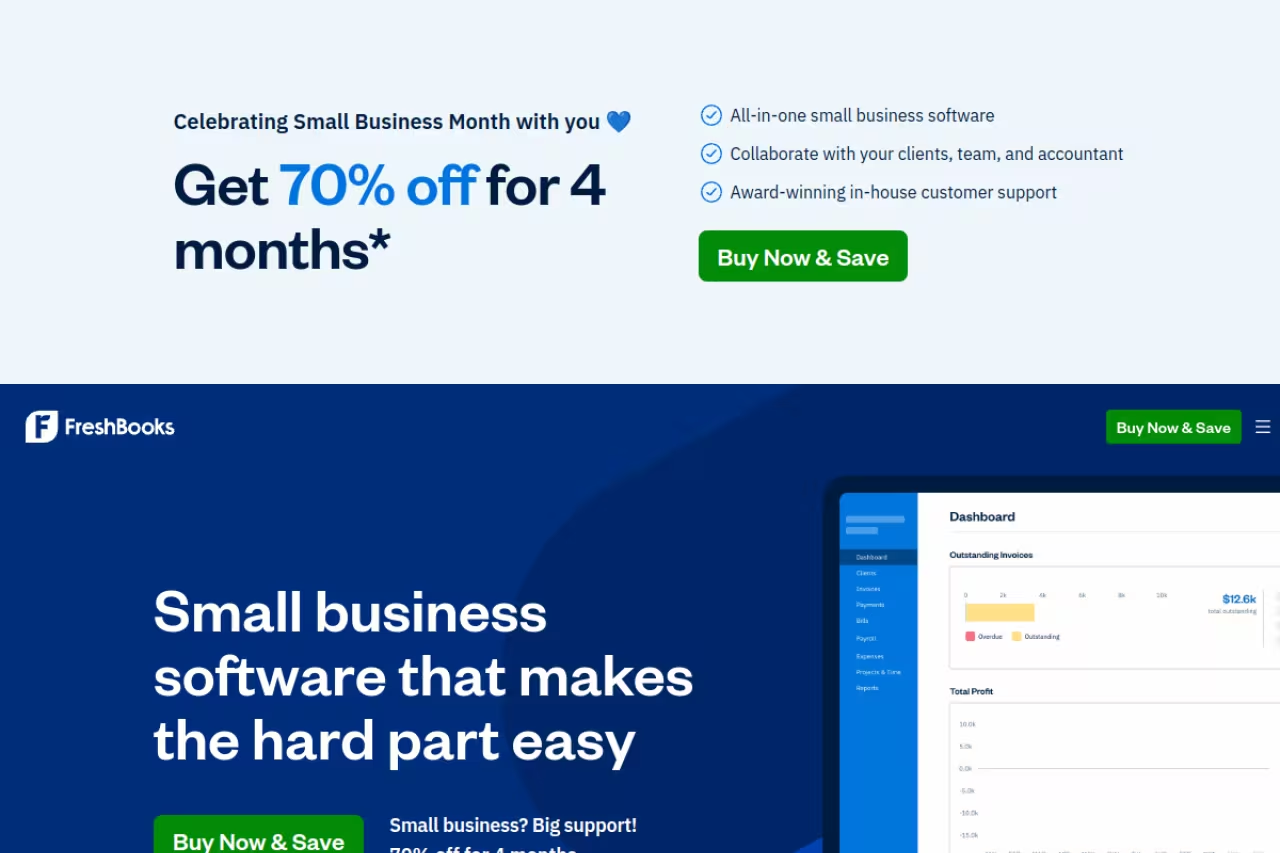
Pricing in 2026 runs $21/month for Lite, $38/month for Plus, and $65/month for Premium when billed monthly, according to FreshBooks' plan documentation. The real differentiator is the billable-client cap: Lite covers 5 clients, Plus jumps to 50, and Premium is unlimited.
The catch: the client cap, not features, usually forces your upgrade, and it counts every client you've ever billed unless you archive them. FreshBooks is also weaker than QuickBooks or Xero on inventory and true double-entry depth, so product sellers and anyone needing serious accounting reports will outgrow it.

Wave: free that's actually free
Wave is the rare free product where "free" isn't a trap. The Starter plan gives you real double-entry accounting, unlimited invoicing, and expense tracking for $0 a month, forever. For a side business, a brand-new LLC, or a freelancer with simple finances, it's hard to justify paying anyone else on day one.
You make money for Wave when you use payments and payroll, which is the honest trade. Card processing runs about 2.9% plus $0.60 per transaction, and payroll is a separate paid add-on. The Pro plan at $16/month adds automatic bank imports and receipt scanning if you want them.
The standout is obvious: a genuine accounting tool with no monthly floor, which is why it stays on every short list of free invoice and expense tools.
The catch: free has a ceiling. Without Pro, you import transactions manually, support is thin, and there's no inventory or project tracking. Wave is a fantastic starting point and a poor finishing point. Plan to graduate to Xero or QuickBooks once you hire or hit real volume.
A genuine free starting point for a side business or new LLC, with real double-entry accounting and unlimited invoicing at $0. Expect manual imports without the $16 Pro plan, thin support and no inventory, so plan to graduate later.
If you're trying to keep your whole back office lean while you grow, our team put together a yearly toolkit for small operators that pairs nicely with a free accounting base like this.
Zoho Books: the underrated automation play
Zoho Books is the one most people skip and shouldn't. It punches well above its price, especially if you already touch anything in the Zoho universe (CRM, Inventory, Mail). The automation depth, custom workflows, approval rules, scheduled reports, is closer to enterprise software than to a $20 tool.
There's a real free tier for businesses under $50,000 in annual revenue that includes up to 1,000 invoices a year and a client portal. Paid plans on Zoho's pricing page start at Standard $20/month, then Professional $50/month, with steeper tiers above that. Annual billing knocks roughly 20% off.
The standout is value per dollar. Feature for feature, you pay less here than almost anywhere else.
The catch: the ecosystem is the gravity. Zoho Books is best when you live in Zoho and a little awkward as a standalone. US accountant familiarity is lower than QuickBooks, so if your CPA insists on a platform, that vote outweighs the price.
An underrated value pick, especially if you already use other Zoho tools. You get enterprise-style automation and a free tier for businesses under $50,000 in revenue, but it feels awkward standalone and US accountants know it less than QuickBooks.
QuickBooks Solopreneur: for the one-person Schedule C
QuickBooks Solopreneur (the rebuilt version of the old Self-Employed product) is purpose-built for freelancers who file a Schedule C and don't need a full chart of accounts. At $20/month it tracks income and expenses, separates business from personal spending, logs mileage automatically over GPS, and estimates your quarterly taxes so April stops being a surprise.
If your "bookkeeping" is really "keep my 1099 income organized and tell me what to set aside for taxes," this does that without the overhead of full accounting software.
The catch: it's deliberately limited. No balance sheet, no accrual accounting, weak reporting, and migrating up to real QuickBooks Online later isn't a clean one-click move. The moment you incorporate, take on contractors, or want proper financial statements, you've outgrown it. Treat it as a starter, not a destination, and see our AI expense-tracking tools roundup if categorizing receipts is your main pain.
How to choose without overthinking it
Start with one question: do you sell products or sell your time?
If you sell time (agency, consultant, freelancer), lead with FreshBooks or Wave. Invoicing and project tracking are your daily reality and both nail it. If you sell products or carry inventory, lead with QuickBooks Online or Xero, because you'll need real accounting depth fast.
Then layer in two filters. First, team size: if more than one or two people need access, Xero's unlimited-users pricing usually wins on cost. Second, your accountant: if you have one, ask what they use before you buy. The "best" app is frequently just the one your CPA won't charge you to learn. For a deeper category-by-category breakdown, our accounting software guide for small business goes further than this list does, and there's a dedicated version for startups if you're pre-revenue or VC-backed.
A practical sequence: start free on Wave or Zoho, move to QuickBooks or Xero when you hire your first person or cross roughly $100K in revenue, and only consider a managed service once the books take more than a few hours a month. With Bench gone, the remaining done-for-you options like Bookkeeper360 start around $349/month, so weigh that against a few hours of a $40/hour bookkeeper first.
FAQ
What is the easiest bookkeeping app for a small business with no accounting experience?
Wave and QuickBooks Solopreneur are the gentlest starting points. Wave gives you real accounting for free with a clean interface, and Solopreneur hides accounting jargon entirely and just sorts income, expenses, and taxes. If you've never touched a ledger, start with one of those rather than the full QuickBooks Online or Xero, which assume some familiarity with double-entry concepts.
Do I need bookkeeping software or can I use a spreadsheet?
A spreadsheet works until your first tax season, then it usually doesn't. The moment you have a business bank account, send invoices, or want to deduct expenses cleanly, software pays for itself by automating bank feeds and producing reports your accountant can actually use. Wave's free plan removes the only real argument for spreadsheets, which is cost.
How much should a small business expect to pay for bookkeeping software?
Most small businesses land between $0 and $75 a month. Solo operators can run free on Wave or Zoho Books. A typical small business with a few employees pays $38 to $90 a month for QuickBooks Online or Xero. Add payroll, payment processing, and per-seat costs, and the real number is often higher than the sticker, so price the plan you'll actually need in a year, not the entry tier.
Is QuickBooks or Xero better for a small business?
QuickBooks wins on US accountant familiarity and ecosystem depth, which matters most if you hand your books to a professional. Xero wins on price for teams because every plan includes unlimited users, and it handles multi-currency more gracefully. Pick QuickBooks if your CPA already uses it, and Xero if you have several people in the books or sell internationally.
Which bookkeeping app is best for freelancers specifically?
For freelancers who bill clients by project, FreshBooks is the strongest fit thanks to invoicing and time tracking. For freelancers who mainly need to track 1099 income and quarterly taxes, QuickBooks Solopreneur at $20/month is purpose-built for that. If budget is the deciding factor, Wave does both jobs adequately for free. Compare with our roundup of AI tools for finance if you want automation layered on top.
Related guides
Some offers on this page may be paid placements or contain affiliate links.
Across our whole catalogue the median is $24 a month and 33% of tools advertise a free tier. Figures are the lowest recurring monthly price quoted in our own review of each tool, read on 2026-08-19. Full method and every category.
