
Best Accounting Software for Law Firms (2026)


Key facts8 tools compared: Clio + QuickBooks, CosmoLex, MyCase, LeanLaw, CARET Legal, TrustBooks…
- 8 tools compared: Clio + QuickBooks, CosmoLex, MyCase, LeanLaw, CARET Legal, TrustBooks, Tabs3, FreshBooks
- Clio + QuickBooks (best for: Most firms wanting flexibility): $49/user/mo + $38/mo
- CosmoLex (best for: All-in-one, no QuickBooks): ~$109/user/mo
- MyCase (best for: Growing firms on a budget): $50/user/mo (annual)
- LeanLaw (best for: QuickBooks-first firms): $55/user/mo
Most accounting software wasn't built with a client trust account in mind. That's the whole problem for law firms. You can run a beautiful general ledger in QuickBooks and still get a bar complaint because you commingled client funds, or because your three-way reconciliation didn't tie out at month end. The accounting itself isn't the hard part. Trust compliance is.
So when people ask me what the best accounting software for law firms is, the honest answer depends on one question: do you want one system that does everything, or do you want a dedicated legal layer sitting on top of a general accounting engine? Both work. They fail in different ways.
If you want the short version: for most firms, Clio Manage paired with QuickBooks Online is still the safest bet in 2026. It handles matter-based billing and trust accounting, syncs to a real general ledger, and integrates with nearly everything else you run. But it's not the cheapest, and if you'd rather skip QuickBooks entirely, CosmoLex bundles the whole accounting stack into one platform. This guide is for solo attorneys and small-to-midsize firms picking software they'll live with for years, not for the AmLaw 100.
Quick comparison
| Tool | Best for | Price | Standout |
|---|---|---|---|
| Clio + QuickBooks | Most firms wanting flexibility | $49/user/mo + $38/mo | Biggest integration ecosystem |
| CosmoLex | All-in-one, no QuickBooks | ~$109/user/mo | Built-in GL, no second system |
| MyCase | Growing firms on a budget | $50/user/mo (annual) | Cheapest full practice suite |
| LeanLaw | QuickBooks-first firms | $55/user/mo | Two-way QuickBooks sync |
| CARET Legal | Mid-size, accounting in-house | $79/user/mo (annual) | Native accounting, no add-on |
| TrustBooks | Dedicated trust compliance | $49/mo flat | Trust-only, dead simple |
| Tabs3 | Compliance-strict firms | Quote only | Bar-grade reconciliation |
| FreshBooks | Solos who outsource trust | $23/mo | Cheapest, easiest invoicing |
Clio Manage + QuickBooks Online
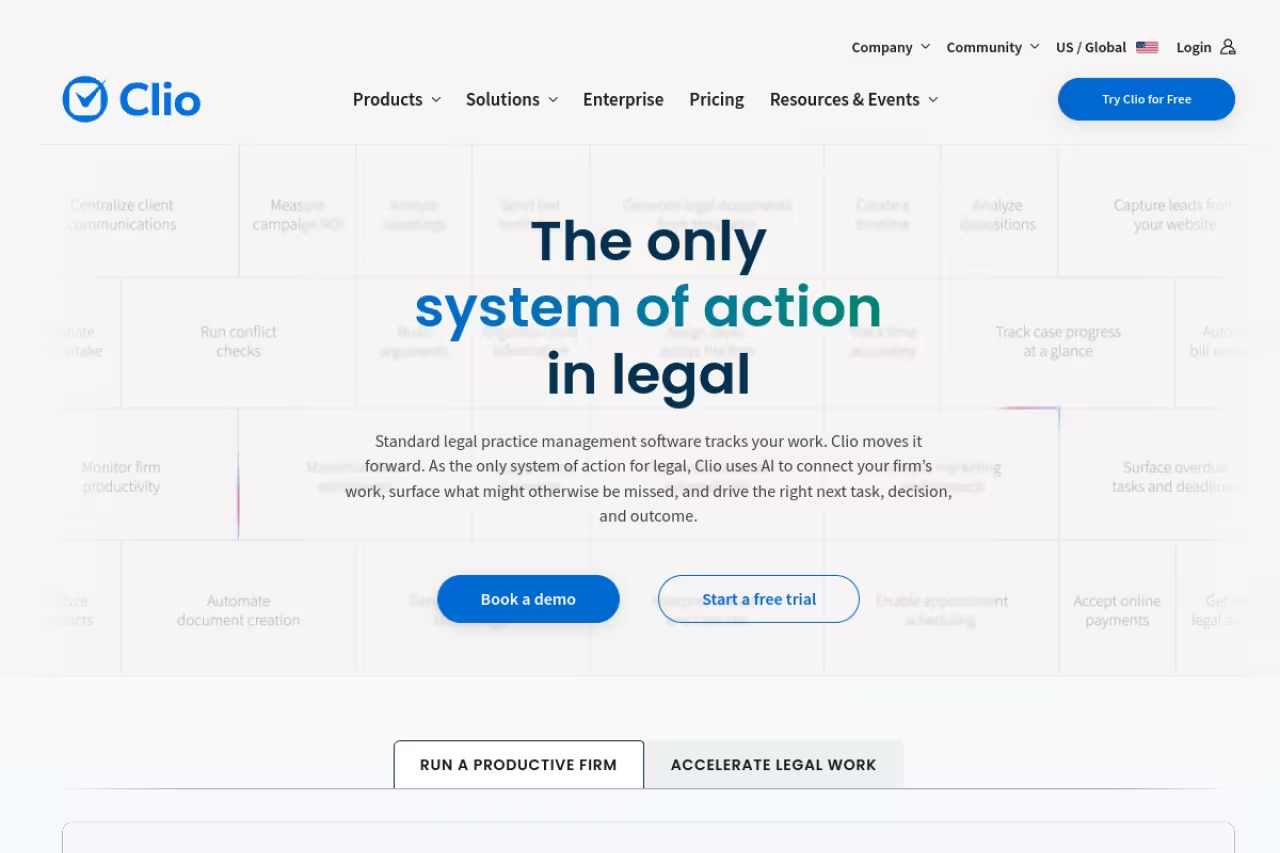
Clio is the default for a reason. It's the most widely used legal practice management platform, and its accounting story is built around pairing Clio Manage (timekeeping, billing, trust ledgers) with a real accounting engine underneath, usually QuickBooks Online or Xero.
What it is: Clio Manage handles the legal side: matters, time tracking, invoices, and client trust ledgers with operating and trust reconciliation. QuickBooks runs the books. The automated trust workflow keeps client trust transactions synced between the two so disbursements don't fall through the cracks.
Who it's best for: Firms that want maximum flexibility and plan to add other tools over time. Clio's integration directory is the largest in legal tech, so whatever your CRM, e-signature, or document tool, it probably connects.
The flexible default for firms that expect to add tools over time, thanks to the largest integration directory in legal tech. The cost is a two-system stack, with Clio from $49/user/month plus QuickBooks for the books.
Clio's EasyStart plan starts at $49/user/month, but you'll want Essentials or Advanced for full trust account management and accounting integrations (those are quote-based). Add QuickBooks Online Simple Start at $38/month or Essentials at $75/month for the firm. There's a 7-day free trial, no card needed.
The standout: The ecosystem. Nothing else in legal tech connects to as many tools, and the trust accounting controls are mature and bar-tested.
The catch: You're running and paying for two systems, and the sync between Clio and QuickBooks occasionally needs babysitting at reconciliation time. Clio now sells its own native "Clio Accounting" add-on to remove the QuickBooks dependency, but it's newer and less proven than the QuickBooks pairing. Real cost climbs fast once you add seats and the Advanced tier.

CosmoLex
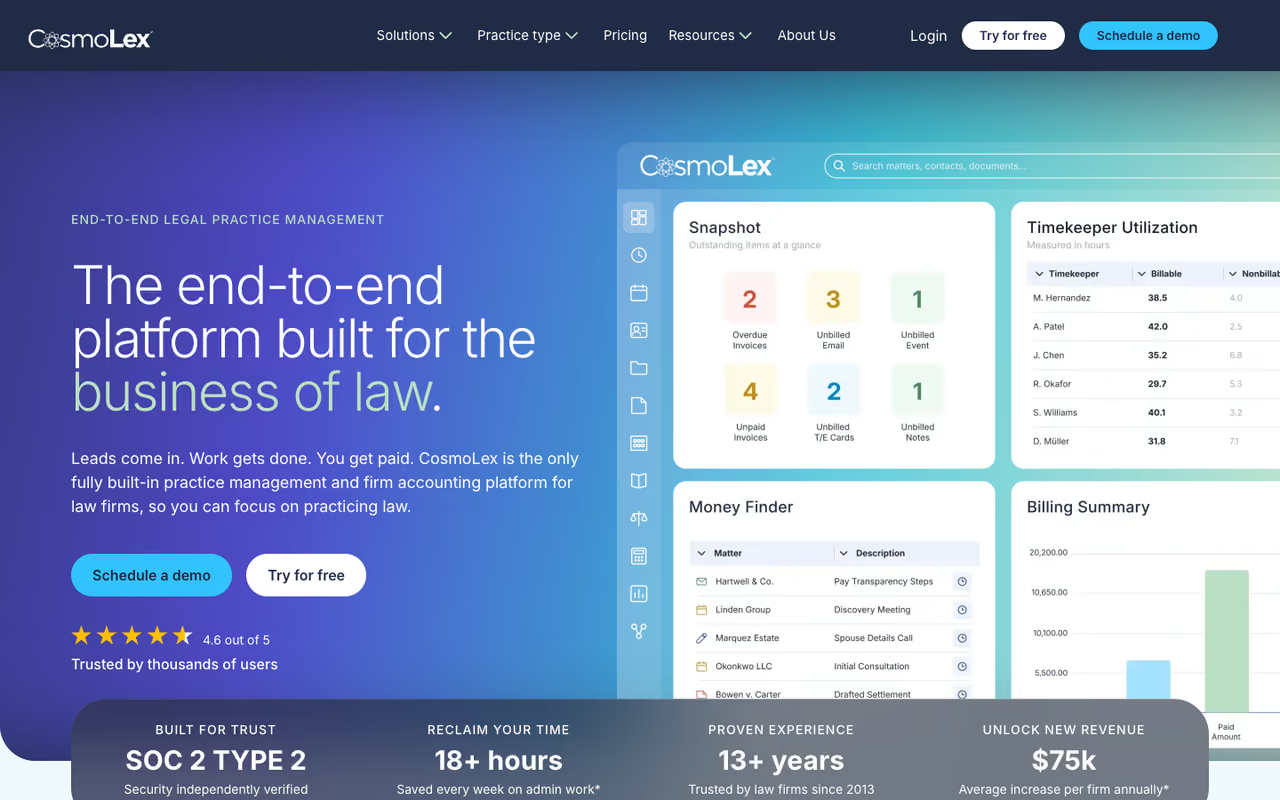
CosmoLex is what you pick when you're tired of maintaining two systems. It folds practice management, billing, trust accounting, and a full general ledger into one platform, so there's no QuickBooks to sync.
What it is: A single login for billing, time tracking, trust accounting, and business accounting. The general ledger lives inside the product, which means your trust transactions and your firm's books never drift apart. Three-way trust reconciliation is built in, not bolted on.
Who it's best for: Solos and small firms that don't already have a bookkeeper wedded to QuickBooks, and that value not having two subscriptions and two data sets to reconcile.
Choose CosmoLex if you are tired of maintaining two systems, since billing, trust accounting and the general ledger share one platform with built-in three-way reconciliation. It suits solos and small firms at roughly $109/user/month, with CRM extra.
Roughly $109/user/month on the Standard tier, with Elite tiers adding workflow automation. There's a 10-day free trial with no credit card. Note the CRM and website builder are separate add-ons (the CRM runs $147/month annually for up to three users).
The standout: One source of truth. Because the GL is native, you skip the entire category of "the sync broke and now my trust balance is wrong" problems that plague the Clio-plus-QuickBooks approach.
The catch: The accounting engine, while complete, is less flexible than QuickBooks for anything outside the legal use case. If your accountant insists on QuickBooks, you'll face friction. The interface also feels denser than newer competitors, and per-user pricing is on the higher end for what's marketed at small firms.
MyCase
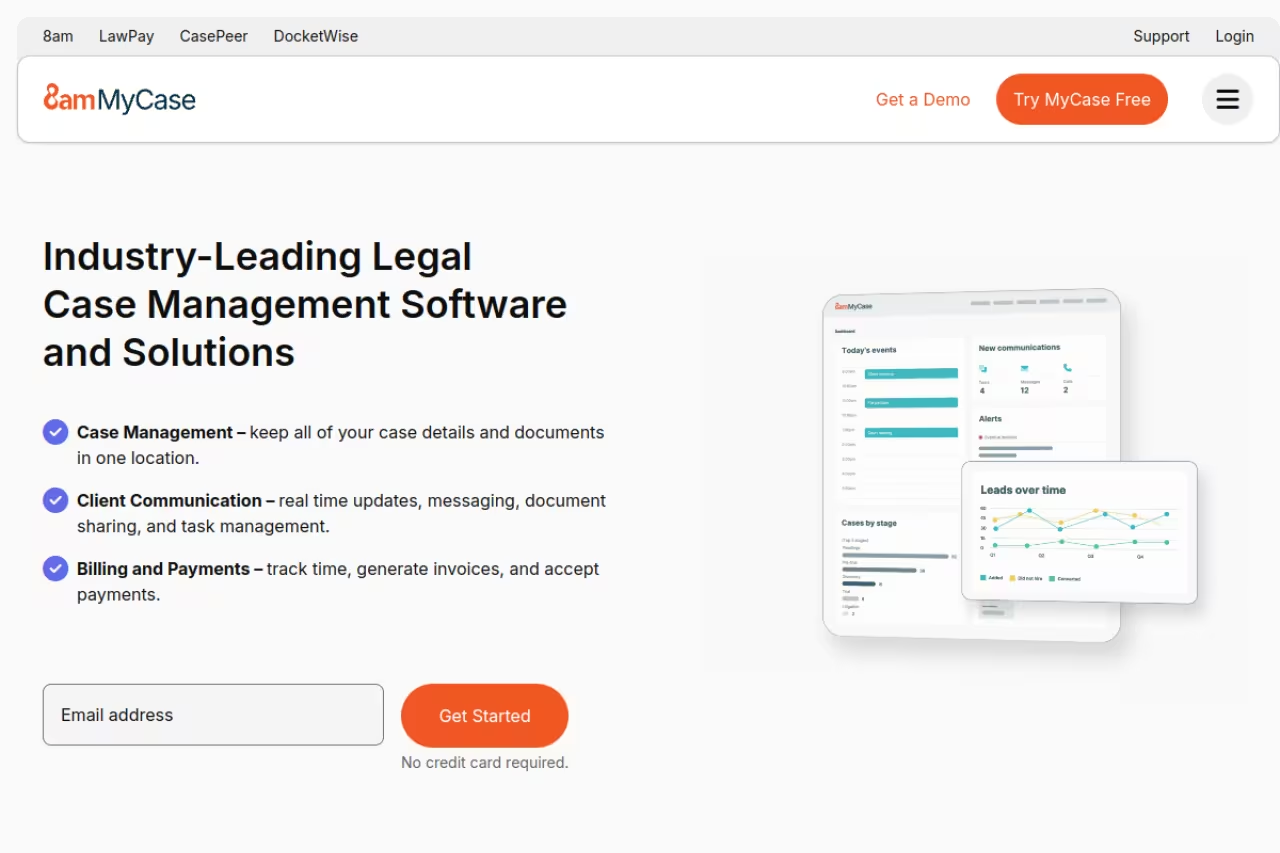
MyCase is the budget-friendly all-rounder. It started as practice management and has steadily built out its accounting muscle, including a dedicated accounting enhancement that handles compliant trust reconciliation.
What it is: A full practice management suite with case management, billing, invoicing, and trust ledgers. The base plans include a trust ledger and reconciliation view; the separate MyCase Accounting module adds compliant three-way trust reconciliation and real-time financial reporting.
Who it's best for: Growing firms that want one affordable platform and don't need the deepest accounting controls on day one.
The budget-friendly all-rounder for growing firms, with a real practice suite from $50/user/month. Compliant three-way trust reconciliation needs the paid Accounting add-on, so the real price is higher than the headline number.
Basic is $50/user/month billed annually ($60 monthly), Pro is $100, and Advanced is $130. The MyCase Accounting enhancement is an extra $39/user/month. There's a 10-day free trial, no card required.
The standout: Price-to-feature ratio. At $50/user you get a genuine practice suite with trust ledgers, which undercuts most rivals.
The catch: Compliant three-way reconciliation lives in the paid Accounting add-on, so the real number is closer to $89/user once you need it. The native accounting is younger than CosmoLex's or CARET's, and power users sometimes hit reporting limits.
LeanLaw
If your firm (or your accountant) already runs on QuickBooks and won't give it up, LeanLaw is the cleanest bridge on this list. It's purpose-built to make QuickBooks Online behave like legal accounting software.
What it is: A legal billing and trust accounting layer with a true two-way QuickBooks Online sync. Time tracking, matter-based accounting, trust accounting, and LEDES file generation all flow into and out of QuickBooks without manual re-entry.
Who it's best for: QuickBooks-first firms that want legal-grade billing and trust controls without abandoning their existing books.
The cleanest bridge for QuickBooks-first firms that want legal-grade billing and trust controls without abandoning their books. The sync is genuinely two-way, but you still pay for QuickBooks Online separately on top of $55/user/month.
Core is $55/user/month, Pro is $75/user/month and adds LEDES files and matter-based accounting, and Elite is custom. You still pay for QuickBooks Online separately.
The standout: The two-way sync is genuinely two-way. Most "integrations" push one direction; LeanLaw keeps both systems honest, which makes month-end reconciliation far less painful.
The catch: It's not a standalone system. No QuickBooks, no LeanLaw, so you're committed to Intuit's pricing and its July 2025 increases. It's also narrower than full practice suites like Clio or MyCase: lighter on case management and document handling.
CARET Legal
CARET Legal (formerly Zola Suite) is the mid-size firm's all-in-one. Like CosmoLex, it builds accounting directly into the platform, so there's no separate add-on or second subscription for the books.
What it is: A practice management platform with native accounting and billing across every tier. You get matter management, trust and operating account handling, retainers, sub-ledgers, and three-way reconciliation reports without bolting anything on.
Who it's best for: Mid-size firms that want their accounting fully in-house and integrated, and that have enough volume to justify the implementation effort.
A mid-size firm's all-in-one, with native accounting on every tier instead of a paid upgrade. Enterprise starts at $79/user/month, which can undercut Clio's two-system stack, though the implementation fee and annual billing make it unfriendly to solos.
Enterprise is $79/user/month billed annually, Enterprise Plus is $99, and Enterprise Insights is $119. Note there's a one-time implementation fee on top, and plans are billed annually.
The standout: Accounting is standard on every plan, not a paid upgrade. For a firm of a dozen attorneys, native accounting at $79/user can come in cheaper than Clio's two-system stack.
The catch: The implementation fee and annual billing make it less friendly for a solo testing the waters. It's also a heavier platform to learn, and like CosmoLex, its accounting is less flexible than QuickBooks if your CPA has strong preferences.
TrustBooks
Sometimes you don't need a new accounting system. You need to stop worrying about trust compliance specifically. TrustBooks does one thing and does it well.
What it is: Dedicated trust (IOLTA) accounting software. It maintains client ledgers, enforces state bar compliance, generates the required reports, and walks you through reconciliations. It integrates with practice management tools including Clio.
Who it's best for: Firms whose general accounting is fine (QuickBooks, an outside bookkeeper) but whose trust accounting keeps them up at night.
A focused fix for firms whose general books are fine but whose trust compliance causes worry, at a flat $49/month for the whole firm. It is not a full accounting system or practice suite, so you still need something for operating books.
Tier One is $49/month flat (not per user) for trust accounting and compliant reconciliation. Tier Two at $69/month adds firm financial reporting. Tier Three at $199/month adds a dedicated CPA who does your reconciliations. There's a free trial.
The standout: Flat pricing and ruthless focus. At $49/month for the whole firm, it's the cheapest way to make trust compliance someone else's design problem.
The catch: It's not a full accounting system or a practice suite. You still need something for your operating books and billing. It solves trust, nothing more.
Tabs3
Tabs3 is the old guard, and for compliance-strict firms that's a compliment. Its trust accounting and three-way reconciliation are widely regarded as bar-grade, with the kind of strict controls that make auditors relax.
What it is: Tabs3 Billing plus Tabs3 Financials, which adds trust accounting, accounts payable, and a general ledger. Available on-premises or via Tabs3 Cloud. The reconciliation tooling is built for firms that take compliance seriously.
Who it's best for: Established firms in jurisdictions with strict trust rules, or any firm that wants the most defensible audit trail.
The old guard, and a compliment here: bar-grade trust accounting and strict three-way reconciliation for firms facing aggressive audits. Pricing is unpublished, the feel is dated next to cloud rivals, and it is overkill for a very small practice.
Quote-based. Tabs3 doesn't publish per-user prices, and the total cost of ownership includes implementation and seat costs, so budget a conversation with sales rather than a self-serve signup.
The standout: Compliance depth. The three-way reconciliation and trust controls are among the strictest available, which matters if your state bar audits aggressively.
The catch: No public pricing and a dated feel compared to cloud-native rivals. The on-premises heritage shows, and onboarding is heavier. Overkill for a two-person practice.

FreshBooks
FreshBooks isn't legal software, and that's the point. If you're a solo who bills hourly, outsources trust accounting to a bookkeeper or TrustBooks, and just wants clean invoicing, paying for a full legal suite is wasteful.
What it is: General-purpose accounting and invoicing built for service businesses. Time tracking, expenses, invoicing, payments, and basic reporting. It has no native IOLTA trust accounting.
Who it's best for: Solo attorneys with simple needs who handle trust compliance elsewhere and want the lowest-friction billing experience.
Skip it if you hold client funds without a separate trust tool, but a clean, cheap invoicing option for solo attorneys with simple needs, from $23/month. It has no trust accounting at all, so pair it with a dedicated IOLTA product.
Lite is $23/month (5 clients), Plus is $43/month (50 clients), Premium is $70/month (unlimited). There's a 30-day free trial, no card needed.
The standout: Simplicity and price. Nothing here is harder than it needs to be, and the invoicing experience is the cleanest on this list.
The catch: No trust accounting at all. If you hold client funds, FreshBooks alone will not keep you compliant. You must pair it with a dedicated trust tool, which is a real limitation for anyone running an IOLTA account.
How to choose
Skip the feature matrices and answer three questions in order.
First: do you hold client funds in trust? If yes (most litigation, family, PI, and real estate practices do), trust accounting with three-way reconciliation is non-negotiable. That rules out FreshBooks-alone and pushes you toward Clio, CosmoLex, MyCase + Accounting, CARET, or a TrustBooks pairing.
Second: one system or two? If you (or your accountant) love QuickBooks, go with LeanLaw or Clio on top of it. If you'd rather have a single login and never reconcile two systems, pick an all-in-one with a native general ledger: CosmoLex or CARET Legal.
Third: what's your size and budget? Solos who outsource trust can run FreshBooks plus TrustBooks for under $75/month total. Small firms get the best value from MyCase or Clio EasyStart. Mid-size firms with in-house bookkeeping usually come out ahead with CARET's native accounting. Compliance-paranoid firms in strict jurisdictions should price out Tabs3 despite the dated interface.
One thing worth doing before you commit: run your actual trust workflow through a free trial. Create a client, take a retainer into trust, bill against it, and run a three-way reconciliation. The software that makes that loop feel obvious is the one you'll actually keep using.
If you're also evaluating AI tools to speed up the rest of your practice, our guides to the best AI for accounting and the best AI legal tools pair well with whatever you pick here. And Dupple X bundles the major AI assistants in one subscription if you want to test them against your billing and intake work.
FAQ
What is the best accounting software for law firms in 2026?
For most firms, Clio Manage paired with QuickBooks Online is the strongest all-around choice. It covers matter-based billing, trust accounting, and a real general ledger, and it integrates with more tools than anything else in legal tech. If you'd rather avoid running two systems, CosmoLex is the best all-in-one because its general ledger is native.
Do law firms need special accounting software for trust accounts?
Effectively, yes. Generic accounting tools like FreshBooks or plain QuickBooks lack IOLTA trust safeguards and three-way reconciliation, which most state bars require for client funds. You either need legal-specific software (Clio, CosmoLex, MyCase, CARET) or a dedicated trust tool like TrustBooks layered on top of your general books.
Can I just use QuickBooks for my law firm?
You can use QuickBooks as your general ledger, but on its own it doesn't enforce trust accounting compliance or matter-based billing. Most firms pair QuickBooks with a legal layer like LeanLaw or Clio that handles trust ledgers and three-way reconciliation, then syncs the operating books back to QuickBooks.
How much does law firm accounting software cost?
It ranges widely. A solo can run FreshBooks plus TrustBooks for roughly $72/month total. Practice suites run $49 to $130 per user per month: MyCase Basic at $50, Clio EasyStart at $49, LeanLaw at $55, CARET at $79, and CosmoLex around $109. All-in-one platforms with native accounting tend to cost more per seat but save you a second subscription.
What is three-way reconciliation and why does it matter?
Three-way reconciliation matches your trust bank statement, your trust account ledger, and the sum of all individual client ledgers. They must all agree. Most state bars require it monthly for IOLTA accounts, and failing to reconcile is one of the fastest ways to trigger a bar audit or complaint. Any serious law firm accounting tool automates it.
Is CosmoLex better than Clio for accounting?
It depends on whether you want one system or two. CosmoLex has a native general ledger, so your trust and firm books never drift apart, which is cleaner. Clio relies on a QuickBooks (or Xero) sync, which is more flexible and integrates with more tools but adds a second system to maintain. CosmoLex is better if you want simplicity; Clio is better if you want an ecosystem.
Related guides
Some offers on this page may be paid placements or contain affiliate links.
