
The 8 Best Form Builders in 2026 (Compared)

Key facts8 tools compared: Tally, Typeform, Fillout, Jotform, Google Forms, Formspree, Formbricks…
- 8 tools compared: Tally, Typeform, Fillout, Jotform, Google Forms, Formspree, Formbricks, Paperform
- Tally (best for: Most people, free): Free; Pro €20/mo
- Typeform (best for: Conversational, branded surveys): Free; paid from $28/mo
- Fillout (best for: Power features without the price): Free; from $15/mo
- Jotform (best for: Templates and complex workflows): Free; from $34/mo
A form looks like a solved problem until you actually need one to do something. Collect a payment. Branch to a different question based on the last answer. Push the response into a spreadsheet, a Slack channel, and your CRM without you touching anything. That is where most "free" form builders quietly start charging you, and where the wrong choice costs you a weekend.
I build a lot of intake forms, lead-capture pages, and feedback surveys, so I keep a tab open on what's actually worth using. The market has shifted hard in the last two years. Tools that used to gate basic logic behind a $50 plan now give it away. AI form generation went from gimmick to genuinely useful. And the gap between a "form for your team" and a "form for the public" has gotten wider.
If you want the short version: Tally is the best free form builder for most people in 2026, full stop. It gives away features the others charge real money for. But "best" depends on what you're building, so I compared eight of them. Here's where each one wins.
Quick comparison
| Tool | Best for | Price | Standout |
|---|---|---|---|
| Tally | Most people, free | Free; Pro €20/mo | Unlimited submissions on free |
| Typeform | Conversational, branded surveys | Free; paid from $28/mo | Best respondent experience |
| Fillout | Power features without the price | Free; from $15/mo | 1,000 free responses + heavy logic |
| Jotform | Templates and complex workflows | Free; from $34/mo | 10,000+ templates, HIPAA |
| Google Forms | Internal, education, quick polls | Free | Zero friction, lives in Workspace |
| Formspree | Developers with their own frontend | Free; from $15/mo | Backend only, you own the HTML |
| Formbricks | Open source, self-hosted, privacy | Free / self-host | In-app micro-surveys, own your data |
| Paperform | Forms that double as landing pages | From $24/mo | Document-style editor, calculations |

Tally: the free form builder that's hard to argue with
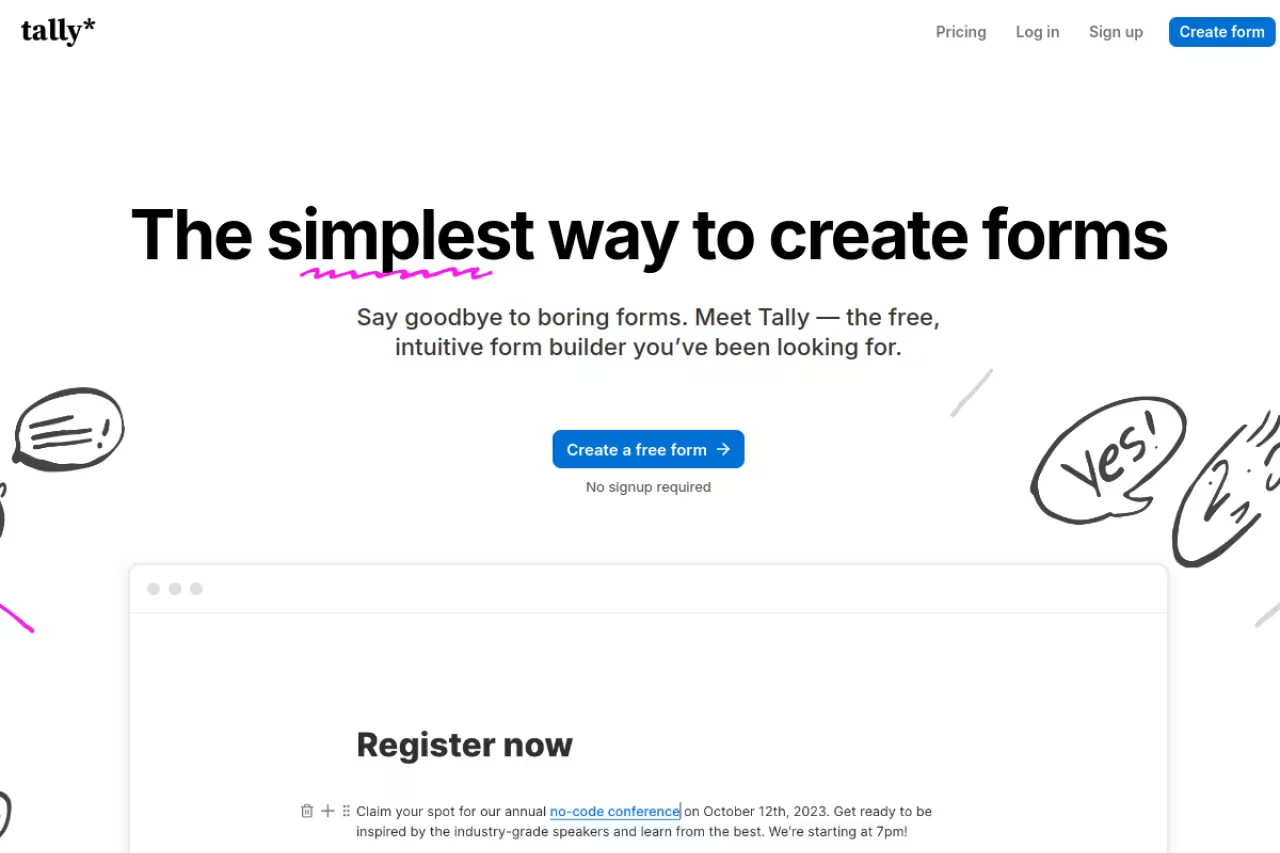
Tally is a Notion-style form builder where you type, hit "/", and drop in fields like you're writing a doc. That sounds like a small thing. In practice it makes building a 20-question form feel like five minutes instead of an afternoon of dragging blocks around.
The free builder that is hard to argue with for founders, marketers and small teams: unlimited forms and submissions with payments, logic and signatures included. The default look is a little plain, and removing branding requires Pro at €20/month.
The free plan is the whole story. Per Tally's pricing page, free gives you unlimited forms and unlimited submissions, plus payment collection, conditional logic, calculations, file uploads, e-signatures, and integrations with Google Sheets, Notion, Airtable, Zapier, and webhooks. Pro is €20/month and mostly adds branding removal, custom domains, and team workspaces. Business is €65/month.
The standout: unlimited submissions on a free plan. Tally bundles payments, signatures, and logic into that free tier, things Typeform and Jotform put behind plans north of $30 a month. For a lead form or a typeform-style application, you can run it forever on $0.
The catch: the default forms look clean but a little plain, and removing Tally branding requires Pro. The block editor is fast once you learn it, but if you want pixel-level control over every spacing and color, you'll hit the ceiling. It's a builder, not a design tool.

Typeform: still the king of the respondent experience

Typeform pioneered the one-question-at-a-time format, and a decade later nobody does it better. Forms feel like a conversation, completion rates go up, and the whole thing looks expensive in a good way. Their AI product, Formless, takes it further with adaptive questioning that adjusts based on previous answers.
Still the best respondent experience for marketing and research teams that care about polish and completion rates more than cost. The response limits are brutal for the price, with only 100 responses on Basic at $28/month.
This is the sore spot. Per Typeform's pricing page, the free plan caps you at 100 responses per month. Basic is $28/month billed annually but still only 100 responses. Plus is $56/month for 1,000 responses, and Business is $91/month for 10,000. You pay for the experience, and you pay a lot.
The standout: completion rates. The card-based flow genuinely converts better than a wall of fields, and Typeform's data backs this up. If a form is part of your funnel and every percentage point of completion matters, the premium can pay for itself.
The catch: the response limits are brutal for the price. Hitting 100 responses on a free or Basic plan takes one decent campaign, and then you're forced up a tier. For a high-volume public form, the math gets ugly fast. Overkill for an internal survey.

Fillout: Typeform features at Tally-ish prices
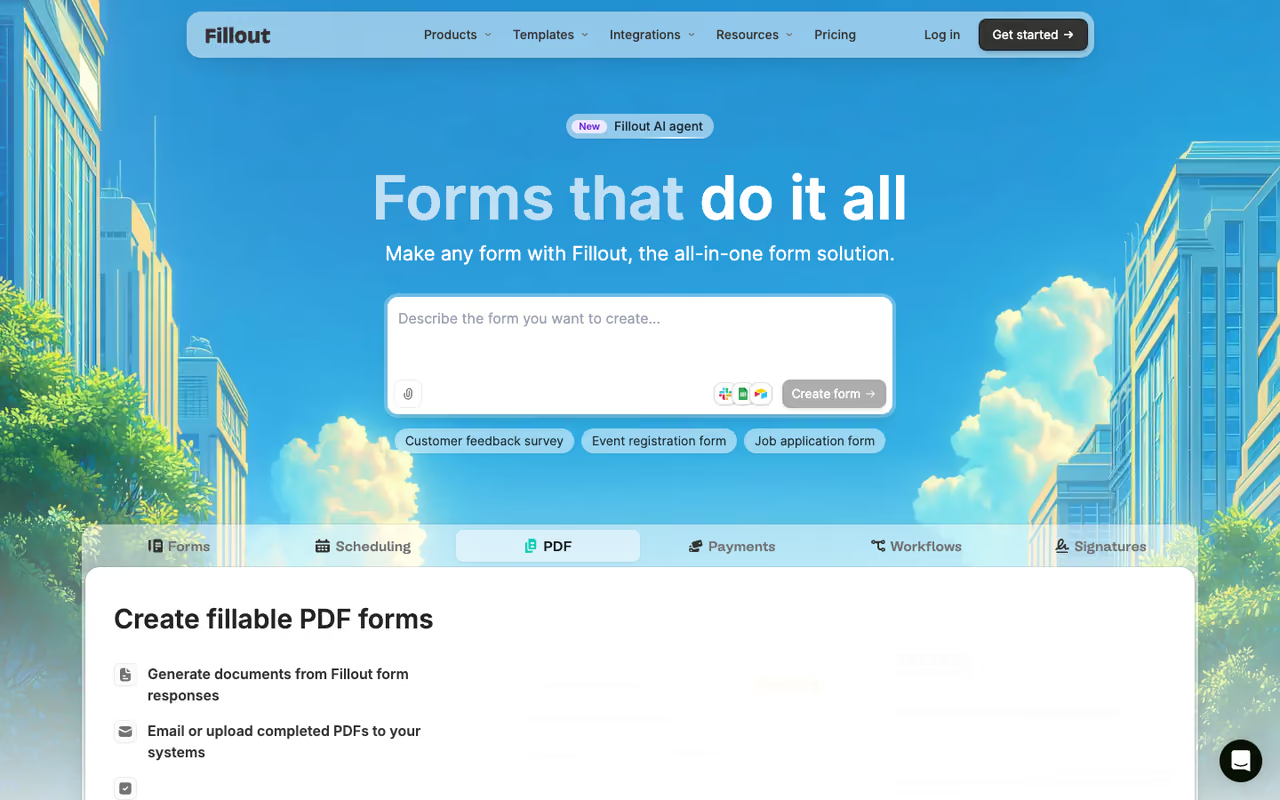
Fillout is the one that surprised me most. It looks and behaves like Typeform, supports deep conditional logic and multi-page flows, generates PDFs, and gives you a free plan that competitors would charge for.
Typeform-grade logic and flow without Typeform pricing, with a free plan of 1,000 responses and unlimited seats. You trade some ecosystem maturity for the price, with a smaller template library and the odd missing niche integration.
Per Fillout's pricing page, the free plan includes unlimited forms, unlimited seats, and 1,000 responses per month, with conditional logic, payments, scheduling, file uploads, and PDF generation. Starter is $15/month for 2,000 responses, Pro is $40/month for 5,000, and Business is $75/month for unlimited responses plus a custom domain.
The standout: 1,000 free responses with real logic and unlimited seats. That free plan does what Typeform charges $56/month to match. The form-to-PDF generation is also genuinely useful for contracts and applications.
The catch: it's less of a household name, so the template library and community are smaller than Jotform's, and you'll occasionally find a niche integration missing. Branding removal lives on the Pro plan. None of this is a dealbreaker, but you're trading some ecosystem maturity for the price.

Jotform: the everything store of forms
Jotform has been around forever and it shows in the catalog: over 10,000 templates, payment integrations with dozens of processors, HIPAA-compliant workflows, and an approval-flow builder for multi-step business processes. If you can imagine a form, Jotform has a template for it.
The safe pick for complex, regulated or high-volume workflows, with over 10,000 templates, HIPAA-compliant workflows and approval flows. The interface feels dated, free forms are capped at 100 submissions, and the depth is wasted on a simple signup form.
The free Starter plan allows 5 forms and 100 submissions per month. Bronze is $34/month for 1,000 submissions and 25 forms, Silver is $39/month for 2,500 submissions, and Gold and Enterprise scale up from there. Pricing is based on monthly submissions, so plan around your volume.
The standout: depth. Nothing else here touches Jotform on templates, payment processor support, or compliance features. For healthcare intake, government forms, or anything that needs an audit trail, this is the safe pick.
The catch: the interface feels its age next to Tally and Fillout, and free forms carry Jotform branding plus a tight 100-submission cap. It can be more tool than you need. For a simple newsletter signup or feedback form, the depth is wasted weight.
If your forms are feeding a sales pipeline, pair whatever you pick here with the right downstream tooling. I've got a full breakdown of the best AI lead generation tools and the best CRM software that covers where those submissions should land.

Google Forms: boring, free, and still everywhere
Google Forms is the one nobody recommends and everybody uses. It's free, it lives inside Workspace, responses flow straight into Sheets, and your whole team already knows how it works. For internal polls, event RSVPs, and quick data collection, the friction is basically zero.
Boring, free and fine for internal polls, education and anyone who needs a form in the next two minutes, with instant Sheets integration. It has limited logic and no real branding, so it is wrong for your homepage.
free with any Google account. Gemini AI features (generate a form from a prompt, summarize open-ended responses) are rolling into Google Forms, included on paid Workspace plans like Business Standard or via Google AI Pro at $19.99/month, and accessible on free accounts through Workspace Labs.
The standout: it's already there, it's free, and the Sheets integration is instant. No signup, no learning curve, no limits worth worrying about for normal use.
The catch: it looks like a Google Form, and everyone knows it. No real branding, limited logic, and nothing that converts a cold visitor. Fine for your team, wrong for your homepage. The new Gemini summary button even grays out if you have 8 or fewer responses or more than 500.

Formspree: for developers who already built the form
Formspree flips the model. You write the HTML form yourself, point the action at a Formspree endpoint, and it handles submission storage, spam filtering, email notifications, and integrations. No builder, no templates, no opinions about your design. You own the frontend completely.
For developers shipping static sites or custom UIs who want a backend without building one, with total control of the frontend. It does nothing for non-developers, and the free plan's 50 submissions per month runs out quickly.
the free plan covers 50 submissions per month across unlimited forms with 30 days of history. Personal is $15/month for 200 submissions, Professional is $30/month for 2,000, and Business is $90/month for 20,000. There's no per-form charge on any plan, which matters once you're running forms across multiple sites.
The standout: total frontend control. If you've ever fought a form builder's CSS, Formspree is the antidote. Drop a <form> on a static site, get a working backend, move on. Pairs perfectly with the kind of custom sites covered in my guide to the best AI website builders.
The catch: it does nothing for non-developers. There's no visual builder, so if you can't write HTML you're stuck. And 50 free submissions a month runs out quickly on a real site.

Formbricks: open source, self-hosted, privacy-first
Formbricks is the open-source play. You can self-host it via Docker for full data ownership, or use the EU-hosted managed cloud. Beyond standard link surveys, it does in-app micro-surveys and pop-up surveys triggered by user behavior, which is closer to a product-analytics tool than a plain form builder.
The open-source choice for privacy-conscious teams and product teams running in-app surveys, with full data ownership when self-hosted. Self-hosting means running Docker and owning the uptime, so the free tier costs more than it looks without an engineer to maintain it.
the core platform is free and open source under self-hosting, with unlimited responses when you run it yourself. The managed free cloud plan includes 1,000 responses; advanced features like targeted in-app surveys sit on the Startup plan around $49/month. Recent releases added SOC 2 Type II certification and advanced CSS customization.
The standout: you own the data, completely, when self-hosted. For GDPR-heavy industries or anyone burned by a SaaS sunset, that control is worth real money. The in-app survey targeting is also a genuine differentiator nobody else here offers.
The catch: self-hosting means you run the Docker container, handle updates, and own the uptime. That's a real engineering cost. If you don't have someone to maintain it, the "free" tier is more expensive than it looks.

Paperform: forms that act like landing pages
Paperform treats a form like a document you write, mixing text, images, and questions on one canvas. The result reads more like a styled landing page than a survey, with a calculation engine strong enough to handle quizzes, NPS scoring, and weighted assessments in real time.
Pick Paperform if you want a form and a sales page to be the same thing, with a document-style editor and a strong calculation engine. There is no free plan, and at $24/month you overpay for a basic contact form.
plans start around $24/month. There's no free tier, but the entry plan includes payments, calculations, and custom branding that competitors lock behind pricier levels. Capterra reviewers give it a 4.8 satisfaction rating, among the highest in this category.
The standout: the document-style editor and calculation engine. You can build a product configurator, a bookings page, and a payment form in one place, with logic that feels closer to a no-code app than a survey.
The catch: no free plan, and $24/month is a real commitment for something Tally or Fillout will do for free. It's worth it only if you're using the landing-page and calculation features. For a basic contact form, you're overpaying.
How to choose
Skip the feature checklists and answer three questions.
Who's filling this out? Internal team or quick poll: Google Forms, done. Public-facing and part of your brand: Tally, Fillout, or Typeform. The audience decides whether design matters.
How many responses, and how often? This is where pricing bites. High-volume public forms make Typeform's per-response limits painful, while Tally and Fillout's free tiers absorb thousands of submissions. Estimate your monthly volume before you fall for a pretty interface.
Do you control the frontend? If you're a developer with your own site, Formspree or self-hosted Formbricks gives you a backend without forcing a builder on you. If you need a visual builder, that path is irrelevant.
My default recommendation for most readers is Tally, because the free plan removes the usual reasons to upgrade. Step up to Fillout when you need more logic and 1,000+ free responses, Typeform when brand experience drives conversions, and Jotform when you need compliance or deep templates. If you're collecting leads and routing them into outreach, the form is only step one. Our Dupple X program and the wider top tools directory cover what happens after the submit button.
Building these forms is the easy part. Turning the people who fill them out into customers is the work, and that's where a focused growth stack earns its keep. Try Dupple X free for a year if you want help with the part that comes after the form.
FAQ
What is the best free form builder in 2026?
Tally is the best free form builder for most people. Its free plan includes unlimited forms and submissions plus payments, conditional logic, file uploads, and e-signatures, features most competitors charge $30 or more per month to access. Fillout is a strong runner-up with 1,000 free responses and deep logic, and Google Forms remains unbeatable for quick internal use.
Is Typeform worth the price?
Typeform is worth it if completion rate drives revenue for you. Its conversational format converts better than standard forms, which can justify the cost for lead-gen and research. But starting at $28/month with only 100 responses, it's expensive for high-volume or internal use. If you want the look without the price, Fillout and Tally come close for far less.
What's the best form builder for developers?
Formspree is the cleanest option for developers who want to write their own HTML and get a managed backend for submissions, spam filtering, and email. For full data ownership, Formbricks is open source and self-hostable via Docker. Both let you keep complete control of the frontend instead of fighting a visual builder's styling.
Can I collect payments with a free form builder?
Yes. Tally and Fillout both include payment collection on their free plans, which is rare. Most builders, including Jotform and Typeform, gate payments or impose tight limits on lower tiers. If accepting money is the goal, start with Tally's free plan and connect Stripe.
Tally vs Typeform: which should I pick?
Pick Tally if budget matters and you want unlimited free submissions with full functionality. Pick Typeform if you need the best-looking conversational experience and higher completion rates, and you can absorb the response limits and higher price. For most small teams, Tally's free plan wins on value; Typeform wins on polish.
Which form builder is best for GDPR and data privacy?
Formbricks is the strongest choice for data privacy because you can self-host it via Docker and keep complete data sovereignty, and its managed cloud is EU-hosted and GDPR-compliant. Jotform also offers HIPAA-compliant workflows for regulated industries. If owning your data is non-negotiable, self-hosted Formbricks is the safest bet.
Related guides
Some offers on this page may be paid placements or contain affiliate links.
Across our whole catalogue the median is $24 a month and 33% of tools advertise a free tier. Figures are the lowest recurring monthly price quoted in our own review of each tool, read on 2026-08-19. Full method and every category.
