
Best Website Builders in 2026: 8 Tools Compared

Key facts8 tools compared: Framer, Squarespace, Wix, Webflow, Hostinger Horizons, Lovable, Durable, v0…
- 8 tools compared: Framer, Squarespace, Wix, Webflow, Hostinger Horizons, Lovable, Durable, v0 by Vercel
- Framer (best for: Design-led marketing sites): $10/mo
- Squarespace (best for: Visual brands, creators): $16/mo
- Wix (best for: Beginners who want everything): $17/mo
- Webflow (best for: Agencies, custom builds): $15/mo
The website builder market split into two camps this year. On one side you have the classic drag-and-drop platforms that got a thick coat of AI. On the other, a new wave of prompt-to-site tools that generate a whole page from a sentence. Both can ship a real site. They are good at very different things.
I compared eight of them against three kinds of sites: a portfolio, a startup landing page, and a multi-page marketing site. I cared about three things. How fast a beginner gets to something publishable based on the documentation and demos, how much control the editor gives you when the default output isn't right, and what the bill looks like after the launch discounts wear off.
If you want the short version: Framer is my pick for most people who care about design and want a fast, polished marketing site. Squarespace wins for visual brands and creators who'd rather not fiddle. And Hostinger Horizons is the cheapest way to go from a prompt to a live site if budget is the whole game. The rest earn their spot for specific jobs, which I'll get into.
Quick comparison
| Tool | Best for | Starting price (annual) | Standout |
|---|---|---|---|
| Framer | Design-led marketing sites | $10/mo | Figma-grade canvas, fast publish |
| Squarespace | Visual brands, creators | $16/mo | Best templates out of the box |
| Wix | Beginners who want everything | $17/mo | Huge app market, AI generator |
| Webflow | Agencies, custom builds | $15/mo | Pixel control, clean code export |
| Hostinger Horizons | Cheapest prompt-to-site | $6.99/mo | Hosting + AI in one cheap plan |
| Lovable | Apps, not just sites | $25/mo | Generates real React apps |
| Durable | Service businesses in a hurry | $12/mo | 30-second full site + CRM |
| v0 by Vercel | Developers who want code | $20/mo | Production React you own |
Framer: the best balance of speed and design
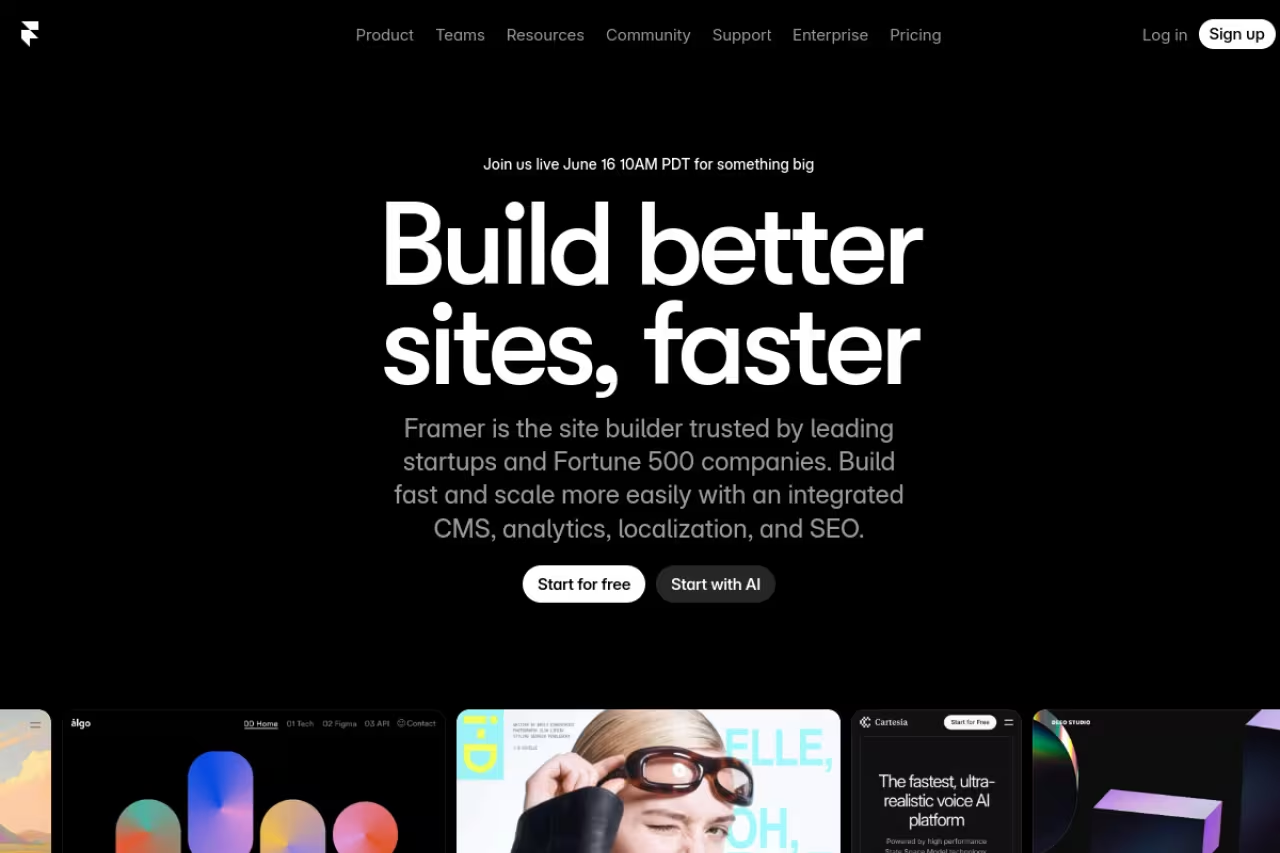
Framer started as a prototyping tool and grew into a full website builder, and you can feel that pedigree. The canvas behaves like a design tool, not a template wizard. You drag, you nudge, you align, and the output looks intentional instead of "made on a builder." For a marketing site or a portfolio, this is the one I keep coming back to.
The one I keep coming back to for marketing sites and portfolios, with a design-tool canvas that looks custom without an agency. The CMS is limited next to Webflow, and per-seat editor pricing bites once three or four people share a file.
The AI features (page generation, copy, translation) are useful as a starting point, but the real value is the editor. Responsive breakpoints are sane, the CMS handles a blog or case-study library fine, and publishing is genuinely one click.
Framer simplified its pricing in early 2026 down to three paid tiers. The free plan gives you a Framer subdomain, 30 pages, and a daily credit allowance for AI. Basic is $10/mo billed annually and adds a custom domain. Pro is $30/mo for staging, A/B testing, branching, and more CMS collections. Extra editor seats run $20/mo each, which adds up for teams.
The catch: the CMS is fine for a blog but limited compared to Webflow if you need complex content relationships. And the per-seat editor pricing makes Framer pricey once you have three or four people in the file.

Squarespace: templates that just look good
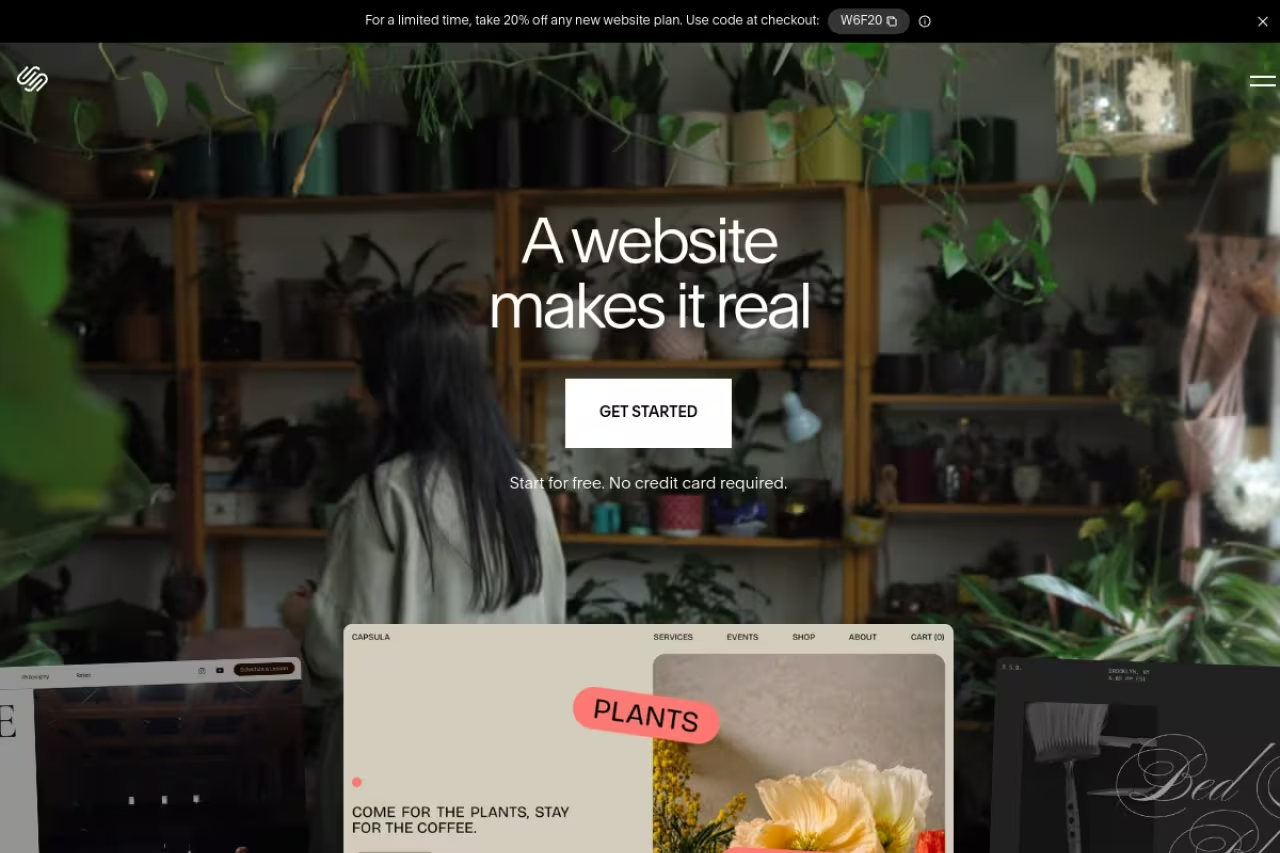
If your priority is "make it look professional with the least effort," Squarespace is hard to beat. Its templates are still the best-looking defaults in the category, and the editing model is forgiving. You're not going to break the layout by dragging the wrong thing. For photographers, restaurants, coaches, and personal brands, you can be live in an afternoon.
It's best for visual businesses and creators who want a clean site plus light commerce, scheduling, or email in one place. Squarespace bundles a lot: galleries, blogging, email campaigns, member areas, and a decent store.
In early 2026 Squarespace moved to four plans. Pricing starts at $16/mo (Basic, annual), then Core at $23/mo, Plus at $39/mo, and Advanced at $99/mo. Every site gets a 14-day trial with no card required, and annual plans include a free domain for the first year.
The catch: Squarespace trades flexibility for polish. When you want a layout the templates don't anticipate, you hit walls fast, and the workarounds get clumsy. Transaction fees also apply on the lower commerce tiers, so a serious store should price out the higher plans before committing.
Hard to beat for photographers, restaurants and coaches who want a professional look with the least effort. It trades flexibility for polish, so you hit walls fast when you want a layout the templates do not anticipate.

Wix: the everything builder for beginners
Wix is the platform I'd hand to someone non-technical who wants total flexibility and doesn't mind a busier interface. The drag-and-drop editor lets you place anything anywhere, the AI site generator builds a decent first draft from a few questions, and the app market covers almost any feature you can name: bookings, memberships, forms, events, you name it.
I would hand Wix to a non-technical small business that wants total flexibility and a huge app market. Free-placement editing makes messes easy, mobile layouts need manual fixing, and you cannot switch templates after publishing.
Wix also runs Wix Studio for agencies who need more design control, so you can grow into it.
Pricing (annual) runs Light at $17/mo, Core at $29/mo, Business at $39/mo, and Business Elite at $159/mo. There's a free plan, but it shows Wix branding and uses a Wix subdomain, so it's really just for testing.
The catch: free-placement editing is a double-edged sword. It's easy to make a mess, and mobile responsiveness needs manual fixing more often than on Framer or Squarespace. You also can't switch templates after publishing without rebuilding, which stings.

Webflow: pixel control for people who know what they want
Webflow is the closest thing to writing HTML and CSS without writing it. Every box, every margin, every breakpoint is yours to control, and the output is clean, exportable code. For agencies and serious in-house teams building custom marketing sites, nothing else gives you this much precision.
Pixel-level control for designers and developers who have outgrown template builders, with the best content modeling in this list. The learning curve is real, and site plus workspace seat pricing makes the true cost hard to predict.
The content modeling is the best in this list: collections, references, and dynamic pages that scale to hundreds of items.
Webflow reworked its pricing in 2026, merging the old CMS and Business tiers. Site plans are now Starter (free), Basic at $15/mo annual, and Premium at $25/mo annual (or $39/mo monthly), with Premium covering 20,000 CMS items and code components. Workspace seat plans are separate, which trips up first-time buyers.
The catch: the learning curve is real. If you don't already understand the box model and CSS concepts, Webflow will frustrate you for a week before it clicks. It's overkill for a simple five-page site. The two-axis pricing (site plans plus workspace seats) also makes the true cost harder to predict than it should be.
Hostinger Horizons: the cheapest prompt-to-site
Hostinger Horizons is Hostinger's AI builder, and its pitch is simple: describe what you want, get a working site, and hosting is already included. Because Hostinger is a hosting company first, the bundle is the cheapest credible way to go from idea to a live URL. You type a prompt, it builds, you refine by chatting with it.
It's best for solo founders, freelancers, and side projects where budget matters more than fine design control. It can produce web apps with light backend logic too, not just brochure sites.
Pricing uses a credit system. Explorer is $6.99/mo with 30 AI credits and one website. Starter is $13.99/mo with 70 credits and is the popular pick. Hobbyist ($39.99/mo) and Hustler ($79.99/mo) add more credits and sites. The free start gives you a few prompts to try before paying, and there's a 30-day money-back guarantee.
The catch: each prompt burns a credit, and you can run out faster than you expect when you're iterating heavily. The output is solid but less polished than Framer or Squarespace, and you'll do real editing to get something brand-worthy.
The cheapest credible route from a prompt to a live URL, with hosting included, for solo founders and side projects. Each prompt burns a credit, and the output is less polished than Framer or Squarespace.
If you're a founder weighing a builder against just shipping with a small team, that math is worth running before you commit. Our dupple x yearly trial is built for exactly that kind of fast-moving operator.

Lovable: when you need an app, not a brochure
Lovable blurs the line between website builder and app builder. You prompt it, and it generates a real React front end (and can wire up a backend through Supabase), not a page inside a closed editor. If your "site" is actually a product (a dashboard, a tool, a directory with login), this is where the AI builders pull ahead of the classic ones.
Choose Lovable when your site is really a product, such as a dashboard or MVP, since you get real React code you can take elsewhere. It is closer to vibe-coding, so the wrong tool for a plain marketing site.
You get actual code you can take elsewhere, which matters if you outgrow the tool.
Pricing has a free tier with 5 daily credits (capped at 30 a month) and public projects. Pro is $25/mo for around 100 to 150 monthly credits, and Business is $50/mo. Each message costs credits, scaled by complexity, so heavy builders should plan for top-ups.
The catch: this is closer to vibe-coding than website building. You'll hit moments where the AI breaks something and you need to understand the code to fix it. For a plain marketing site, it's the wrong tool. For an app, it's a great one. If apps are where you're headed, our guide to the best no-code platforms is a good companion read.

Durable: a full business site in under a minute
Durable targets one user precisely: the service business owner who needs a site, a CRM, and invoicing yesterday. Answer a few questions and it generates a complete site in about 30 seconds. It's not the most beautiful output, but for a plumber, cleaner, consultant, or local agency, it removes every excuse not to have a web presence.
Aimed at plumbers, consultants and local agencies who need a site, CRM and invoicing yesterday, generated in about 30 seconds. The templates are basic, so skip it if your brand depends on a distinctive look.
The bundled AI CRM, invoicing, and review tools are the real draw, not the page design.
Pricing is genuinely cheap. Starter is $15/mo ($12 annual), Business is $25/mo ($20 annual) and adds team seats plus marketing tools, and Mogul is $95/mo for managing multiple businesses.
The catch: the templates and layouts are basic, and you won't win design awards. If your brand depends on a distinctive look, start somewhere else. Durable is about speed and operations, not craft.
v0 by Vercel: production React you fully own
v0 by Vercel generates production-ready React using Next.js, Tailwind, and shadcn/ui from plain-English prompts. It's aimed squarely at developers. You describe a page or component, it returns clean code you can drop into a real project. For technical teams, it's the fastest way from idea to a real, ownable codebase.
Production React you fully own, for developers and technical founders who want AI speed without a closed builder. If you cannot read React it is not for you, since hosting, domains and maintenance are on you.
Unlike a closed builder, what you get out of v0 lives in your repo and deploys wherever you want.
Pricing runs on credits. The free plan includes $5 of monthly credits, Premium is $20/mo with $20 in credits plus Figma imports and API access, Team is $30/user/mo, and Business is $100/user/mo. Credits drain faster on complex generations.
The catch: if you can't read React, this isn't for you. v0 hands you code, not a managed site, so hosting, domains, and maintenance are on you. That's the point, and also the cost.
How to choose
Skip the feature checklists and start with one honest question: what are you actually building?
- A marketing site or portfolio that needs to look sharp. Start with Framer. If you'd rather not touch design at all, Squarespace.
- A small-business site with bookings, store, or memberships. Wix if you want maximum flexibility, Squarespace if you want it to look good with less effort.
- A custom, design-heavy site for a client or a brand you care deeply about. Webflow, as long as you (or someone on the team) can handle the learning curve.
- The cheapest possible live site from a prompt. Hostinger Horizons.
- A service business that needs a site plus CRM and invoicing now. Durable.
- A product, app, or anything with logins and data. Lovable, or v0 if you want to own the code.
Two practical reminders. First, ignore the headline launch price and check what the plan costs in year two, after promos expire and you've added the domain and any extra seats. Second, builders are easy to start on and hard to leave. Framer, Squarespace, and Wix mostly lock you in. Webflow lets you export code, and v0 hands you the code outright. If portability matters, weigh that early.
For a deeper look at the AI-first end of this market, see our roundup of the best AI website builders. If you're focused on conversion pages specifically, the best landing page builders guide narrows it down. And browsing the top tools directory is a quick way to compare options side by side.
FAQ
What is the best website builder for beginners in 2026?
For total beginners, Wix and Squarespace are the easiest entry points. Wix gives you the most flexibility and an AI generator that drafts a full site from a few answers, while Squarespace gets you a great-looking result with fewer ways to go wrong. If budget is tight and you're comfortable describing what you want, Hostinger Horizons builds a site from a prompt for under $7 a month.
Which website builder is cheapest?
Hostinger Horizons is the cheapest credible option at $6.99/mo on the Explorer plan, and it includes hosting. Durable starts at $12/mo annual and bundles a CRM. Among the classic builders, Webflow Basic and Wix Light both start around $15 to $17/mo on annual billing. Watch for renewal pricing and added domain or seat costs that push the real total higher.
What is the best free website builder?
Framer's free plan is the most useful for a real site, giving you a working editor, 30 pages, and a Framer subdomain. Wix and Webflow also have free tiers, but they show platform branding and use a subdomain, so they're best treated as testing grounds. For most people, free plans are fine to learn on but worth upgrading once you publish for real. Our free website builders comparison lists what each free plan includes and what removing the branding costs in year one.
Are AI website builders good enough to replace designers?
For simple marketing sites and MVPs, AI builders like Hostinger Horizons, Lovable, and v0 get you remarkably far, fast. They're great for first drafts and side projects. For a distinctive brand, complex layouts, or anything where design is a competitive edge, you'll still want a designer or a high-control tool like Framer or Webflow. The realistic use today is AI for speed, human judgment for polish.
Can I move my website to another builder later?
Mostly not easily. Framer, Squarespace, and Wix lock your content into their platform, so switching usually means rebuilding. Webflow lets you export your HTML and CSS, and developer tools like v0 hand you the code directly, which is the most portable path. If avoiding lock-in matters to you, factor that in before you start, not after.
Do I still need separate hosting with a website builder?
With most builders, no. Framer, Squarespace, Wix, Webflow, Hostinger Horizons, and Durable all host your site as part of the subscription. The exception is developer-focused tools like v0, which give you code to deploy yourself, so you'll arrange hosting (often on Vercel) and a domain separately. Check whether a custom domain is included before you buy, since the free tiers usually aren't.
Related guides
Some offers on this page may be paid placements or contain affiliate links.
