
Best Landing Page Builders in 2026: The Top 8 Compared

Key facts8 tools compared: Unbounce, Instapage, Carrd, Framer, Leadpages, Landingi, Webflow, Replit /…
- 8 tools compared: Unbounce, Instapage, Carrd, Framer, Leadpages, Landingi, Webflow, Replit / AI-native
- Unbounce (best for: Conversion-focused marketers): $74/mo (annual)
- Instapage (best for: Paid-ad teams at scale): $99/mo
- Carrd (best for: Solo founders, simple pages): Free / $19/yr
- Framer (best for: Design-led startups): Free / $10/mo
A landing page builder is one of those tools where the wrong pick costs you for years. You learn the editor, you build a library of templates, you wire up your tracking, and then switching means redoing all of it. So picking right the first time matters more than the monthly price tag suggests.
I compared eight of the most-recommended builders on the boring-but-critical stuff: form logic, A/B testing, page speed, and whether the AI features actually save you time or just look good in the marketing. Some have shifted hard toward AI page generation this past year. Some are quietly the same product they were in 2021, which isn't always a bad thing.
If you want the short answer: Unbounce is still the best all-around builder for marketers who care about conversion rate, mostly because of Smart Traffic and unlimited A/B testing. But the "best" depends entirely on what you're building. A solo founder shipping a waitlist page does not need the same tool as a PPC team running 200 ad-to-page combinations. Here's how the field actually breaks down.
Quick comparison
| Tool | Best for | Starting price | Standout |
|---|---|---|---|
| Unbounce | Conversion-focused marketers | $74/mo (annual) | Smart Traffic AI routing |
| Instapage | Paid-ad teams at scale | $99/mo | 1:1 ad-to-page personalization |
| Carrd | Solo founders, simple pages | Free / $19/yr | Cheapest serious option |
| Framer | Design-led startups | Free / $10/mo | Best-looking pages, AI build |
| Leadpages | Small businesses on a budget | $49/mo | Unlimited traffic, no caps |
| Landingi | Agencies, PPC campaigns | ~$29/mo | Template volume + AI generator |
| Webflow | Full sites with a landing layer | Free / $15/mo | Design control + CMS |
| Replit / AI-native | Custom, code-backed pages | Free tier | Prompt-to-page from scratch |

Unbounce: the conversion workhorse
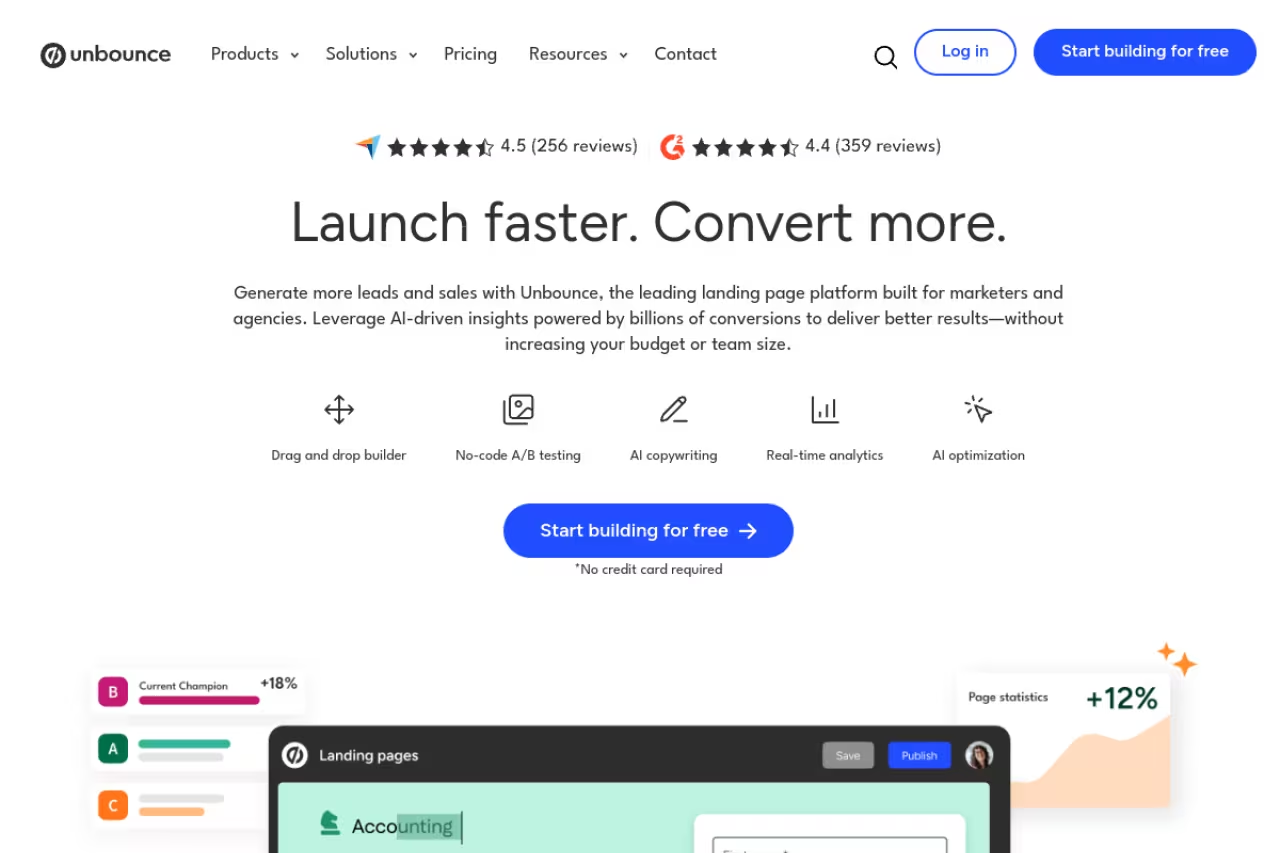
Unbounce has been the default answer to "what should I build my landing pages on" for over a decade, and looking at the 2026 version, the reason is clear. It's built for one job: getting more visitors to convert.
The standout is Smart Traffic, an AI system that routes each visitor to whichever page variant is most likely to convert them based on attributes like device, location, and time. Unbounce claims it lifts conversions by an average of 30% versus standard A/B testing. I can't independently verify that number, but the mechanism is sound: instead of waiting weeks for statistical significance, it starts optimizing after about 50 visits.
Who it's best for: marketers and growth teams running paid traffic who treat conversion rate as the metric that matters. If you're A/B testing constantly, this is your tool.
Real pricing: the Build plan is $74/month billed annually (or $99 monthly) for up to 20,000 visitors. Unlimited A/B testing kicks in on Experiment at $112/month annually, and Smart Traffic AI optimization lives on Optimize at $187/month. There's a 14-day free trial, no card required.
The catch: it gets expensive fast once you want the AI optimization that's the whole reason to choose Unbounce, and visitor caps mean a viral page can push you into the next tier. The editor also feels dated next to Framer. You're paying for conversion features, not design polish.
The conversion workhorse for marketers running paid traffic who A/B test constantly, with Smart Traffic routing each visitor to the likeliest-converting variant. It gets expensive fast once you want that AI (Optimize at $187/month), and the editor feels dated.

Instapage: built for paid-ad teams
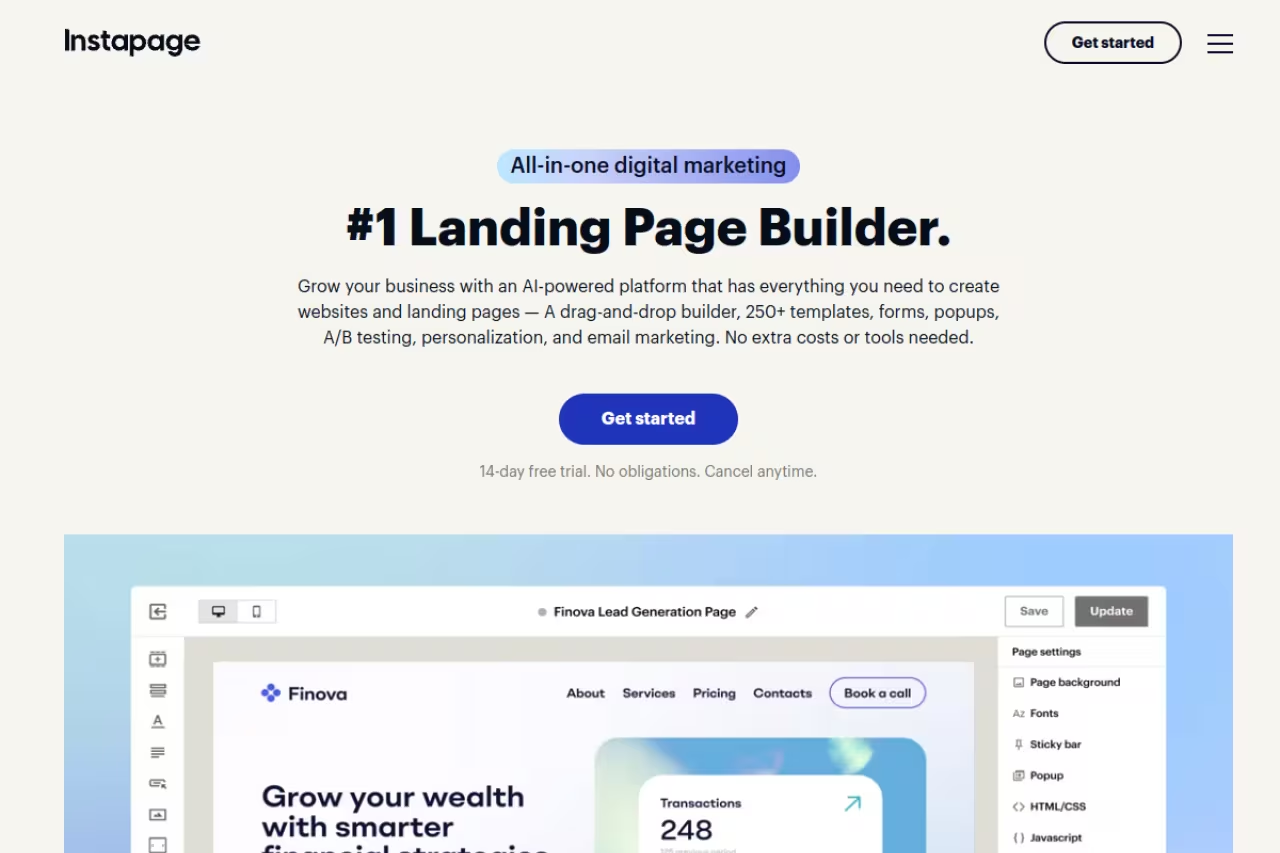
If you're spending real money on Google and Meta ads, Instapage is engineered for you specifically. Its core trick is 1:1 ad-to-page personalization through AdMap, which links individual ad groups to dedicated page variants so the message someone clicked on matches the page they land on. At scale, that alignment is where a lot of wasted ad spend gets recovered.
Pages also load fast. Instapage uses what it calls Thor Render Engine, built for sub-2.5-second mobile load times, which matters because page speed directly affects ad Quality Score and bounce rate.
Who it's best for: performance marketing teams and agencies managing dozens or hundreds of ad-to-page combinations, where personalization pays for the premium.
Real pricing: the Create plan starts at $99/month for 15,000 visitors. Server-side A/B testing and dynamic text replacement come on Optimize at $199/month. AdMap, heatmaps, and ad-to-page personalization sit on the custom-priced Convert plan. Free trial is 14 days.
Engineered for performance teams and agencies managing dozens or hundreds of ad-to-page combinations, with AdMap personalization and fast pages. The personalization sits on custom-priced plans, so it is the priciest here and overkill for one or two campaigns.
The catch: this is the priciest tool on the list once you want the personalization features it's known for, and those live on plans aimed squarely at companies with five-figure ad budgets. For a small business running one or two campaigns, it's overkill. The page copy still does most of the heavy lifting, so pair it with one of the best AI copywriting tools if writing isn't your strength.
Carrd: the cheapest serious option
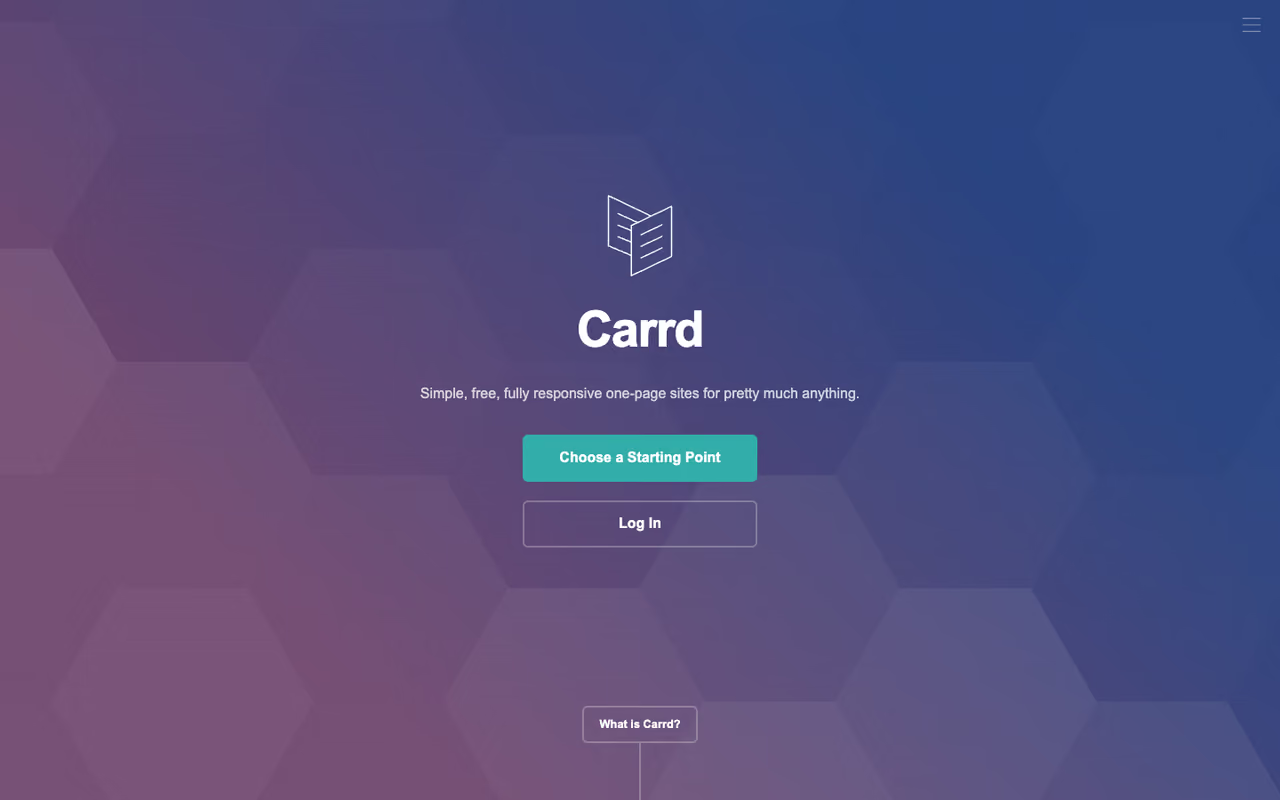
Carrd is the tool I recommend to friends who say "I just need a page up by Friday." It builds single-page sites, and it does that one thing extremely well. No bloat, no 40-tab dashboard, no upsell every time you click.
The standout is honestly the price. Pro plans start at $19 per year, not per month. For nineteen dollars you get custom domains with free SSL, forms, payment widgets via Stripe and Gumroad, and analytics integrations. The free tier builds up to three sites with most core features and no account hassle.
Who it's best for: solo founders, indie hackers, and anyone shipping a waitlist, link-in-bio, or simple product page who doesn't need A/B testing or a CRM.
Real pricing: free for basic use. Pro Lite is $9/year, Pro Standard is $19/year, and Pro Plus is $49/year. There's a 7-day Pro trial.
Where it falls short: there's no built-in A/B testing, no AI optimization, and you're limited to single-page layouts. If conversion rate optimization is your job, you'll outgrow it. But for getting a clean page live cheaply, nothing beats it.
The cheapest serious option for solo founders and indie hackers who need a clean single page live by Friday, with Pro from $19 per year. No A/B testing, no AI optimization and single-page layouts mean conversion-minded teams will outgrow it.
If you're spending more time choosing tools than building, our roundup of the best AI tools for marketing can help you trim the stack before you commit.

Framer: the best-looking pages, fast
Framer produces the most modern-looking pages on this list, and it does it without you needing a design background. Over the past year it's leaned hard into AI: you can describe a page in a prompt and it generates a working, editable layout in seconds. The output is genuinely good, not the generic template soup most AI builders spit out.
Who it's best for: startups, product launches, and design-conscious founders who want their page to look like it came from an agency. It's also a real website builder, so you can grow a single landing page into a full site.
Real pricing: there's a free plan with a Framer subdomain, and Basic is $10/month billed annually with a custom domain. Pro is $30/month and adds A/B testing and staging as add-ons. AI features run on a monthly credit system that resets across your workspace.
Pick it for startups and design-conscious founders who want pages that look agency-made, plus a path to a full site. It is design-first, optimization-second: A/B testing is an add-on and the credit-based AI pricing is confusing.
The catch: the credit-based AI pricing is confusing, and heavy AI users can burn through credits quickly. A/B testing is an add-on rather than core, so Framer is a weaker fit if rigorous testing is your priority. It's design-first, optimization-second. If you want a full site rather than a single page, our roundup of the best AI website builders goes deeper on that category.

Leadpages: budget-friendly with no traffic caps
Leadpages is the value pick for small businesses. The thing that stands out in 2026 is that every plan includes unlimited traffic with no caps or overage fees, which is rare. Unbounce and Instapage both meter visitors; Leadpages doesn't. For a page that occasionally spikes, that's real peace of mind.
The platform also restructured around AI credits this year. Lower "HTML Pub" tiers start at $10/month for publishing-focused use, while the full Leadpages plans with A/B testing and Smart Traffic-style optimization start higher.
Who it's best for: small businesses, coaches, and creators who want a capable builder with conversion tools but can't justify Unbounce or Instapage money.
Real pricing: the Grow plan is $49/month for the first three months, then $99/month, with A/B testing and 40K AI credits. Optimize adds Smart Traffic-style auto-optimization and heatmaps. There's a 7-day free trial.
Where it falls short: the editor is less flexible than Webflow or Framer, and the introductory pricing that jumps after three months can sting if you didn't read the fine print. The template designs also feel a step behind the premium tools.
The value pick for small businesses, coaches and creators, with unlimited traffic and no overage fees on every plan. The editor is less flexible than Webflow or Framer, and the introductory price jumps after three months.

Landingi: template volume for agencies
Landingi is the workhorse for agencies and PPC teams that spin up a lot of pages fast. It ships with over 400 templates and a Lunar AI generator that builds pages from a prompt, plus an AI Assistant for copy. The volume is the point: when you produce landing pages as a service, you want raw throughput.
Who it's best for: agencies, freelancers managing multiple clients, and PPC teams that need many pages without designing each from scratch.
Real pricing: based on Landingi's plans, the entry tier starts around $29/month billed annually for low traffic, with the Optimize tier handling 30,000 visits/month and adding A/B testing plus Solis AI Insights. Higher Scale plans push into 100K-500K visits. Free 14-day trial.
The catch: the sheer number of features and plan tiers makes the dashboard busy, and the cheapest plan's 2,000-visit cap is tight. It's a fit for high-volume page production, less so if you just need one polished page.
Built for agencies and PPC teams producing lots of pages fast, with over 400 templates and an AI generator. The dashboard is busy and the cheapest plan's 2,000-visit cap is tight, so it is a poor fit for one polished page.

Webflow: when the landing page is part of a bigger site
Webflow isn't a pure landing page builder, but plenty of teams build their landing pages inside their main marketing site. You get near-total design control, a real CMS, pixel-perfect pages without code, and AI tools for generating sections and content.
Who it's best for: teams that want their landing pages, blog, and marketing site in one place with full design control, and who have someone comfortable with a steeper learning curve.
Real pricing: there's a free Starter plan, Basic is $15/month billed annually with a custom domain and 300 pages, and Premium (formerly CMS/Business) is $25/month with full CMS access.
The catch: Webflow has a genuine learning curve. It rewards people who understand box models and CSS, and frustrates people who just want to drag a button onto a page. There's no native A/B testing or Smart Traffic equivalent, so you'd bolt on a separate tool for optimization. For a single campaign page, it's more than you need.
Choose it when the landing page is part of a bigger marketing site and you want full design control and a real CMS. It has a genuine learning curve and no native A/B testing, and it is more than you need for a single campaign page.
AI-native builders (Replit, v0, and friends)
The newest category worth watching is prompt-to-code builders. Replit and similar AI-native tools let you describe a page in plain English and get a real, custom, code-backed page you fully own. No template constraints, no visitor caps from the builder, because you host it yourself. Most have a usable free tier, with paid plans scaling on compute rather than visitors.
Who it's best for: technical founders and developers who want a fully custom page as actual code they can extend, not a locked editor.
The catch: there's no built-in A/B testing or marketer-friendly analytics. You're trading the CRO guardrails of a dedicated builder for total flexibility. If you're not comfortable with at least a little code, stick with Framer.
Right for technical founders and developers who want a fully custom, code-backed page without builder visitor caps. You give up built-in A/B testing and marketer-friendly analytics, so stick with Framer if you are not comfortable with some code.
How to choose
Forget feature checklists for a second. Answer three questions:
What are you actually building? A waitlist or link-in-bio page? Carrd or Framer's free tier, done. A campaign tied to paid ad spend? Unbounce or Instapage. Pages for clients at volume? Landingi. Part of a larger site? Webflow.
Does conversion rate optimization matter to you, today? If you'll genuinely run A/B tests and care about a 10% lift, pay for Unbounce or Instapage. If you won't, those features are wasted money, and Carrd or Framer gets you 90% of the result for a fraction of the price. Be honest about which camp you're in.
What's your traffic shape? Spiky, unpredictable traffic favors Leadpages (no caps) or a self-hosted AI build. Steady, paid traffic where every click costs money favors the metered tools that pay for themselves through optimization.
My rule of thumb: most people overbuy. If you're not running A/B tests weekly, you don't need Unbounce's top tiers. Start cheap, prove the page converts, then upgrade when the optimization features will actually move a number you're tracking.
If you're building these pages to grow a newsletter or SaaS, Dupple X gives you the audience and distribution playbook to make the traffic worth optimizing in the first place. Start a yearly trial and put your new pages in front of the right people.
Frequently asked questions
What is the best landing page builder in 2026?
For most marketers, Unbounce is the best all-around choice because of its Smart Traffic AI routing and unlimited A/B testing. But the right pick depends on your use case: Carrd for simple solo pages, Framer for design, Instapage for paid-ad teams at scale, and Leadpages for budget-conscious small businesses.
What is the cheapest landing page builder?
Carrd is the cheapest serious option, with Pro plans starting at $19 per year (not per month) and a genuinely usable free tier. Framer and Webflow also offer free plans with a subdomain that work well for testing a page before you commit to paying.
Do I need a landing page builder if I have a website?
If your website is on Webflow or a similar flexible platform, you can build landing pages directly inside it. But dedicated builders like Unbounce and Instapage add conversion features (A/B testing, Smart Traffic, heatmaps) that general website builders lack, which is why paid-ad teams run them separately.
Which landing page builder has the best AI features?
Framer leads on AI page generation, turning a text prompt into a polished, editable page. Unbounce leads on AI optimization with Smart Traffic and Smart Copy, and Landingi's Lunar generator is strong for producing many pages fast. The "best" depends on whether you want AI to design the page or to optimize conversions.
Is Unbounce worth it over a free tool?
Unbounce is worth it if you genuinely run A/B tests and care about conversion rate, since Smart Traffic and unlimited testing can pay for the subscription through higher conversions. If you just need a clean page live and won't test it, a free tool like Carrd or Framer gets you most of the way for free. For more on building a marketing stack that earns its cost, see our guide to the best AI tools for marketing.
Related guides
Some offers on this page may be paid placements or contain affiliate links.
Across our whole catalogue the median is $24 a month and 33% of tools advertise a free tier. Figures are the lowest recurring monthly price quoted in our own review of each tool, read on 2026-08-19. Full method and every category.
