
Best AI Resume Builders in 2026: 8 Tools Compared

Key facts8 tools compared: Teal, Kickresume, Rezi, Jobscan, Enhancv, Resume.io, Careerflow, Wobo
- 8 tools compared: Teal, Kickresume, Rezi, Jobscan, Enhancv, Resume.io, Careerflow, Wobo
- Teal (best for: Free builder + job tracker): Free; Teal+ $9/wk, $29/mo
- Kickresume (best for: AI-written first drafts): Free; Premium €8/mo annually
- Rezi (best for: Beating the ATS): Free; Pro $29/mo, $149 lifetime
- Jobscan (best for: Tailoring to one job): Free (5 scans); $49.95/mo
Most resume builders slap an "AI" badge on a glorified template gallery and call it a day. After a week of feeding the same career history into eight different tools, I can tell you the gap between them is wider than the marketing suggests. Some genuinely rewrite weak bullets into something a hiring manager would read twice. Others just reformat what you already typed.
The problem you're actually solving is invisible: roughly three out of four resumes get filtered by applicant tracking systems before a human ever sees them, according to Jobscan's research. So a good AI resume builder has to do two jobs at once. Write sharp, specific bullets, and survive the keyword screen. Few do both well.
If you want the short answer: Teal is the best free option for most people, because the free tier is generous and never expires. If you want stronger AI-written drafts, Kickresume pulls ahead. And if your only goal is beating the ATS, Rezi is built for exactly that. This guide is for job seekers, career switchers, and anyone tired of sending resumes into a void. Below is everything I found, including the catch on each one.
Quick comparison
| Tool | Best for | Price | Standout |
|---|---|---|---|
| Teal | Free builder + job tracker | Free; Teal+ $9/wk, $29/mo | Match Score against saved jobs |
| Kickresume | AI-written first drafts | Free; Premium €8/mo annually | Strongest summary and bullet generation |
| Rezi | Beating the ATS | Free; Pro $29/mo, $149 lifetime | 23-point real-time optimization |
| Jobscan | Tailoring to one job | Free (5 scans); $49.95/mo | Numeric keyword match rate |
| Enhancv | Visual, designed resumes | 7-day free; Pro $19.99/mo | Best-looking templates |
| Resume.io | Fast, clean builds | Free (1 resume); ~$30/4 wks | Speed and template polish |
| Careerflow | LinkedIn + resume combo | Free tier; $23.99/mo | LinkedIn profile optimizer |
| Wobo | Free unlimited + auto-apply | Free; paid from $34.99/mo | 24-point ATS check, swipe-to-apply |

Teal: the best free starting point
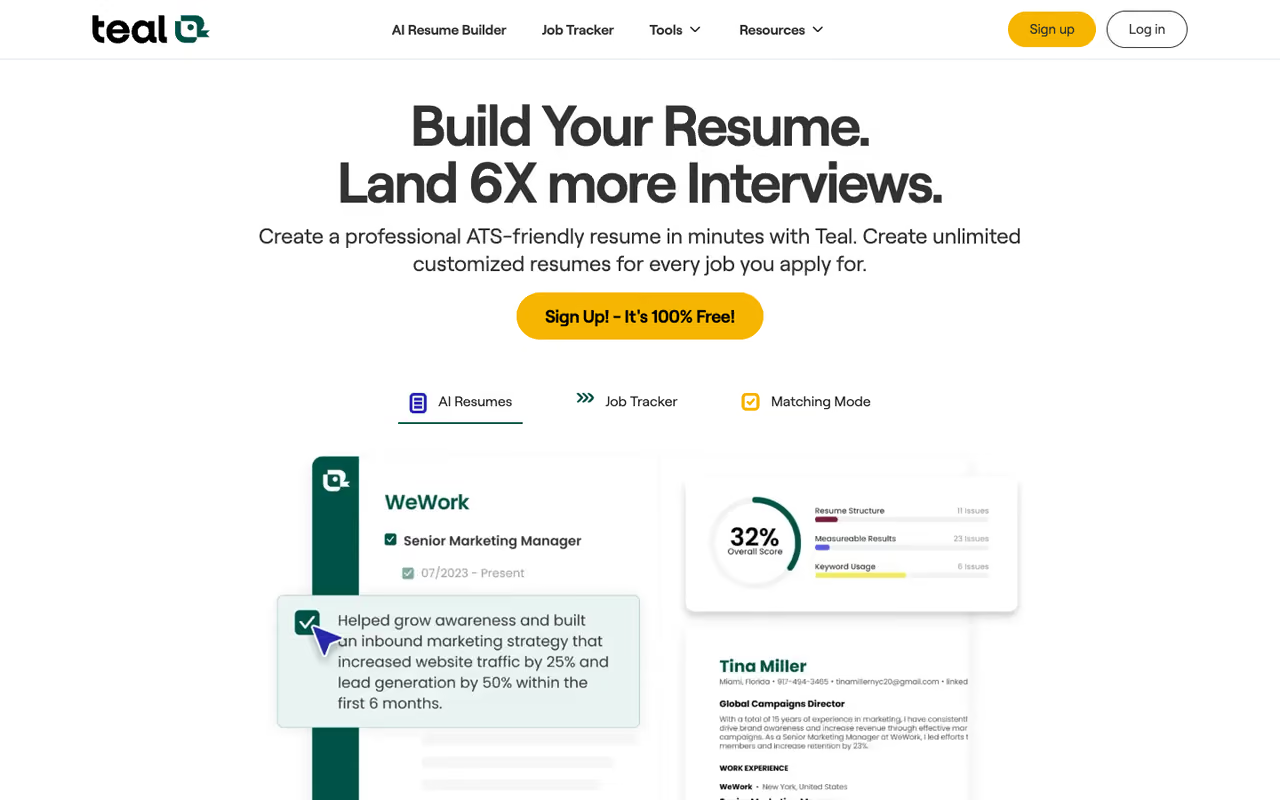
Teal is the one I'd hand to a friend who doesn't want to spend money. The free tier is the most generous in this roundup, and it doesn't expire after seven days like most "free" plans do.
What it is: A combined resume builder and job application tracker. You save jobs you're interested in, and Teal's Match Score compares your resume against each job's keywords, then tells you what's missing.
Who it's best for: Anyone running an active search across multiple roles who wants one place to build, tailor, and track. The job tracker alone is worth the signup.
The one to hand a friend who does not want to spend money, with a free tier that does not expire and a Match Score that shows the keywords you are missing. The lack of annual billing makes a long search pricey, and the free AI credits run out fast.
Free forever, with unlimited resumes, unlimited job tracking, 10 templates, and a handful of AI credits (10 for bullets, 2 for summaries, 2 for cover letters). Teal+ unlocks unlimited AI and runs $9/week, $29/month, or $79/quarter. There is no annual plan, which is the one thing I'd change.
The standout: The Match Score. Pasting a job description and watching Teal flag the exact keywords you're missing is the closest thing to seeing inside the ATS before you apply.
The catch: No annual billing means a long search gets pricey. A full year on the quarterly plan is about $316, more than most competitors charge annually. And the free AI credits run out fast if you're tailoring for many roles.

Kickresume: strongest AI writing
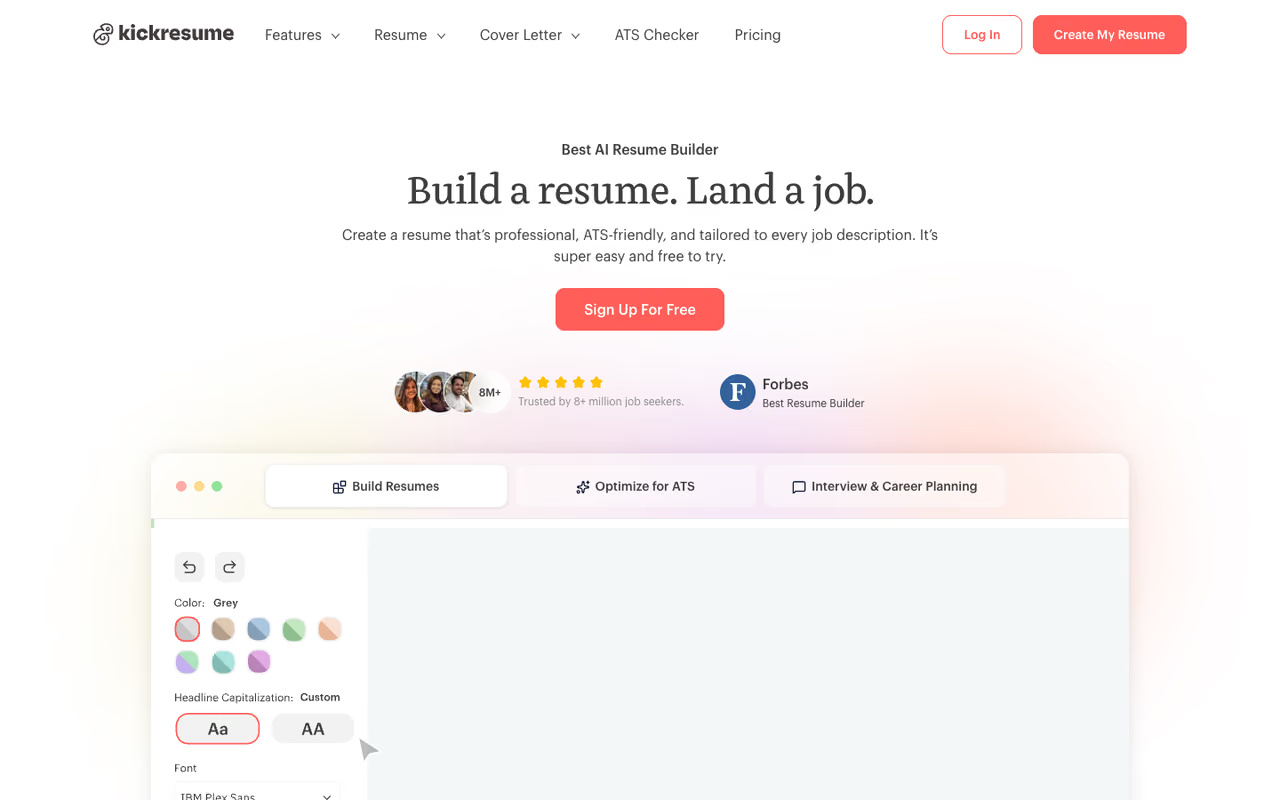
When I gave each tool the same bare-bones job history and asked it to write a professional summary, Kickresume produced the draft I'd actually keep. The others needed heavy editing.
What it is: A full resume and cover letter builder with an AI writer trained to generate summaries, bullets, and resignation letters. It also has a clean ATS checker and a LinkedIn import.
Who it's best for: People who freeze at a blank page. If your problem is "I don't know how to phrase what I did," this is your tool.
Pick Kickresume if you freeze at a blank page, since its AI writes outcome-led bullets and summaries you will actually keep. The catch is that the AI sits entirely behind Premium, so you pay from day one if that is why you came.
The free plan gives you 4 templates and 20,000 pre-written phrases but no AI. Premium runs €24/month, or €8/month billed annually (€96/year), per Kickresume's pricing page. Students get six months of Premium free, which is a genuinely good deal.
The standout: Draft quality. The AI writer understands the difference between a responsibility and an achievement, so its bullets tend to lead with outcomes rather than tasks.
The catch: The AI is locked entirely behind Premium. The free tier is just templates and phrases. So if AI writing is why you came, you're paying from day one.
If you're building a broader AI stack for your job hunt or your work, our guide to the best AI writing tools covers general-purpose options worth pairing with a resume tool.

Rezi: built to beat the ATS
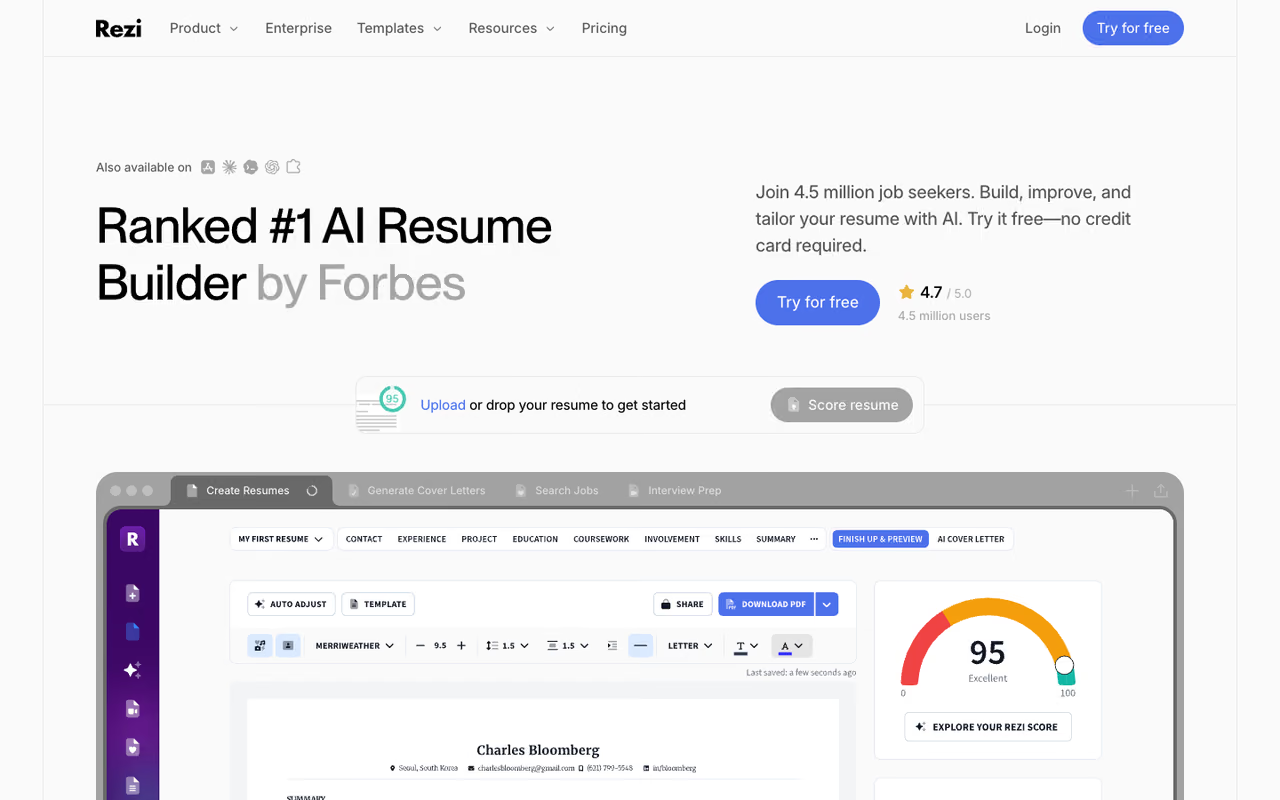
Rezi is the most single-minded tool here. It exists to push your ATS score as high as possible, and it does that better than anything else here.
What it is: An ATS-first resume builder with real-time content analysis. As you type, Rezi scores your resume against 23 optimization criteria and flags problems live.
Who it's best for: Anyone applying to large companies where the ATS is the real gatekeeper. Tech, finance, consulting, big corporates.
The most single-minded tool here, best for applicants to large companies where the ATS is the gatekeeper, with a 23-point live check. It can push keyword density until a human reader notices the stuffing, so use the score as a guide.
Free for 1 resume with limited AI and 3 PDF downloads. Pro is $29/month, or there's a $149 one-time lifetime deal that includes unlimited resumes, full AI writers, and unlimited downloads, per Rezi's pricing. The lifetime option is rare in this market and the smart buy if your search runs more than five months.
The standout: The 23-point real-time check. You see your score climb as you fix issues, which makes optimization feel concrete instead of guesswork.
The catch: Rezi optimizes hard for machines, sometimes at the expense of readability. I caught it pushing keyword density to a point where a human reader would notice the stuffing. Use its score as a guide, not gospel.
Jobscan: the tailoring specialist
Jobscan isn't really a builder. It's a scanner, and it's the best one for fine-tuning an existing resume against a specific job.
What it is: You paste your resume and a job description, and Jobscan returns a numeric match rate plus the exact keywords and skills you're missing.
Who it's best for: People who already have a solid resume and want to tailor it role by role. It's an optimization layer, not a from-scratch tool.
Skip it as a builder, but use Jobscan if you already have a solid resume and want to tailor it role by role against a match rate. It is expensive for what it does, and the free tier will not cover heavy tailoring.
Free gives you 5 scans per month. Paid is $49.95/month or $89.95 per quarter (about $29.98/month), which unlocks unlimited scans, AI optimizations, and a LinkedIn optimizer, per Jobscan's plans.
The standout: The match rate is the most trusted number in the space. Recruiters and career coaches reference Jobscan scores specifically.
The catch: It's expensive for what it does, and the monthly plan caps your scans. If you're tailoring for 20 jobs a week, the cost adds up fast and the free tier won't cut it.
Enhancv: the design-first option
If you work in a field where the resume itself is a sample of your taste, Enhancv makes the best-looking documents here.
What it is: A visually driven builder with distinctive templates, a real-time content analyzer, and an ATS checker.
Who it's best for: Designers, marketers, creatives, and anyone in a role where visual polish signals competence.
The best-looking documents here, aimed at designers, marketers and creatives for whom polish signals competence. Those same distinctive templates can confuse strict ATS parsers, so go plainer for heavily automated pipelines.
A 7-day free plan with branding, then Pro at $19.99/month, $39.99/quarter (about $13.33/month), or cheaper on a semiannual cycle, per multiple 2026 pricing breakdowns.
The standout: Templates that don't look like everyone else's. Enhancv resumes have personality without tipping into gimmick.
The catch: Those same designed templates can confuse strict ATS parsers. For heavily automated pipelines, a plainer format is safer. And the free "trial" really is just seven days.
Resume.io: fast and clean
Resume.io is the speed play. If you need a sharp, conventional resume done in 20 minutes, it's hard to beat.
What it is: A streamlined builder with polished templates and AI-assisted content suggestions, made by a team of hiring experts.
Who it's best for: People who want a fast, no-fuss build and don't need a tracker or deep ATS tooling.
The speed play for a sharp, conventional resume in 20 minutes when you do not need a tracker or deep ATS tooling. Watch the pricing, since the trial auto-renews at $29.95 and plenty of users forget to cancel.
Free for 1 resume on a single template. The real plan is a $2.95 seven-day trial that auto-renews at $29.95 every four weeks (roughly $38/month across 13 cycles), with a $74.95 annual plan being the actual value.
The standout: Build speed and template polish. The flow is the smoothest of any tool here.
The catch: The pricing is a trap if you're not careful. Plenty of users forget to cancel the trial and eat a full $29.95 charge. Set a calendar reminder the moment you enter card details.
Careerflow: for the LinkedIn-first crowd
Careerflow treats your resume and your LinkedIn profile as one project, which makes sense given how many recruiters source candidates straight from LinkedIn.
What it is: A free Chrome extension and web app that builds ATS-friendly resumes, optimizes your LinkedIn profile, and tracks applications.
Who it's best for: Job seekers whose next role will likely come through LinkedIn, not a careers portal.
A good fit for job seekers whose next role will likely come through LinkedIn, treating resume and profile as one project. The free tier is too thin to evaluate properly, and the builder is less polished than Kickresume or Enhancv.
A free tier covers a basic resume and tracking up to 10 applications. Premium is $23.99/month or $149/year, unlocking unlimited analysis, AI cover letters, and LinkedIn post drafts.
The standout: The LinkedIn optimizer. It scores your profile section by section, which most resume tools ignore entirely.
The catch: The free tier is too thin to evaluate properly, and the resume builder itself is less polished than dedicated tools like Kickresume or Enhancv.
Wobo: free, unlimited, and aggressive
Wobo is the wild card. It's a free, unlimited AI resume builder bolted onto a swipe-to-apply job engine, and it's genuinely useful if you treat the two halves separately.
What it is: A free resume builder with a 24-point ATS check and AI suggestions built on the STAR and CAR frameworks, plus an optional auto-apply feature.
Who it's best for: High-volume applicants who want unlimited free resumes and don't mind a newer product. It holds a 4.3 on Trustpilot as of early 2026.
A free, unlimited builder with a real 24-point ATS check, suited to high-volume applicants who do not mind a newer product. Use the builder and skip the autopilot, which submits applications without your review.
The resume builder is free and unlimited. Paid plans start at $34.99/month for swipe-to-apply and reach $44.99/month for full Autopilot.
The standout: Truly free unlimited resume creation with a real ATS check. Most "free" tools cap you at one document.
The catch: The auto-apply feature submits without your review, so the AI can misread a posting and fire off a bad application. I'd use the builder and skip the autopilot until it earns more trust.
If you're assembling a full toolkit for your search, our roundup of the best AI tools and the best AI agents for automating repetitive work are worth a look alongside any resume tool.
How to choose
Skip the feature lists and answer three questions.
What's your bottleneck? If you can't get past the ATS, start with Rezi or Jobscan. If you can't write good bullets, start with Kickresume. If you just need organization and a free build, Teal.
How long is your search? Short search, use free tiers and trials, you'll be fine. Long search, do the math on annual cost. Rezi's $149 lifetime or Kickresume's €96/year beat anything billed weekly or monthly over six-plus months.
Where do your applications go? Big-company ATS pipelines reward keyword optimization, so lean toward Rezi and Jobscan. Roles where design matters or where you apply through people, lean toward Enhancv or Careerflow.
My honest default for most people: build in Teal for free, run the final version through Jobscan's free scans against your top targets, and only pay if your search drags on. If you want the AI to do more of the writing, Kickresume is the upgrade worth buying.
Want a deeper system for your whole job hunt, not just the resume? Dupple X helps you put modern AI tools to work across writing, outreach, and prep, so the resume is just one piece. You can start a Dupple X trial and build the rest of your toolkit around it.
If you only need a free plan, our free AI resume builders guide compares what seven free plans allow, with the cheapest paid upgrade for each.
FAQ
What is the best AI resume builder in 2026?
For most people, Teal is the best overall because its free tier is generous and never expires, and the job tracker plus Match Score covers the whole workflow. If you want stronger AI-written drafts, Kickresume is better, and if beating the ATS is your only concern, Rezi is purpose-built for it.
Are AI resume builders worth paying for?
It depends on your search length. Free tiers from Teal, Wobo, and Jobscan are enough for a short, focused search. If you're applying for months, a paid plan like Rezi's $149 lifetime deal or Kickresume's €96/year pays for itself versus weekly or monthly billing.
Do AI resumes pass ATS systems?
They can, but only if the tool is built for it. Rezi and Jobscan score your resume against the actual job's keywords, which is what gets you past the filter. Design-heavy tools like Enhancv look great to humans but can trip strict ATS parsers, so always run a plain-format version through a scanner first.
Will recruiters know my resume was written by AI?
Not if you edit it. The risk isn't AI detection, it's generic output. AI tends to produce safe, vague bullets, so the resumes that work best pair AI drafts with your own specific numbers, project names, and outcomes. Treat the AI as a first draft, never the final word.
What's the best free AI resume builder?
Teal and Wobo lead for free use. Teal gives you unlimited resumes, job tracking, and a starter set of AI credits with no expiry. Wobo offers genuinely unlimited free resume creation with a 24-point ATS check. Kickresume's free tier has good templates but locks the AI behind Premium.
How is an AI resume builder different from ChatGPT?
ChatGPT can write resume content, but it won't format the document, score it against an ATS, or track your applications. Dedicated builders like Rezi and Teal add the keyword scoring, templates, and job-matching that turn raw text into something that actually gets through automated screening.
Related guides
Some offers on this page may be paid placements or contain affiliate links.
