
The 8 Best Calendar Apps in 2026 (Compared and Ranked)

Key facts8 tools compared: Notion Calendar, Motion, Reclaim.ai, Fantastical, Vimcal, Sunsama, Akiflow…
- 8 tools compared: Notion Calendar, Motion, Reclaim.ai, Fantastical, Vimcal, Sunsama, Akiflow, Google Calendar
- Notion Calendar (best for: Most people who want free + clean): Free
- Motion (best for: Auto-scheduling your task list): $19/seat/mo
- Reclaim.ai (best for: Google users wanting smart focus time): Free or $10/seat/mo
- Fantastical (best for: Apple-only power users): From $4.75/mo
Your calendar is probably the most-opened app on your work machine, and most people are running it on whatever shipped with their email. That works until your week turns into a wall of overlapping blocks and you start dropping things between the cracks.
This guide compares eight different calendar apps against how real meetings and tasks actually flow through a week. Some are just a prettier window onto Google Calendar. Others actively rearrange your day with AI when a meeting gets moved. They solve different problems, so the "best" one depends entirely on whether you want a faster calendar or a smarter one.
Short version for skimmers: if you want a beautiful, fast calendar for free, get Notion Calendar. If you want AI to plan your day around your tasks and deadlines, Motion is the most aggressive option, and Reclaim.ai is the better-value pick if you live in Google Calendar. Here's how all eight stack up.
Quick comparison
| Tool | Best for | Price | Standout |
|---|---|---|---|
| Notion Calendar | Most people who want free + clean | Free | Notion database events sync as real calendar entries |
| Motion | Auto-scheduling your task list | $19/seat/mo | AI rebuilds your day when plans change |
| Reclaim.ai | Google users wanting smart focus time | Free or $10/seat/mo | Defends habits and focus blocks automatically |
| Fantastical | Apple-only power users | From $4.75/mo | Natural-language event entry |
| Vimcal | People drowning in meetings | $20/mo | Sub-100ms speed, keyboard-driven |
| Sunsama | Intentional daily planners | $20/mo (annual) | Guided daily and weekly planning ritual |
| Akiflow | Juggling tasks across many tools | $19/mo (annual) | One inbox for every task source |
| Google Calendar | The reliable default | Free | Works everywhere, zero setup |
Notion Calendar: the best free calendar for most people
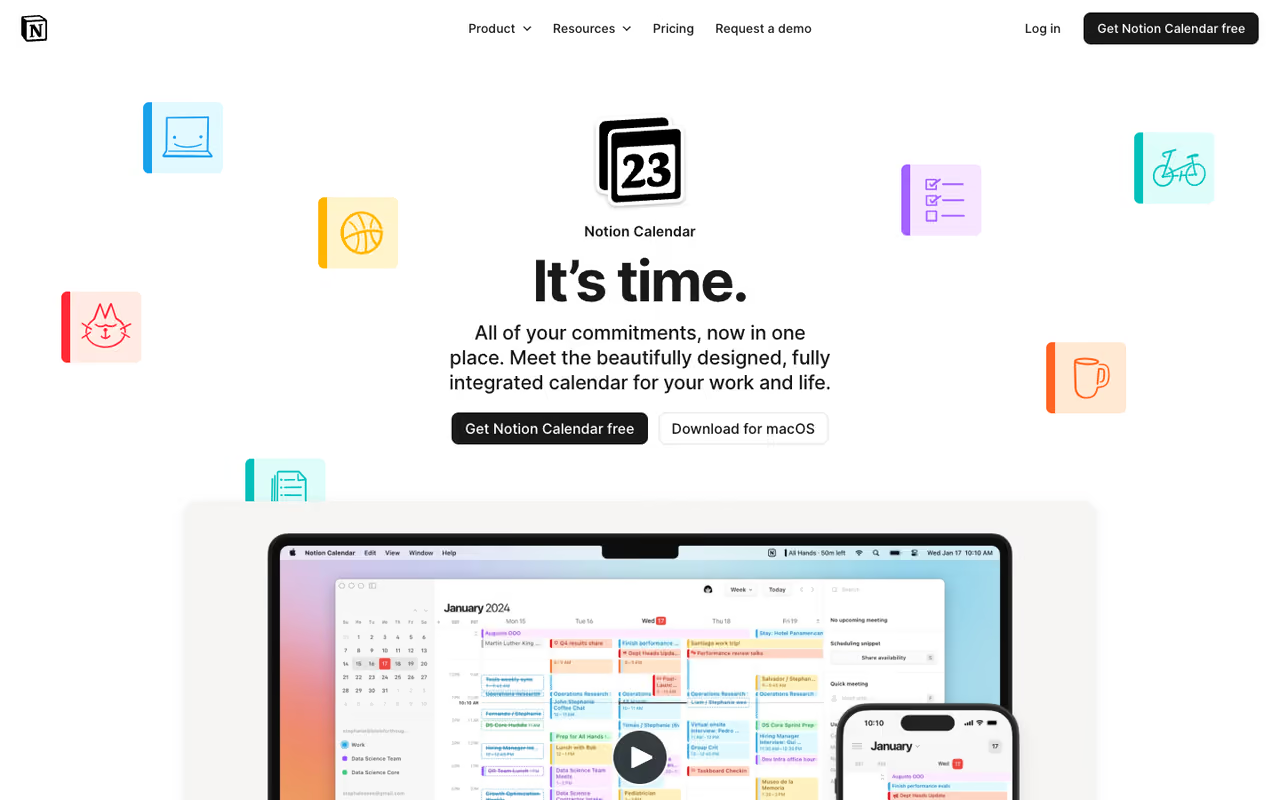
Notion Calendar started life as Cron, got bought by Notion, and is now the calendar I recommend first to almost everyone. It's a clean, fast desktop and mobile client that sits on top of your existing accounts. It syncs Google, Outlook, and iCloud in one view, and iCloud support landed in early 2026, which closed the last big gap.
Who it's best for: anyone who wants a genuinely nice calendar without paying, especially if you already use Notion for notes or project tracking.
The first calendar I would suggest to most people: free, fast, and it syncs Google, Outlook and iCloud in one view. Notion users get the most from it. The trade-off is no AI scheduling, so it shows your time without reorganizing it.
free. That's the headline. It's the only polished calendar here that costs nothing and still syncs across all three major providers.
The standout: any Notion database row with a date property shows up as a real, editable calendar event, and you can attach a Notion page to any meeting so your agenda or notes are one click away. If your team runs on Notion, this connection alone is worth the switch.
The catch: there's no AI scheduling and no task-aware planning. It shows your time, it doesn't reorganize it. Two-way sync between Notion databases and an external calendar like Google isn't fully native either, so power workflows still need workarounds. It's a window, not an engine.

Motion: the AI that owns your whole day
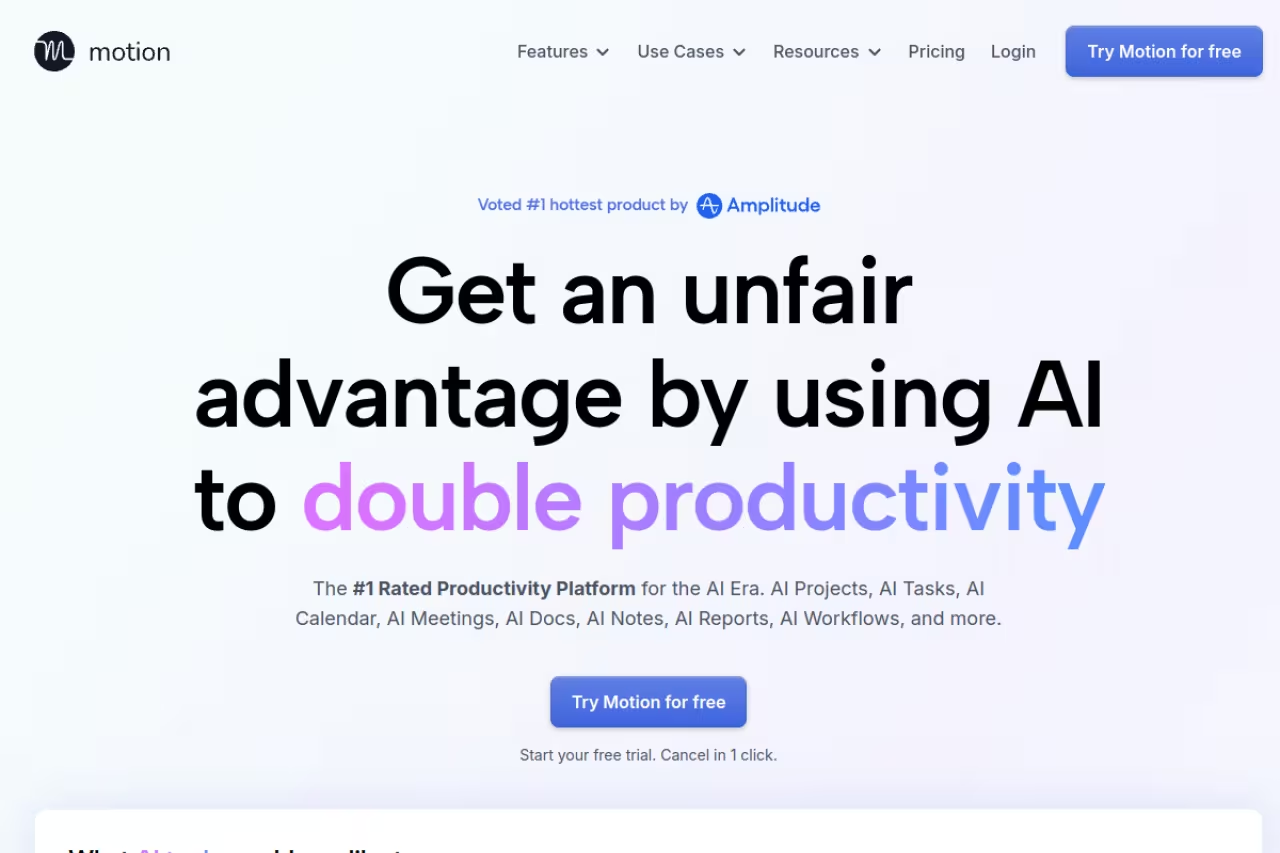
Motion is the most aggressive AI calendar on this list. You dump in tasks with deadlines and durations, and its algorithm slots them into open time around your meetings, then reshuffles everything automatically when a meeting moves or a new fire starts. It treats your calendar as a living plan instead of a static grid.
Who it's best for: people with more tasks than time who want software to decide the order. Founders, consultants, and managers juggling project work between back-to-back calls get the most out of it.
Choose Motion if you have more tasks than time and want software to decide the order, rebuilding your week when a meeting moves. It is dense and overkill for light meeting loads, and $19 a month is steep next to free options.
the Pro AI plan is $19/seat/month with annual billing (33% off versus monthly), including 7,500 AI credits a month. Business AI runs $29/seat/month and adds team capacity planning, Gantt timelines, and time tracking. There's a free trial, no permanent free plan.
The standout: auto-scheduling that actually holds up. When a meeting gets bumped, Motion quietly rebuilds the rest of the week so nothing falls off. That's the closest thing to a chief of staff in a calendar.
Where it falls short: it's a lot. The interface is dense, it bundles a project manager and docs you may not want, and handing your whole schedule to an algorithm takes trust you have to build. For someone with a light meeting load, it's overkill, and $19 a month is steep next to free options.

Reclaim.ai: smart scheduling for Google diehards
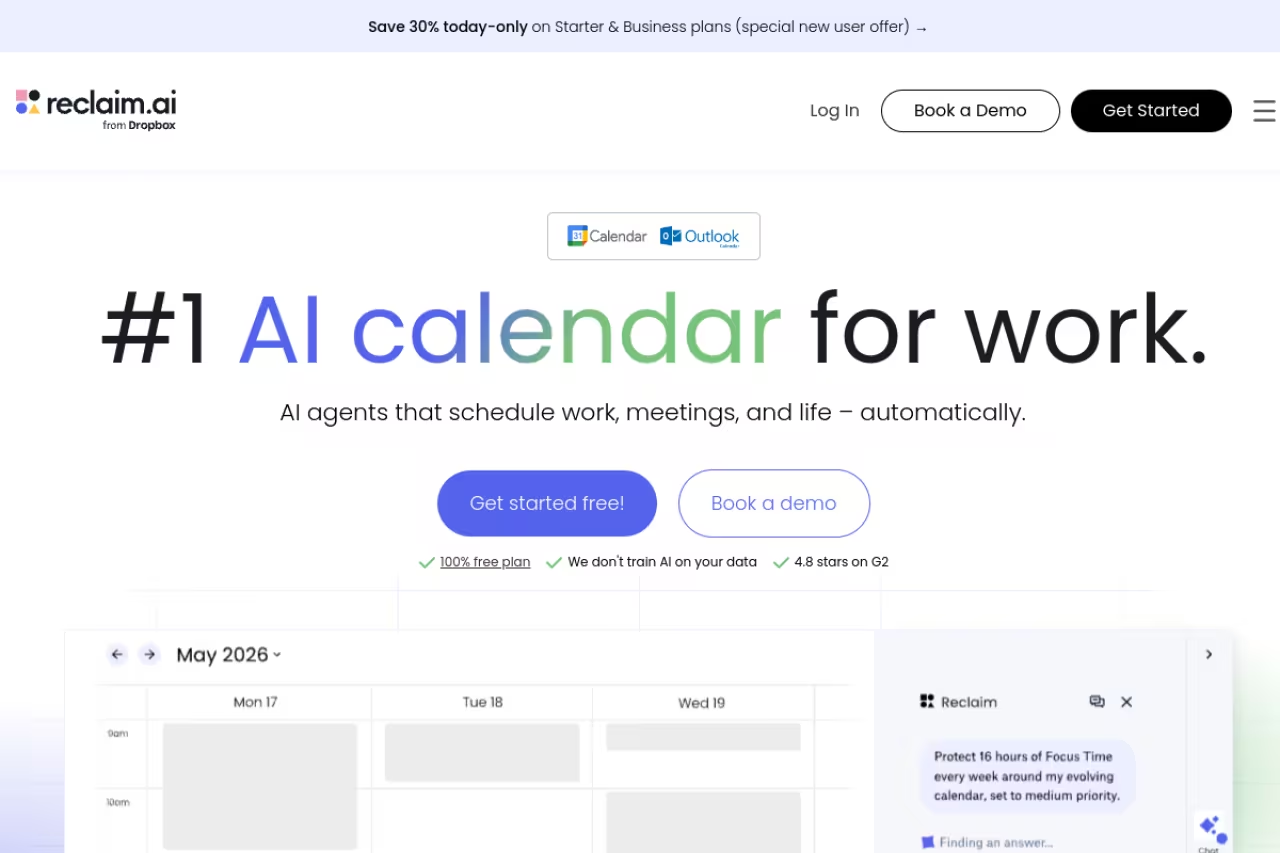
Reclaim.ai takes a gentler approach than Motion. Instead of owning your calendar, it works inside your existing Google or Outlook one, automatically defending focus time, scheduling recurring habits like a daily writing block, and finding the best slot for flexible tasks and one-on-ones.
Who it's best for: Google Calendar users who want smarter focus time and protected habits without abandoning the tool they already trust.
A gentler AI scheduler for Google Calendar users who want protected focus time and habits without leaving the tool they trust. There is no standalone app, setup has a learning curve, and the free plan's 1-week horizon is tight.
the free Lite plan is genuinely useful for solo users, with Focus Time, Habits, and Smart Meetings, capped at a 1-week scheduling range and 5 AI agents. The Starter plan is $10/seat/month on annual billing, and Business is $15/seat/month with a 12-week scheduling range and unlimited scheduling links.
The standout: habit and focus-time defense. Reclaim treats your deep-work blocks as real commitments and moves them around meetings instead of letting them get eaten. For anyone whose focus time evaporates by Wednesday, that's the whole pitch.
The catch: it lives entirely inside your existing calendar, so there's no beautiful standalone app to look at. Setup has a learning curve, and the free plan's 1-week scheduling horizon is tight once you start planning a real week ahead.
If you want to compare AI schedulers head to head, I went deeper in our guide to the best AI scheduling assistants.

Fantastical: the Apple ecosystem favorite
Fantastical has been the polished choice for Mac and iPhone users for years, and it still earns the spot. It pulls every calendar account into one interface, adds a slick menu-bar widget, and handles tasks and reminders alongside events.
Who it's best for: people who live entirely on Apple hardware and want the best-looking native calendar with deep iOS and macOS integration.
The polished native choice for people who live entirely on Apple hardware, with natural-language entry and the cleanest design in the category. It is Apple-only with no web app, and it competes on looks and speed, not AI planning.
there's a usable free tier, and Flexibits Premium starts at $4.75/month billed annually for an individual, with a family plan from $7.50/month covering up to five people. Annual billing saves roughly 32% over monthly.
The standout: natural-language event entry. Type "Lunch with Sam next Tuesday at noon at Blue Bottle" and it parses the whole thing correctly. The interface design is still the cleanest in the category.
Where it falls short: it's Apple-only, full stop. No Windows, no Android, no web app, so the moment you switch to a work PC you lose it. And there's no AI planning or task-aware scheduling here, so it competes on looks and speed, not intelligence.

Vimcal: the fastest calendar you can buy
Vimcal bills itself as the world's fastest calendar, and after a week I believe it. Everything is keyboard-driven, response times sit under 100 milliseconds, and the whole thing is built for people who open their calendar fifty times a day.
Who it's best for: people buried in meetings, especially across time zones. Remote operators, founders, and anyone who schedules constantly will feel the speed difference immediately.
The fastest calendar here, built for people buried in meetings across time zones, with keyboard-driven speed and easy availability sharing. At $20 a month it is a premium for a calendar client that will not rebuild your day like Motion.
there's a free iOS tier, and the Pro plan is $20/month (or $16.67 billed annually) with the desktop app, unlimited booking links, and team scheduling. There's also a separate Vimcal EA tier at $75/month built specifically for executive assistants.
The standout: time-zone handling and drag-to-share availability. Highlight a few open slots and Vimcal generates clean text you can paste straight into an email. Instant time-zone conversion makes scheduling across continents painless.
The catch: $20 a month is a premium for what is, at its core, a calendar client rather than an AI planner. The AI assistant helps with booking but won't rebuild your day like Motion does. You're paying for speed and polish, which is a real value if meetings are your bottleneck and not much if they aren't.

Sunsama: for planning with intention
Sunsama isn't trying to be the fastest or the smartest. It's a daily planner wrapped around a calendar, designed to slow you down enough to actually decide what matters today instead of reacting to whatever's loudest.
Who it's best for: people who feel scattered and want a structured ritual. If you end most days unsure where the time went, Sunsama's guided planning is the fix.
A daily planner wrapped around a calendar, for scattered people who want a structured planning ritual. It rewards discipline, so skip it if you will not do the daily session, since $20 a month is wasted on a calendar you underuse.
no free plan, by design. The company has said it won't add one. It's $20/user/month billed annually ($25 monthly), with a 14-day free trial and no card required.
The standout: the guided daily and weekly planning flow. Each morning it walks you through pulling tasks from your tools, estimating how long they'll take, and fitting them into your real calendar so you don't overcommit. It's part calendar, part planning coach.
Where it falls short: the ritual is the product, and if you won't do a daily planning session, you're paying $20 a month for a calendar you'll underuse. There's no AI auto-scheduling either, the structure is human-driven on purpose. It rewards discipline and punishes the opposite.
If a daily planning habit is what you're after, our roundup of productivity tools covers complementary options worth pairing with it.

Akiflow: one inbox for every task
Akiflow solves a specific pain: tasks scattered across Todoist, Asana, ClickUp, Linear, Slack, and email. It pulls all of them into a single inbox, then lets you time-block each one onto your calendar with a keyboard shortcut.
Who it's best for: people whose work lives in five different tools who want one command center to plan from.
Pick Akiflow if your tasks are scattered across five tools and you want one inbox and fast time-blocking. It is more task router than AI planner, with no free tier and a high monthly price if you do not commit annually.
$19/month billed annually (a steep $34/month on monthly billing), with a 7-day free trial and no permanent free plan.
The standout: the unified task inbox plus a fast command bar for dragging tasks into time blocks. If "where did I write that down" is your daily problem, Akiflow's consolidation is the answer.
The catch: there's no free tier and the monthly price is high if you don't commit annually. It's also more of a task-router than a true AI planner, the smarts are lighter than Motion's. You're paying for consolidation and time-blocking, not autonomous scheduling.

Google Calendar: the dependable default
Google Calendar is the baseline everything else gets compared to, and there's a reason it's still here in 2026. It's free, it's everywhere, it syncs flawlessly, and almost everyone you schedule with already uses it.
Who it's best for: anyone who wants zero friction, no new app to learn, and rock-solid reliability across every device.
The dependable default for anyone who wants zero friction, free personal use and reliability on every device. It is a static grid with no AI planning, but most apps above sit on top of it, so you can add intelligence later.
free for personal accounts. It's bundled with Google Workspace for businesses, starting around $7/user/month, which most teams already pay for.
The standout: ubiquity and reliability. It never goes down, it works on every platform, and its appointment scheduling and "find a time" features quietly cover a lot of ground for free.
Where it falls short: it's a static grid. No AI planning, no task-aware scheduling, and the interface hasn't changed much in years. The good news is that most apps above (Notion Calendar, Motion, Reclaim, Vimcal) sit on top of Google Calendar, so you can keep it as your source of truth and add intelligence on top.
How to choose
Don't pick on features, pick on the problem you actually have:
- You want a better-looking, faster calendar for free: Notion Calendar, or Fantastical if you're all-Apple. No reason to pay.
- You have more tasks than hours and want software to plan the day: Motion if you'll trust the algorithm fully, Reclaim if you want to keep Google Calendar and just protect focus time.
- Meetings are your bottleneck: Vimcal for raw speed, or appointment scheduling software if the real need is letting others book you.
- You feel scattered and want structure: Sunsama for a planning ritual, Akiflow if your tasks are spread across too many tools.
My honest take: start with Notion Calendar (free) for a week. If your problem is a messy day full of tasks rather than an ugly calendar, then graduate to Reclaim's free plan, and only pay for Motion once you've confirmed you actually want AI running your schedule.
If your week is buried in meetings before you even get to deep work, the calendar is only half the fix. Pairing one of these with an AI meeting assistant to handle notes and follow-ups is what actually gives you hours back. We bundle that kind of workflow into Dupple X, and you can start a yearly trial here.
Frequently asked questions
What is the best free calendar app in 2026?
Notion Calendar is the best free option for most people. It syncs Google, Outlook, and iCloud in one clean interface and connects to Notion databases, all at no cost. Google Calendar is the other strong free choice if you want maximum compatibility and zero setup. Reclaim.ai also has a genuinely useful free Lite plan if you want some AI focus-time protection without paying.
Is Motion or Reclaim better for AI scheduling?
It depends on how much control you want to hand over. Motion auto-schedules your entire task list and rebuilds your day when plans change, which suits people with heavy task loads who'll trust the algorithm. Reclaim works inside your existing Google or Outlook calendar to protect focus time and habits, with a gentler learning curve and a free tier. Motion is more powerful and pricier at $19/seat/month, Reclaim is better value starting free or at $10/seat/month.
Do these calendar apps replace Google Calendar?
Mostly no, they sit on top of it. Notion Calendar, Motion, Reclaim, Vimcal, and Akiflow all sync with your existing Google (and usually Outlook) account rather than replacing it. Your events stay in Google Calendar as the source of truth, and these apps add a better interface or AI scheduling on top. That means you can try one without migrating any data.
Which calendar app is best for Apple users?
Fantastical is the favorite for people on Mac and iPhone, with deep native integration, a polished menu-bar widget, and excellent natural-language event entry, starting at $4.75/month. Notion Calendar is the best free Apple-friendly option now that it supports iCloud sync. If you want AI planning rather than just a nice interface, Reclaim and Motion both work on Apple devices through Google or Outlook.
Are AI calendar apps worth paying for?
If your main problem is too many tasks and not enough time, yes. Apps like Motion and Reclaim genuinely save hours by auto-scheduling work and defending focus time, which a static calendar can't do. If your calendar is mostly meetings other people set, an AI planner adds less value, and a fast client like Vimcal or a free tool like Notion Calendar makes more sense. Try the free tiers and trials before committing.
Related guides
Some offers on this page may be paid placements or contain affiliate links.
Across our whole catalogue the median is $24 a month and 33% of tools advertise a free tier. Figures are the lowest recurring monthly price quoted in our own review of each tool, read on 2026-08-19. Full method and every category.
