
The 9 Best Free Note-Taking Apps in 2026 (Ranked, No Paywall Tricks)

Key facts9 tools compared: Notion, Obsidian, Bluedot, NotebookLM, Apple Notes, Google Keep, OneNote…
- 9 tools compared: Notion, Obsidian, Bluedot, NotebookLM, Apple Notes, Google Keep, OneNote, Joplin, Simplenote
- Notion (best for: All-rounder, docs + databases): Free; Plus €9.50/mo
- Obsidian (best for: Privacy, owning your files): Free; Sync $4/mo
- Bluedot (best for: Notes that start as meetings): Free (5 meetings); paid from $14/mo
- NotebookLM (best for: Research and reading): Free; Plus via Google One
"Free" is doing a lot of heavy lifting in this category. Half the note apps that call themselves free are really a 14-day trial wearing a costume, and the other half hide the feature you actually wanted behind a $10/month wall the moment you have a second device.
So I compared these apps on their pricing pages, documentation, and public user reviews. I cared about one thing above the marketing copy: what does the free tier genuinely let you do before it nags you to pay?
The short version for skimmers: Notion is the best free note app for most people because the free plan gives a solo user unlimited blocks and every database feature, no trial timer. If you want your notes to outlive any company's servers, go Obsidian (plain Markdown files on your disk). And if you do research for a living, NotebookLM is the most useful free tool Google has shipped in years. The rest of this list covers the apps that beat those three for specific jobs.
Quick comparison
| Tool | Best for | Price | Standout |
|---|---|---|---|
| Notion | All-rounder, docs + databases | Free; Plus €9.50/mo | Unlimited blocks solo, real databases |
| Obsidian | Privacy, owning your files | Free; Sync $4/mo | Local Markdown, 4,300+ plugins |
| Bluedot | Notes that start as meetings | Free (5 meetings); paid from $14/mo | Bot-free meeting capture with video |
| NotebookLM | Research and reading | Free; Plus via Google One | Grounded AI answers from your sources |
| Apple Notes | Apple users | Free | Fast capture, scanning, Apple Intelligence |
| Google Keep | Quick capture, lists | Free | Instant sticky notes, voice memos |
| OneNote | Structured notebooks | Free | Freeform canvas, deep cross-platform |
| Joplin | Open-source sync | Free; Cloud $2.99/mo | Encrypted, self-hostable sync |
| Simplenote | Pure minimalism | Free forever | Zero friction, version history |
What the aggregated ratings show
Scores below come from Toolradar, which aggregates across G2, Capterra, Trustpilot, SourceForge, TrustRadius and PeerSpot rather than quoting one platform.
| App | Aggregated rating | Reviews |
|---|---|---|
| Microsoft OneNote | 4.6 | 3,799 |
| Joplin | 4.3 | 67 |
| Notion | 3.5 | 407 |
Most of the apps in this comparison have no aggregated rating at all: Apple Notes, Google Keep, NotebookLM and Simplenote are bundled with a platform or free downloads, and neither produces the verified purchase a review directory indexes.
Notion's 3.5 needs unpacking, because it will look wrong. It breaks down as 2.5 on Trustpilot across 287 reviews, 4.4 on TrustRadius across 85 and 4.1 on PeerSpot across 35, with no large G2 or Capterra population to balance it. That two-point spread is about which population is reviewing rather than about the software, and it is the clearest illustration in this article of why a single number misleads.
OneNote's 4.6 across 3,799 reviews is the most reliable figure here, and it is a reminder that the free app bundled with software you already have is often genuinely good rather than merely present.
Notion: the free tier that doesn't feel free
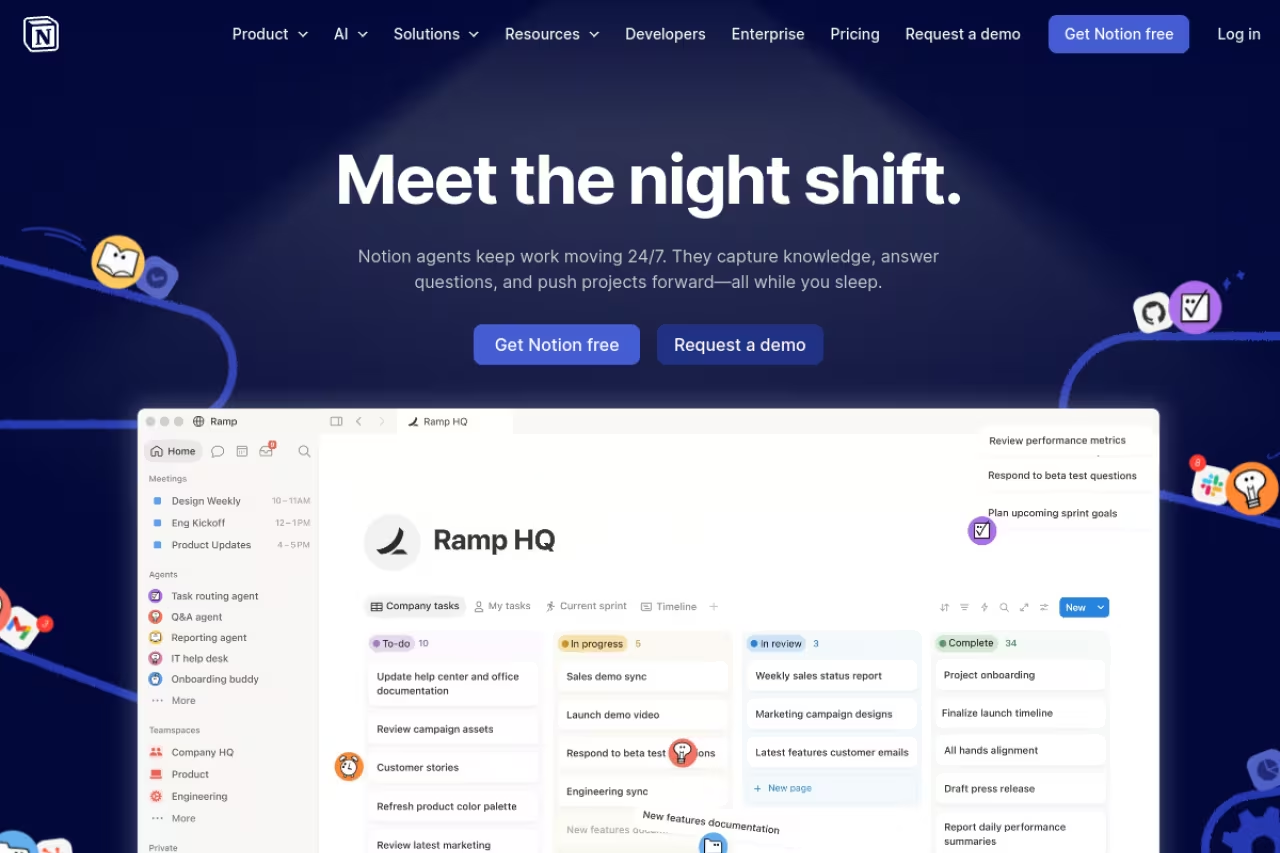
Notion is the app I open first, and it earns the top spot because of one detail people miss: a solo user gets unlimited blocks on the free plan. No 1,000-block cap, no page limit, no clock counting down. You can build a meeting log, a personal wiki, a reading tracker, and a CRM in one workspace and never hit a wall.
Who it's for: anyone who wants notes plus structure. If your "notes" tend to grow into systems (linked databases, tagged tasks, a content calendar), nothing else here competes.
The best pick for anyone whose notes grow into systems, thanks to real relational databases and unlimited blocks for a solo user. The free plan caps uploads at 5MB and 7 days of history, and with 2+ members it becomes a teaser.
Free forever for individuals. The Plus plan is €9.50 per member/month if you need a team. There's also a free education plan for students.
The standout: databases. A Notion table is a real relational database with filters, rollups, and views (board, calendar, gallery). That's the feature that turns a notes app into an operating system for your life.
The catch: the free plan caps file uploads at 5MB each and keeps only 7 days of page history. The bigger limit is collaboration. The moment a workspace has 2+ members, that generous block limit drops and you'll be pushed toward Plus. As a solo tool it's near-perfect; as a team tool the free tier is a teaser. Notion can also feel heavy if all you wanted was a place to jot a phone number. For a deeper look at where it fits among AI-native options, see our guide to the best AI note-taking apps.

Obsidian: your notes, your files, forever
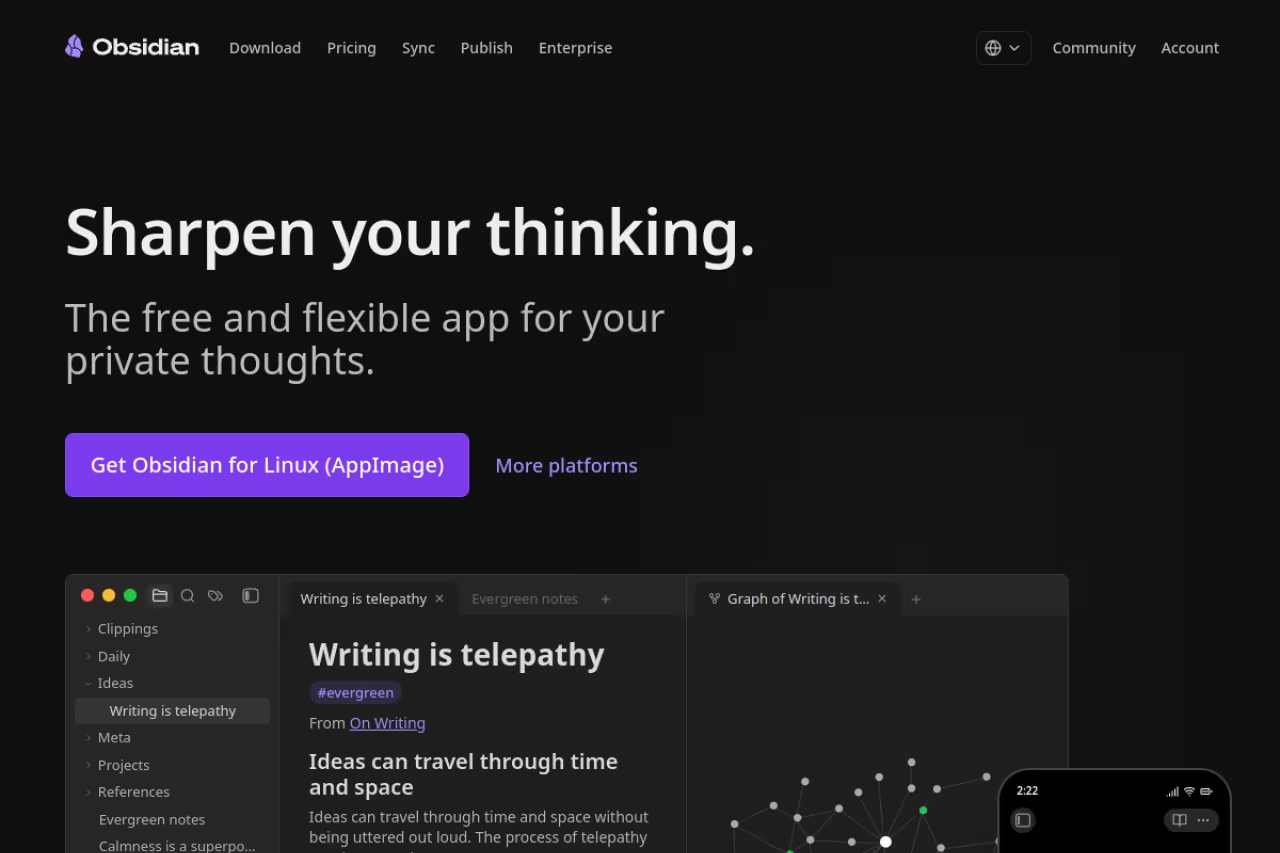
Obsidian stores every note as a plain Markdown file in a folder on your computer. That sounds boring until the day a startup shuts down and takes your second brain with it. With Obsidian there's no lock-in, because the files are already yours. Open them in any text editor, back them up however you like.
Who it's for: privacy-minded people, writers, and anyone building a long-term knowledge base they intend to keep for a decade.
The choice for privacy-minded people, writers and long-term knowledge builders, since notes are plain Markdown files you own. Linking and plugins are superb, but sync costs $4/month and the blank vault demands you build your own structure.
the core app is free with no limits. Optional add-ons: Sync at $4/month for encrypted cross-device syncing, Publish at $8/month to turn notes into a website. As of February 2026, Obsidian is also free for commercial use, so the old $50/year work license is gone.
The standout: linked notes and the graph view. You connect ideas with [[wiki links]] and watch a map of your thinking form. Pair that with 4,300+ community plugins and the new Bases feature (lightweight databases over your notes), and it bends to almost any workflow.
The catch: sync isn't free. You either pay $4/month for the official add-on or rig up your own using iCloud, Dropbox, or Git, which is fiddly. There's also a learning curve. Obsidian hands you a blank vault and expects you to build the structure, which is freedom for some people and paralysis for others. If you want notes that auto-organize, this isn't it. If you're using it to wrangle research, our roundup of AI knowledge management tools pairs well with it.

Bluedot: when your notes come from meetings
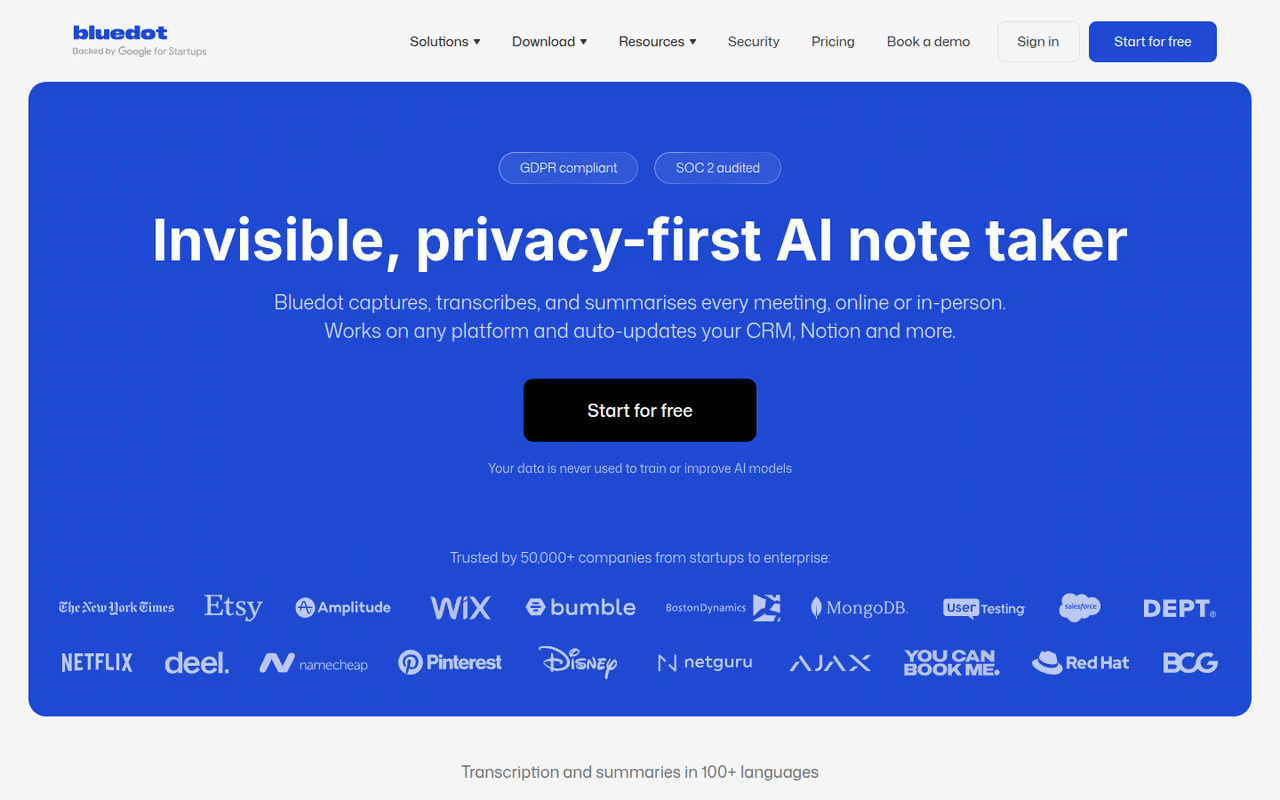
Bluedot is a privacy-first AI note-taker that records, transcribes and summarizes online and in-person meetings without sending a bot into your calls. It captures audio and video straight from your device on Chrome, macOS, Windows, iOS, Android and Apple Watch. It is GDPR-compliant, SOC 2 Type II audited, and doesn't use customer data to train its models.
Who it's for: people whose notes start as conversations, whether client calls or in-person meetings, and who'd rather not type while someone talks.
Bluedot is the odd one out on a free list, because its free plan is really a 5-meeting trial. I still think it earns its spot: nothing else here captures a conversation for you, so it sits well next to your main notes app if most of your notes start in meetings.
Free to start, with the free plan capped at 5 recorded meetings. Paid plans are $14 (Basic), $20 (Pro) and $32 (Business) per user per month, billed annually, and the mobile app lets you try Pro free for 3 days.
The standout: speakers are labeled automatically, by name in online meetings, and you get a replayable recording rather than just a transcript. Data is stored primarily in Frankfurt.
The catch: the free plan is a taste, not a home. Five recorded meetings go quickly, and video recording needs Pro. It's also a meeting tool, not a place to jot a to-do or build a wiki, so pair it with one of the apps above.

NotebookLM: the free research tool I now refuse to give up
NotebookLM is Google's AI notebook, and it's a different animal from the others here. You upload sources (PDFs, Google Docs, URLs, even YouTube videos), and it answers questions using only those documents. Every claim links back to the exact passage it came from. No hallucinated citations, because it can only quote what you gave it.
Who it's for: students, analysts, anyone who reads dense material for a living and wants to interrogate it instead of just highlighting it.
A research companion for students and analysts that answers only from your sources, with each claim linked to its passage. It is not a daily note app and is tied to a Google account, so use it alongside another app.
genuinely free. The free tier gives you 100 notebooks, 50 sources per notebook, and a generous daily quota of chats and Audio Overviews (the feature that turns your sources into a podcast-style conversation). NotebookLM Plus, bundled with Google One AI subscriptions, roughly doubles every limit.
The standout: Audio Overviews. Feed it three research papers and get a 10-minute audio summary you can listen to on a walk. It still feels like magic a year after launch. Mind maps, video overviews, and flashcard generation round it out.
The catch: it's a research companion, not a daily note app. You can't jot a quick to-do or build a wiki here. Sources are read-only references, not living documents you edit. And it's tied to a Google account, so privacy-first users will balk. Use it alongside one of the apps above, not instead of them. It also fits neatly with the broader AI research tools we cover separately.
If you're stitching several of these AI tools into one workflow, Dupple X bundles premium access to the heavy hitters so you're not juggling six logins.
Apple Notes: the default that quietly got great
If you live on a Mac and iPhone, Apple Notes is probably the right answer and you don't even have to install anything. It went from an afterthought to a legitimately strong app over the last few releases.
Who it's for: people fully inside Apple's ecosystem who value speed over flexibility.
The right answer if you live entirely in Apple's ecosystem and value speed over flexibility, with instant capture and a built-in scanner. It only works in Apple's world and organization is shallow, so it is a notebook, not a knowledge system.
free, included with any Apple ID. Notes sync via iCloud and don't eat into your storage in any meaningful way for text.
The standout: capture speed and document scanning. Swipe on the lock screen and you're writing in under a second. The built-in scanner turns a paper receipt into a clean PDF, and Apple Intelligence can summarize a long note or rewrite a messy one.
The catch: it only works in Apple's world. There's a barebones web version at iCloud.com, but no Android app and no Windows app worth using. Organization is also shallow. You get folders and tags, but nothing close to Notion's databases or Obsidian's linking. It's a great notebook, not a knowledge system.
Google Keep: the fastest place to dump a thought
Google Keep is the digital equivalent of a pad of sticky notes. It doesn't try to be your knowledge base. It tries to capture a thought before you lose it, and at that one job it's the best on this list.
Who it's for: quick-capture people. Shopping lists, a phone number, a half-idea you'll flesh out later.
The fastest place to dump a thought, ideal for quick-capture people with shopping lists, phone numbers and half-ideas. It has almost no depth, and Keep is a brilliant inbox but a terrible place to store anything you need to find in a year.
free with any Google account. Notes don't count against Drive storage, and you can make unlimited notes (each capped at 20,000 characters).
The standout: instant capture in every format. Type, dictate a voice memo that auto-transcribes, snap a photo, draw, or make a checkbox list. Color-coded cards and labels keep the chaos manageable, and Gemini can now generate lists for you.
The catch: it has almost no depth. No notebooks, no nested structure, no rich formatting beyond bold-free bullet lists. Google also removed location-based reminders in early 2026, pushing them to Tasks, which annoyed a lot of long-time users. Keep is a brilliant inbox for thoughts and a terrible place to store anything you'll need to find in a year.
Microsoft OneNote: the freeform notebook that does everything
OneNote is the most flexible canvas here. You're not stuck typing in a top-to-bottom document. You can click anywhere on the page and start writing, drop an image beside it, scribble with a stylus, and embed a spreadsheet. It mimics a physical binder: notebooks, sections, pages.
Who it's for: students, researchers, and anyone who thinks in messy spatial layouts rather than tidy linear lists.
The most flexible canvas here, for students and researchers who think in messy spatial layouts, with excellent handwriting and searchable OCR. Sync is tied to OneDrive with a 5GB free cap, and the freeform freedom needs structure you impose.
free with a Microsoft account, and it's truly cross-platform: Windows, Mac, iOS, Android, and web all get a real app, not a stub.
The standout: the infinite freeform canvas plus handwriting. Combined with a tablet and stylus, OneNote is one of the best digital handwriting experiences you can get for $0, with OCR that makes your scrawl searchable.
The catch: sync runs through OneDrive, so you're tied to Microsoft's cloud and its 5GB free storage cap (notes are small, but attachments add up). The interface is also cluttered compared to the minimalists below, and the freeform freedom can turn into a disorganized mess if you don't impose your own structure. For meeting-heavy workflows, pair it with one of the AI meeting assistants that auto-capture the call.
Joplin: open-source notes you actually control
Joplin is what you reach for when you want Obsidian's "own your data" philosophy but with sync built in and a friendlier on-ramp. It's fully open source, stores notes in Markdown, and runs everywhere.
Who it's for: the privacy-conscious and the tinkerers. People who'd rather self-host than trust a startup's roadmap.
Pick Joplin if you want Obsidian's own-your-data philosophy with sync built in. It offers end-to-end encryption and self-hostable sync, with Joplin Cloud at $2.99/month, but the interface looks built by developers and the free sync setup takes patience.
the app is free on every platform. Sync is the choice point: use Joplin Cloud at $2.99/month for the easy path, or wire up your own sync through Dropbox, OneDrive, or a Nextcloud server for free.
The standout: end-to-end encryption plus self-hostable sync. Your notes can live entirely on infrastructure you control, encrypted, with a healthy plugin ecosystem on top. For sensitive work notes, that's hard to beat at this price.
The catch: the interface looks like a developer built it for developers, because one did. It's functional, not pretty, and the free sync setup takes patience. Mobile editing is also clunkier than the polished commercial apps. You trade some daily comfort for control and privacy.

Simplenote: when you want nothing but the writing
Simplenote is the antidote to feature bloat. It's notes, tags, and search. That's the whole app, and that restraint is the point. Made by Automattic (the WordPress company), it's been quietly reliable for over a decade.
Who it's for: minimalists and fast typists who find Notion exhausting and just want a clean text box that syncs.
The antidote to feature bloat for minimalists and fast typists: notes, tags and search, free forever, with full version history. There are no images, attachments or folders, so it is a brilliant scratchpad and nothing more.
free forever, no tiers, no upsell. Truly free, which is rare enough to mention twice.
The standout: speed and version history. It opens instantly, syncs across every platform without thinking about it, and keeps a full history of every note so you can scrub back to an earlier draft. Markdown is supported if you want light formatting.
The catch: there's almost nothing to it. No images, no attachments, no folders, no rich media. If you ever need to paste a screenshot or build a table, you'll outgrow it immediately. Simplenote is a brilliant scratchpad and nothing more, which is exactly why people who love it love it.
How to choose in under a minute
Skip the feature-matrix paralysis. Answer these in order:
- Do you want your notes to grow into systems (wikis, databases, trackers)? Go Notion. It's the best free all-rounder and the only one whose free tier won't fight you as a solo user.
- Do you care about owning your files forever, no company in between? Go Obsidian (local Markdown) or Joplin (if you want built-in encrypted sync).
- Is your real problem reading and research, not jotting? Go NotebookLM, on top of whichever daily app you pick.
- Are you all-in on one ecosystem? Apple users default to Apple Notes; Microsoft users to OneNote. Both are free and already installed.
- Do you just need to capture a thought before it evaporates? Go Google Keep or Simplenote. Lower power, zero friction.
The honest truth: most people overthink this and would be served fine by whatever's already on their phone. The apps above only matter once your note-taking has a job to do. If that job is wrangling AI tools and research into one place, the Dupple X bundle and our list of AI tools for productivity are the next stops.
FAQ
What is the best free note-taking app overall in 2026?
For most people it's Notion, because the free plan gives a single user unlimited blocks plus full database features with no trial timer. If owning your files matters more than features, Obsidian wins. If your main need is research, NotebookLM is the strongest free option.
Is Notion really free, or is it a trial?
Notion's free plan is permanently free for individuals, not a trial. A solo user gets unlimited pages and blocks. The real limits are a 5MB cap on file uploads, 7 days of page history, and reduced block allowances once a workspace has multiple members. For personal note-taking, you may never hit them.
Which free note app is best for privacy?
Obsidian and Joplin lead on privacy. Both store notes as Markdown files you control rather than on a company's servers. Obsidian is local-first by default, and Joplin offers end-to-end encryption with self-hostable sync. Standard Notes (by Proton) is another encrypted option, though its free tier is more limited.
What's the best free note app that works on both iPhone and Android?
OneNote, Joplin, Simplenote, and Notion all have real apps on both platforms plus the web. Apple Notes and Google Keep are tied to their ecosystems (Keep has a web version but no native iOS depth). For a consistent cross-platform experience, OneNote and Notion are the strongest free picks.
Can a free note-taking app do AI features?
Yes. NotebookLM is a fully free AI research notebook from Google. Notion includes trial AI capabilities on its free plan, Google Keep added Gemini-powered list generation, and Apple Notes uses Apple Intelligence for summaries. For dedicated AI options, see our guide to the best AI note-taking apps.
Do I need to pay for note-app sync?
Not always. Notion, Google Keep, Apple Notes, OneNote, and Simplenote all sync across devices for free. Obsidian charges $4/month for official Sync (or you can DIY it with iCloud or Git), and Joplin charges $2.99/month for its hosted sync (or self-host for free). Sync is the most common feature that pushes free apps toward paid tiers.
Related guides
Some offers on this page may be paid placements or contain affiliate links.
Across our whole catalogue the median is $24 a month and 33% of tools advertise a free tier. Figures are the lowest recurring monthly price quoted in our own review of each tool, read on 2026-08-19. Full method and every category.
