
The 8 Best AI Meeting Assistants in 2026

Key facts8 tools compared: Granola, Fathom, Bluedot, Fireflies, Otter.ai, Fellow, tl;dv, Zoom AI…
- 8 tools compared: Granola, Fathom, Bluedot, Fireflies, Otter.ai, Fellow, tl;dv, Zoom AI Companion
- Granola (best for: Solo operators, Mac users): Free / $14 per user/mo (first month free via our link)
- Fathom (best for: Budget-conscious individuals): Free / $20/mo
- Bluedot (best for: Bot-free capture with video, EU data): Free (5 meetings) / $14 per user/mo billed annually
- Fireflies (best for: Sales and revenue teams): Free / $10 per user/mo
Taking meeting notes the old way means half-listening, half-typing, missing the actual conversation, which is why notetaker bots caught on so fast. The problem now is the opposite. There are dozens of these tools, half of them clone each other's feature lists, and the pricing pages bury the catch three scrolls down.
I compared the main contenders on their pricing pages, documentation and public user reports. Some are known for nailing the summary on the first try. Others get called out in user reviews for hallucinated action items nobody agreed to, or for capping the free tier faster than expected.
If you want the short answer: Granola is my top pick for individuals who care about clean notes and no bot crashing the call, while Fathom wins on the free tier and Fireflies is the one to pick if your meetings need to feed a CRM. Circleback is the closer if the notes have to become tasks, Fyxer if the real job is the follow-up email, and Krisp if you also need to kill background noise. This guide is for founders, salespeople, and operators who sit in enough calls that the notes actually matter. Below is who each tool is really for, what it costs in 2026, and where each one falls short.
Quick comparison
| Tool | Best for | Price | Standout |
|---|---|---|---|
| Granola | Solo operators, Mac users | Free / $14 per user/mo (first month free via our link) | Bot-free local capture |
| Fathom | Budget-conscious individuals | Free / $20/mo | Genuinely usable free tier |
| Bluedot | Bot-free capture with video, EU data | Free (5 meetings) / $14 per user/mo billed annually | Bot-free audio and video capture |
| Fireflies | Sales and revenue teams | Free / $10 per user/mo | 50+ CRM and app integrations |
| Otter.ai | Live transcription, education | Free / $16.99/mo | Real-time transcript in the room |
| Fellow | Teams wanting cross-meeting search | Free / $7 per user/mo | Ask Fellow across all past calls |
| tl;dv | Async video review | Free / $18 per user/mo | Timestamped video clips |
| Zoom AI Companion | Zoom-only shops | Included on paid Zoom plans | Zero setup, already in the call |

Granola
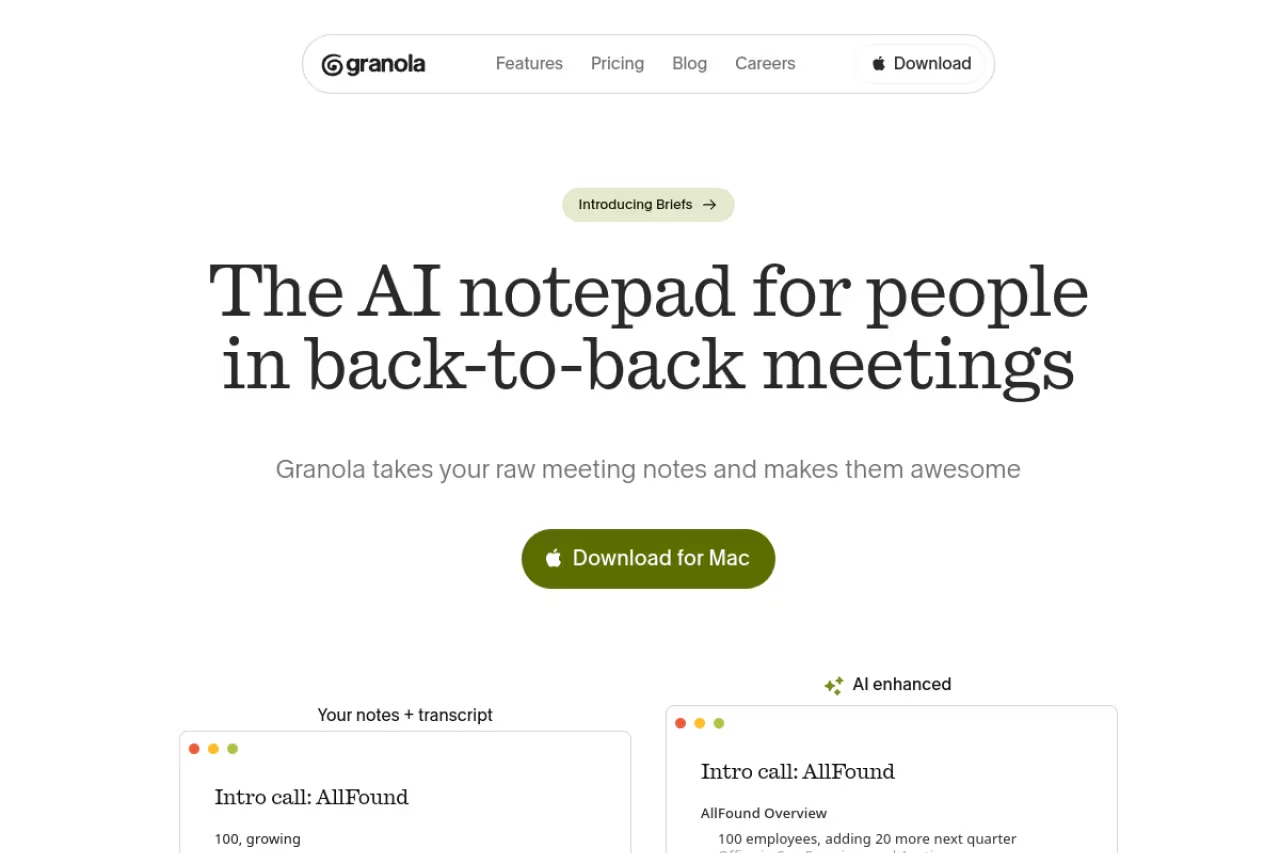
Granola is the bot-free notetaker that became the favorite of founders and VCs over the past year, and after using it I understand why. Instead of sending a robot into your video call, it captures audio locally on your Mac and merges what it hears with the notes you jot during the meeting. The result reads like notes a sharp colleague took, not a wall of raw transcript.
Who it's best for: solo operators, founders, and anyone on a Mac who finds notetaker bots awkward in client or investor calls. There is no third participant for the other side to notice.
The notetaker for founders, VCs and Mac users who find bots awkward in client calls. Granola captures audio locally and blends it with your own notes, which reads like a colleague's write-up. It is Mac-centric and the free tier limits history.
Pricing is simple. The Basic plan is free with limited meeting history. Business runs $14 per user per month for unlimited notes, history, and integrations with Notion, Slack, HubSpot, Attio, and Affinity, per Granola's pricing page. Enterprise is $35 per user per month for SSO and admin controls. New users who sign up through our Granola link get the first month free. Full writeup: Granola review.
The standout is the local-capture approach. Because nothing joins the call, your meetings feel normal and the privacy story is easier to defend to a security-conscious client.
The catch: Granola is Mac-first, and the lack of a bot means it only captures what your machine hears. If you skip a meeting, there is no bot sitting in for you. Heavy CRM users will also miss the deep sales tooling that Fireflies and Fathom build in.

Fathom
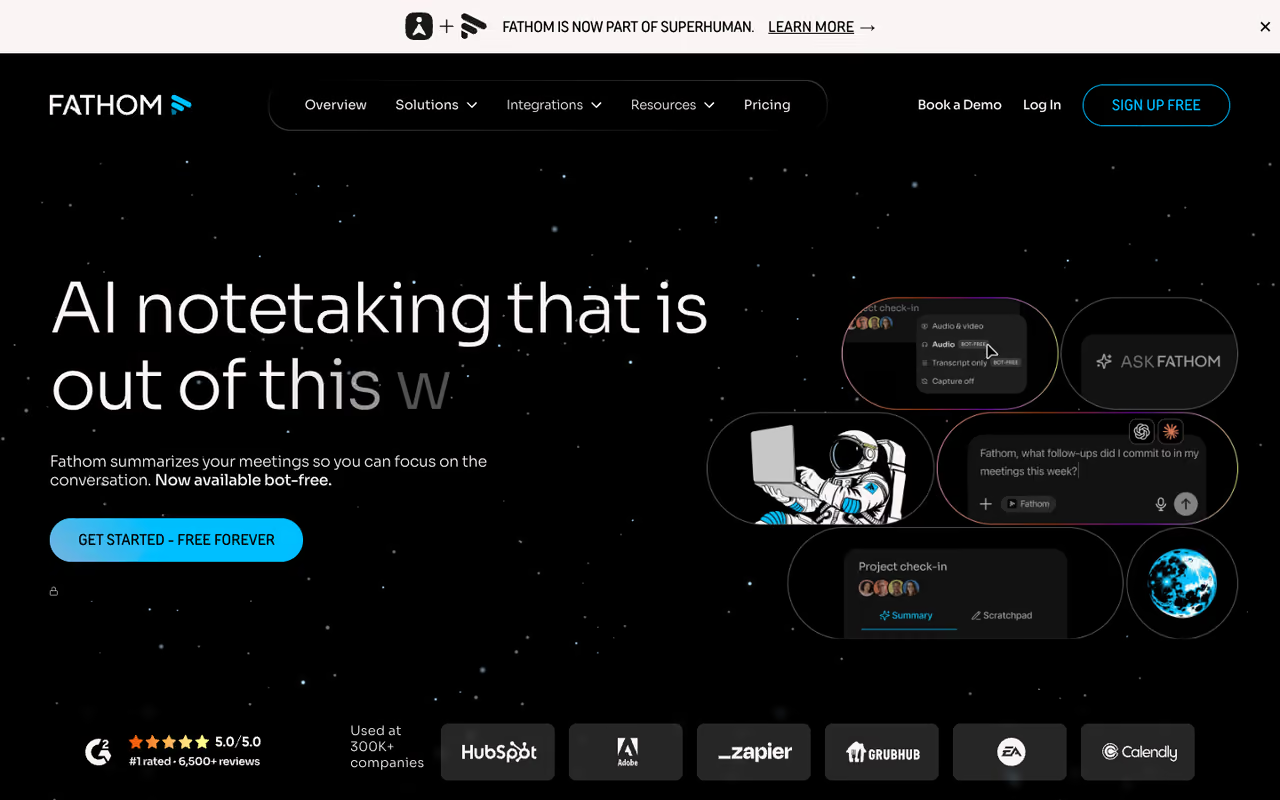
Fathom is the tool I point people to when they say "I just want notes and I don't want to pay yet." Its free plan is the most generous in this category: unlimited recordings and transcriptions, your choice of bot or bot-free capture, plus AI summaries, clips, and call search. Most rivals throttle the free tier hard. Fathom mostly doesn't.
Who it's best for: individuals and small teams who want a real free product, and salespeople who want coaching features without enterprise pricing.
On pricing, Free is free forever. Premium is $20 per month, or $16 billed annually, adding advanced summaries, AI action items, and a conversational assistant. The Team plan is $19 per user per month (two-user minimum) and Business is $34 per user per month with CRM field sync, Deal View, and AI scorecards, according to Fathom's pricing page.
The standout is how much you get for nothing. For a freelancer or a founder running a handful of calls a week, the free tier alone can carry you for months.
Where it falls short: the free plan limits AI summaries (recordings are unlimited, the smart summaries are not), so if you live in summaries you will hit the paid wall. And as a younger product, its integration list is shorter than Fireflies'.
Go with Fathom if you want a genuinely free notetaker. Unlimited recordings and transcripts, plus a choice of bot or bot-free capture, beat most rivals, and sales teams get coaching features on paid tiers.

Bluedot
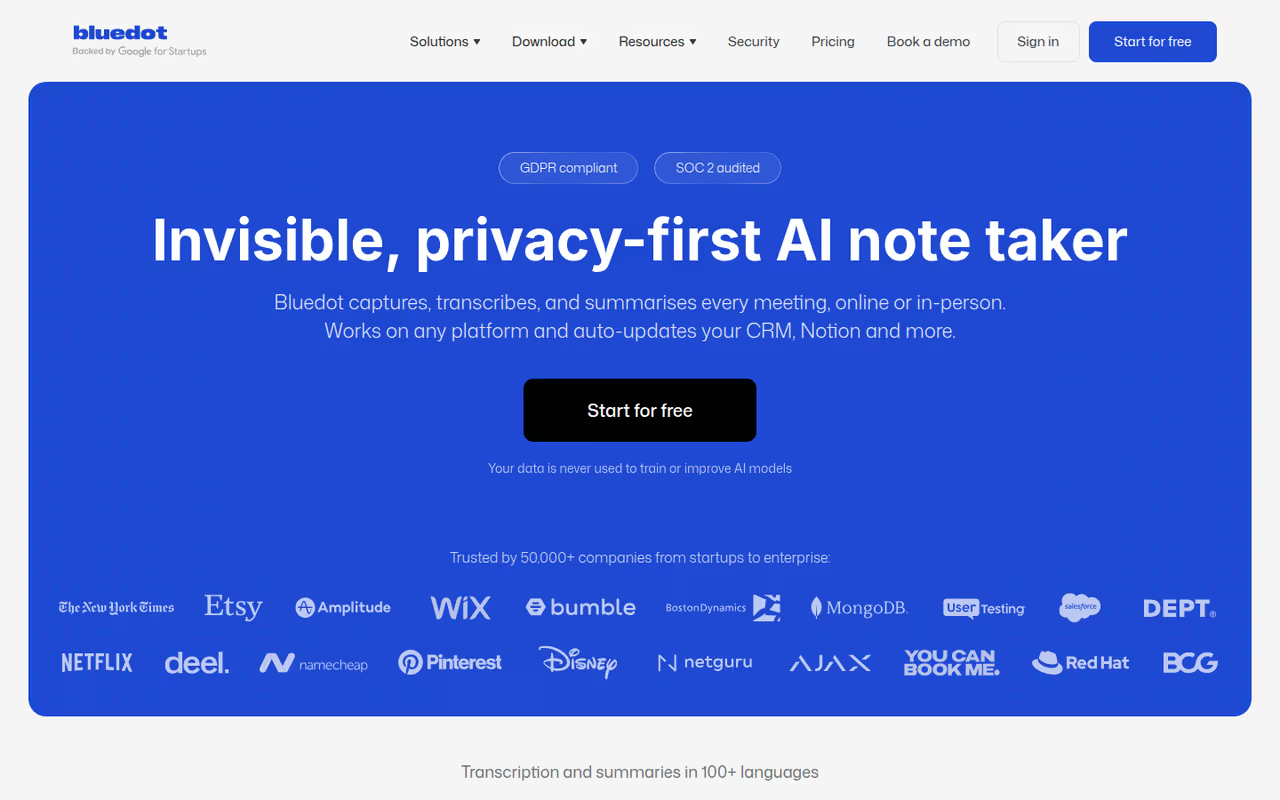
Bluedot records, transcribes and summarizes online and in-person meetings without sending a bot into your calls. It captures audio straight from your device, and video too, across Chrome, macOS, Windows, iOS, Android and even Apple Watch. It is GDPR-compliant, SOC 2 Type II audited, and Bluedot says it never uses customer data to train its AI models.
Who it's best for: teams that like bot-free capture but still want a replayable recording with video, and European companies that care where their data lives. Data is stored primarily on AWS in Frankfurt.
If a bot showing up in the participant list is what puts you off meeting assistants, Bluedot is the one I'd try first. You still get the full recording, video included, and speakers are named in online calls. Treat the free plan as a trial, though, and budget for Pro if you want video.
Pricing: Free covers 5 recorded meetings in total. Basic is $14 per user per month billed annually ($18 monthly), audio only, with recordings capped at 1 hour. Pro is $20 ($25 monthly) and adds video and unlimited recording length. Business is $32 ($39 monthly) and adds CRM and ATS integrations, SSO and SCIM, per Bluedot's pricing page.
The standout is choice in how you capture. You can record bot-free from the browser, desktop, phone or Apple Watch, or add an optional named bot that joins scheduled calls automatically. On Business, notes sync to Salesforce and HubSpot.
The catch: the 5-meeting free cap runs out quickly, and video recording starts on Pro. In-person recordings also label people as Speaker 1 and Speaker 2 rather than by name.

Fireflies.ai
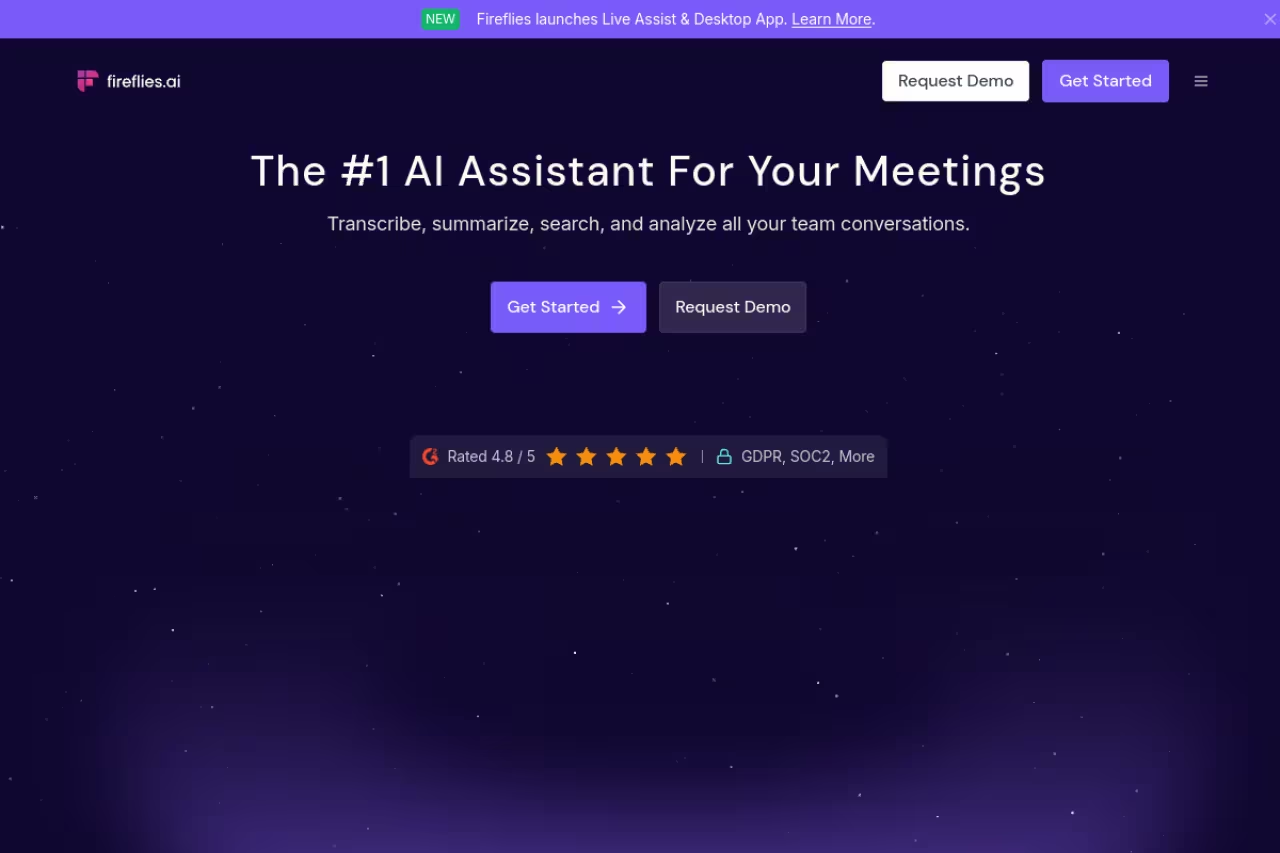
If your meeting notes need to go somewhere after the call, Fireflies is built for that. Its killer feature is breadth of integrations: meeting insights push directly into Salesforce, HubSpot, Slack, Asana, and dozens of other tools, so a sales call can update a deal record without anyone touching the CRM. Its AskFred assistant lets you query past meetings in plain language.
Who it's best for: sales teams, revenue operators, and anyone whose meeting data needs to land in a CRM or project tool automatically. If you're already building out a sales prospecting stack, Fireflies slots in cleanly.
Built for teams whose meeting data must land in a CRM or project tool automatically. Fireflies pushes insights into Salesforce, HubSpot and Slack, so a sales call can update a deal record, and AskFred searches past calls.
Pricing: Free gives unlimited transcription and AI summaries with 400 minutes of storage per team. Pro is $10 per seat per month billed annually ($18 monthly) with 8,000 minutes of storage per seat and 20 AI credits. Business is $19 per seat annually and Enterprise is $39, adding SSO, HIPAA compliance, and audit logs, per Fireflies' pricing page.
The standout is the integration depth. Fireflies treats your meetings as data that should flow into the rest of your stack, not just a transcript to read later.
The catch: the free plan's 400-minute storage cap is shared across the whole team, so it fills fast. The AI credit system also means the fanciest features are metered, and power users blow through credits before month-end.

Otter.ai
Otter built its name on live transcription, and that is still where it shines. The transcript scrolls in real time as people talk, which is genuinely useful in a classroom, an interview, or any setting where you want to read along and search the moment something is said. It identifies speakers and handles multiple languages well.
Who it's best for: students, journalists, researchers, and anyone who values an accurate live transcript in the room over a polished after-the-fact summary.
On pricing, Basic is free with 300 transcription minutes a month and three lifetime file imports. Pro is $16.99 per user per month (around $8.49 on the annual plan) for 1,200 minutes and Salesforce and HubSpot integrations. Business is $30 per user monthly (about $20 annually) for unlimited meetings and admin features, per Otter's pricing.
The standout is real-time transcription quality. Few tools make the live transcript feel as central to the experience.
Where it falls short: the 300-minute free cap is tight, and Otter leans more transcript-heavy than summary-smart. If you want crisp action items over a long transcript, Granola or Fathom feel more modern. Some users also find its meeting assistant pushier than they'd like.
Pick Otter for live transcription you can read along with in a classroom, interview or meeting. It handles speakers and languages well, but the free plan is capped at 300 minutes.
Fellow
Fellow earned a top spot from the New York Times Wirecutter, and it's aimed squarely at teams rather than solo users. It combines bot and botless recording with strong security and a feature called Ask Fellow, an AI agent that searches across every past meeting to surface decisions, action items, and context without you digging through old notes.
Who it's best for: teams that run a lot of recurring meetings and want institutional memory. If decisions keep getting re-litigated because nobody remembers what was agreed, this is your tool. It pairs well with a broader knowledge management setup.
A team tool for recurring meetings and institutional memory. Ask Fellow searches every past meeting for decisions and action items, and the free plan covers up to 10 users, though solo users get less from it.
Pricing is friendly for teams. There's a free plan for up to 10 users with core notes, transcription, summaries, and action items. Team is $7 per user per month billed annually, Business is $15, and Enterprise is $25 with provisioning and domain controls.
The standout is cross-meeting intelligence. Ask Fellow turns months of calls into something you can actually query, which most single-meeting tools can't match.
The catch: Fellow is more of a full meeting-management platform (agendas, action tracking, the works) than a lightweight notetaker. For a solo user who just wants summaries, that's overkill. The depth takes a little onboarding before it pays off.
tl;dv
tl;dv leans into video. Instead of treating the recording as a throwaway, it builds the experience around timestamped clips you can share, so a teammate can watch the 90 seconds that matter instead of reading a transcript. It records Zoom, Meet, and Teams, transcribes in 30-plus languages, and syncs to CRMs on paid tiers.
Who it's best for: distributed teams that review calls asynchronously, product teams sharing user-research moments, and anyone who'd rather send a clip than a paragraph.
The video-first option for distributed teams that would rather send a 90 second clip than a transcript. The catch is that free summaries thin out after the first 10 meetings.
Pricing: Free covers unlimited recordings and transcripts, but the catch is real. The first 10 meetings get full AI notes, and after that only the first 10 minutes of each call are summarized. Pro is $18 per user per month annually ($22 monthly) with custom AI prompts and CRM integration. Business runs $59 per user per month with team analytics and SSO.
The standout is the clip workflow. For sharing the exact moment a customer said the thing, nothing here beats it.
Where it falls short: that free-tier summary cap sneaks up on people, and free recordings auto-delete after three months. The jump to Business pricing is also steep compared to the rest of this list.
Zoom AI Companion
If your whole company already lives in Zoom, the simplest AI meeting assistant might be the one already in the call. Zoom AI Companion is included at no extra cost on most paid Zoom Workplace plans, and it generates a post-meeting summary with topics, action items, and decisions, delivered by email and inside the Zoom portal.
Who it's best for: Zoom-first organizations that want decent meeting summaries without adding another vendor, login, or bill.
The simplest choice if your company already lives in Zoom. It adds no vendor, login or bill on most paid plans, but it only works in Zoom and the free Basic plan does not include it.
Pricing is the appeal: it's bundled into Zoom Workplace Pro, Business, Business Plus, and Enterprise plans at no added charge, per Zoom's AI Companion page. The free Basic Zoom plan does not include it.
The standout is zero friction. There's nothing to install and no second tool to manage, because it's already sitting in your meeting.
The catch: it only works in Zoom, so cross-platform teams on Meet or Teams are out. Summary quality is strongest in English and drops noticeably with non-English or mixed-language calls. It's a convenient default, not a best-in-class notetaker.
Also worth a look: Circleback, Fyxer, Krisp
Three more tools sit just outside the main seven and are worth knowing if one of these is your actual bottleneck.
Circleback is for teams whose problem is not the transcript, it is that nothing happens after the call. It is sharper on assignable action items and pushing them into Notion or Slack than Granola or Otter. Read the Circleback review if that is the failure mode you keep hitting.
Fyxer writes the follow-up email from the meeting. If your calendar is fine and your inbox is the mess, that is a different job than a notetaker. New users get 20% off through our Fyxer link. Details in the Fyxer review.
Krisp started as noise cancellation and now also writes notes without a bot in the participant list. If you take calls from a cafe or an open office, the mute-the-room layer is the product, and the notes ride along. See the Krisp review.
How to choose
Skip the feature-list paralysis and answer three questions.
First, do you want a bot in the call or not? If notetaker bots feel intrusive in client or investor meetings, Granola's local capture is the cleanest answer. If you don't mind the bot, the rest of the field opens up.
Second, where do the notes need to go? If the answer is "into our CRM, automatically," Fireflies or Fathom's Business tier are built for that. If the answer is "into my own head, cleanly summarized," Granola or Fathom's free tier will do.
Third, is this for you or a team? Solo users get the most value from Granola or Fathom. Teams that need shared memory and cross-meeting search should look at Fellow. Zoom-only shops should just turn on AI Companion before paying for anything else.
A meeting assistant is one piece of a wider stack. Once the notes are handled, pairing it with a good AI scheduling assistant and the right productivity tools is where the real time savings compound. If you want our running shortlist of tools across categories, the top tools directory is a faster way to browse than another comparison post.
If you want a single AI workspace that ties notes, drafting, and follow-ups together instead of stitching point tools, Dupple X is worth a look.
FAQ
What is the best free AI meeting assistant?
Fathom has the most generous free tier in 2026: unlimited recordings and transcriptions with no time cap, plus your choice of bot or bot-free capture. The trade-off is that AI summaries are limited on the free plan. For privacy-first individuals on a Mac, Granola's free plan is the other strong no-cost option.
Do AI meeting assistants work without a bot joining the call?
Yes. Granola captures audio locally on your Mac without any bot appearing in the meeting, and Fathom and Fellow both offer a bot-free capture mode. This matters when a visible notetaker bot would feel awkward in a client, candidate, or investor call.
Which AI meeting assistant is best for sales teams?
Fireflies is the strongest pick for sales teams because of its 50-plus integrations that push meeting insights straight into Salesforce, HubSpot, and Slack. Fathom's Business plan is a close second, adding CRM field sync, Deal View, and AI scorecards aimed at revenue coaching.
How accurate are AI meeting transcripts in 2026?
The leading tools now hit roughly 94% or higher word accuracy, even with background noise, multiple speakers, and technical jargon. Accuracy still drops with heavy accents, crosstalk, and non-English or mixed-language meetings, so review the transcript before forwarding anything important.
Is Zoom AI Companion good enough on its own?
For a Zoom-only team that wants basic summaries with zero setup, it's a reasonable default and it's already included in paid Zoom plans. But it only works inside Zoom, and its summary quality trails dedicated tools like Granola or Fathom, especially for non-English calls. If your meetings span Meet and Teams too, you'll want a standalone assistant.
Related guides
Some offers on this page may be paid placements or contain affiliate links.
Across our whole catalogue the median is $24 a month and 33% of tools advertise a free tier. Figures are the lowest recurring monthly price quoted in our own review of each tool, read on 2026-08-19. Full method and every category.
