
Best Database Software for Small Business (2026)

Key facts9 tools compared: Airtable, Notion, Baserow, Softr, Stackby, Zoho Creator, Knack, Supabase…
- 9 tools compared: Airtable, Notion, Baserow, Softr, Stackby, Zoho Creator, Knack, Supabase, Microsoft Access
- Airtable (best for: Non-technical teams that want polish): $20/seat/mo
- Notion (best for: Solo operators and lightweight tracking): $9.50/seat/mo
- Baserow (best for: Cost-conscious teams, self-hosting): $10/user/mo
- Softr (best for: Client portals and internal tools on a built-in database): $19/mo (annual)
Most small businesses don't need a "database" in the way an engineer thinks about one. You need a single place where your customers, orders, inventory, or projects live, where the data is structured enough to filter and report on, and where your team can actually update it without breaking everything. That's a much smaller and more solvable problem than "set up Postgres."
The trap is that spreadsheets get you 80% of the way there and then quietly fall apart. Two people edit the same row, a formula breaks, and suddenly nobody trusts the numbers. The fix is a real database with a friendly face, which is exactly the category that exploded over the last few years.
I spent the last several weeks comparing how the same small CRM, inventory tracker, and client project board would work across nine tools, based on their docs, templates, and pricing pages, to see which ones hold up. If you want the short answer: Airtable is the best all-rounder for non-technical teams, Baserow is the value pick if cost or data ownership matters, and Supabase is what you reach for once a developer is involved. Here's the full breakdown.
Quick comparison
| Tool | Best for | Price (entry paid) | Standout |
|---|---|---|---|
| Airtable | Non-technical teams that want polish | $20/seat/mo | Interfaces and automations |
| Notion | Solo operators and lightweight tracking | $9.50/seat/mo | Docs and data in one place |
| Baserow | Cost-conscious teams, self-hosting | $10/user/mo | Open source, unlimited self-host rows |
| Softr | Client portals and internal tools on a built-in database | $19/mo (annual) | Logins and per-user permissions on every app |
| Stackby | API-heavy workflows on a budget | $4.20/user/mo (annual) | Live API columns |
| Zoho Creator | Custom internal apps, Zoho users | $8/user/mo (annual) | Low-code app builder |
| Knack | Customer portals, flat pricing | $49/mo flat | Unlimited users, no per-seat fee |
| Supabase | Teams with a developer | $25/mo per project | Real Postgres with a UI |
| Microsoft Access | Windows-only desktop databases | From $14/user/mo (M365) | Offline, no subscription lock-in if owned |

Airtable: the default for non-technical teams
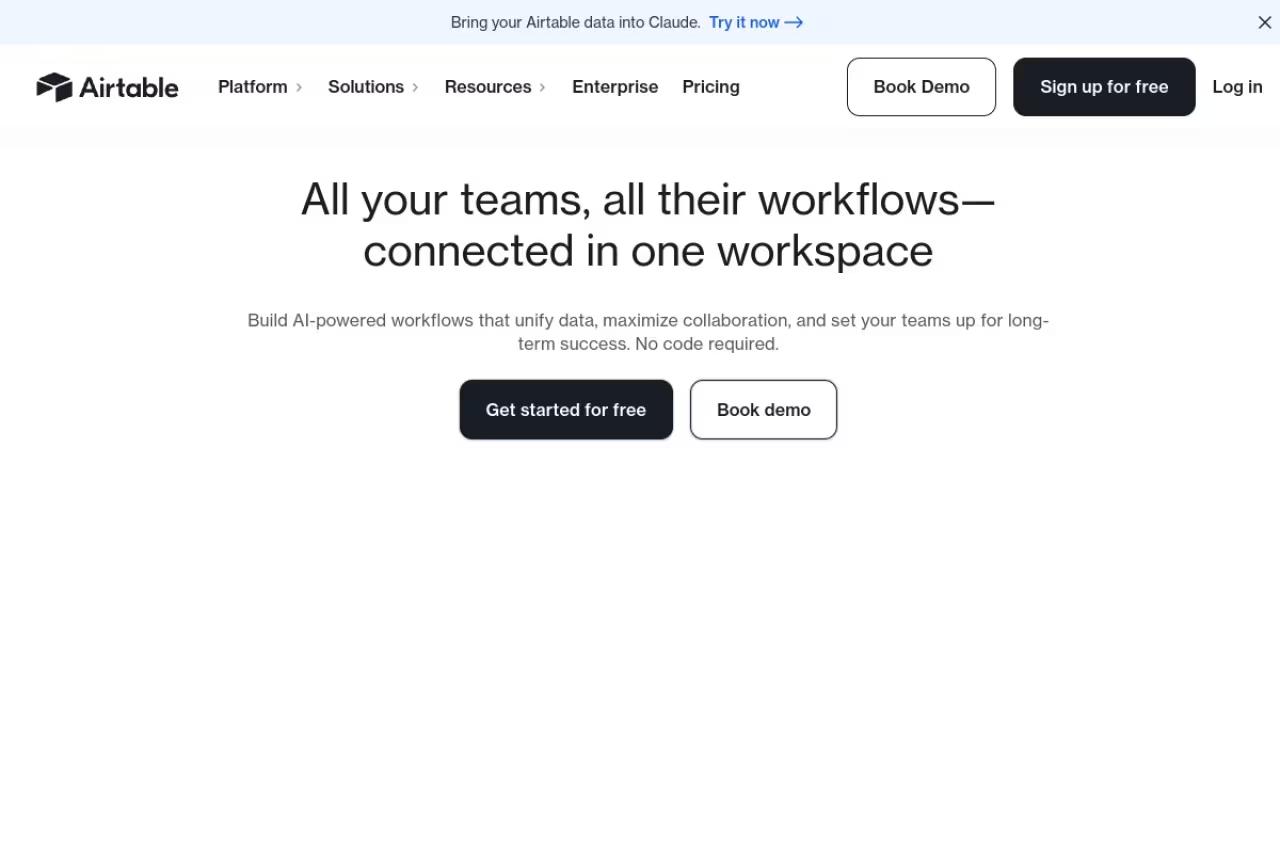
Airtable is what most people picture when they hear "spreadsheet-database hybrid." You get a grid that looks like Excel but with real field types: linked records, attachments, single-select, rollups, lookups. The reason it wins for small teams is everything around the grid. Interfaces let you build a clean front end for staff who shouldn't touch raw tables, and the automations cover the boring stuff (send a Slack ping when a deal flips to "won," email a client when status changes).
Who it's best for: non-technical teams of 3 to 25 who want something that looks finished out of the box.
The default for non-technical teams of 3 to 25 who want something that looks finished out of the box, mostly thanks to Interfaces. Pricing is per editor and records are capped per base, so costs creep as you grow.
the free plan caps each base at 1,000 records, which you'll blow through fast. Team is $20 per editor per month billed annually (50,000 records per base), and Business jumps to $45 (125,000 records). Read-only viewers and form fillers are free on every plan, which softens the per-seat cost.
The standout: Interfaces. Being able to ship a polished dashboard to your team without a separate front-end tool is genuinely rare at this price.
The catch: it's priced per editor, and the record limits are per base, not per workspace. A growing inventory business can hit 50,000 records in a single base and get pushed toward the $45 tier whether or not you use anything else there. Costs creep.

Notion: when your data and your docs should live together
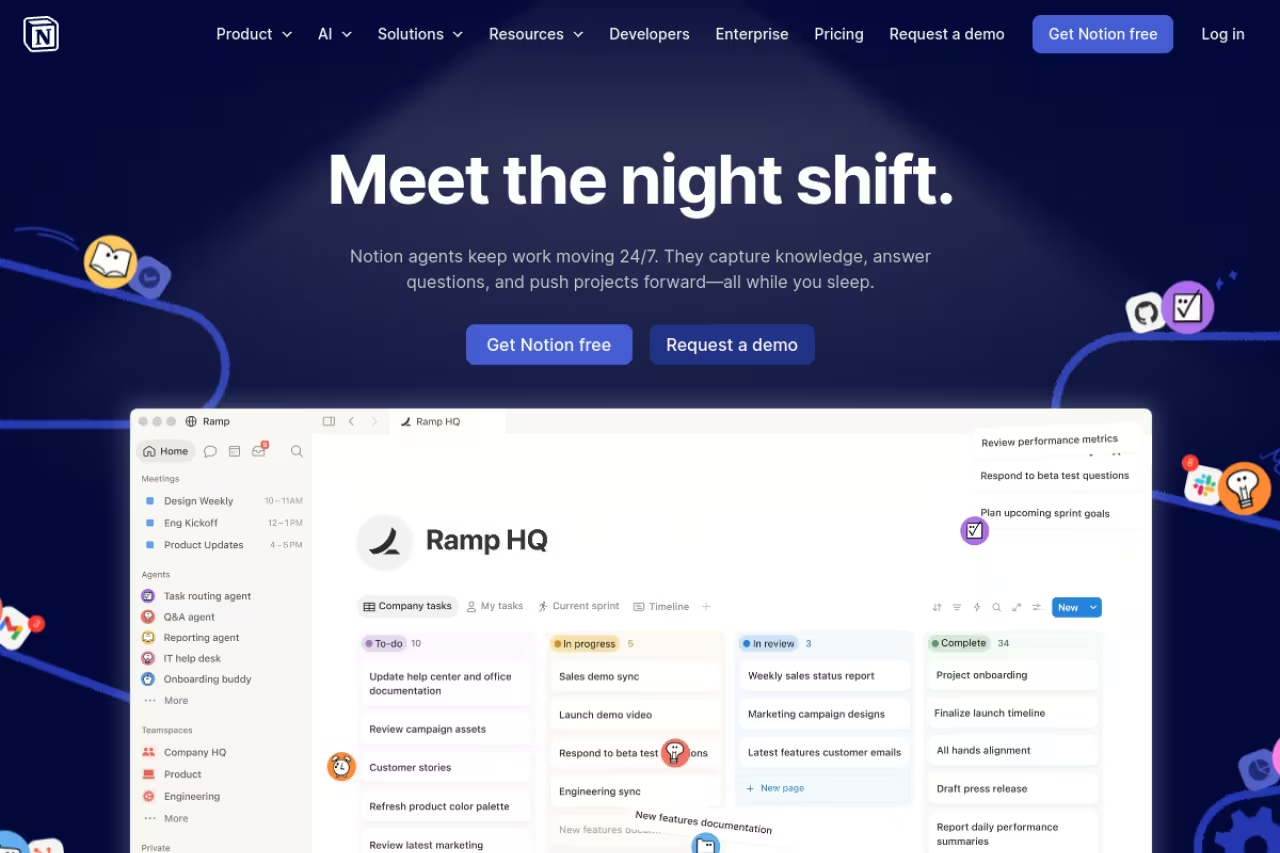
Notion started as a docs app and bolted databases on, which is the opposite of Airtable. That heritage shows. Its databases are less powerful (rollups are clumsier, no real automations until you pay), but the payoff is that your CRM, your meeting notes, your SOPs, and your project tracker all live in one connected workspace. For a solo founder or a tiny team, that consolidation is worth more than raw database muscle.
Who it's best for: solo operators, agencies, and small teams who track lightweight data and write a lot of docs.
Pick Notion when your data and docs should live together, ideal for solo operators, agencies and small teams tracking lightweight data. Its databases are weaker than Airtable's, and several thousand rows with relations get sluggish.
the free plan has no row caps, which immediately beats Airtable for individuals. Plus is €9.50 per member per month and unlocks unlimited blocks for teams, custom forms, and charts. Business at €19.50 adds the Notion Agent and granular permissions.
The standout: unlimited rows on free. For a database under a few thousand records, Notion costs nothing and never nags you about limits the way Airtable does.
Where it falls short: performance. A Notion database with several thousand rows and lots of relations gets sluggish, and filtering feels slower than a purpose-built tool. It's a great place to start and a frustrating place to scale a data-heavy operation.

Baserow: the open-source value pick
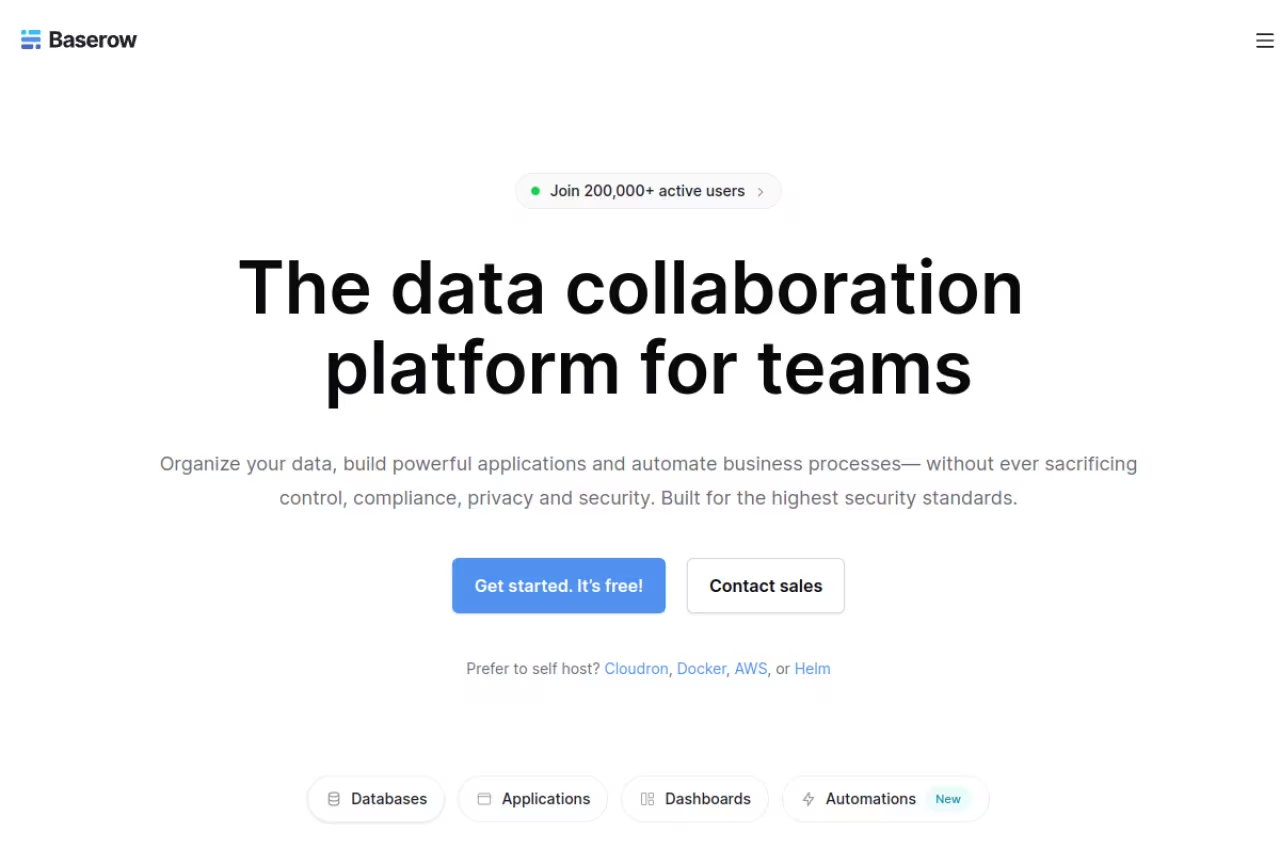
Baserow is the closest open-source answer to Airtable, and it has gotten good. The interface is familiar enough that an Airtable user can switch in an afternoon. The reason it's on this list near the top is two-fold: the cloud pricing is cheaper per user, and you can self-host the whole thing on your own server for unlimited rows at no per-row cost.
Who it's best for: cost-conscious teams, anyone in a regulated industry that needs data on their own infrastructure, and developers who want an open-source base.
The open-source value pick for cost-conscious teams, regulated industries and developers, with cheaper cloud pricing and unlimited rows when self-hosted. The ecosystem is thinner, and self-hosting makes you responsible for backups and updates.
the free cloud plan gives you 3,000 rows per workspace. Premium is $10 per user per month (50,000 rows), and Advanced is $18 (250,000 rows) with role-based permissions and free read/comment users. Self-hosting is where it gets interesting: you run it yourself and the row limits effectively disappear.
The standout: self-hosting. If you have any technical capacity, you can run Baserow on a cheap VPS and own your data outright with no per-seat tax.
The catch: the ecosystem is thinner. Fewer integrations, fewer templates, and the automation engine is younger than Airtable's. Self-hosting also means you're now responsible for backups and updates, which is a real cost in time even if the software is free.
If you're already evaluating where your customer records should live, our guide to the best customer database software goes deeper on the CRM-specific options.

Softr: the database that ships with its own apps
Softr is an AI app builder for the software a small business runs on, built on its own relational database, Softr Databases. It handles linked records and rollups, and an Airtable base comes over in one click with its links intact. On top of that data, you build the CRM, inventory tracker, or client portal your team uses, with logins and permissions included, and you can co-build it with AI, start from a template, or build it by hand.
Who it's best for: small businesses whose staff, clients, or vendors each need their own login and their own view of the data.
Pick Softr when your database needs to become a working app, like a client portal or internal tool, without stitching together a separate front end and hosting. App users are tiered by plan, so a big client portal means add-on users or a higher tier.
The free plan covers 3 builders, 5 app users, and 5,000 records. Basic is $19 per month billed annually ($25 monthly) with 1 builder and 50,000 records, and Pro jumps to $99 ($119 monthly) with 2 builders, 500,000 records, and 60 app users (10 team, 50 client).
The standout: permissions. A client sees only their own orders, a contractor sees only their own jobs, and your staff see everything, all from one database, with hosting and SOC 2 Type II security included.
The catch: There's no self-hosted edition or code export, so your data lives on Softr's cloud in the EU (Germany) or the US. Your records stay reachable through the REST API and MCP.

Stackby: API columns on a budget
Stackby deserves more attention than it gets. It looks like Airtable but its party trick is API columns: you can pull live data from services like Google Analytics, YouTube, or a custom endpoint directly into a column that refreshes on its own. For a marketing team or anyone tracking external metrics, that turns a static database into a small reporting hub.
Who it's best for: small marketing and ops teams who want live external data without building integrations.
A budget-friendly Airtable lookalike for small marketing and ops teams, thanks to API columns that pull live external data into the table. Annual pricing is roughly half of Airtable's, but expect a less polished interface and slower support.
the free plan covers 5 editors and 1,500 rows per stack. The real value is the annual pricing: Economy is $4.20 per user per month billed annually (7,000 rows) and Business is $8.30 (50,000 rows). That's roughly half of Airtable for comparable capacity.
The standout: API columns. Nobody else at this price bakes live data connectors into the table itself.
Where it falls short: polish and reliability. The interface is a step behind Airtable, support is slower, and you're betting on a smaller company. For a budget-driven team that's a fair trade; for a business that needs rock-solid uptime, weigh it carefully.
Zoho Creator: low-code apps for the Zoho crowd
Zoho Creator is a different animal. It's a low-code app builder where the database is the foundation and you build real multi-page applications on top: forms, workflows, approval chains, mobile apps. If your "database" needs to become an internal tool with logic, this is more capable than any grid-based option here.
Who it's best for: businesses that already run on Zoho, or anyone who needs a genuine internal app rather than a fancy table.
Zoho Creator is for businesses already on Zoho, or anyone who needs a genuine internal app rather than a fancy table. It is more capable than any grid tool here, but Deluge scripting and the learning curve are too much if you just want a nicer spreadsheet.
Standard is $8 per user per month billed annually (or $12 monthly), and Professional is $20 annually with unlimited applications. There's a 15-day free trial rather than a permanent free tier.
The standout: the app builder. You can deliver a working mobile app for field staff that writes back to your database, which is overkill for a contact list but perfect for, say, a service business doing on-site inspections.
The catch: the learning curve. Creator expects you to think like an app builder, with its own scripting language (Deluge) for anything advanced. If you just want a nicer spreadsheet, this is more tool than you need.

Knack: flat pricing and customer-facing portals
Knack solves a problem the per-seat tools struggle with: what happens when you need 50 or 500 people to log in and use your database? Every Knack plan includes unlimited users and roles, so you can build a customer portal or a member directory without your bill scaling with headcount.
Who it's best for: businesses that need external users (clients, members, contractors) logging into a database app.
A strong choice when external users such as clients, members or contractors need to log into a database app, since flat pricing means 100 users cost the same as 5. You pay in polish, with clunkier editing and dated-looking front ends.
Starter is $49 a month flat (20,000 records, 3 apps), Pro is $110 (50,000 records, unlimited apps, removes branding), and Corporate is $250 (up to 2.5M records). The flat fee is the whole pitch: 100 users cost the same as 5.
The standout: unlimited users on a flat plan. For a portal where dozens of people log in, Knack is dramatically cheaper than paying per seat in Airtable.
Where it falls short: the day-to-day editing experience is clunkier than Airtable, and the design of the front-end apps looks dated unless you put real work in. You're buying capability and pricing structure, not polish.
Building anything customer-facing usually means pairing your database with a CRM for small business, so check that the two can sync before you commit.

Supabase: a real Postgres database with a friendly UI
Supabase is the pick for the moment a developer joins the conversation. Underneath, it's a genuine PostgreSQL database, the same engine that runs serious production apps, wrapped in a clean dashboard with auth, storage, and auto-generated APIs. You get the table editor for quick changes and full SQL when you need it.
Who it's best for: small teams building a product or internal tool that needs a proper backend, not just a record store.
The right call for a small team building a product or internal tool that needs a proper backend on real Postgres. It assumes technical comfort, so a non-technical founder should look elsewhere.
the free tier includes 500 MB of database storage and two projects (free projects pause after a week of inactivity). Pro is $25 per month per project, with 8 GB of database and 100 GB of file storage, plus daily backups and no auto-pausing.
The standout: it's real Postgres. You're never locked into a proprietary format, you can run any SQL query, and migrating off later is straightforward. Per the PostgreSQL project, it's the most advanced open-source relational database, and Supabase gives you that without managing servers.
The catch: it assumes technical comfort. Row-level security, SQL, and API keys are not "set up a table and invite a coworker" territory. For a non-technical founder this is the wrong tool. For a startup with one engineer, it's the right one.
Microsoft Access: the offline desktop holdout
Microsoft Access is still here, and for a specific buyer it still makes sense. It's a desktop relational database that runs locally, works offline, and comes bundled with mid-tier Microsoft 365 plans. If your data is sensitive, your internet is unreliable, or you simply distrust the cloud, Access remains a legitimate option.
Who it's best for: Windows-only small businesses with an existing Microsoft 365 subscription and a need for offline, local data.
A legitimate option for Windows-only small businesses that need offline, local data and already have a Microsoft 365 subscription. Multi-user editing is fragile and there is no mobile story, so new businesses should rarely start here.
Access ships with Microsoft 365 Business Standard, which moves to $14 per user per month from July 2026, or Business Premium at $22. There's no separate per-base fee because it's a desktop app.
The standout: offline and local. No server, no monthly database bill beyond your Office subscription, and your data sits on your own machine.
Where it falls short: it's a Windows desktop relic in a cloud world. Multi-user editing is fragile, there's no mobile story, and collaboration means sharing a file. New small businesses should rarely start here, but for an existing Access shop, ripping it out is often not worth the pain.
How to choose
Skip the feature checklists and answer three questions.
Will non-technical people maintain the data daily? If yes, you want Airtable, Notion, or Baserow. These are the tools a marketer or office manager can run without help. Among them, pick Notion if you write a lot of docs, Airtable if you want polish and automations, Baserow if budget or data ownership is the priority.
Do you need external users to log in? If clients, members, or contractors need access, per-seat pricing will wreck you. Knack's flat unlimited-user model is built for exactly this, and Caspio plays in the same space at a higher price point.
Is a developer in the loop? If you're building a product or a real internal app with custom logic, go to Supabase (Postgres backend) or Zoho Creator (low-code app builder). Don't force a true software product into a no-code grid, and don't over-engineer a contact list into Postgres.
One more thing: whatever you pick, get your data structured early. Migrating 500 messy records is annoying; migrating 50,000 is a project. Start with the tool that matches where you'll be in two years, not just today. If you want a curated shortlist of software across categories, our top tools directory is a good next stop, and teams running on AI workflows can pair any of these with Dupple X to keep their stack moving.
FAQ
What is the best database software for a small business?
For most small businesses, Airtable is the best starting point because it balances power and approachability, with a clean interface, automations, and front-end builders that non-technical staff can use. If cost or data ownership matters more, Baserow is the value pick, and teams with a developer should look at Supabase for a real Postgres backend.
Is Airtable or Notion better for a database?
Airtable is the stronger pure database: better field types, real automations, and front-end interfaces. Notion is better when your data needs to live alongside docs, notes, and wikis, and it wins on price for individuals since its free plan has no row limits. Pick Airtable for data-heavy work, Notion for lightweight tracking inside a writing-centric workspace.
What is the cheapest database software for a small business?
Notion's free plan (unlimited rows) and Baserow's free cloud plan (3,000 rows) are the cheapest legitimate starting points. For paid plans, Stackby is among the lowest at around $4.20 per user per month billed annually, and self-hosting Baserow on your own server gives you unlimited rows for the cost of a small VPS.
Do I need a database or just a spreadsheet?
If one person edits the data occasionally and you don't need relationships between records, a spreadsheet is fine. Move to a database when multiple people edit at once, when you need to link records (customers to orders, projects to tasks), or when formulas keep breaking. Tools like Airtable and Baserow give you database structure with a spreadsheet-like interface, so the jump is smaller than it sounds.
Can a small business use a free database tool long-term?
Yes, for modest data volumes. Notion's free plan has no row cap, and Baserow's free cloud plan handles 3,000 rows per workspace, both fine for a small contact list or project tracker. You'll hit a wall once you need automations, more storage, external user logins, or tens of thousands of records, at which point a paid tier or self-hosting becomes worth it.
Related guides
Some offers on this page may be paid placements or contain affiliate links.
Across our whole catalogue the median is $24 a month and 33% of tools advertise a free tier. Figures are the lowest recurring monthly price quoted in our own review of each tool, read on 2026-08-19. Full method and every category.
