
Best Content Management for Small Business (2026)

Key facts7 tools compared: WordPress.com, Squarespace, Webflow, Wix, Ghost, Shopify, HubSpot CMS
- 7 tools compared: WordPress.com, Squarespace, Webflow, Wix, Ghost, Shopify, HubSpot CMS
- WordPress.com (best for: Content-heavy sites that need to rank): Free, Business $25/mo
- Squarespace (best for: Design-led sites with zero fuss): Personal $16/mo
- Webflow (best for: Founders who want pixel control): Free, Basic $15/mo
- Wix (best for: Beginners who want everything built in): Free, Light $17/mo
Most small business owners pick a content management system the way they pick a parking spot: whatever is open and closest. Then two years later they're trapped on a platform they've outgrown, paying for features they don't use, unable to move their content without a migration headache.
I compared every platform in this guide on pricing, documentation, and public user reviews. The honest truth is there's no single winner. The right CMS depends on whether you're writing blog posts, selling products, or trying to rank on Google, and on how much you want to touch the technical side. A coffee shop that needs a one-page site has different needs than a SaaS founder publishing two articles a week.
If you want the short version: for most small businesses that care about owning their content and ranking in search, WordPress.com on the Business plan is still the safest bet. If you'd rather never look at a plugin and want a site that looks designed, Squarespace wins. Below I break down six platforms, what each actually costs in 2026, and where each one falls apart.
Quick comparison
| Tool | Best for | Price (billed annually) | Standout |
|---|---|---|---|
| WordPress.com | Content-heavy sites that need to rank | Free, Business $25/mo | 60,000+ plugins, full data ownership |
| Squarespace | Design-led sites with zero fuss | Personal $16/mo | Best templates out of the box |
| Webflow | Founders who want pixel control | Free, Basic $15/mo | Visual design without a developer |
| Wix | Beginners who want everything built in | Free, Light $17/mo | Easiest drag-and-drop editor |
| Ghost | Publishers and paid newsletters | Free self-host, Starter $18/mo | Built-in memberships, 0% revenue cut |
| Shopify | Stores where products come first | Basic $29/mo | Best commerce engine, period |
| HubSpot CMS | Small business owners and freelancers wanting simple websites | Free, Starter $7/user/month | Massive scalability potential through HubSpot's product ecosystem |

WordPress.com
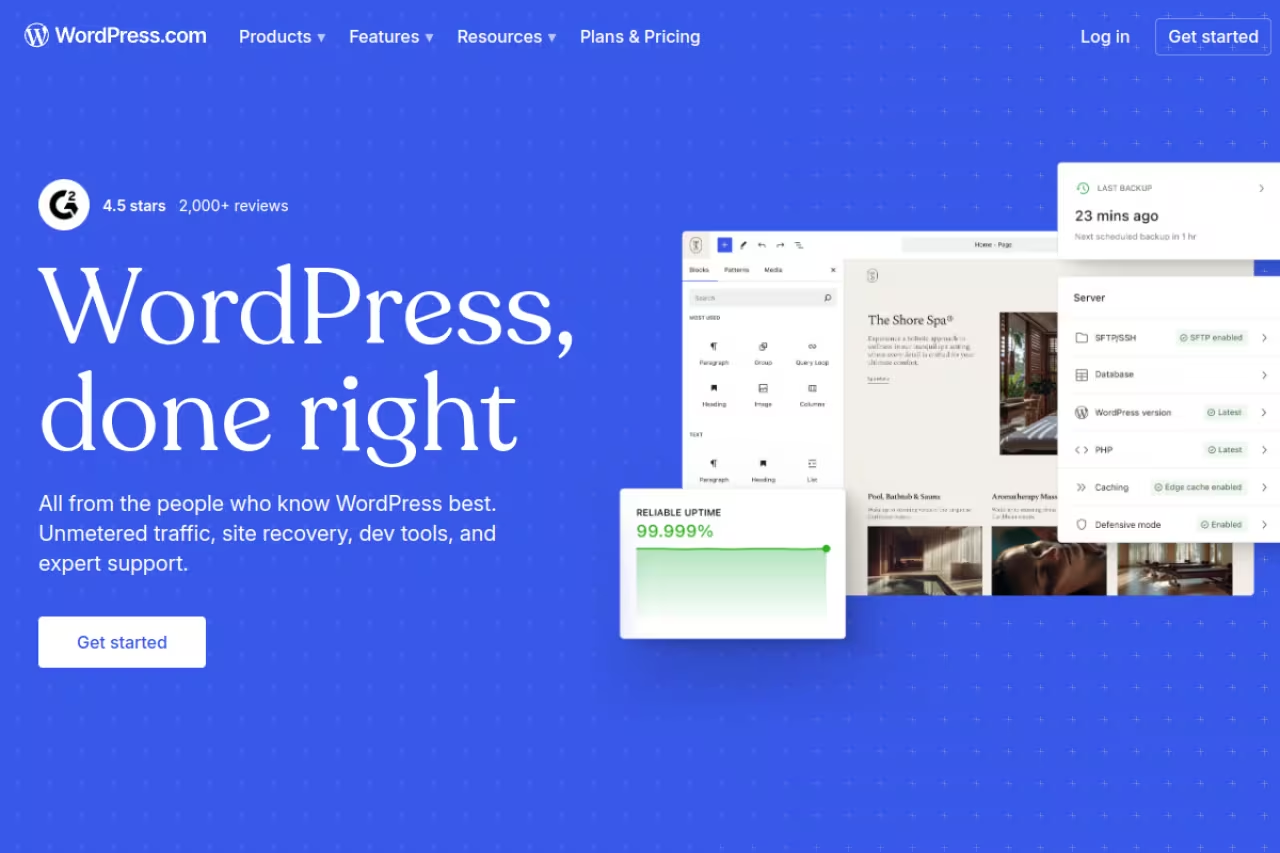
WordPress runs roughly 43% of the entire web, and that number isn't an accident. It's the most flexible content management system you can use, and for a small business that plans to publish regularly, nothing else comes close on long-term control.
A quick clarification, because it trips people up. WordPress.com is the hosted version (someone else runs the server). WordPress.org is the free open-source software you install on your own hosting. For most small businesses without a developer, WordPress.com is the practical choice.
Who it's best for: content-heavy sites, blogs, local businesses that want to rank on Google, anyone who wants to own their content outright.
The most flexible option and the best long-term control for content-heavy sites, blogs, and local businesses. It asks more of you than the others, with updates and plugin conflicts to manage, so skip to Squarespace if that worries you.
there's a free tier with WordPress.com branding. Paid plans, billed annually, run Personal at roughly $9/mo, Premium at $18/mo, and Business at $25/mo. The Business plan is the one that matters: it unlocks the full plugin library (over 60,000 plugins), advanced SEO tools, plugin installs, and SFTP/database access. Below Business you can't install third-party plugins, which guts most of the reason to use WordPress.
The standout: plugins and portability. You can add an SEO suite, a booking system, a membership gate, or an email capture form in minutes. And because the content lives in an open format, you can export it and move hosts whenever you want. Your content is genuinely yours.
The catch: WordPress asks more of you than the others. You'll manage updates, the occasional plugin conflict, and security if you self-host the .org version. It's not hard, but it's not zero-maintenance either. If the words "plugin conflict" make you anxious, skip down to Squarespace.
Squarespace
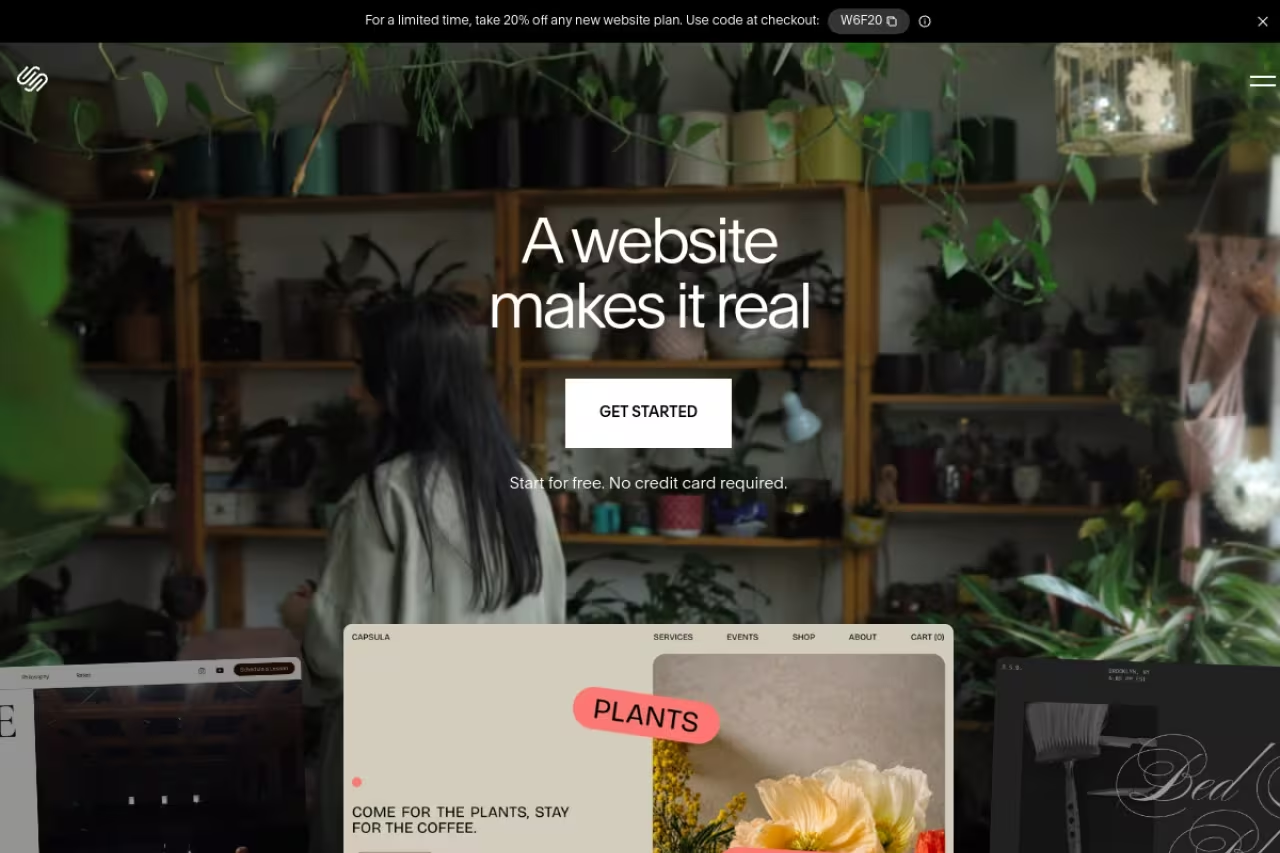
Squarespace is what I recommend to small business owners who want their site to look professionally designed and never want to think about it again. Every template looks good. It's hard to make an ugly Squarespace site, which is exactly the point.
Who it's best for: restaurants, photographers, consultants, agencies, any business where the site is a polished brochure with some blogging and light selling on the side.
Choose Squarespace for restaurants, photographers, and consultants who want a polished site and never want to think about it again. You are locked in with no plugin ecosystem, and migrating off later is painful by design.
in early 2026 Squarespace rolled out a new four-plan structure. Billed annually, it's roughly Personal $16/mo, Business $33/mo, Commerce Basic $36/mo, and Commerce Advanced $99/mo. There's no free plan, only a trial. Monthly billing costs noticeably more (Personal jumps to about $23/mo), so commit to a year if you go this route.
The standout: design quality with no effort. The templates, the typography, the image handling all feel considered. You drag, drop, swap your logo, and you have a site that looks like you paid a designer. The built-in scheduling, email campaigns, and basic store features mean you rarely need add-ons.
Where it falls short: you're locked in. Squarespace doesn't have a plugin ecosystem, so you live within what they offer. Customization is the narrowest of any platform here. And migrating off Squarespace later is genuinely painful by design, so go in knowing you're committing to their walls.

Webflow
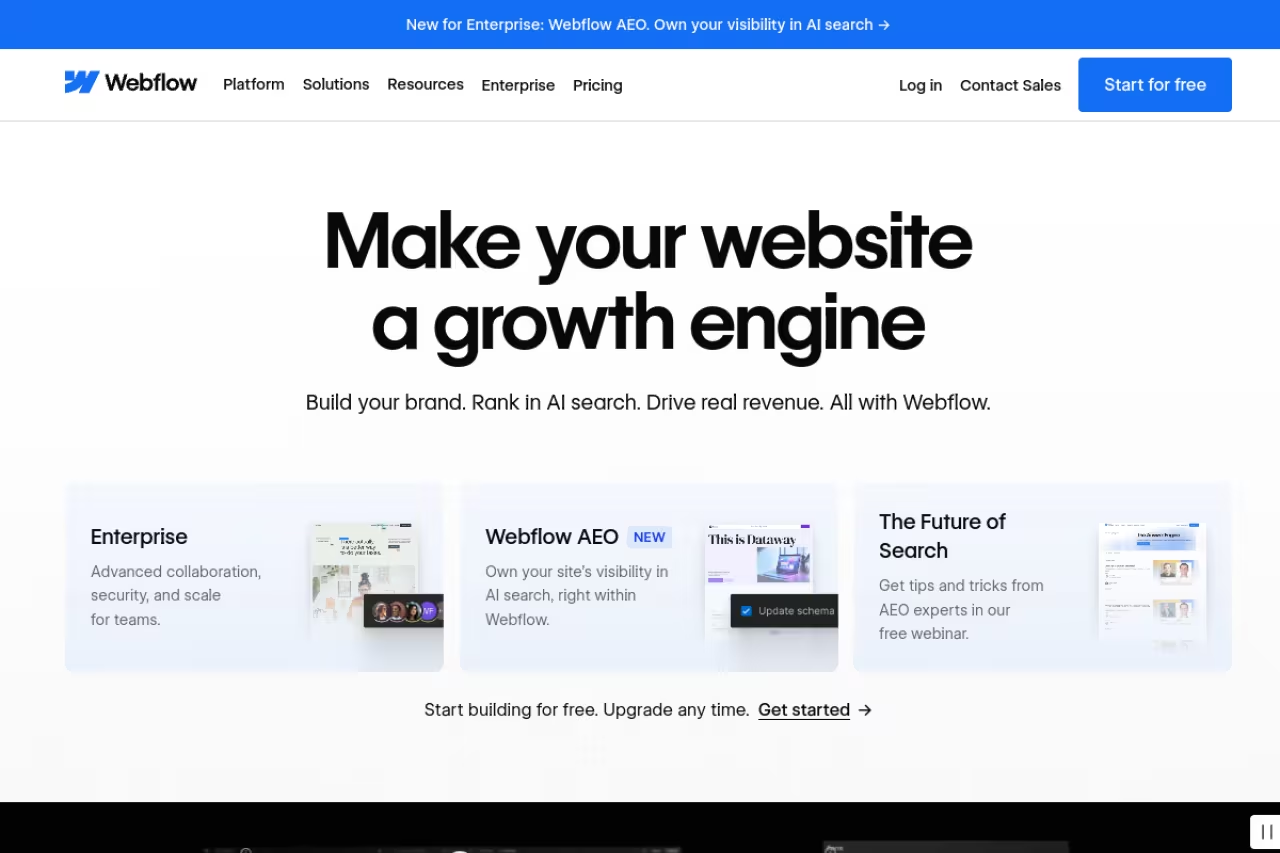
Webflow is the platform I reach for when a client wants a site that looks custom-built but doesn't have the budget for a developer to hand-code it. It's a visual design tool that outputs clean, fast code, with a CMS layer for blogs and dynamic content.
Who it's best for: founders and marketers with an eye for design, agencies building client sites, anyone who wants total visual control without writing CSS.
For founders and marketers with a design eye who want total visual control without writing CSS. It is overkill for a simple five-page site, and you will be frustrated for a week or two if you don't understand web layout.
there's a free Starter plan (Webflow.io subdomain, limited CMS). Paid site plans billed annually are Basic at $15/mo and Premium at $25/mo. Basic is for static sites; you need the Premium plan to unlock the full CMS, which is what makes Webflow worth using for content. Note that pricing is per site, so multiple sites multiply the cost fast.
The standout: design freedom that doesn't break the code. You can build genuinely custom layouts, animations, and interactions visually, and the published site loads fast with clean markup. For a brand that wants to stand out instead of looking like a template, this is the sweet spot.
The catch: the learning curve is real. Webflow exposes the box model, flexbox, and CSS concepts in its interface, so if you don't understand how web layout works, you'll be frustrated for a week or two. It's powerful, but it's overkill for a simple five-page site where Squarespace would do the job in an afternoon.
If you're weighing this kind of design-first build, our roundup of AI website builders covers tools that generate the layout for you, which can shorten that Webflow learning curve considerably.

Wix
Wix is the easiest platform on this list to get started with. The editor is true drag-and-drop, meaning you can place any element anywhere on the page. For a non-technical owner who wants a site live this weekend, it's hard to beat.
Who it's best for: first-time site builders, local services, side projects, anyone who values speed and simplicity over scalability.
The easiest start for first-time site builders and local services who want a site live this weekend. You can't change templates after publishing without rebuilding, beginners can create messy, slow pages, and content isn't portable.
Wix has a free plan with ads and a Wix subdomain. Paid plans billed annually run Light at $17/mo, Core at $29/mo, Business at $39/mo, and Business Elite at $159/mo. The Light plan removes ads and connects your domain but skips ecommerce; you need Core or above to actually sell. Wix also has a strong AI site generator that builds a starter site from a few prompts.
The standout: approachability. Wix holds your hand through everything, from picking a template to setting up a booking widget. The App Market adds features (reservations, memberships, chat) without code. For someone who finds WordPress intimidating, Wix removes the fear.
Where it falls short: you can't change your template after publishing without rebuilding the whole site, which is a brutal limitation. The drag-anywhere freedom also tends to create messy, slow pages in the hands of a beginner, and that can hurt your Google rankings. Like Squarespace, your content isn't portable.

Ghost
Ghost is the platform built specifically for publishers: bloggers, newsletter writers, and creators selling paid subscriptions. If your business is your writing, Ghost is purpose-built for you in a way the all-rounders aren't.
Who it's best for: independent publishers, paid newsletters, course creators, any business model where content drives subscription revenue.
Purpose-built for independent publishers and paid newsletters, with a clean editor and fast sites. It is bad at anything outside publishing, with no real ecommerce, a small theme ecosystem, and self-hosting that demands technical comfort.
Ghost is open-source, so you can self-host it for free if you're comfortable with a server (you'll pay $5 to $20/mo for hosting plus email delivery costs). For managed hosting, Ghost(Pro) starts at $18/mo (Starter), then $29/mo (Publisher), and $199/mo (Business), all billed annually. Critically, Ghost takes 0% of your subscription revenue, unlike Substack's 10% cut.
The standout: native memberships and email. Paid subscriptions, member-only content, and newsletter sending are built into the core product, not bolted on. The writing editor is clean and distraction-free, and the published sites load fast. For a creator monetizing an audience, the math beats hosted newsletter platforms quickly.
The catch: Ghost is focused, which means it's bad at things outside publishing. There's no real ecommerce, the theme ecosystem is small, and self-hosting demands genuine technical comfort. If you need a general business website with services pages and a store, look elsewhere.

Shopify
Shopify isn't a general CMS, but if selling products is your core business, it belongs at the top of your list. It's the most reliable commerce engine available, and its content tools have grown enough to handle a real blog alongside the store.
Who it's best for: product businesses, ecommerce-first brands, anyone whose primary goal is taking payments and shipping goods.
The most reliable commerce engine for product businesses and ecommerce-first brands. The content side is secondary, so if content is your main play and products are a side hustle, it is the wrong tool.
billed annually, Basic is $29/mo, Grow is $79/mo, and Advanced is $299/mo. There's no free plan, only a trial, and transaction fees apply unless you use Shopify Payments. The Basic plan covers unlimited products, abandoned-cart recovery, and the full checkout, which is enough for most small stores starting out.
The standout: checkout and the app ecosystem. Shopify's checkout converts well and handles taxes, shipping, and payments without you wiring anything together. The app store fills any gap, from reviews to subscriptions to print-on-demand. For commerce specifically, nothing here is in the same league.
Where it falls short: the content management side is secondary. The blog is basic compared to WordPress or Ghost, and deep content marketing requires fighting the platform a bit. You're also renting the storefront; theme customization beyond their editor needs Liquid, Shopify's templating language. If content is your main play and products are a side hustle, this is the wrong tool.
HubSpot CMS
HubSpot CMS offers a free plan that's perfect for small business owners and freelancers. You get access to a drag-and-drop page builder, SEO optimization recommendations, and web analytics. Plus, custom domains and premium hosting are included for free.
Who it's for: small business owners, freelancers, and solopreneurs looking for quick and easy website setups.
A free, easy start for small business owners, freelancers, and solopreneurs, with a drag-and-drop builder and HubSpot integrations. It lacks a pixel-perfect builder, and large pricing gaps between paid plans may challenge scalability.
The free plan lets you set up websites with up to 30 HubSpot-branded pages. The Starter plan costs $7/user/month, removes HubSpot branding, and unlocks extra features like URL mappings and site trees. The Professional plan costs $450/month and unlocks A/B testing, AI content repurposing tools, and more. The Enterprise plan costs $1,500/month and includes full access to HubSpot Content Hub features.
The standout: You can integrate the CMS with other tools from across HubSpot's entire product offering, including sales, marketing, and sales-specific solutions. That means you can access all the features you need to promote your products/service and manage end-to-end customer-facing processes.
Where it falls short: HubSpot lacks a pixel-perfect builder, which limits customization. Also, the large pricing gaps between paid plans may make scalability a challenge.
How to choose
Skip the feature-by-feature spreadsheet. Answer three questions instead.
What's the main job of the site? If it's selling physical products, start with Shopify. If it's publishing and monetizing writing, start with Ghost. If it's a general business site with some blogging, you're choosing among WordPress, HubSpot, Squarespace, Webflow, and Wix.
How much do you want to touch the technical side? On a scale from "I never want to see a setting" to "I'll happily install plugins," Squarespace and Wix sit at the easy end, WordPress and Webflow at the hands-on end. Be honest about which person you are. Choosing a powerful platform you'll never master is worse than a simple one you'll actually use.
Do you need to own and move your content later? If yes, WordPress and Ghost let you export everything and walk. Squarespace and Wix make leaving deliberately hard. For a business you expect to grow and re-platform someday, portability is worth more than it looks on day one.
My default recommendation for a typical small business that blogs, ranks, and might sell a little: WordPress.com Business. For design-first owners who hate fiddling: Squarespace. Everything else is a specialist's choice.
Whichever you pick, your CMS is only half the job. The other half is filling it with content people actually find. If you're trying to grow an audience the way the AI and tech world does, the Dupple X program shows the publishing and distribution playbook we use, and you can start a yearly trial here to see whether it fits how you work.
Frequently asked questions
What is the best content management system for a small business in 2026?
For most small businesses, WordPress.com on the Business plan is the best all-around choice because of its plugin ecosystem, SEO strength, and full content portability. If you want a polished site with zero maintenance, Squarespace is the better pick. If you sell products, Shopify wins. The "best" depends on whether your main job is publishing, designing, or selling.
What is the cheapest way to run a small business website?
Self-hosting WordPress.org or Ghost is technically the cheapest if you handle the server yourself, often $5 to $20 per month for hosting. Among managed, no-headache options, Webflow's Basic plan ($15/mo) and WordPress.com Personal (~$9/mo) are the lowest entry points, though you'll likely need a higher tier once you want plugins or a real CMS.
Is WordPress or Squarespace better for a small business?
WordPress offers more power, more plugins, better SEO control, and full ownership of your content, but asks for more upkeep. Squarespace offers better design out of the box and near-zero maintenance, but locks you into its ecosystem and is hard to leave. Pick WordPress if you'll publish often and want control; pick Squarespace if you want it to look great and just work.
Do I need a separate CMS if I use Shopify?
Usually no. Shopify includes a basic blog and pages, which is enough for light content marketing alongside your store. But if content is a major part of your strategy, Shopify's blogging tools are limited. Some businesses run Shopify for the store and a separate WordPress blog on a subdomain, though that adds complexity most small stores don't need.
Can I move my content to another platform later?
It depends entirely on the platform. WordPress and Ghost use open formats and let you export everything cleanly. Squarespace and Wix make migration deliberately difficult, and you'll often lose formatting and design when you leave. If future flexibility matters to you, choose an open platform from the start rather than trying to escape a closed one later.
Which CMS is best for SEO?
WordPress has the strongest SEO toolkit thanks to plugins like Yoast and Rank Math, plus full control over technical details like schema, redirects, and site structure. Webflow and Ghost also produce fast, clean, SEO-friendly code. Wix and Squarespace have improved a lot but give you less granular control. For a content strategy built around ranking, see our guide to the best content marketing tools and the full CMS platform comparison.
Related guides
Some offers on this page may be paid placements or contain affiliate links.
