
Best AI Presentation Tools in 2026: 7 Compared

Key facts7 tools compared: Gamma, Plus AI, Beautiful.ai, Canva, Microsoft 365 Copilot, Pitch…
- 7 tools compared: Gamma, Plus AI, Beautiful.ai, Canva, Microsoft 365 Copilot, Pitch, Presentations.ai
- Gamma (best for: Most people, fast modern decks): Free; Plus $10/mo
- Plus AI (best for: Google Slides / PowerPoint users): Free trial; Basic $10/mo
- Beautiful.ai (best for: Brand-consistent business decks): Pro $12/mo
- Canva (best for: Budget + non-designers): Free; Pro $15/mo
Every founder I know has the same complaint about slides: building them eats a full afternoon they don't have. You type a prompt, the AI spits out something that looks fine until you actually open it, and then you spend an hour fixing fonts, rewriting bullet points, and exporting to a format your investor can open.
The good news: the gap between "AI generated my deck" and "this is actually usable" has closed a lot in 2026. The bad news is that the tools differ wildly depending on whether you live in Google Slides, need a polished sales deck, or just want something readable for a Monday standup.
My short answer: Gamma is the best overall AI presentation tool for most people. It's fast, the output looks modern out of the box, and the free tier is generous enough to test properly. But if you live inside Google Slides or PowerPoint and refuse to leave, Plus AI is the smarter pick. Below is the full breakdown, with real pricing and the catch for each one.
Quick comparison
| Tool | Best for | Price | Standout |
|---|---|---|---|
| Gamma | Most people, fast modern decks | Free; Plus $10/mo | Web-native cards, generous free tier |
| Plus AI | Google Slides / PowerPoint users | Free trial; Basic $10/mo | Generates inside your existing editor |
| Beautiful.ai | Brand-consistent business decks | Pro $12/mo | Smart templates that auto-format |
| Canva | Budget + non-designers | Free; Pro $15/mo | Templates, assets, and design in one place |
| Microsoft 365 Copilot | Existing Microsoft 365 shops | $21/user/mo add-on | Builds decks from your own documents |
| Pitch | Collaborative team decks | Free; Pro $20/mo | Real-time editing and analytics |
| Presentations.ai | Quick text-to-deck drafts | Free; Pro $198/yr | "ChatGPT for slides" speed |

Gamma: the best overall AI presentation tool
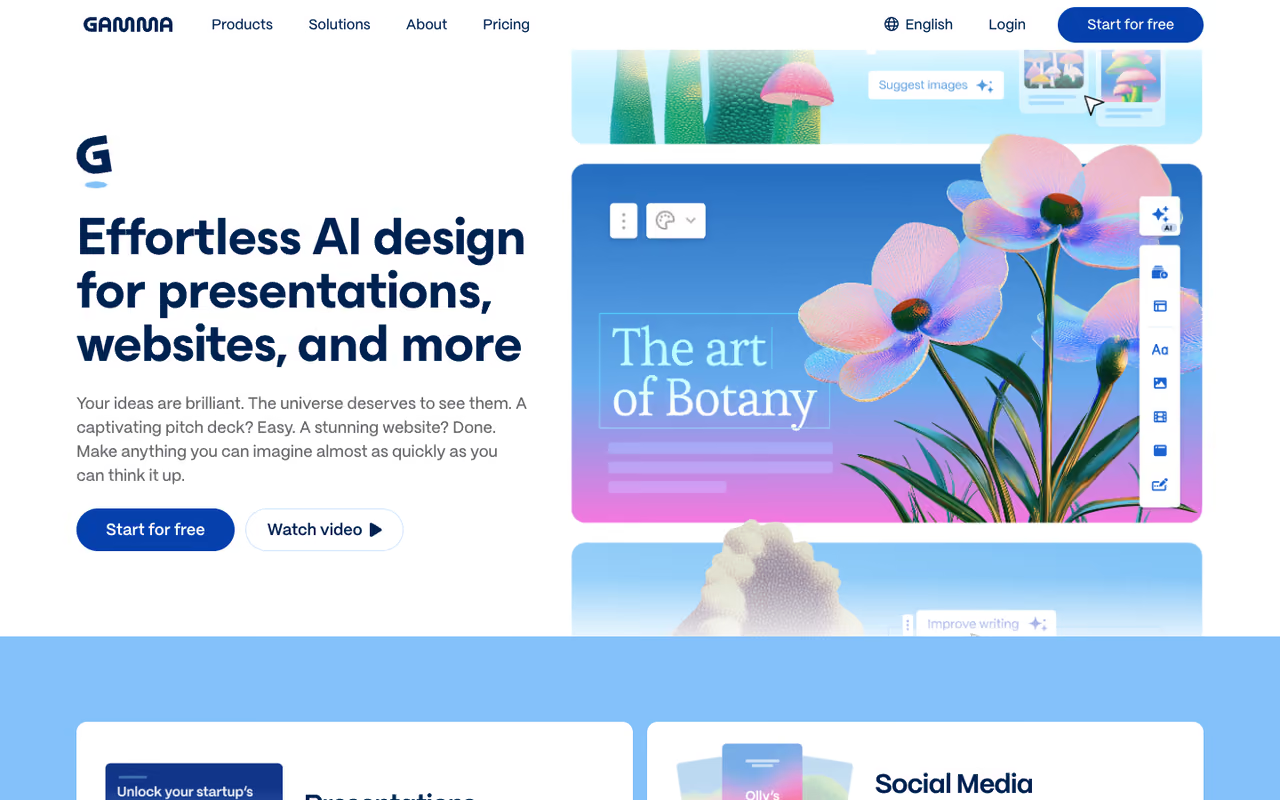
Gamma is what I reach for when someone says "I need a deck by tonight." You give it a prompt or paste an outline, and it builds a set of web-native "cards" rather than fixed 16:9 slides. The output looks current, not like a 2015 PowerPoint template, and the editing feels closer to Notion than to a slide editor.
Who it's best for: Founders, marketers, and anyone presenting in a browser or sharing a link. If your deck mostly lives online rather than projected in a boardroom, Gamma fits.
The best overall for founders and marketers who present in a browser or share a link, turning a prompt into web-native cards fast. The export to PPTX breaks layouts, and the free credits do not renew, so it is a poor fit if a client demands native .pptx.
The free plan gives you 400 one-time AI credits, enough for roughly 10 decks before you have to pay. Paid plans run Plus at $10/mo and Pro at $20/mo billed annually, with the Pro tier unlocking unlimited AI generation, more cards per prompt, and better image models. Team plans start at $20 per seat. Gamma updated its pricing tiers in 2026, so credits per plan shifted; check the current numbers before you commit.
The standout: Speed plus polish. I generated a 12-card pitch outline in under two minutes and only had to rewrite a few headlines. The card format also makes long content readable, which most slide tools handle badly.
The catch: Those web cards don't map cleanly to traditional PowerPoint. Export to PPTX works, but the layout breaks in ways you'll need to fix, and the free credits don't renew. If your client demands a native .pptx file with exact slide dimensions, you'll fight the export.

Plus AI: the best pick if you live in Google Slides
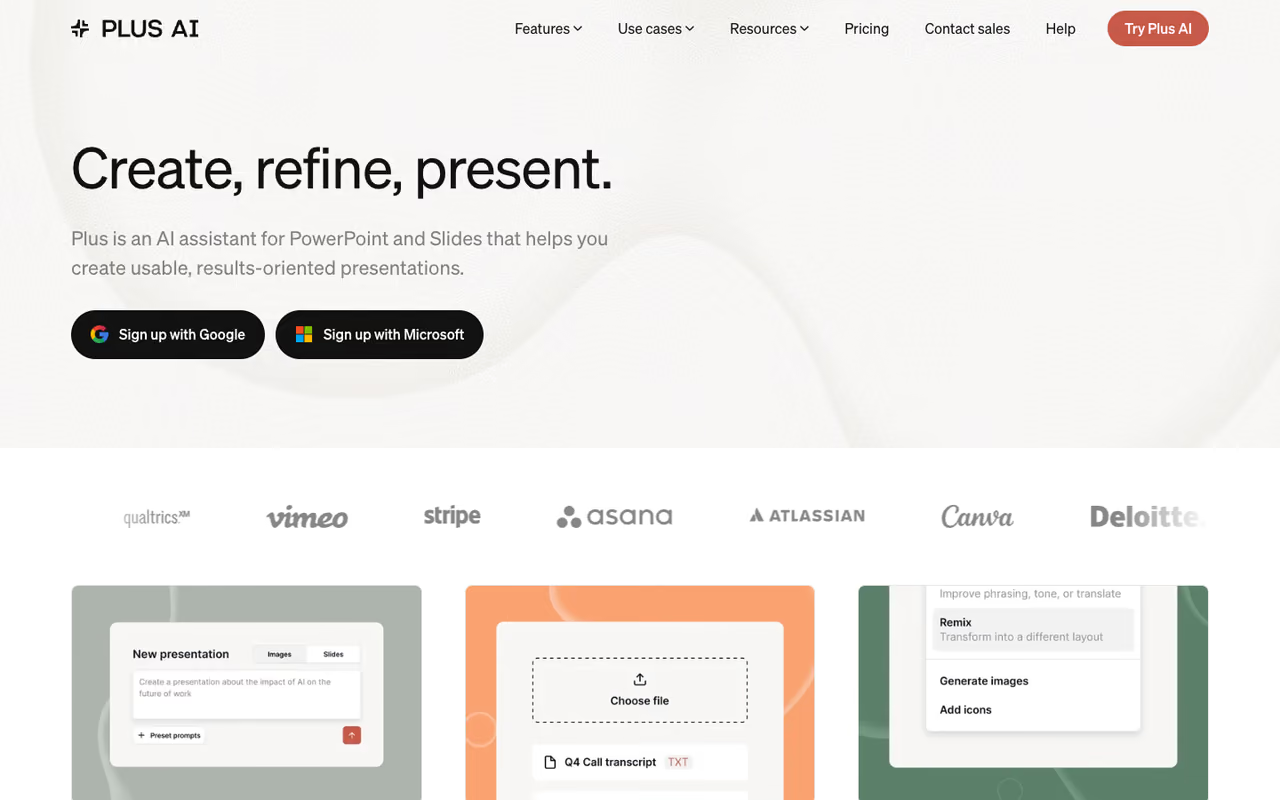
Plus AI took a different bet than everyone else: instead of building a new editor, it works as an add-on inside Google Slides and PowerPoint. You install it, type a prompt, and it generates a full deck right there in the app you already know. No export step, no new tool to learn.
Who it's best for: Teams already committed to Google Workspace or Microsoft 365. If your company's brand templates live in Slides, this saves you from rebuilding them somewhere else.
Pick Plus AI if your brand templates already live in Google Slides or PowerPoint, since it works as an add-on with no export step. The output is only as pretty as your template and looks more corporate than Gamma's cards.
Plans start at Basic for $10/mo (annual) with 1,500 monthly AI credits, Pro at $20/mo with document uploads and AI images, and Team at $30/mo for custom branding. Every plan starts with a 7-day free trial that includes 1,000 credits, though it requires a card and charges automatically after.
The standout: Zero migration pain. Because the deck is a native Google Slides or PowerPoint file from the start, sharing, exporting, and co-editing all just work. The "remix" and single-slide insert features are genuinely useful for editing an existing deck rather than starting over.
The catch: The output is only as pretty as the template you point it at. Plus AI handles structure and copy well, but it leans on Slides' design engine, so the results look more corporate than the modern cards Gamma produces. It's a productivity tool, not a design tool.
If you want a deeper look at AI tools that plug into Google's editors, I covered the broader set in our guide to using AI in Google Docs.

Beautiful.ai: the best for brand-consistent business decks
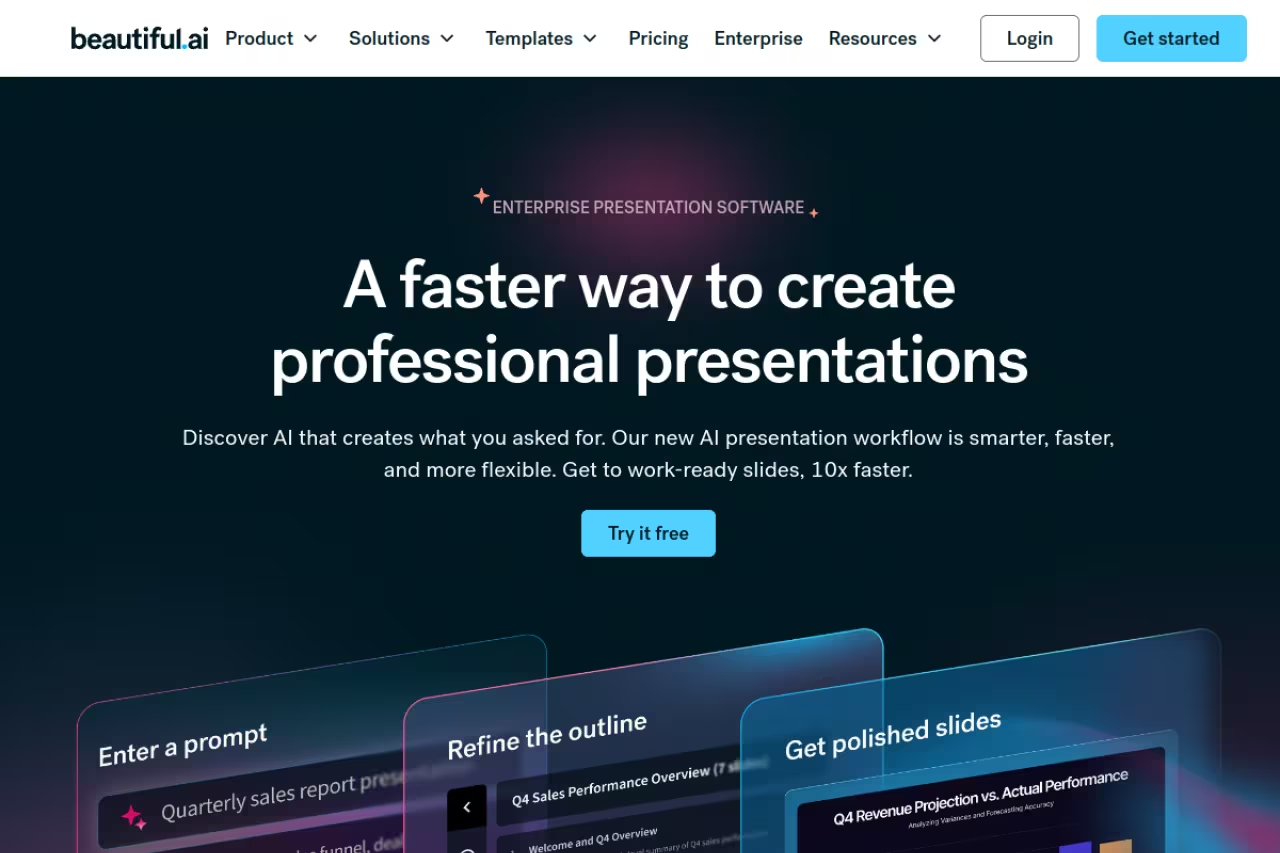
Beautiful.ai is built around one idea: its templates adjust themselves. Add a sixth item to a list and the layout rebalances automatically so nothing looks crammed. For teams where five people build decks and they all need to look on-brand, that constraint is a feature, not a limit.
Who it's best for: Corporate teams and consultants who care more about consistency than creative freedom. If your slides need to look like they came from the same company every time, this is the tool.
The choice for corporate teams and consultants who value consistency over creative freedom, since templates rebalance themselves as you add content. You cannot drag elements freely, and it is overkill for a solo user making the occasional deck.
Pro runs $12/user/month billed annually (or $45 month-to-month), and Team plans are $40/user/month annual for up to 20 users. There's a 14-day free trial, but it asks for a card and bills automatically when the trial ends, per the Beautiful.ai pricing page. Students with a .edu email get a free year.
The standout: The auto-formatting genuinely removes the fiddly alignment work that makes slide-building tedious. You focus on content, and the template keeps it tidy.
The catch: That same rigidity frustrates anyone who wants pixel control. You can't freely drag elements anywhere the way you can in PowerPoint, and the monthly price is steep next to Gamma's free tier. It's worth it for teams, overkill for a solo user making the occasional deck.
Building a brand-consistent deck also means consistent visuals, which is where a separate AI image generator earns its place in your stack.
Canva: the best budget option for non-designers
Canva folded AI into a tool millions already use for everything else. Its Magic Design feature generates a presentation from a prompt, and Magic Write fills in the text. The advantage isn't the AI itself, which is decent rather than best-in-class. It's that the templates, stock assets, and design tools all sit in one place.
Who it's best for: Solo creators, small businesses, and anyone who already uses Canva for social graphics. If you want one subscription to cover decks, posts, and docs, this is efficient.
Efficient for solo creators and small businesses who want one subscription covering decks, posts and docs, at $15/month. The AI output is more good template, filled in than thoughtful deck, and PowerPoint export on the free tier is limited.
The free plan includes basic Magic Design and 200 AI credits, with a watermark on premium templates. Canva Pro is $15/month (up from $12.99 after a 2025 increase) and unlocks the Brand Kit, premium templates, and a roughly 10x larger AI allowance, per Canva's pricing.
The standout: Value. For $15/month you get a deep template library, millions of assets, and AI generation in a tool that does far more than slides. Nothing else here matches that breadth at the price.
The catch: The AI presentation output is more "good template, filled in" than "thoughtful deck." It's fine for marketing decks and class projects, but it won't structure a complex argument for you. PowerPoint export on the free tier is also limited.
Microsoft 365 Copilot: the best for Microsoft shops
If your company already pays for Microsoft 365, Copilot in PowerPoint is the path of least resistance. It builds a draft deck from a prompt, or, more usefully, from a Word document or PDF you already wrote. That document-to-deck flow is the real reason to use it.
Who it's best for: Enterprises and teams locked into the Microsoft ecosystem. If your work already lives in Word, Teams, and SharePoint, Copilot pulls from it directly.
Go with Copilot if you are locked into Microsoft 365, where the real draw is turning a Word document or PDF into a draft deck. The true per-seat cost often runs two to three times the headline, and the design needs visual cleanup.
Microsoft 365 Copilot is an add-on license. Microsoft cut the price in December 2025, and it now runs about $21/user/month with an annual commitment (or $25.20 month-to-month), per Microsoft's pricing. For businesses up to 300 users, a promotional rate of $18/user/month runs through the end of 2026. Note that you also need a qualifying base Microsoft 365 license underneath it.
The standout: Turning an existing document into slides. Feed it a finished report and it drafts a presentation that pulls real content, not generic filler. That's a genuine time-saver for people who write before they present.
The catch: Cost and quality. The add-on price stacks on top of your base license, so the true per-seat cost is often two to three times the headline number. And the slide design Copilot produces is still standard PowerPoint, so you'll do visual cleanup. It's about content speed, not beautiful output.
If you're already evaluating Microsoft's assistant against the field, our roundup of the best AI assistants puts Copilot in context next to the alternatives.

Pitch: the best for collaborative team decks
Pitch treats presentations as a team sport. It's built for real-time co-editing, like a Google Docs for slides, with AI generation layered on top and analytics that show how recipients engage with a shared deck. For teams who build decks together rather than handing one off, that workflow matters.
Who it's best for: Sales, marketing, and startup teams who collaborate on the same deck and want to track how prospects view it.
Built for sales, marketing and startup teams who co-edit decks and want to see how prospects engage with them. If you are a solo user wanting a fast deck, you are paying for team features you will not touch.
The free plan covers unlimited presentations for up to 5 members and 2 guests. Pro is $20/month (or $17/month billed yearly), and Business runs $80/month, per Pitch's pricing. The free tier is unusually generous for collaboration features.
The standout: Live collaboration and the link analytics. Knowing a prospect spent four minutes on your pricing slide is the kind of signal a sales team actually uses.
The catch: The AI generation is solid but not the headline reason to choose Pitch; collaboration is. If you're a solo user who just wants a fast deck, you're paying for team features you won't touch. The design templates are good but lean toward startup-style minimalism.
Presentations.ai: the fastest text-to-deck draft
Presentations.ai bills itself as "ChatGPT for presentations," and that's an accurate description of the experience. You describe what you want, and it produces a full deck draft fast. For a first version you'll refine later, it's quick.
Who it's best for: People who want a starting draft in seconds and don't mind editing afterward. Good for early ideation rather than final delivery.
A fast first-draft machine for people who will refine afterward, with a free Starter plan and Pro at $198/year. Annual-only billing is a commitment for occasional use, and the design polish trails Gamma and Beautiful.ai.
The free Starter plan gives 400 one-time AI credits and PDF plus PPTX export with up to 10 cards per deck. Pro is $198/year (about $16.50/month), which unlocks PowerPoint export, advanced AI models, and unlimited presentations, per their pricing page. There's no monthly option, which is worth knowing.
The standout: Raw speed from prompt to draft, with a free tier that lets you export real files before paying.
The catch: Annual-only billing on the paid plan is a commitment for a tool you might use occasionally. The free credits don't refresh, and the design polish trails Gamma and Beautiful.ai. It's a fast drafting tool more than a finishing tool.
A note on Tome: if you remember it as a top AI presentation pick, it's gone. Tome shut down its presentation product in 2025 and the team pivoted to sales software. Don't waste time evaluating it.
How to choose the right one
Skip the feature checklists and answer three questions:
Where does your deck need to end up? If it's shared as a link or presented in a browser, Gamma wins. If it has to be a native PowerPoint file your client edits, use Plus AI or Microsoft Copilot so you're working in the real format from the start. This single question eliminates half the list.
Are you a team or a solo user? Teams that build decks together should look at Pitch (collaboration) or Beautiful.ai (brand consistency). Solo users almost always do better with Gamma's free tier or Canva's all-in-one value.
What do you already pay for? If you're in Microsoft 365, Copilot adds slide generation to a license you have. If you already use Canva daily, its AI is "free" in the sense that you're paying anyway. Don't add a tool when one you own does the job.
For a wider view of where these fit alongside your other AI software, browse our top AI tools directory, and if you want the full content stack, see our guide to the best AI tools for content writing.
If you want one weekly email that tracks which of these tools actually ship meaningful updates, Dupple X keeps you current without the noise.
FAQ
What is the best AI presentation tool in 2026?
For most people, Gamma is the best overall AI presentation tool. It generates modern, web-native decks fast and has a genuinely usable free tier. If you need native PowerPoint or Google Slides files, Plus AI is the better choice because it works inside those editors directly.
Is there a free AI presentation maker?
Yes. Gamma's free plan gives 400 one-time AI credits (about 10 decks), Canva's free tier includes basic Magic Design, Pitch offers unlimited presentations for small teams free, and Presentations.ai gives 400 free credits with real PPTX export. None refresh credits forever, so heavy users will eventually hit a paywall.
Can AI presentation tools export to PowerPoint?
Some do it well, others don't. Plus AI and Microsoft Copilot produce native PowerPoint files, so export is clean. Gamma and Presentations.ai can export to PPTX, but because they use a card-based format, the layout often breaks and needs fixing. If a true .pptx file is non-negotiable, choose a tool that builds in that format natively.
How much do AI presentation tools cost?
Most land between $10 and $20 per month for individuals. Gamma Plus and Plus AI Basic are $10/mo, Beautiful.ai Pro is $12/mo, and Canva Pro is $15/mo. Microsoft 365 Copilot is a $21/user/month add-on on top of your base license. Presentations.ai is annual-only at $198/year.
Are AI-generated presentations actually good?
The structure and first draft are usually solid; the details still need a human. AI is excellent at outlining a deck and filling slides with reasonable copy, which saves the most tedious part. But you'll still verify any data, numbers, or claims yourself, since these tools hallucinate facts. Treat the output as a strong first draft, not a finished deck.
Which AI presentation tool is best for sales teams?
Pitch is the strongest for sales because of its real-time collaboration and link analytics that show how prospects engage with a shared deck. Plus AI is a close second if your team standardizes on PowerPoint, since it keeps everyone in the same branded template without a separate tool.
Related guides
Some offers on this page may be paid placements or contain affiliate links.
