
Best AI QA Testing Tools (2026): 8 Tools Compared

Key facts8 tools compared: mabl, QA Wolf, Checksum, Applitools, Testsigma, testRigor, Katalon, Keploy
- 8 tools compared: mabl, QA Wolf, Checksum, Applitools, Testsigma, testRigor, Katalon, Keploy
- mabl (best for: Product teams wanting low-code + healing): Quote only, 14-day free trial
- QA Wolf (best for: Teams that want AI to run QA for them): $1 per web test run, $2 mobile or desktop
- Checksum (best for: Eng teams shipping AI-written code): Quote only, priced by workflows maintained
- Applitools (best for: Visual and cross-browser regression): $667/mo billed annually (Starter)
Short answer: mabl is the best AI QA testing tool for most product teams in 2026 (quote-based, 14-day free trial). QA Wolf is the pick if you want AI agents to run QA for you on pay-per-run pricing, Checksum suits teams that want Playwright tests in their own repo, and Keploy is free and open source for API coverage.
Every testing tool on the market now claims to be "AI-powered." Most aren't. A natural-language box bolted onto a 10-year-old Selenium wrapper does not count, and you find that out three weeks in, when the suite is already flaking and nobody wants to touch it.
The real shift in 2026 is maintenance. The tools worth paying for don't just write tests faster. They heal them when your UI changes, so a renamed button or a moved div doesn't break 40 tests overnight. That is where AI actually earns its keep, and it's the lens used to compare everything below.
Toolradar data: of the 387 testing and QA tools Toolradar tracks (as of October 19, 2026), 289, or 75%, offer a free plan, yet half of the eight picks below (mabl, QA Wolf, Checksum and Applitools) have no free plan at all. Free is easy to find in this category; free that holds up on a private production app is not.
What changed: Updated October 2026: every price re-checked on vendor pages, QA Wolf's new per-run pricing, Applitools' Starter plan and Katalon's per-seat pricing added, Keploy's Pro price corrected, and third-party price estimates removed.
Quick comparison
Prices checked on each vendor's own pricing page on October 19, 2026.
| Tool | Best for | Starting price | Standout |
|---|---|---|---|
| mabl | Product teams wanting low-code + healing | Quote only, 14-day free trial | Agentic auto-healing across web, mobile, API |
| QA Wolf | Teams that want AI to run QA for them | $1 per web test run, $2 mobile or desktop | Retries, maintenance and bug reports included in the run price |
| Checksum | Eng teams shipping AI-written code | Quote only, priced by workflows maintained | Generates standard Playwright tests into your repo |
| Applitools | Visual and cross-browser regression | $667/mo billed annually (Starter) | Visual AI that catches pixel and layout drift |
| Testsigma | Non-coders writing plain-English tests | Quote only (Pro, Enterprise); open-source edition | Natural-language authoring with auto-healing |
| testRigor | QA teams wanting no maintenance | Free public plan; private plans quote only | Plain English, no locators at all |
| Katalon | Mid-market mixing code and no-code | Free plan; Professional $2,199/seat/year | Free local IDE plus built-in AI agents |
| Keploy | Developers testing APIs and units | Open source free; Pro $19/user/mo yearly | Records real traffic into regression tests |

mabl: the best all-rounder
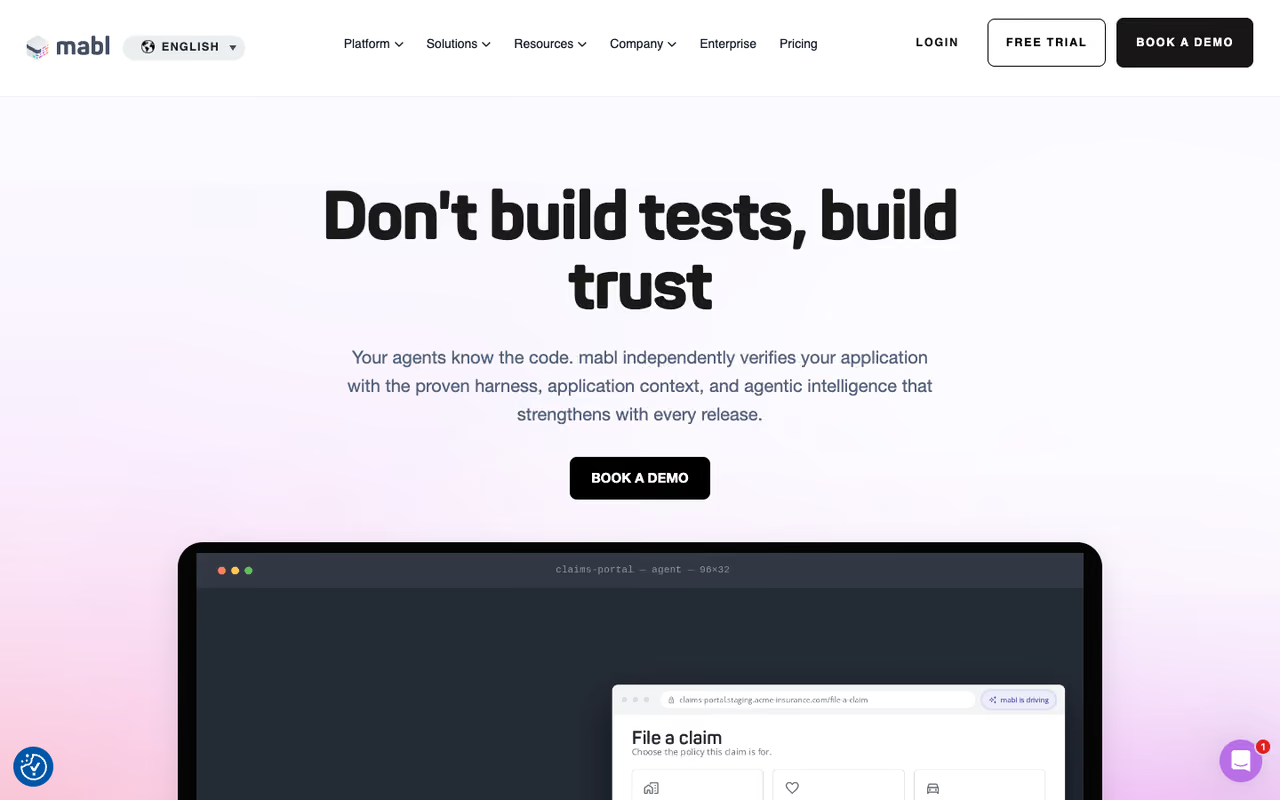
mabl is a low-code platform where you build tests from a screen recording, a visual builder, or a plain-English prompt, and the AI handles the maintenance behind the scenes. It covers web, mobile, and API in one place, plus accessibility and performance checks, which most single-purpose tools don't.
The reason to pick it is the auto-healing. mabl lists advanced auto-healing and agentic test runtime recovery on every plan, so a run can recover from a failure mid-test instead of throwing red across the board, and automatic failure summaries explain in plain words why something broke. Triage stops eating your morning.
Who it's best for: product and QA teams that want real coverage without a dedicated automation engineer babysitting scripts.
The best all-rounder, with web, mobile and API tests built from a recording, a visual builder or a plain-English prompt, and auto-healing that adapts when the DOM shifts. Pricing is opaque, heavy cloud suites burn credits, and it is more tool than a two-person startup needs.
Pricing: there's a 14-day free trial, and the pricing page shows no numbers: you request a quote. Every plan includes unlimited local and CI runs, unlimited cloud concurrency and unlimited participant licenses, with a starting pool of 500 credits per month for cloud runs. Mobile app testing is a paid add-on.
The catch: opaque pricing makes budgeting hard before a sales call, and because cloud runs draw down that monthly credit pool, heavy cloud suites can get expensive fast.

QA Wolf: when you'd rather not run QA at all
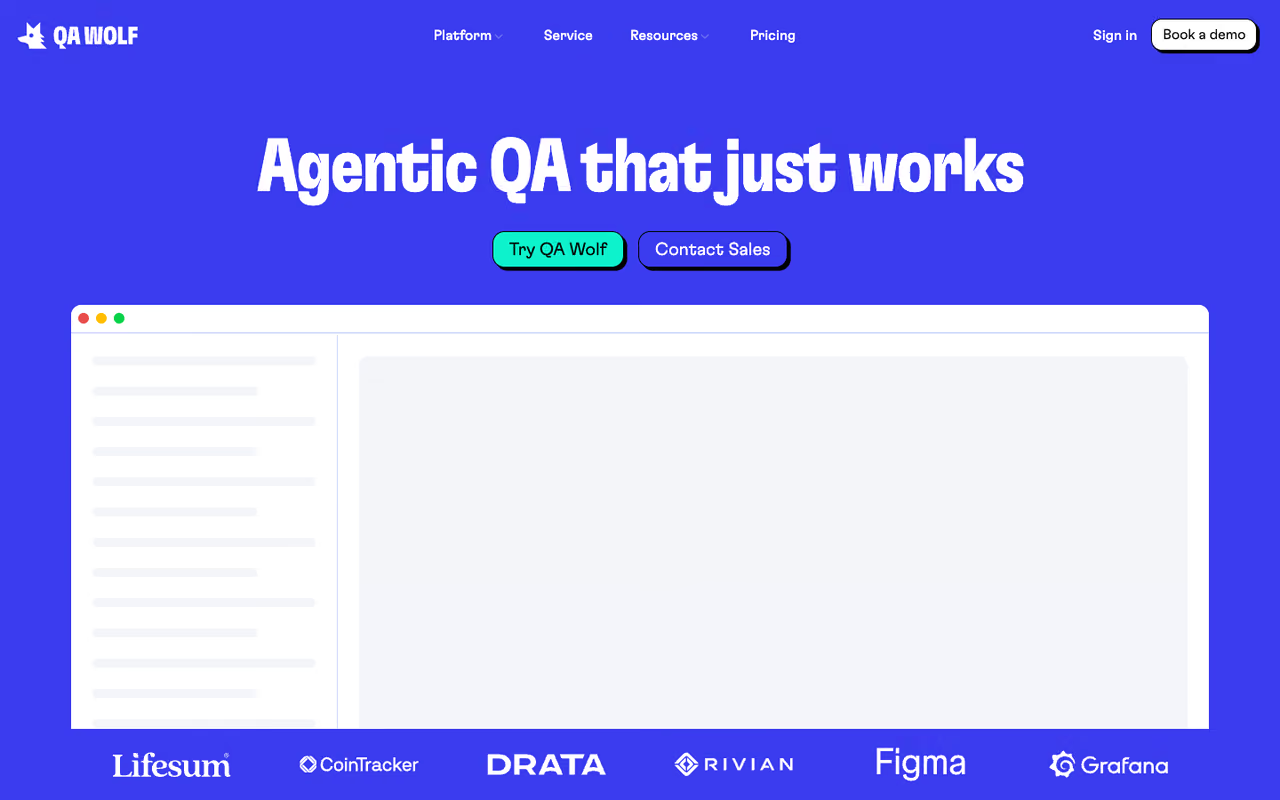
QA Wolf is the odd one out here, and that's the point. Its AI agents map your app, write end-to-end tests in open-source Playwright and Appium, run them on hosted infrastructure, diagnose every failure, repair broken tests, and file bug reports in Linear or Jira. You get the results, not the upkeep.
The standout is the model itself. QA Wolf now charges per test run, and one run covers the whole cycle: parallel execution, up to three attempts to clear flakes, AI maintenance and the bug report. If you want humans in the loop too, its Coverage-as-a-Service tier has QA Wolf's team write, run and maintain the suite, investigate every failure within 24 hours, and guarantee 80%+ automated coverage.
Who it's best for: teams with no QA headcount, or fast-moving teams who want to stop maintaining a flaky Cypress suite they inherited.
For teams that would rather not run QA at all, since AI agents build, run and repair your tests and you pay only for verified results. Daily runs across a large suite add up, and the fully managed tier means handing tests to an external team.
Pricing: per the QA Wolf pricing page, a web test run costs $1 and a mobile or desktop run $2, each covering up to 5 minutes, with longer tests billed in 5-minute blocks. QA Wolf's own estimator puts 50 web tests run once a day at $1,083 a month, or $13,000 a year. You can sign up self-serve; the Jump Start and Coverage-as-a-Service tiers go through sales, as does volume pricing.
The catch: per-run billing rewards discipline. Run a 500-test suite on every pull request and the bill climbs quickly, so lean on its smart smoke suites, which pick only the tests a change needs.
Checksum: for teams shipping AI-generated code
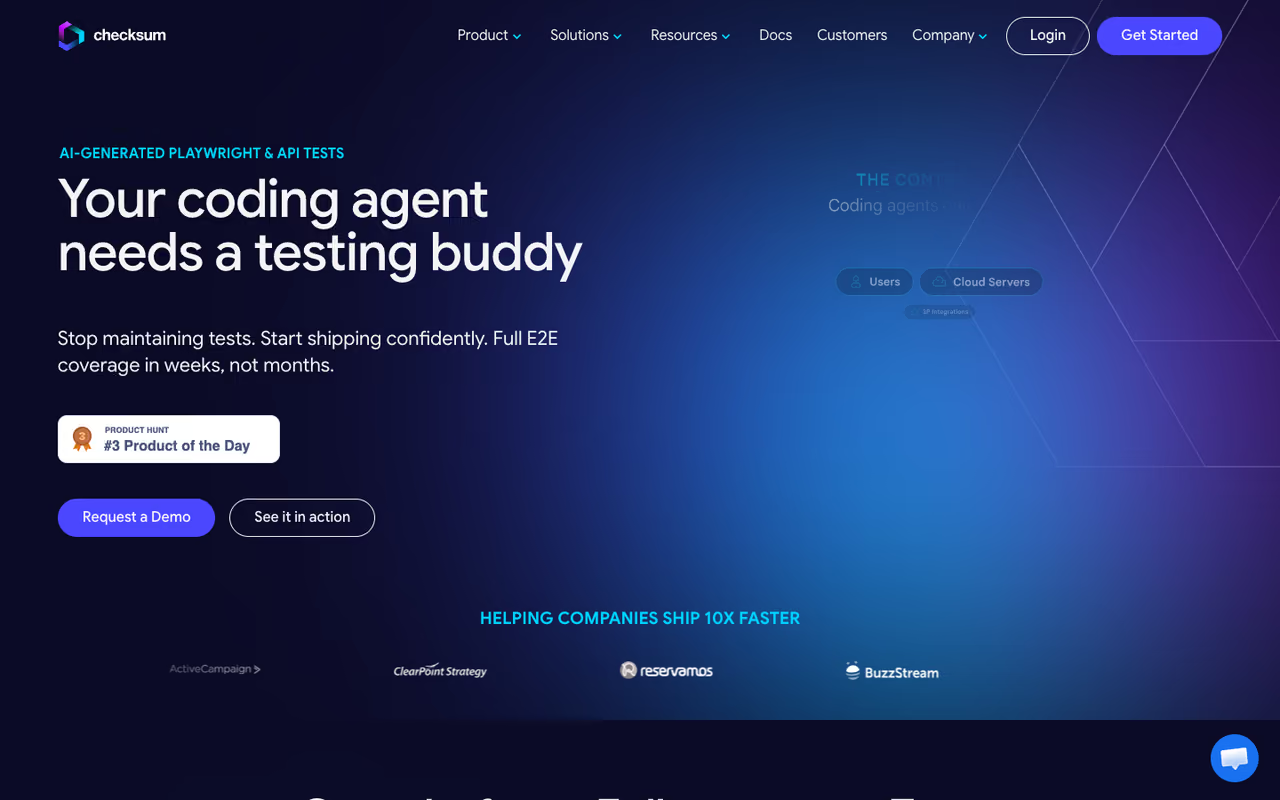
Checksum watches real user behavior in your app, figures out which flows matter, and generates production-ready Playwright tests that get committed straight into your own repo as a pull request. No proprietary format, no lock-in. If you ditch Checksum tomorrow, you keep standard Playwright code.
The standout in 2026 is its Continuous Quality Agent, launched on May 27, 2026, which runs nightly against your deployed app, finds coverage gaps, generates tests, and heals broken ones without anyone opening a dashboard. Checksum says the agent is fine-tuned on more than 1.5 million test runs, and an API Agent now covers backend flows on Enterprise plans.
Who it's best for: engineering teams whose AI coding assistants are shipping code faster than QA can verify it. That's a growing problem, and Checksum is built directly for it.
Aimed at teams shipping AI-generated code, it turns real user behavior into standard Playwright tests committed to your own repo, so there is no lock-in. Pricing is opaque, and the autonomous-PR model needs you to trust AI opening pull requests.
Pricing: Checksum publishes no list price. Its pricing page prices by the number of workflows it maintains, not by seat or run: Emerging covers 50 workflows, Scaling 200, and Enterprise 400 or more. A structured proof of value replaces a free trial.
Where it falls short: the lack of public prices is annoying for smaller teams trying to evaluate quickly, and the autonomous-PR model assumes you're comfortable with AI opening pull requests against your codebase.
If you're already wiring AI agents into your dev workflow, our guide to the best AI agents pairs well with this category.

Applitools: visual testing done right
Applitools is the name people reach for when functional tests pass but the page still looks broken. Its Visual AI compares rendered screenshots across browsers, devices, and viewports, and flags the meaningful layout and pixel changes while ignoring the noise that makes naive screenshot diffing useless.
The standout is accuracy. A single visual check can validate an entire screen across dozens of browser, viewport and device combinations on its Ultrafast Grid, which catches the CSS regressions and overflow bugs unit tests never see. Toolradar data: Applitools is listed as an alternative to 27 other tools in Toolradar's testing and QA catalog, which puts it 15th of 387 tools for how often buyers weigh it against something else.
Who it's best for: design-heavy products, and anyone burned by a release that "worked" but rendered like a ransom note on Safari.
The name to reach for when functional tests pass but the page still looks broken, since Visual AI validates a whole screen across many browsers while ignoring noise. It is a layer more than a framework, and the entry plan alone is a five-figure yearly commitment.
Pricing: the Starter plan costs $667 a month, paid annually, with unlimited users and 1,000 page checkpoints or 100,000 component checkpoints, per the official pricing page. That is $8,004 a year by our arithmetic. Professional (from 150 active pages) and Enterprise (from 350 active pages, private cloud and SSO included) are custom-quoted. You can start with a free trial.
The catch: Starter is mostly visual checks. AI-driven functional testing and plain-English authoring sit on Professional, so on the entry plan you still need Selenium, Playwright or Cypress to drive the app. And the old free tier is gone, which prices out hobby projects.

Testsigma: plain-English authoring for non-coders
Testsigma is a GenAI, low-code platform built around natural-language test authoring. You write steps in plain English, and it runs them across web, mobile, and API on a large grid of browser/OS combinations and real devices: its Pro plan lists 800+ browser and OS combinations and 2,000+ real mobile devices.
The standout is speed for non-technical testers: helped by the Testsigma Copilot assistant, a manual QA person can build automated coverage without learning a framework, and auto-healing scripts cut maintenance when the UI shifts.
Who it's best for: mixed teams where manual testers need to contribute automation without writing Selenium.
Pick Testsigma if manual testers need to build automated coverage in plain English without learning a framework. It gets awkward once tests grow complex, and every hosted plan is gated behind sales.
Pricing: the pricing page lists Pro and Enterprise, both on custom quotes. Pro covers unlimited apps and testing minutes with parallel execution; Enterprise adds SSO, accessibility testing and public, private or on-prem deployment. An open-source edition remains on GitHub under the Apache 2.0 license.
The catch: plain-English authoring is great until a test gets complex, and then you're fighting the abstraction. Sales-gated pricing also makes it hard to compare on cost without a call.

testRigor: closest thing to zero maintenance
testRigor leans harder into plain English than anyone. You describe tests the way a user would ("click the login button, enter email"), and it avoids brittle locators like XPath entirely. That's its whole pitch: tests that don't break when developers rename a CSS class.
Who it's best for: QA teams drowning in selector maintenance, and orgs that want manual testers writing durable automation.
The closest thing to zero maintenance, with tests that reference what users see rather than brittle locators, so renamed CSS classes stop breaking things. The free tier is public and single-user, so real products need a quoted private plan, and ambiguous steps need review.
Pricing: this is one of the few with a free tier you can actually run. The public plan is free forever with unlimited test cases for one user, but tests and results are publicly visible. Private Complete adds unlimited users, private results, and Windows, Mac, Android and iOS runs, with a 14-day trial; testRigor publishes no list price for it or for Enterprise.
The catch: the free tier's public visibility is a non-starter for most real products, so plan on a paid quote. And the plain-English engine occasionally interprets ambiguous steps in ways you didn't intend, which means reviewing what it generated.

Katalon: the flexible mid-market pick
Katalon sits between fully no-code platforms and raw frameworks. Its free plan lets you author and run tests locally with record-and-playback, and you can drop into scripting when you need control. On paid plans, built-in AI agents generate scripts from natural language, explain them and fix failures.
The standout is range: web, API, mobile, and desktop testing live under one roof.
Who it's best for: mid-market teams that want to start no-code but keep the option to write real code as suites mature.
A flexible mid-market pick that lets you start no-code with record-and-playback and drop into scripting later, with a usable free plan. AI agents, desktop testing and CI runs push you into paid seats quickly, and the desktop app feels heavy.
Pricing: per the Katalon pricing page, the Professional plan lists at $2,199 per seat per year. Until October 31, 2026, a launch offer cuts the first three seats of a first online purchase to $1,000 per seat per year, about $84 a month. Enterprise is a custom annual contract with SSO, audit logs and private or on-prem deployment, and there's a 30-day trial with no credit card.
The catch: the free plan is generous, but the AI agents, desktop testing and headless CI execution (which needs Runtime Engine add-ons) all sit behind paid licenses. Some users find the desktop app heavier and slower than modern cloud-native tools.

Keploy: open source for developers
Keploy is the developer's pick, and its core is free. It's an open-source (Apache 2.0) tool that records real API traffic using eBPF and replays it in CI as deterministic regression tests, generating mocks automatically with zero code changes. Because it captures at the network layer, it works with any language or framework, no SDK required.
The standout is the traffic-to-tests approach. Instead of writing API tests by hand, you capture what actually happens in your app and turn it into a regression suite. With 18,000+ stars on GitHub, it has a real community behind it.
Who it's best for: backend and platform engineers who care about API and unit coverage, not UI E2E.
The developer's pick for API and unit coverage: open source and free, it records real traffic and replays it as regression tests. It is not a UI testing tool, and it takes more setup than a polished SaaS.
Pricing: the open-source core and the hosted Playground are free. Pro costs $19 per user per month billed yearly, or $24 billed monthly, per the Keploy pricing page, and includes usage credit equal to the yearly seat price, 100 test suite generations a month, contract testing and load testing. Overage runs $0.16 per test generation and $0.22 per test run. Enterprise is custom, with SOC 2 alignment and SLAs.
The catch: this is not a UI testing tool. If you need to test user journeys through a frontend, Keploy won't do it. It's also more setup-heavy than a polished SaaS, which is the trade you make for free and open source.
How much do AI QA testing tools cost in 2026?
Only four of the eight print a price, each on a different billing unit, so here they are side by side.
| Tool | Free option | Entry paid price | Billing unit |
|---|---|---|---|
| QA Wolf | None | $1 per web run, $2 mobile or desktop | Per test run, 5-minute blocks |
| Keploy | Open source + Playground | $19/user/mo yearly, $24 monthly | Per user, plus usage overage |
| Katalon | Free local plan | $2,199/seat/year list | Per seat, annual |
| Applitools | Free trial | $667/mo, paid annually | Checkpoint plan, unlimited users |
| testRigor | Public plan (tests visible) | Quote only | Parallel infrastructure |
| mabl | 14-day trial | Quote only | Plan plus cloud-run credits |
| Testsigma | Open-source edition | Quote only | Custom |
| Checksum | Proof of value | Quote only | Workflows maintained |
Prices as of October 19, 2026, from each vendor's pricing page linked in its section.
Per-run pricing only stays cheap if you trim what runs on each pull request.
Which AI QA testing tool should you choose?
Answer three questions.
First, what are you testing? UI user journeys point you to mabl, Testsigma, testRigor, or QA Wolf. Visual regressions mean Applitools. APIs and units mean Keploy. Don't buy a UI platform to test an API.
Second, who's writing the tests? Non-technical testers do best with plain-English tools like testRigor or Testsigma. Engineers who want tests in their repo want Checksum or Keploy. Nobody on staff to write them at all? That's QA Wolf's entire reason to exist.
Third, what's your maintenance tolerance? If a flaky suite is your real pain, prioritize self-healing (mabl, Checksum) or offload it entirely (QA Wolf). The cheapest license is rarely the cheapest tool once you count the engineer-hours spent keeping it green.
My default recommendation for most product teams is mabl: low-code enough for QA, capable enough for engineers, with healing built into every plan. Move off it when you have a specific reason, like needing Playwright in your own repo (Checksum), a budget you can predict per run (QA Wolf), or zero internal QA capacity (QA Wolf's managed tier).
How we ranked these tools
We read each vendor's pricing page, product pages and documentation on October 19, 2026, and kept only prices and features printed there. Category figures come from Toolradar's testing and QA statistics, a snapshot of 387 tracked tools dated October 19, 2026. Tools are ranked on how much test maintenance they remove for their likely buyer, then on price transparency.
If you're trying to keep up with how fast this space moves, the Dupple brief tracks new AI tools weekly, and our top tools directory has the wider catalog. You can also browse adjacent picks like the best AI testing tools, the best software testing tools and the best AI tools for developers, since AI-written code is exactly what's driving the QA-tooling boom.
Start your Dupple X trial to get the weekly rundown of what's actually shipping in AI, QA tooling included.
FAQ
What is the best AI QA testing tool in 2026?
For most product teams, mabl is the strongest all-around pick because it combines low-code authoring with self-healing across web, mobile, and API, with a 14-day free trial and quote-based pricing. If you want AI to run QA for you, QA Wolf is better, and engineering teams shipping AI-generated code should look at Checksum, which writes standard Playwright tests into your own repo.
Are AI testing tools actually better than Selenium or Cypress?
For maintenance, yes. Selenium and Cypress are powerful frameworks, but they break when locators change, and somebody has to fix them. AI tools add self-healing that adapts to UI changes automatically, which is where teams lose the most time. Several AI tools (Checksum, QA Wolf) actually generate Playwright tests under the hood, so you keep portable code and get the healing.
Which AI QA testing tools have a free tier?
Keploy's open-source core and Playground are free. Katalon has a free plan for local authoring and execution. testRigor offers a free public plan, though tests and results are publicly visible. Testsigma keeps an open-source edition you host yourself. mabl and Applitools offer free trials rather than ongoing free tiers.
How much do AI QA testing tools cost?
It ranges widely, as of October 2026. Keploy Pro is $19 per user per month billed yearly, and QA Wolf charges $1 per web test run, which its own estimator puts at $1,083 a month for 50 daily web tests. Katalon Professional lists at $2,199 per seat per year, and Applitools Starter costs $667 a month paid annually. mabl, Checksum, Testsigma and testRigor's private plans are sales-quoted.
Can AI testing tools test mobile apps?
Yes, several do. mabl, Testsigma, testRigor, Katalon and QA Wolf all support mobile app testing, though mobile is often an add-on or higher tier: it is a paid add-on on mabl, and QA Wolf bills mobile runs at twice the web rate. If mobile is your primary target, confirm device coverage and pricing during the demo.
Do AI QA tools replace QA engineers?
No, they change the job. AI tools handle test generation and the maintenance grind, which frees QA engineers to focus on test strategy, edge cases, exploratory testing, and deciding what's worth automating. Tools like QA Wolf go further by handling execution and triage, but someone still has to define quality and interpret results.
Related guides
Some offers on this page may be paid placements or contain affiliate links.
