
10 Best AI for Coding in 2026 (Compared)

Key facts10 tools compared: Claude Code, OpenAI Codex, Cursor, GitHub Copilot, OpenCode, Kiro (AWS)…
- 10 tools compared: Claude Code, OpenAI Codex, Cursor, GitHub Copilot, OpenCode, Kiro (AWS), Replit AI, Tabnine, Devin Desktop (formerly Windsurf), Kane CLI
- Claude Code (best for: Deep codebase work, multi-agent): $20/mo (Pro)
- OpenAI Codex (best for: Cloud-sandboxed coding tasks): $20/mo (ChatGPT Plus)
- Cursor (best for: IDE-integrated multi-file edits): $20/mo (Pro)
- GitHub Copilot (best for: Real-time autocomplete): Free / $10/mo
I spend most of my day inside AI coding tools. Not experimenting with them. Using them to ship real code, on real projects, with real deadlines. And the honest truth is that everything looks completely different from twelve months ago. Back then, "AI coding" meant tab-completing function bodies. Now I'm watching agents rewrite entire modules across 30 files while I drink my coffee.
Not all these tools deserve the hype. A few of them are legitimately incredible. A couple are coasting on brand name. Here's what I actually think after months of daily use.
(The AI Academy goes deeper on workflows if you want more than a comparison.)
Quick comparison
| Tool | Best for | Price | Standout feature |
|---|---|---|---|
| Claude Code | Deep codebase work, multi-agent | $20/mo (Pro) | Agent Teams, 1M token context, terminal-native |
| OpenAI Codex | Cloud-sandboxed coding tasks | $20/mo (ChatGPT Plus) | Isolated cloud VMs, parallel agents |
| Cursor | IDE-integrated multi-file edits | $20/mo (Pro) | Composer 1.5, full codebase indexing |
| GitHub Copilot | Real-time autocomplete | Free / $10/mo | Agent mode, widest IDE support |
| OpenCode | Open-source, no vendor lock-in | Free (OSS) | 75+ provider support, terminal TUI |
| Kiro (AWS) | Spec-driven development | Free / $20/mo | Spec workflow, autonomous agent, AWS Powers |
| Replit AI | Rapid prototyping | Free / $20/mo | Cloud IDE, build-to-deploy |
| Tabnine | Enterprise privacy | $12/user/mo+ | On-premise, zero data retention |
| Devin Desktop (formerly Windsurf) | IDE + autonomous agent | Free / $20/mo | Agent Command Center for local and cloud agents |
| Kane CLI | Browser-verifying AI-written code | Free / $19/mo (Starter) | Verifies the rendered result, not the code |
Claude Code
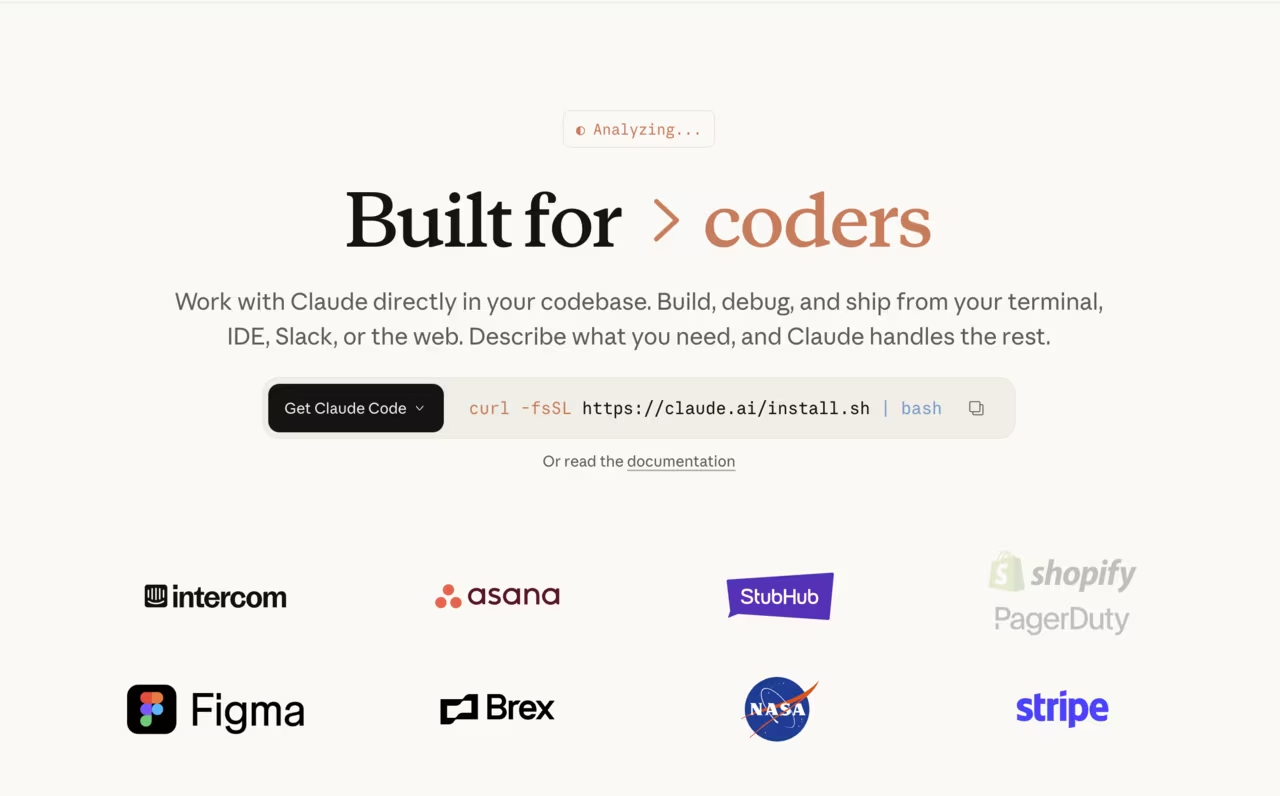
Claude Code is what I use every day. That's not a marketing line. I open a terminal, type claude, describe the task, and it goes.
Last week I needed to refactor our authentication module from session-based to JWT across a Next.js app. That's not a one-file job. It touches middleware, API routes, the auth context, token refresh logic, protected page wrappers, tests. I described the task to Claude Code, it read the relevant files, mapped the dependencies, and made coordinated changes everywhere. Took about 15 minutes of supervision. Would have taken me most of a day by hand.
The thing that separates Claude Code from everything else on this list is that it actually understands your codebase as a system, not as a collection of individual files. Ask Copilot to refactor a module and you get a rewrite of the file you're staring at. Ask Claude Code and it checks how that module is imported, what depends on it, what breaks if the interface changes. That difference is everything once your project has more than a handful of files.
Agent Teams shipped with Opus 4.6 in February 2026. You run multiple agents in parallel on different parts of a project. I've had one writing backend endpoints while another built the corresponding frontend components and a third wrote integration tests. The agents coordinate through a "team lead" agent that tracks what everyone is doing. It feels like having a small dev team working in fast-forward.
Opus 5.5 scores 66.4% on Terminal-Bench 4.0 against 57.9% for GPT-6 Astra in Anthropic's own launch post. It also follows instructions to the letter, which I appreciate more than I should. I'm tired of tools that add "helpful" type annotations or logging I didn't ask for.
In March 2026, Anthropic started rolling out Voice Mode for Claude Code. Type /voice and you can describe tasks hands-free while the agent codes. Still in early rollout (5% of users), but a sign of where things are headed.
$20/month on the Pro plan. If you need heavier usage, the Max plans run $100/month (5x usage) or $200/month (20x). Also works in VS Code and the browser, but I prefer the terminal.
The one I reach for every day when a task spans many files. Claude Code understands your codebase as a system and coordinates changes across it, which beats file-by-file tools once a project grows. It starts at $20/month, and heavier usage means the Max plans.
OpenAI Codex
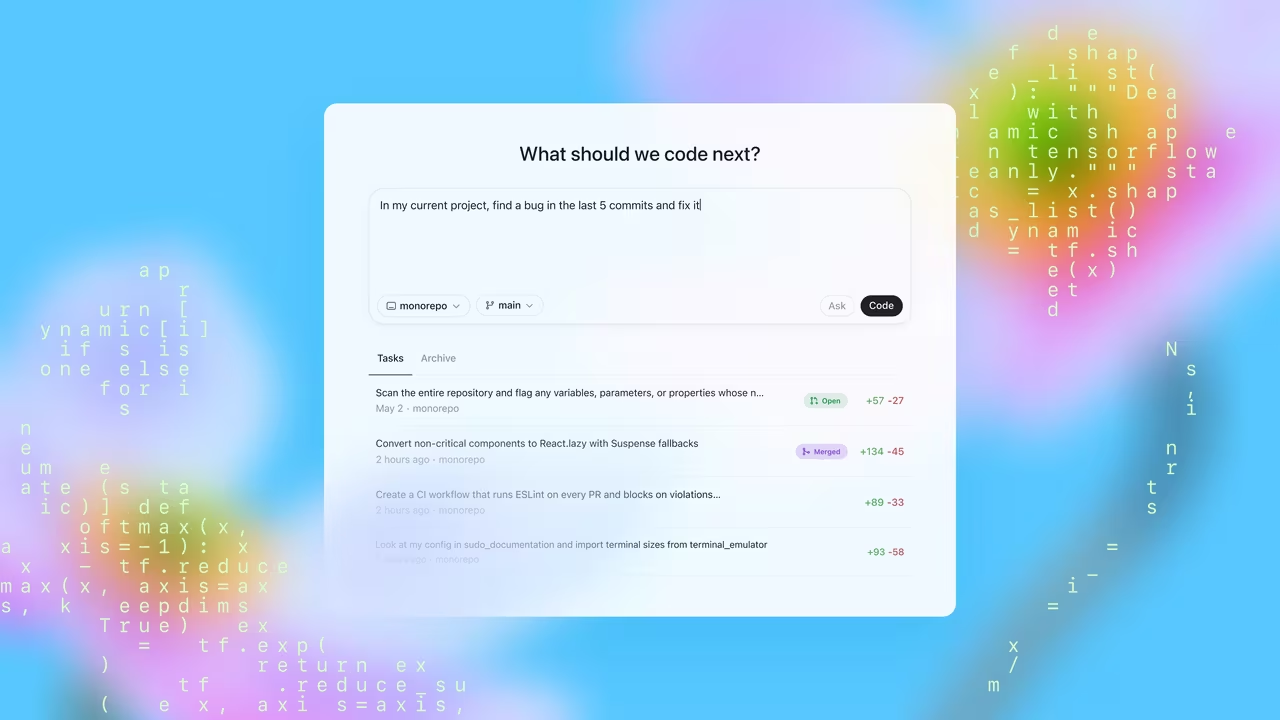
OpenAI Codex launched in May 2025 and it's a different animal from everything else here. Two products: Codex Cloud and Codex CLI.
Codex Cloud is the one worth paying attention to. You submit a task and it spins up an isolated VM with your repo loaded. Network access is off by default. The agent works inside that sandbox: reads code, writes changes, runs tests, then shows you a diff. It can't hit your production database. It can't leak API keys. It literally has no internet connection. That's a feature, not a limitation.
Codex Cloud is built for exactly this: submit multiple tasks, like adding pagination to an API, writing an error handling layer, and generating OpenAPI specs, and it runs them simultaneously in separate sandboxes, each one returning a clean diff ready for review.
Codex CLI is the local alternative, open-source, built in Rust. Runs on your machine, supports MCP tools. Think of it as OpenAI's answer to Claude Code, though Claude Code's reasoning is still generally considered a step ahead when tasks get complex.
Codex now runs GPT-6 Astra, OpenAI's flagship since September 2026. If you're still on GPT-4o, that's like running Xcode on a 2019 MacBook. It works, but you're not seeing what these tools can actually do.
Included on every ChatGPT plan, with Astra from Plus at $20/month. If you're already paying for ChatGPT, you have Codex.
Pick Codex Cloud if you want to submit several tasks and get clean diffs back from isolated sandboxes with network access off by default. The local Codex CLI is open-source, though Claude Code's reasoning is still generally considered a step ahead on complex tasks.

Cursor
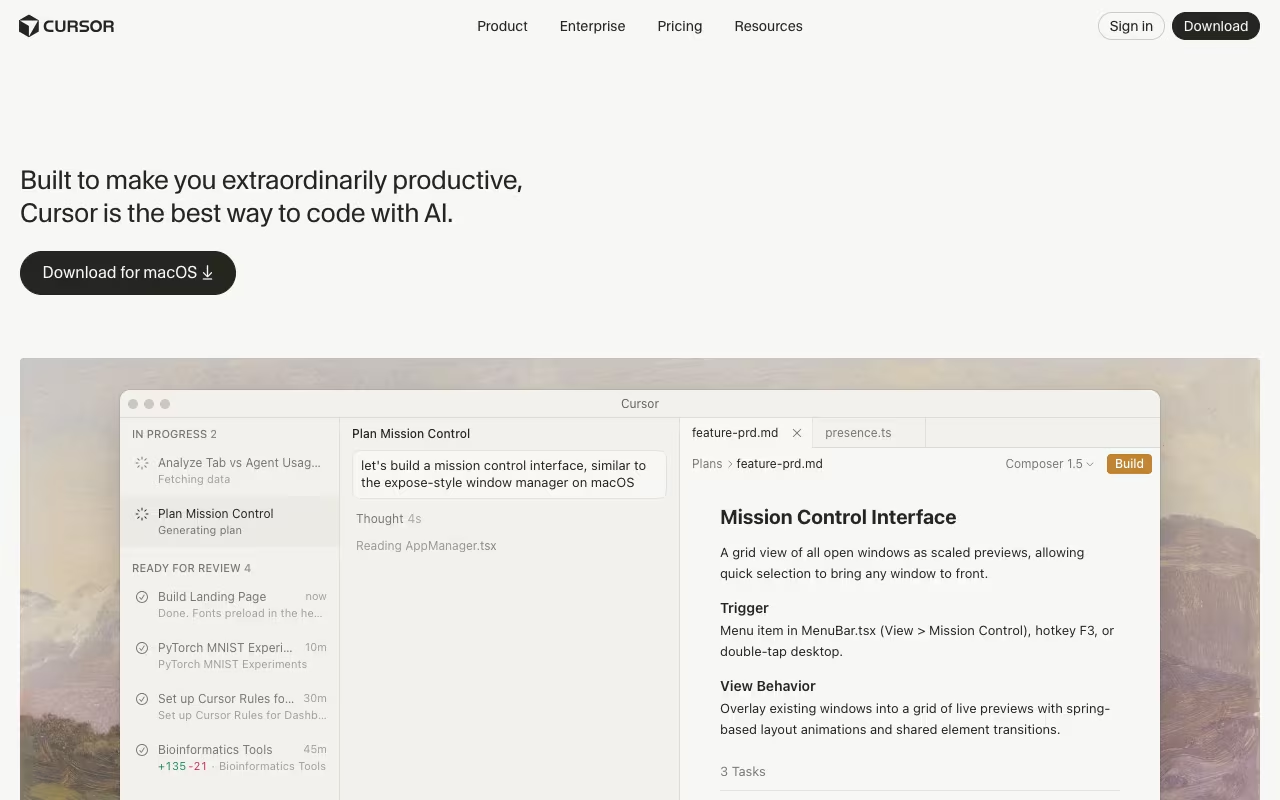
Cursor is a VS Code fork and the best AI-native IDE right now. It indexes your whole project, so when you ask it to do something, it has context that Copilot doesn't.
Composer 1.5 launched in February 2026 as Cursor's proprietary agentic model. It's 50% cheaper than the original Composer and optimized specifically for code synthesis. You describe a feature ("add cursor-based pagination to the user list API"), hit enter, and it generates changes across routes, controllers, types, and tests in one shot. Cmd+K for inline edits: select a function, say what you want, get a scoped rewrite. The multi-file coordination is noticeably better than Copilot's agent mode.
You pick your model per request. I usually run Claude for reasoning-heavy edits and a faster model for autocomplete. Nice to have the choice.
Here's my frustration with Cursor though: the billing. They switched to credits in mid-2025 and the credits burn faster when you use better models. Claude Sonnet burns credits 2.4x faster than Gemini, for example. My bill fluctuated between $20 and $60 in the same month. Four tiers now: Hobby (free), Pro ($20/mo), Pro+ ($60/mo for 3x usage), and Ultra ($200/mo for 20x). Business is $40/user.
Still the best IDE option if you can stomach the pricing. See our guide to using AI for coding if you want to get more out of Composer's multi-file workflows. And if you're spending as much time on project management as you are coding, there are ways to automate the non-coding parts too.
The best AI-native IDE right now if you can stomach the pricing. Whole-project indexing and multi-file edits beat Copilot's agent mode, but credits burn faster on better models, and my bill swung between $20 and $60 in a single month.
GitHub Copilot
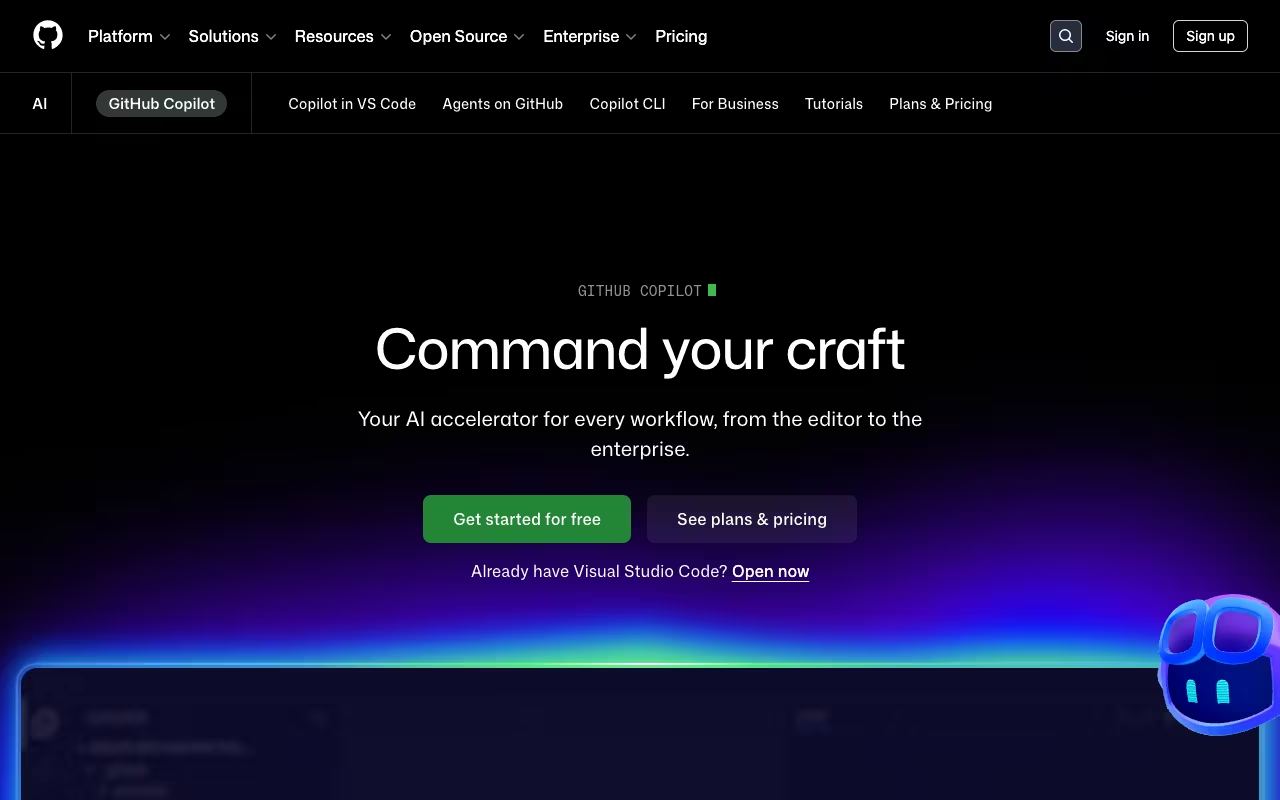
GitHub Copilot needs no introduction. Most developers who use AI coding tools started here. VS Code, JetBrains, Neovim, Xcode. Install the extension, start typing, accept suggestions with tab. It just works.
The autocomplete is fast and good at repetitive patterns. Write one endpoint and it predicts the rest. Define a type and it fills in the validation. For the kind of code that's boring but necessary, Copilot saves hours per week. That alone justifies $10/month.
What I think people underestimate is Agent Mode, which shipped in 2025. Copilot can now analyze your codebase, propose multi-file changes, run commands in your terminal, execute tests, and fix its own mistakes. The Copilot CLI reached general availability in February 2026, turning it into a full agentic development environment that plans, builds, reviews, and remembers across sessions.
Supported models now include Claude Opus 5.5, Sonnet 5, GPT-6 Sol and Gemini 3.8 Flash. As of February 2026, Claude and Codex models are available across Business and Pro tiers. You can switch depending on the task.
Start here: install the extension, type, and it just works across VS Code, JetBrains, Neovim and Xcode. Copilot Pro at $10 is the most straightforward pricing on the list, but go to Claude Code or Cursor when you want deeper multi-file reasoning.
Pricing is the most straightforward of any tool here. Free tier (2,000 completions plus AI Credits monthly). $10/month for Pro (unlimited completions, coding agent). $19/user for Business. $39/user for Enterprise with access to all premium models.
For most developers, the honest advice is: start with Copilot Pro at $10. If you find yourself wanting deeper multi-file reasoning, look at Claude Code or Cursor. But don't skip Copilot assuming it's basic. It's gotten a lot better than people realize.

OpenCode
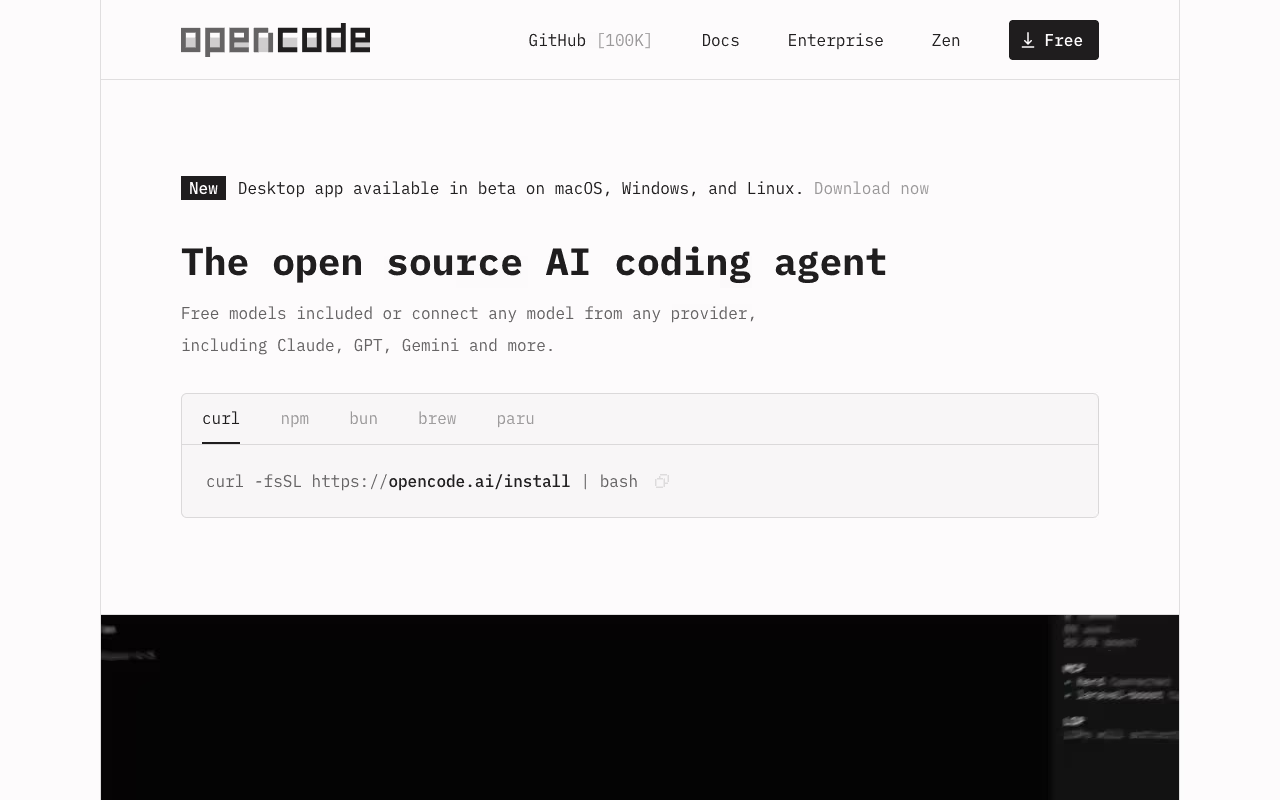
OpenCode is free, open-source, and runs in your terminal. Built in Go. 100K+ GitHub stars. 700+ contributors. 2.5M+ monthly active developers. No company behind it trying to lock you in.
You bring your own API keys from whatever provider you want: Claude, GPT, Gemini, Llama, Mistral, local models through Ollama. 75+ providers supported. Switch mid-session without losing context. If tomorrow Anthropic doubles their API prices, you point OpenCode at a different provider with one config change.
It has LSP integration, which means the AI gets real type information from your language server instead of guessing. Multi-session support. Session sharing via links. Desktop app and IDE extension if you don't like terminals.
New in 2026: OpenCode Zen is a curated set of models specifically benchmarked for coding agents, so you don't have to figure out which of 75+ options actually performs best.
Free. Completely. You pay for API calls and nothing else.
I keep OpenCode around as a backup and for when I want to test a new model quickly. The lack of lock-in is genuinely liberating. If privacy is your thing and you want to run everything through local Ollama models, this is the way. Pair it with AI-driven task automation and you've got a fully self-hosted dev workflow that doesn't phone home.
Go with OpenCode if you want no lock-in. It is free and open-source, you bring your own API keys from 75+ providers, and local Ollama models keep everything private. The trade-off is that you pay for API calls and nothing else, so costs are on you.
Kiro
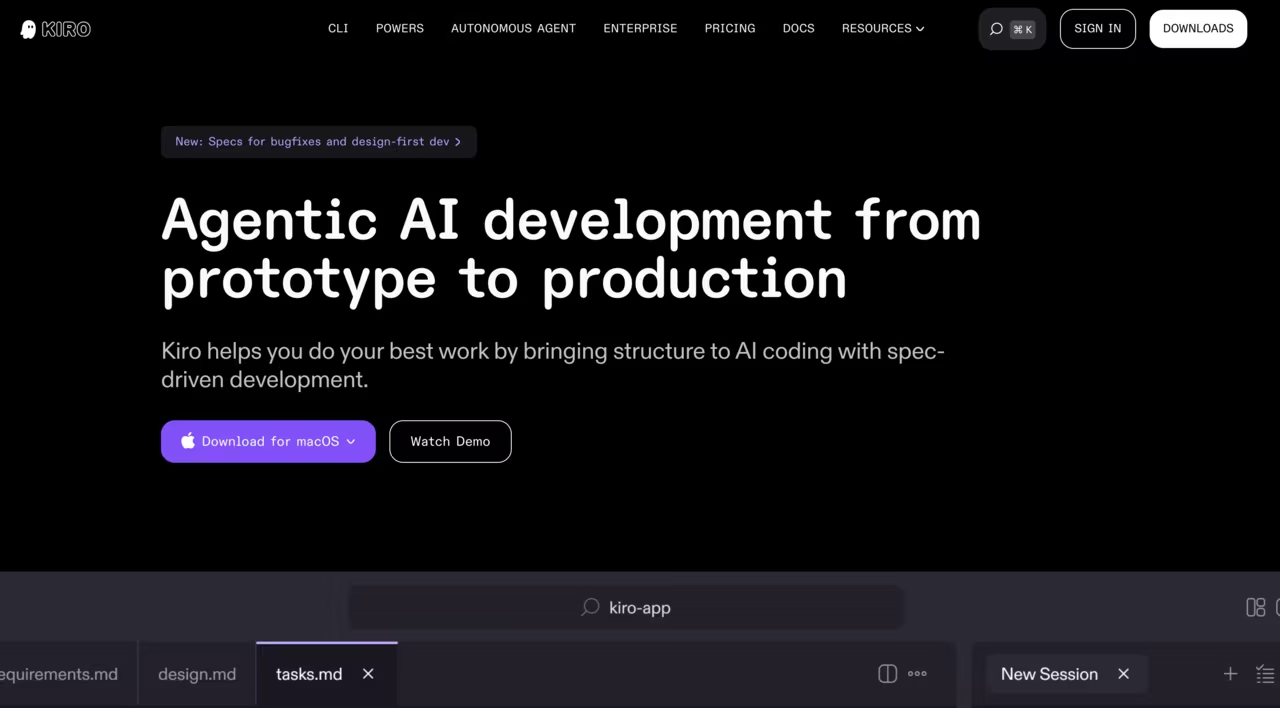
Kiro is AWS's agentic IDE, built on Code OSS (the same base as VS Code). It also has a CLI for terminal work. It's a separate product from Amazon Q Developer, though the Q CLI was folded into Kiro's CLI in late 2025.
What makes Kiro different from everything else on this list: spec-driven development. You describe what you want, and Kiro generates three files before writing a line of code: requirements.md (user stories with acceptance criteria), design.md (architecture and data models), and tasks.md (implementation checklist). Then it codes from specs, not from vibes. In February 2026 they added Design-First specs and Bugfix workflows for existing codebases, not just greenfield projects.
The Powers system is smart. Instead of baking in every integration, Kiro loads MCP tool bundles on demand based on your conversation context. 30+ Powers available: Figma, Stripe, Supabase, Terraform, AWS CDK, Datadog, Snyk, Netlify, and more. AWS-specific Powers cover Lambda, CloudFormation, ECS, Amplify, Aurora, and IAM policy generation. Use Kiro without any AWS services if you want.
Agent Hooks trigger on file save or creation: auto-generate tests, update docs, validate coding standards. Once committed to Git, they enforce standards for the whole team. That's enterprise thinking baked into the workflow, not bolted on.
The autonomous agent (Pro+ and above) works asynchronously across multiple repos, handles up to 10 concurrent tasks, creates PRs for review, and learns from your code review feedback. It integrates with Jira, Confluence, GitHub, GitLab, Slack, and Teams. Free during preview, with weekly limits.
Pricing is credit-based. Free (50 credits/month + 500 bonus credits for 30 days). Pro at $20/month (1,000 credits). Pro+ at $40/month (2,000 credits). Power at $200/month (10,000 credits). Complex spec tasks burn more credits than simple prompts. Using Claude Sonnet directly costs 1.3x versus "Auto" mode, which blends models for efficiency.
The trade-off is speed. Kiro is slower than Cursor for quick fixes because the spec workflow adds overhead. Users on Product Hunt (4.7/5, 60 reviews) praise the structured approach for large projects but note autocomplete is weaker than Cursor's. If you value getting code right the first time over getting it fast, Kiro's approach makes sense.
A spec-driven IDE for teams that want requirements, design and tasks written before any code. Kiro suits large projects and works without AWS services, but the spec workflow adds overhead, so it is slower than Cursor for quick fixes.
Replit AI
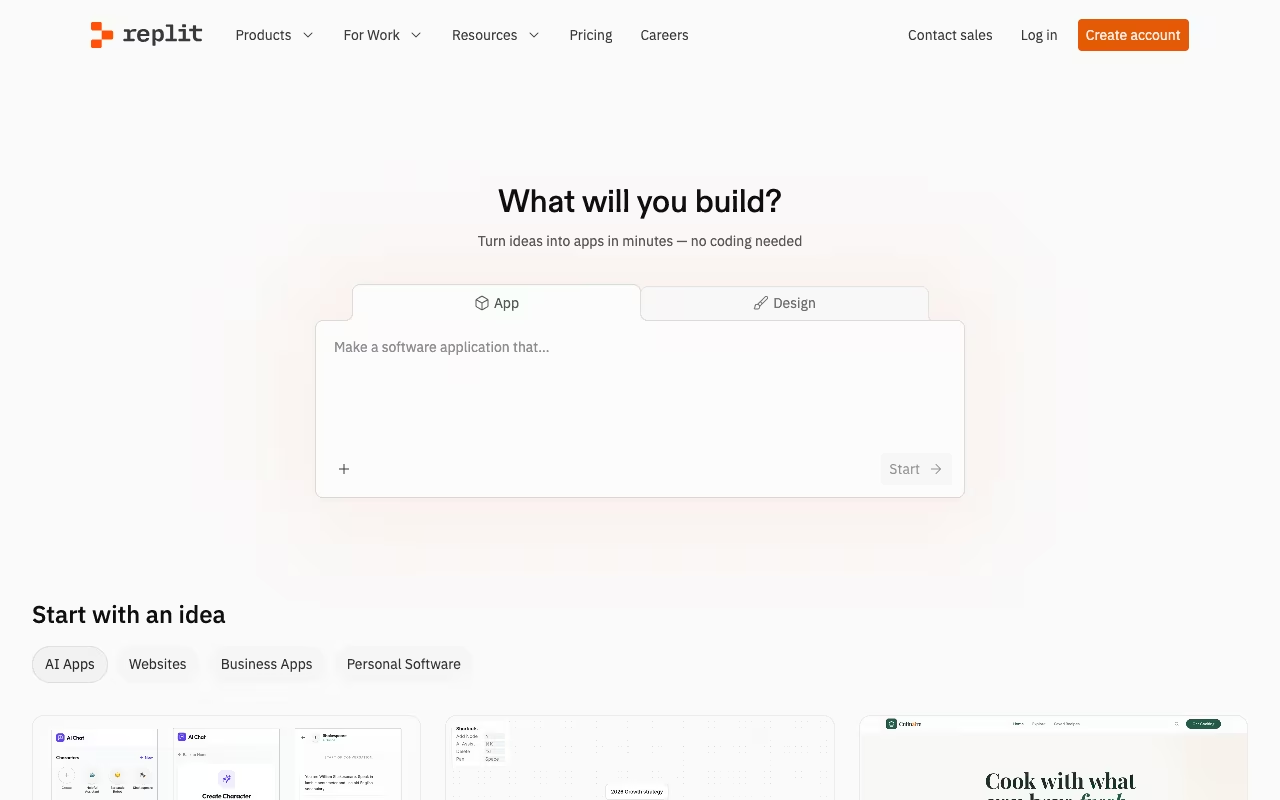
Replit is a cloud IDE where you describe an app and Agent 3 builds it. Plans the architecture, writes the code, provisions the database, tests it in a live browser, deploys it. You watch.
Agent 3 can run for 200 minutes per session. It opens your app in a browser, spots issues, fixes them, reloads. Loop until it works. Scan a QR code and the app opens on your phone. Three autonomy modes: Economy, Power, and Turbo (Pro and Enterprise only).
No local setup. Browser-only. Idea to deployed URL in an afternoon.
Free tier available. Core at $20/month (down from $25, includes full Agent 3 access). Pro at $100/month launched February 2026, supporting up to 15 builders with tiered credit discounts. Fair warning: it adds up. People on Reddit report $100-300/month with heavy Agent usage. The "credits disappear fast" complaints are real.
Great for hackathons and prototypes. I wouldn't run production infrastructure on it, but for getting from zero to "look, it works" faster than anything else, Replit is unmatched.
The fastest route from idea to deployed URL for hackathons and prototypes, with Agent 3 planning, building, testing and deploying in the browser. Credits disappear fast with heavy use, and I would not run production infrastructure on it.

Tabnine
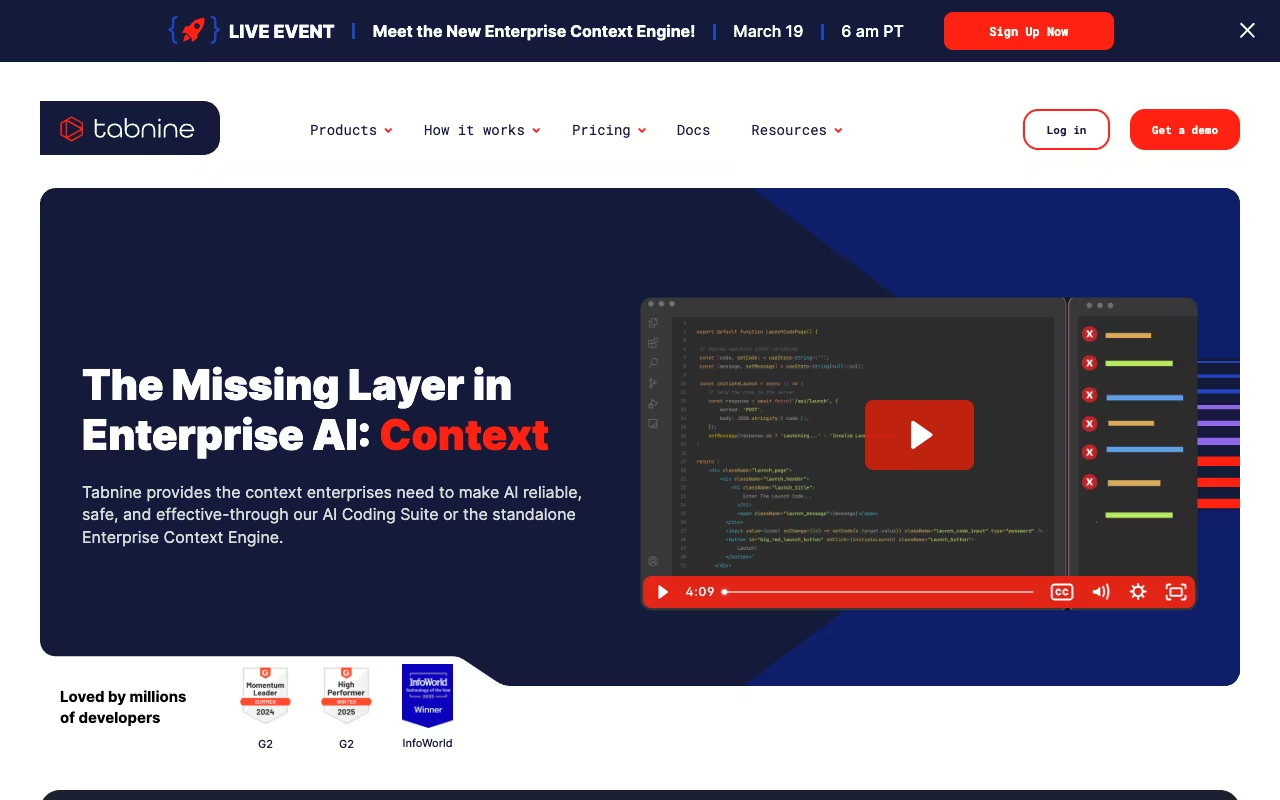
Tabnine is for one specific audience: teams that cannot send code to external servers. Period. On-premise deployment. Air-gapped clusters. Zero data retention. Code snippets used for inference get discarded immediately.
You can train models on your internal codebase so suggestions match your patterns, your naming conventions, your internal libraries. Gartner promoted Tabnine from Niche to Visionary in the 2025 AI Code Assistants Magic Quadrant. In February 2026, they launched the Enterprise Context Engine, supporting cloud, private cloud, on-premises, and fully air-gapped environments.
Free tier available. Pro at $12/user/month. Enterprise at $39/user/month with on-prem, offline mode, and IP indemnification.
The completions aren't as good as Copilot's. Everyone knows it, including Tabnine. But if legal says code stays on-premise, your options are Tabnine or nothing. In that situation, Tabnine is actually good.
The answer for teams that cannot send code to external servers, with on-premise, air-gapped and zero-retention options. Completions are not as good as Copilot's, but if legal says code stays on-premise, Tabnine is the one actually good option.
Devin Desktop (formerly Windsurf)
I almost didn't include it because the Windsurf story is such a mess.
OpenAI tried to acquire it for $3 billion. Microsoft blocked the deal. Google poached the founders for $2.4 billion. Cognition (Devin's parent company) bought the remaining product and brand for around $250M. Three weeks later, Cognition laid off about 30 employees and offered buyouts to the rest (9 months salary to leave, or stay with 80+ hour weeks).
The IDE survived all of it. On June 2, 2026, Cognition renamed Windsurf to Devin Desktop through an over-the-air update: the editor, extensions and settings carried over, and the new default screen is an Agent Command Center that tracks local and cloud agents on one Kanban board. The old Cascade agent gave way to Devin Local, which Cognition says is up to 30% more token-efficient.
Pricing (checked September 2026): Free with unlimited Tab and a light agent quota, Pro at the same price as Cursor Pro, Max at $200/month, Teams at $80/month plus $40 per full seat, Enterprise custom. The old price edge over Cursor is gone.
The founding team is gone, and the product has changed name twice in two years. It makes the most sense if you already use Devin's cloud agents and want one place to manage them; as a plain editor, Cursor is still the safer bet.
Devin Desktop makes the most sense if you already use Devin's cloud agents and want one Kanban-style place to manage them. As a plain editor, Cursor is still the safer bet, since the old price edge is gone and the founding team left.
Kane CLI
Every tool on this list writes code. None of them can tell you whether the page actually works. That is the gap Kane CLI by TestMu AI fills.
AI coding agents verify against a closed surface: unit tests, type checkers, linters, compilers. All of them read source code. None of them open a browser, click the button, and confirm the redirect lands somewhere real. When an agent reports "passed," it is reporting on the code, not on what the user sees, which is how you end up with a button wired to the wrong endpoint and a green checkmark next to it.
Kane CLI inverts that. You give it a plain-English objective, "log in, add the first item to the cart, verify the total shows $29.99" and it drives a real Chrome browser through the flow, returning a structured pass or fail. No selectors, no XPath, no page object models. It resolves intent against the rendered page, so a reworded label or a new CSS class does not break the test the way it breaks a Playwright script.
The reason it belongs on a list about AI coding tools is that it is designed to be called by them. Install the skill into Claude Code, Cursor, Codex CLI or Gemini CLI, and the agent invokes Kane CLI itself, parses the structured NDJSON output, and closes its own loop, write the feature, verify it in a browser, fix what broke. Every run produces an evidence pack: screenshots, DOM snapshots, and a replayable trajectory you can drop into a PR.
It also runs headless in CI with standard exit codes, and exports any run to native Playwright if you want to leave.
A different kind of tool: Kane CLI verifies the rendered result in a real browser rather than the code, and coding agents can call it themselves. It drives flows from plain-English objectives with no selectors, and it starts free with 200 credits a month.
Price: Free (200 credits/month), Starter $19/month, Pro $99/month, Enterprise custom.
Standout: The only tool here that verifies the rendered result rather than the code.
How to choose
The question isn't "which is best" but "best for what."
Daily autocomplete in your editor: GitHub Copilot at $10/month. Don't overthink it.
Large projects spanning many files: Claude Code. It's built for exactly this.
AI-native IDE with multi-model switching: Cursor. Just watch the credit billing.
Cloud sandboxing with zero network access: OpenAI Codex.
No vendor lock-in: OpenCode with your own API keys.
Spec-driven development, get it right the first time: Kiro. Generates requirements, architecture, and tasks before writing code.
Rapid prototyping, zero local setup: Replit.
Code can't leave your building: Tabnine.
The most productive developers I know use two tools: something in the editor (Copilot or Cursor) plus something agentic (Claude Code or Codex). The combination covers both fast autocomplete and deep multi-file work.
The AI Academy walks through exactly how to set up that kind of two-tool workflow.
FAQ
What is the best AI for coding in 2026?
Depends what you need. Claude Code for complex multi-file work (80.8% on SWE-bench Verified). Copilot for the best value on daily autocomplete. Cursor for an AI-native IDE. There's no single winner because the tools are good at different things.
What is the best AI coding assistant for beginners?
Start with GitHub Copilot's free tier inside VS Code. No configuration needed, 2,000 completions and 50 chat requests per month at zero cost. For understanding concepts and getting explanations, use Claude or ChatGPT's web interface alongside it. Once you're comfortable writing code daily, explore Cursor or Claude Code.
Is AI good enough to replace programmers?
No, and I don't think it will be anytime soon. These tools miss edge cases, hallucinate APIs that don't exist, and introduce security vulnerabilities (around 40% of AI-generated code has issues, per recent research). They make experienced developers faster. They don't replace the judgment that comes from actually understanding what you're building and why.
If the job is reviewing a pull request rather than writing the code, that is a different tool. CodeRabbit sits on the PR and writes the review comments. It is not a replacement for Claude Code or Cursor. It is what you add when the bottleneck is catching bugs in someone else's diff. Full writeup in the CodeRabbit review.
Can I use AI coding tools for free?
Yes. Copilot has a free tier (2,000 completions/month). OpenCode is entirely free and open-source (you just pay for API calls). Replit and Devin Desktop (formerly Windsurf) both have free tiers. Amazon Q Developer gives you 50 free interactions per month. You can get pretty far without paying anything.
What is the best free AI for programming?
OpenCode if you want full control and are comfortable with a terminal. It's open-source, supports 75+ model providers including free local models through Ollama, and has 100K+ GitHub stars. GitHub Copilot's free tier is the easiest starting point if you just want autocomplete in VS Code with no setup.
Claude Code vs Cursor vs Copilot: which should I pick?
Different tools for different workflows. Copilot ($10/mo) is the best value for autocomplete and light agent tasks. Cursor ($20/mo+) is best if you want everything inside an IDE with multi-model switching. Claude Code ($20/mo) is best for deep, multi-file codebase work from the terminal. Many developers use Copilot or Cursor in the editor plus Claude Code for complex tasks.
What happened to GPT-4o for coding?
It came out in May 2024 and it's several generations behind now. OpenAI's current best is GPT-6 Astra, announced September 3, 2026, with GPT-6 Sol as the cheaper mid-tier model. The jump from 4o to the GPT-6 family is noticeable, especially on multi-step tasks. Worth upgrading if you haven't.
Do AI coding tools work with all programming languages?
Python and JavaScript get the best results because they dominate the training data. Java, C++, Go, and Rust work well. Niche languages like Haskell or COBOL get noticeably weaker output. Claude and Copilot have the widest language coverage overall.
Go from experimenting with AI coding tools to building production-ready applications faster. Start your free 14-day trial →
Some offers on this page may be paid placements or contain affiliate links.
Across our whole catalogue the median is $24 a month and 33% of tools advertise a free tier. Figures are the lowest recurring monthly price quoted in our own review of each tool, read on 2026-08-19. Full method and every category.
