
The 8 Best AI Agent Platforms in 2026 (Compared and Ranked)

Key facts8 tools compared: LangGraph, CrewAI, n8n, Lindy, OpenAI Agents SDK, Claude Agent SDK, Vertex…
- 8 tools compared: LangGraph, CrewAI, n8n, Lindy, OpenAI Agents SDK, Claude Agent SDK, Vertex AI Agent Builder, Salesforce Agentforce
- LangGraph (best for: Production control, stateful agents): Free OSS; Plus $39/user/mo
- CrewAI (best for: Fast prototyping in Python): Free OSS; paid from $25/mo
- n8n (best for: Visual builders who code a little): Free self-hosted; Cloud $24/mo
- Lindy (best for: No-code operators): Free tier; paid from $49.99/mo
Eighteen months ago, "AI agent" mostly meant a chatbot with a fancy system prompt. That era is over. The platforms covered in this piece can read your inbox, run shell commands, query a database, call out to a dozen APIs, and decide what to do next without a human nudging every step.
The problem is the noise. By early 2026 the agent market had splintered into more than 120 tools spread across no-code builders, Python frameworks, and enterprise orchestration suites, according to analysis from StartupHub.ai. Half of them are demos dressed up as products. Picking the wrong one means rebuilding everything six months later when you hit a wall the marketing page never mentioned.
This guide is for builders: founders, developers, and operators who want to ship a real agent and need to know which platform won't fall apart at scale. My top pick overall is LangGraph if you write code, because it gives you production control nothing else matches. If you'd rather not touch Python, jump to n8n or Lindy. Here's how all eight stack up.
One newer name worth watching is Hermes Agent, Nous Research's open-source agent that keeps a single persistent memory across Telegram, Slack, email, and the CLI.
Quick comparison
| Tool | Best for | Price | Standout |
|---|---|---|---|
| LangGraph | Production control, stateful agents | Free OSS; Plus $39/user/mo | Graph-based state with rollback points |
| CrewAI | Fast prototyping in Python | Free OSS; paid from $25/mo | Role-based crews, demo in days |
| n8n | Visual builders who code a little | Free self-hosted; Cloud $24/mo | 500+ integrations, full workflow control |
| Lindy | No-code operators | Free tier; paid from $49.99/mo | Plain-English agents, 4,000+ apps |
| OpenAI Agents SDK | OpenAI-native teams | Free SDK + token usage | Handoffs and guardrails baked in |
| Claude Agent SDK | Agents that touch your filesystem | Free SDK + token usage | Same harness as Claude Code |
| Vertex AI Agent Builder | Google Cloud shops | Pay-per-use, no flat fee | Managed runtime + 200+ models |
| Salesforce Agentforce | CRM-bound enterprises | Flex Credits ~$0.10/action | Native Salesforce data access |
LangGraph: the one I'd ship to production
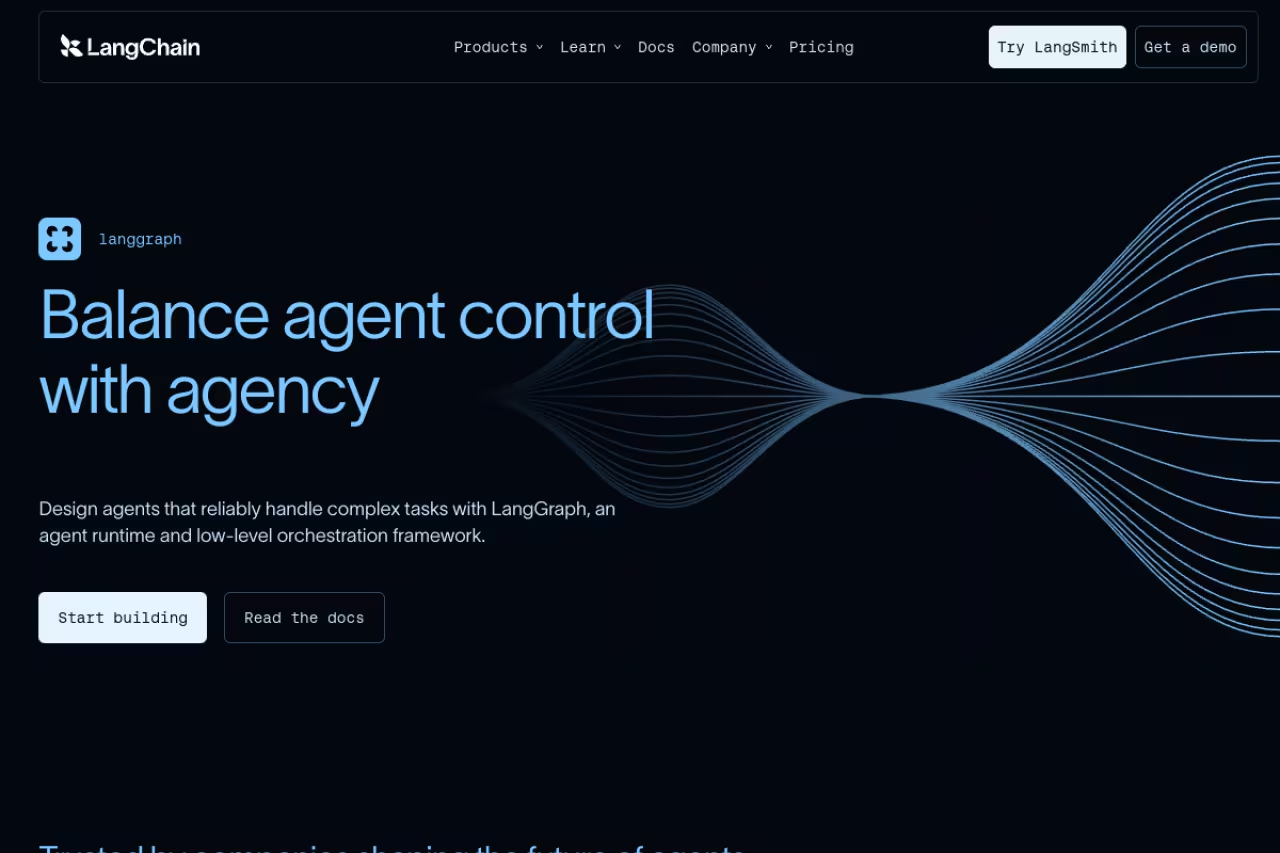
LangGraph models your agent as a directed graph: nodes do work, edges decide where the flow goes next, and a shared state object carries everything in between. That sounds academic until you hit your first production bug at 2am and realize you can inspect exactly which node ran, what the state looked like, and roll back to a checkpoint instead of guessing.
The one to ship to production if you need stateful, auditable agents with human approval steps and durable execution. It has the steepest learning curve here, and a working build can take 10 to 14 engineer-days, so skip it for quick automations.
LangGraph passed CrewAI in GitHub stars in early 2026, driven mostly by enterprise teams who found its graph structure maps cleanly to real production needs, per framework comparisons published this year.
Pricing is friendly to start. The framework is open source and free. If you want managed deployment, the LangGraph Platform Plus plan runs on a LangSmith Plus subscription at $39 per user per month, capped at 10 users, with one free dev-sized deployment and additional runs billed at $0.005 each. The standout is genuine control: checkpoints, time-travel debugging, and durable execution that survives a server restart.
The catch: this is the steepest learning curve of any platform here. You need to understand graph theory concepts before you're productive, and a working build can take 10 to 14 engineer-days versus 2 to 3 for simpler tools. If you just want a quick automation, this is overkill.

CrewAI: the fastest path from idea to demo
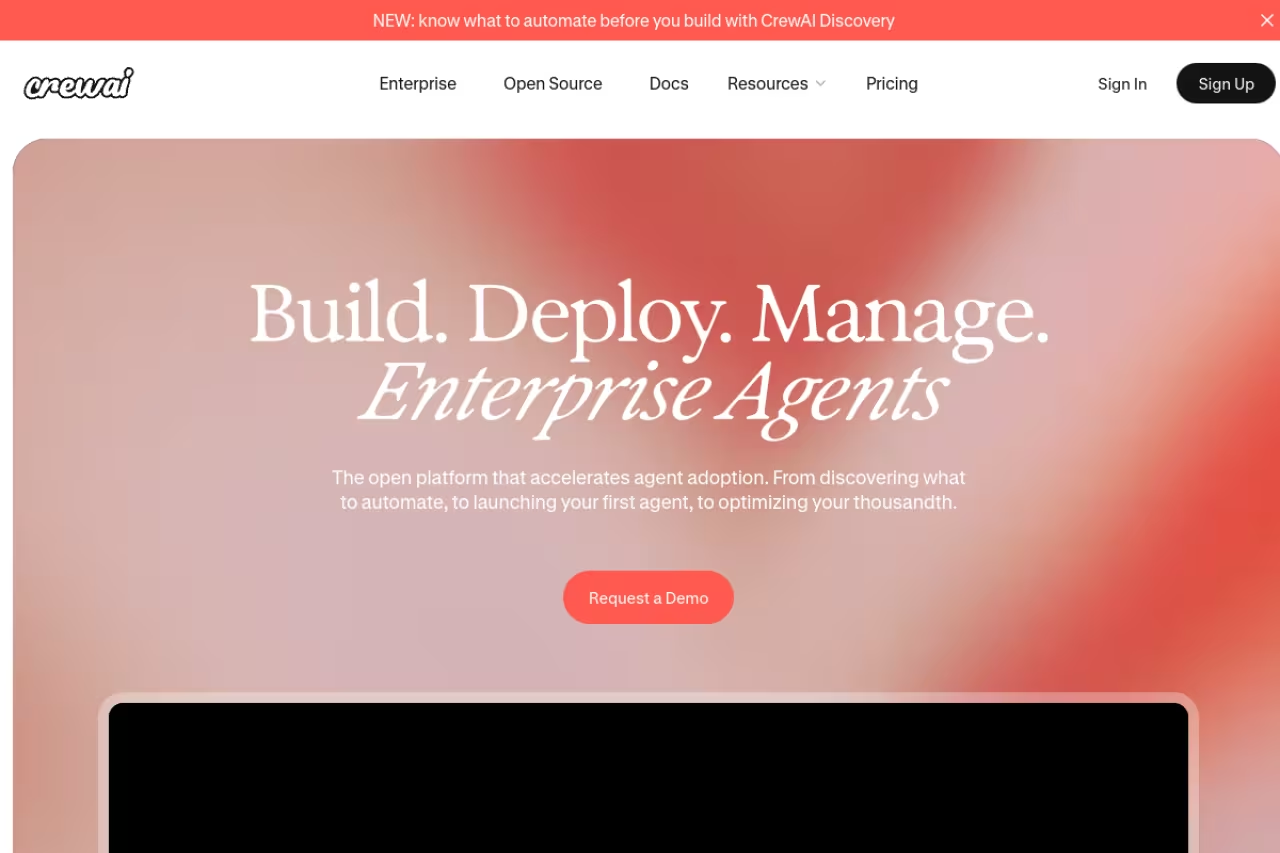
CrewAI uses a metaphor anyone can grasp: you define agents with a role, a goal, and a backstory, then assign them tasks inside a "crew." Want a researcher, a writer, and an editor working together? You describe each one in a few lines and CrewAI handles the delegation.
A brilliant prototyping tool for developers who want a multi-agent demo in 2 to 3 engineer-days, ideal for hackathons and internal tools. Branchy, stateful logic hits a ceiling, and teams often migrate to LangGraph for production.
In head-to-head tests, CrewAI is the speed champion: you can get a functioning demo in 2 to 3 engineer-days, well ahead of the alternatives. That makes it ideal for hackathons, internal tools, and proving a concept before you commit to heavier infrastructure.
The core framework is MIT-licensed and free. CrewAI Enterprise added a forever-free tier in 2026, with paid plans starting around $25 per month and climbing through Professional tiers for higher run volumes. Like most code-first tools, you bring your own LLM keys, so token spend is usually your biggest line item. The standout is sheer development velocity.
Where it falls short: that same simplicity becomes a ceiling. Once your logic gets branchy and stateful, CrewAI's abstractions start fighting you, and teams often migrate to LangGraph for the production version. It's a brilliant prototyping tool that some outgrow.
n8n: the visual builder that respects developers
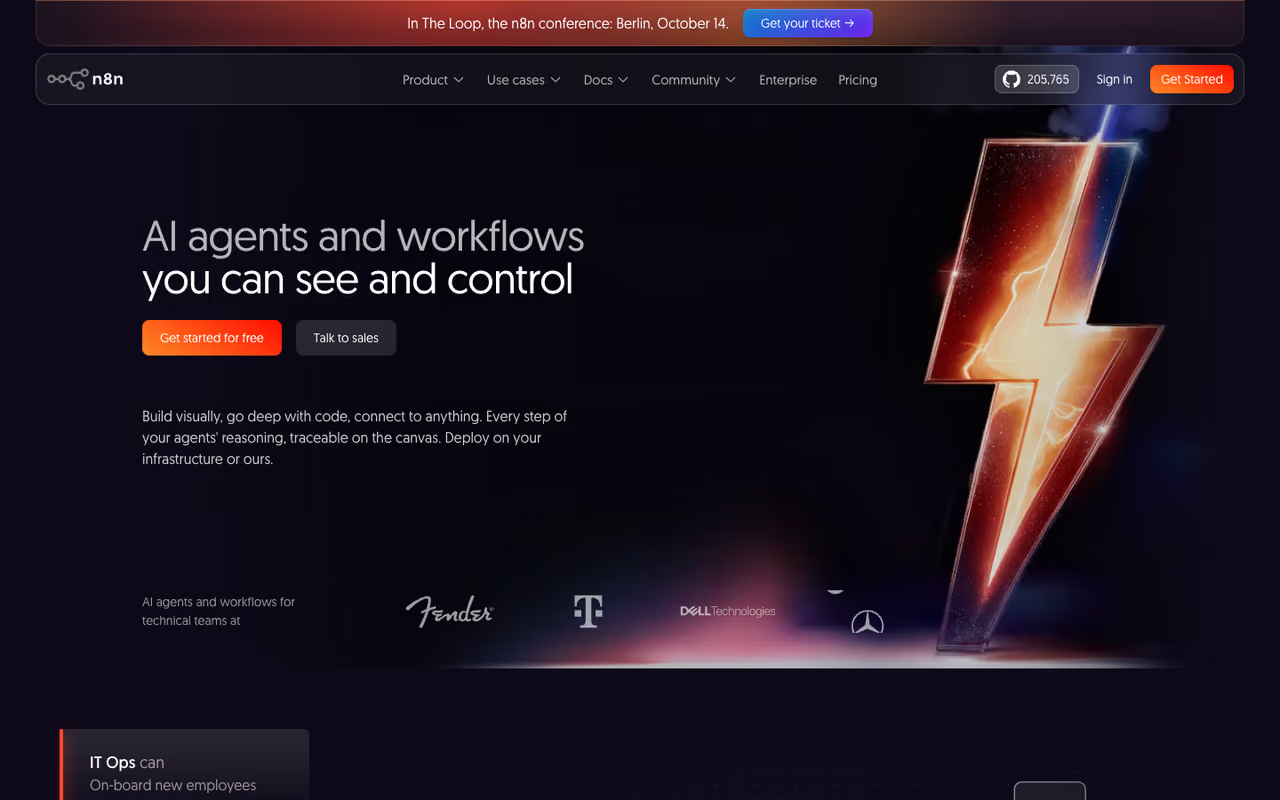
n8n is a workflow automation platform that grew real AI agent muscles. You drag nodes onto a canvas, wire them together, and drop in an AI agent node that can call tools, query your data, and loop until a goal is met. The difference from pure no-code tools is that you can write JavaScript anywhere you need to, so you never hit a hard wall.
It's best for people who think visually but aren't afraid of a little code, and especially for anyone who wants to self-host. The open-source version is free to run forever on a $5 to $7 per month VPS via Docker, with unlimited executions and the full integration catalog. That's a serious advantage when your agent fires thousands of times a day.
If you'd rather not manage servers, n8n Cloud starts at $24 per month for the Starter tier (2,500 executions), $60 for Pro (10,000 executions), and $800 for Business. Crucially, AI agent features carry no separate pricing tier: they run on the same execution model as everything else. The standout is the integration library, with 500-plus connectors that make wiring agents into real systems trivial.
The visual builder for people who think in flows but are not afraid of code, and the best choice if you want to self-host. Cloud starts at $24 per month, but the free open-source version runs on a cheap VPS.
The catch: self-hosting means you own updates, backups, and scaling. And while the canvas is approachable, complex multi-agent logic on a visual editor can turn into spaghetti faster than code would. If you want to weigh the code-first options against each other in detail, our guide to the best AI agent frameworks goes deeper.
Lindy: agents for people who never want to see a node
Lindy is the most genuinely no-code option on this list. You describe what you want in plain English ("when a lead fills out the form, research the company and draft a personalized reply"), and Lindy assembles the agent. No canvas, no graph, no Python.
It's best for operators, founders, and small teams who want results without a builder mindset. Lindy connects to over 4,000 business apps including Gmail, HubSpot, and Slack, which covers most everyday automation a non-technical team needs.
A free tier offers 400 credits per month (roughly 40 tasks), and paid plans start at $49.99 per month for the Plus tier, then $99.99 and $199.99 for Pro and Max. The standout is genuine accessibility: you can ship a useful agent in an afternoon with zero technical background.
Where it falls short: the credit system. Basic automations cost 1 credit, but AI-heavy tasks like web research or email parsing can burn 5 to 10 credits per action, which makes costs hard to predict as you scale. Watch your usage closely before you commit a critical workflow to it.
The most genuinely no-code option here, ideal for operators, founders and small teams who want an agent shipped in an afternoon. The trade-off is the credit system, which can make costs harder to predict than a flat plan.
If you're shopping the no-code category broadly, also see our guide to the best AI agents for a wider field.
Building internal agents is a fast way to claw back hours every week. If you want our team's running shortlist of the AI tools actually worth paying for, Dupple X members get the curated picks plus the workflows we use them in.
OpenAI Agents SDK: native if you live in GPT
The OpenAI Agents SDK is the lightweight, code-first way to build agents on OpenAI's models. It handles the hard parts of multi-agent systems: handoffs between agents, guardrails for safety, and tracing so you can see what happened.
The native choice for teams standardized on OpenAI who want minimal abstraction, with handoffs and guardrails built in. It is OpenAI-centric by design, so model flexibility is a lock-in risk, but the SDK is where the long-term bet sits.
Note that OpenAI is winding down its Agent Builder visual tool by November 2026 and pointing developers toward the SDK for anything that should live as code, so the SDK is where the long-term bet sits.
The SDK itself is free and open source. You pay only for model tokens plus a few hosted-tool costs (Code Interpreter at $0.03 per session, File Search at $0.10 per GB of storage per day). The standout is how clean the primitives are: handoffs and guardrails feel native rather than bolted on.
The catch: it's OpenAI-centric by design. You can route to other models, but the smoothest experience assumes you're using GPT, which is a lock-in risk if model flexibility matters to you.

Claude Agent SDK: agents that work like Claude Code
Anthropic's Claude Agent SDK (renamed from the Claude Code SDK in 2026) builds agents using the same harness that powers Claude Code. That means file reads, shell commands, web search, code edits, and MCP server calls all work out of the box.
Choose it for agents that must operate inside your own environment, with file reads, shell commands and MCP calls working out of the box. It is newer than LangGraph with a smaller ecosystem, so expect more glue code for complex orchestration.
If you've watched Claude Code work and thought "I want that, but pointed at my own tools," this is the SDK for that.
It installs free via npm install @anthropic-ai/claude-agent-sdk or pip install claude-agent-sdk, and you pay for Claude tokens. One change to flag: starting June 15, 2026, Agent SDK usage on Claude subscription plans draws from a separate monthly Agent SDK credit, so check how that maps to your plan. The standout is filesystem-native execution that feels like a real coworker, not a chatbot.
Where it falls short: it's newer than LangGraph as a general framework, with a smaller ecosystem of pre-built patterns. You'll write more glue code for complex orchestration than you would with a graph-based tool.
Vertex AI Agent Builder: for Google Cloud shops
If your stack already lives on Google Cloud, Vertex AI Agent Builder is the path of least resistance. It bundles a visual Agent Studio, the Python-based Agent Development Kit (ADK), a managed runtime called Agent Engine, and access to 200-plus foundation models including Gemini 3.1 Pro.
It's best for enterprises that want managed infrastructure and don't want to run their own agent servers. There's no flat monthly fee. You pay per use across several dimensions: Agent Engine runtime at $0.0864 per vCPU-hour, session and memory storage at $0.25 per 1,000 events, and model tokens billed separately. New Google Cloud accounts get $300 in free credits, and Express Mode lets you test without enabling billing.
The standout is the managed runtime. Agent Engine handles scaling and sessions so your team focuses on agent logic instead of infrastructure.
The catch: the pay-per-use model has a lot of dimensions, and costs can creep in ways that are hard to forecast until you're running real traffic. And like the other hyperscaler tools, it pulls you deeper into one cloud.
The natural pick for Google Cloud shops that want managed infrastructure and no agent servers to run. Pricing is pay per use across several dimensions, so budgeting is harder than with a flat monthly fee.
Salesforce Agentforce: agents glued to your CRM
Agentforce is Salesforce's bet on agents that live inside your CRM and act on your customer data natively. For companies that run their business on Salesforce, that proximity to data is the whole pitch.
Worth it only if you are already a Salesforce shop and want support and sales agents acting natively on your customer data. Outside that ecosystem the per-action credit costs add up fast for integration you may not need.
Salesforce moved to a Flex Credits model where each standard action costs about 20 credits, or $0.10, with voice actions at $0.15. Enterprise Edition customers can get 100,000 Flex Credits at no cost through Salesforce Foundations to start testing.
The standout is native data access: no integration layer to maintain between your agent and your customer records.
Where it falls short: it's only worth it if you're already a Salesforce shop. Outside that ecosystem, the per-action credit costs add up fast and you're paying for tight CRM integration you may not need.
How to choose
Skip the feature checklists. Answer three questions instead.
Will engineers build this, or operators? If you have developers, go code-first: LangGraph for production, CrewAI for prototypes, or one of the SDKs if you're locked to a model provider. If non-technical people own it, choose Lindy (pure no-code) or n8n (visual with an escape hatch).
How critical is the workflow? For an internal tool that can fail quietly, optimize for speed: CrewAI or Lindy. For anything customer-facing or money-touching, you want audit trails, rollback, and human-in-the-loop approval, which points to LangGraph or n8n self-hosted.
Where does your data already live? If you're deep in Google Cloud or Salesforce, the native platforms (Vertex, Agentforce) remove an integration headache that's worth real money. If you're cloud-agnostic, stay independent so you keep model and infrastructure flexibility.
Start small. Build one agent that does one thing well, measure what it actually costs to run, then expand. Every platform here demos beautifully and behaves differently under real load. For more on stitching agents into daily work, our best AI agents guide and the top tools directory are good next stops.
FAQ
What is the best AI agent platform in 2026?
For developers building production agents, LangGraph is the strongest pick because of its graph-based state management, checkpoints, and rollback support. For non-technical teams, Lindy and n8n are the most practical. There's no single winner: the right choice depends on whether engineers or operators own the build and how critical the workflow is.
What is the difference between an AI agent platform and a chatbot?
A chatbot responds to messages within a conversation. An AI agent takes actions: it calls tools, queries databases, runs code, and decides its own next steps to complete a goal, often across multiple systems and without a human prompting each step. Agent platforms give you the orchestration, memory, and guardrails to build that reliably.
Are there free AI agent platforms?
Yes. LangGraph, CrewAI, the OpenAI Agents SDK, and the Claude Agent SDK are all free and open source as frameworks. n8n is free to self-host with unlimited executions. In every case you still pay for the LLM tokens your agents consume, which is usually the largest cost.
Do I need to know how to code to build an AI agent?
No. Lindy lets you describe agents in plain English with zero code, and n8n uses a visual drag-and-drop canvas (though it lets you add code when you want it). Frameworks like LangGraph, CrewAI, and the model SDKs do require Python or JavaScript skills.
How much does it cost to run an AI agent in production?
It varies widely. The platform fee is often the smaller part: LangGraph Plus is $39 per user per month, n8n Cloud starts at $24 per month, and many frameworks are free. The bigger cost is LLM tokens, which scale with how often your agent runs and how much it reads and writes. Always run a small pilot to measure real per-run cost before scaling.
Is LangGraph better than CrewAI?
For different jobs. CrewAI gets you a working multi-agent demo in 2 to 3 days and is far easier to learn. LangGraph takes longer to master but gives you the state control, audit trails, and durability that production systems need. Many teams prototype in CrewAI and rebuild the production version in LangGraph.
Related guides
Some offers on this page may be paid placements or contain affiliate links.
Across our whole catalogue the median is $24 a month and 33% of tools advertise a free tier. Figures are the lowest recurring monthly price quoted in our own review of each tool, read on 2026-08-19. Full method and every category.
