
The 9 Best No-Code Platforms in 2026 (Compared and Ranked)

Key facts9 tools compared: WeWeb, Bubble, Webflow, Lovable, Glide, Softr, Airtable, FlutterFlow, Zapier
- 9 tools compared: WeWeb, Bubble, Webflow, Lovable, Glide, Softr, Airtable, FlutterFlow, Zapier
- WeWeb (best for: Production web apps built with AI and a visual editor): Free, then $20/mo
- Bubble (best for: Full-stack web apps with custom logic): Free, then $29/mo
- Webflow (best for: Marketing sites and CMS-driven content): Free, then $15/mo
- Lovable (best for: AI-generated full apps from prompts): Free, then $25/mo
Client portals, internal dashboards, and real SaaS products all get built on these platforms without writing production code, some on tools worth recommending, some abandoned three weekends in according to the public reviews. The gap between "looks great in the demo" and "still works when you have 4,000 records and a paying customer" is wide, and most listicles never mention it.
The hard part in 2026 isn't finding a no-code tool. It's that the category split in three directions at once. You have visual web builders, app builders with real databases, and the new wave of AI builders that generate a working app from a sentence. Picking the wrong category costs you weeks. Picking the wrong tool inside the right category costs you a migration.
So here's the short version for skimmers: if you want AI speed, visual control and no lock-in, WeWeb is the one I'd start with. If you want one tool that handles real logic and data on its own hosting, Bubble is still the most capable all-rounder. If you're building a marketing site or content-heavy site, Webflow wins. And if you want to describe an app and watch it appear, Lovable is the one I'd start with. Below is the full breakdown, including where each one falls apart.
Quick comparison
| Tool | Best for | Starting price | Standout |
|---|---|---|---|
| WeWeb | Production web apps built with AI and a visual editor | Free, then $20/mo | Code export, no per-user fees |
| Bubble | Full-stack web apps with custom logic | Free, then $29/mo | Depth of database + workflow control |
| Webflow | Marketing sites and CMS-driven content | Free, then $15/mo | Design precision and clean code output |
| Lovable | AI-generated full apps from prompts | Free, then $25/mo | Speed from idea to working app |
| Glide | Apps built on top of a spreadsheet | Free, then $99/mo | Fastest path from data to usable app |
| Softr | Client portals and directories | Free, then $49/mo | Polished portals on Airtable data |
| Airtable | Data-first apps and team workflows | Free, then $20/user/mo | Relational database anyone can use |
| FlutterFlow | Native iOS and Android apps | Free, then $39/mo | Real Flutter apps you can export |
| Zapier | Connecting tools and automating tasks | Free, then $19.99/mo | 8,000+ app integrations |
WeWeb: AI speed, no-code control, no lock-in
WeWeb is the no-code platform that best covers both halves of 2026: AI generation and real visual control. Describe your app and WeWeb AI builds the pages, data and logic; then you refine everything in a drag-and-drop editor with workflows, conditions and responsive layouts, without writing code. It is built for products that have to hold up in production: SaaS apps, customer portals, internal tools and marketplaces.
Who it's for: teams who want no-code speed without betting the company on a closed platform. WeWeb connects to the backend you choose (Supabase, Xano, Airtable, any API) or hosts one for you, it doesn't charge per app user, and you can export the whole app as Vue.js code and run it on your own servers.
The pick for a real web product that needs logins, data and custom logic, when you also want to avoid lock-in. If you are comfortable with AI-only builders, you will be comfortable here, because you can keep prompting your way forward and only open the editor when you want to. Native mobile apps are out of scope.
A free plan to build and go live on a WeWeb subdomain (1,000 sessions in total). Essential is $20/month billed annually and adds code export and GitHub sync, Pro is $50 per developer per month. Apps hosted on WeWeb Cloud add a per-app plan from $13/month; Launch+ at $20/month covers a custom domain and a database.
The standout: no per-user pricing and a full code export. Your app can grow to thousands of users and you still own the code.
The catch: pricing comes in two parts (workspace plus hosting per app), and the editor has more depth than a prompt box, so expect a short learning curve if you don't want to rely solely on AI. It builds responsive web apps, not native store apps.

Bubble: the most capable all-rounder
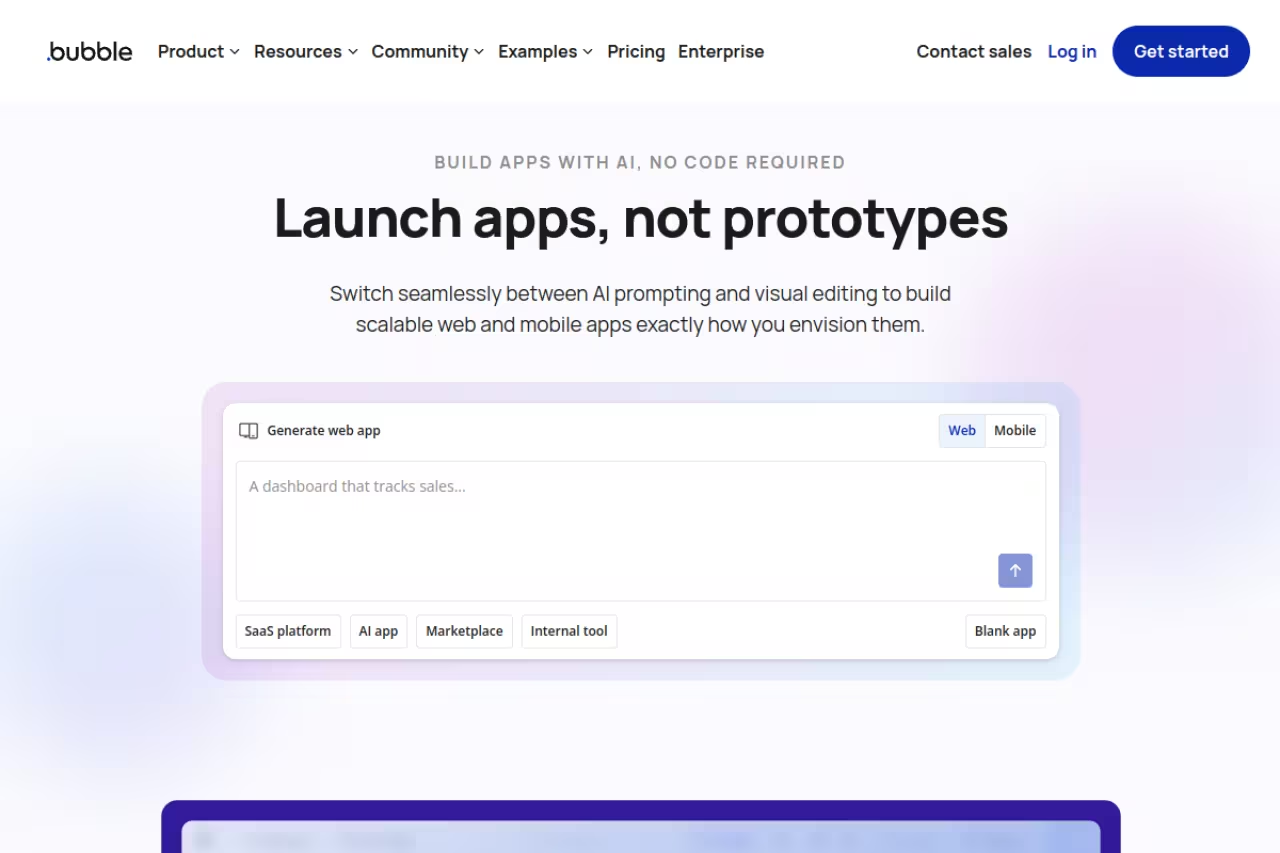
Bubble is the closest thing no-code has to a full development environment. You get a visual editor, a real database with relationships, and a workflow engine that can express conditional logic most other tools can't touch. Its documentation and case studies show two-sided marketplaces built with user roles, Stripe payments, and working search filters, the kind of thing that isn't happening on a spreadsheet-backed builder.
Who it's for: founders building a genuine product, not a landing page. If your app has users who log in, data that relates to other data, and logic like "if a booking is within 24 hours, charge a cancellation fee," Bubble handles it.
The pick for founders building a genuine product with logins, related data and conditional logic, with more control than any other no-code tool. The learning curve is real and workload-unit pricing can get expensive in ways that are hard to predict, so budget a few weeks.
there's a free plan for learning. Real apps start on the Starter plan at $29/month (billed annually), which gets you a custom domain and 175,000 workload units. Growth is $119/month and Team is $349/month. Workload units measure server processing, so a heavy app burns through them faster.
The standout: nothing else in no-code gives you this much control without dropping into code. You can build genuinely complex products.
The catch: the learning curve is real. Bubble is closer to learning a development tool than learning Canva, and the workload-unit pricing means an inefficient app can get expensive in ways that are hard to predict before you launch. Budget a few weeks before you're productive.

Webflow: the design and CMS king
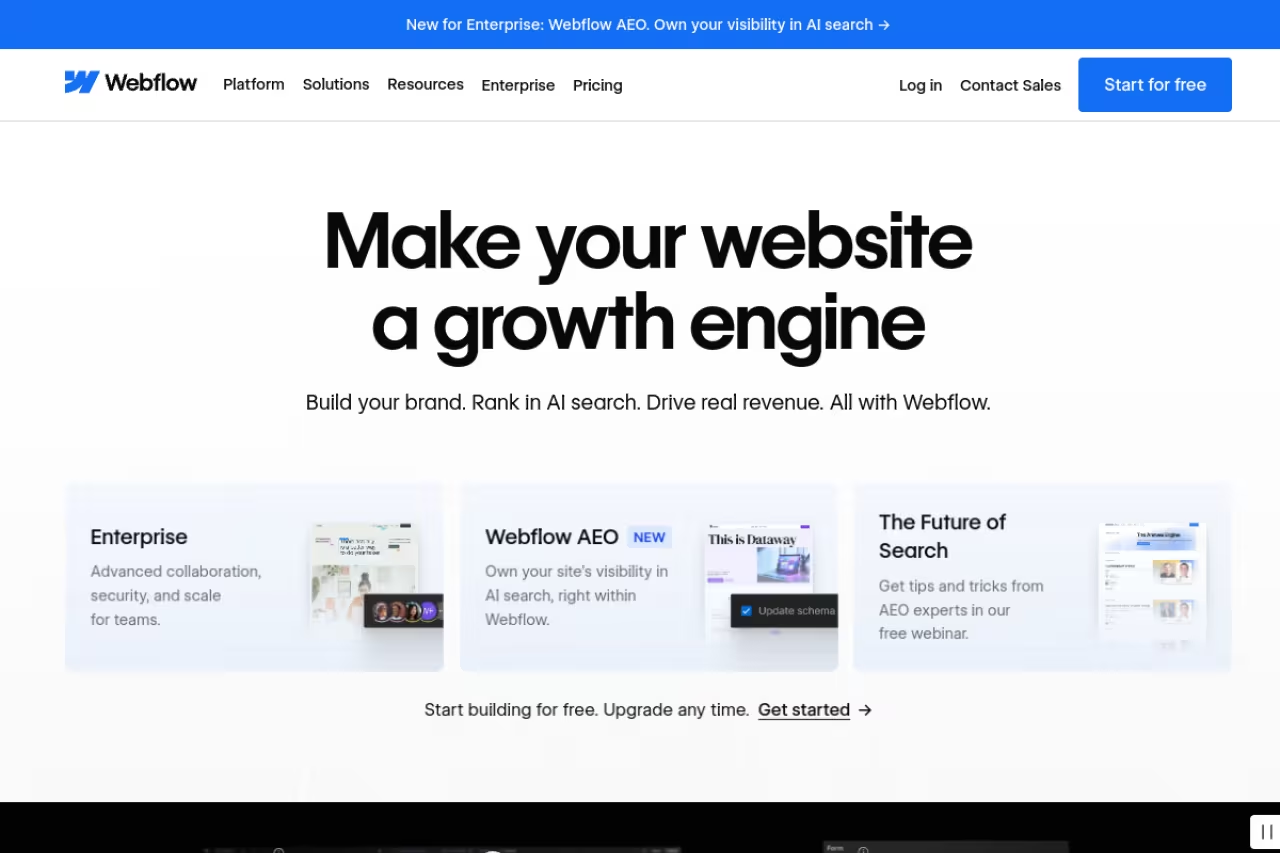
Webflow is what I reach for when the output needs to look professional and the content needs to be editable by a non-technical client. It maps directly to HTML, CSS, and the box model, so if you understand how websites are built, you'll feel at home. The CMS is the best in the category for blogs, case studies, and any structured content you publish regularly.
Who it's for: marketers, designers, and agencies building sites where visual quality matters. It's the wrong tool for a logged-in app with complex data, and the right tool for almost any marketing site.
Go with it for marketing sites where visual quality and a client-editable CMS matter, with design control that is unmatched in no-code. It is not an app builder, and the dual site and workspace pricing confuses everyone at first.
the free Starter plan runs on a webflow.io subdomain. Paid site plans start at $15/month for Basic and $25/month for Premium, which unlocks the full CMS and up to 2.5 TB of bandwidth. Workspace plans (for teams and freelancers) are billed separately, starting at $19/month.
The standout: the design control is unmatched in no-code, and the code it generates is clean enough that developers don't wince.
The catch: the dual pricing of site plans plus workspace plans confuses everyone the first time, and the bill adds up faster than the headline price suggests. Webflow also isn't an app builder. The moment you need user accounts and a real database, you're pairing it with another tool or moving to Bubble.

Lovable: describe it, ship it
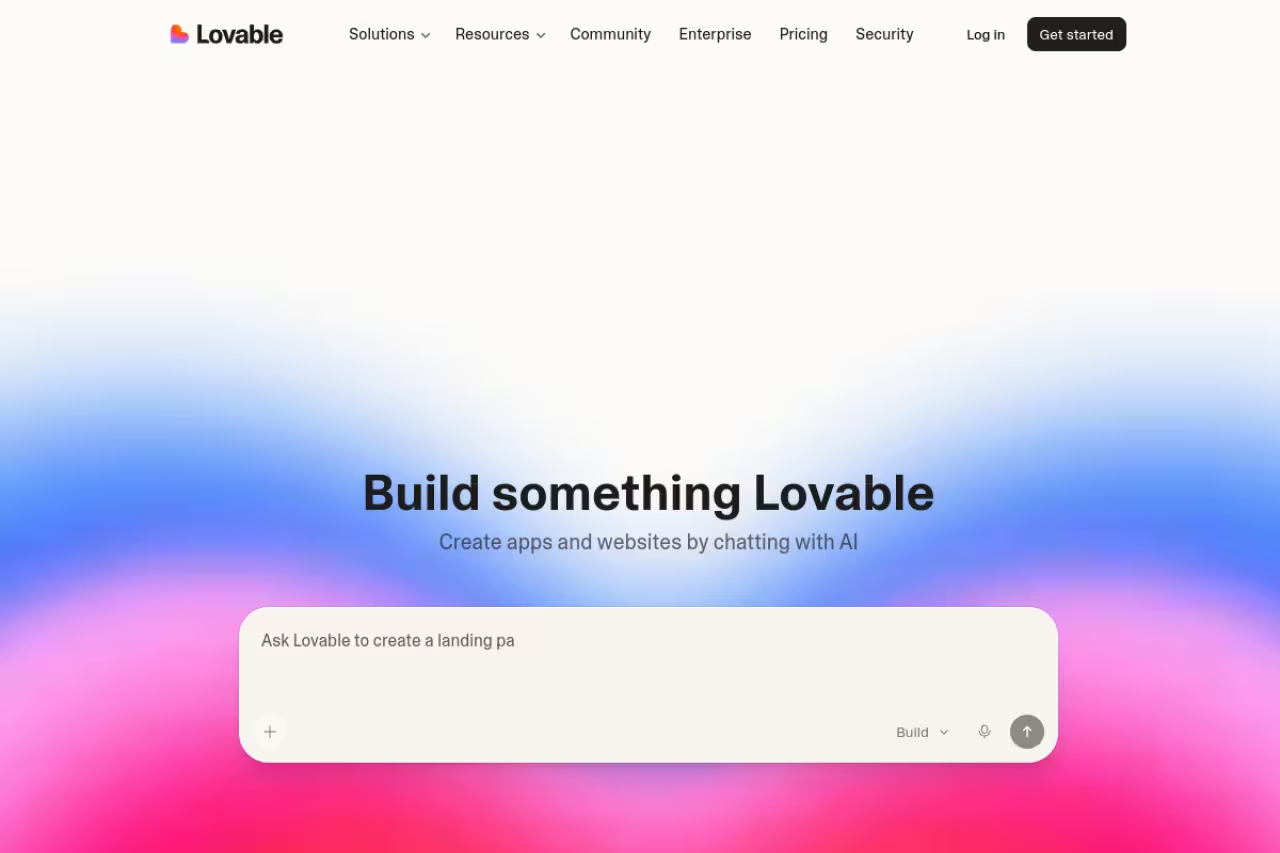
Lovable is the AI builder I keep recommending in 2026. You describe what you want in plain language, and it generates a working full-stack app: front end, backend, database, auth, the lot. The first time you watch a functional app appear from a paragraph of text, it reframes what "fast" means, and user reports on going from an idea to a clickable internal tool in under an hour aren't unusual.
Who it's for: anyone who wants to move at the speed of an idea, including technical people who'd rather steer an AI than wire up boilerplate. It's great for prototypes, internal tools, and validating a concept before you commit real engineering time.
Choose it for prototypes, internal tools and validating a concept, since a working full-stack app appears from a plain-language prompt. It is brilliant for the first 80% and frustrating for the last 20%, and heavy iteration burns credits.
the free plan gives you 30 build credits a month (5 per day). Pro is $25/month for 100 credits, custom domains, and the ability to remove the Lovable badge. Business is $50/month and adds SSO and team workspaces. Credits get consumed per generation, so heavy iteration eats into your monthly allowance.
The standout: raw speed from prompt to working software. For prototyping, nothing on this list comes close.
Where it falls short: AI builders still hit a wall on complex, precise logic. The more specific and unusual your requirements, the more you fight the model and the faster you burn credits regenerating. It's brilliant for the first 80% and frustrating for the last 20% of a non-trivial app. Treat it as a fast first draft, not the final word.
If you're weighing AI builders against each other, our roundup of the best AI agents and the broader best AI website builders guide go deeper on where this category is heading.

Glide: spreadsheet to app, fast
Glide turns a data source (a Google Sheet, Airtable, or its own database) into a clean mobile and web app in minutes. It's the fastest "I have data, I need an interface" tool on this list. For an inventory tracker, a field-team app, or a simple internal directory, you can be live the same afternoon.
Who it's for: teams that already live in spreadsheets and want a usable interface on top, without the Bubble learning curve.
The fastest route from a spreadsheet to a usable app for teams that live in Google Sheets or Airtable, without Bubble's learning curve. The jump from free to $99 a month is steep, and you trade depth for speed.
the free plan supports up to 25,000 rows and one editor. Paid plans start at $99/month for Explorer (billed yearly), with Maker at $149/month and Business at $199/month. The jump from free to $99 is steep, which is the main gripe.
The standout: time to a working app is genuinely measured in minutes.
The catch: you trade depth for speed. Glide's "updates" pricing model (a quota of data writes) can surprise active apps, and complex custom logic isn't its strength. Outgrow it and you're rebuilding elsewhere.

Softr: polished portals on Airtable
Softr builds client portals, internal tools, and directories on top of Airtable or its own database, and it does it with less fuss than anything else. If a client needs a branded login where they see only their own data, Softr gets you there with minimal setup and a result that looks intentional rather than templated.
Who it's for: agencies and operators building member areas, resource directories, or gated client dashboards.
Pick it if you are an agency or operator building client portals, member areas or directories on Airtable, with a polished result and minimal setup. Flexibility is limited on advanced logic and data relationships, and pricing by app users hurts public directories.
the free plan covers 10 app users and 5,000 records. Basic is $49/month (20 users), Professional is $139/month (100 users), and Business is $269/month. Pricing scales by app users, so a public-facing directory with many logins gets expensive.
The standout: the gap between starting and having a clean, working portal is the smallest on this list.
The catch: flexibility is limited. Advanced conditional logic, custom integrations via code, and complex data relationships are where Softr runs out of road. It's a focused tool, not a general app builder, and that's both why it's good and where it stops.

Airtable: the data layer everything else sits on
Airtable is best understood as a relational database that a non-technical person can actually use, plus enough app and automation tooling to run real workflows. In 2026 it leans hard into AI-assisted workflows and agents. It's commonly used as the data backbone behind other no-code front ends, as much as it's used on its own.
Who it's for: teams managing structured data (a content calendar, a CRM, a project tracker) who want views, automations, and light apps without a database admin.
The friendliest real relational database, ideal for teams managing structured data and as the backbone behind other no-code front ends. Per-seat pricing punishes larger teams, and as a standalone app builder it is shallower than Bubble.
the free plan is generous for individuals. Team is $20/user/month and Business is $45/user/month, both billed annually. You're only charged for editors, not read-only collaborators or form submitters, which keeps costs sane.
The standout: it's the friendliest real relational database in existence, and it pairs with Softr, Glide, and others as a clean data source.
The catch: per-seat pricing punishes larger teams, and record limits on lower tiers force an upgrade right when a project gets useful. As a standalone app builder it's shallower than Bubble.

FlutterFlow: real native mobile apps
FlutterFlow is the pick when you genuinely need native iOS and Android apps, not a web app in a wrapper. It builds on Google's Flutter framework and lets you export real source code, which matters if you ever want a developer to take over. Production apps built on it have shipped to both app stores.
Who it's for: founders and teams whose product has to be a proper mobile app with native performance and app store distribution.
The call when you genuinely need native iOS and Android apps, with exportable Flutter code so you are never fully locked in. It has the steepest learning curve here after Bubble, and casual users get overwhelmed.
the free plan allows 2 projects. Basic is $39/month and unlocks unlimited projects, code download, and custom domain web publishing. Growth is $80/month for the first seat with real-time collaboration, and Business is $150/month.
The standout: you own exportable Flutter code, so you're never fully locked in.
The catch: it's the steepest learning curve here after Bubble. You'll bump into Flutter and mobile concepts (state, navigation, app store review) that no-code can't fully hide. Casual users get overwhelmed.

Zapier: the glue between everything
Zapier isn't an app builder, and that's the point. It connects the tools you already use and automates the boring handoffs between them, with more than 8,000 integrations. Almost every no-code stack ends up with a Zapier (or similar) layer quietly moving data in the background.
Who it's for: anyone who wants "when X happens in tool A, do Y in tool B" without code. Lead comes in, add it to the CRM, ping Slack, send a welcome email.
The glue for anyone who wants when-this-happens-do-that automation across tools, with more than 8,000 integrations. It is a connector, not a destination, and task-based pricing on high-volume automations can make Make or self-hosted options look attractive.
the free plan covers 100 tasks a month. Professional starts at $19.99/month billed annually (or $29.99 monthly) for 750 tasks, with Team plans for shared workspaces above that. A task is counted per successful action, so multi-step automations consume faster.
The standout: the integration library is the deepest in the category. If a tool has an API, Zapier probably connects to it.
The catch: task-based pricing scales with usage, and high-volume automations can get pricey enough that Make or self-hosted alternatives start to look attractive. It's a connector, not a destination.
How to choose
Skip the feature spreadsheet and answer one question first: what are you actually building?
- A marketing or content site? Webflow. Don't overthink it.
- A real app with logins and custom logic? WeWeb if you want AI speed and the option to export the code, Bubble if you have a few weeks to learn it, Lovable if you want a working draft today.
- An interface on data you already have in a spreadsheet? Glide for general apps, Softr for client portals, Airtable if the data itself is the product.
- A native mobile app? FlutterFlow.
- Connecting tools you already use? Zapier sits alongside any of the above.
Then pressure-test on price at scale, not at signup. Every tool here is cheap to start and meaningfully more expensive once you have real users, real records, or real automation volume. Model your costs at 10x your launch numbers before you commit. The migration tax for picking wrong is steep.
One more honest note: the AI builders are improving monthly, but they haven't replaced the structured tools for anything complex yet. Use Lovable to validate fast, then decide whether to rebuild on something you can control.
If you want a faster way to keep up with which tools are actually worth your time, Dupple X tracks the no-code and AI space so you don't have to read 40 review blogs. You can start a yearly trial here and skim our top tools list for what's gaining traction right now.
FAQ
What is the best no-code platform for beginners?
For total beginners, Glide and Softr are the gentlest starts because they build on data you already understand (a spreadsheet or Airtable). If you want to build a real app and don't mind a learning curve, Lovable lets you describe what you want in plain English and skips most of the technical setup. Bubble is the most powerful but the least beginner-friendly.
Can you build a real SaaS product with no-code?
Yes. Bubble in particular powers real, revenue-generating SaaS products with user accounts, payments, and custom logic. FlutterFlow does the same for mobile apps and lets you export real code. The honest caveat is performance and cost at scale: a heavy no-code app can hit limits or get expensive, so many teams start no-code to validate, then selectively rebuild the parts that need it.
Is no-code cheaper than hiring a developer?
Almost always, for getting started. You can launch a working product for $15 to $50 a month instead of paying thousands for development. The cost story changes at scale, where usage-based pricing (workload units, tasks, app users) can climb. Even then, the speed of building and iterating yourself usually beats a dev cycle for early-stage products.
What's the difference between no-code and AI app builders like Lovable?
Traditional no-code (Bubble, Webflow, Glide) gives you a visual editor where you manually drag, connect, and configure everything. AI builders like Lovable generate a working app from a text prompt, then let you refine it. AI builders are faster for a first version but less precise for complex, specific logic, where you end up fighting the model. Many people use both: AI to start, traditional no-code to control the details.
Do no-code platforms lock you in?
Mostly, yes, with exceptions. Apps built in Bubble, Glide, or Softr live inside those platforms and can't be exported as portable code, so switching means rebuilding. FlutterFlow and WeWeb are the notable exceptions: FlutterFlow exports real Flutter source code, and WeWeb exports a standard Vue.js app you can host yourself. Factor lock-in into your choice, especially for anything you expect to scale or sell.
Which no-code platform is best for client portals?
Softr is purpose-built for this. It creates branded, gated portals on top of Airtable where each client sees only their own data, with minimal setup. Glide works too if you prefer an app-like feel. Bubble can do it as well and offers far more control, at the cost of a steeper build.
Related guides
Some offers on this page may be paid placements or contain affiliate links.
Across our whole catalogue the median is $23.50 a month and 37% of tools advertise a free tier. Figures are the lowest recurring monthly price quoted in our own review of each tool, read on 2026-10-23. Full method and every category.
